
The smart switch will replace your Legrand switch completely. The fit depends on your current back box; you should measure the width of your current switch.
Save for later
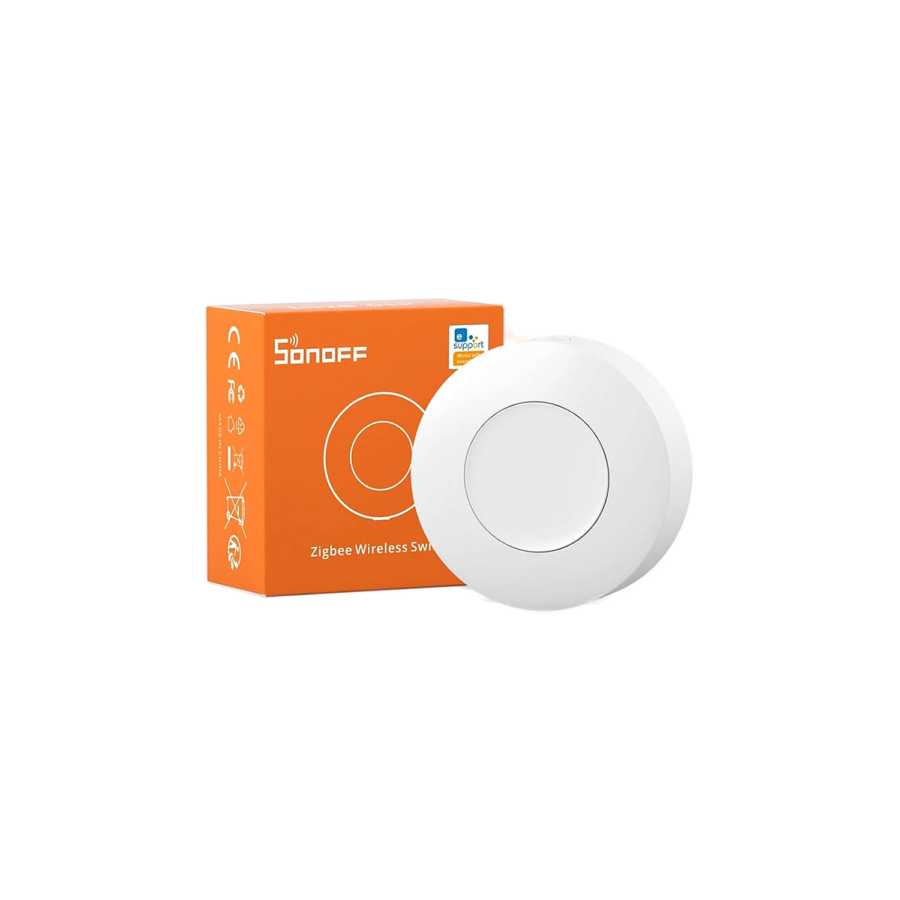

Sonoff ZigBee Wireless Switch SNZB-01P
Wireless Zigbee button you can stick anywhere — press once, double-press, or hold to trigger different scenes. No wiring, runs on a coin battery for years. Pair with a Sonoff Zigbee Bridge.
10 $
Available
💵 Cash on Delivery
Get it by Sat 20 Jun
Delivery
by Sat 20 Jun
1–4 working days
$4 delivery fee · Free on orders $50+
Pickup
Ready tomorrow at 10:00 AM
In Stock
Ready to ship
What people use it for
- Click Controlone click, double click, or long press — each does something different on your smart devices.
- One Buttonpress one button to turn your devices on or off — simple as that.
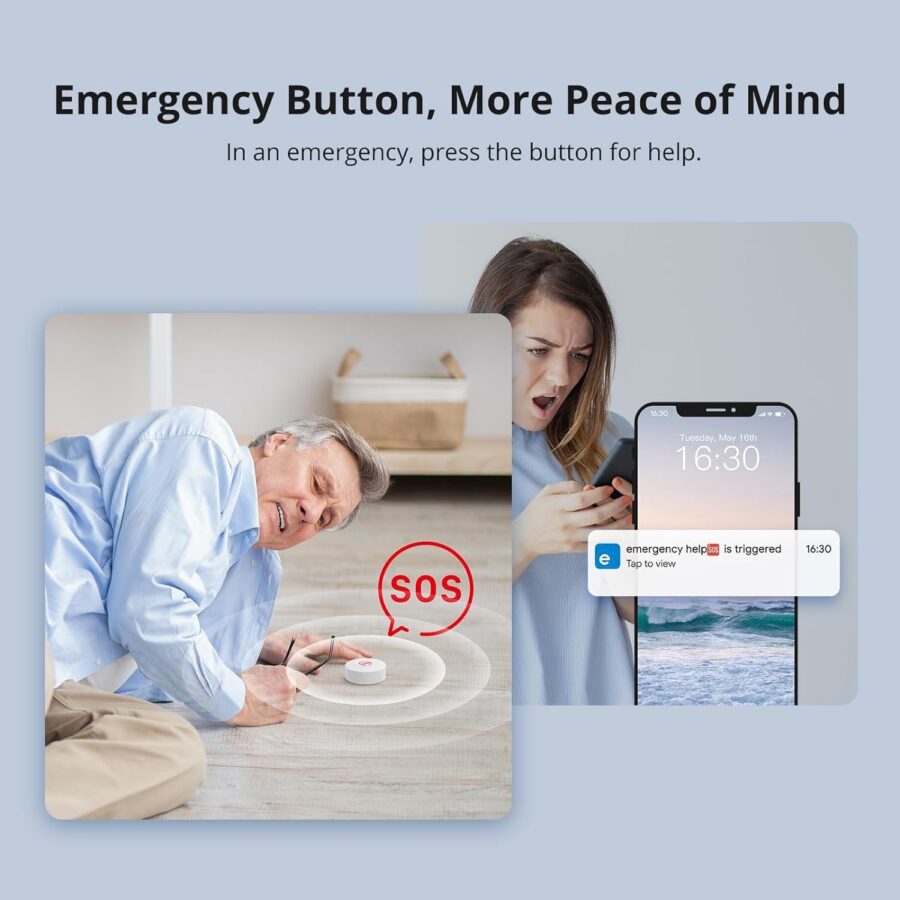
- Emergency Buttonone press sends an alert to your phone — perfect for elderly family members who need help.
- One Clickturn your lights and plugs on or off with a single click — simple and fast.
- Scene Buttonpress one button to trigger a smart scene — lights, devices, everything at once.
Available
Good to know
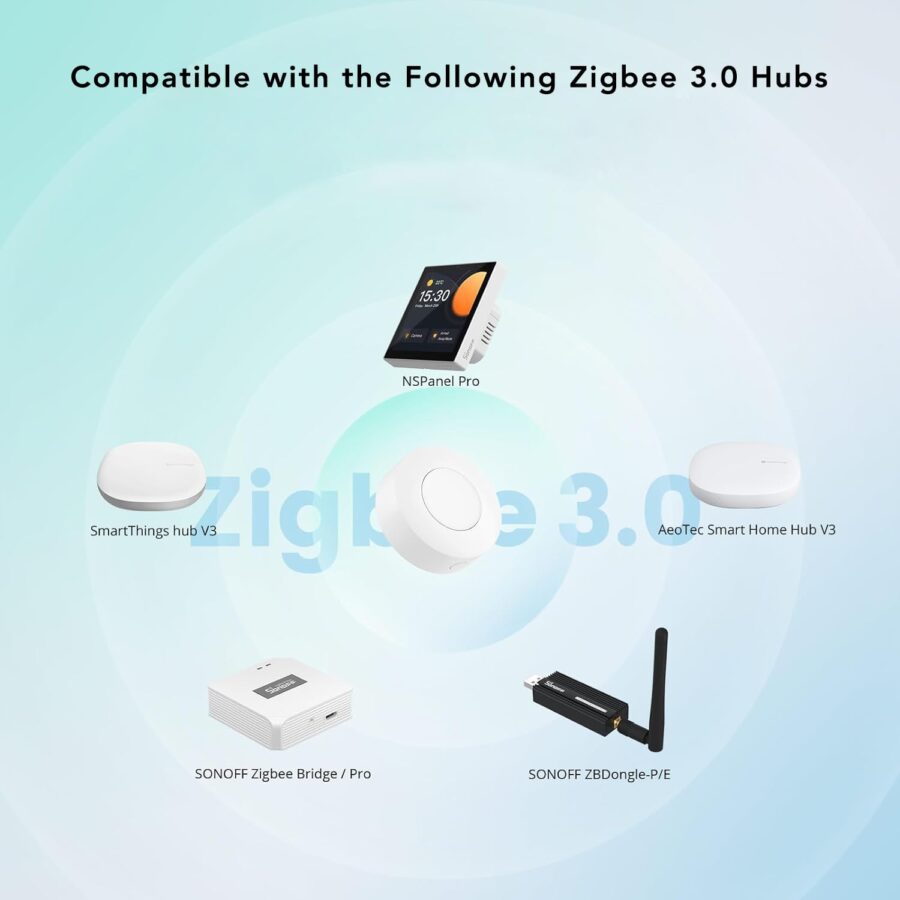
- Requires a Zigbee HubA small device that connects Zigbee sensors and switches to your Wi-Fi. You need one hub to manage multiple Zigbee devices. to work — cannot connect to Wi-Fi on its own. Compatible hubs: ZBBridge-P, ZBBridge-U, NSPanel Pro, or iHost.
- Battery-powered wireless button — single press, double press, and long press each trigger a different action.
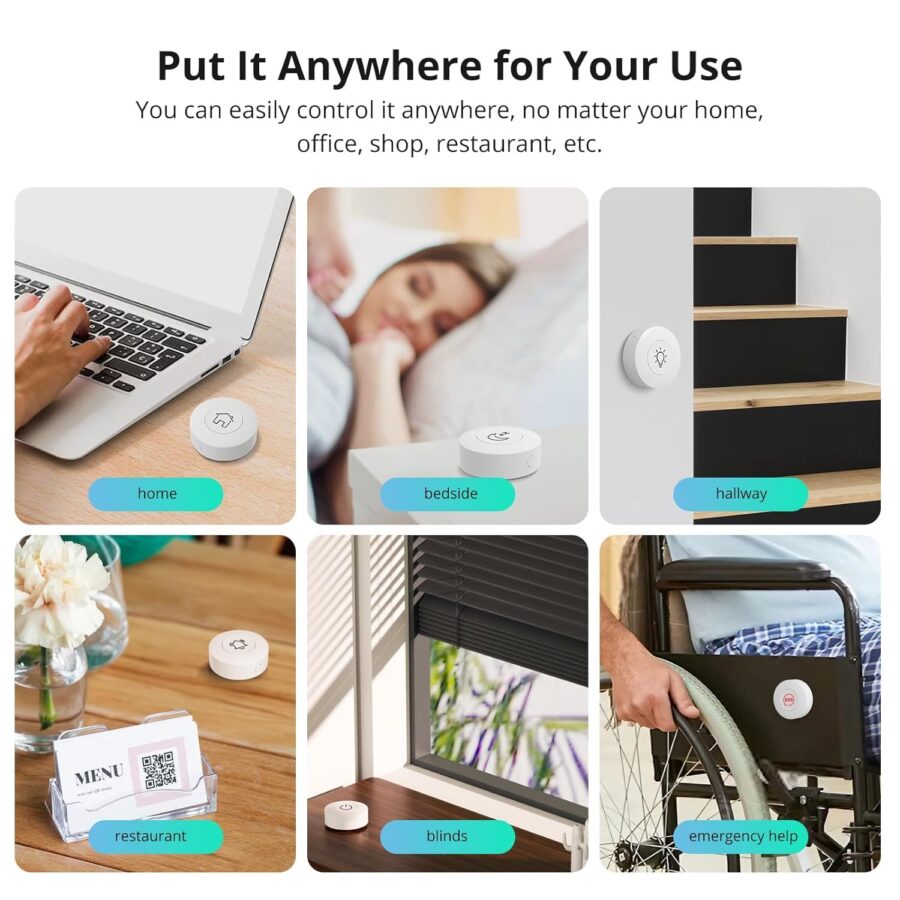
- No wiring. Stick it on a wall, nightstand, or carry it as a remote.
Smartio Guarantee
- Free Delivery on orders above $50
- 14-Day Exchange for unopened items
- Local Support on WhatsApp: +961 71 791 103
- Cash on Delivery available across Lebanon
🎄 Holiday Returns Extended
Orders placed between 20 November and 25 December
can be returned until 10 January.
Item must be sealed & unused. Standard return policy applies.
What people use it for
- Click Controlone click, double click, or long press — each does something different on your smart devices.
- One Buttonpress one button to turn your devices on or off — simple as that.
- Emergency Buttonone press sends an alert to your phone — perfect for elderly family members who need help.
- One Clickturn your lights and plugs on or off with a single click — simple and fast.
- Scene Buttonpress one button to trigger a smart scene — lights, devices, everything at once.
Works with:

Product Information
Sonoff SNZB-01P — Wireless Zigbee Button
A small wireless button that pairs with a Sonoff Zigbee Bridge Pro. No wires, no installation hassle — peel the back, stick it anywhere (bedside, by the front door, on a desk), and it triggers smart actions when you press it.
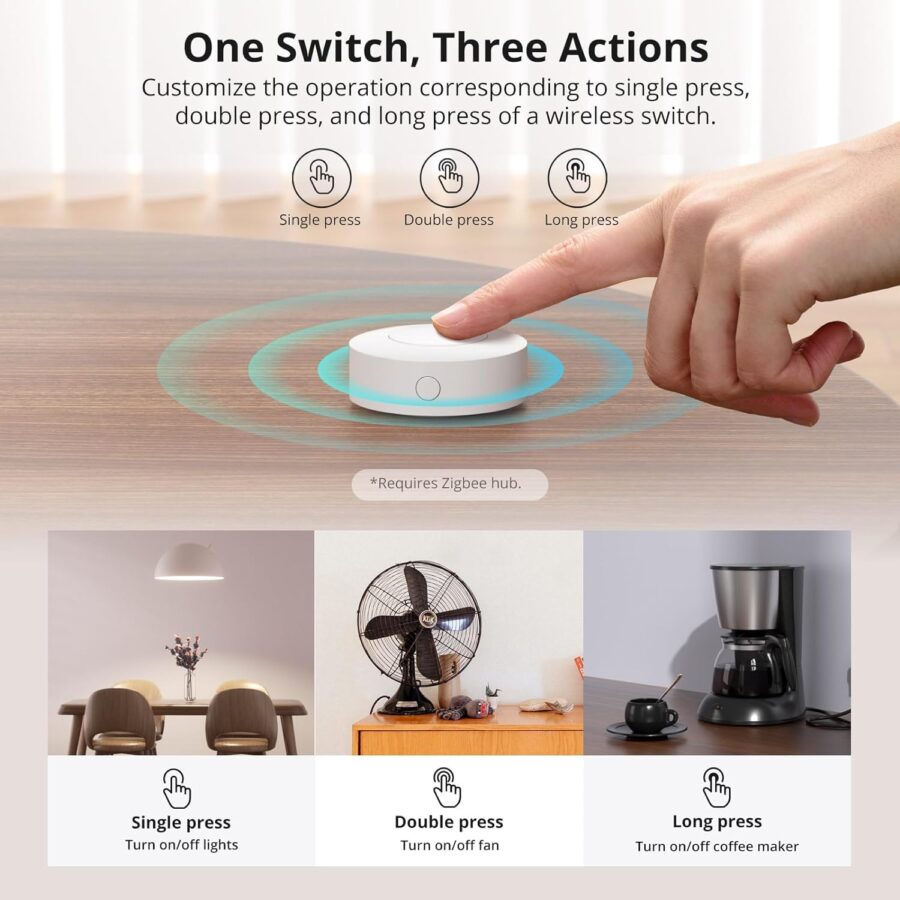
The trick is the three different actions per button: single-press, double-press, and long-press. Each one can trigger a different scene. So one button can have 3 different functions — turn off the lights with single press, set the AC with double press, lock the smart door with a long press.
Why people buy it
- “Goodnight” button on your nightstand. Long-press = turn off all the lights, lock the door, set AC to sleep mode. One press, whole-house scene.
- Entryway “Coming Home” button. Press as you walk in: lights on, AC starts cooling, music plays.
- Doorbell-like alert. Place at a desk, press to silently notify someone in another room.
- Easy lighting control for older relatives. Big buttons, no app needed — much easier than smart bulb apps for people who aren’t tech-savvy.
Key Features
- 3 actions per button: single press, double press, long press — each triggers a different scene.
- Wireless — adhesive-backed, place anywhere. No wires.
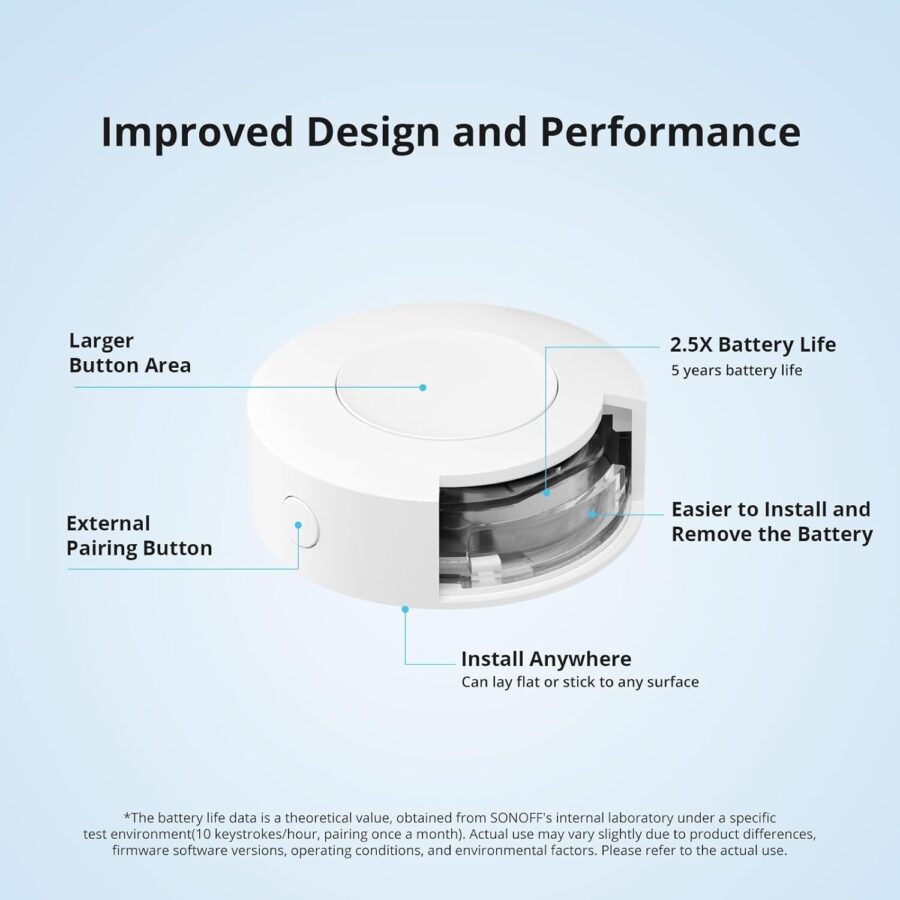
- CR2477 battery (included), lasts years.
- Smart scenes — one press can control multiple devices via the eWeLink app.
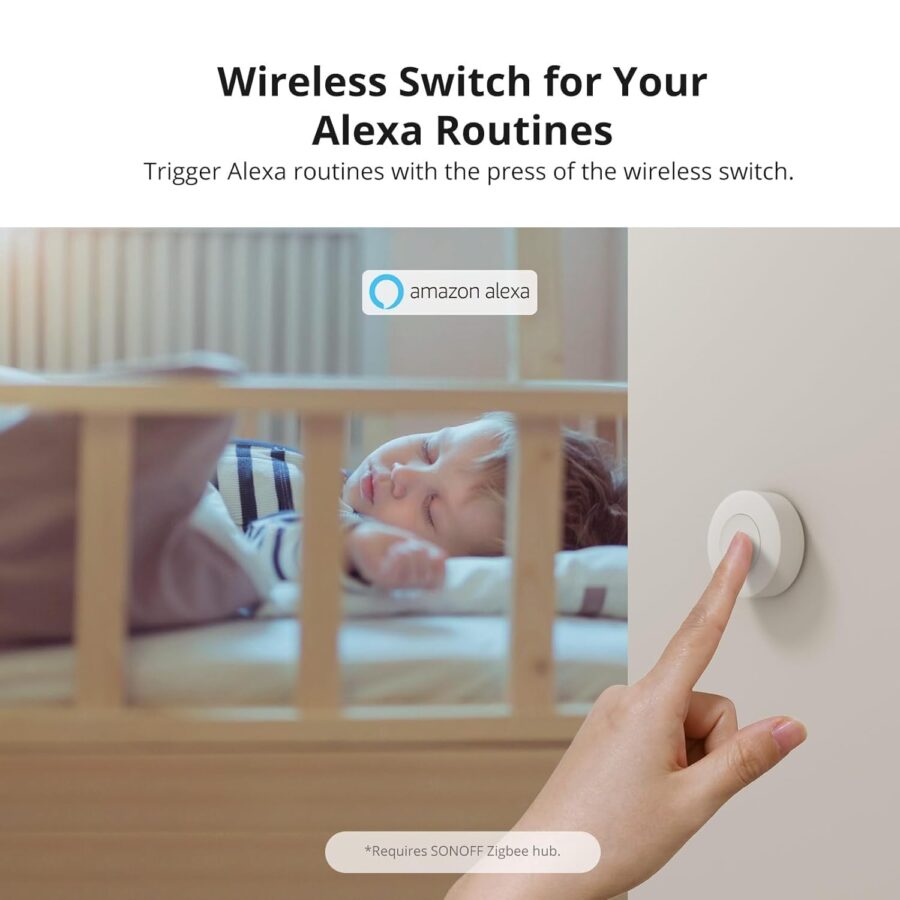
- Alexa routines — trigger a multi-step routine with a button press.
- Tiny: takes up little space, mounts cleanly.
- Requires Zigbee bridge — Sonoff Zigbee Bridge Pro or NSPanel Pro.
💡 Pro Tip: Place one of these on your bedside table and set up a “Goodnight” scene: single press turns off all bedroom lights, double press turns off ALL lights in the house, long press also locks the smart door and sets AC to 24°C. One discreet button on your nightstand = an entire end-of-day routine, no phone needed.
⭐ Frequently Asked Questions
Does it work with eWeLink?
Yes — fully compatible with the eWeLink app once paired with a Zigbee bridge. Set up scenes and assign each button action to a different scene.
Does it need a battery?
Yes — uses a CR2477 coin cell battery that comes pre-installed. Lasts several years under normal use.
Can it work with Google Home?
Not directly currently — Google Home doesn’t expose Zigbee buttons. You can still use it through eWeLink: trigger an eWeLink scene that runs Google-controllable actions. Alexa routine support is better for direct integration.
What about automations beyond on/off?
Lots of options. Examples: connect a temperature sensor and a heater, then use the button to manually trigger heating regardless of automation rules. Pair with a water sensor that auto-shuts-off a smart valve — the button becomes your “reset” or “ack” button.
Does it need a hub?
Yes — Zigbee buttons need a hub to translate signals to your network. Use a Sonoff Zigbee Bridge Pro or an NSPanel Pro with built-in Zigbee.
Can I link it with other Sonoff items?
Yes — in the eWeLink app, set up automations that trigger when the button is pressed (e.g. “if SNZB-01P pressed → turn off MINIR4 + set ZBMINIR2 to OFF + arm CAM Pan-Tilt”). Chain together any combination.
Which switch type fits my Legrand setup?
This is a button, not a wall switch — it doesn’t replace a Legrand switch. It’s a separate adhesive-mounted button you place on the wall or table. For replacing a wall switch entirely, look at the SwitchMan M5 instead.
Will it fit any chassis?
The SNZB-01P is a standalone button, not a wall-mount that fits into a back-box. It’s small (~3 × 3 cm) and just sticks to any surface. Measure your placement area, but it almost always fits.
Specifications
Brand
Sonoff
Model
SNZB-01P
Color
White
Battery model
CR2477
Dimension
45x45x17.7mm
Working temperature
-10°C~60°C
Wireless connection
Zigbee 3.0
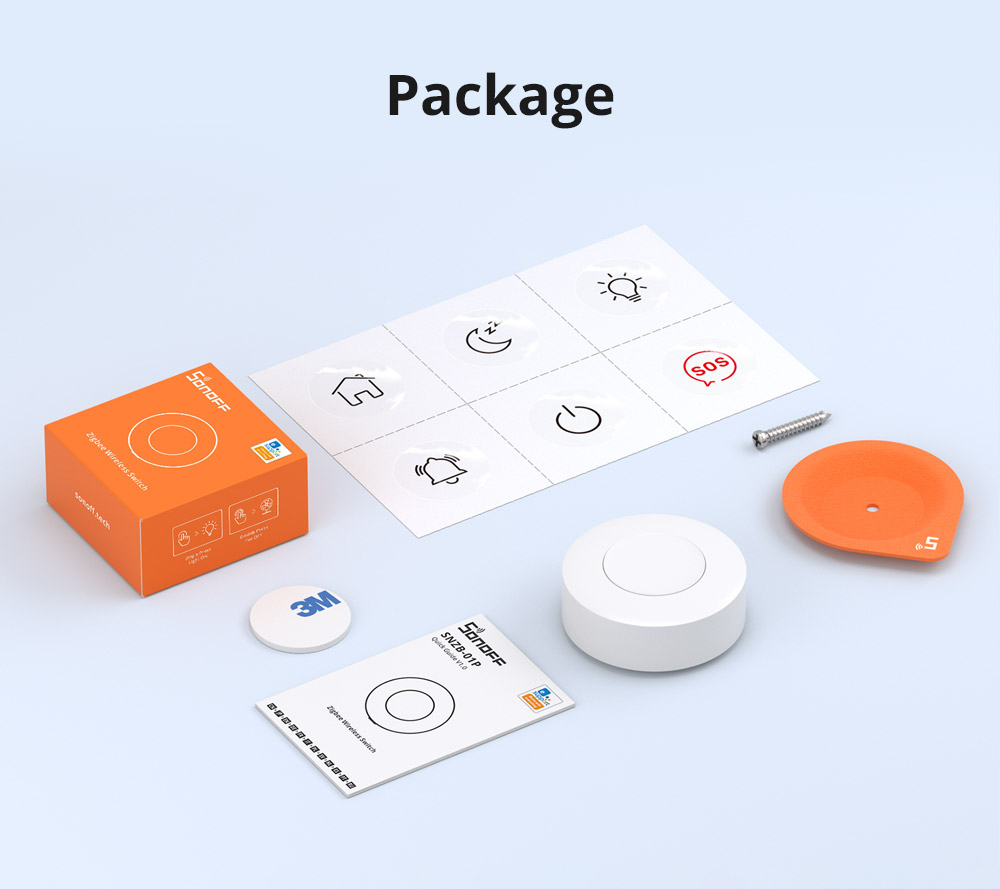
What's in the Box
Delivery, Returns & Warranty
Delivery
Enjoy free standard delivery across Lebanon on orders over $50, or free pickup on orders over $30. We also offer same-day delivery options. For more details, visit our delivery information page.
Returns
We provide a 15-day return window for all orders, subject to certain exclusions. Please note that cash refunds are not available. For complete details, visit our return policy page.
Warranty
Our products are warranted to be free from manufacturing defects. If a product sold by us is found to be defective, we will, at our discretion, repair or replace it with a new one. Certain exclusions apply. For full details, please review our warranty policy page.
Buying a gift? Select gift-wrap at checkout (extra cost).
Sonoff SNZB-01P Zigbee Wireless Switch
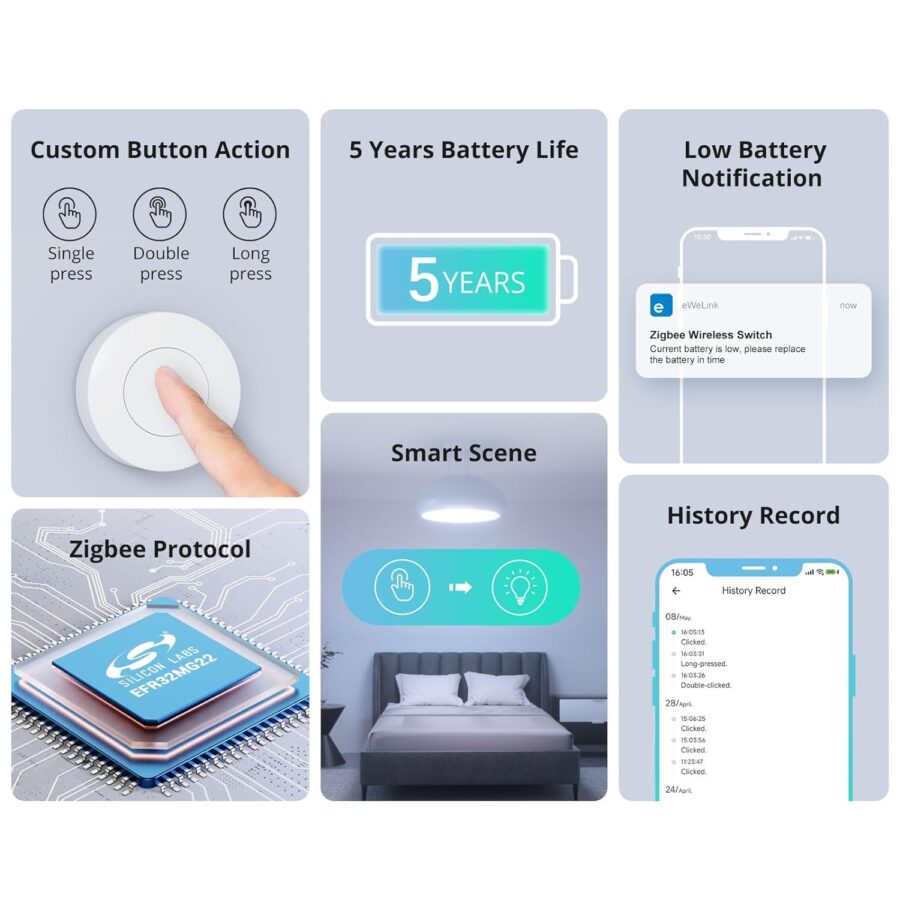
SNZB-01P needs to be used with Zigbee Hub.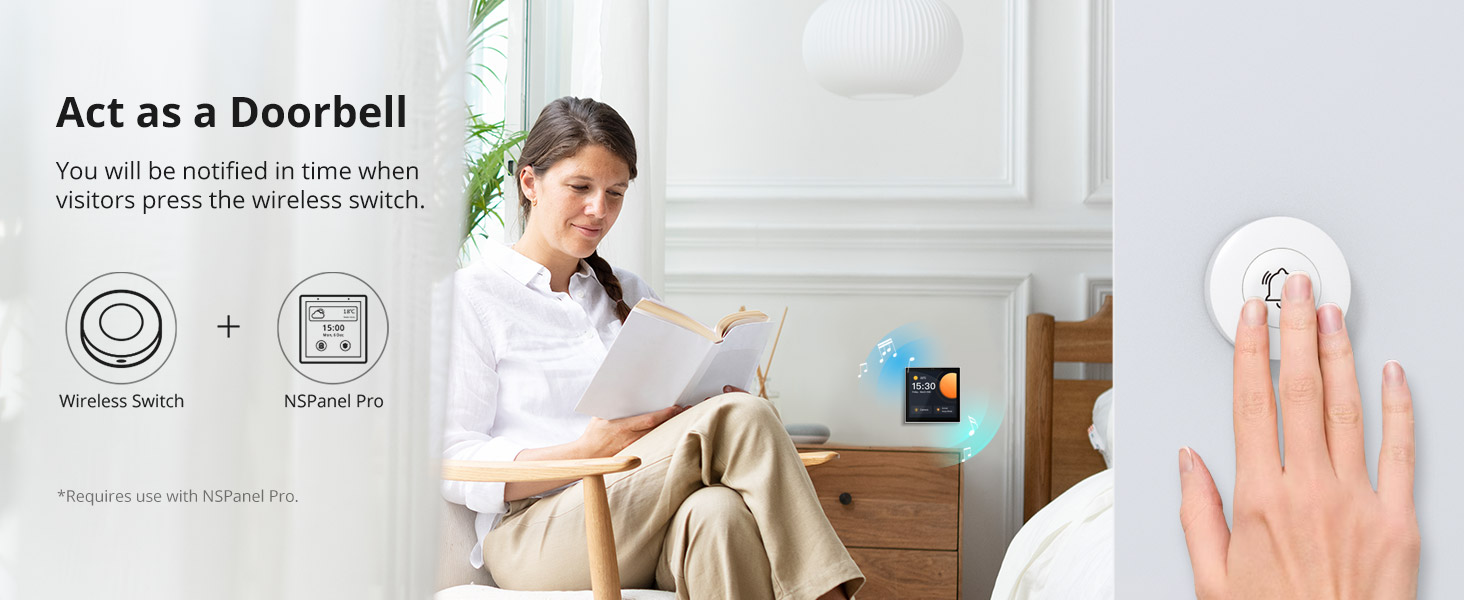
Emergency Button
SNZB-01P can be used as an emergency button when an emergency occurs, your family can press the button to send an alert notification to your phone.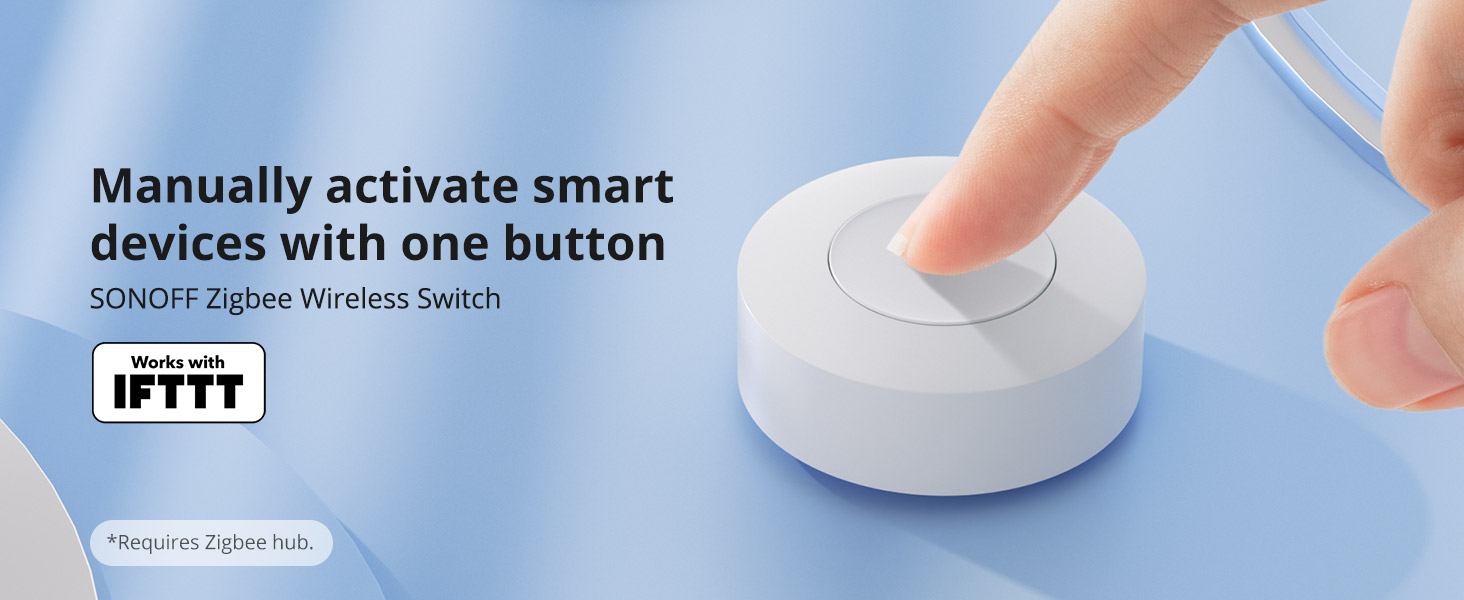
Zigbee 3.0 Compatible
Supports Zigbee hubs using the Zigbee 3.0 protocol, and theoretically supports adding to any Zigbee hub developed in accordance with Zigbee 3.0 protocols.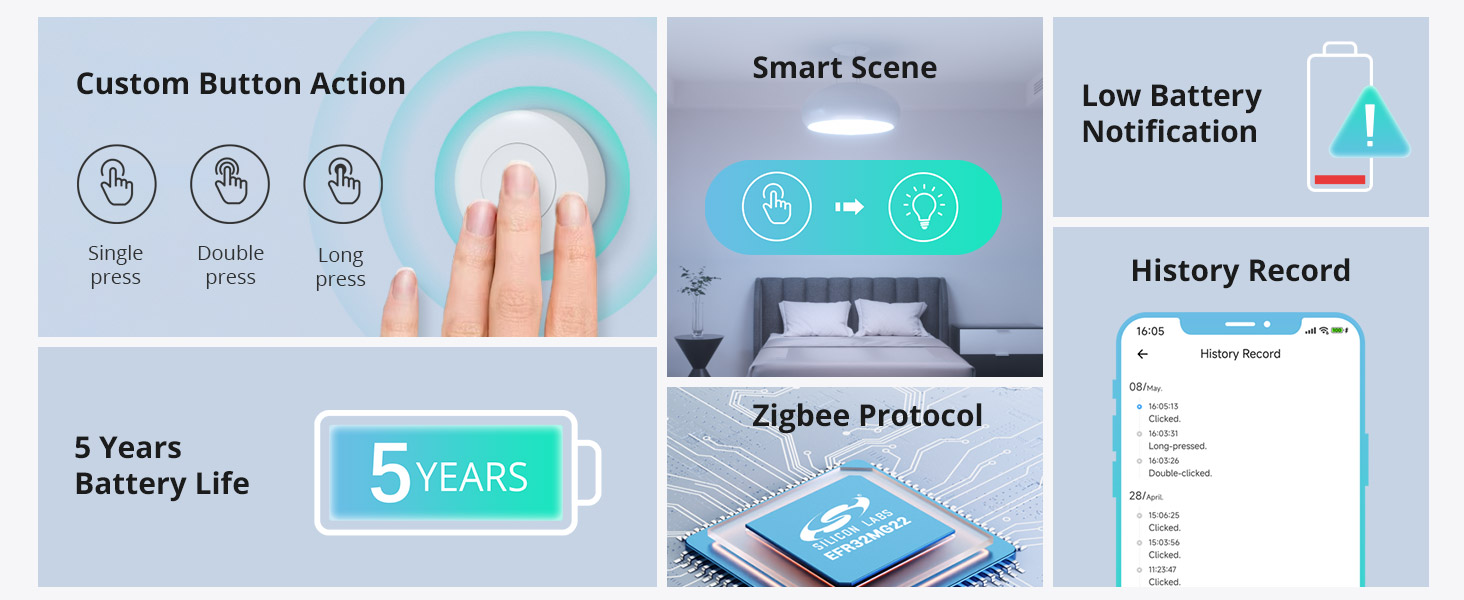
Custom Button Action
You can customize the button actions as you want. Control multiple devices by single press, double press, and long press.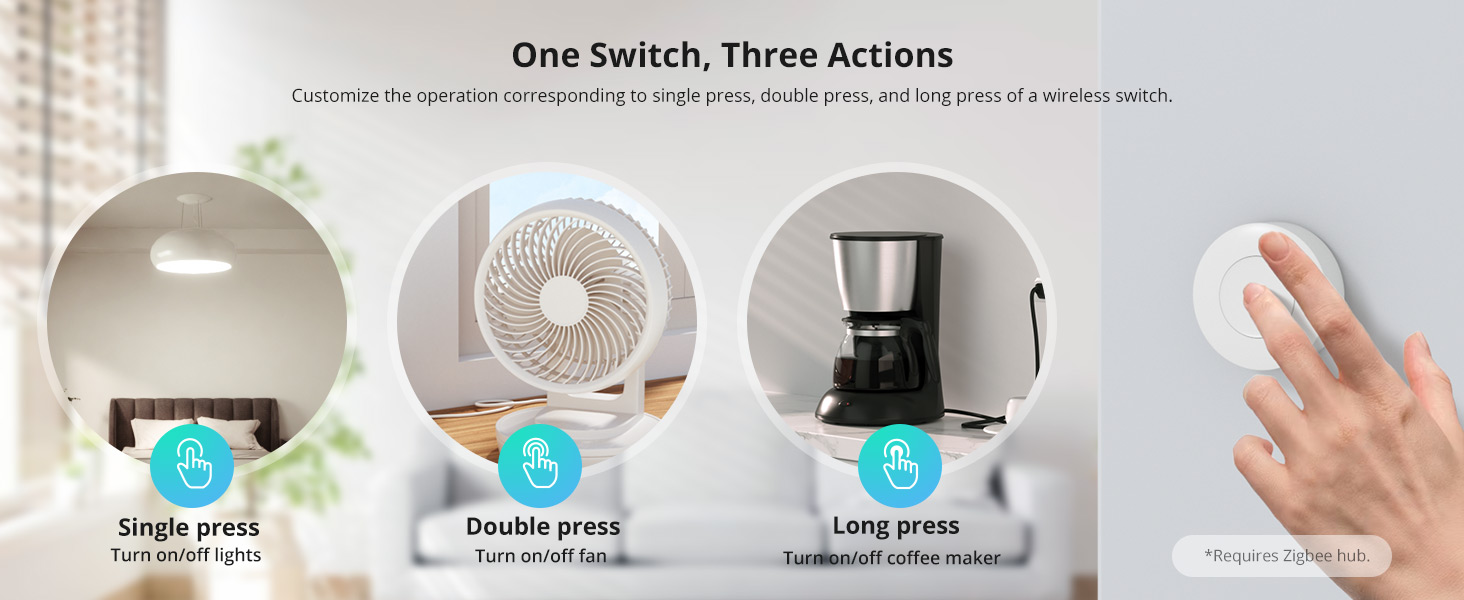

Yes, the SNZB-01P is a Zigbee device and requires a Zigbee hub such as the Sonoff Zigbee Bridge Pro or Sonoff iHost.
You can program it to control any Sonoff device, trigger scenes, or send notifications. It supports single press, double press, and long press actions.
No, the SNZB-01P is completely wireless and battery powered. You can place it anywhere or mount it on a wall with the included adhesive.
The switch uses a CR2477 coin cell battery, which typically lasts up to 2 years.
This product comes with a 6-month warranty covering factory defects. If you experience any issues, contact Smartio within the warranty period.
Similar Products
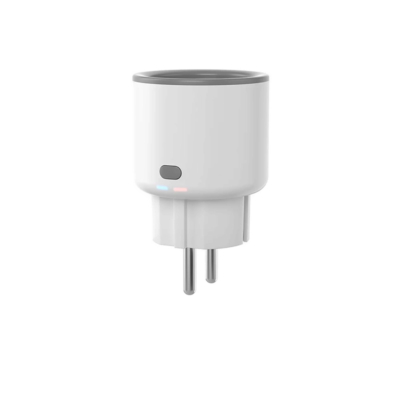
Sonoff S60ZB Zigbee Smart Plug — Energy Monitoring
16 $
A Zigbee smart plug with energy monitoring — track power usage per device and control it from your phone.
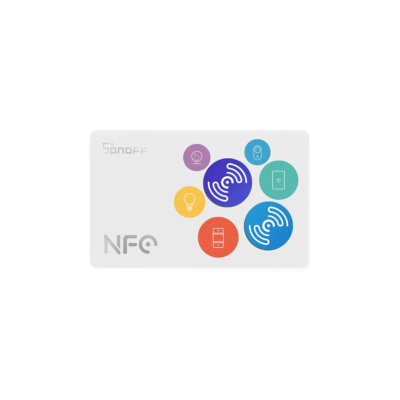
Sonoff NFC Tag
5 $
Stick this NFC tag anywhere and tap your phone to trigger a smart scene instantly — control your lights or devices with one tap.
Sonoff DC 5V/2A Adapter Power
4 $
The right power adapter for your Sonoff iHost, Cam Slim, or Zigbee bridge — 5V/2A, clean and reliable power.

Sonoff SwitchMan Zigbee Smart Wall Switch ZBM5 Type 80 – 2 Gang
29 $
Replace your wall switch with a smart Zigbee switch for Lebanese wall boxes — reliable local control without internet.