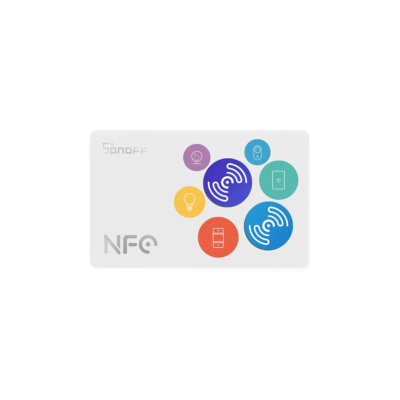
Sonoff NFC Tag
- Type: Passive NFC (Type 2)
- Frequency: 13.56 MHz
- Anti-metal layer: Yes
- 6-month warranty, covering every brand we sell
- 14-day exchange on unopened items
- Delivery all over Lebanon, free on orders over 50 $
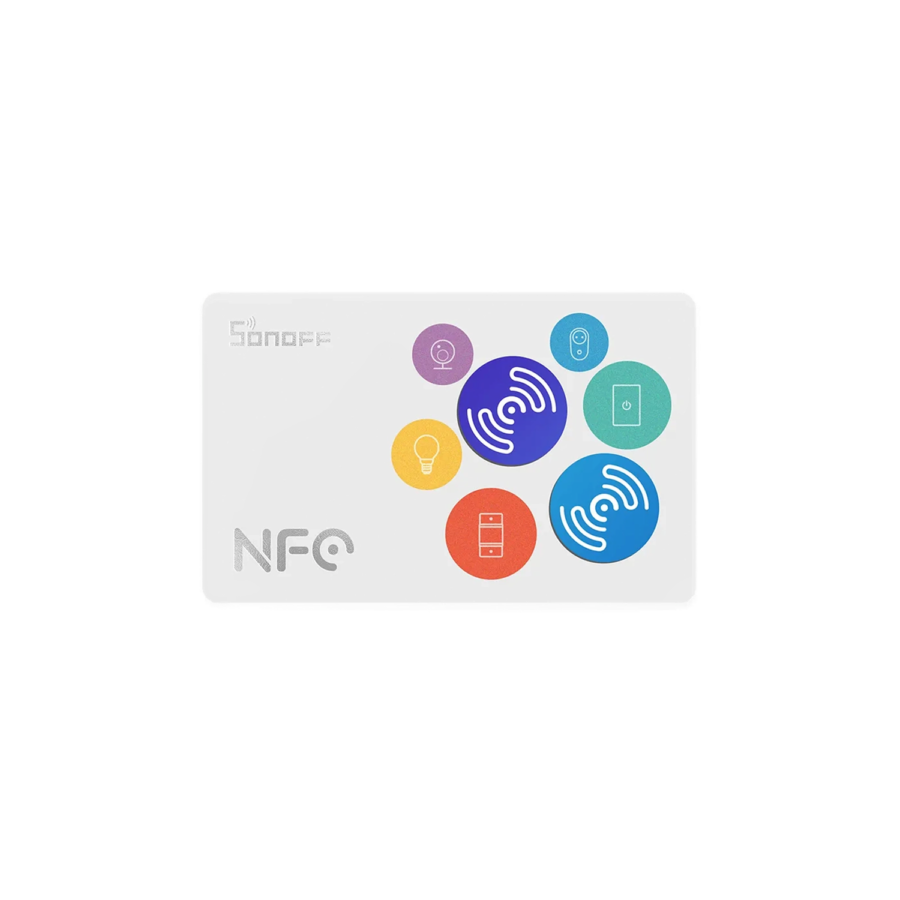
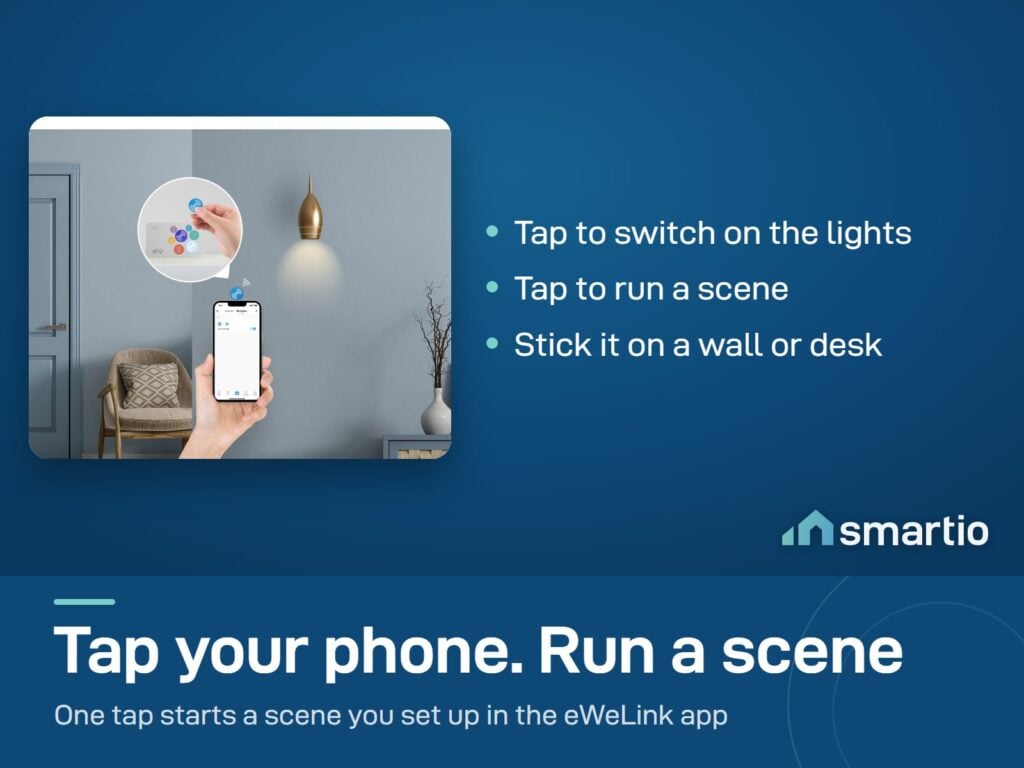
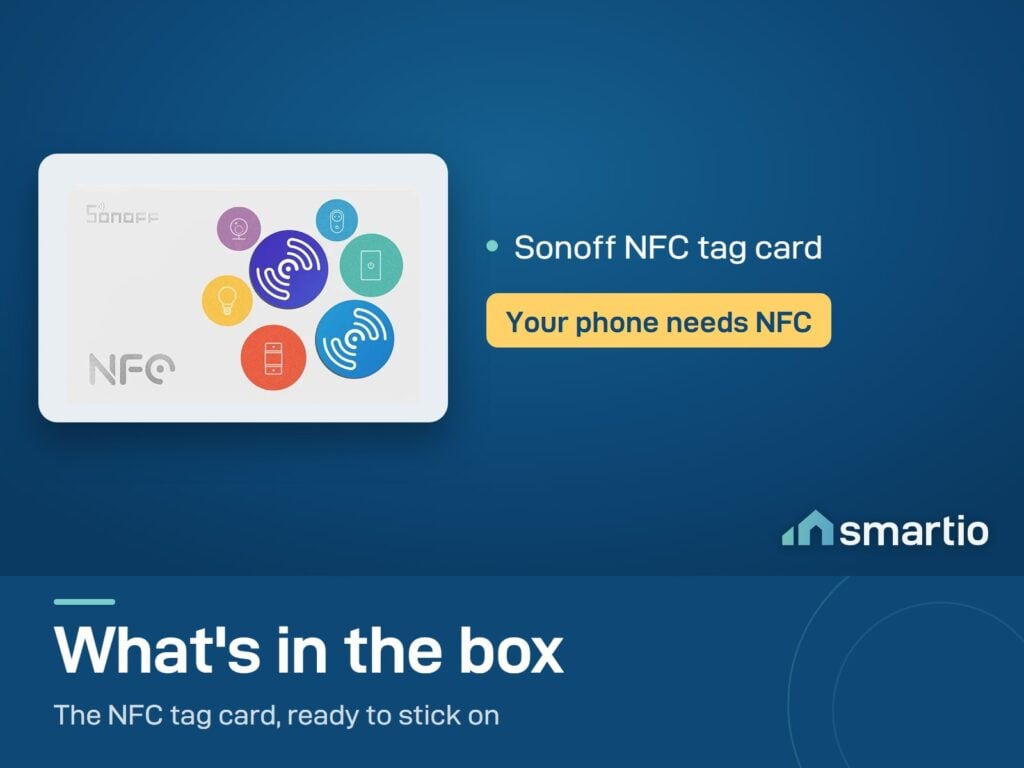
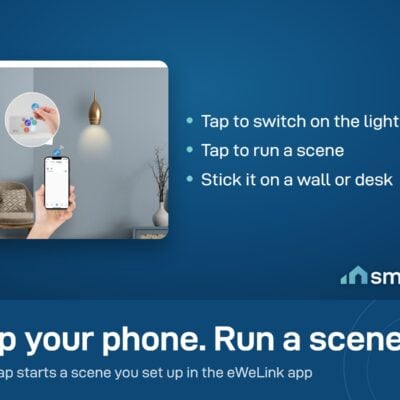
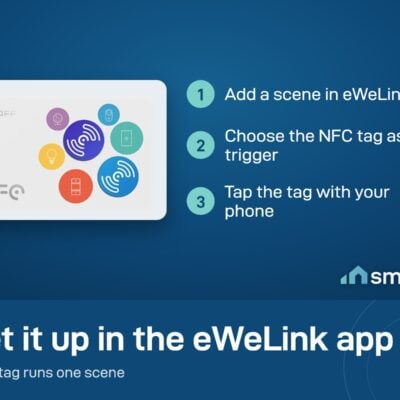
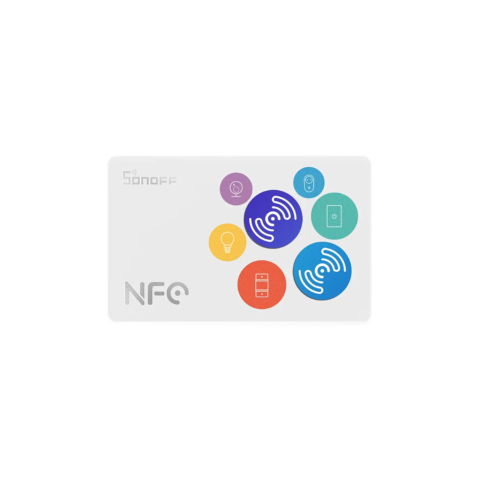
- NFC tagTap your phone to this sticker to instantly trigger a scene or automation. Works like a shortcut button on your phone. - tap your phone to the sticker to instantly trigger a scene or automation in eWeLink.
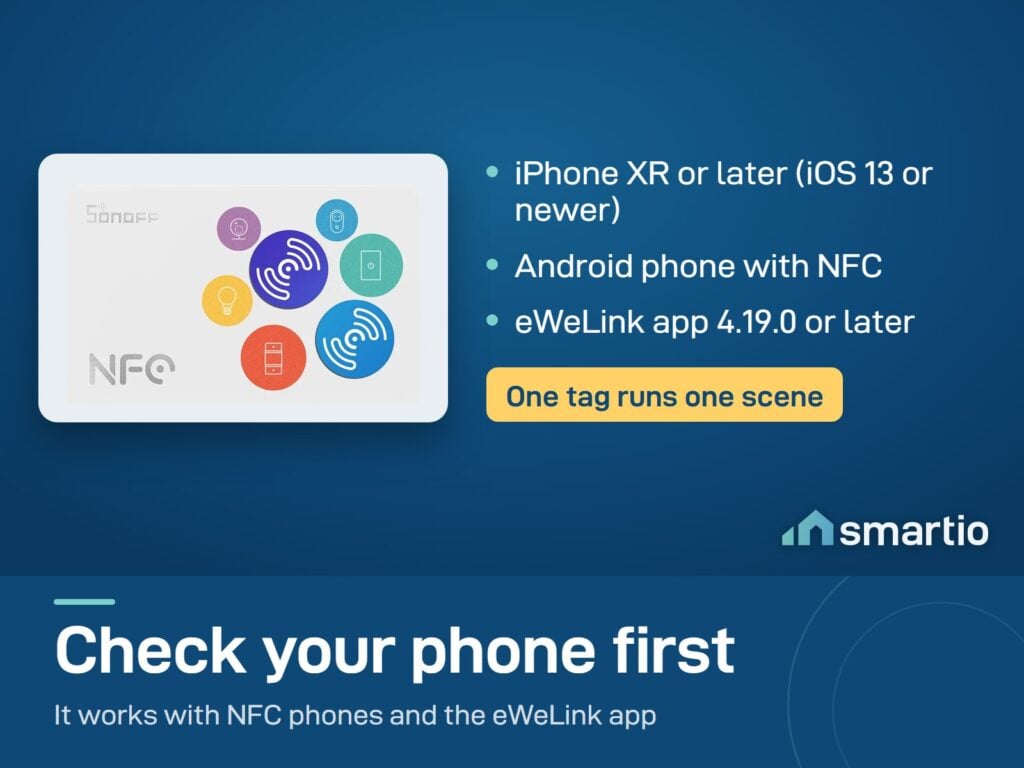
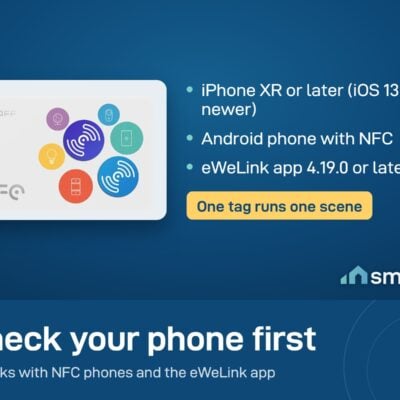
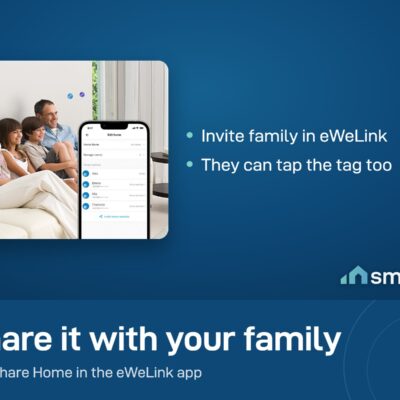
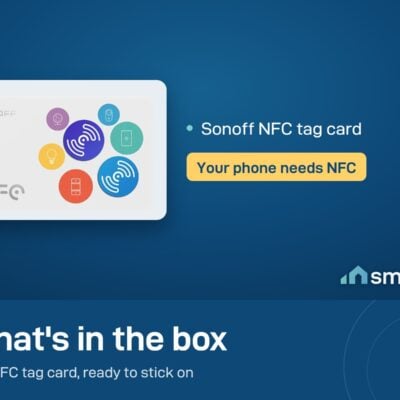
- Works with Android phones that support NFC, and iPhone XR or later (iOS 13 or newer).
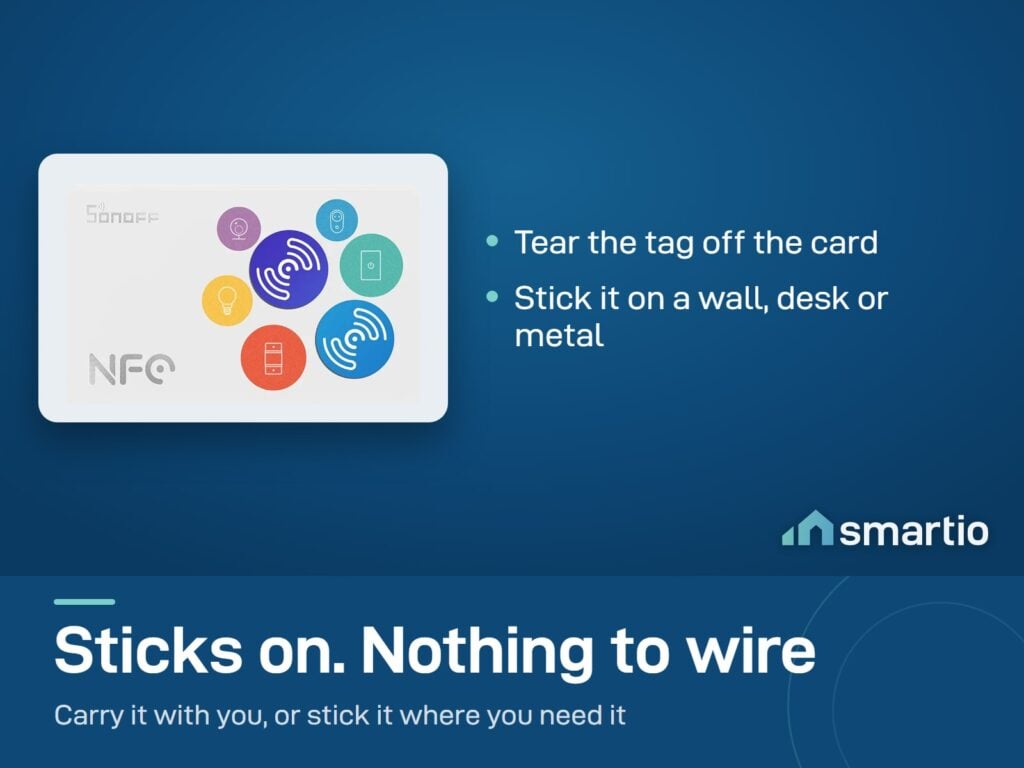
- Stick it near your door, on the wall, or on your nightstand for quick one-tap automations.
Sonoff products customers bought together
How It Works
Is This Right for Me?
Product Details
Sonoff NFC Tag
Do you want to have a quicker way to control your Sonoff devices?
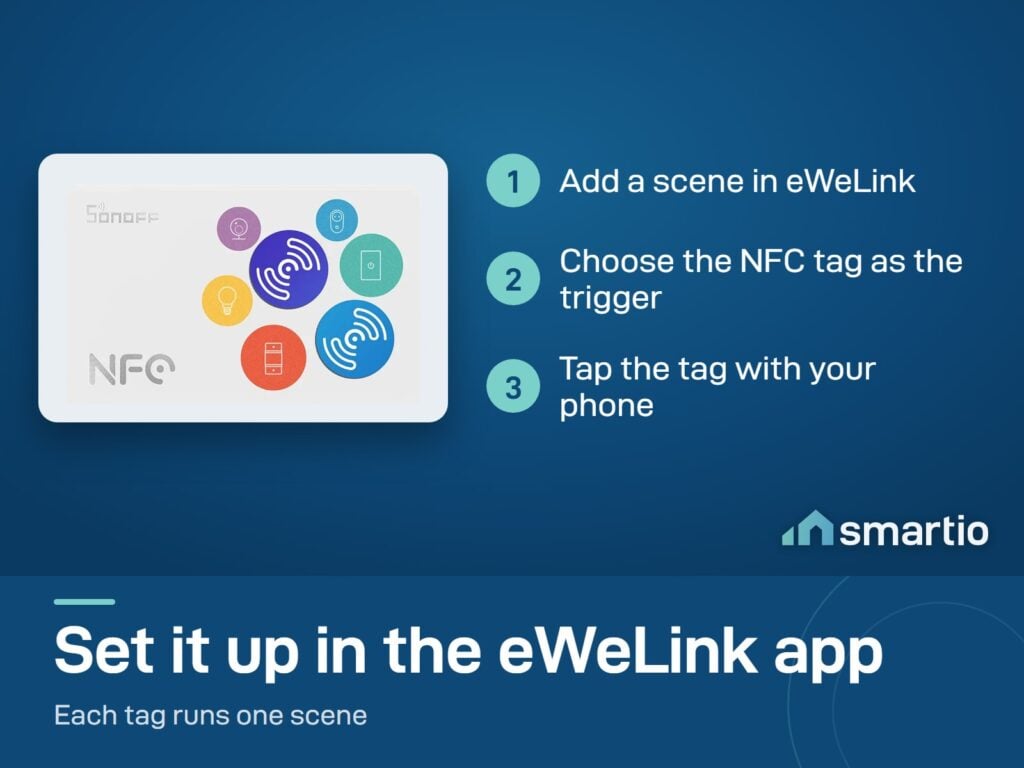
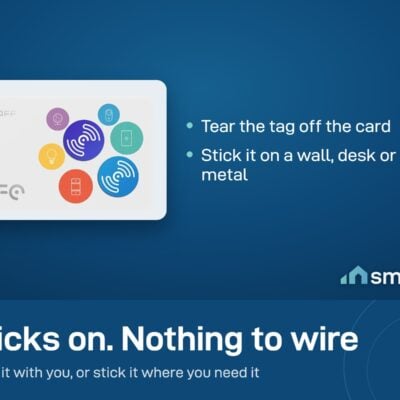
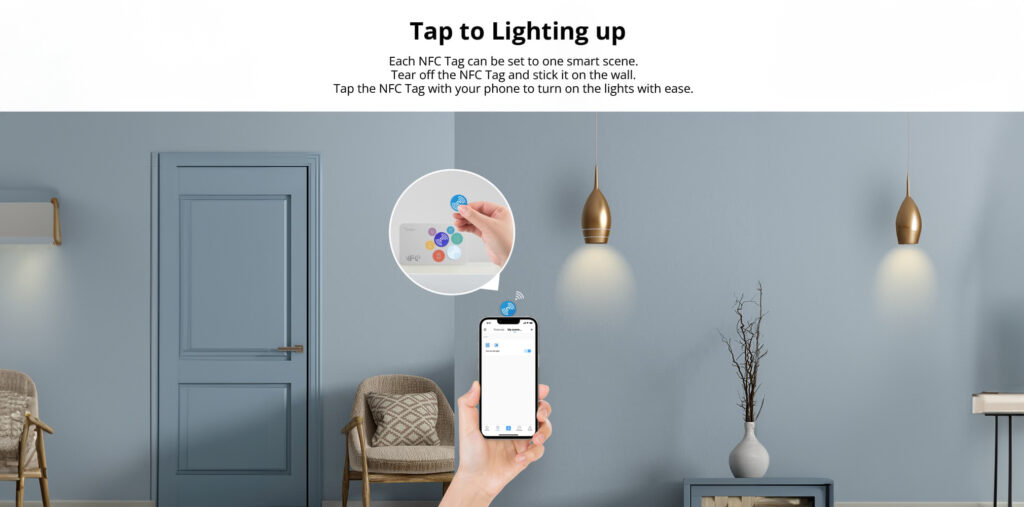
Now, we get you covered! You can use the Sonoff NFC Tag to control Sonoff devices in scene. Each Sonoff NFC Tag can be set to one smart scene. Tear off the Sonoff NFC Tag and stick it on the wall. Tap the NFC Tag with your phone to turn on the lights with ease.
And you can carry it with ease and use it wherever you want, or stick it on the wall then you can see it at a glance.
Whatever demands you want, Sonoff NFC Tag will help to achieve it.
Features:
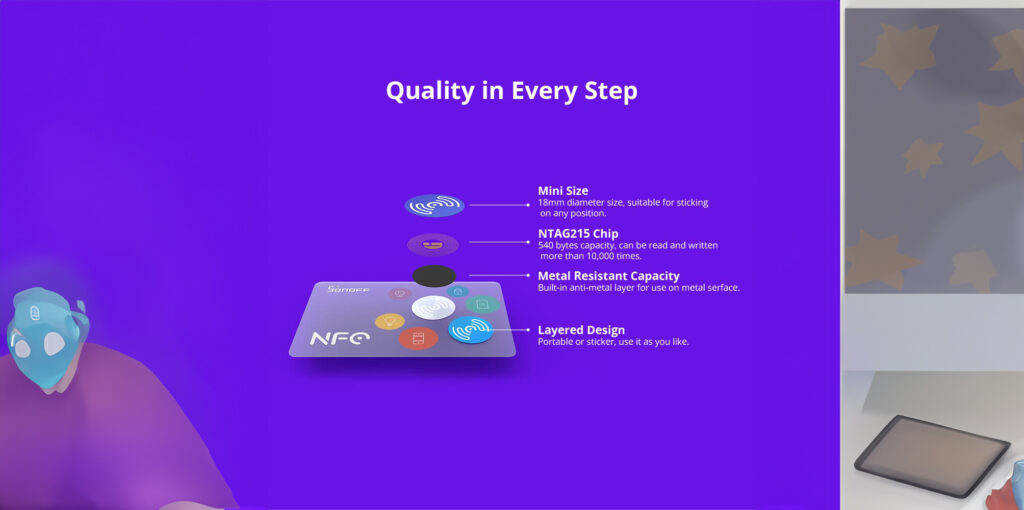
- Chip Feature: 215 chip has 540 bytes larger capacity, and can be read and written more than 10,000 times.
- Wide Compatible: Compatible with NFC-enabled phones (iOS 13 and above, Android with NFC technology).
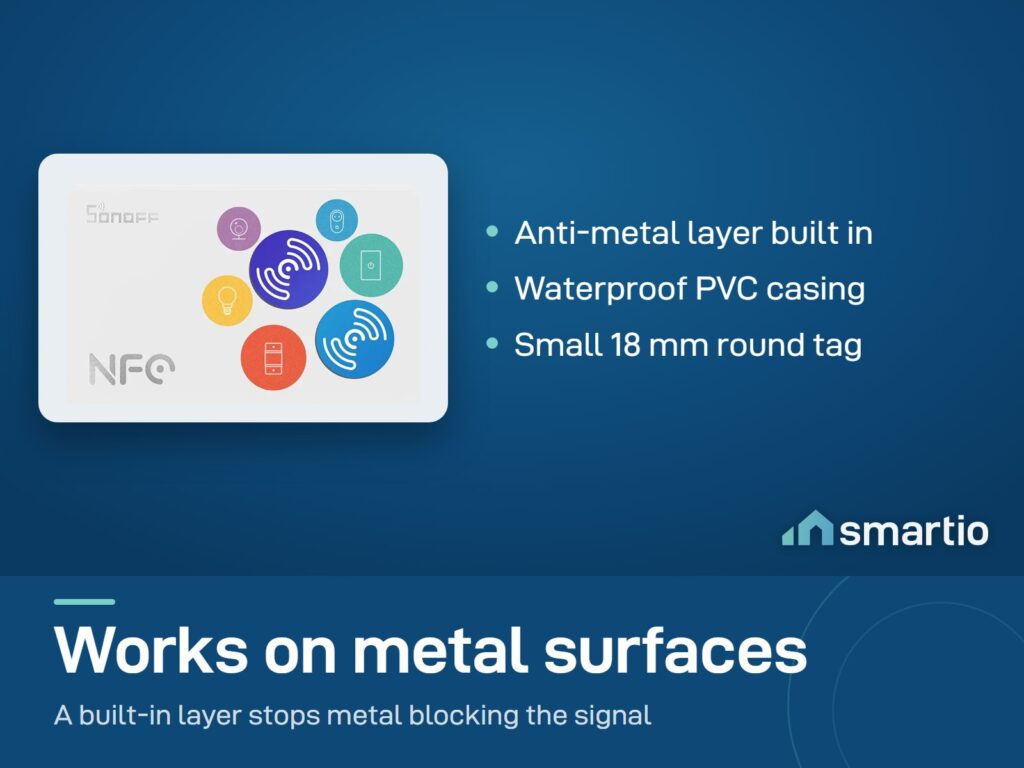
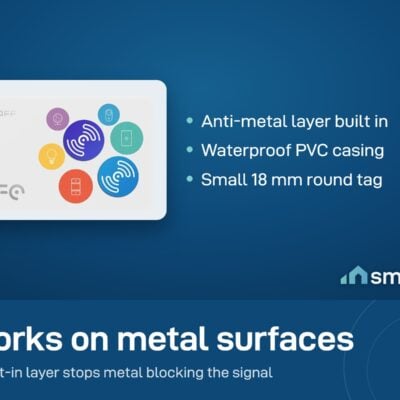
- Metal Resistant Capacity: Built-in anti-metal layer for use on metal surfaces. laminated white PVC cards with glossy finish and waterproof PVC material, effectively protecting the NFC chip inside.
- Easy to Use: Tap the NFC Tag with your phone to turn on the smart devices with ease.
- Convenient: You can carry it with ease and use it wherever, or stick it on the wall or desk.
What You Get
A Closer Look
Sonoff NFC Tag
Do you want to have a quicker way to control your Sonoff devices?
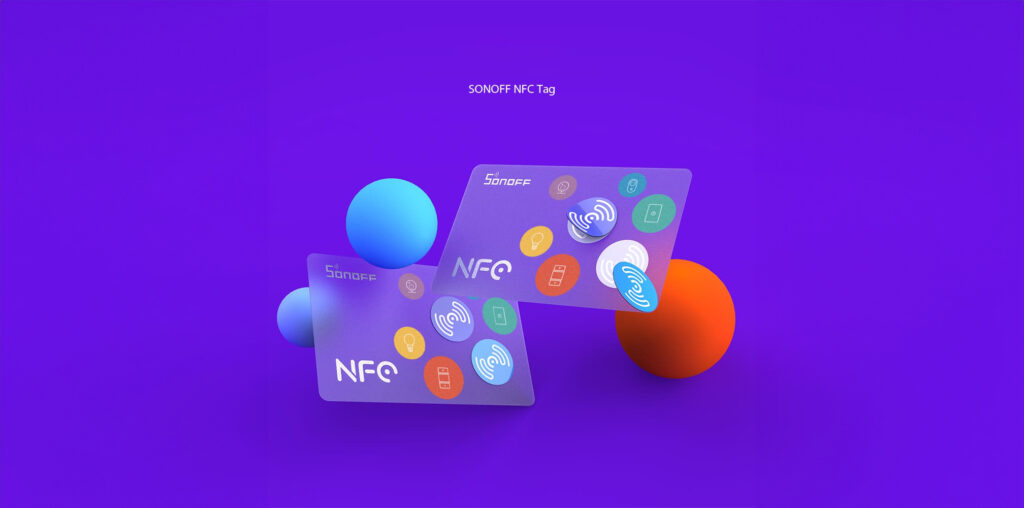
We Get You Covered!
You can use the Sonoff NFC Tag to control Sonoff devices in scene.
Stick Sonoff NFC Tag
Tap the NFC Tag with your phone to turn on the lights with ease.

Common Use Cases (3)
Real scenarios Lebanese customers use this product for. Don't see yours? Message us and we'll tell you if it fits.
Works With


Control with the eWeLink app

What's in the Box
Delivery & Pickup
Warranty & Support
Frequently Asked Questions
Compare Models
Still deciding?
Message us on WhatsApp - we'll tell you honestly if this is the right fit for your home.