
Sonoff Zigbee LCD Temperature & Humidity Sensor | SNZB-02D
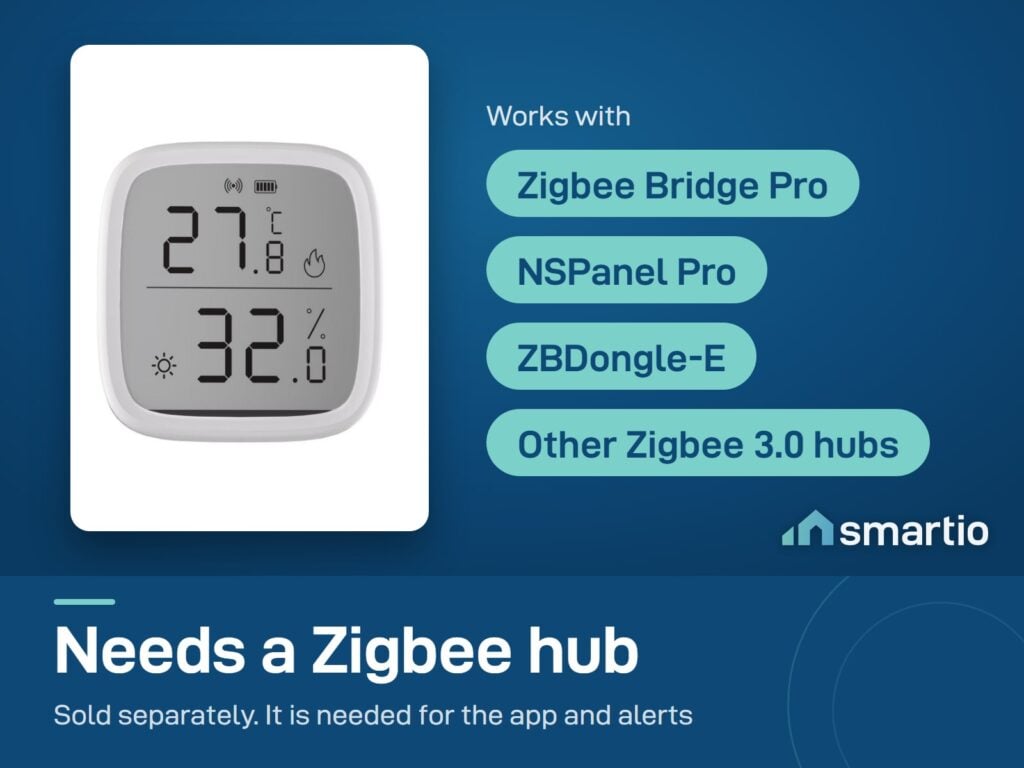
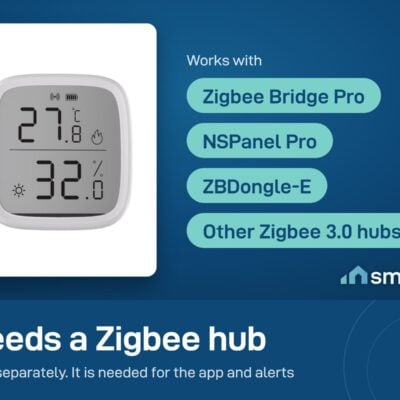
- Hub required: Sonoff Zigbee Bridge / NSPanel Pro / iHost
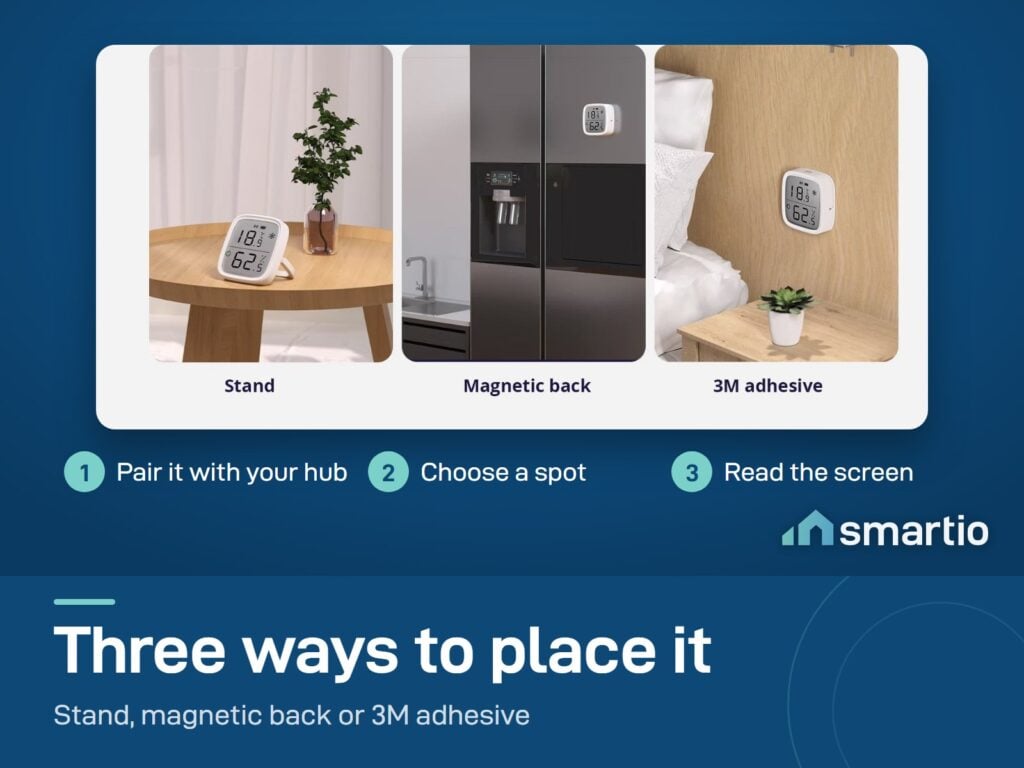
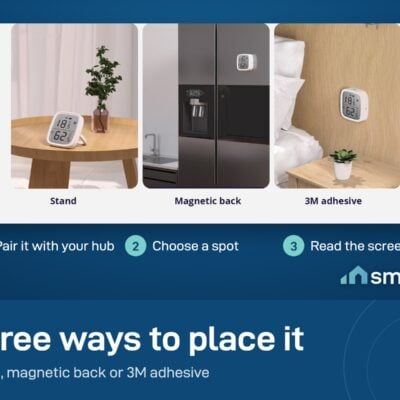
- Mounting: Tabletop or wall (magnet + adhesive)
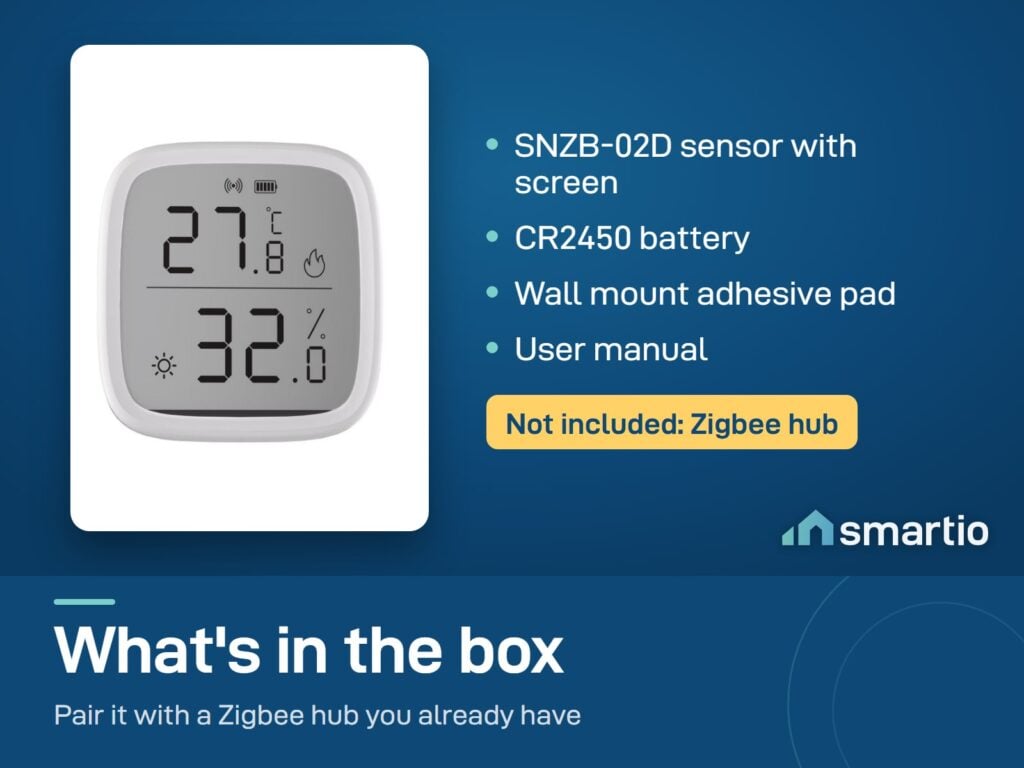
- Power: CR2450 coin cell (included)
- 6-month warranty, covering every brand we sell
- 14-day exchange on unopened items
- Delivery all over Lebanon, free on orders over 50 $
Sonoff products customers bought together

How It Works
Is This Right for Me?
Product Details
Sonoff SNZB-02D – Zigbee Temperature & Humidity Sensor with LCD
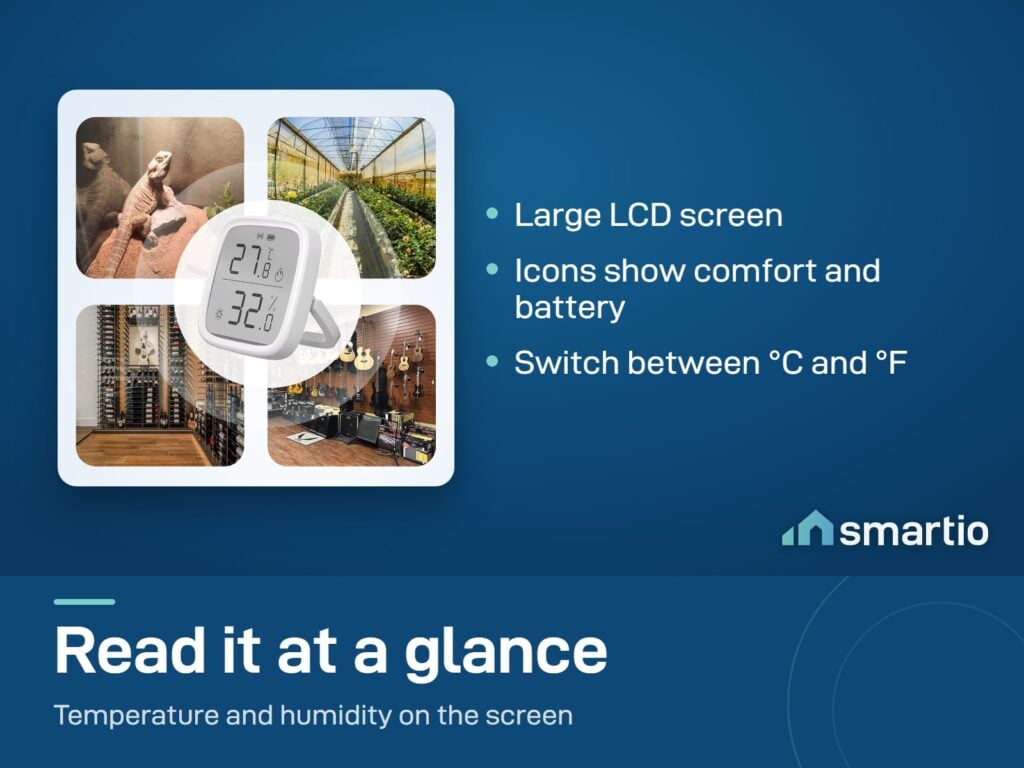
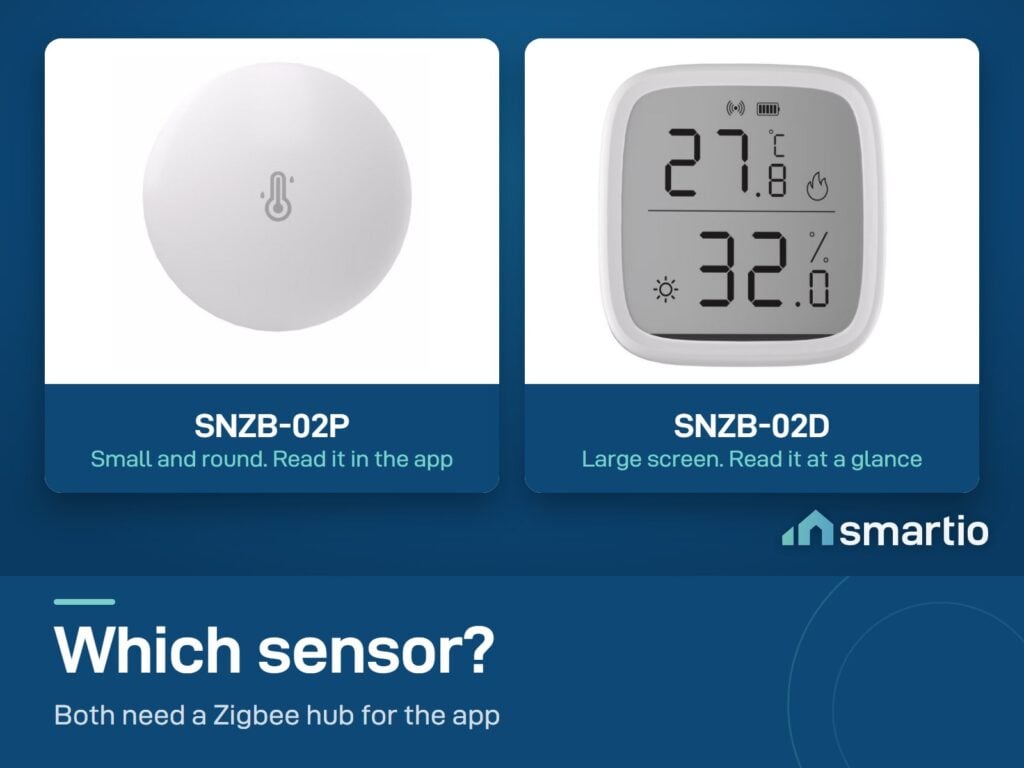
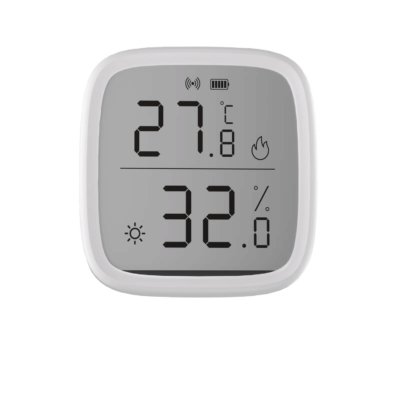
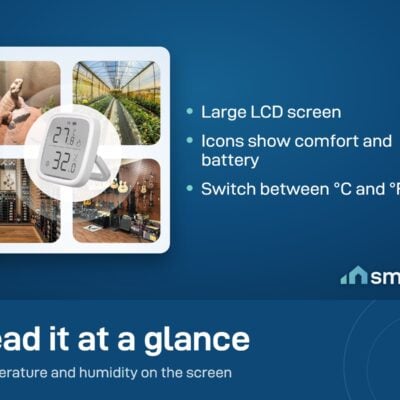
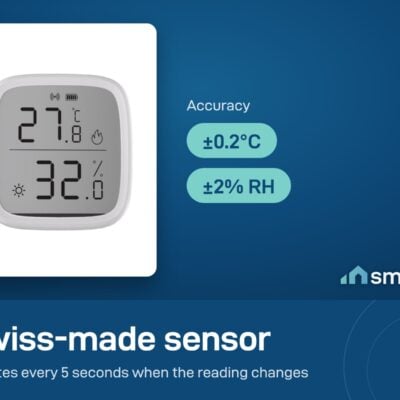
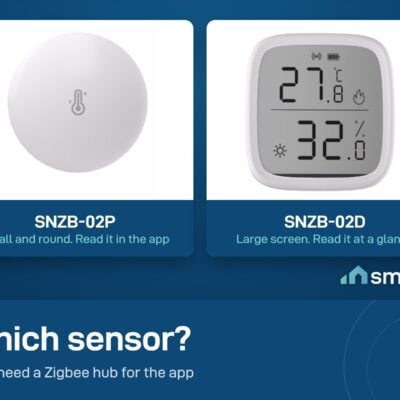
Same accurate Swiss-made sensor as the SNZB-02P, but with a large 2.8-inch LCD display on the front. Glance at it – temperature, humidity, comfort icons. No phone unlock, no app, no waiting.
The display always works (regardless of Wi-Fi), but pair it with a Sonoff Zigbee Bridge Pro and the data flows to your phone too – for remote alerts, history graphs, and automations.
Why people buy it (vs the SNZB-02P)
- You can read it without your phone. Useful in the kitchen, baby’s room, on a nightstand – places where you want a quick check without unlocking your phone.
- Comfort icons show conditions at a glance. Hot, Cold, Dry, Wet icons appear automatically when conditions cross the threshold – you don’t have to interpret the number.
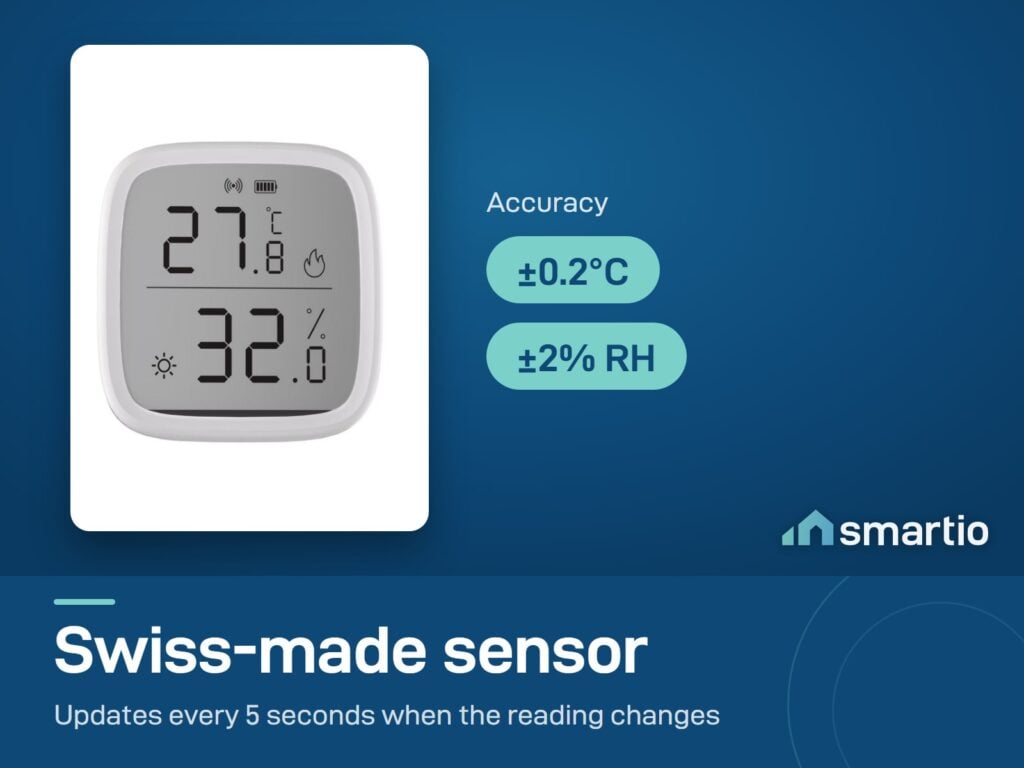
- Same Swiss-made sensor as the SNZB-02P – ±0.2°C and ±2% humidity accuracy.
Key Features
- 2.5-inch LCD display – temperature, humidity, comfort icons.
- Swiss sensor – ±0.2°C temperature, ±2% humidity.
- Comfort icons – Hot / Cold / Dry / Wet badges appear when conditions are out of range.
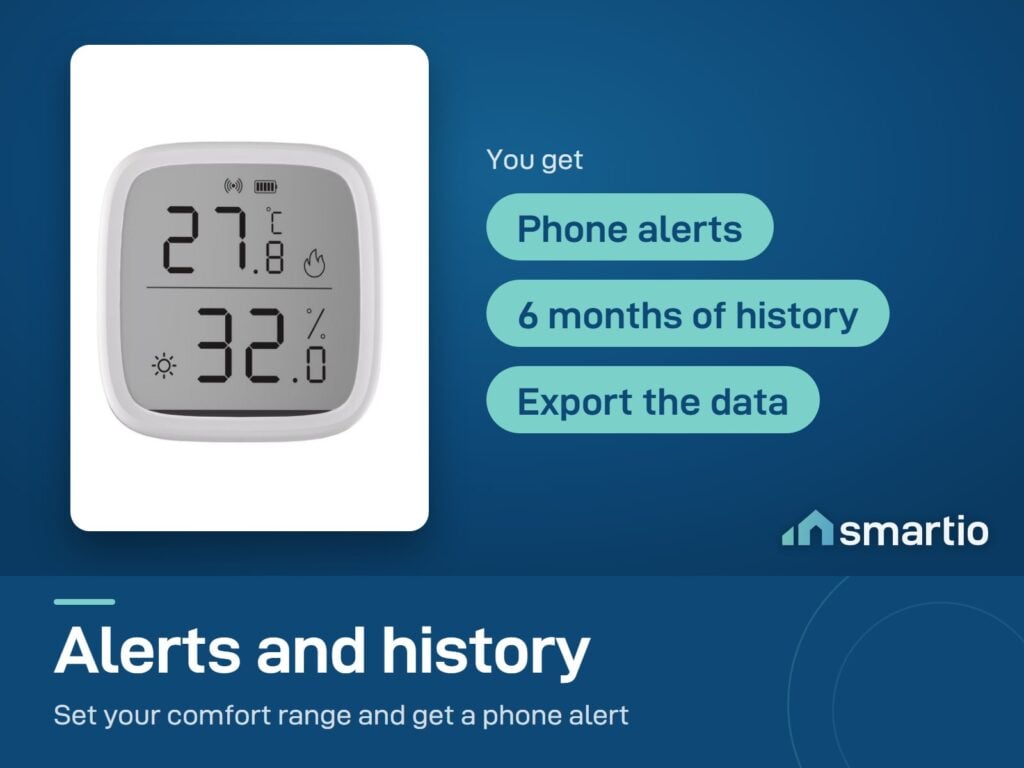
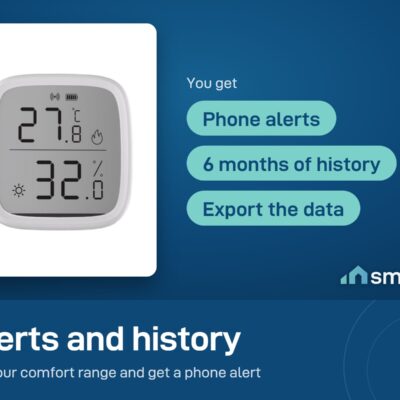
- Phone alerts via the eWeLink app + Zigbee Bridge Pro.
- Use in smart automations – trigger a fan when humidity rises, AC when temperature climbs.
- Battery-powered (CR2450, included) – months of runtime.
- Tabletop or wall mount.
- Indoor use only (not waterproof).
Pro Tip: Place this on your nightstand or in your baby’s room. You can see the room conditions instantly – without reaching for your phone in the middle of the night. The comfort icons let you know if you need to adjust the AC or open a window at a glance.
Frequently Asked Questions
Does it work without a hub?
The LCD display always works – you can read the sensor locally. But to get phone alerts, history, or use it in smart automations, you need a Sonoff Zigbee Bridge Pro (sold separately) or an NSPanel Pro.
Does it control my AC or fan?
The sensor only monitors – it doesn’t control anything directly. To turn on a fan when humidity is too high, pair this with a Sonoff smart switch (S60 plug, MINIR4, etc.) and set up an automation in eWeLink: “if humidity > 65%, turn on smart plug”.
Is the display waterproof?
No – designed for indoor use only. Don’t place in a bathroom shower zone, kitchen splash area, or outdoors.
Can I separate the sensor from the display?
No – the sensor and display are one unit. They must be placed together. If you want to monitor a remote location (water heater tank, freezer), use a different sensor – like the WTS01 waterproof probe.
The display shows Fahrenheit – how do I switch to Celsius?
Change it in the eWeLink app under device settings – there’s a temperature unit toggle. Once changed in the app, the LCD updates automatically.
What battery does it use?
CR2450 coin cell battery, included. Lasts several months under normal use.
Can I move it between locations (office → home)?
Yes. Both places need to be within range of the same Sonoff Zigbee bridge, or re-pair the sensor to the other bridge.
Sonoff vs Govee sensors – which is better?
Both are great. Sonoff (Zigbee) is best if you already have the Sonoff ecosystem and want reliable, low-power sensors integrated with smart automations. Govee (Wi-Fi) is best for standalone use or if you’re building a Govee-focused setup. Both use comparable Swiss-made sensors.
What You Get
A Closer Look
Sonoff Zigbee LCD Temperature Humidity Sensor
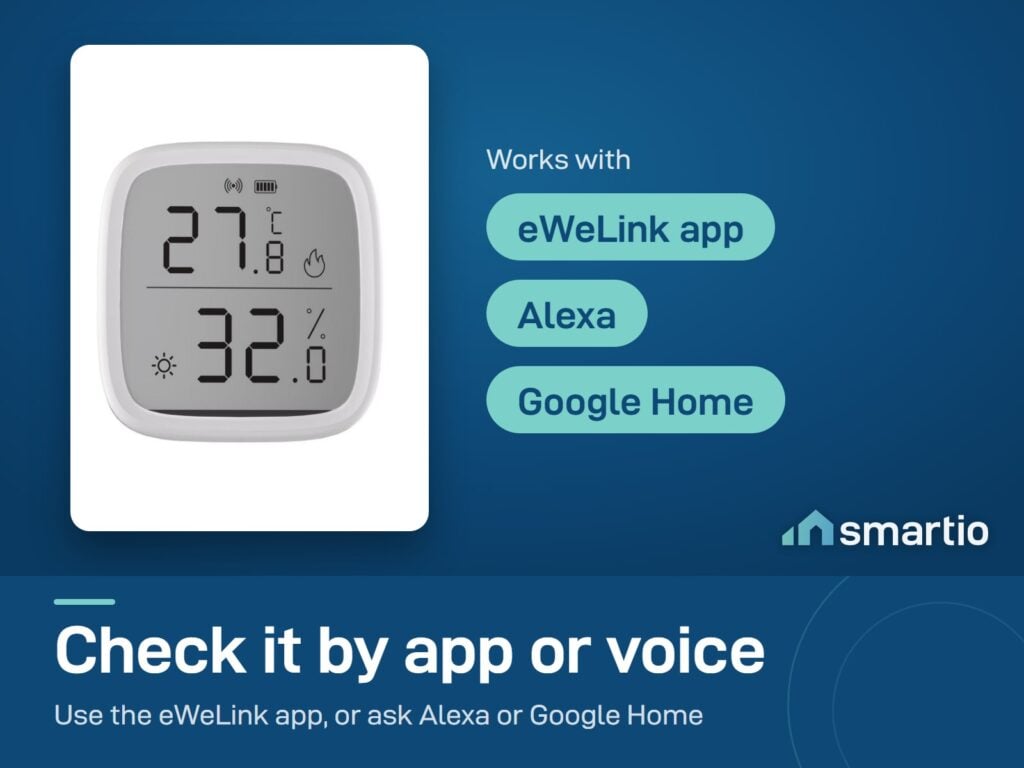
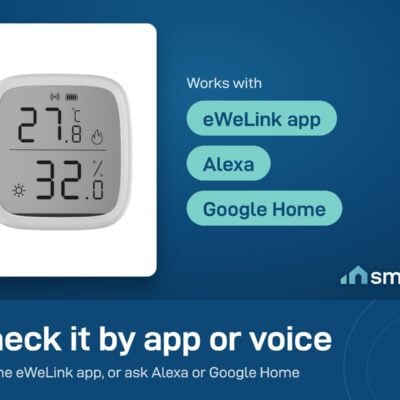
SNZB-02D LCD Indoor Zigbee Intelligent Temperature Humidity Sensor. Supports voice control. Just ask 'Alexa' to instantly know the temperature of any room you've placed the SNZB-02D in.

Remote Reminder
Receive push notifications when temperature and humidity exceed your defined comfort range.

Remote Control
Remotely check ambient temperature and humidity to understand your home environment. With a coverage of up to 120m (unobstructed and in ideal conditions), let you check the latest data anytime.

Temperature and Humidity on an LCD
Supports zigbee gateways using the Zigbee 3.0 protocol and is compatible with most hubs.


Common Use Cases (8)
Real scenarios Lebanese customers use this product for. Don't see yours? Message us and we'll tell you if it fits.
Works With



Control with the eWeLink app

What's in the Box
Delivery & Pickup
Warranty & Support
Customer Reviews (2)

Frequently Asked Questions
Compare Models
Still deciding?
Message us on WhatsApp - we'll tell you honestly if this is the right fit for your home.