
Govee TV Backlight 3 Lite
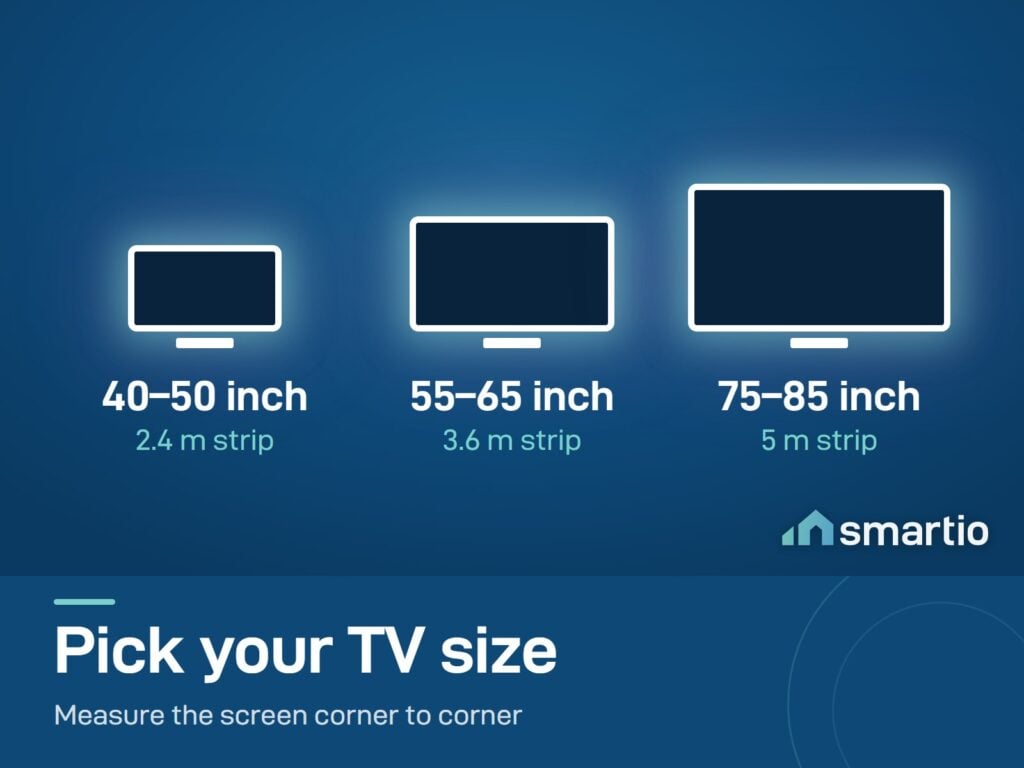
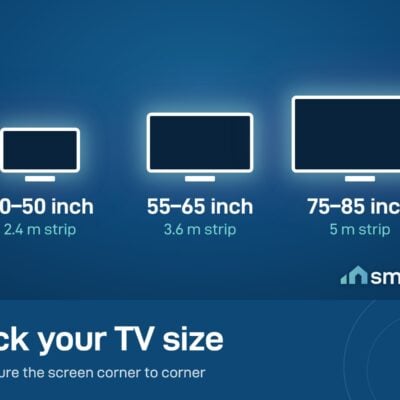
- TV size: 40-50 inch (2.4 m strip) · 55-65 inch (3.6 m) · 75-85 inch (5 m)
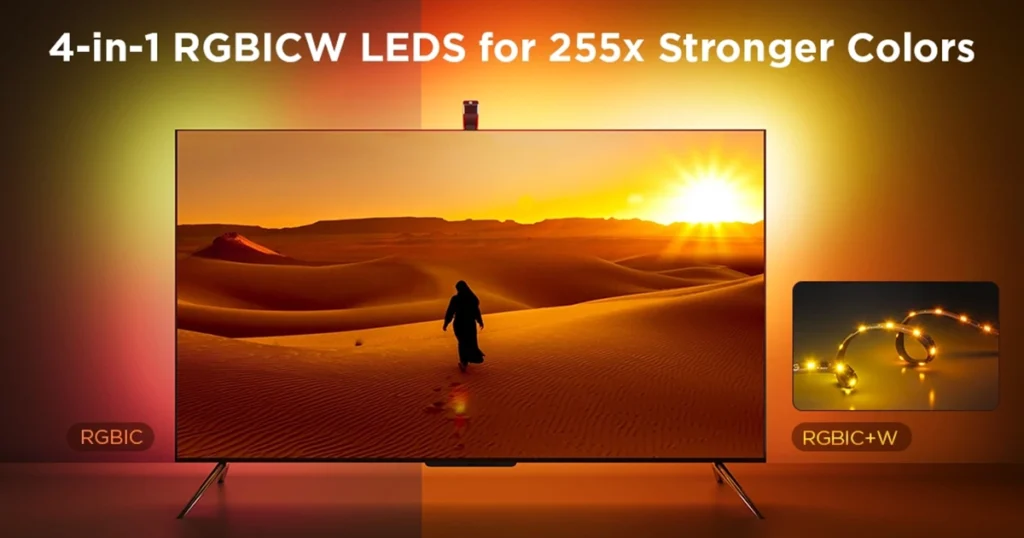
- LED type: RGBWIC - 4-in-1 LEDs with dedicated warm white
- Density: 30 LEDs/m
- 6-month warranty, covering every brand we sell
- 14-day exchange on unopened items
- Delivery all over Lebanon, free on orders over 50 $
I can't help but give Smartio 5 stars for their flexibility and willingness to help ensure timely delivery. The express…
Got the Govee TV backlight 3 lite and the smart lightbulb. The application is very convenient as i can control…
- Compatible with TVs from 40 to 85 inches - check your TV size before ordering.
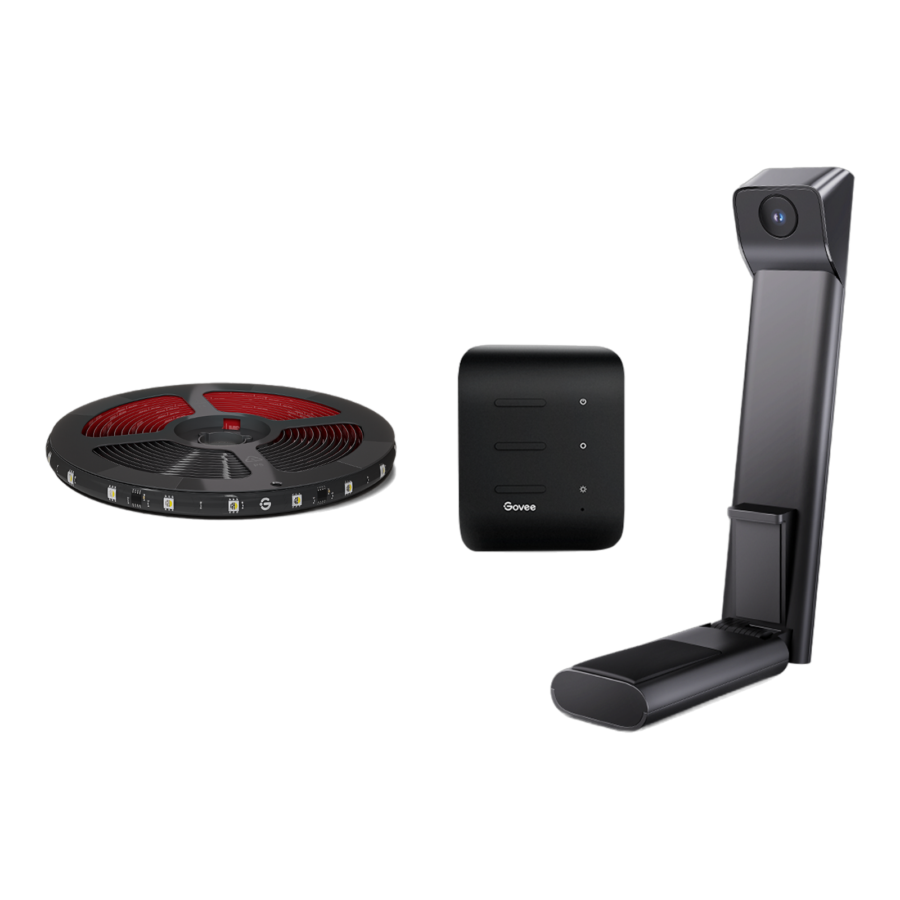
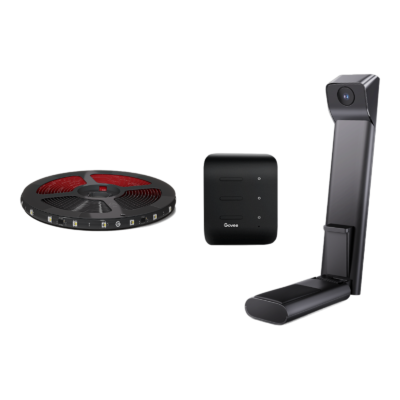
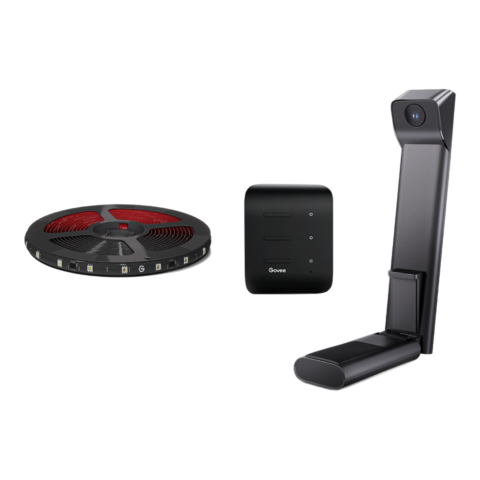
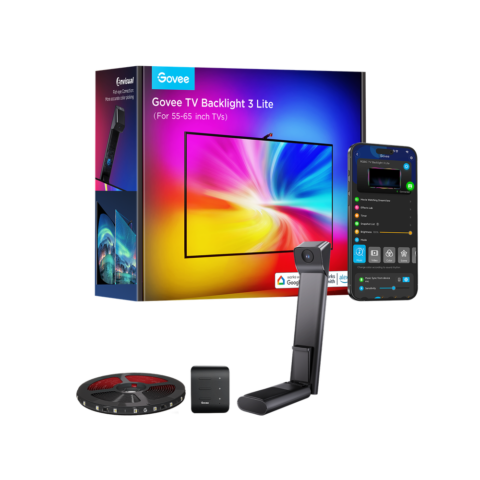
- Comes with a small camera that captures on-screen colors and syncs the backlight in real time.
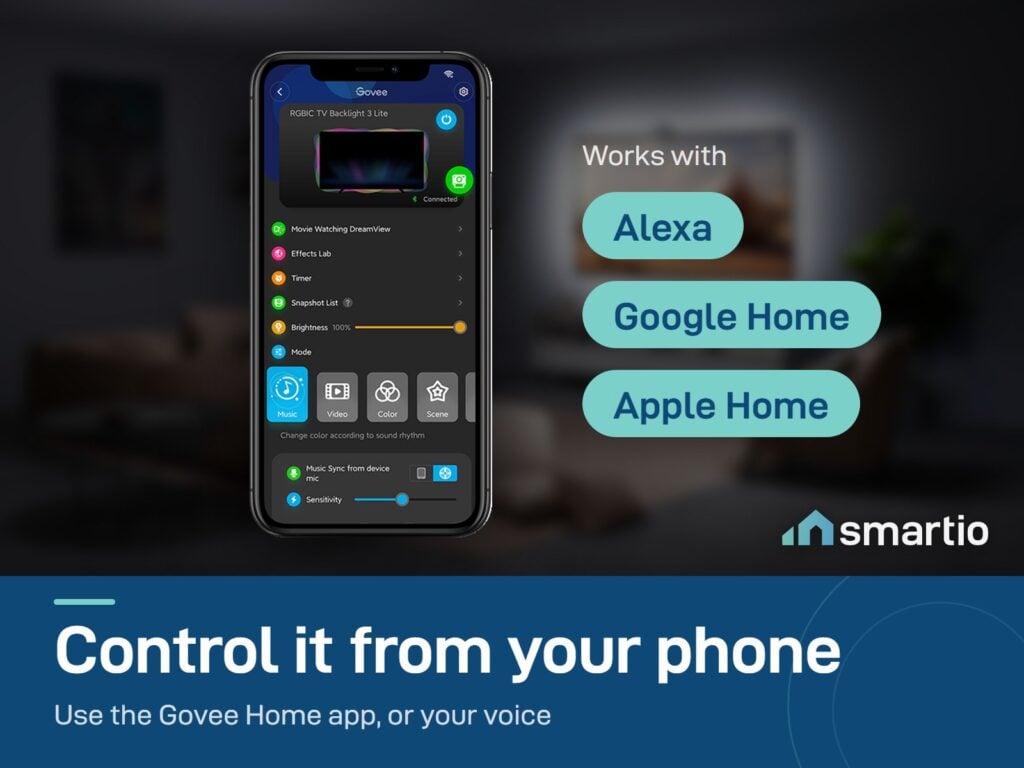
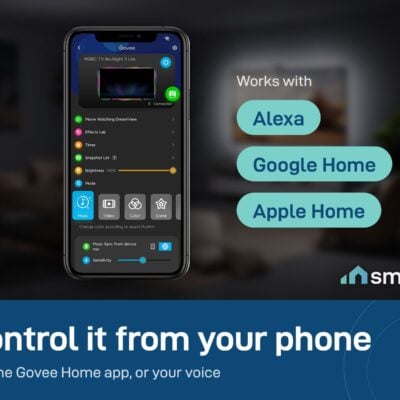
- Works with Alexa, Google Assistant, and Apple Home (via Matter).
Govee products customers bought together
How It Works
Is This Right for Me?
Product Details
Govee TV Backlight 3 Lite – for 40 to 85 inch TVs
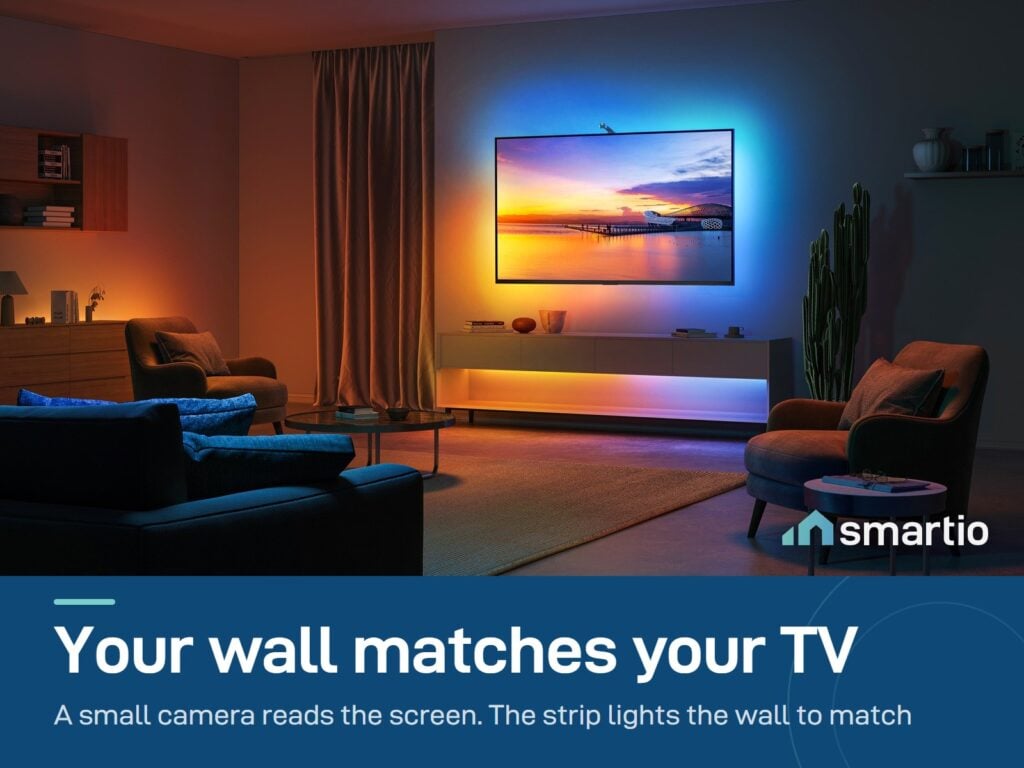
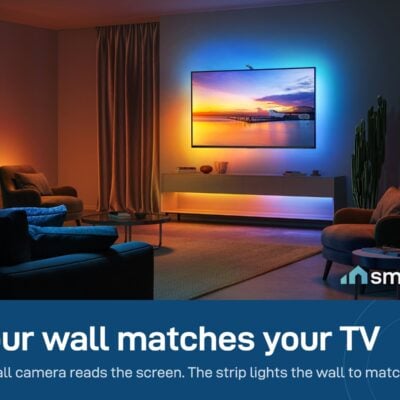
A camera-based TV backlight in three sizes, for 40-50, 55-65 and 75-85 inch TVs. A small camera mounts on top of your TV and watches what’s on screen – Netflix, YouTube, your PlayStation, live football – and an LED strip behind the TV (2.4, 3.6 or 5 meters, by TV size) projects matching colors onto your wall in real time.
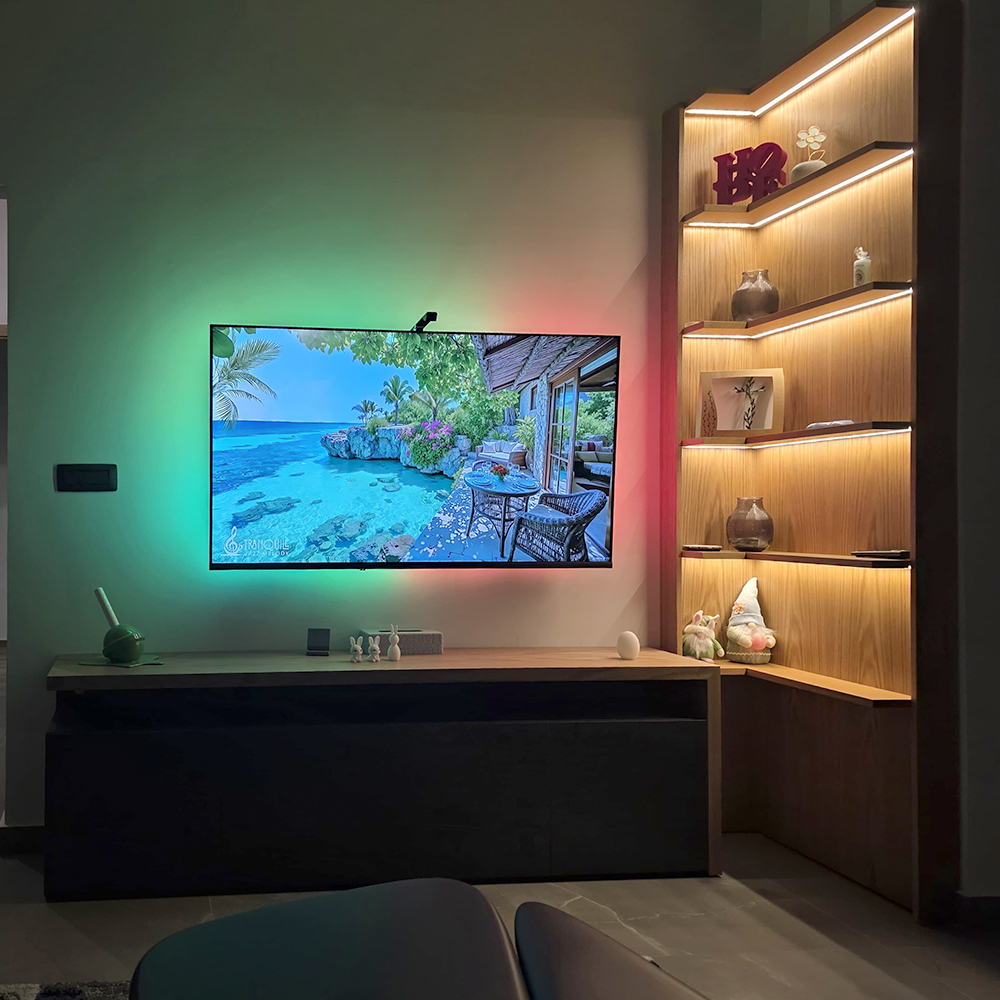
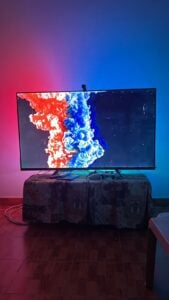
The result: your wall glows in sync with what’s happening on screen, with no perceptible delay. Movies become immersive. Gaming feels bigger. Even casual TV gets a cinema-quality atmosphere.
Why people buy it
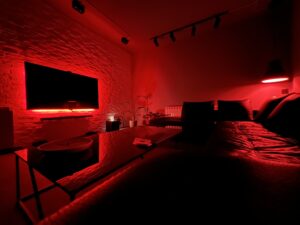
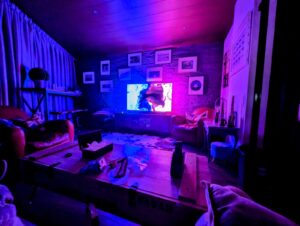
- Eye strain relief. Watching a bright TV in a dark room is hard on your eyes – the ambient glow around it softens the contrast significantly.
- Cinema-room feeling. The wall colors blend with the screen so the picture feels like it extends beyond the TV.
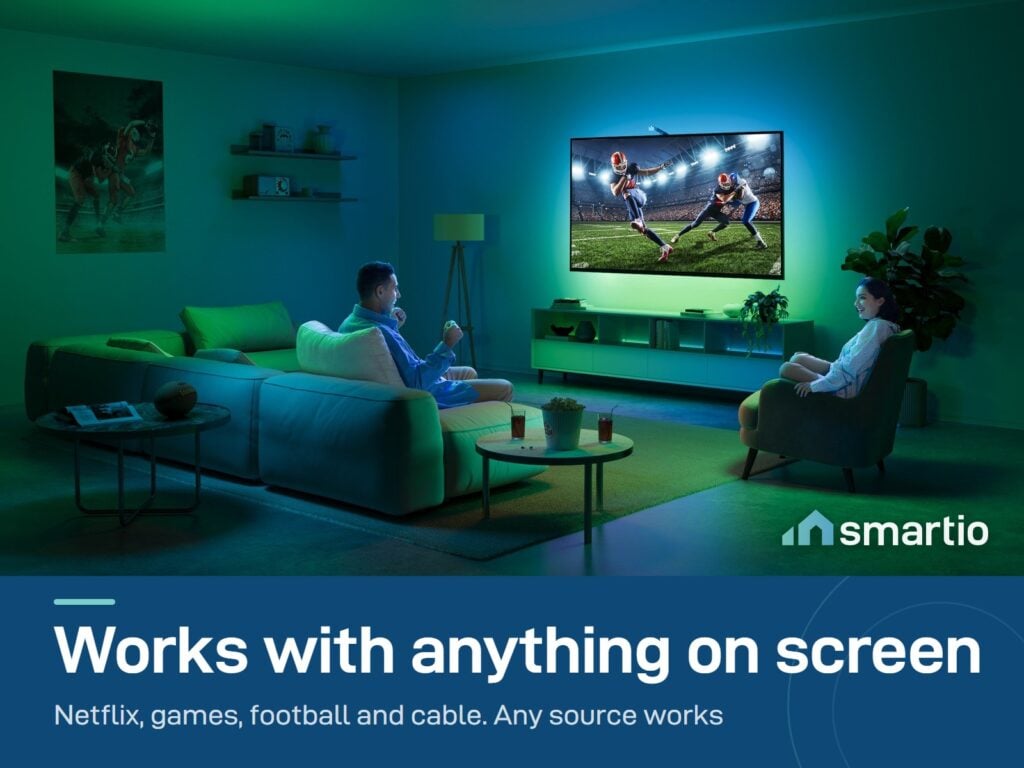
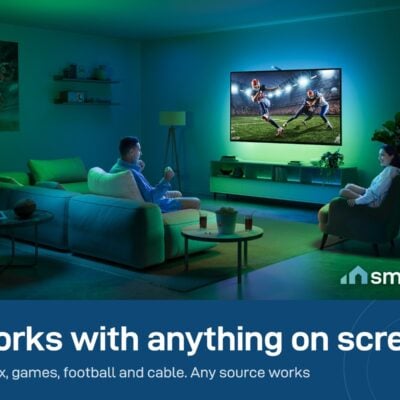
- Works with all content. No special “compatible apps” needed – the camera doesn’t care if it’s Netflix, gaming, cable, or YouTube.
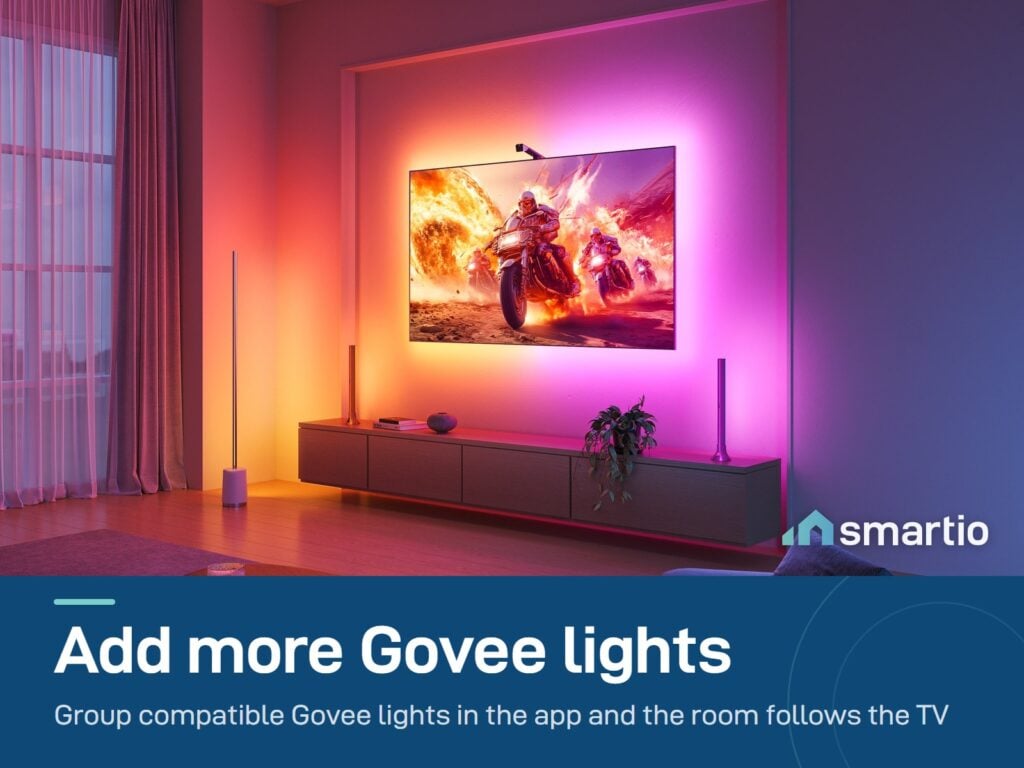
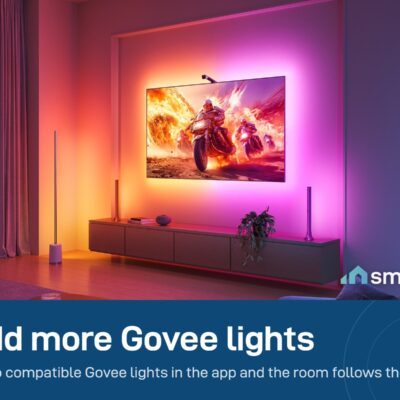
- Connect to other Govee lights. If you already have Govee floor lamps or strip lights, group them via DreamView in the app – the whole room syncs to your screen.
Key Features
- Three sizes. 40-50 inch (2.4 m strip), 55-65 inch (3.6 m) and 75-85 inch (5 m). RGBWIC LEDs, 30 per meter.
- Matter-compatible – works with Apple Home, Alexa, Google Home.
- Camera-based color matching – works with every TV content type.
- Separate-side control – make the left, right, top, and bottom of the strip behave differently in the app (e.g. top calmer, bottom more vivid).
- 4-in-1 RGBW LEDs with dedicated warm white for more natural skin tones and whites.
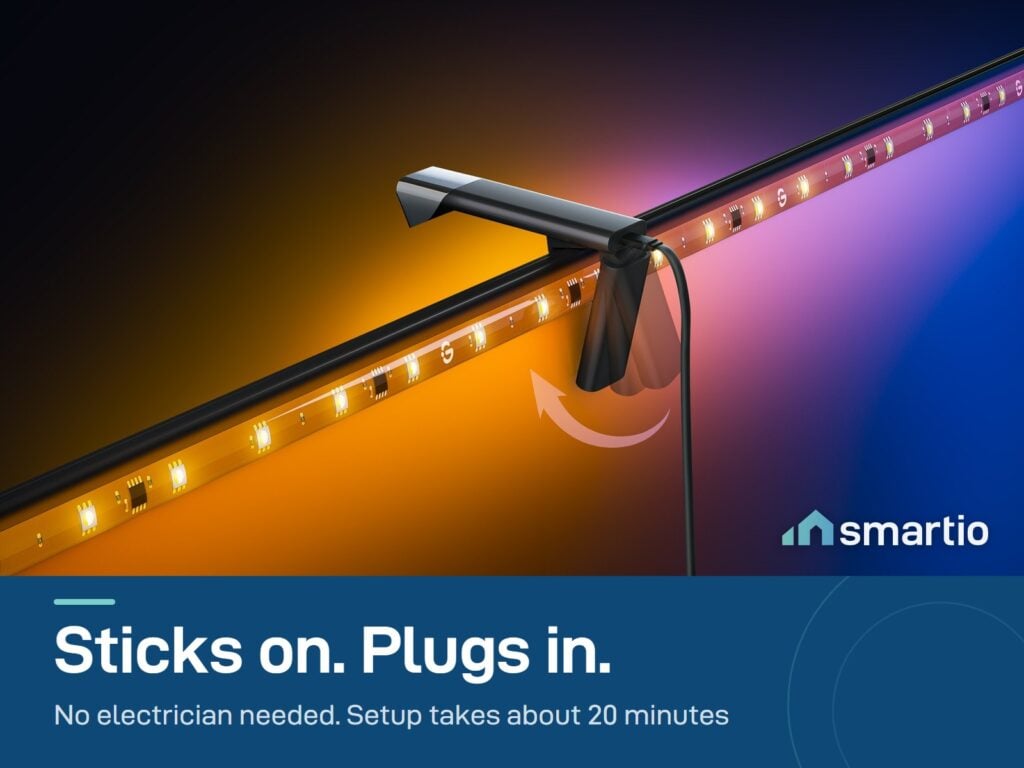
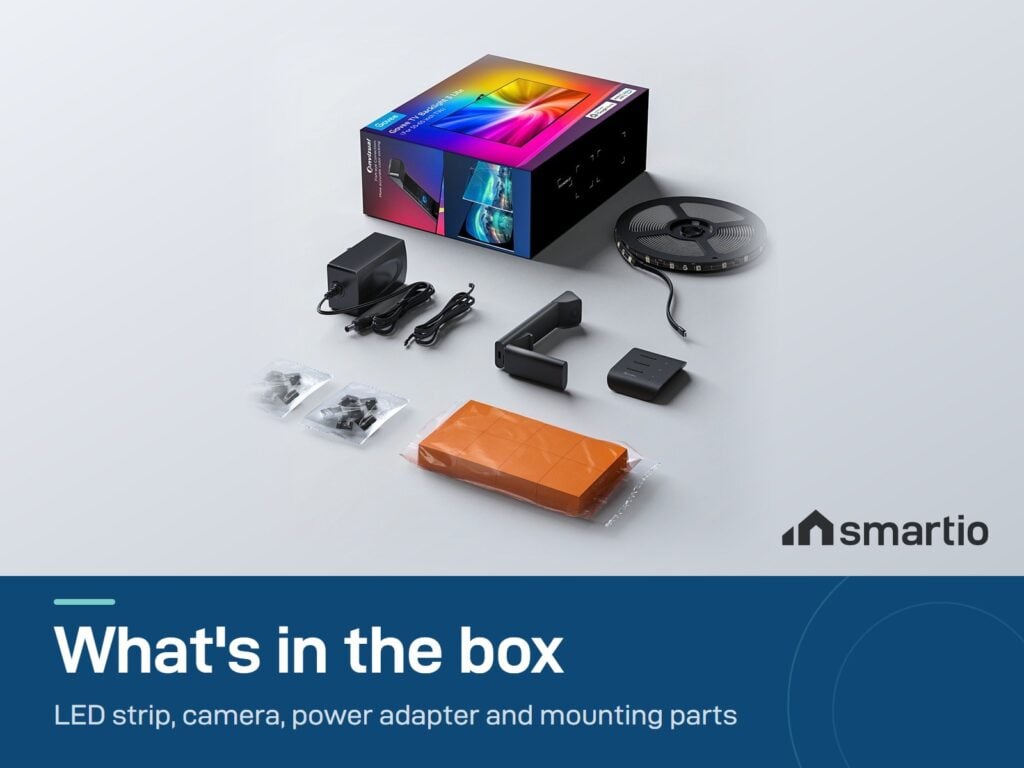
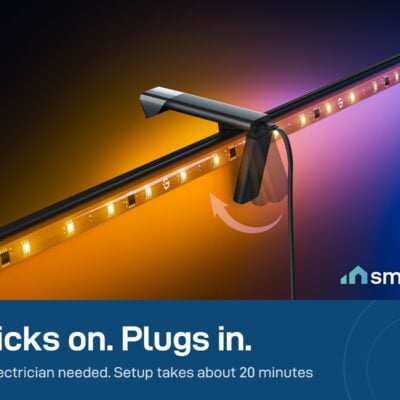
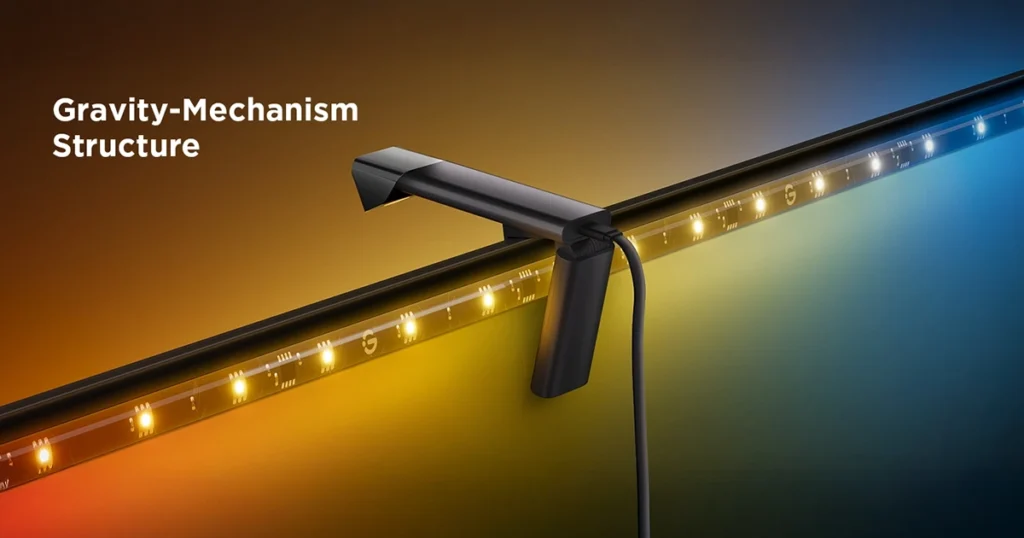
- Easy install – peel-and-stick adhesive on the back, camera mounts to the top of the TV with a special pad.
- Watch the installation guide video first.
Pro Tip: Set the camera up in a fully dark room. Turn off all the other lights when pairing and calibrating – the camera’s white balance is much more accurate this way, and once calibrated it’ll perform well in any lighting. Also: keep the camera lens clean. A smudge on it directly affects color accuracy.
Before you order: measure your TV diagonally, corner to corner – not the box label. Our 30-second TV backlight size guide shows exactly which version fits your screen.
What You Get
A Closer Look
Govee TV Backlight 3 Lite
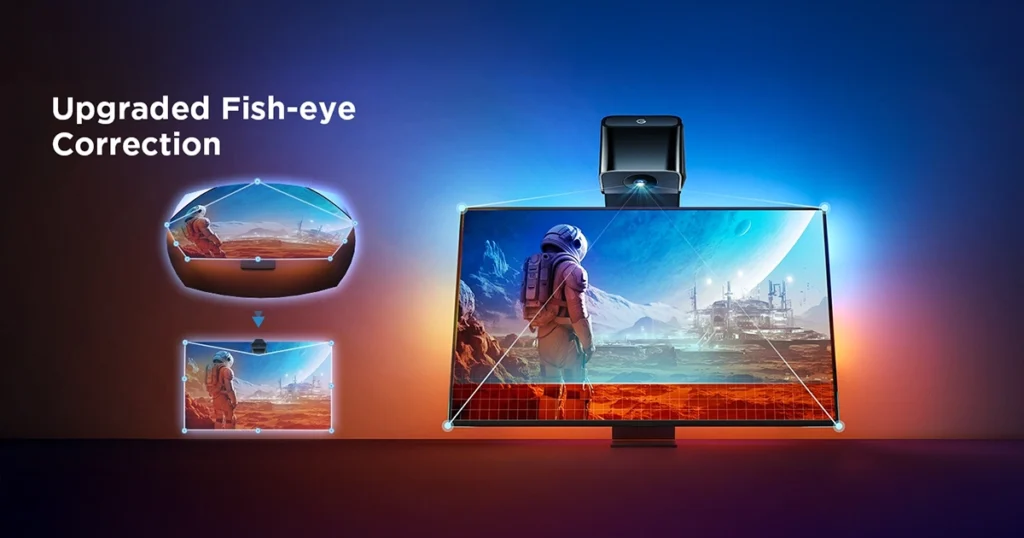
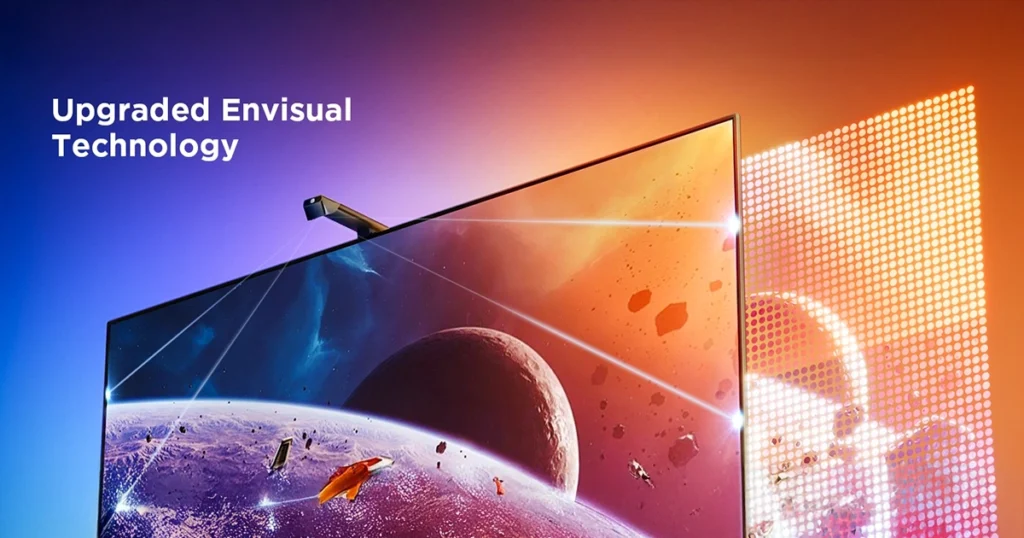
The upgraded chip provides stronger performance with a fish-eye correction function, expanding the effective range to provide more accurate color-matching along the edges.
Why Choose Govee TV Backlight 3 Lite?
The Govee TV Backlight 3 Lite can instantly capture the color of any TV screen for color matching without compatibility issues. Use the TV lights while streaming content, watching online videos, gaming, etc.
Upgraded Fish-eye Correction Camera Technology
Corrects fisheye distortion lenses, which expands the effective color-matching range for more accurate edges.
Color-Matching
The upgraded Govee TV backlight with a fisheye lens correction camera has more accurate color capturing.

Common Use Cases (1)
Real scenarios Lebanese customers use this product for. Don't see yours? Message us and we'll tell you if it fits.
Works With






Control with the Govee Home app

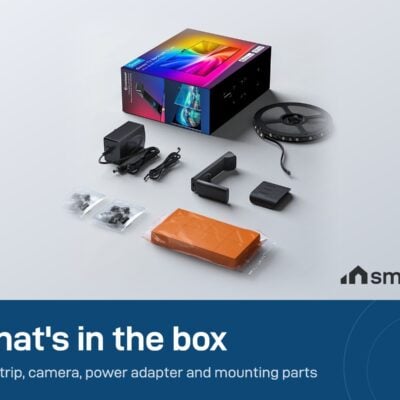
What's in the Box
Delivery & Pickup
Warranty & Support
Customer Reviews (11)
Frequently Asked Questions
Compare Models
Still deciding?
Message us on WhatsApp - we'll tell you honestly if this is the right fit for your home.