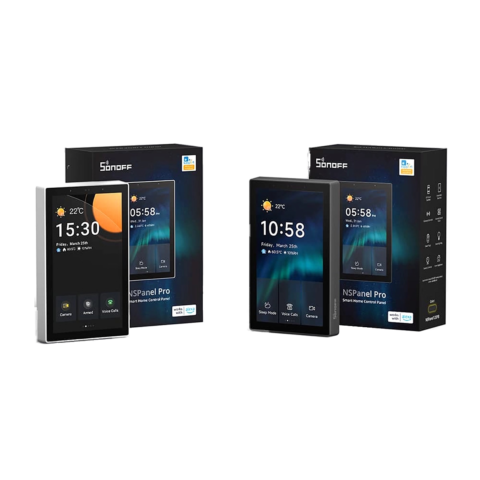
Sonoff NSPanel Pro Control Panel & Zigbee Hub (120 Type)
- Screen: 4.7-inch capacitive touchscreen
- Wall box: 120 Type (rectangular Lebanese)
- Protocols: Wi-Fi 2.4 GHz + Zigbee 3.0 + Matter
- 6-month warranty, covering every brand we sell
- 14-day exchange on unopened items
- Delivery all over Lebanon, free on orders over 50 $
Sonoff products customers bought together
How It Works
Is This Right for Me?
Product Details
Sonoff NSPanel Pro – 120 Type Smart Home Control Panel
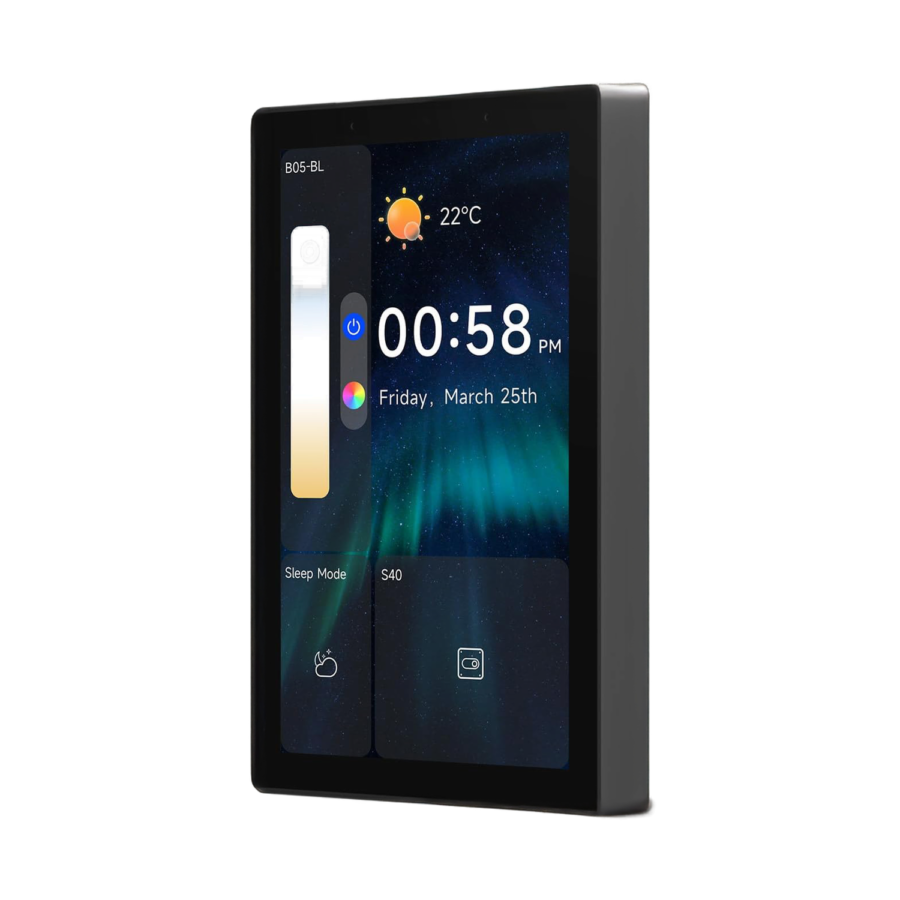
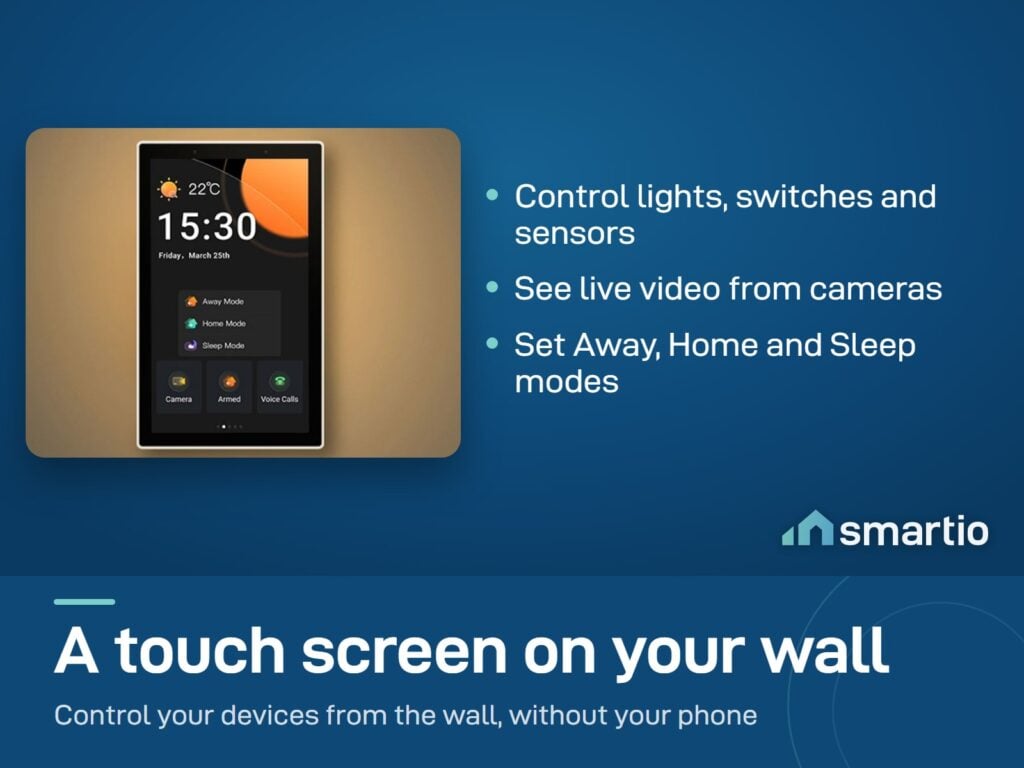
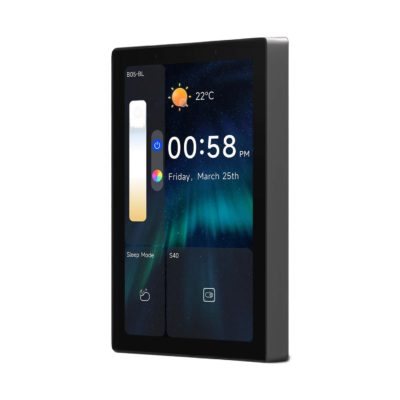
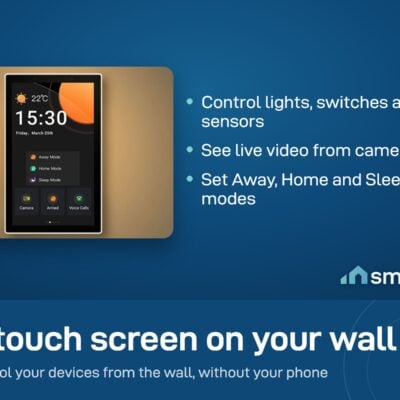
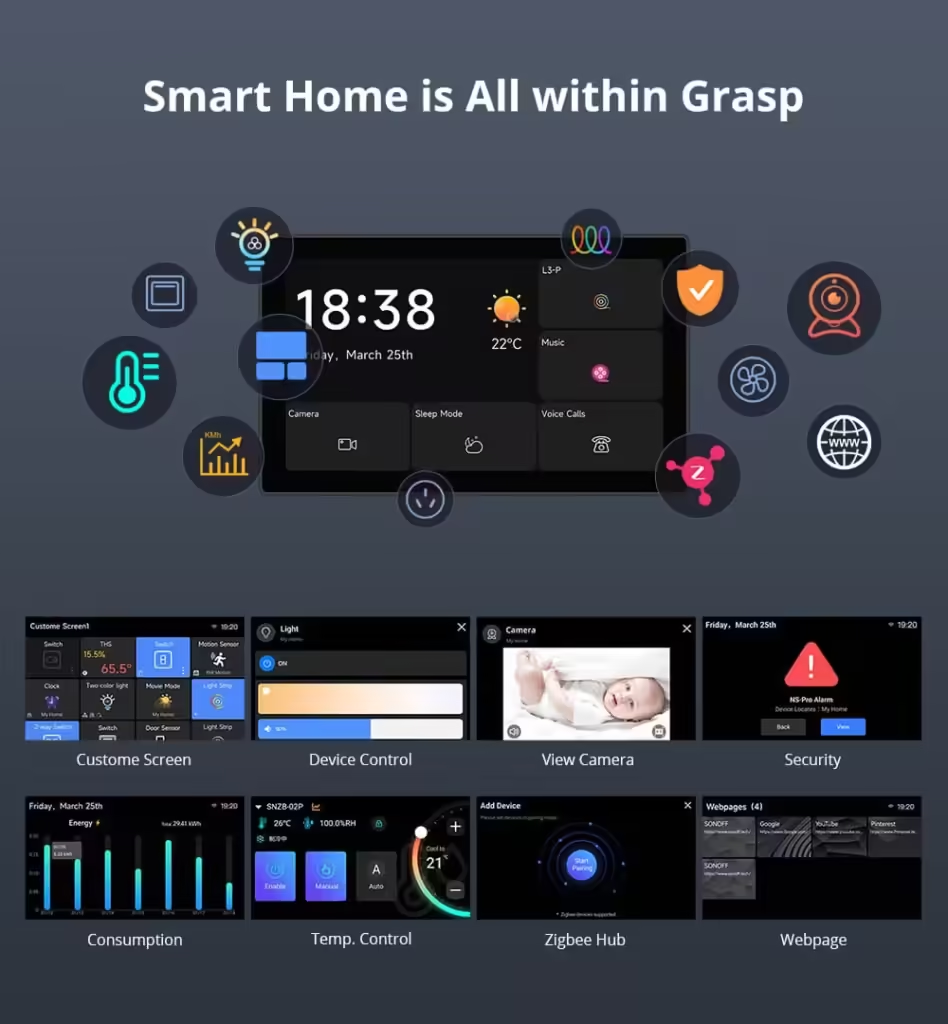
A 4.7-inch smart wall panel that replaces a regular Lebanese rectangular wall switch and turns the spot into your home’s command center. Touch to control your lights, see your camera feeds, check temperature, view energy use, and manage Zigbee devices – all from one screen.
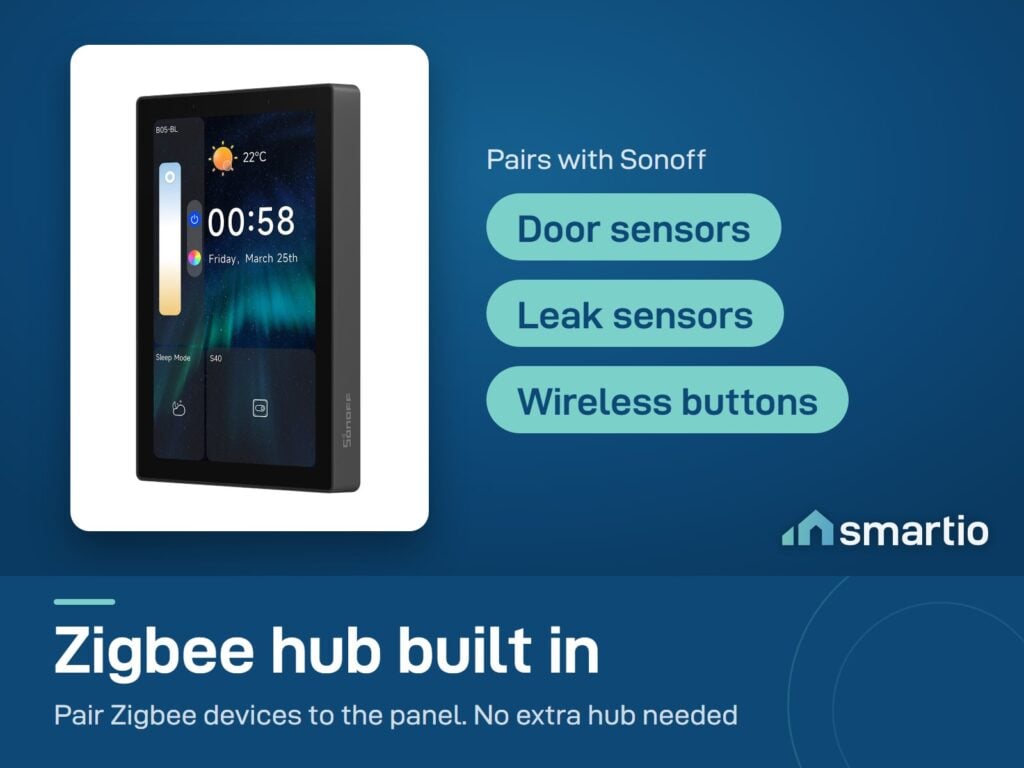
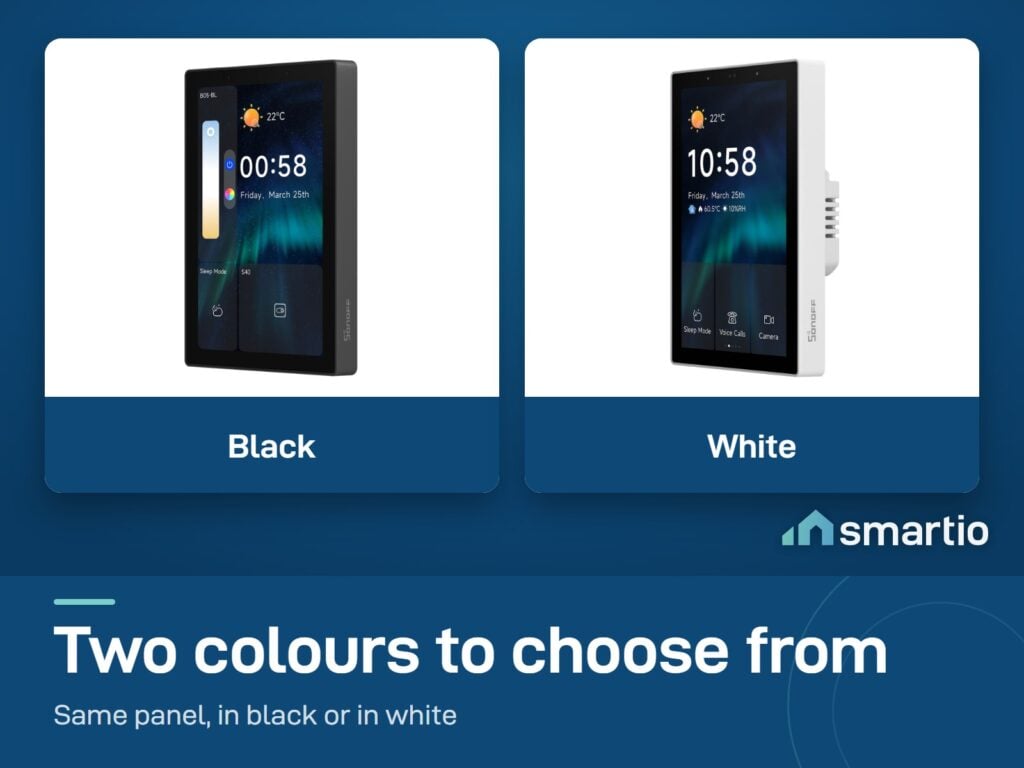
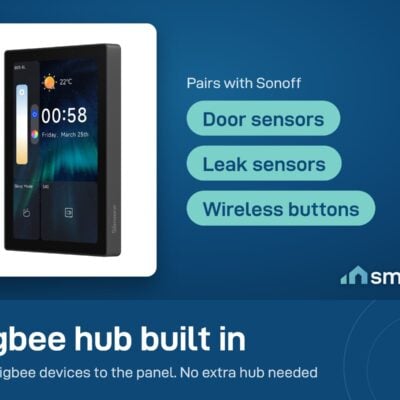
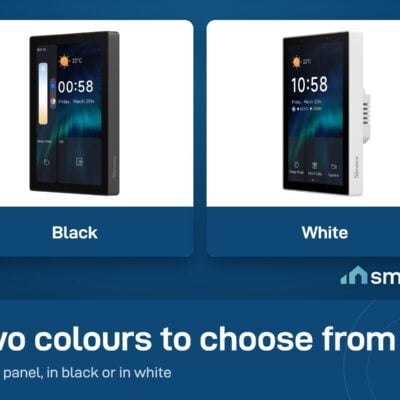
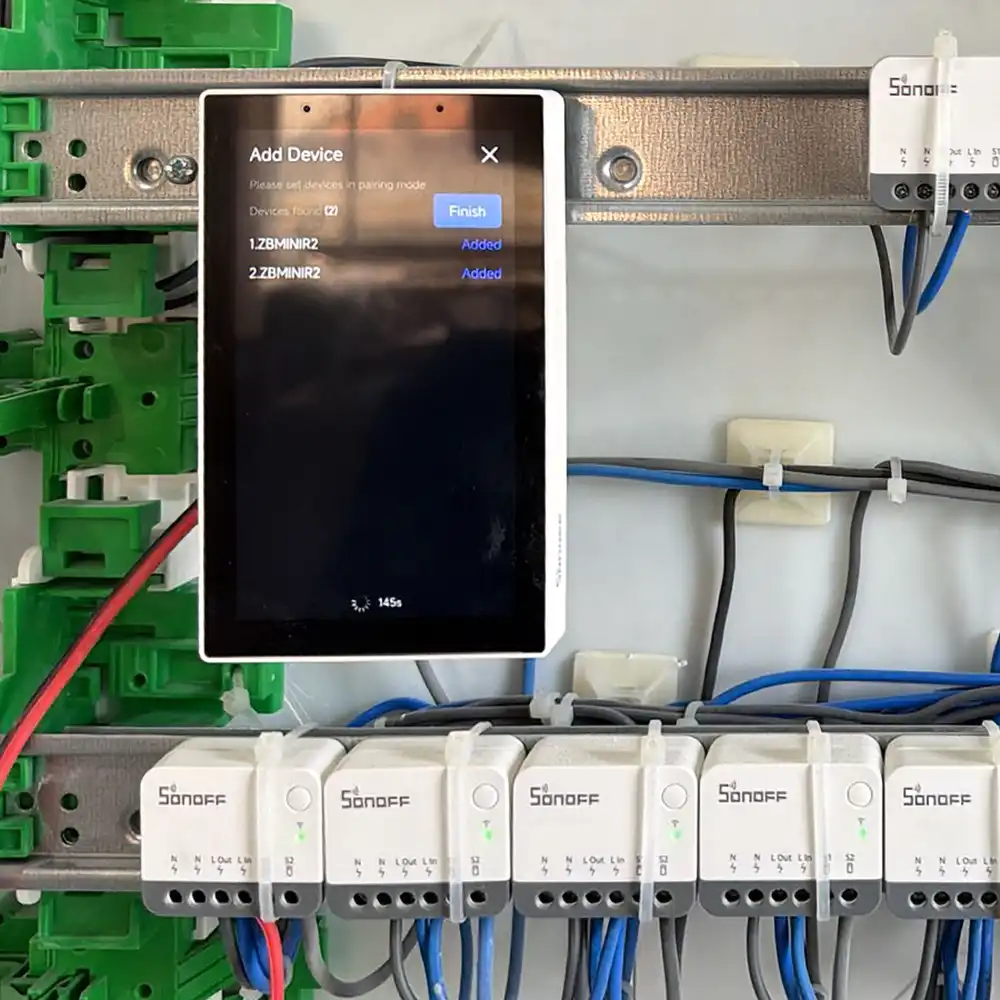
Crucially, it includes a built-in Zigbee hub, so it can pair Zigbee sensors and switches directly (you don’t need a separate Bridge Pro). Available in white and black.
Why people buy it
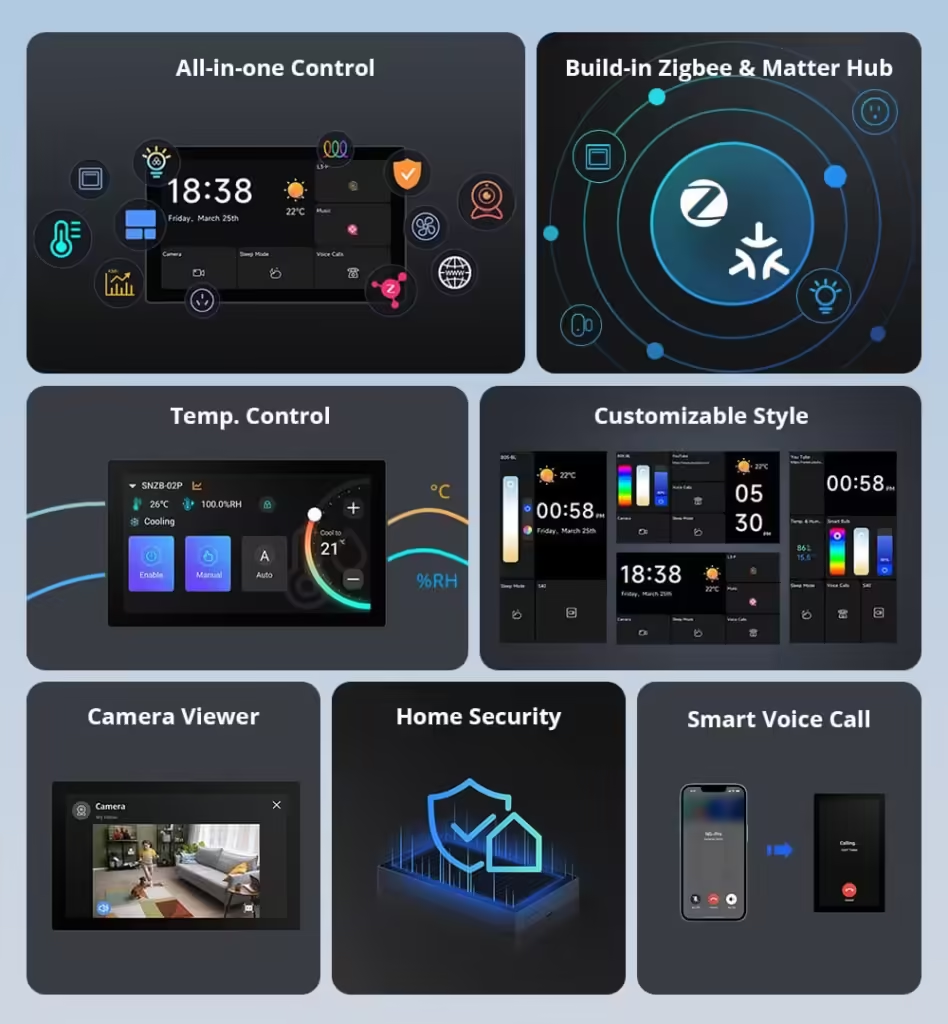
- One wall panel replaces 10 apps. Lights, AC, cameras, sensors, scenes – all from a single touchscreen mounted at the entryway, kitchen, or bedroom.
- Zigbee hub built in. If you don’t have a Zigbee Bridge Pro yet, the NSPanel Pro replaces the need for one – pair sensors directly to the panel.
- Family-friendly control. Anyone in the house can use it without learning an app. Press a button on a screen.
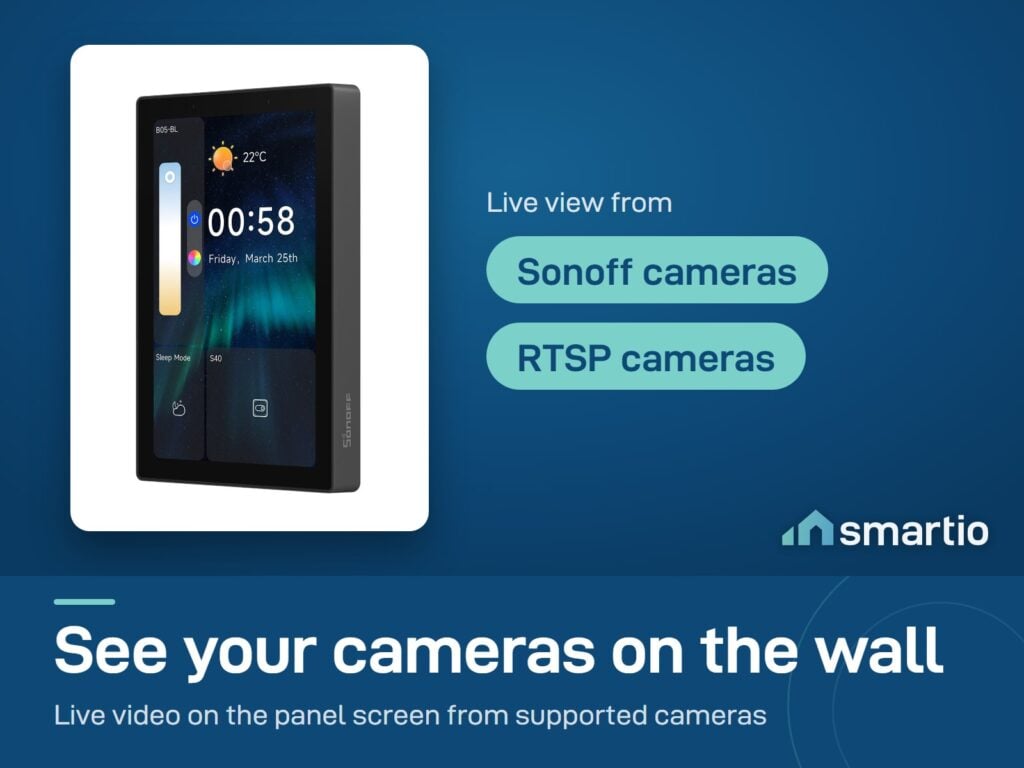
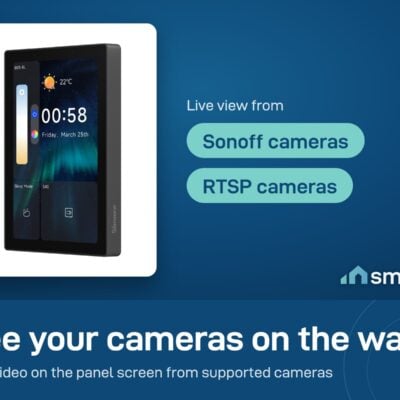
- Live camera view. See your Sonoff cameras directly on the panel – doorbell + camera at the entrance becomes a true smart intercom.
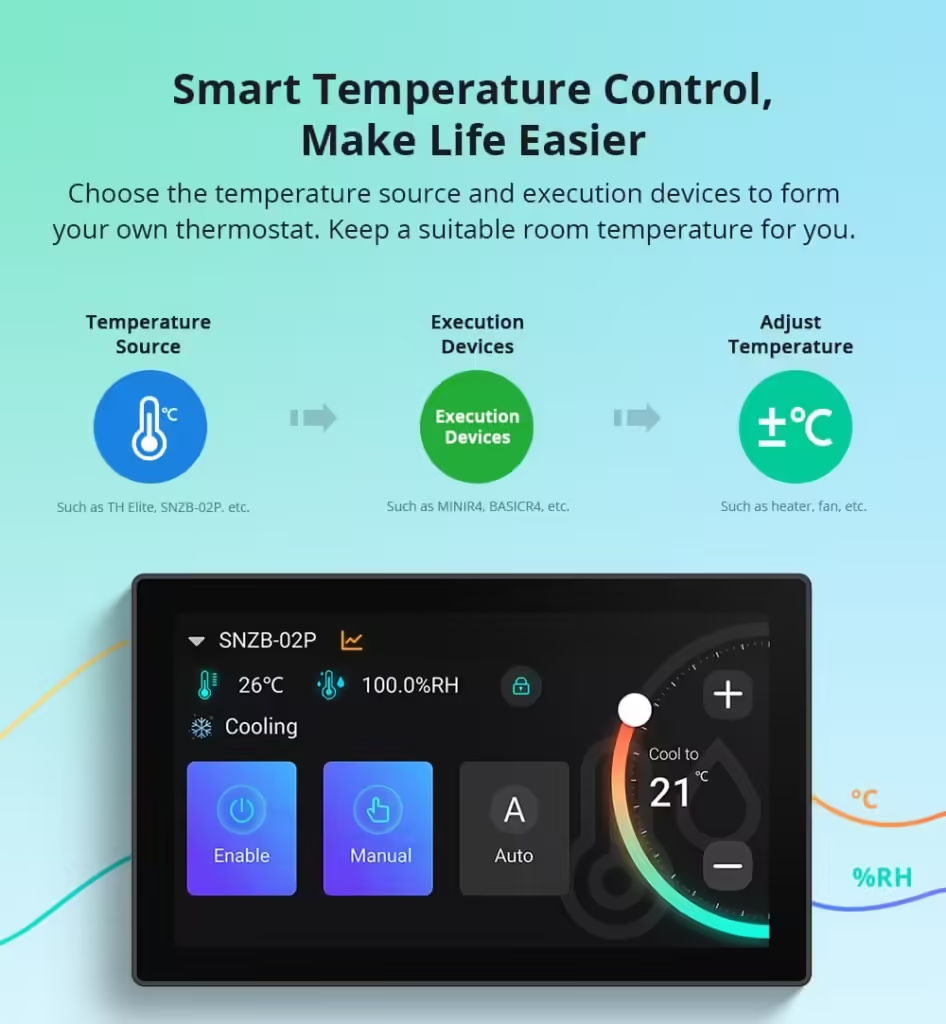
- Built-in thermostat. Display room temperature and control heating/cooling from the panel.
Key Features
- 4.7-inch touchscreen – significantly larger than the NSPanel 86 Type.
- Built-in Zigbee hub – no Bridge Pro needed.
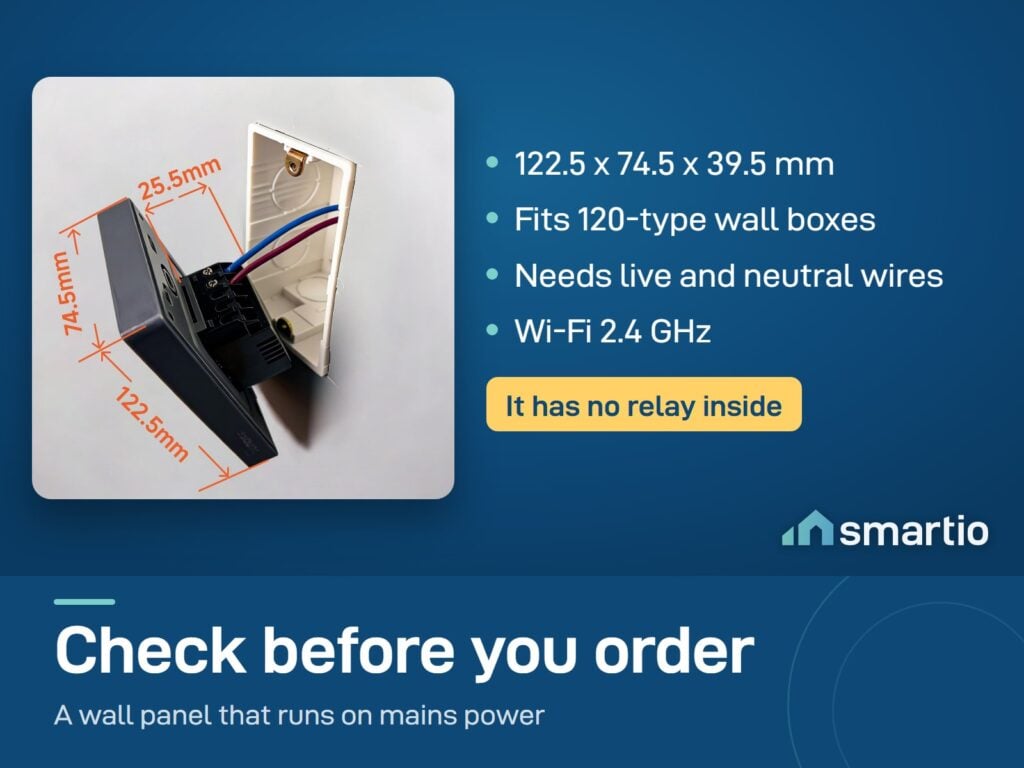
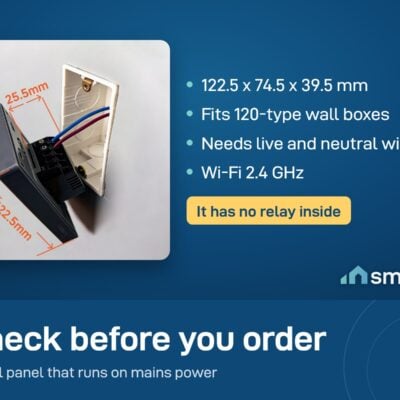
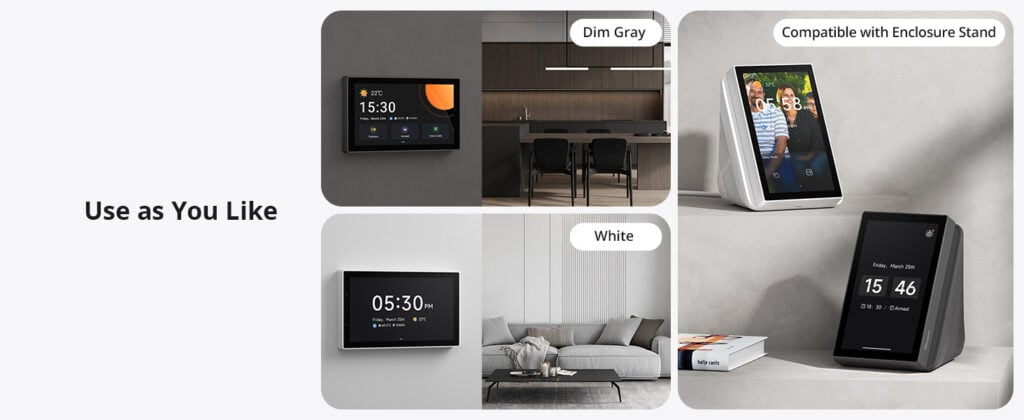
- Fits 120 Type Lebanese rectangular wall boxes.
- Live camera view from connected Sonoff cameras.
- Built-in thermostat – temperature display + heating/cooling control.
- Energy dashboard – track connected device power use.
- Matter support – bring devices from other brands into the panel.
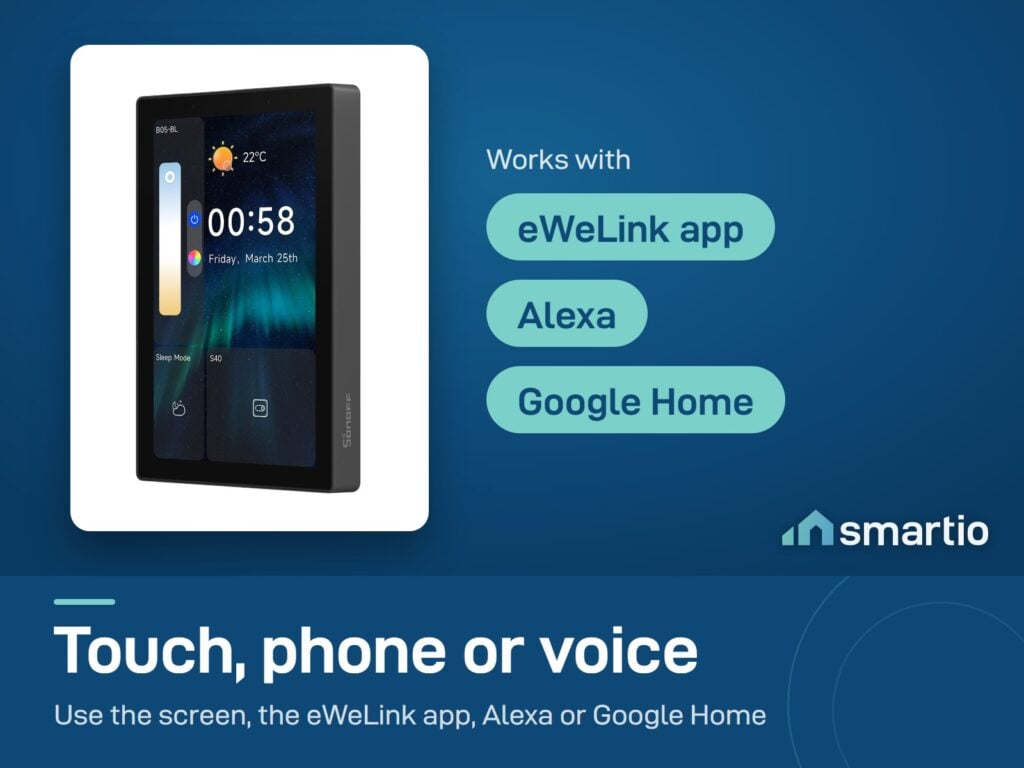
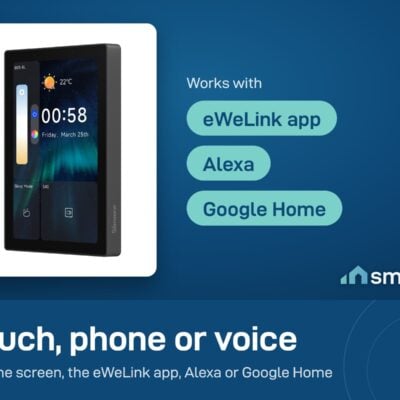
- Voice control via Google Assistant or Alexa.
- Available in white and black.
Pro Tip: Install this at your main entryway – replacing the wall switch that controls the foyer/living room lights. From there, anyone walking in can turn on the living room, dim the lights for a movie, check the front door camera, or adjust the AC – all without unlocking a phone. Combined with a built-in Zigbee hub, this single device can replace a Bridge Pro AND give you the family-friendly wall control.
Frequently Asked Questions
Is this a wall-mounted screen for controlling all my devices?
Yes – exactly that. It’s a touchscreen panel that replaces a standard wall switch and acts as a central control hub for your smart home (lights, cameras, sensors, scenes).
Is there a smaller version?
Yes – the original Sonoff NSPanel comes in an 86 Type (square) format with a smaller screen. The 120 Type (this version) is the larger rectangular one designed specifically for Lebanese walls.
Can it control my Zigbee devices?
Yes – the NSPanel Pro has a Zigbee hub built in. Pair Zigbee sensors, switches, plugs, and other devices directly to the panel – no separate Bridge Pro required.
Does it come in modules I assemble?
No – it’s a standalone all-in-one panel. Comes complete in one piece, ready to wire into your wall box.
Does it need a neutral wire?
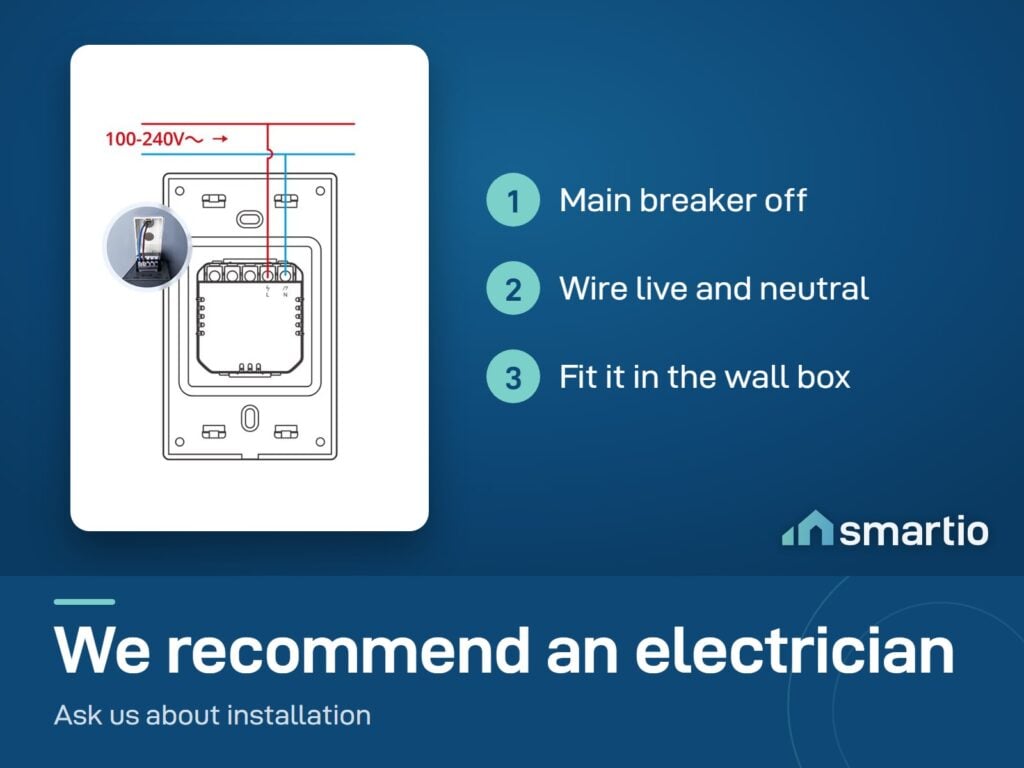
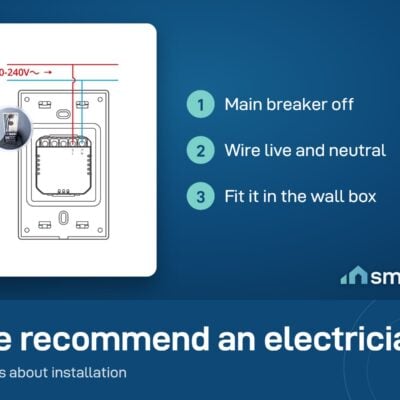
Yes – like most smart wall switches, it requires a neutral wire at the install location. Most modern Lebanese homes have one; very old wiring may not.
The screen isn’t working properly – what now?
Most common cause: a recent software update needs reapplication. Check for app updates in the eWeLink app, then update the panel. If it still doesn’t work, contact Sonoff support directly through the eWeLink app.
Can I return it if it doesn’t work for me?
Yes – within our return window. Have your electrician verify installation first; sometimes it’s a wiring issue rather than a defective panel. Defective units get replaced under the warranty.
Will it fit a Lebanese standard wall box?
Yes – the 120 Type is specifically designed for rectangular Lebanese wall boxes, which are the standard in most Lebanese homes.
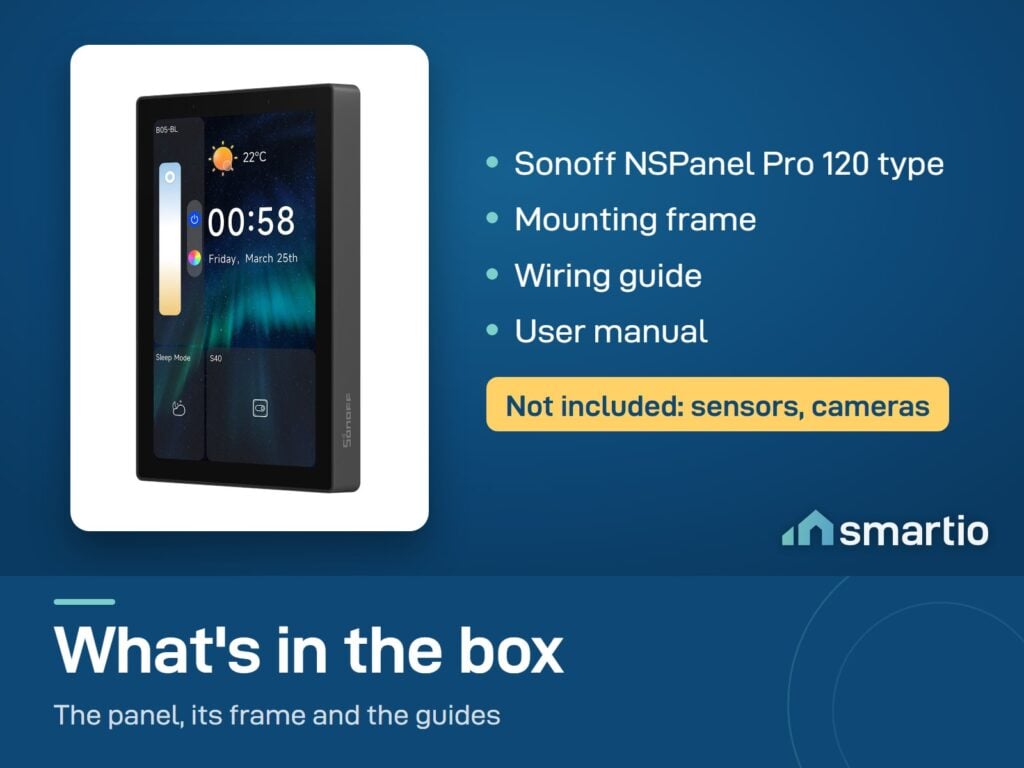
What You Get
A Closer Look
Sonoff NSPanel Pro Smart Home Control Panel
Control Your Devices from One Screen
A built-in Zigbee hub connects your sensors and switches directly.
Energy, Security, and More on One Screen
Monitor Live Feeds, Adjust Settings, and Browse the Web-All in One Place
Smart Home Control Panel Support Matter

Common Use Cases (5)
Real scenarios Lebanese customers use this product for. Don't see yours? Message us and we'll tell you if it fits.
Works With




Control with the eWeLink app
What's in the Box
Delivery & Pickup
Warranty & Support
Customer Reviews (2)
Frequently Asked Questions
Compare Models
Still deciding?
Message us on WhatsApp - we'll tell you honestly if this is the right fit for your home.