

Govee Smart LED Bulb
- Socket: E27 (standard screw - لمبة برم)
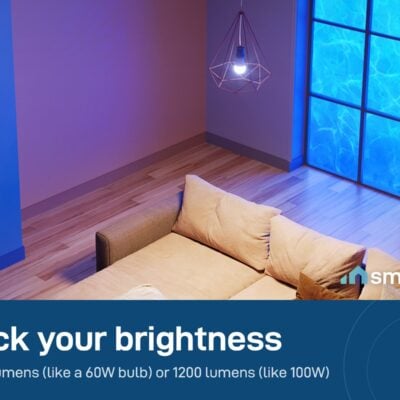
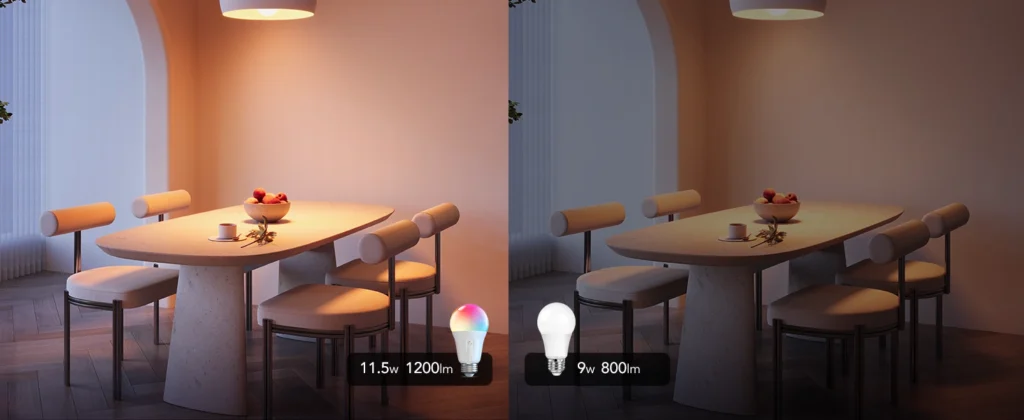
- Brightness options: 800 lm (≈60W) or 1200 lm (≈100W)
- Color: RGB + tunable white
- 6-month warranty, covering every brand we sell
- 14-day exchange on unopened items
- Delivery all over Lebanon, free on orders over 50 $
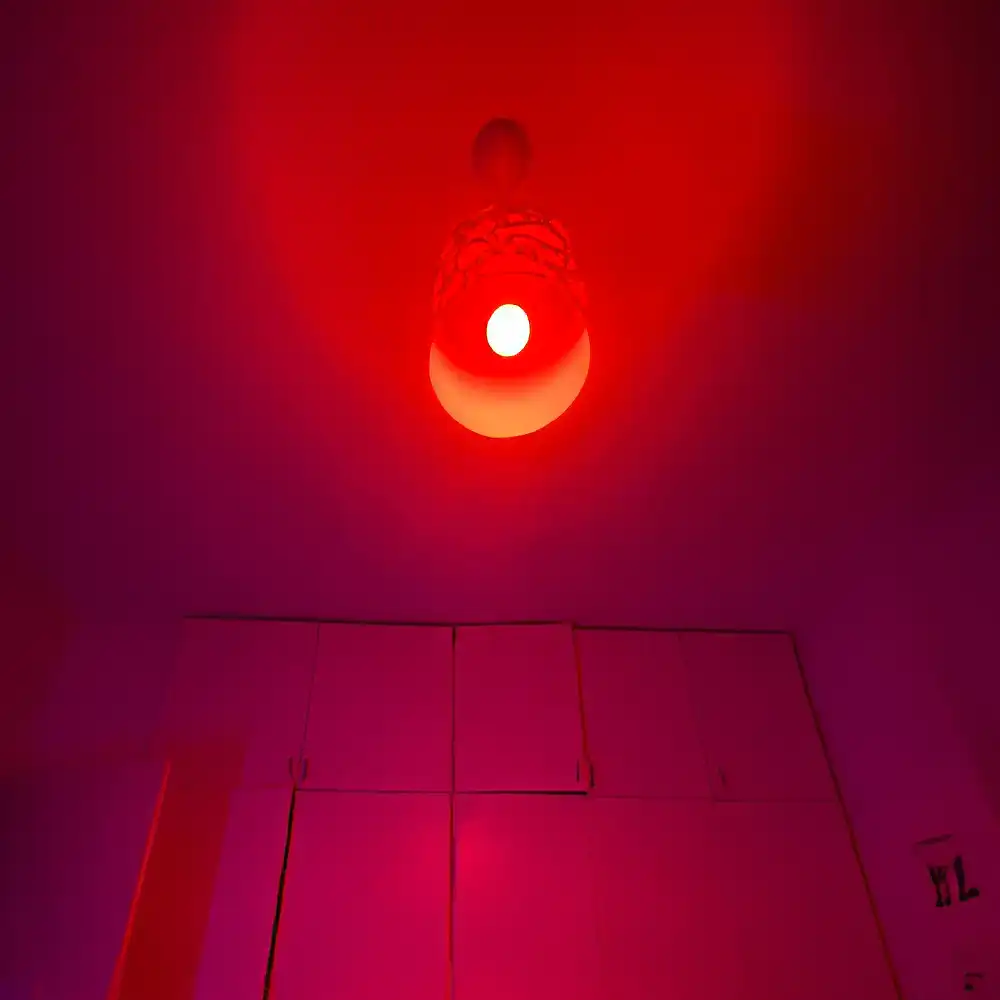
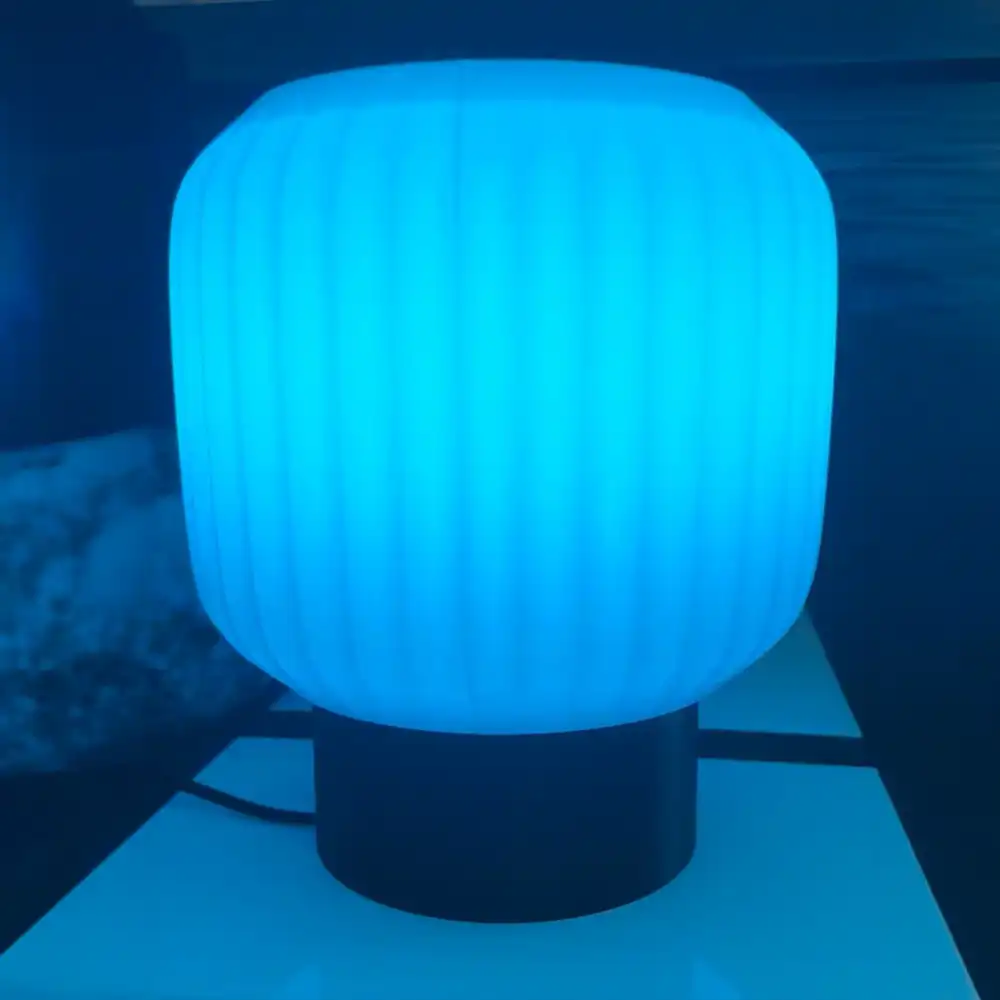
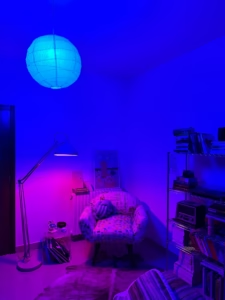
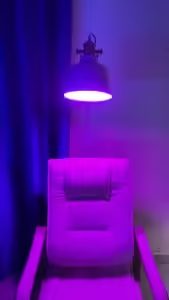
I got it for my lamp and it looks absolutely amazing, it really upgraded the whole vibe! ✨
عنجد شي wow
- Standard E27 bulb - fits most Lebanese ceiling fixtures and lamps. No hub or extra device needed.
- Controlled via the Govee Home app or voice (Alexa, Google Assistant).
Govee products customers bought together
How It Works
Is This Right for Me?
Product Details
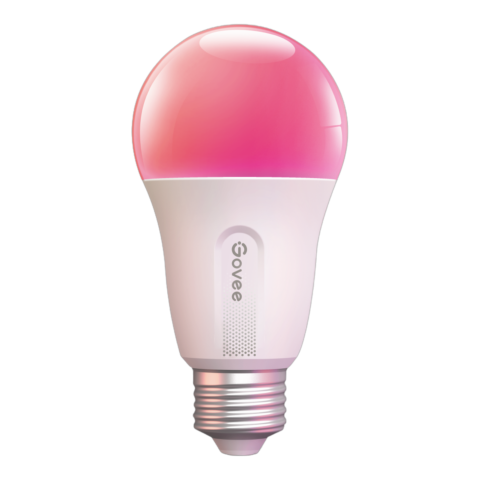
Govee Smart LED Bulb
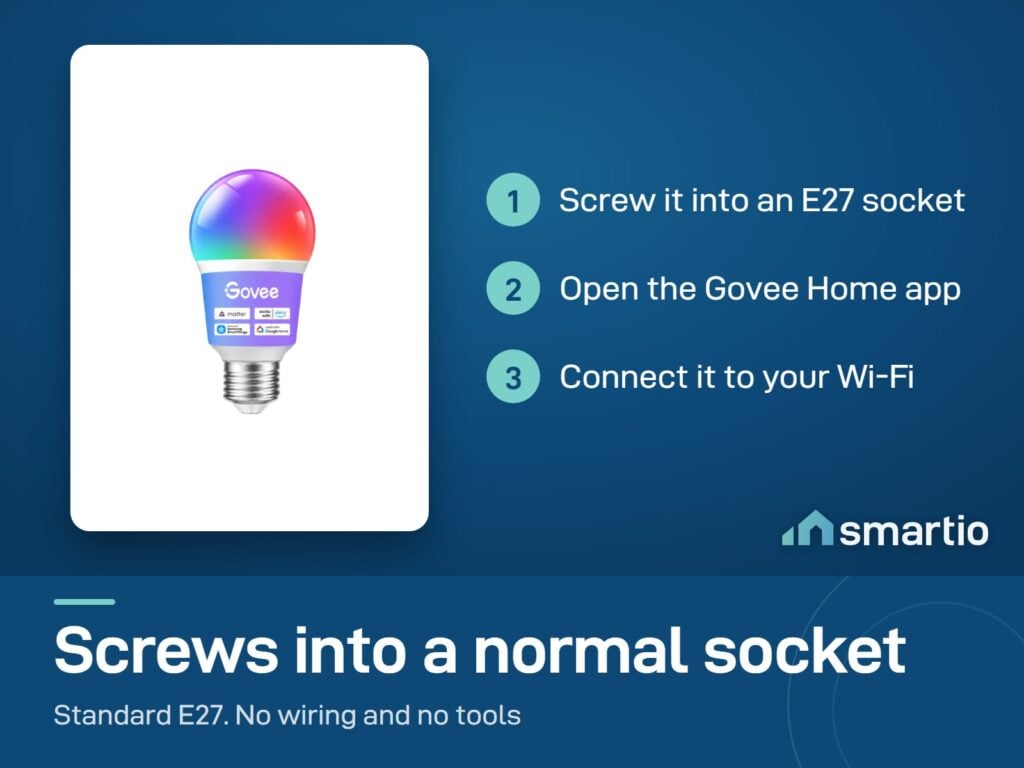
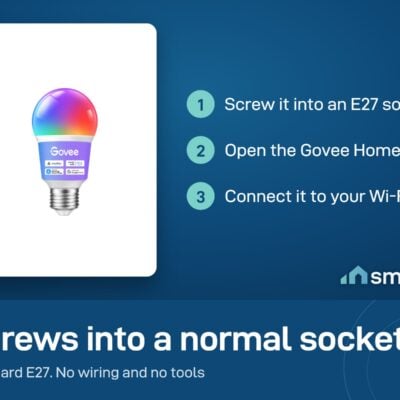
Screws into any standard E27 socket – the same shape as a regular bulb. Connect it to Wi-Fi in 60 seconds and suddenly you control brightness, color, and schedule from your phone.
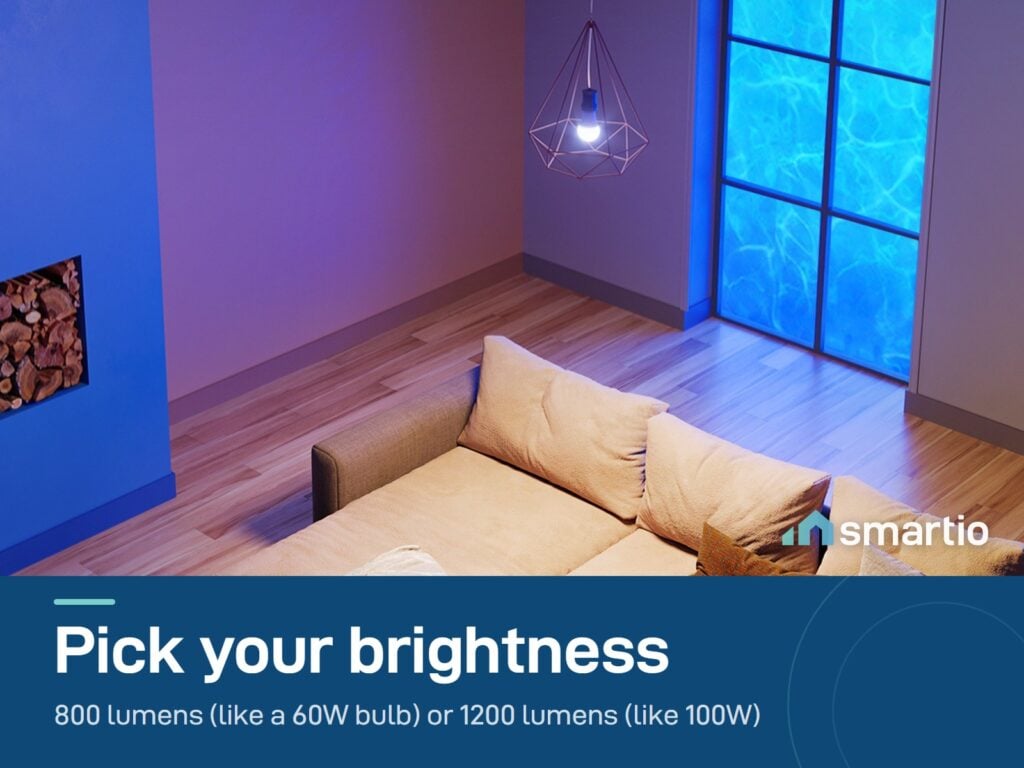
Two brightness options: 800 lm (≈ 60W traditional) for ambient lighting in smaller rooms, and 1200 lm (≈ 100W traditional) for main lighting in larger rooms or kitchens.
Which brightness to pick
- 800 lm – bedside lamps, side tables, small bedrooms, accent lighting, mood pieces. Equivalent to a 60W incandescent.
- 1200 lm – main ceiling fixture in a bedroom or living room (rooms around 3.5 × 4 m or bigger), kitchen task lighting. Equivalent to a 100W incandescent.
What you get
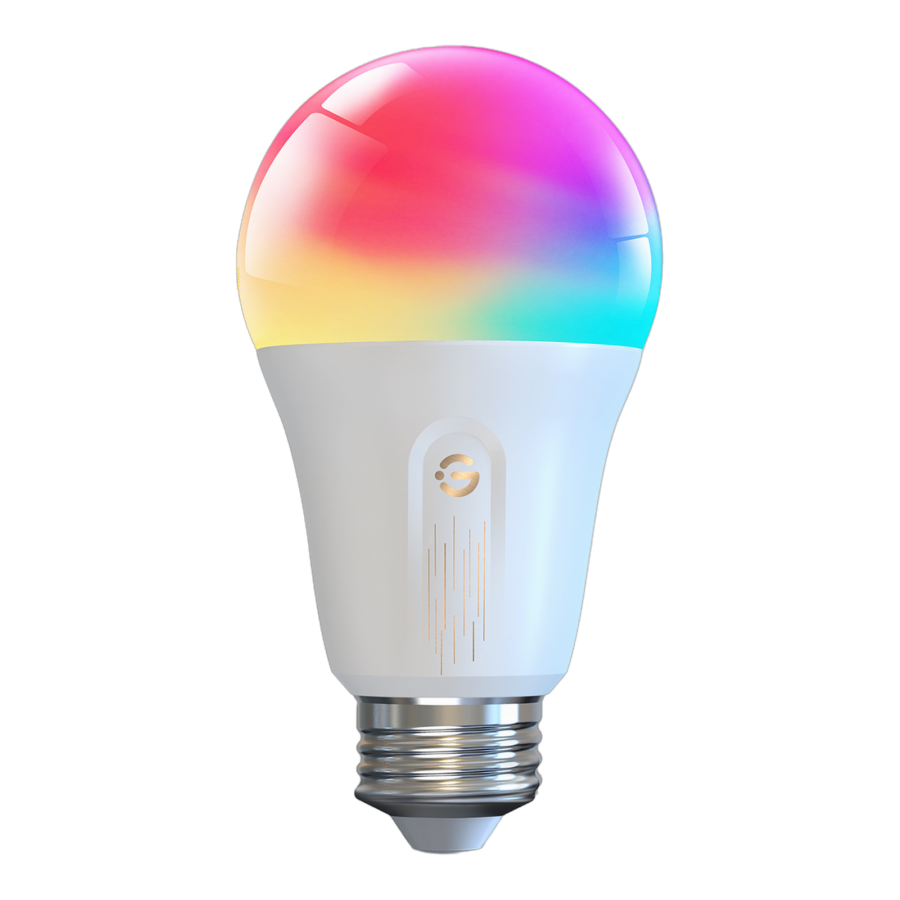
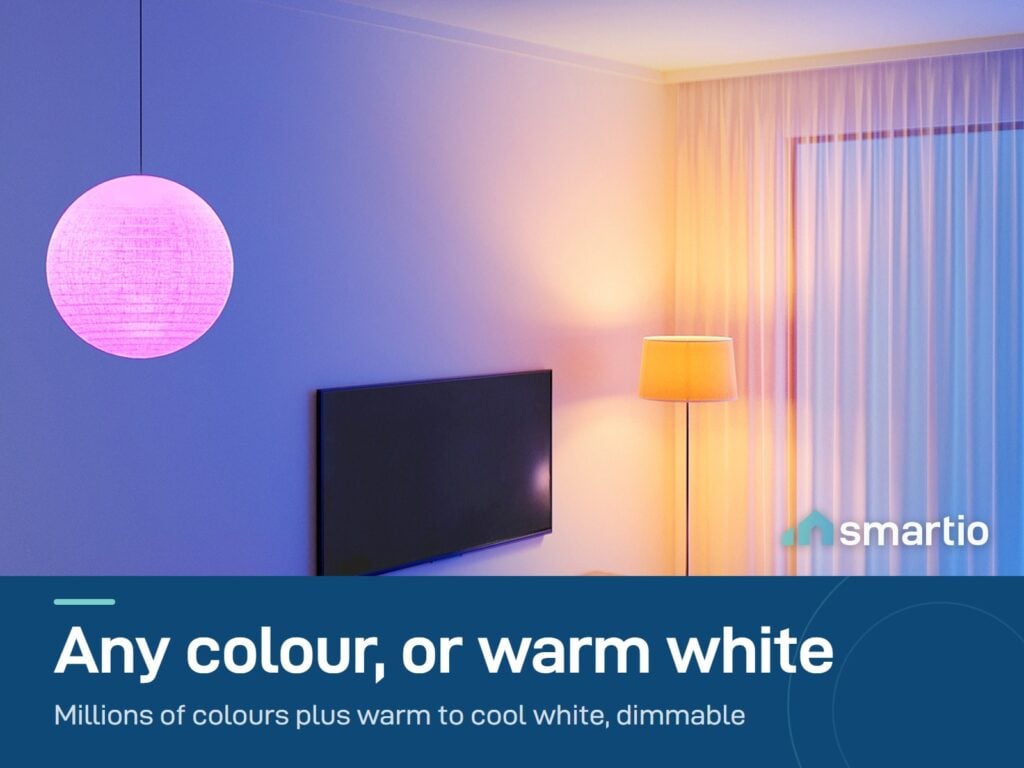
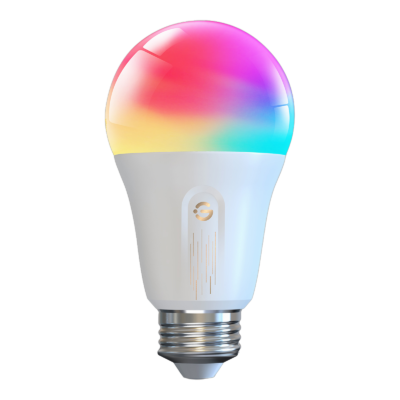
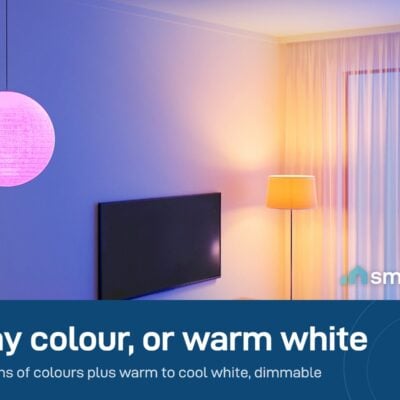
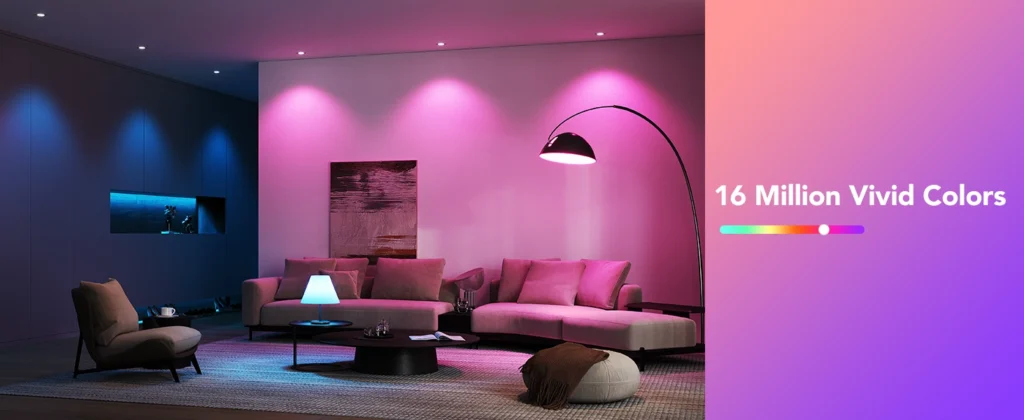
- Millions of colors + tunable white – warm orange for evenings, cool white for working, any color for mood lighting.
- Wi-Fi + Bluetooth. Works over both – Bluetooth means it still responds even if your router is restarting.
- Dimmable from the app. No physical dimmer needed; the app handles it.
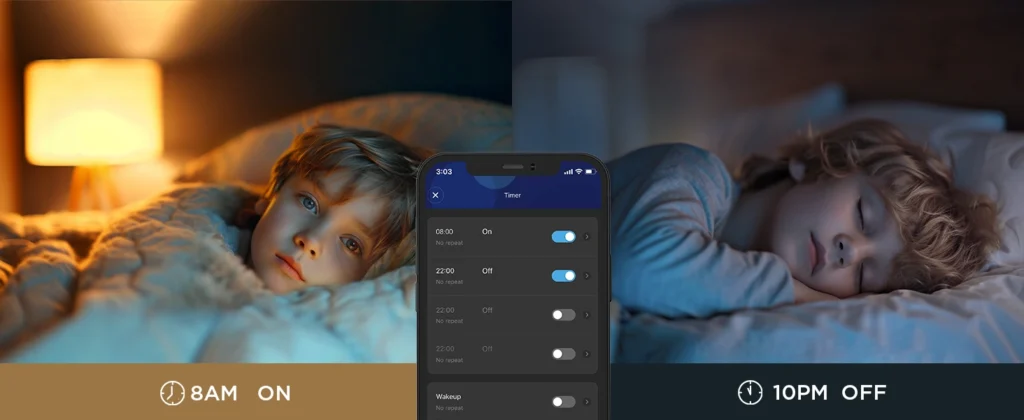
- Schedules + timers – wake up to a gradual sunrise, dim down before sleep automatically.
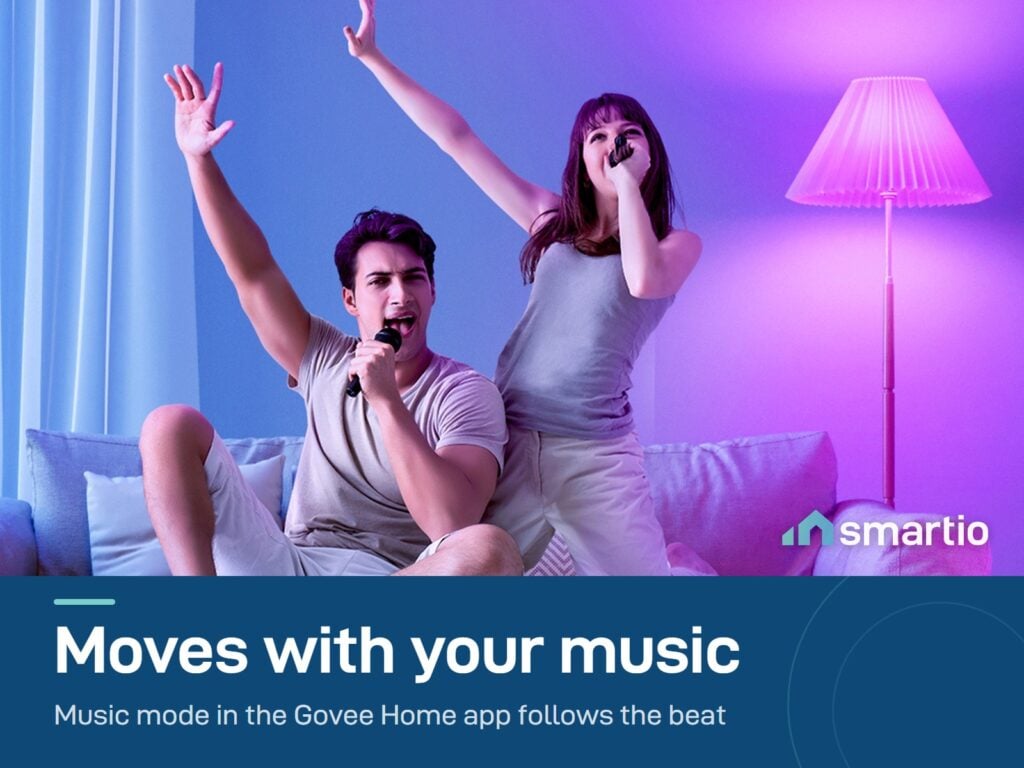
- Music sync – bulbs flash and change color to whatever’s playing through your phone’s mic.
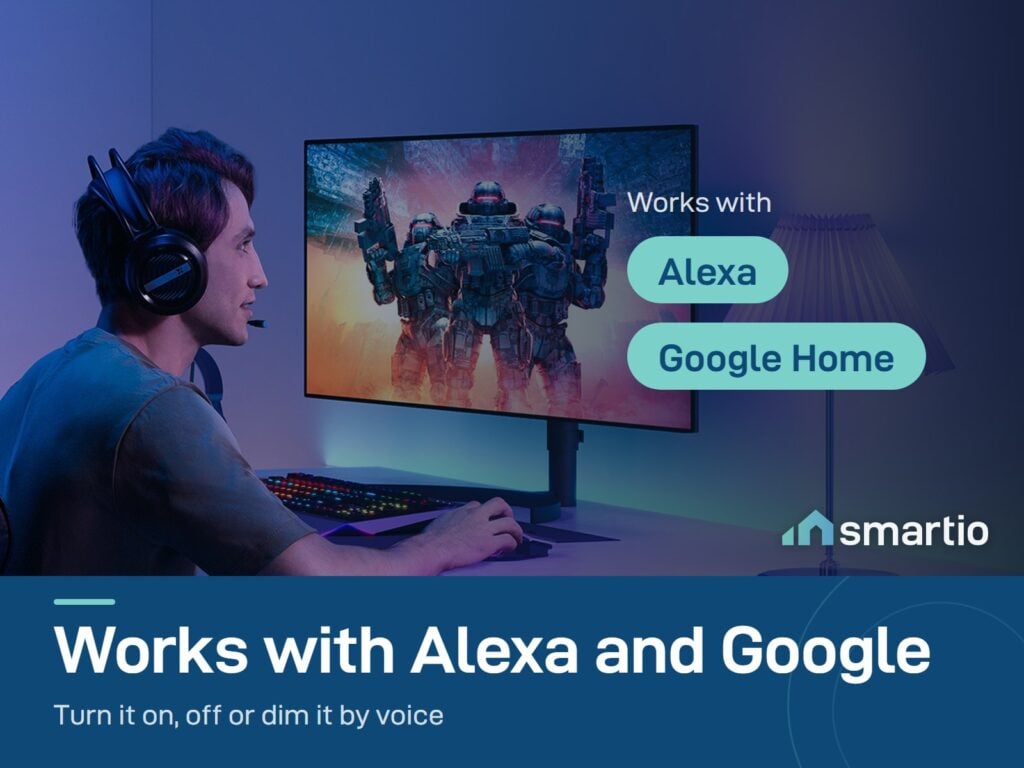
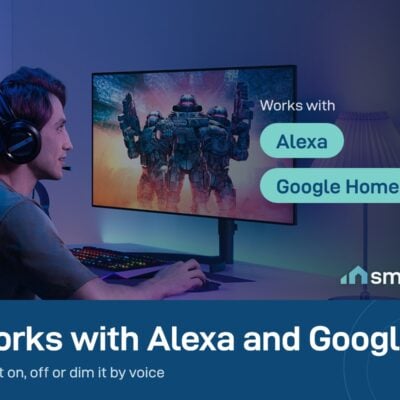
- Voice control – works with Alexa and Google Assistant.
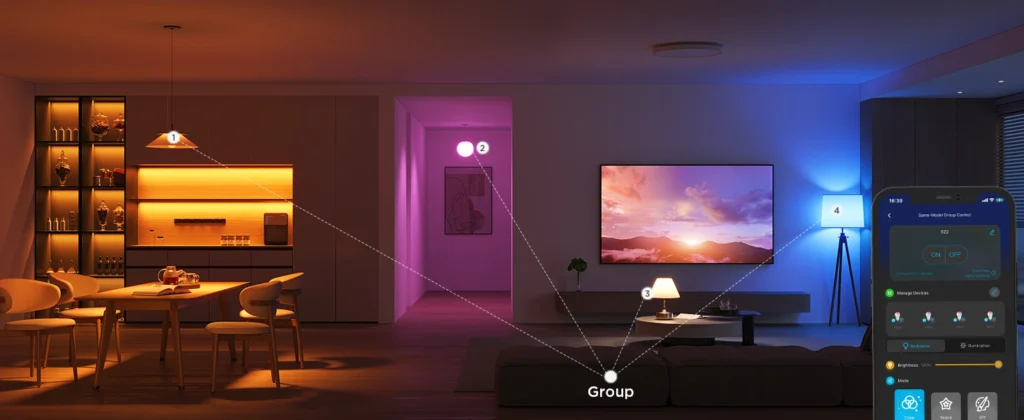
- Group up to 50 bulbs in one tap in the Govee Home app.
Pro Tip: Put the 800 lm in your bedside lamp and schedule it: warm dim orange for an hour before bed. The warm color tells your brain it’s sleep time – you’ll fall asleep faster without realizing why.
Frequently Asked Questions
What’s the difference between the 800 lm and 1200 lm?
Brightness only – everything else is identical. 800 lm ≈ a 60W traditional bulb (ambient, small rooms). 1200 lm ≈ a 100W traditional bulb (main lighting, larger rooms). For a 3.5 × 4 m bedroom as the main light, pick 1200 lm.
Will it fit my existing lamp?
Yes – it has a standard E27 screw base, the same as 99% of bulbs in Lebanon. Just unscrew the old bulb and screw this one in.
Do I need a hub or special equipment?
No hub. Just your home Wi-Fi (2.4 GHz). Download the Govee Home app, plug in the bulb, scan to add – takes about a minute.
What if I install it but the app isn’t connecting?
Message us on WhatsApp – send a screenshot of where it’s stuck and we’ll walk you through it. Most issues are network-related (5GHz router instead of 2.4GHz) and fix in two minutes.
Is there a warranty?
Yes – 6-month warranty against factory defects.
Will the bulb remember its settings after a power cut?
Yes. The bulb saves its last state, so when power comes back it returns to whatever brightness and color it was on. (Note: after a power surge it may turn on automatically – this is normal behavior, not a bug.)
Can I install it myself or do I need help?
You install it yourself – it screws in like any regular bulb. If you’d rather have someone do it for you, we offer optional installation when you order; we’ll send an electrician and you can settle the fee directly with them.
What You Get
A Closer Look
Govee Smart LED Bulb
Sync Your Media
With Music Sync Mode, your lights can dance to the beat of your music for a fun and immersive experience.
Timer Setting
Set timers to turn your lights on or off at specific times, perfect for fitting into your daily routine.
Group Control
Easily manage your smart light bulbs and other Govee smart products simultaneously by setting up schemes and adding them to a group. Control them all together by connecting your bulbs to stable 2.4GHz WiFi.
Common Use Cases (4)
Real scenarios Lebanese customers use this product for. Don't see yours? Message us and we'll tell you if it fits.
Works With


Control with the Govee Home app

What's in the Box
Delivery & Pickup
Warranty & Support
What reviewers say
“While they may lack the polished application of Philips Hue and additional features of LIFX, at a quarter of the price of its rivals, the Govee bulb makes for a compelling purchase.”
This review covers Govee's Wi-Fi LED bulb range.
Customer Reviews (4)
Frequently Asked Questions
Compare Models
Still deciding?
Message us on WhatsApp - we'll tell you honestly if this is the right fit for your home.