CloudEdge Pan and Tilt Camera 2K
- Recording: Both
- Local Storage: MicroSD
- Resolution: 2K (2304 × 1296)
Tap a tier to select that quantity, then Add to Cart - the discount applies automatically in cart. No code needed.
- 6-month warranty, covering every brand we sell
- 14-day exchange on unopened items
- Delivery all over Lebanon, free on orders over 50 $
Man this camera is really awesome for the price really good quality compared to the price. I will definitely be…
I tried the CloudEdge Wi-Fi Camera PTZ and it works well. Application is responsive and easy to use. The picture…
- Pan (left/right) and tilt (up/down) remotely from the app - no need to physically adjust the camera.
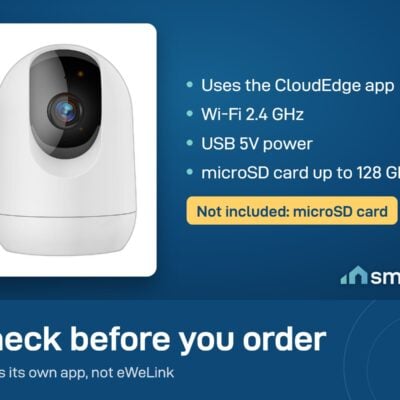
- Stores footage on a microSD card (not included) or cloud (check app for subscription details).
- Indoor use only.
CloudEdge products customers bought together
How It Works
Is This Right for Me?
Product Details
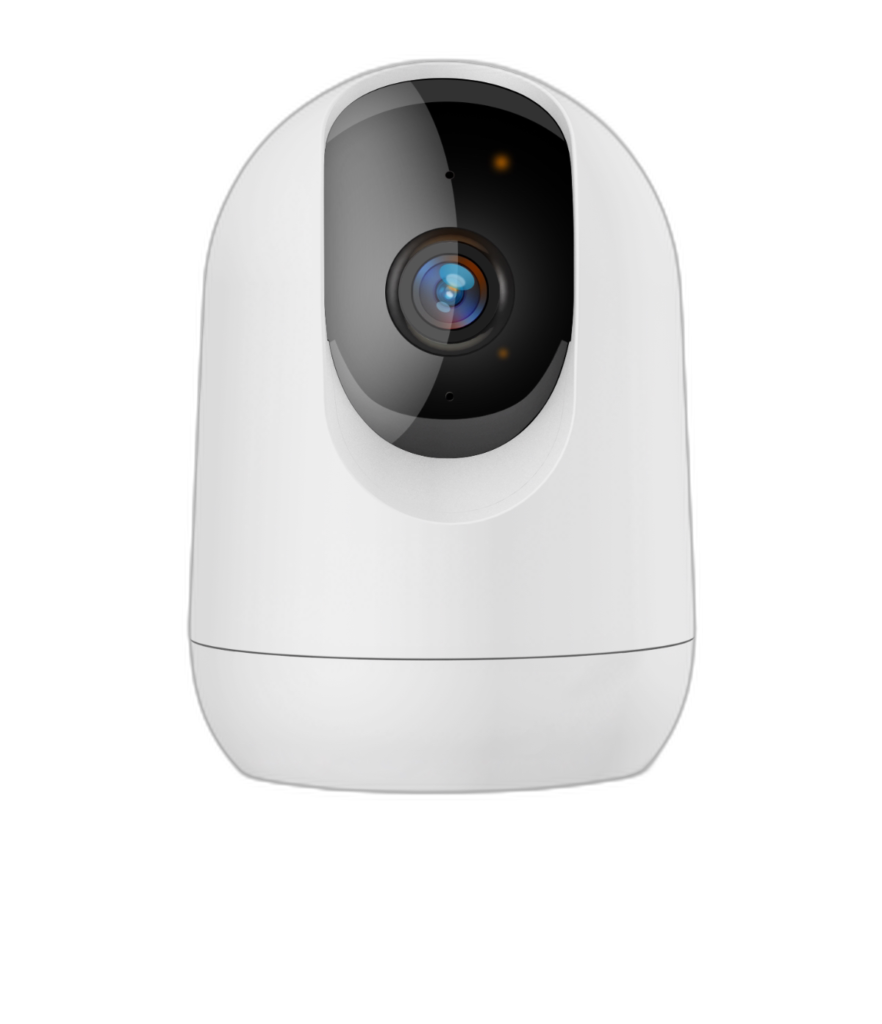
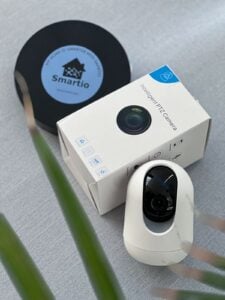
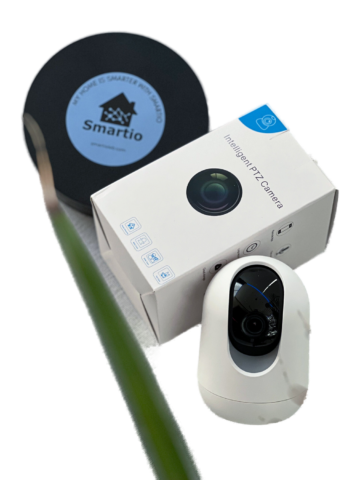
CloudEdge Pan and Tilt Camera – 2K
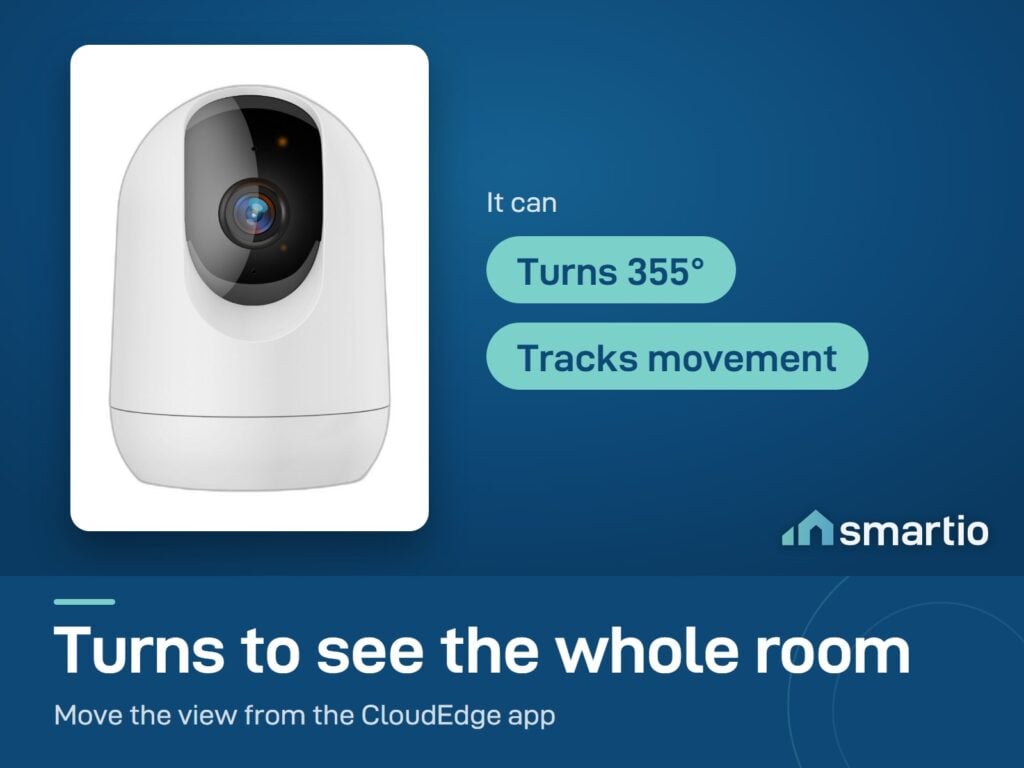
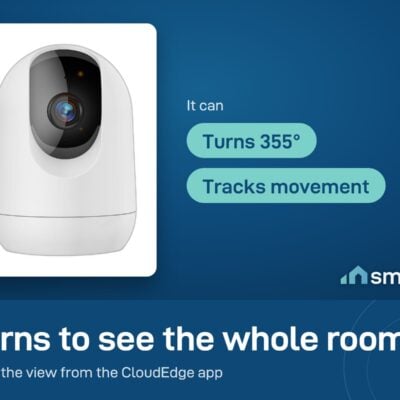
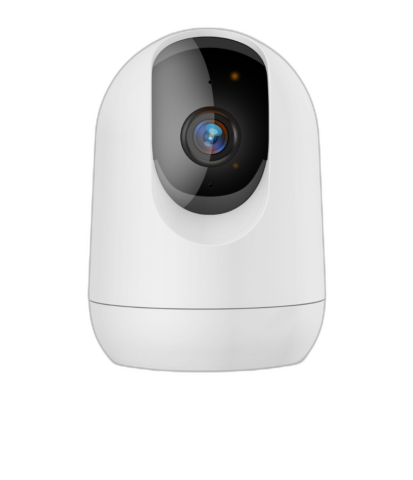
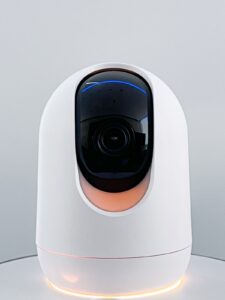
A Wi-Fi security camera you place on a shelf, ceiling, or wall. It rotates 355° left-right and tilts 60° up-down, so you can sweep the whole room from your phone – and it follows movement automatically. 2K resolution means you can actually read what’s happening, not just see vague shapes.
Built for indoor use mainly (keeping an eye on a child, an elderly parent, a pet, or a shop while you’re out) but works outdoors under cover too.
Why people buy it
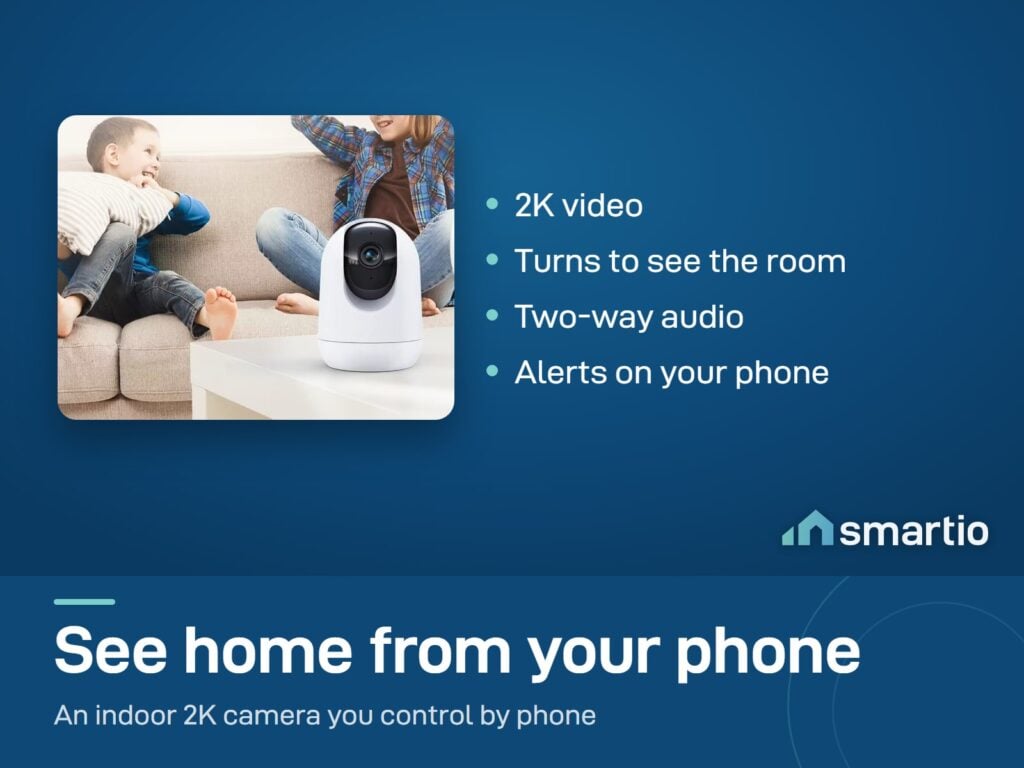
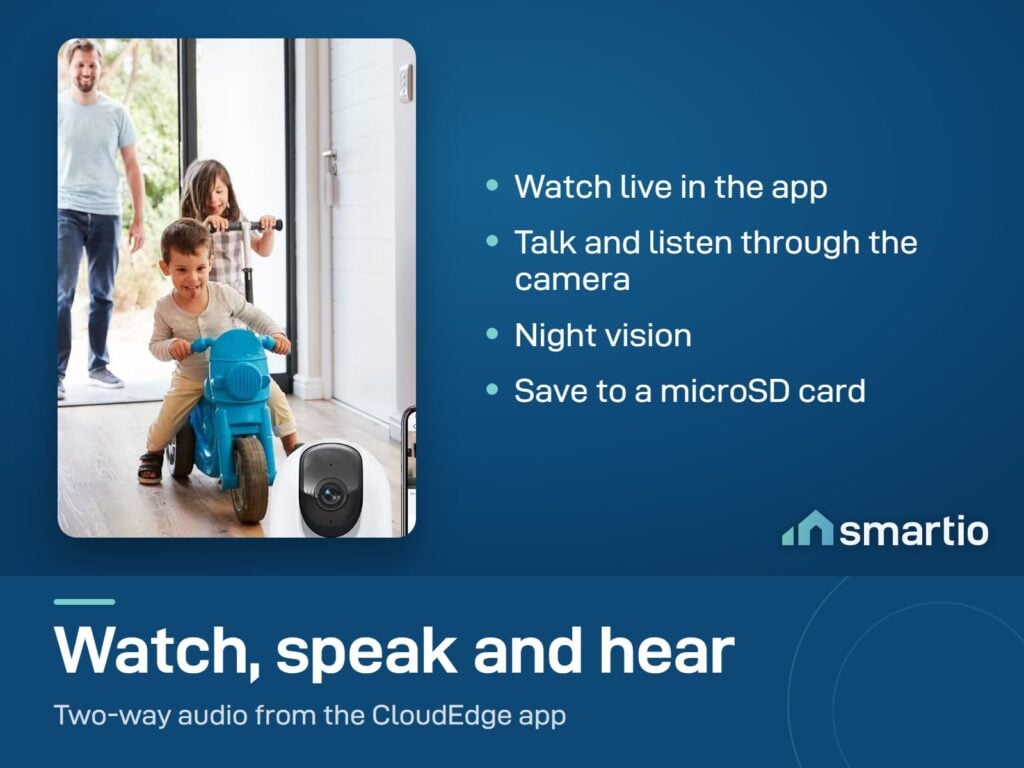
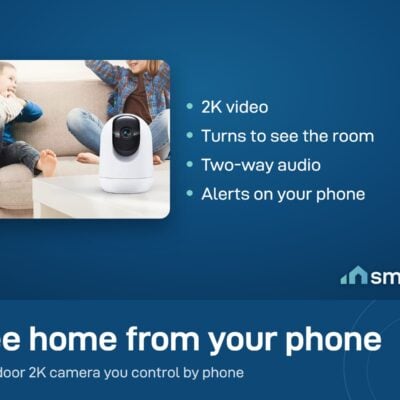
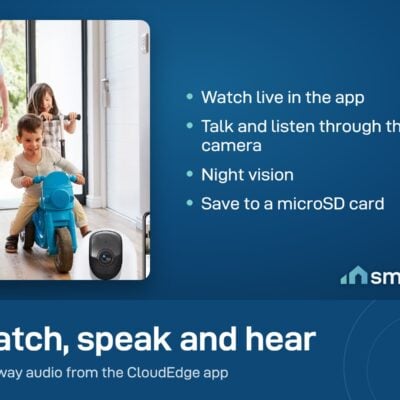
- See and talk through it. Two-way audio means you can hear the baby cry and shush them from your phone, or tell the dog to get off the couch.
- Auto-tracking. The camera follows whoever’s walking through the room – you don’t need to manually pan it.
- Sweep the whole room from one camera. 355° pan covers a room that would otherwise need 3-4 fixed cameras.
- Check in from anywhere. Live feed from your phone over 4G or any Wi-Fi connection.
Key Features
- 2K resolution – sharper than 1080p; faces and text are actually legible.
- 355° pan, 60° tilt – full room coverage from one mount point.
- Night vision up to 10 m in total darkness (infrared).
- Two-way audio – built-in mic + speaker.
- Motion + sound alerts with auto-tracking and snapshots to your phone.
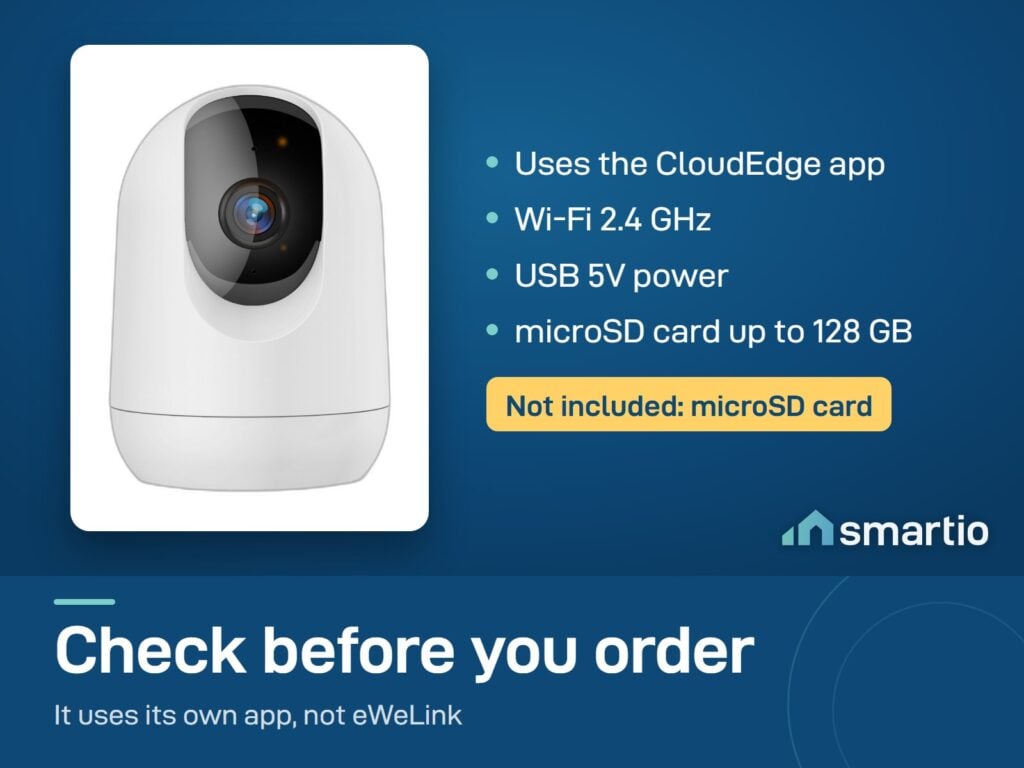
- Local storage via microSD card up to 128 GB (sold separately) – recordings stay yours, no cloud subscription required.
- Optional cloud storage if you prefer.
- Wi-Fi: works on both 2.4 GHz and 5 GHz networks.
Pro Tip: Mount it high in a corner where it can pan across the whole room (about 2.2 m height is ideal). Add a 64 GB microSD card and enable local recording – you’ll have ~7 days of motion-triggered footage on the card, no subscriptions needed.
Frequently Asked Questions
Which app do I use?
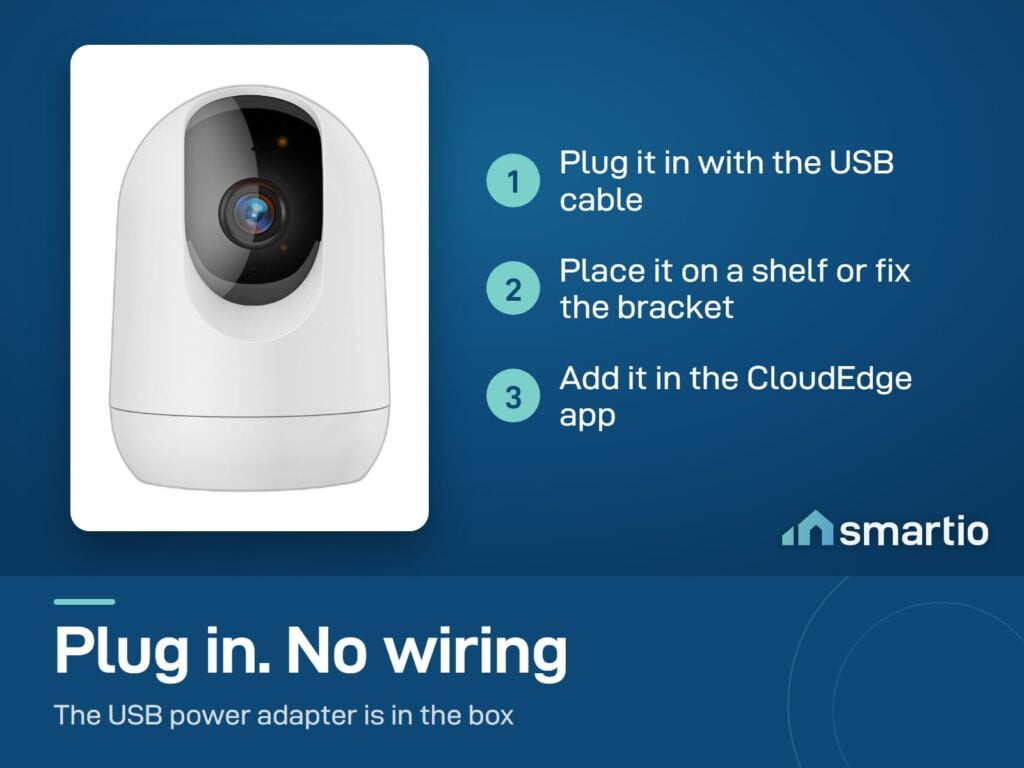
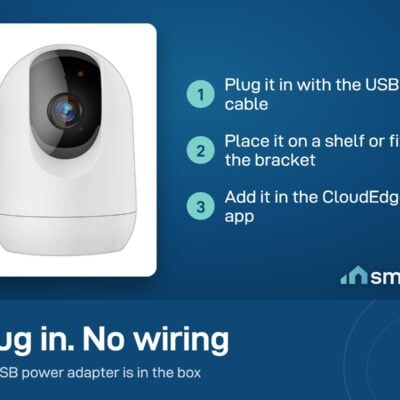
The CloudEdge app (free, iOS + Android). After downloading, open the app, scan the QR code on the camera, and follow the guided setup – it walks you through every step.
Does it work with eWeLink (the Sonoff app)?
No – CloudEdge cameras only work with the CloudEdge app, not eWeLink. Different brands, different apps.
Can I use it during EDL cuts?
The camera needs constant power. To keep it running during outages, plug it into a small UPS or a power bank with a 5V USB output – the camera will keep recording. Just remember it also needs internet, so your router needs power too.
How do I add a microSD card and start recording?
Insert the card into the slot on the camera body (gently – it clicks in). Then in the CloudEdge app, go to camera settings and enable Local Recording. The card will fill up over time; when it’s full, format it from inside the app.
Can my family also see the cameras?
Yes – each family member creates their own CloudEdge account, and you share access from yours. You can connect the same camera to multiple phones this way.
Can I see the cameras from outside Lebanon?
Yes – as long as the camera is connected to Wi-Fi at home, you can view the live feed from anywhere in the world over 4G or any internet connection.
Can it be mounted on the wall or ceiling?
Yes – comes with a mounting bracket. Most people place it high in a corner so it can sweep the whole room.
What if it can’t find my Wi-Fi during setup?
Most often the camera is briefly trying to connect to a 5 GHz network that doesn’t reach the spot. Solution: put the camera close to the router during the initial pairing, then move it to its final spot once it’s online. If that doesn’t work, try adding the device manually in the app rather than via QR code.
Want recordings, not just live view? This camera stores footage on a microSD card (not included). Pair it with the Kingston 128GB microSD card – about 30 days of motion clips, saved on the card, no monthly cloud fees.
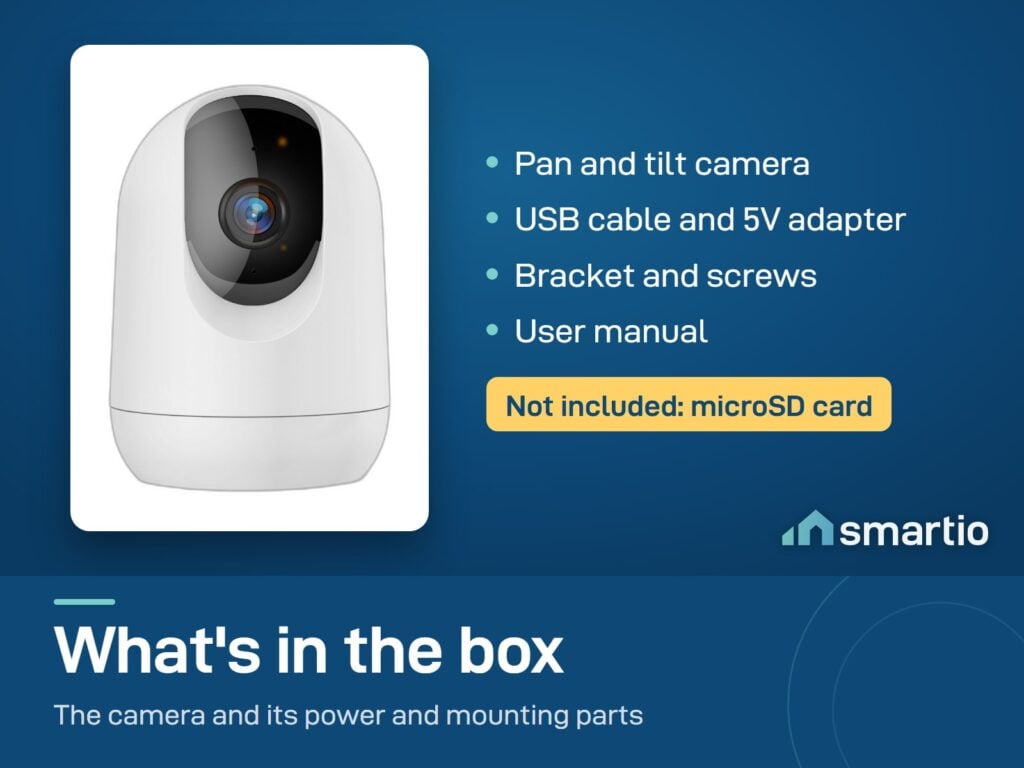
What You Get
A Closer Look
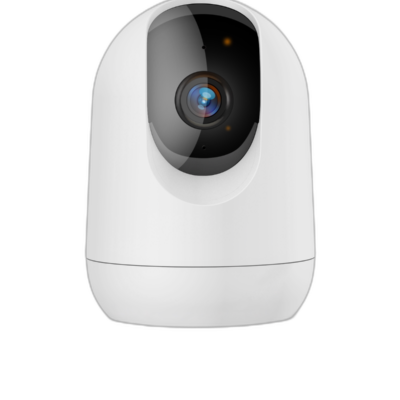
CloudEdge Pan and Tilt Camera
Enjoy unparalleled clarity with our 2K super HD live stream.
Common Use Cases (1)
Real scenarios Lebanese customers use this product for. Don't see yours? Message us and we'll tell you if it fits.
Works With


Control with the CloudEdge app

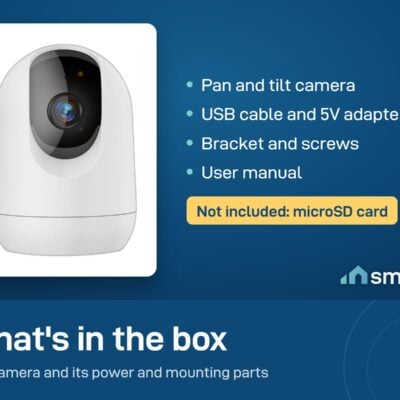
What's in the Box
Delivery & Pickup
Warranty & Support
Customer Reviews (3)
Frequently Asked Questions
Compare Models
Still deciding?
Message us on WhatsApp - we'll tell you honestly if this is the right fit for your home.