Home Security in Lebanon

Home security.
Cameras, sensors and alarms.

See your home from your phone and get an alert when a door opens. Start with one camera and add more later.

Cameras Sensors and alarms Video doorbells
Browse cameras
How it fits together

A home security setup has three parts

You do not need all three on day one. Many customers start with one camera and one door sensor. New to smart homes? Start with our smart home guide.

1. Cameras: see what is happeningLive video on your phone, with an alert when the camera sees movement or a person.
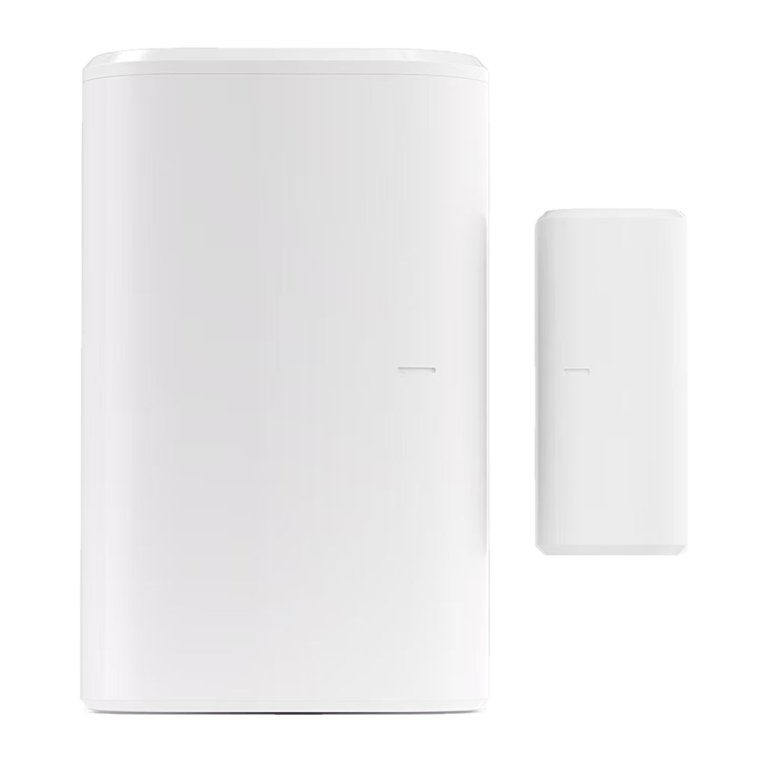
2. Sensors: know when something changesA door opens, someone walks into a room, or water starts to leak. You get a phone alert.
3. Alarms: react on the spotA loud siren at home, and an alert on your phone at the same time.
Cameras Β· 7 in stock

Wi-Fi security cameras

Watch your home from your phone, wherever you are. No wiring required.

App control Motion alerts Two-way audio Night vision
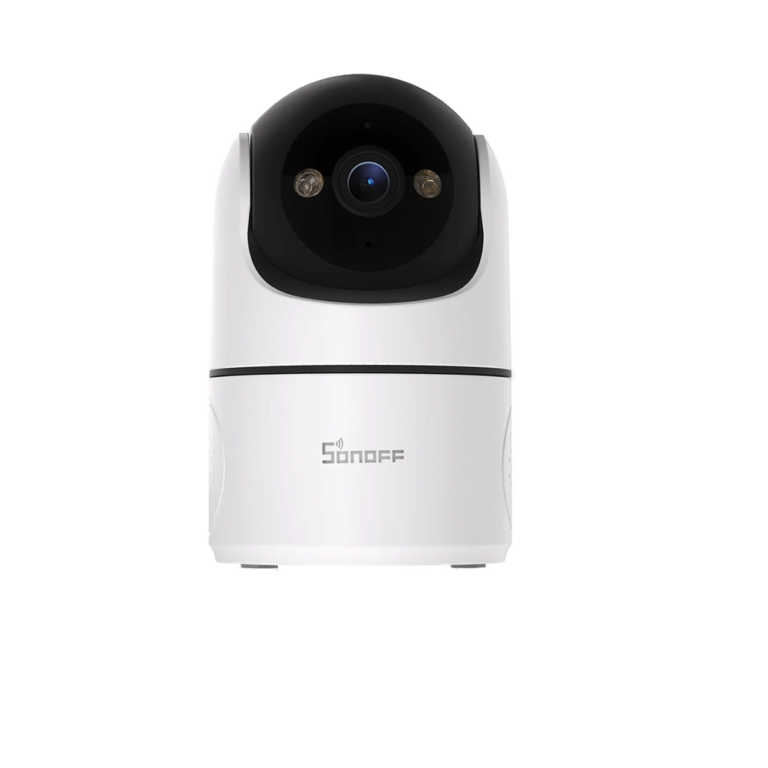
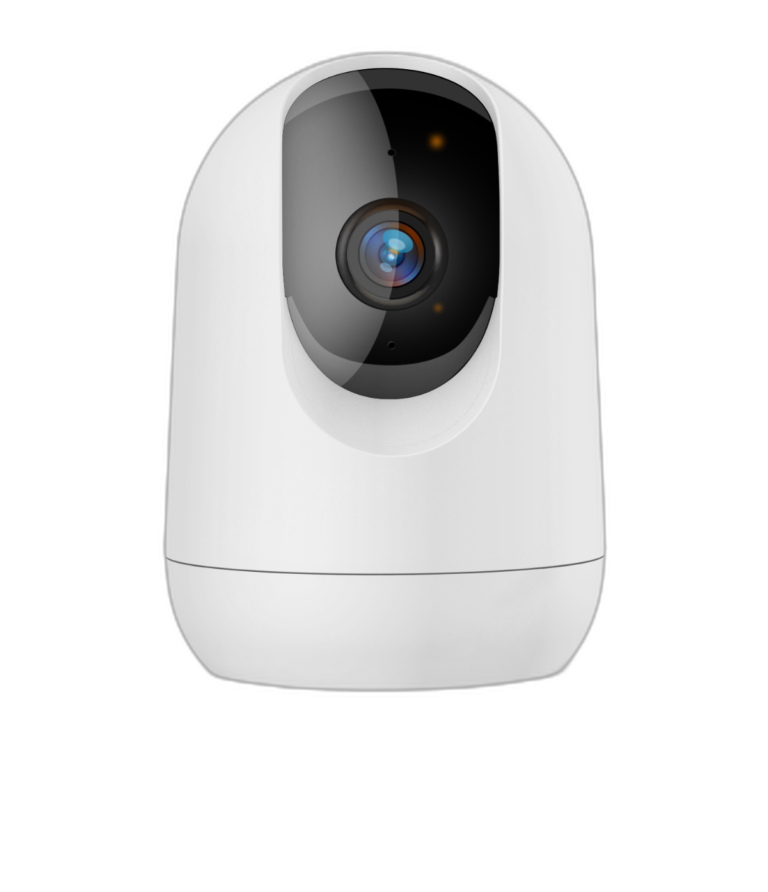
CloudEdge Pan and Tilt Camera 2K

CloudEdge Pan and Tilt Camera 2K

49 $
Resolution: 2K Storage: MicroSD Pan / Tilt: 355Β° horizontal, 60Β° vertical
App Β· CloudEdge Night Β· Infrared USB Powered
View details

What's in the box

  • 1Γ— CloudEdge Pan and Tilt Camera
  • 1Γ— USB power cable
  • 1Γ— Power adapter (5V)
  • 1Γ— Mounting bracket + screws
  • User manual
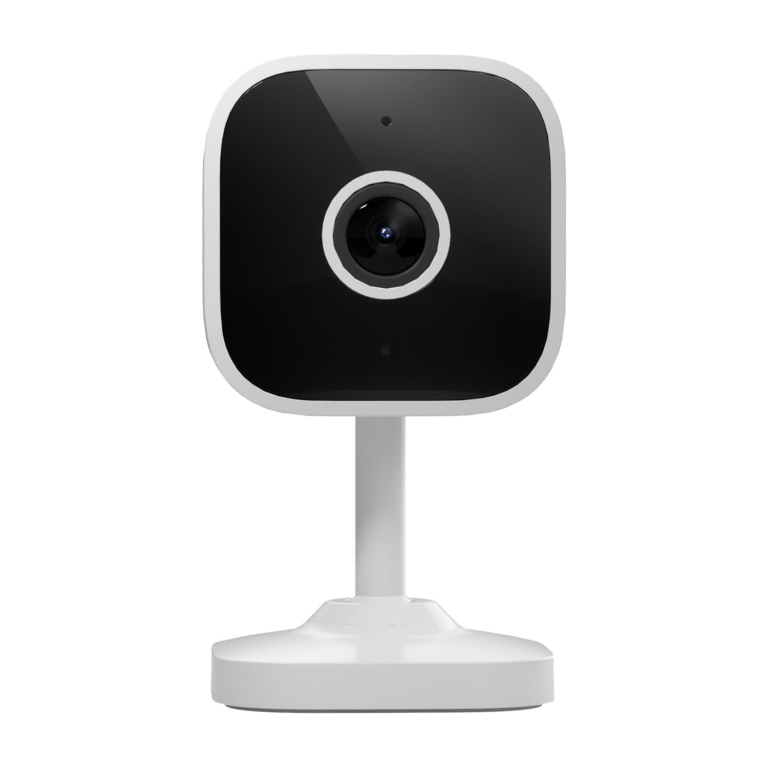
Sonoff CAM Slim Gen2 Indoor Wi-Fi Security Camera

Sonoff CAM Slim Gen2 Indoor Wi-Fi Security Camera

23 $
Resolution: 1080p Storage: MicroSD Night vision: Infrared, full color in daylight
App Β· eWeLink Night Β· Infrared USB Powered
View details

What's in the box

  • 1Γ— Sonoff CAM Slim Gen 2
  • 1Γ— Power adapter (5V)
  • Mounting bracket + screws
  • User manual (English)
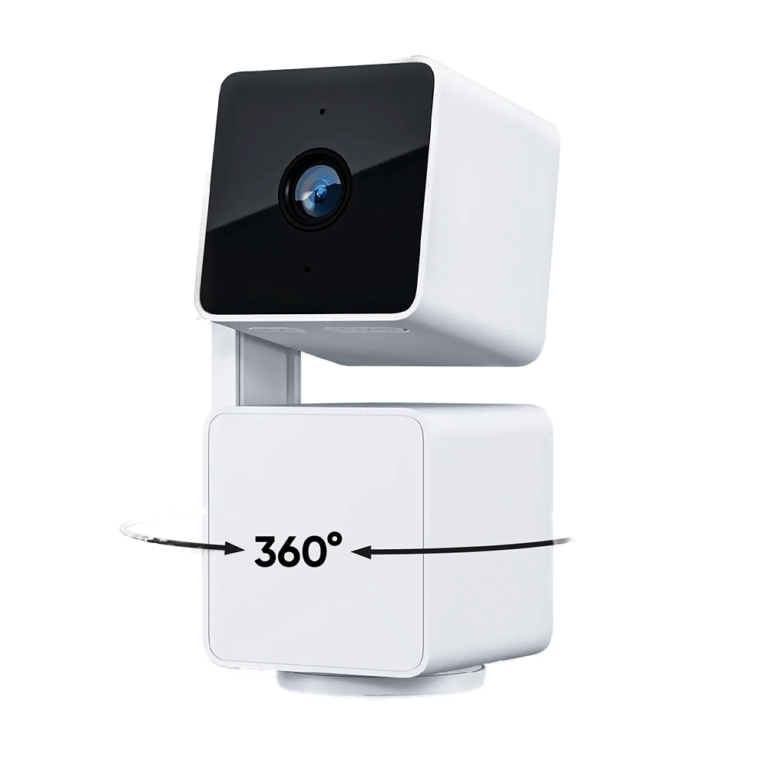
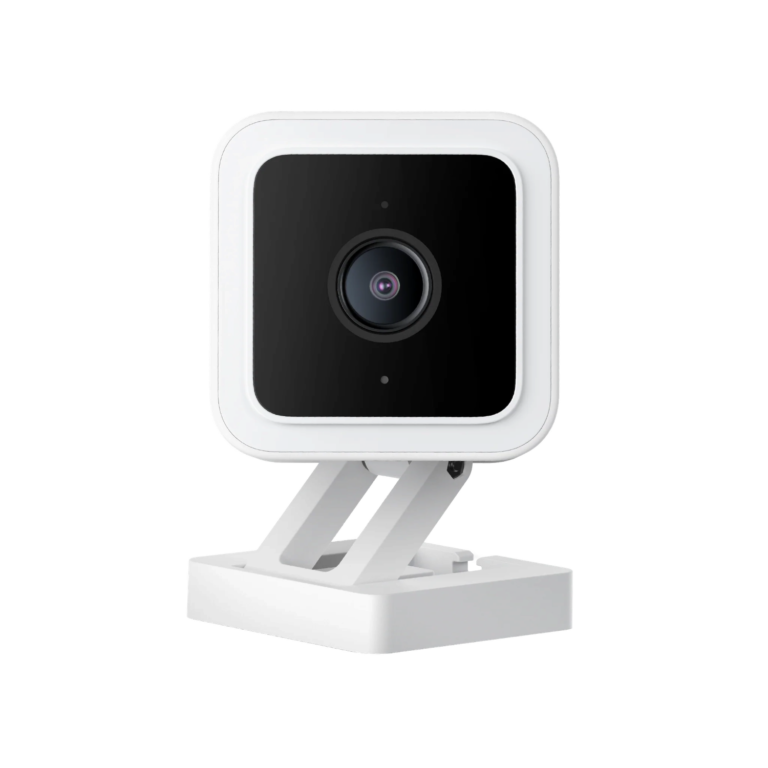
Wyze Cam Pan v3 360Β° 1080p Cam with Night Vision

Wyze Cam Pan v3 360Β° 1080p Cam with Night Vision

50 $
Resolution: 1080p Storage: MicroSD Pan / Tilt: 360Β° horizontal, 180Β° vertical
App Β· Wyze Night Β· Color USB Powered
View details

What's in the box

  • 1Γ— Wyze Cam Pan v3
  • 1Γ— USB power cable + adapter
  • 1Γ— Mounting hardware
  • User manual
Outdoor
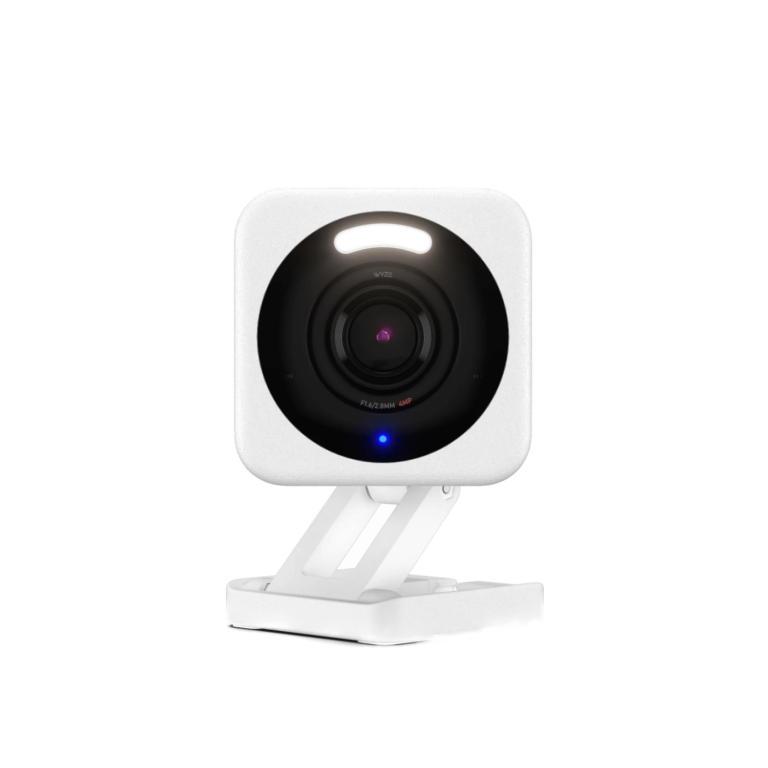
Wyze Cam v4 2.5K Outdoor Camera with Spotlight

Wyze Cam v4 2.5K Outdoor Camera with Spotlight

45 $
Resolution: 2.5K Storage: MicroSD Field of view: 115.8Β° wide angle
App Β· Wyze Night Β· Dual (Color + IR) USB Powered
View details

What's in the box

  • 1Γ— Wyze Cam v4 2.5K
  • 1Γ— USB power adapter
  • 1Γ— USB cable
  • 1Γ— Mounting bracket + screws
  • Quick start guide
Wi-Fi cameras require a 2.4 GHz network. The camera's companion app and your router must both be on the same band during setup. Most routers broadcast 2.4 + 5 GHz under the same name - temporarily disable 5 GHz if pairing fails.
Doorbells Β· 1 in stock

Video doorbells

See and talk to whoever is at your door, from your phone.

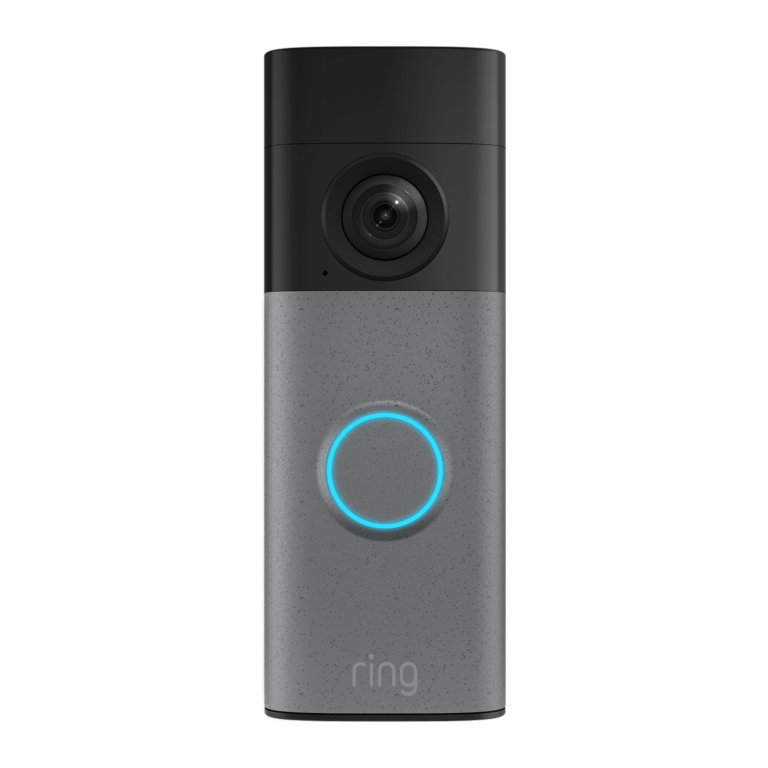
Ring Battery Video Doorbell (2nd Gen)

Ring Battery Video Doorbell (2nd Gen)

139 $
Resolution: 2K Storage: Cloud only Brand: Ring
Battery No hub needed
View details

What's in the box

  • Ring Battery Video Doorbell (2nd Gen) - Speckled Grey
  • Universal mounting plate
  • Installation hardware and removal/charging tool
  • Security warning sticker
Sensors and alarms Β· 6 in stock

Sensors and alarms

Get a phone alert when a door or window opens, when someone walks into a room, or when water starts to leak.

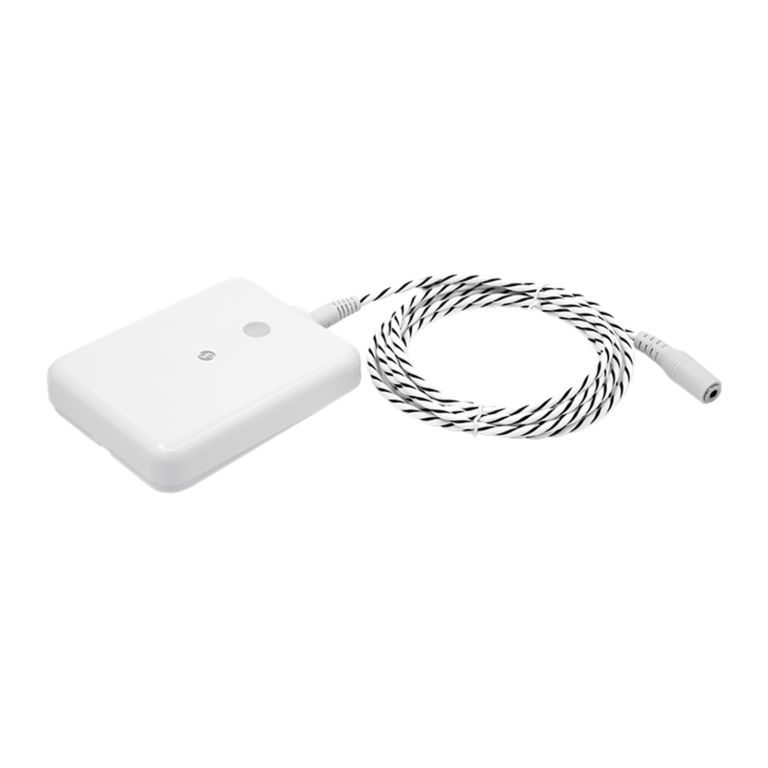
Shelly Flood Gen4 Water Leak Sensor with Siren

Shelly Flood Gen4 Water Leak Sensor with Siren

Price range: 49 $ through 55 $
Detects: Water leaks + temperature Alarm: Loud local buzzer + app alert Protocols: Wi-Fi, Bluetooth, Zigbee, Matter
App Β· Shelly Battery No hub needed
View details

What's in the box

  • 1x Shelly Flood Gen4
  • 1x Battery
  • 1x User guide
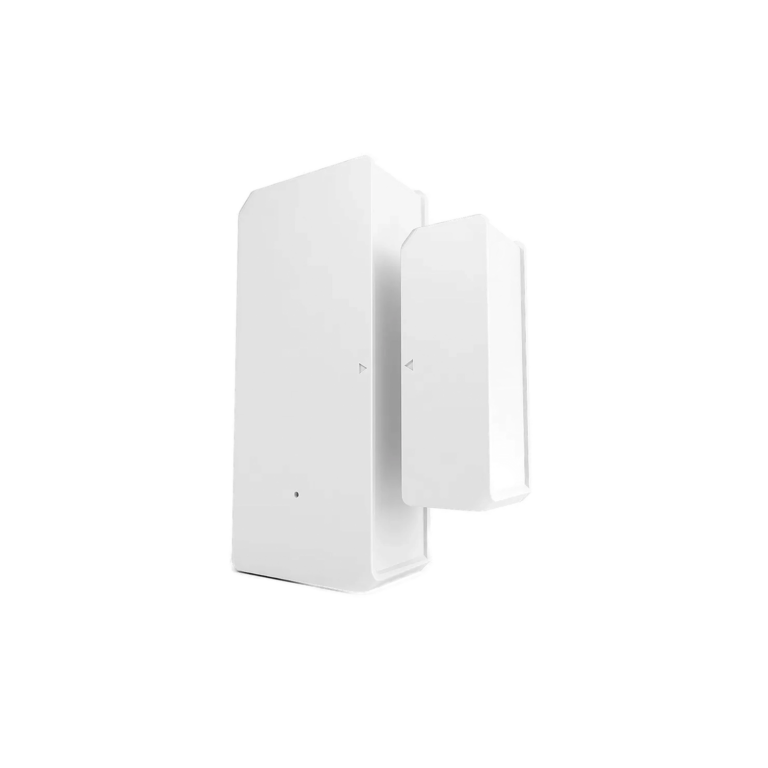
Sonoff Wi-Fi Door & Window Sensor (No Hub Needed) | DW2

Sonoff Wi-Fi Door & Window Sensor (No Hub Needed) | DW2

13 $
Connection: Wi-Fi 2.4 GHz (direct, no hub) Power: 2Γ— AAA batteries (included) Battery life: 6–12 months typical use
App Β· eWeLink Battery (2Γ— AAA) No hub needed
View details

What's in the box

  • 1Γ— Sonoff DW2 sensor (main + magnet)
  • 2Γ— AAA batteries
  • Adhesive tape
Needs hub
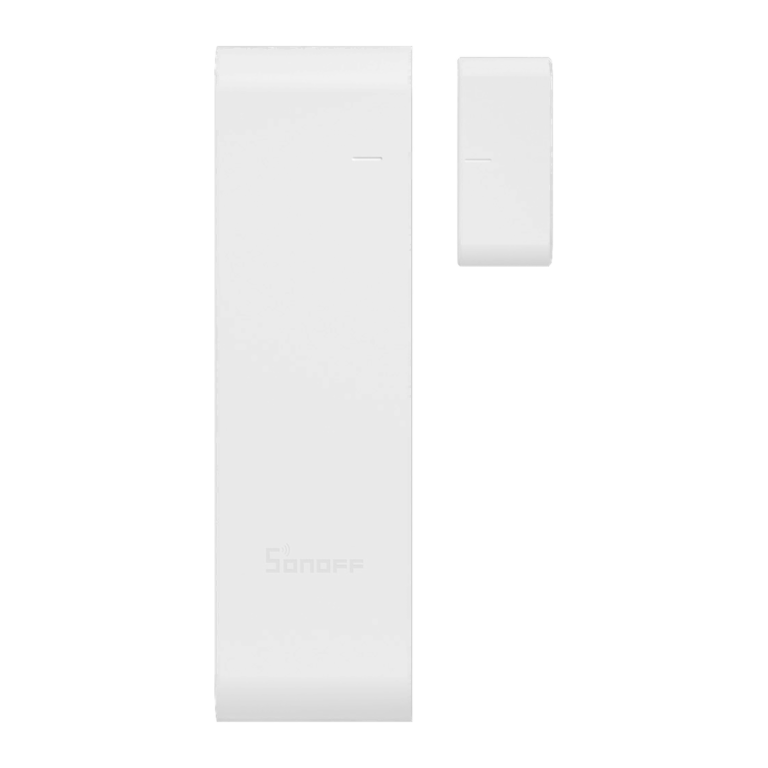
Sonoff Zigbee Door & Window Sensor | SNZB-04P

Sonoff Zigbee Door & Window Sensor | SNZB-04P

16 $
Protocol: Zigbee 3.0 Hub required: Sonoff Zigbee Bridge Pro or NSPanel Pro Battery life: 5+ years (typical)
App Β· eWeLink
View details

What's in the box

  • 1Γ— Sonoff SNZB-04P door/window sensor (2 pieces - sensor + magnet)
  • 2Γ— Adhesive strips for mounting
  • 1Γ— CR2477 battery (pre-installed)
  • Quick start guide (English)
Needs hub
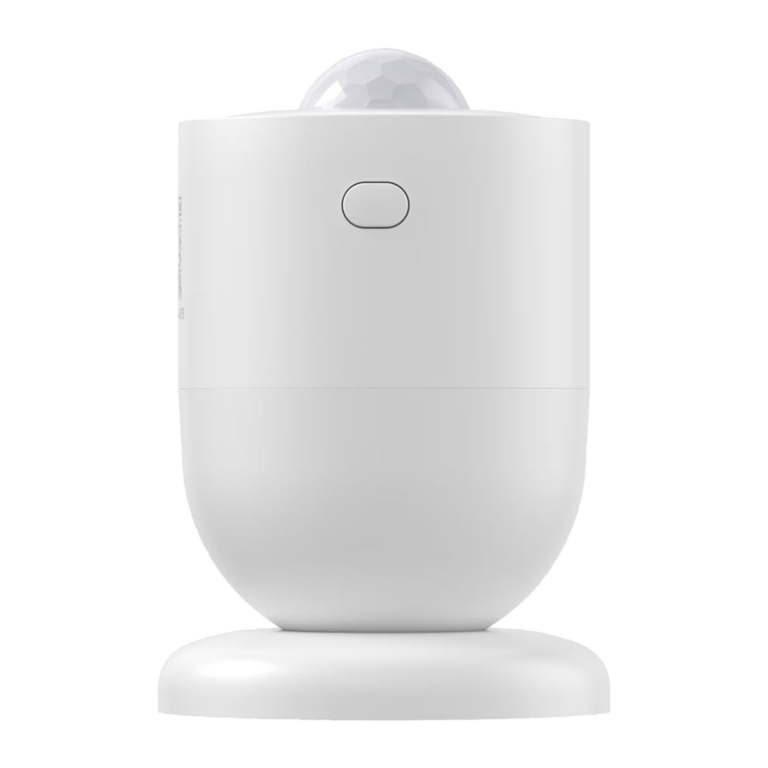
Sonoff Zigbee mmWave Presence Sensor | SNZB-06P

Sonoff Zigbee mmWave Presence Sensor | SNZB-06P

18 $
Detection: 5.8 GHz microwave radar Range: Up to 4 meters Light sensor: Built-in (lux threshold configurable)
App Β· eWeLink
View details

What's in the box

  • 1Γ— Sonoff SNZB-06P presence sensor
  • 1Γ— Magnetic base
  • 1Γ— USB-C cable
  • 3M adhesive pad and screws
  • User manual
Needs hub
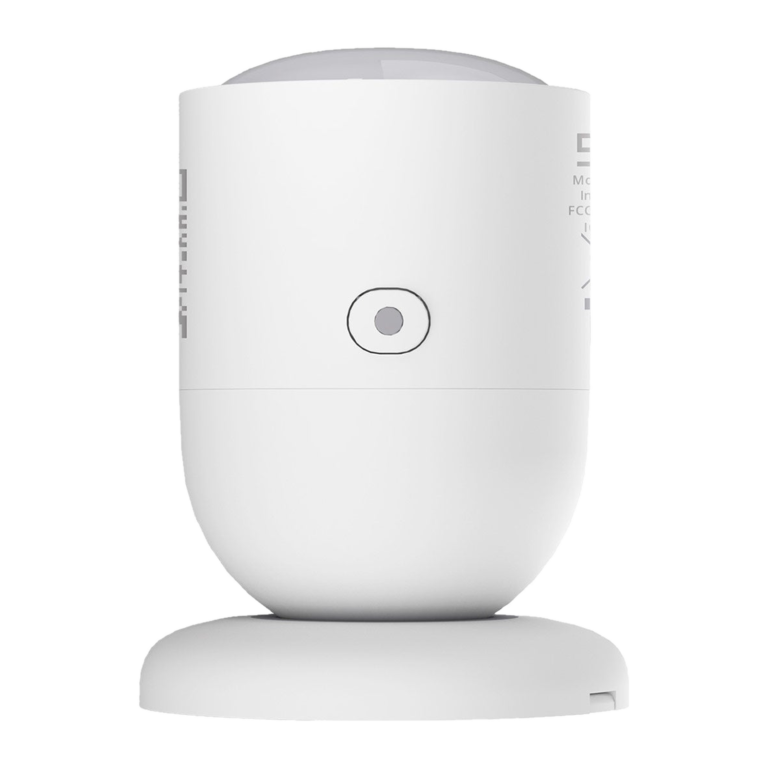
Sonoff Zigbee Motion Sensor | SNZB-03P

Sonoff Zigbee Motion Sensor | SNZB-03P

16 $
Protocol: Zigbee 3.0 (2.4 GHz) Battery: CR2477 coin cell (included, ~3+ year life) Detection time: ≀ 5 seconds
App Β· eWeLink Battery (CR2477)
View details

What's in the box

  • 1Γ— Sonoff SNZB-03P motion sensor
  • 1Γ— CR2477 battery (pre-installed)
  • Magnetic mounting base
  • Adhesive sticker
  • User manual
Wi-Fi or Zigbee? Wi-Fi sensors connect straight to your router, so they are the simplest way to start. Zigbee sensors need a hub, but their batteries last longer and they work well when you have many sensors. See hubs
Where to start

Two example setups

Prices are today's prices for the products listed.

During a power cut. Cameras, Wi-Fi sensors and your router need power to work. When the power goes off, they stop sending video and alerts. When it comes back, from EDL or the generator, they reconnect on their own.
From customer chats

Common questions before you buy

The questions our customers ask most before they choose.

What do I need to secure my home?
Start with one camera where it matters most, usually the entrance or the living room, and a sensor on the front door. You get a phone alert when the door opens and can check the camera right away. You can add more cameras, motion sensors or a leak alarm later.
Can I watch my cameras from outside Lebanon?
Yes. The cameras work over the internet, so you can watch them from your phone anywhere, as long as the camera and your home internet have power.
Do the sensors need a hub?
Wi-Fi sensors connect straight to your router and need no hub. Zigbee sensors need a Zigbee hub, for example a Sonoff Zigbee hub for Sonoff sensors. Each card on this page shows "Needs hub" or "No hub needed".
Do I need a microSD card?
Check the Storage line on each camera. Where a camera records to a microSD card, the card is usually not included. A 64 GB or 128 GB card is a good size for most homes.
Can I install it myself?
Yes. The indoor cameras and the sensors plug in or stick on, with no wiring. Outdoor cameras need a power point near the place where you mount them.
Does the power adapter come in the box?
Every product page lists what is in the box. Check it before you order, so you know if you need an extra adapter.
Does night vision show colour or black and white?
It depends on the model. The "Night" badge on each camera card tells you: "Color" shows full colour at night, and "Infrared" shows black and white.
Can my family use the same camera?
Yes. You share access from inside the app, at no extra cost. Family members who live abroad can check the camera too.
Compatibility

Camera apps

Each brand has its own app. Choose one brand for your cameras and sensors if you want fewer apps on your phone.

CloudEdge

This camera uses its brand app. Search for it in your app store.