


Govee RGBIC LED Strip Light S
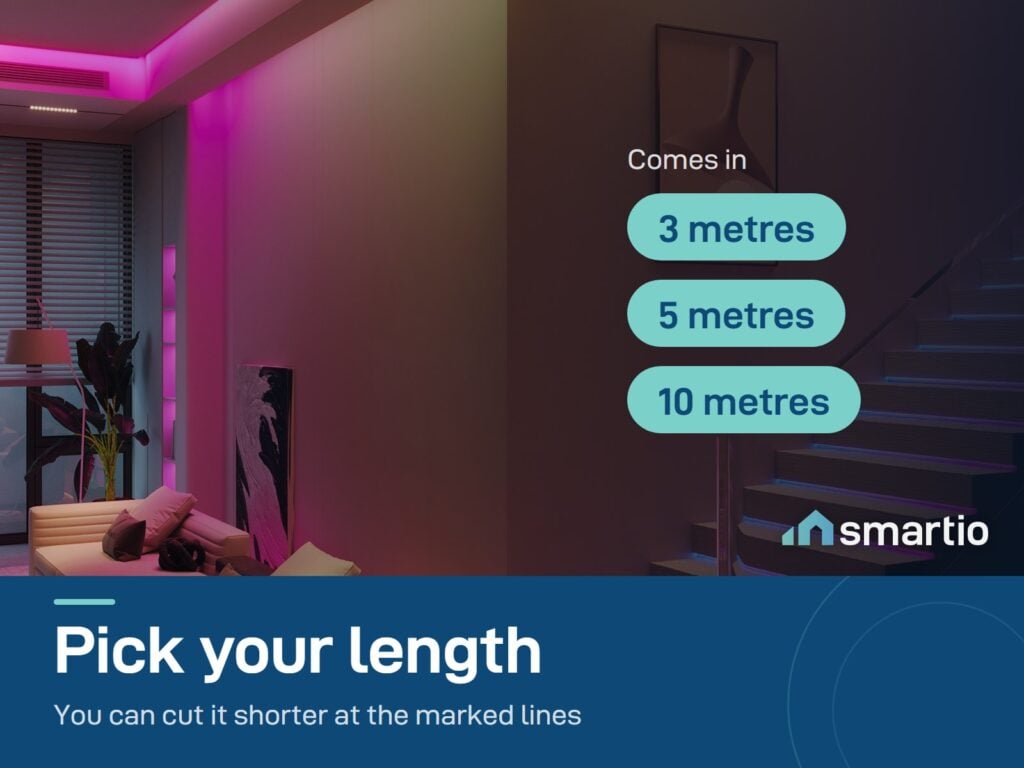
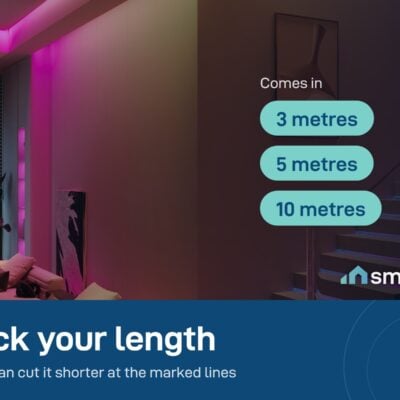
- Length: 3, 5 or 10 meters (choose below)
- Width: 1.1 cm
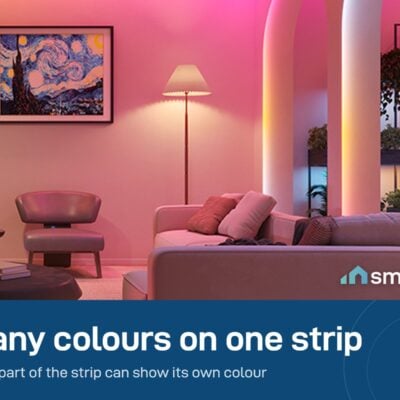
- LED type: RGBIC (multiple colors at once)
- 6-month warranty, covering every brand we sell
- 14-day exchange on unopened items
- Delivery all over Lebanon, free on orders over 50 $
- Water-resistant (IP44Splash-proof - safe near water, but not for direct rain or outdoor use.) - safe near water, but the control box and adapter are not waterproof.
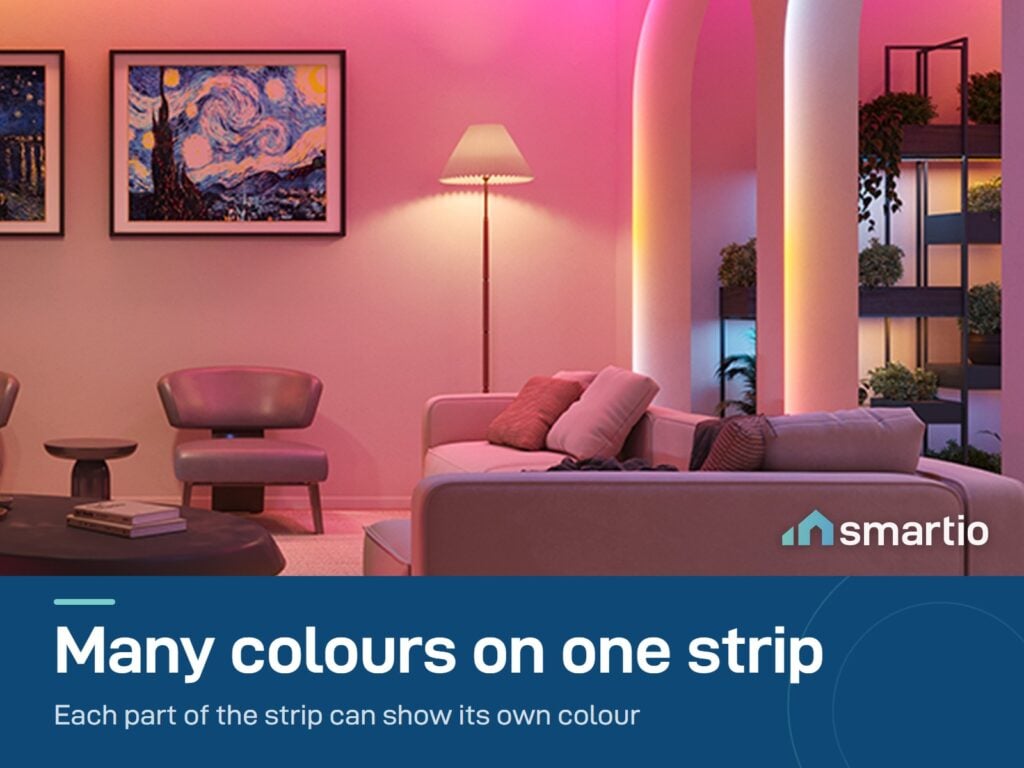
- RGBICEach section of the strip can show a different color at the same time - unlike standard RGB which shows one color across the whole strip. means each section shows a different color simultaneously.
Govee products customers bought together
How It Works
Is This Right for Me?
Product Details
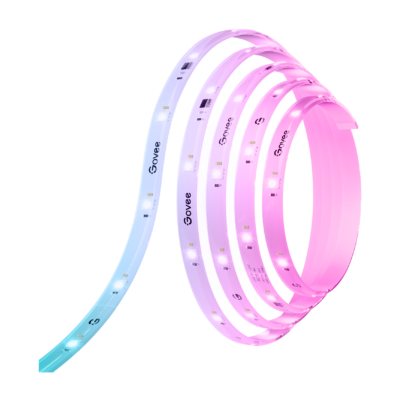
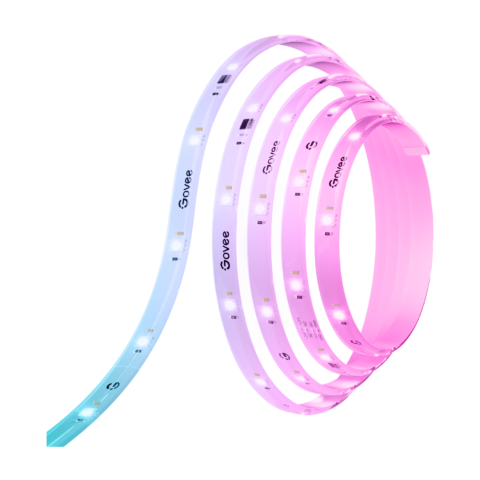
Govee RGBIC LED Strip Light S
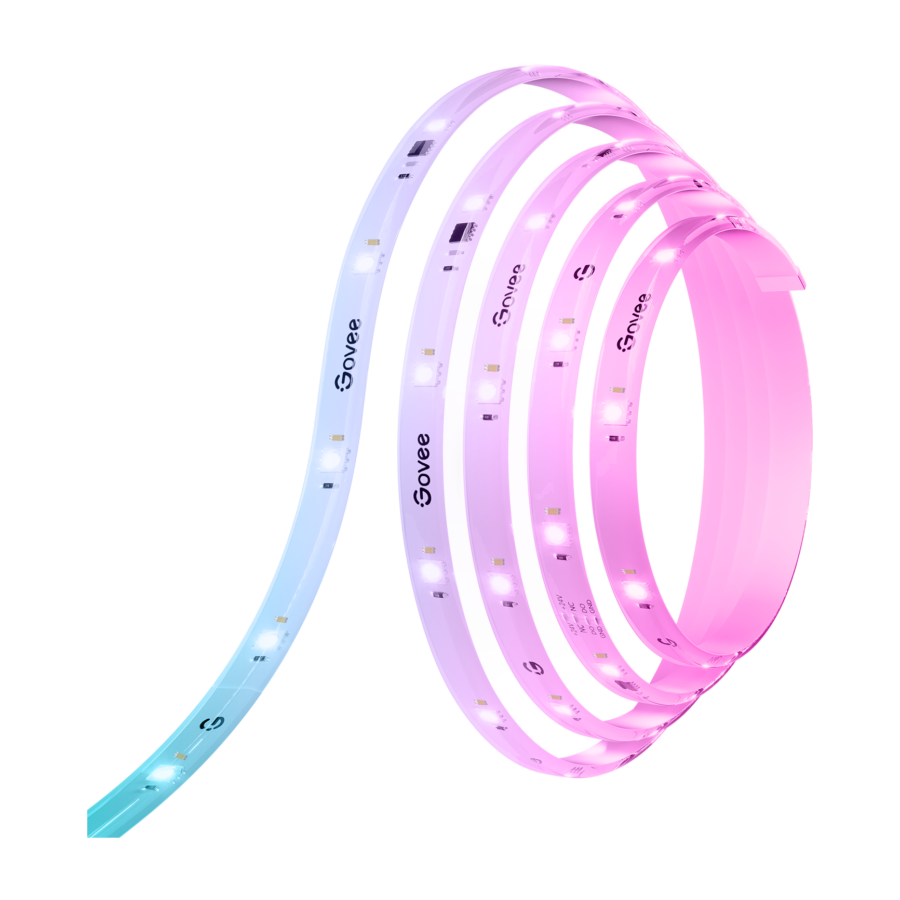
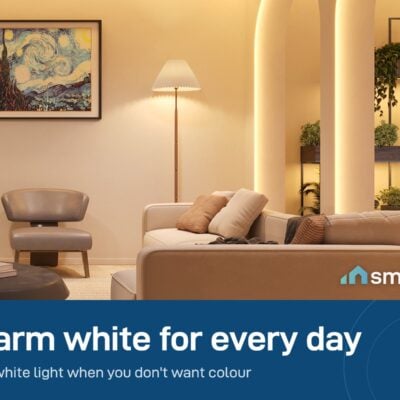
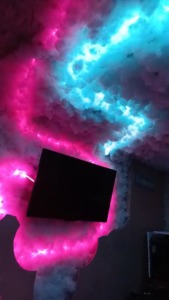
An LED strip that lights up your room in multiple colors at the same time – that’s what “RGBIC” means. A regular LED strip can only show one color across its full length. This one shows a rainbow, a gradient, or any pattern you design, all flowing along the same strip.
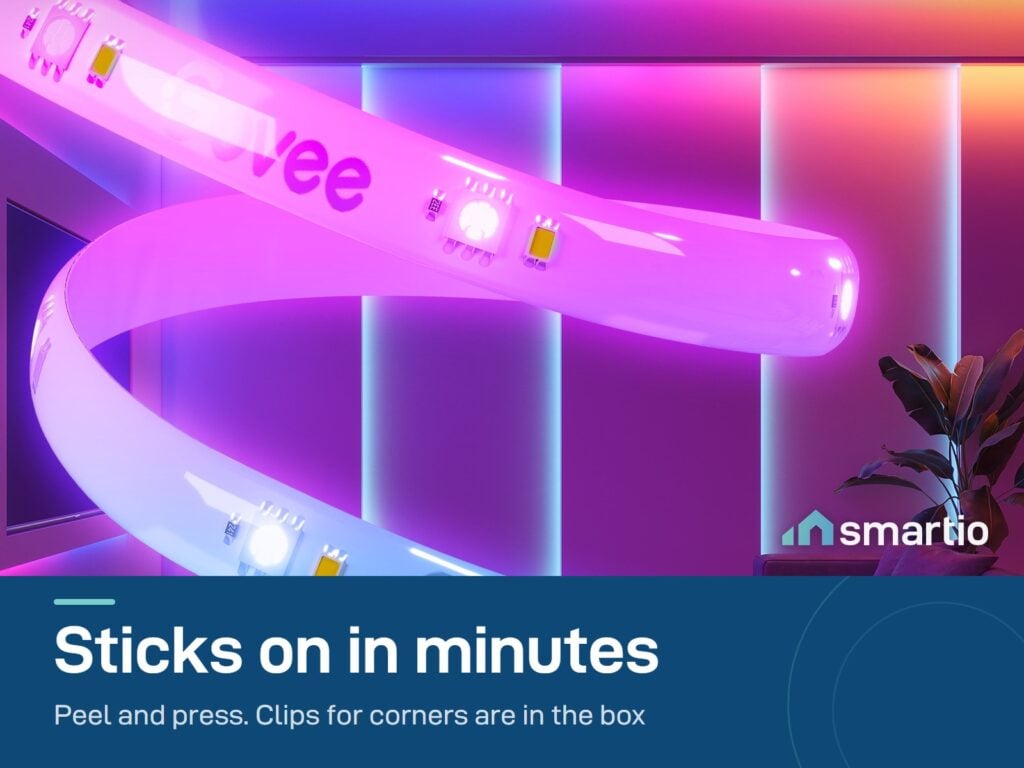
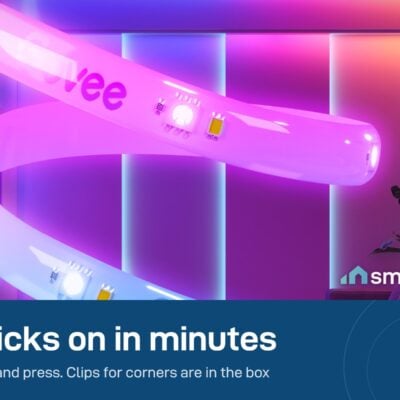
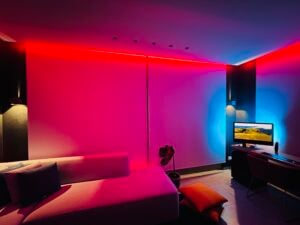
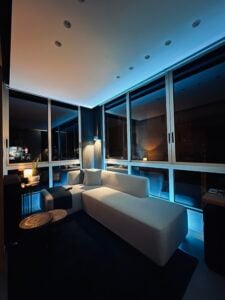
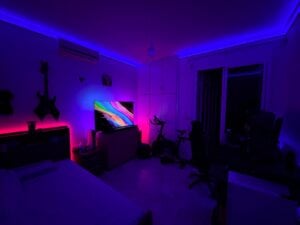
Sticks behind your TV, under your desk, along a ceiling cove, or up the stairs. Peel the backing, press, plug in. Five minutes of setup.
What makes RGBIC different
- Multiple colors at once. Show a gradient from red to blue across the same strip – not possible with a regular RGB strip.
- Music sync. The colors flow along the strip in real time with whatever’s playing through the app.
- Custom patterns. Design and share color effects through the Govee Home app – long bands, fast pulses, anything.
Key Features
- 3, 5 or 10 meters, 1.1 cm wide.
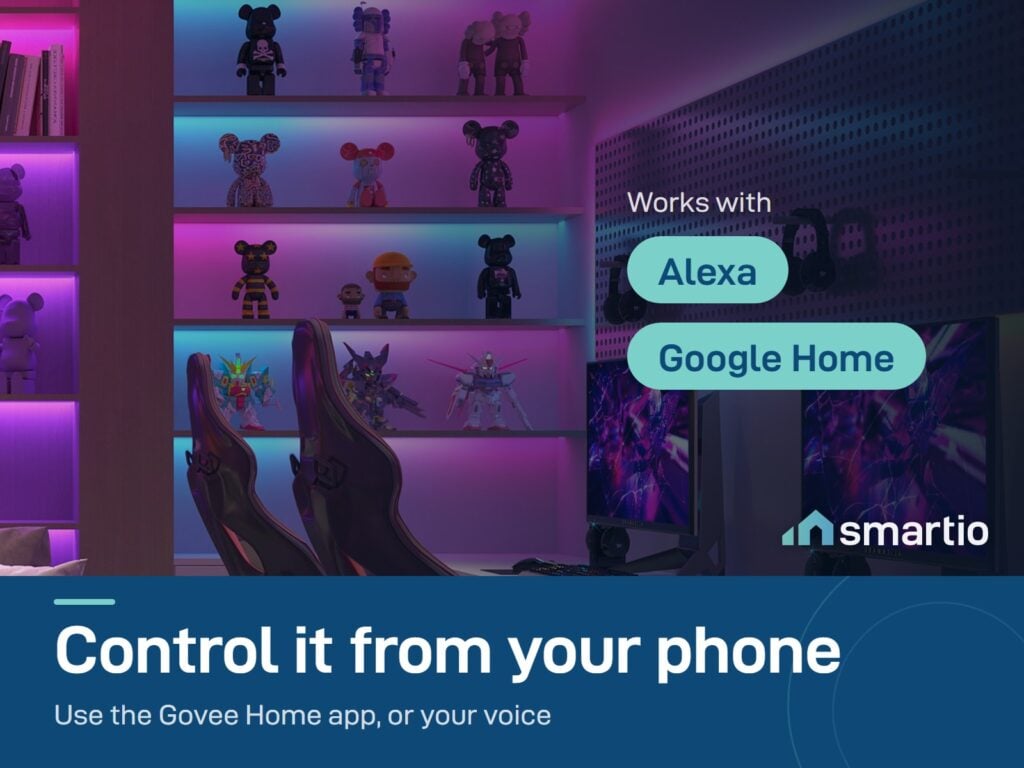
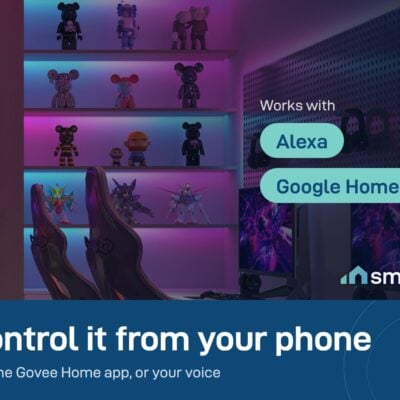
- Smart home support: Apple HomeKit, Alexa, Google Home, Matter – works with whatever ecosystem you’ve built.
- Wi-Fi (2.4 GHz) + Bluetooth.
- Protective coating – flexible plastic layer over the LEDs, resists water splashes and dust.
- DreamView grouping – link this strip with other Govee lights so they sync color together. Up to several lights in one group.
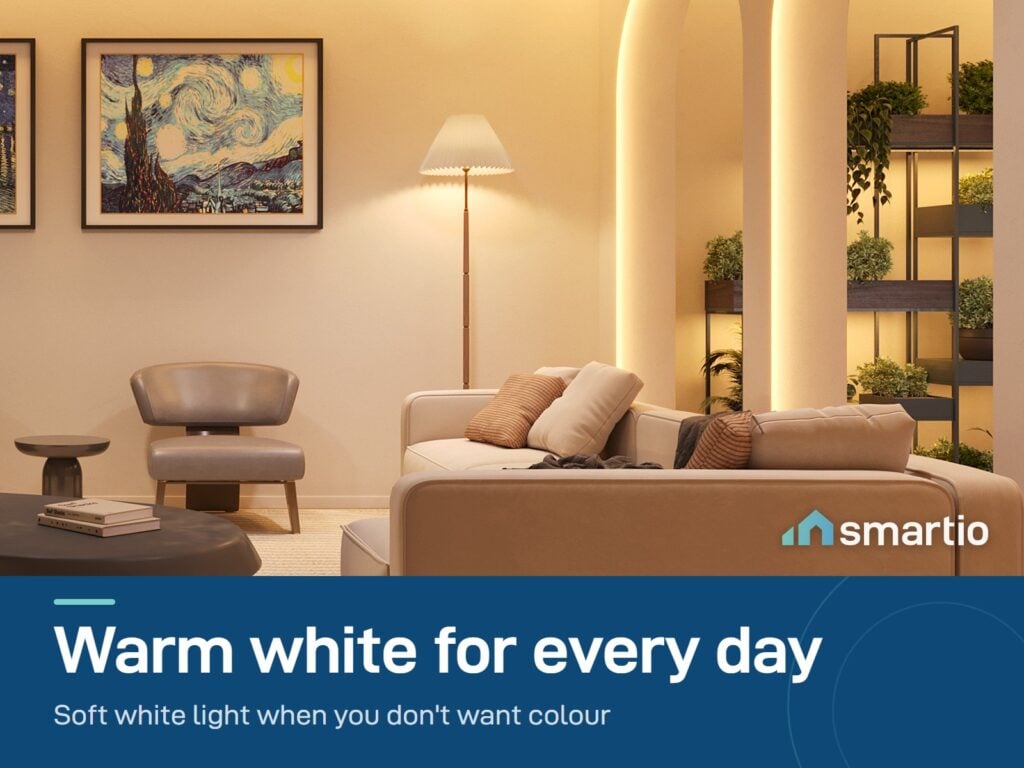
- Schedules + timers in the Govee Home app.
- Energy-efficient – low power draw even at full brightness.
Pro Tip: Stick it behind your TV first (the bottom edge), then run any leftover length along a nearby shelf or under a piece of furniture. Group it with a Govee TV Backlight in the app for a full cinema-room effect – the wall colors and the TV backlight stay perfectly in sync.
Frequently Asked Questions
Can I cut the strip if it’s too long?
Yes, along the marked cut lines. Unplug it first and cut from the end away from the controller. One warning: after cutting, the leftover piece (the unused part) usually stops working. Some customers have successfully reconnected cut pieces with a female pin connector, but that’s at your own risk.
Can I make it longer?
This model is not extendable – what you see is what you get. If you need more length, buy a separate strip and group both in the app so they behave as one.
Is it really RGBIC, or just RGB?
Confirmed RGBIC – multiple colors at the same time along the strip. Not the older single-color-at-a-time RGB technology.
Does it work with my TV Backlight?
Yes – group it with a Govee TV Backlight in the Govee Home app via DreamView, and they’ll sync colors. The strip extends the wall lighting effect from your TV outward.
The colors look off – is something wrong?
Two common causes. First: wood walls absorb and reflect color tones differently – colors will look warmer or more muted on natural wood than on a white wall. Second: the strip may need calibration in the app, especially if it was reset.
Can I control three strips together?
Yes – group them in the Govee Home app. One tap turns all three on, off, or changes color across all of them simultaneously.
How do I reset it?
Press and hold the power button on the controller, then quickly press the button below it five times in a row. The strip blinks to confirm reset, then it’s ready to re-pair.
What if my strip is defective?
We honor a replacement within the 6-month warranty period – just return the defective unit in its original box and we’ll send you a new one.
What You Get
A Closer Look
LED Strip with a Protective Coating
Segmented RGBIC colors and dynamic effects for any room. Works with Alexa and Google Assistant for voice control, and the lights can follow your music.
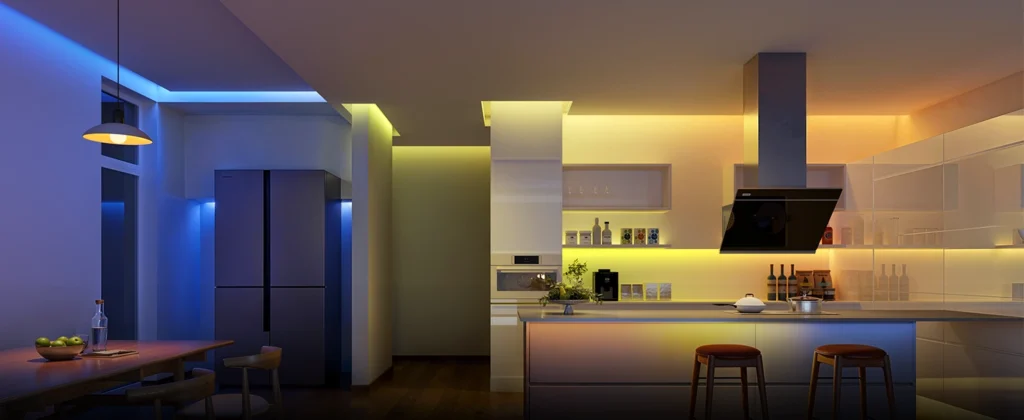
Smart Wi-Fi Voice Control
Works with Alexa and Google Assistant, so you can change color and brightness by voice.
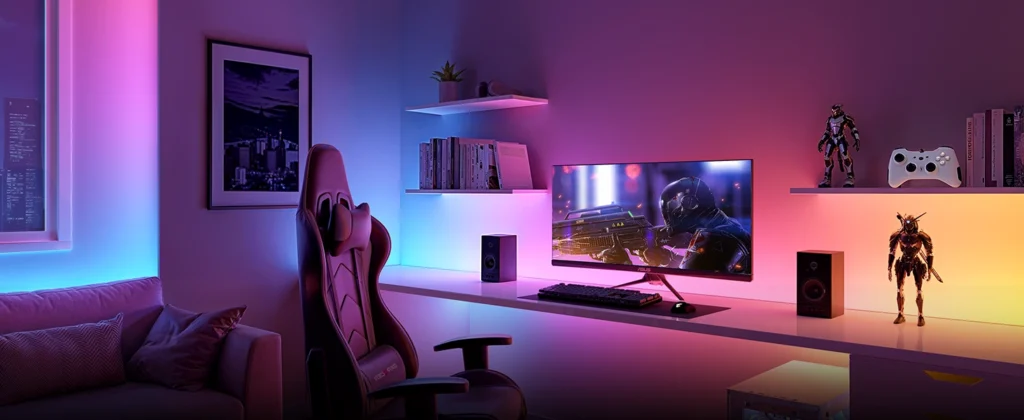
Individual Segment Control
Innovative RGBIC technology allows you to adjust each segment of your strip lights individually. You can control the brightness, music modes, colors and effects using the Govee Home App.
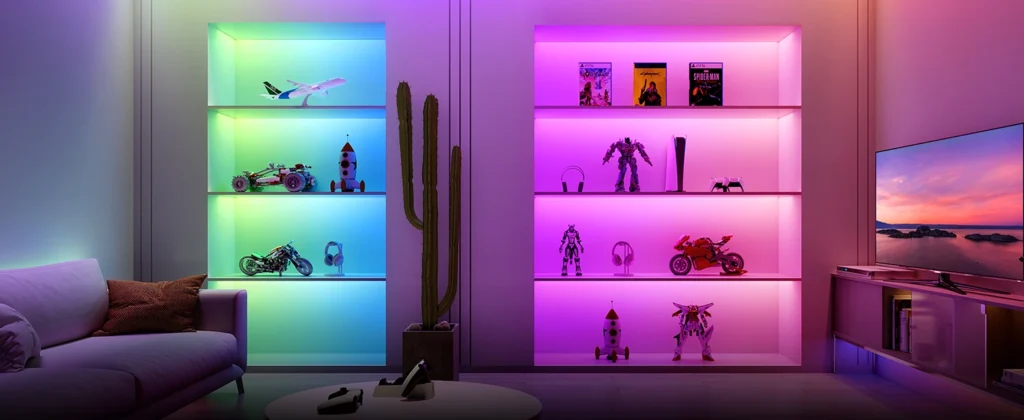
Lights That Dance With You
With the built-in mic in the control box, your strip lights can pick up on the beats of your favorite music. You can also use the Govee Home App to access various music mode to customize the colors and lighting effects.
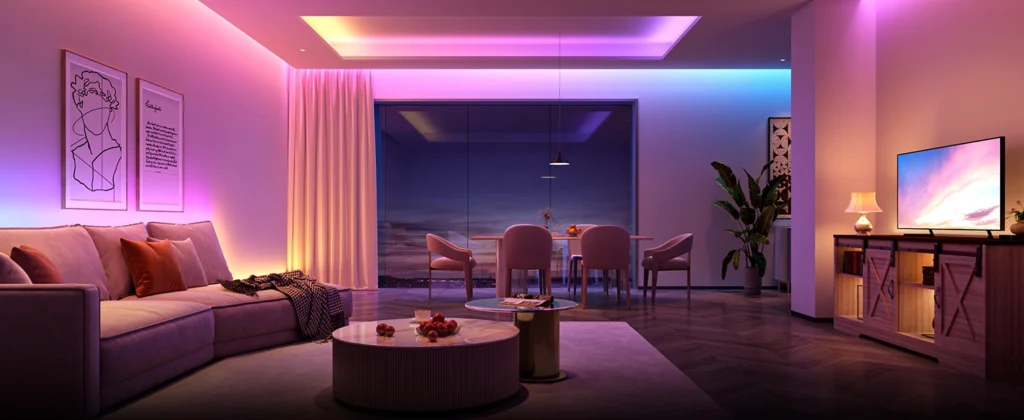
Common Use Cases (3)
Real scenarios Lebanese customers use this product for. Don't see yours? Message us and we'll tell you if it fits.
Works With






Control with the Govee Home app

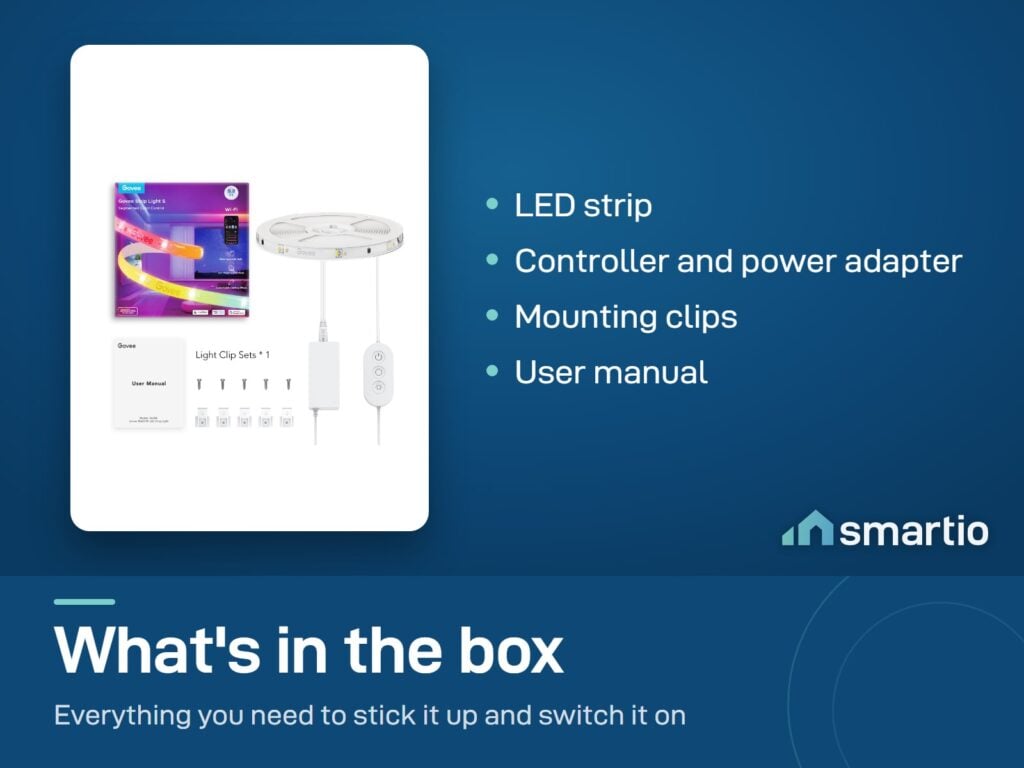
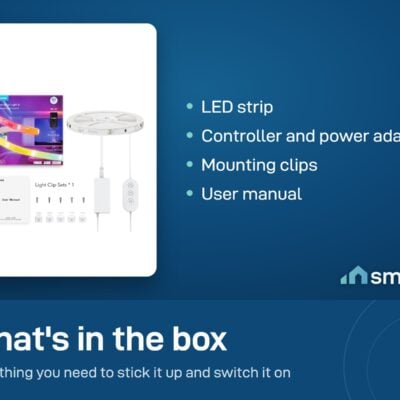
What's in the Box
Delivery & Pickup
Warranty & Support
Customer Reviews (8)
Frequently Asked Questions
Compare Models
Still deciding?
Message us on WhatsApp - we'll tell you honestly if this is the right fit for your home.