
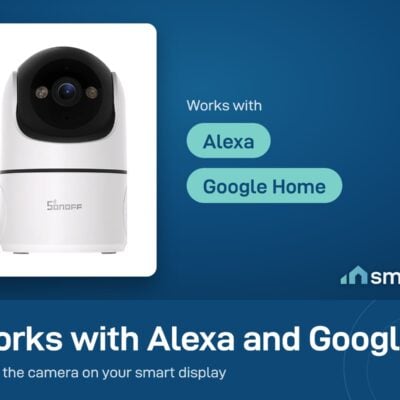
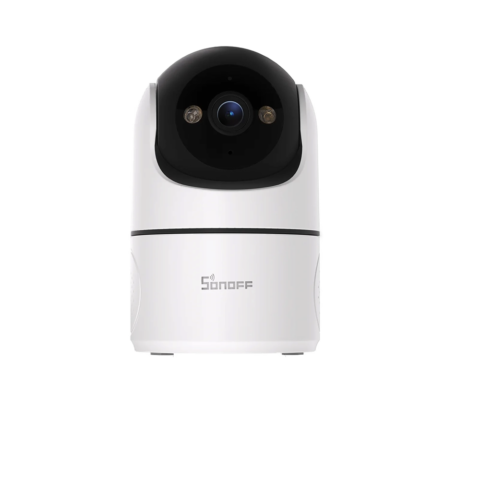
Sonoff CAM Pan-Tilt 2 Indoor Wi-Fi Security Camera
- Recording: Both
- Local Storage: MicroSD
- Resolution: 1080p Full HD
Tap a tier to select that quantity, then Add to Cart - the discount applies automatically in cart. No code needed.
- 6-month warranty, covering every brand we sell
- 14-day exchange on unopened items
- Delivery all over Lebanon, free on orders over 50 $
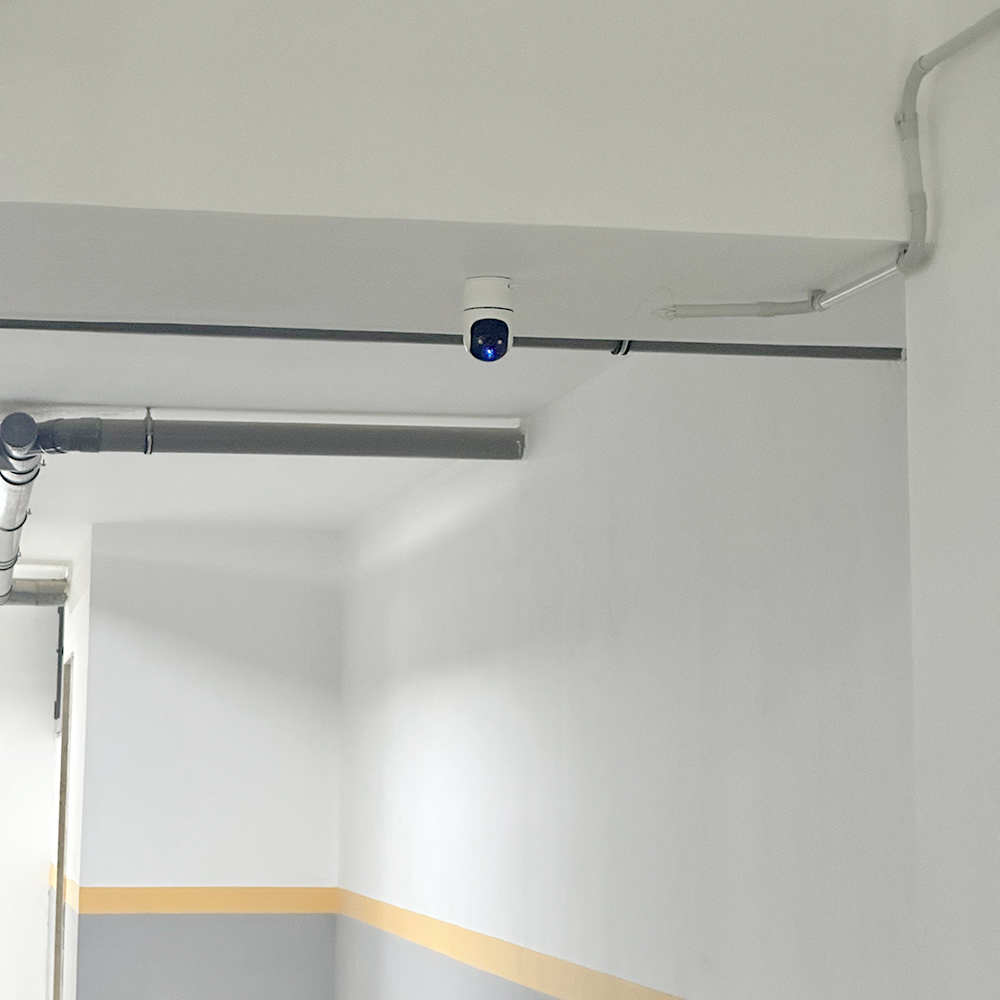
Upgraded my building with Sonoff CAM PT2 from Smartio. I set up human detection to automatically trigger the entrance lights.…
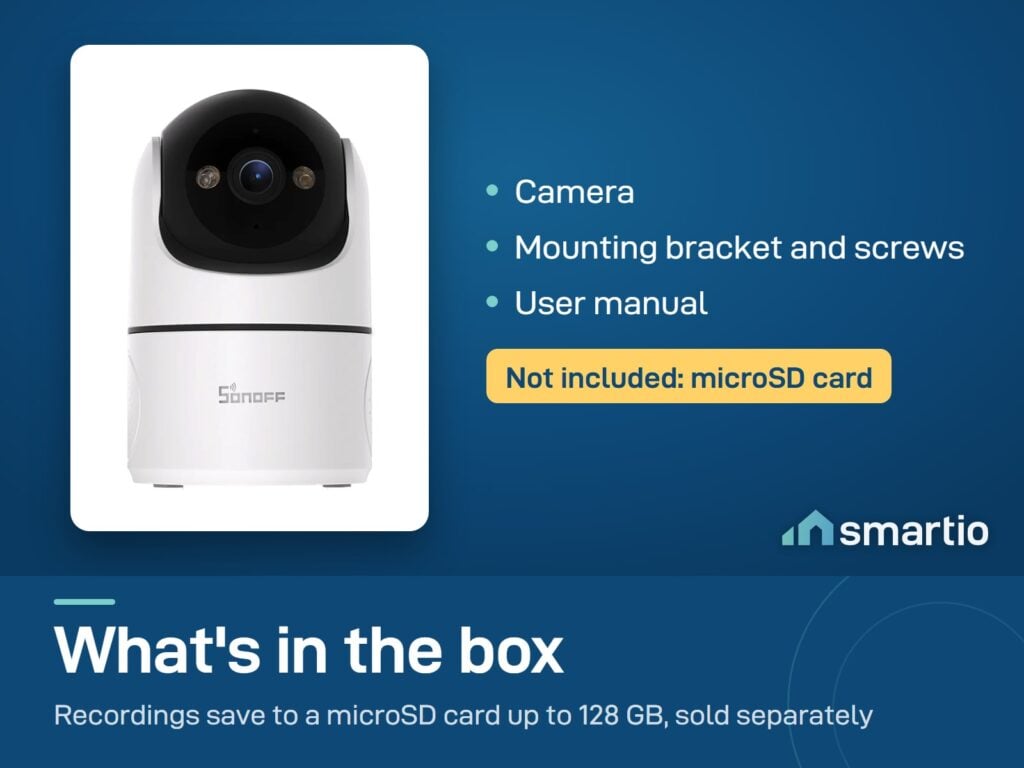
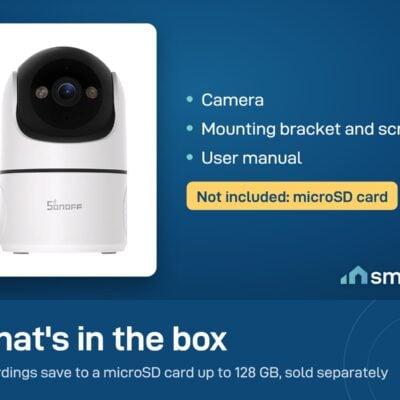
- The Sonoff DC 5V/2A Adapter is not included in the package and is sold separately.
- Designed for indoor use only.
Sonoff products customers bought together
How It Works
Is This Right for Me?
Product Details
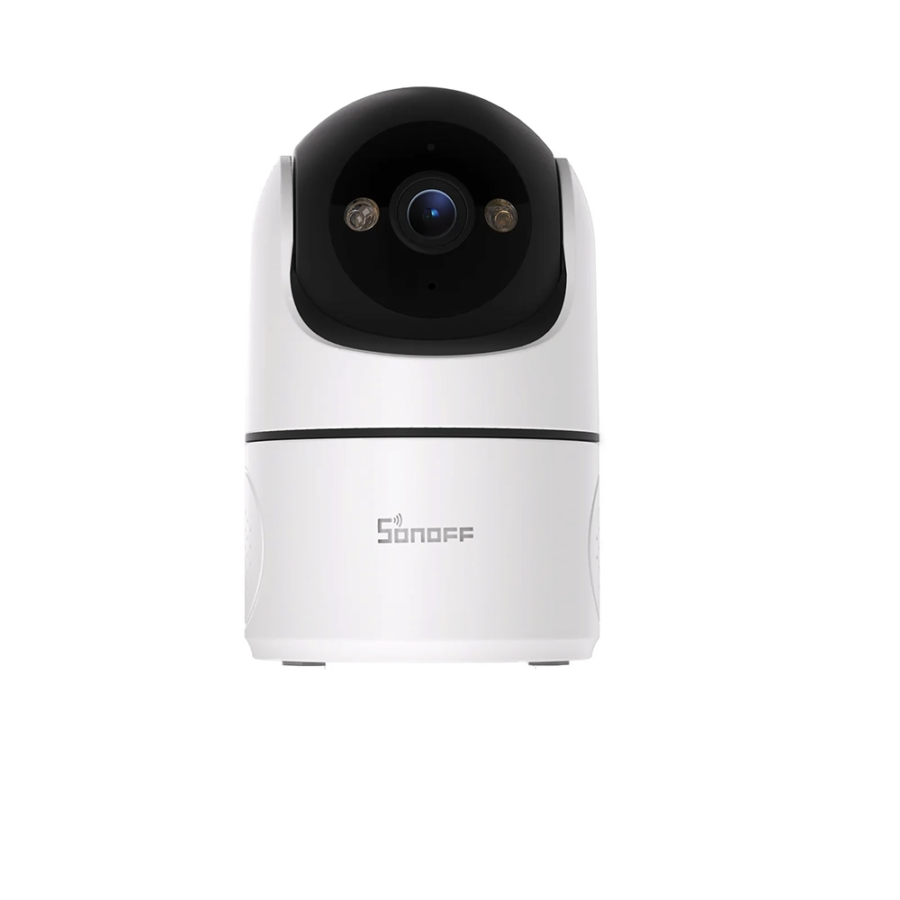
Sonoff CAM Pan-Tilt 2 – Pan-Tilt Indoor Camera
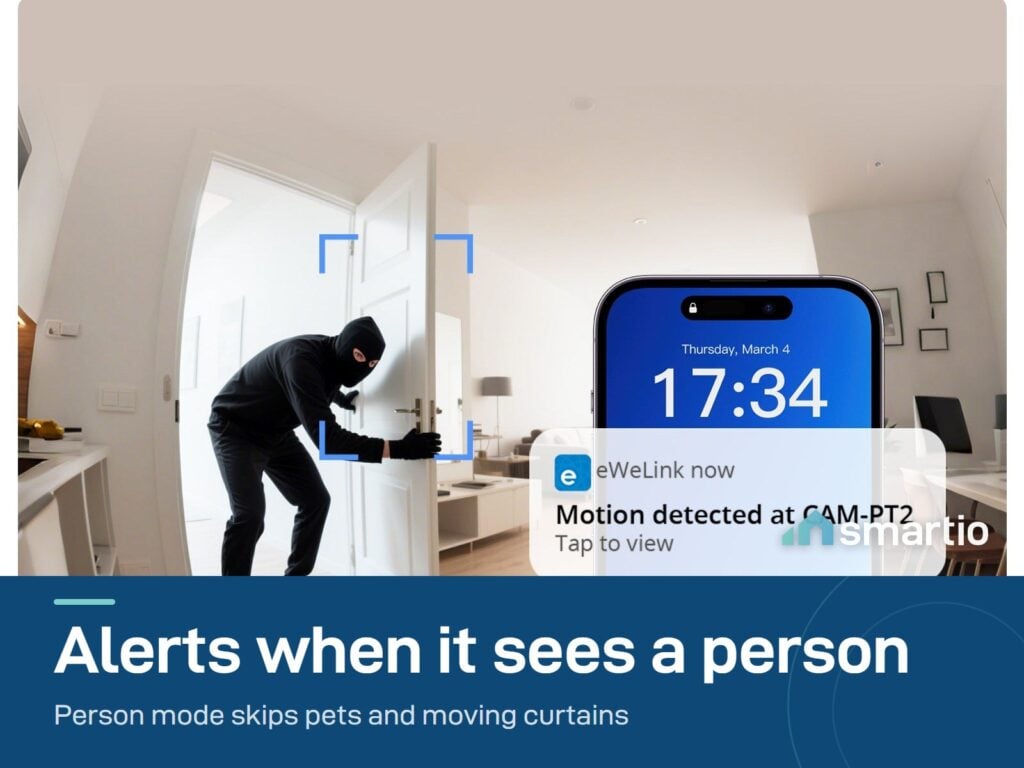
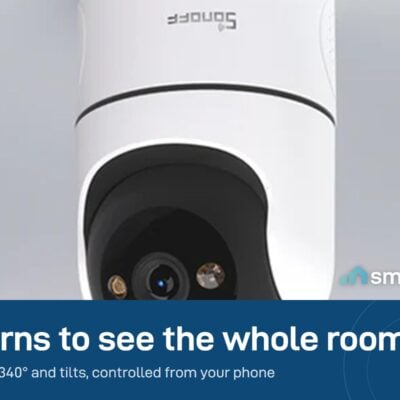
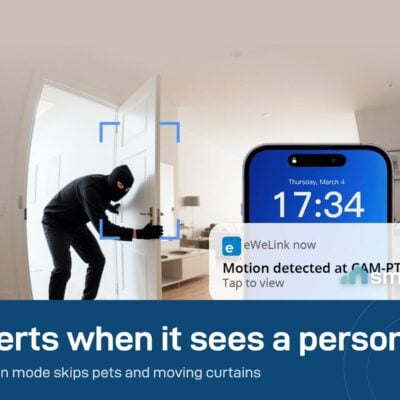
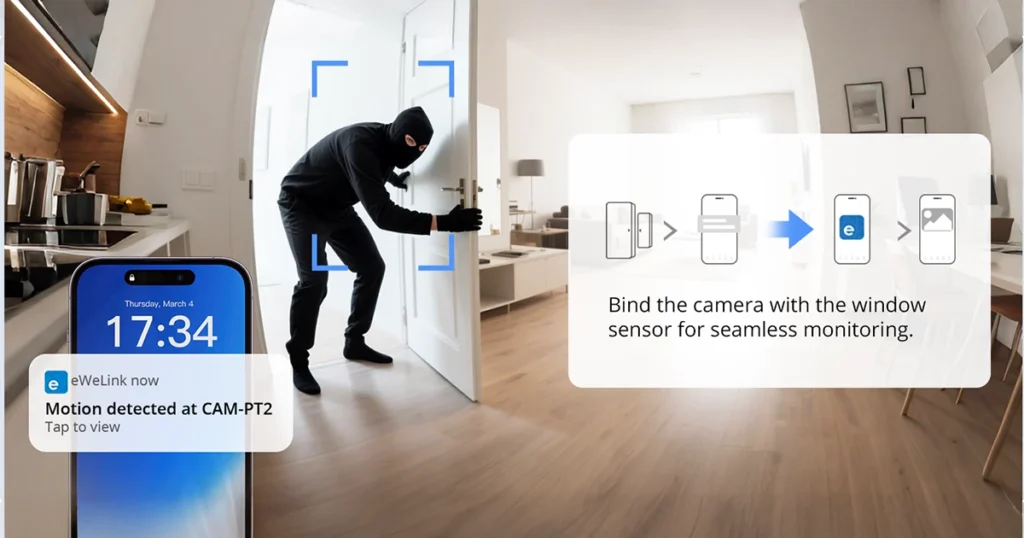
A pan-tilt security camera that turns 340° horizontally – so one camera can cover an entire room. The key feature: person detection. It distinguishes between a person walking in and a curtain moving in the breeze – so you only get alerts that matter, not 50 notifications a day for nothing.
Built for indoor use: nursery, shop floor, living room while you’re at work, parents’ house, or anywhere you want eyes when you’re not there.
Why people buy it (vs other cameras)
- person detection – only notifies you when a person enters frame. Cats, curtains, plants moving in the AC, sunlight changes – all ignored. Massive quality-of-life improvement vs cameras that ping you constantly.
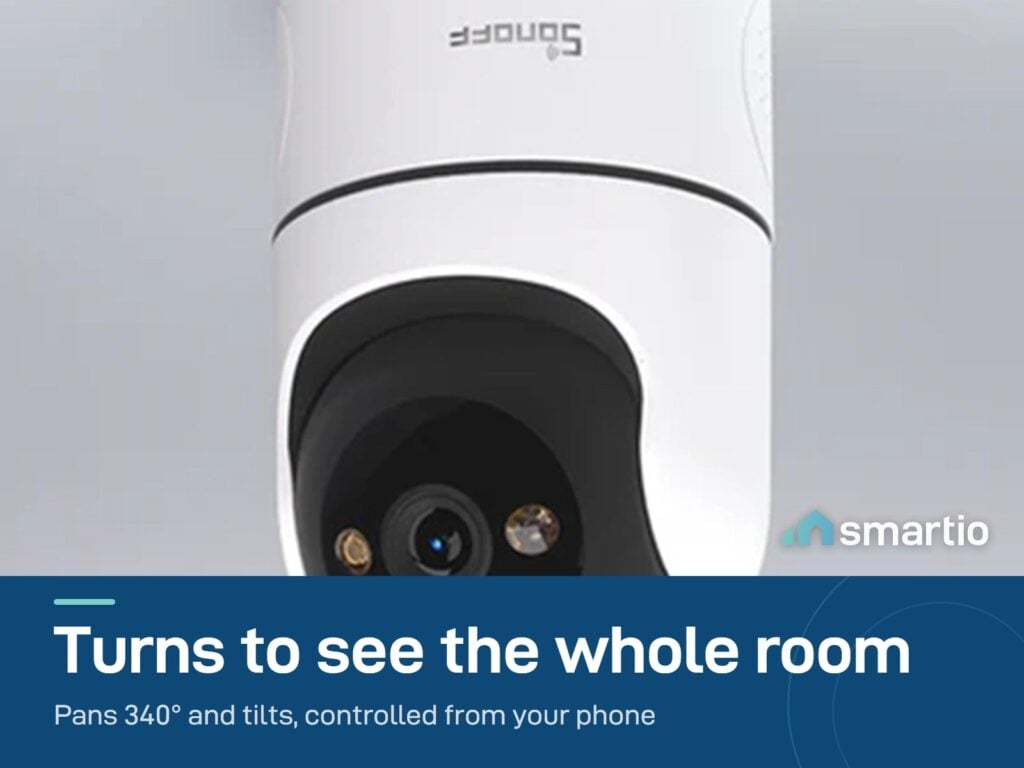
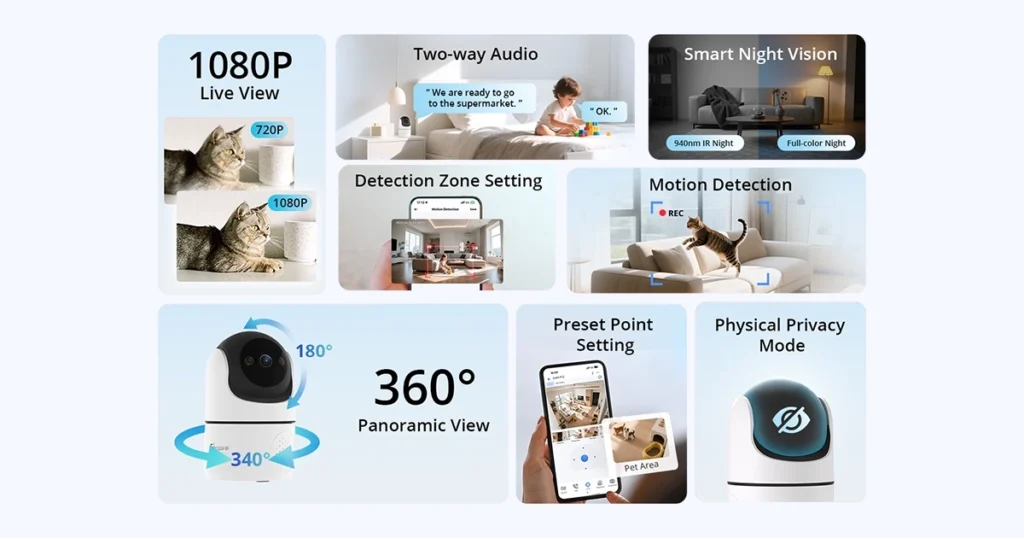
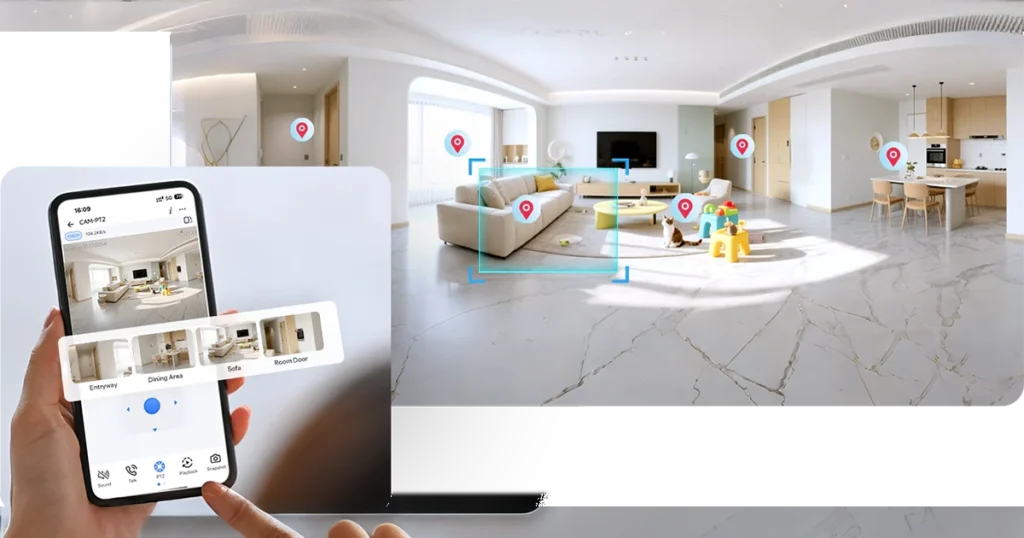
- 340° rotation – one camera in the corner can sweep the whole room from your phone.
- Preset viewing positions – save up to 6 angles (e.g. “door”, “couch”, “baby’s crib”) and switch with one tap.
- Privacy zones – block out parts of the frame from being recorded (useful if part of the view shows a neighbor’s window, or sensitive areas).
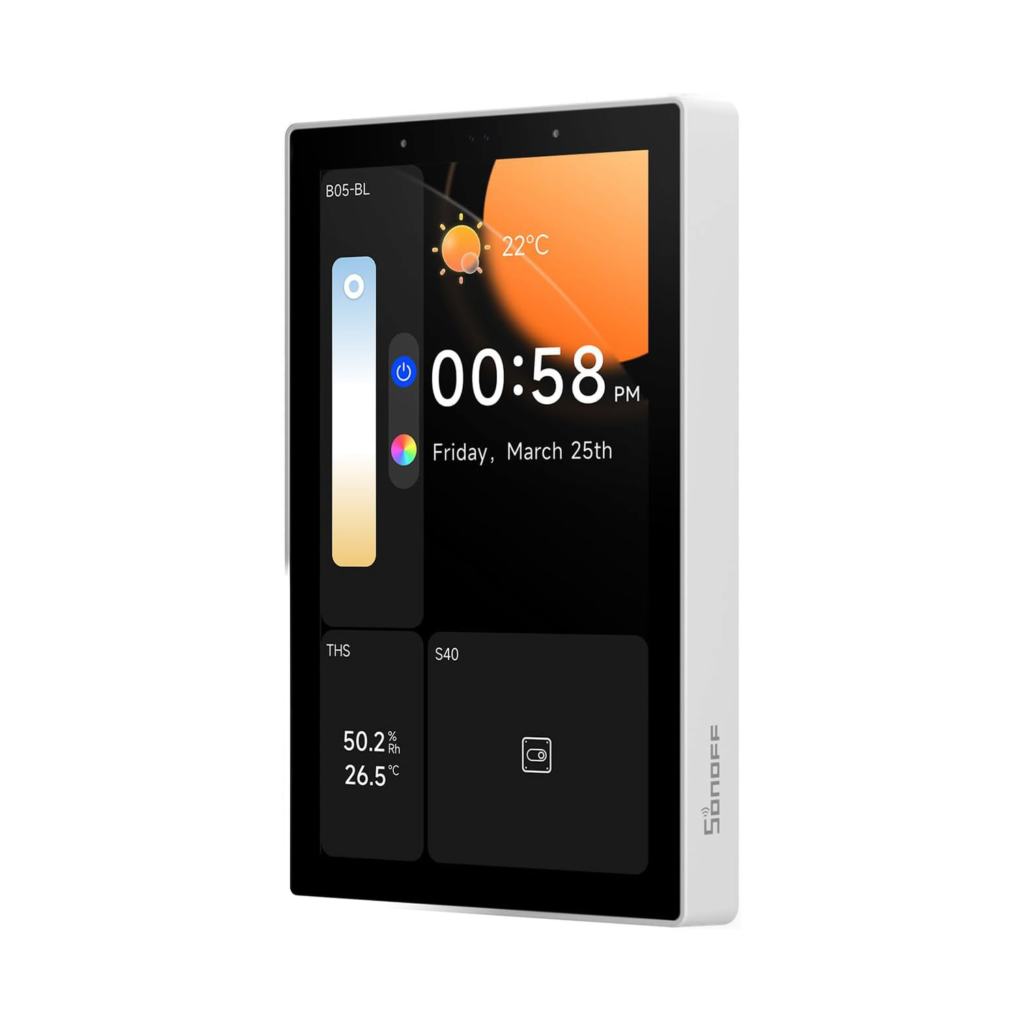
- Works with eWeLink – if you’re already using Sonoff devices, this stays in the same app.
Key Features
- 340° pan + vertical tilt – full room coverage from one mount point.
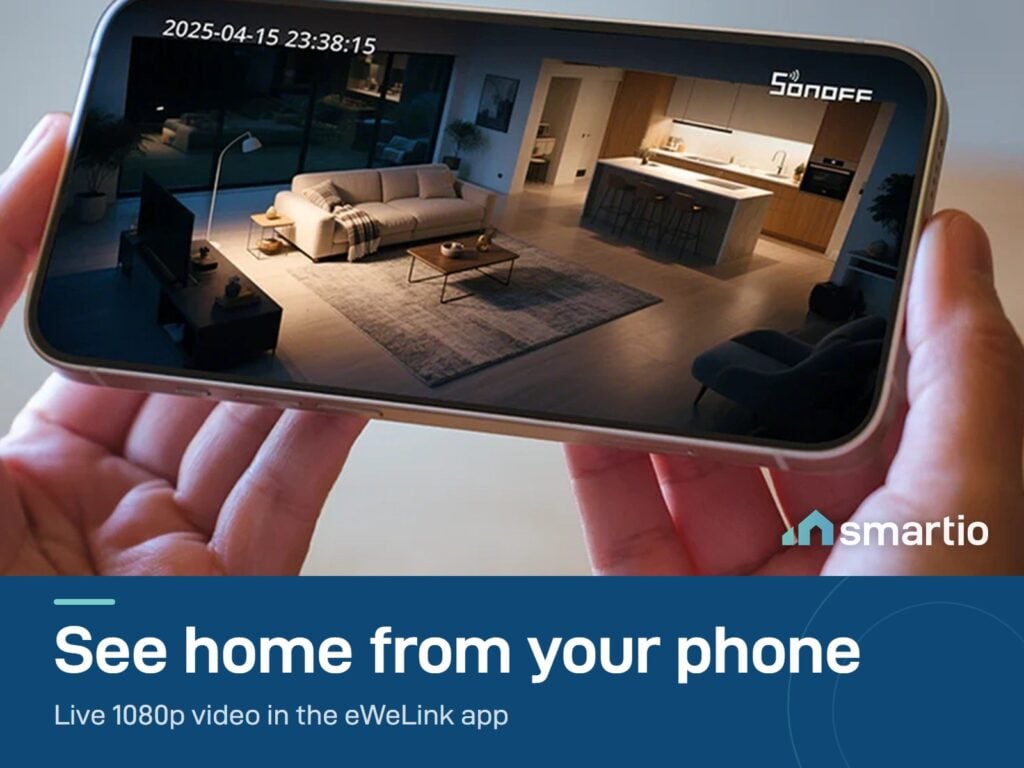
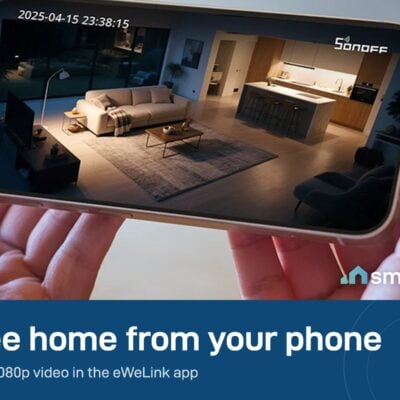
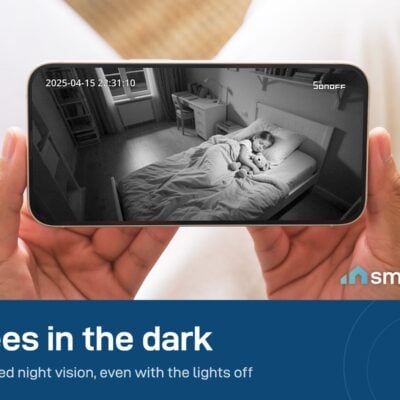
- 1080p Full HD resolution day and night.
- person detection – smart alerts that filter pets, objects, lighting changes.
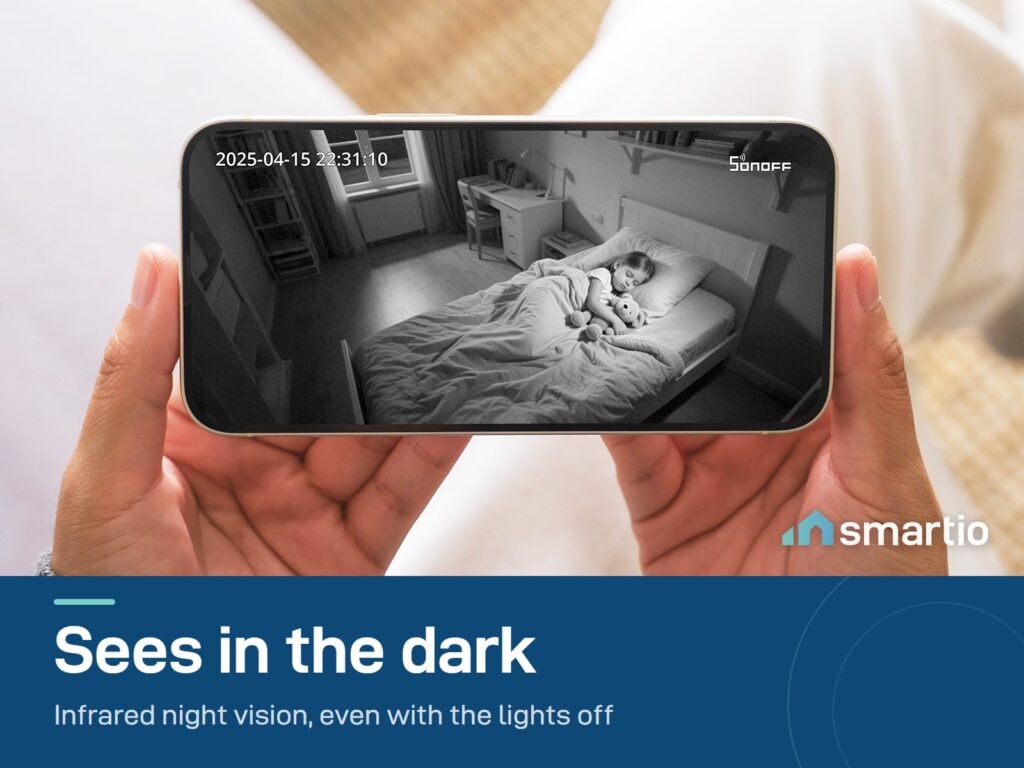
- Smart night vision – choose infrared (black + white), full-color (with the LED), or smart mode (auto).
- 6 preset positions – save quick-access viewing angles.
- Privacy zones – block specific areas from recording.
- Privacy mode toggle – lens physically tilts away when you don’t want recording.
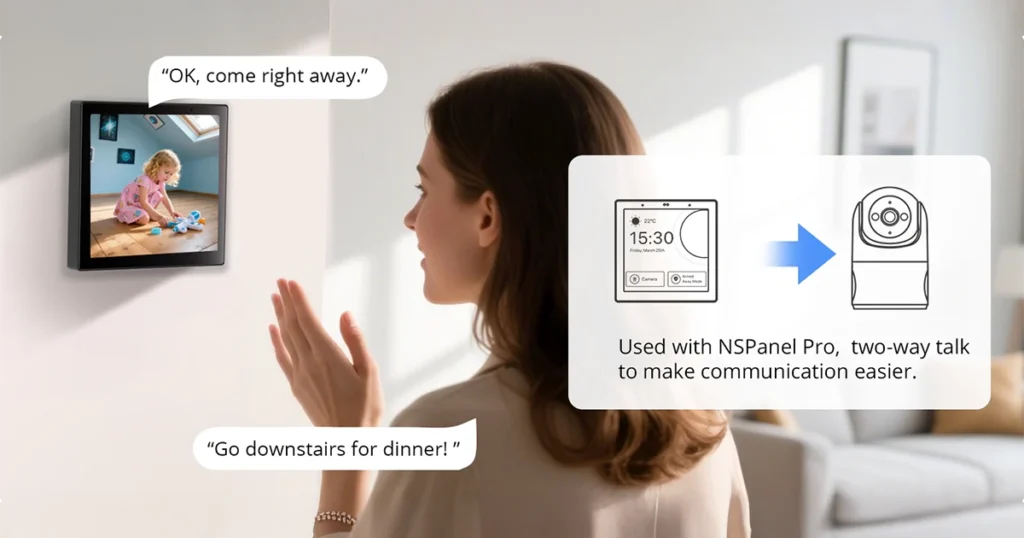
- Two-way audio – built-in mic + speaker.
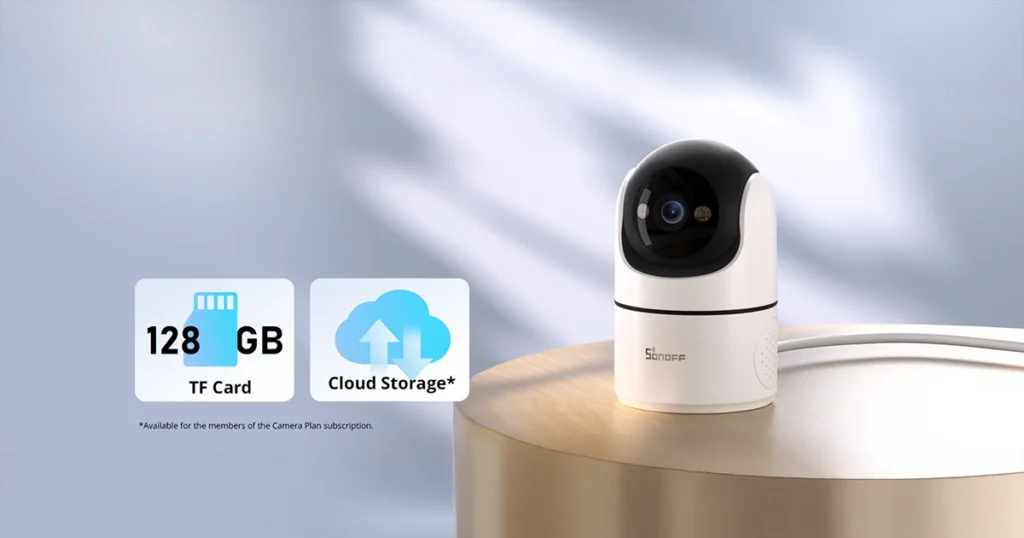
- MicroSD storage (sold separately, recommended 128 GB Class 10).
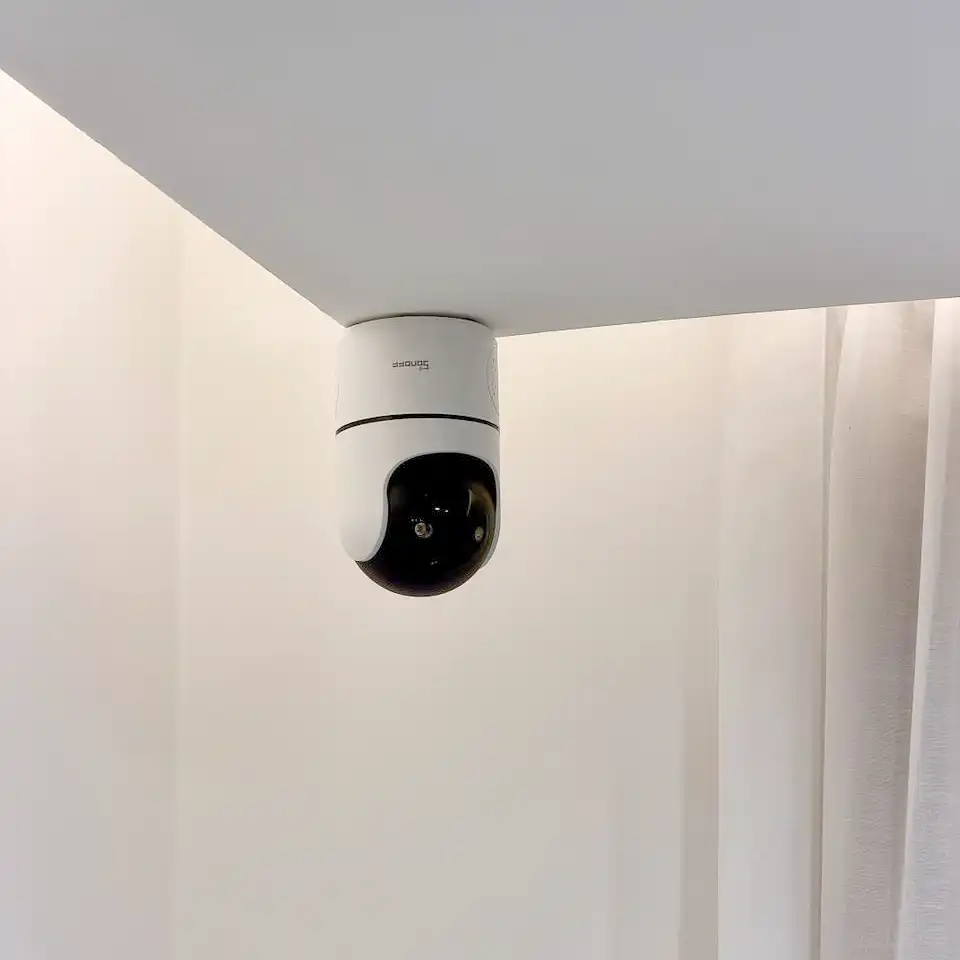
- Wall or ceiling mount.
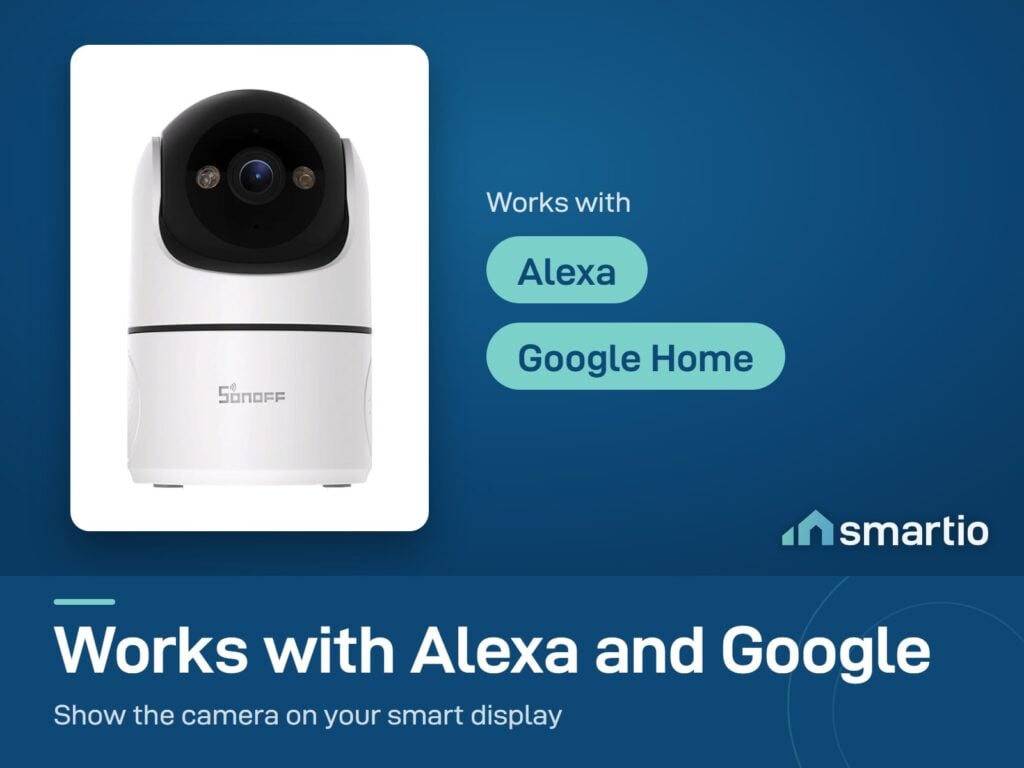
- Voice control – Google Assistant and Alexa.
- Power: Standard DC 5V / 2A USB adapter (sold separately).
Pro Tip: Set 3 preset positions when you first install it – “front door”, “kitchen”, “back exit” or whatever your priorities are. Then from the app you switch between them in one tap, no manual rotation. Also: enable person detection on day one and turn off generic motion detection. You’ll go from 50 alerts a day to maybe 3-5 – and they’ll all be ones you actually want to see.
Frequently Asked Questions
Does it need a memory card?
To save recordings locally, yes – there’s no internal memory. Add a microSD card (Class 10, up to 128 GB) and recordings save directly to it. Without a card, you’ll see live view only (no playback) unless you subscribe to eWeLink’s cloud plan.
What power adapter does it need?
Any standard DC 5V / 2A USB power adapter (the same kind that charges a phone). Not included – bring your own or add a Sonoff adapter to the order.
Can it survive EDL cuts?
The camera itself needs constant power. Workaround: plug it into a power bank with USB output – the camera keeps running even when EDL is off. Just remember it also needs Wi-Fi, so your router needs power too.
Can I mount it on the ceiling or only on a flat surface?
Both – comes with brackets for ceiling AND wall mount. Most people prefer a high wall corner so it can sweep the whole room.
Does it have a privacy mode?
Yes – toggle privacy mode in the app and the camera physically tilts its lens away from the room. You can see when it’s recording vs not.
What’s the difference between the Sonoff cameras?
All Sonoff cameras use the eWeLink app and share motion and person detection. The Pan-Tilt 2 is the pan-tilt indoor model. The CAM-B1P is the outdoor 180° model. Pick based on indoor vs outdoor and how much rotation you need.
Can I view multiple cameras on one screen?
In the mobile app: no split-screen view (you switch between cameras). For multi-camera split-screen, use eWeLink’s web platform – it supports it, but the multi-camera dashboard view requires a paid subscription.
Are the cameras independent of each other?
Yes – each camera works independently. You can have one in the living room and one in the bedroom on the same eWeLink account, and they each function on their own.
Want recordings, not just live view? This camera stores footage on a microSD card (not included). Pair it with the Kingston 128GB microSD card – about 30 days of motion clips, saved on the card, no monthly cloud fees.
What You Get
A Closer Look
Pan and Tilt to See the Whole Room
Common Use Cases (5)
Real scenarios Lebanese customers use this product for. Don't see yours? Message us and we'll tell you if it fits.
Works With



Control with the eWeLink app

What's in the Box
Delivery & Pickup
Warranty & Support
Customer Reviews (2)
Frequently Asked Questions
Compare Models
Still deciding?
Message us on WhatsApp - we'll tell you honestly if this is the right fit for your home.