How It Works

1
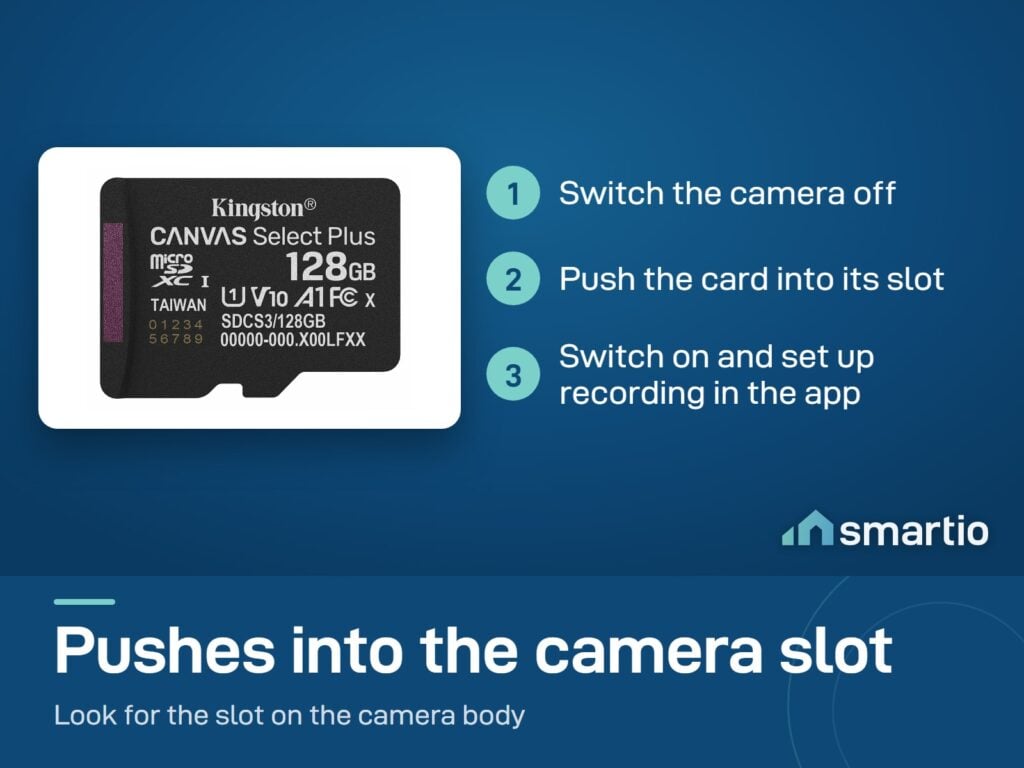
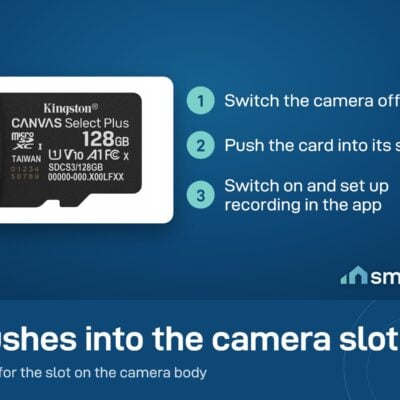
Power off the camera
Briefly disconnect power. Locate the microSD slot - usually under a small cover on the camera body.
2
Insert the card
Push the card in gently until it clicks. Power the camera back on.
3
Enable Local Recording in app
Open your camera's app (CloudEdge, eWeLink, Wyze, etc.) → Settings → Storage → enable Local Recording. The app will detect the new card.
4
Optional: format from app
Some cameras prompt you to format the card on first use - say yes. Card is now ready, recordings start immediately.

Is This Right for Me?

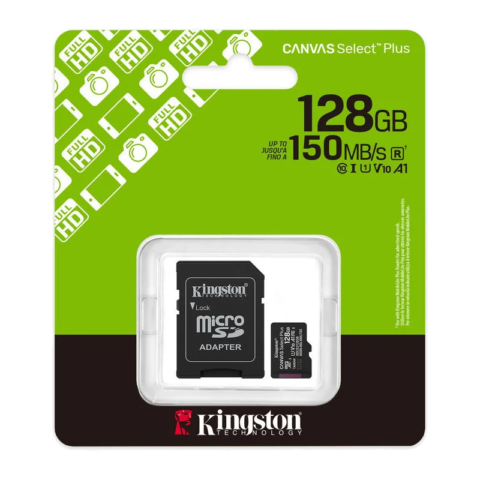
Capacity: 128 GB
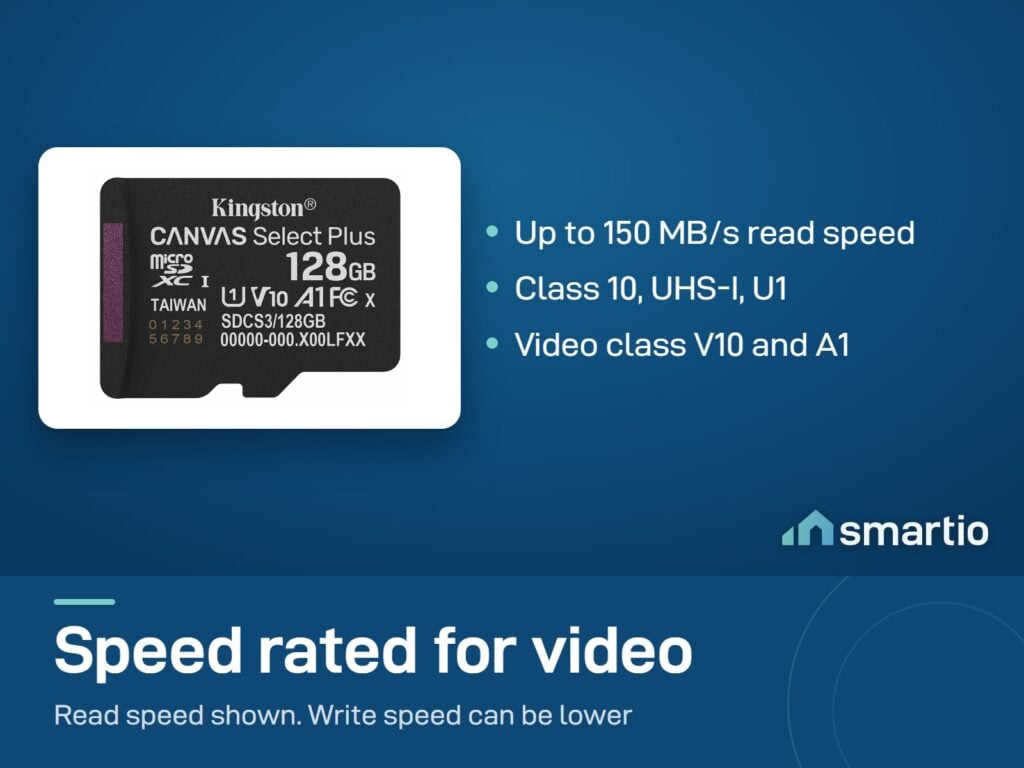
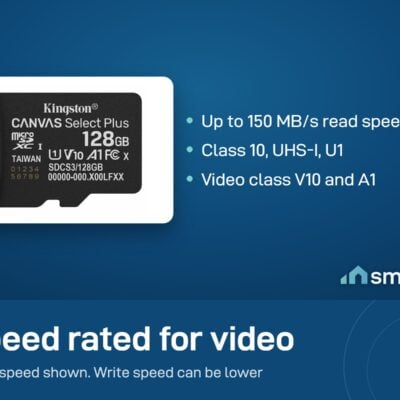
Speed: Up to 150 MB/s read
Class: Class 10, A1, V10 - video-grade
Form factor: microSDXC (with SD adapter)
Use: Security cameras, phones, tablets, dashcams
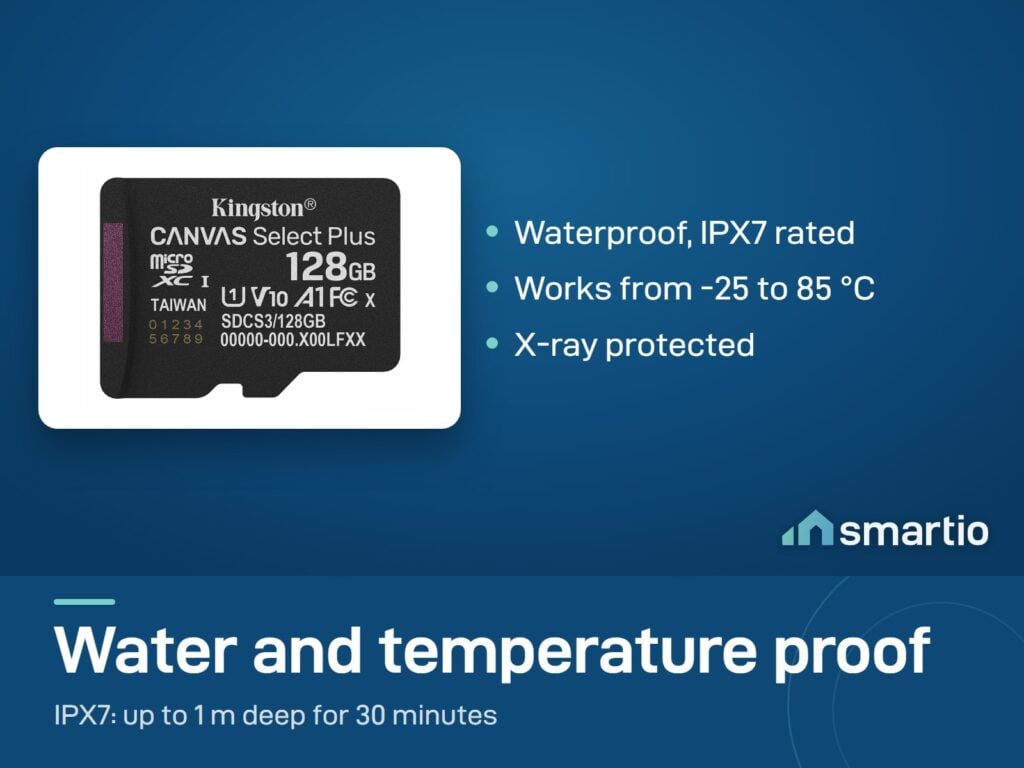
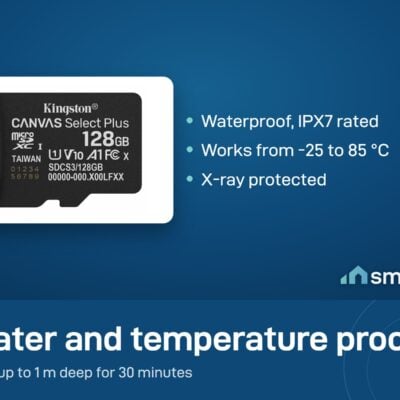
Durability: Waterproof, temperature-proof, X-ray proof
Size: 1.5 cm long, 1.1 cm wide, 0.1 cm thick · Standard microSD size. SD adapter included

Product Details

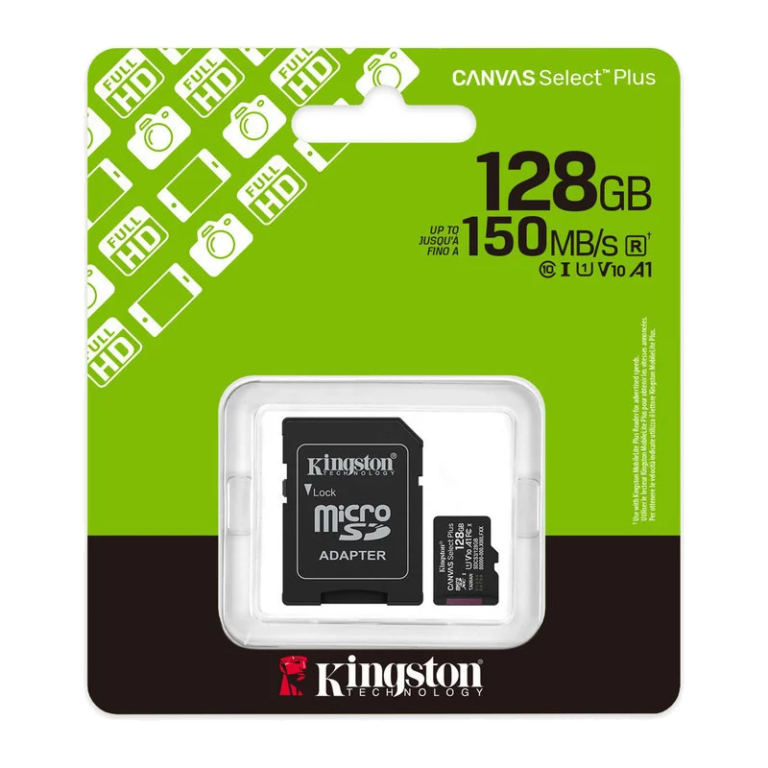
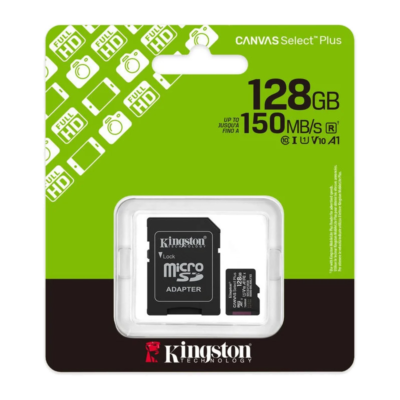
Kingston 128 GB Canvas Select Plus microSDXC Card

A 128 GB microSD card for security cameras: fast enough for HD and 2K video, and sized right for what most cameras support. Kingston rates it waterproof, temperature-proof and X-ray proof.

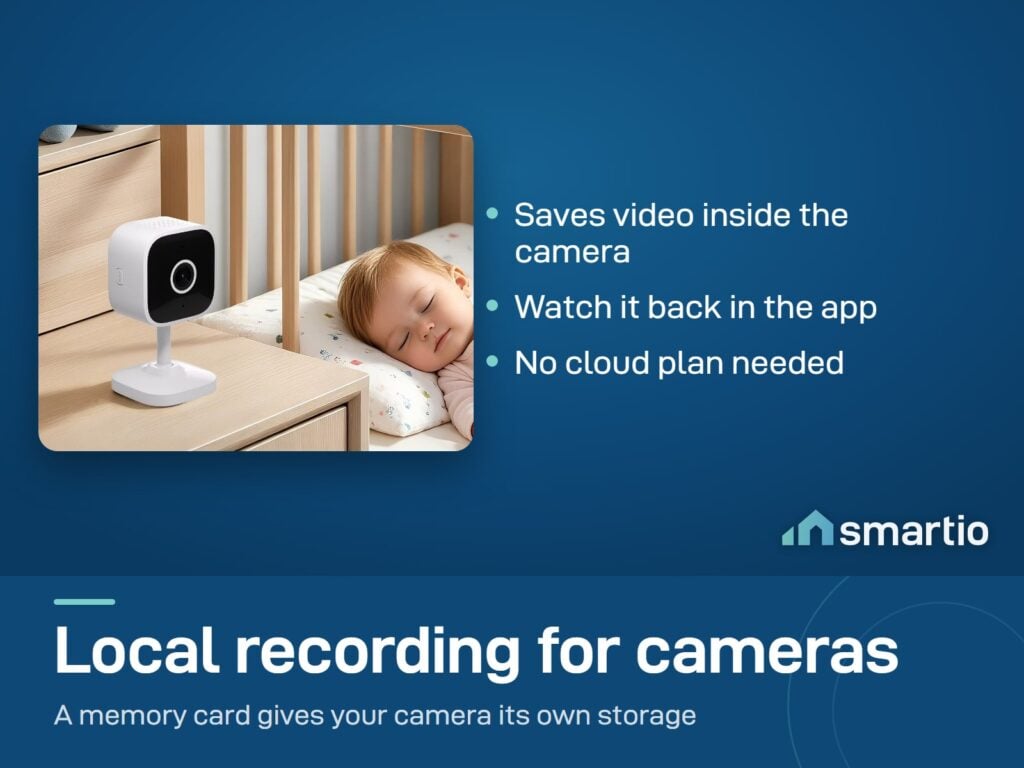
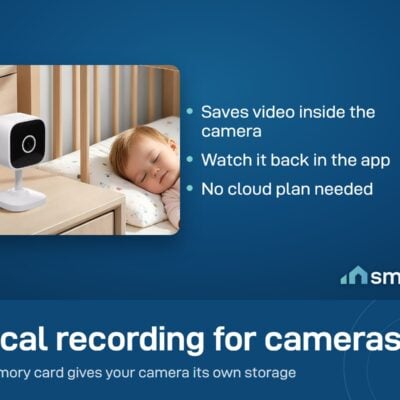
Add this to any of our security cameras and you’ll get local recording – no monthly cloud subscription needed.


Why people buy it specifically

  • Most cameras need a card to record. Without a microSD card, most security cameras only show live view – no playback, no history.
  • 128 GB of storage. How many days it holds depends on the camera’s resolution and whether it records all the time or only on motion.
  • Class A1 + V10 – fast enough for HD/2K video without dropped frames. Cheap cards stutter and corrupt files.

Key Features

  • 128 GB capacity – sized for security camera storage.
  • Up to 150 MB/s read speed.
  • Class A1 + V10 rated – handles HD and 2K video without dropping frames.
  • Durable – waterproof, temperature-proof (-25 to 85 °C), X-ray proof.
  • Compatible with Sonoff, CloudEdge, Wyze, and most other Wi-Fi cameras.

Pro Tip: Don’t skimp on the microSD card. The cheapest no-name card seems fine for a few weeks, then starts corrupting files or fails outright. A camera writes to the card much more often than a phone does. Kingston Canvas Select Plus is the sweet spot of reliable + reasonably priced.


Frequently Asked Questions

Do I really need a microSD card for my camera?

For local recording: yes. Without a card, most security cameras only show live view – there’s no recorded footage to review later. With a card, the camera records all the time or only on motion, and you can scroll back through history.

How much storage do I need?

128 GB is a good size for one camera. How many days it holds depends on the camera’s resolution and whether it records all the time or only on motion. At 2K resolution, the card fills faster.

Is it compatible with my camera?

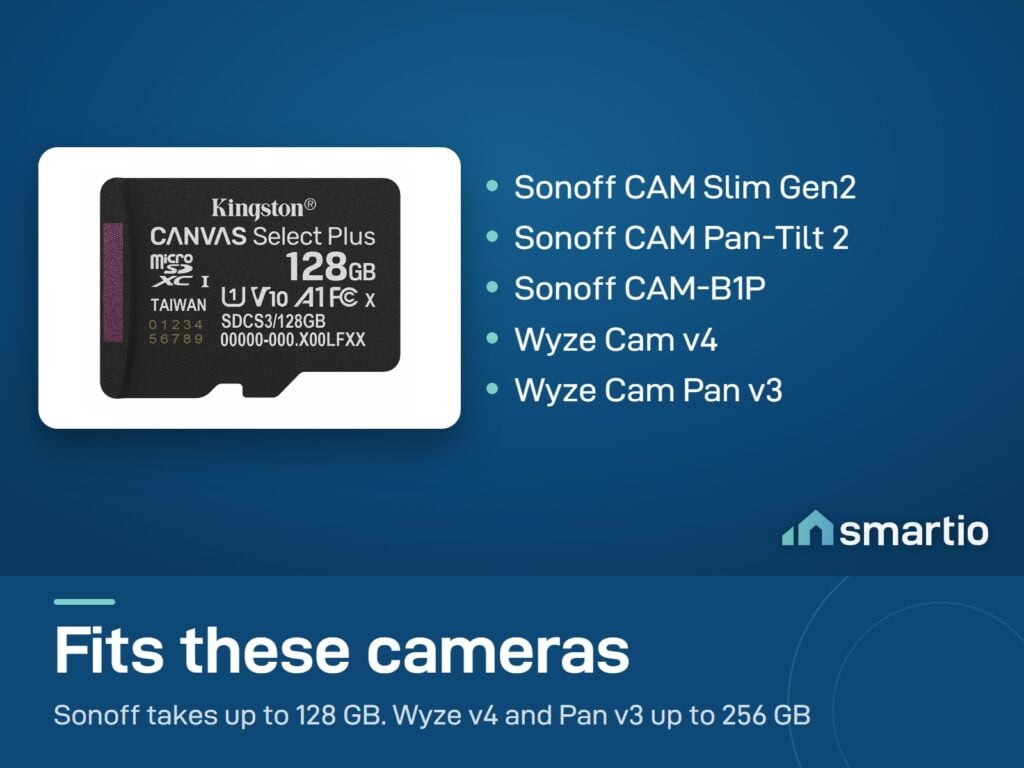
Yes – works with Sonoff, CloudEdge, Wyze, and virtually every other camera that takes a microSD card. Up to 128 GB matches the maximum most cameras support.

How long does it last?

Cards wear out over time from constant recording, so how long one lasts depends on how much the camera writes to it. When a card stops working, replace it with a new one.

What if my card is locked or damaged?

If the card stops working, first check the small physical “lock” tab on the side of the SD adapter (if you’re using one). If the tab is in the lock position, the card is read-only. If that’s not the issue, the card may be damaged – message us with a video of the issue and we’ll replace under warranty.

Does the camera have any built-in memory without this card?

No – virtually no security cameras have built-in memory. The microSD card is essential for local recording.

Is this Class 10 / U1?

Yes – Class A1 and V10 ratings, which are video-recording grades. Fast enough for HD and 2K cameras without dropped frames.

What You Get

Cameras need a card
Without a microSD card, most security cameras only show live view - no playback, no scroll-back history.
128 GB of storage
How many days it holds depends on the camera's resolution and recording mode. No monthly cloud fee.
Fast enough for 2K video
Class A1 + V10 ratings - handles HD and 2K without dropped frames. Cheap cards stutter and corrupt files.
Water and heat proof
Kingston rates it waterproof, temperature-proof (-25 to 85 °C) and X-ray proof.

A Closer Look

Kingston 128GB Canvas Select Plus microSDXC Card

Kingston rates the card waterproof, temperature-proof and X-ray proof.

Kingston 128GB Canvas Select Plus microSDXC Card

Works With

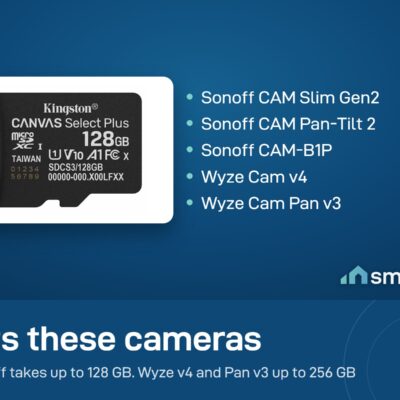
Sonoff CAM Pan-Tilt 2, CAM Slim, CAM-B1P, CAM Outdoor
Works
CloudEdge Pan and Tilt + Solar cameras
Works
Wyze Cam v3, Cam v4, Cam Pan v3
Works
Reolink Wi-Fi cameras (RLC-510WA, etc.)
Works
Smartphones, tablets, dashcams
Works

What's in the Box

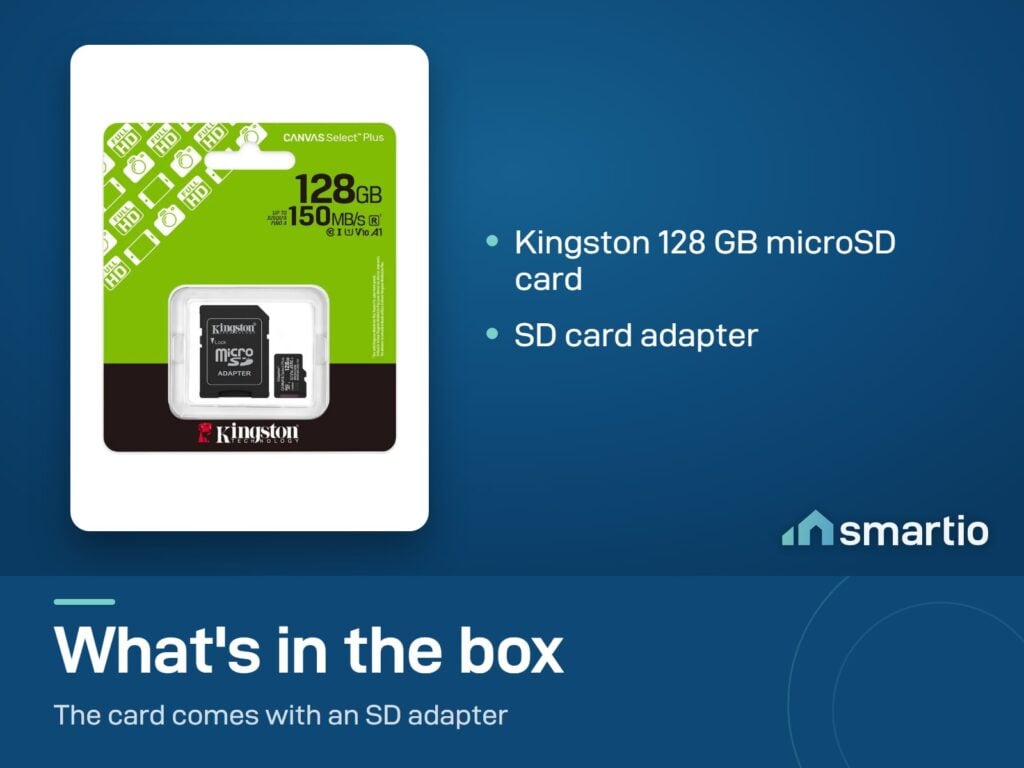
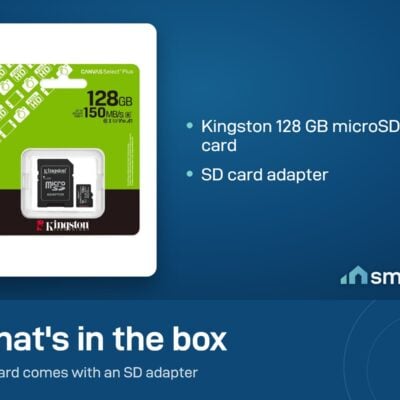
1× Kingston 128 GB Canvas Select Plus microSDXC card
1× SD adapter

Delivery & Pickup

Standard Delivery
All Lebanon governorates, within 2–4 working days.
4 $ · Free over 50 $
Express Delivery
Faster shipping, available across all Lebanon. Your exact delivery date depends on your town - you will see it at checkout.
Check your town 6 $ flat
Pickup - Dekwaneh
Collect from the Wakilni warehouse in Dekwaneh. We send the exact address on WhatsApp when your order is ready. Weekdays 10am–5pm, Sat 10am–1pm.
3 $ · Free over 30 $

Warranty & Support

6-month Local Warranty
Covers defects in materials & workmanship. Handled here in Lebanon.
WhatsApp Support - Always On
Can't set it up? Message us. We reply within minutes, not days.
14-day Exchange - Unopened Items
The item must be unopened and in its original packaging. Exchange it for a product of equal or higher value - we do not give cash refunds. Opened items are covered by the warranty if there is a factory defect.
Free Setup Call
If you get stuck, we'll walk you through the setup on a free WhatsApp call.

Customer Reviews (1)

5.0
★★★★★
1 review
5
100%
4
0%
3
0%
2
0%
1
0%
Smartio customer
April 2026
★★★★★
✓ Verified Purchase

Frequently Asked Questions

Do I really need a microSD card for my camera? ›
For local recording, yes. Without a card, most security cameras only show live view - there's no recorded footage to review. With a card, the camera records all the time or only on motion and you can scroll back through the history.
How much storage do I need? ›
128 GB is a good size for one camera. How many days it holds depends on the camera's resolution and whether it records all the time or only on motion. At 2K resolution, the card fills faster.
Is it compatible with my camera? ›
Yes - works with Sonoff, CloudEdge, Wyze, Reolink Wi-Fi, and virtually every camera that takes a microSD card. 128 GB is the max supported by most consumer cameras.
How long does the card last? ›
Cards wear out over time from constant recording, so how long one lasts depends on how much the camera writes to it.
What if my card stops working? ›
First check the small physical lock tab on the side of the SD adapter - if it's flipped to the lock position, the card is read-only. If the card itself is faulty, message us with a short video of the issue and we'll replace it free under the 6-month Smartio warranty.
Does the camera have built-in memory without this? ›
No - almost no security cameras have built-in memory. The microSD card is required for local recording, OR you'd need a monthly cloud subscription, OR an NVR.
What's Class A1 / V10? ›
These are video-recording speed ratings. A1 = fast enough for apps and continuous read/write. V10 = sustained 10 MB/s write, which is the minimum for HD/2K video. The card meets both, which is why it works reliably in security cameras.
Can I use it in my phone or tablet? ›
Yes - works in any device that takes microSD. Useful for expanding Android phone storage or for dashcams.

Compare Models