

Sonoff Zigbee Bridge Pro Smart Home Hub
- Protocol: Wi-Fi + Zigbee 3.0
- Max sub-devices: 128 (up from 32 on the older bridge)
- Range: ~10 m from bridge (extended via Zigbee repeaters)
Tap a tier to select that quantity, then Add to Cart - the discount applies automatically in cart. No code needed.
- 6-month warranty, covering every brand we sell
- 14-day exchange on unopened items
- Delivery all over Lebanon, free on orders over 50 $
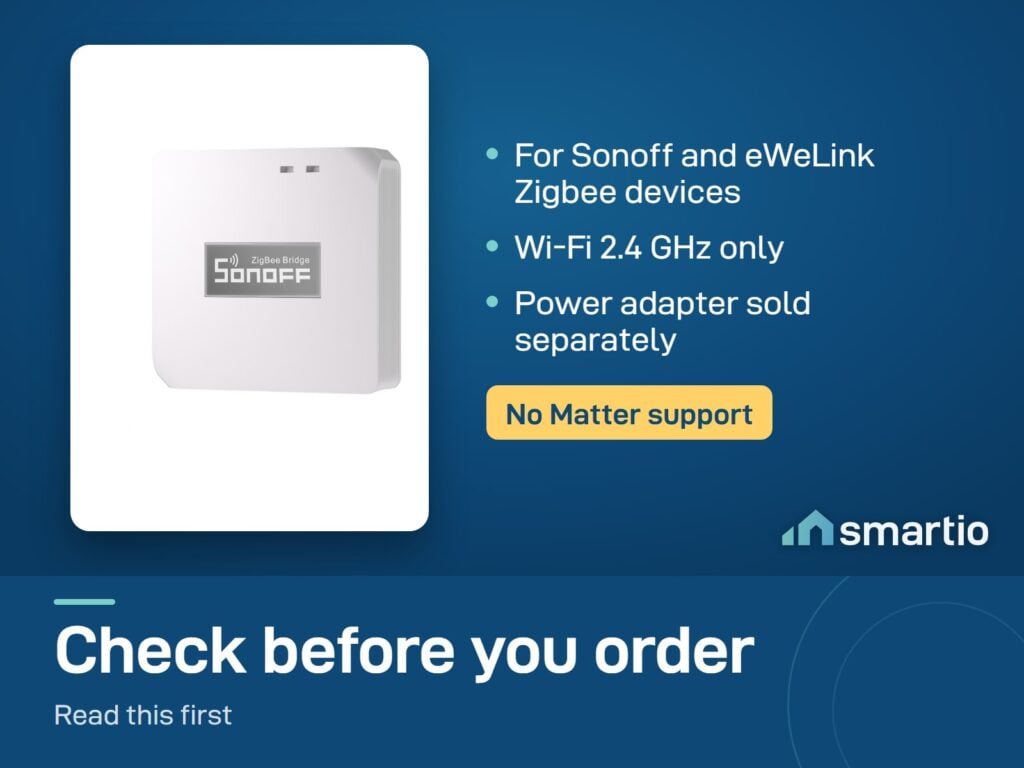
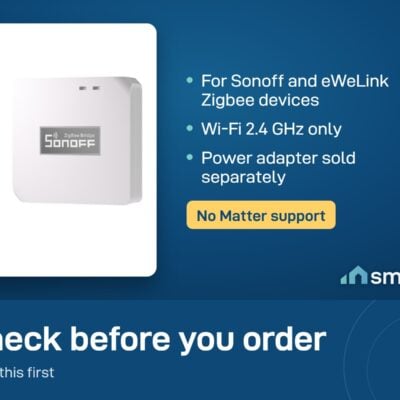
- Works only with Sonoff Zigbee devices.
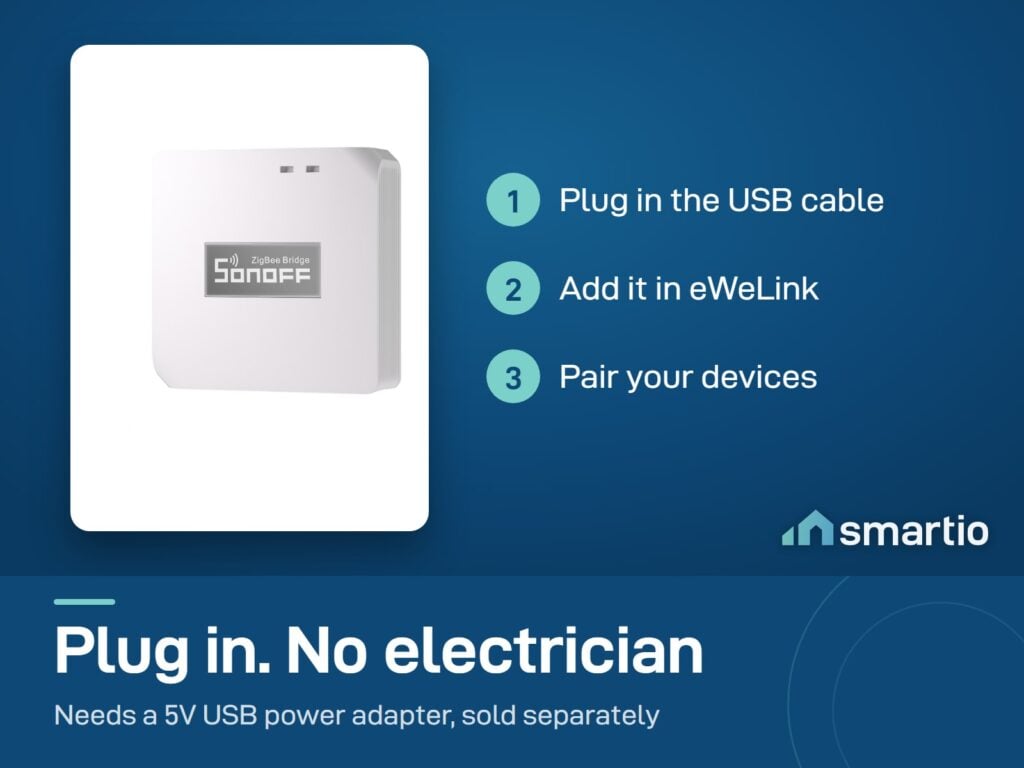
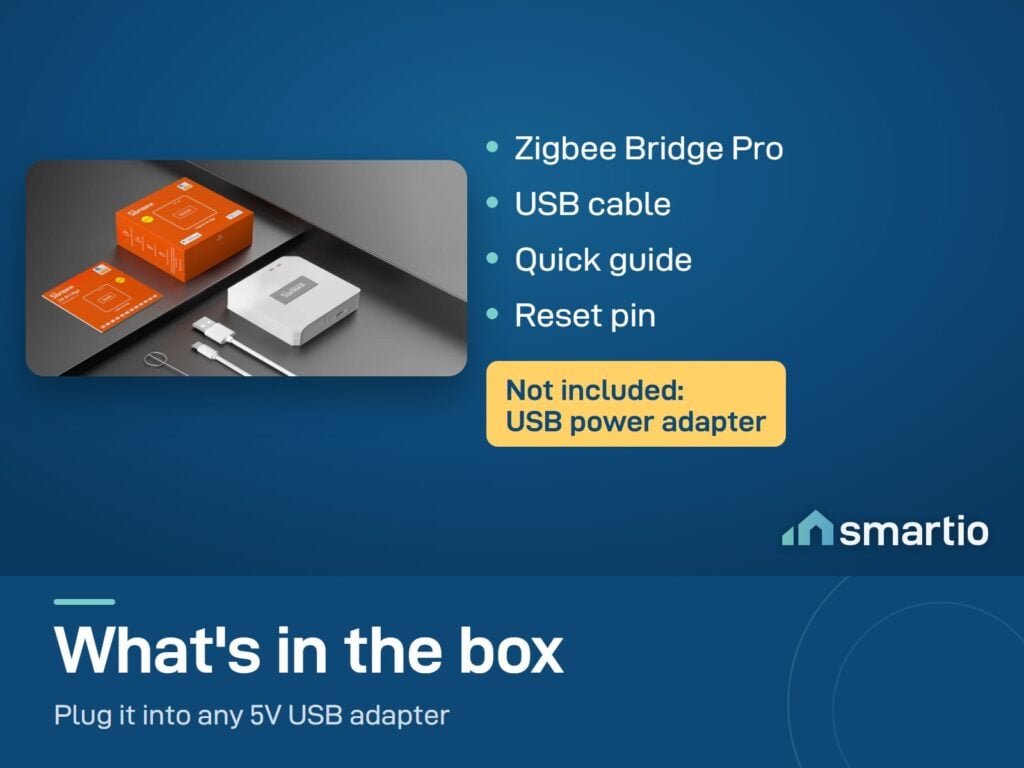
- Power adapter is not included - you need a standard 5V USB adapter (any phone charger works).
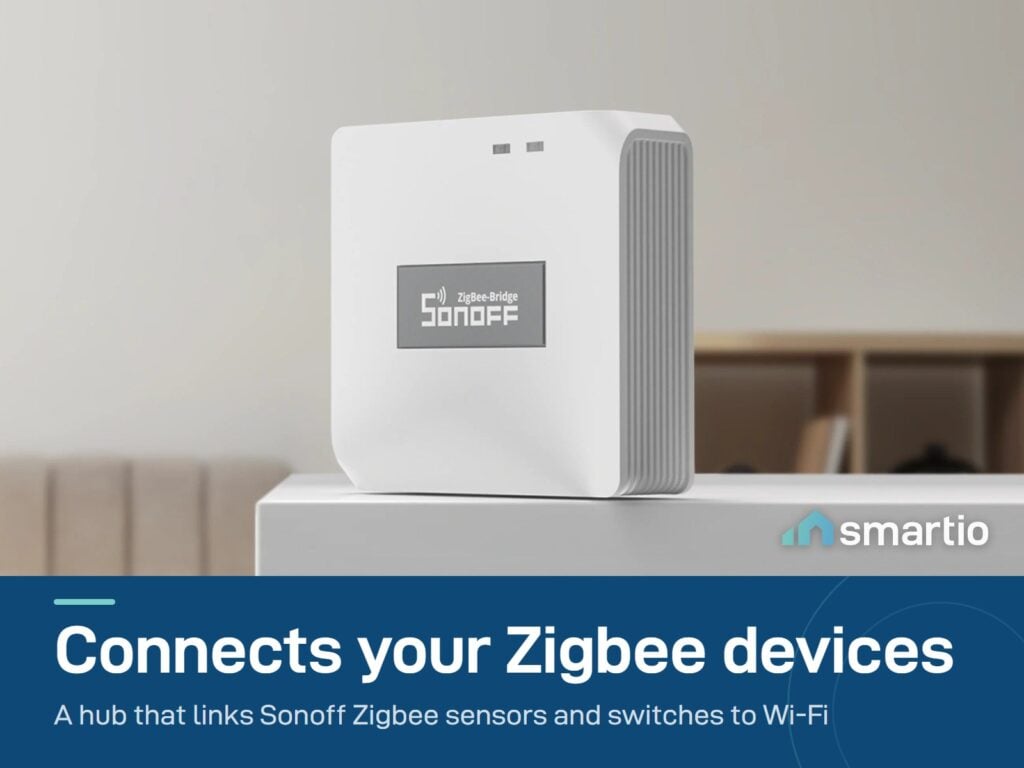
- This is the hub that connects all your Sonoff Zigbee sensors and switches to Wi-Fi. Place it centrally for best range.
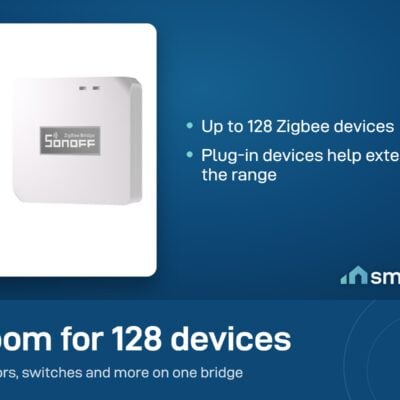
- Supports up to 128 sub-devices.
Sonoff products customers bought together
How It Works
Is This Right for Me?
Product Details
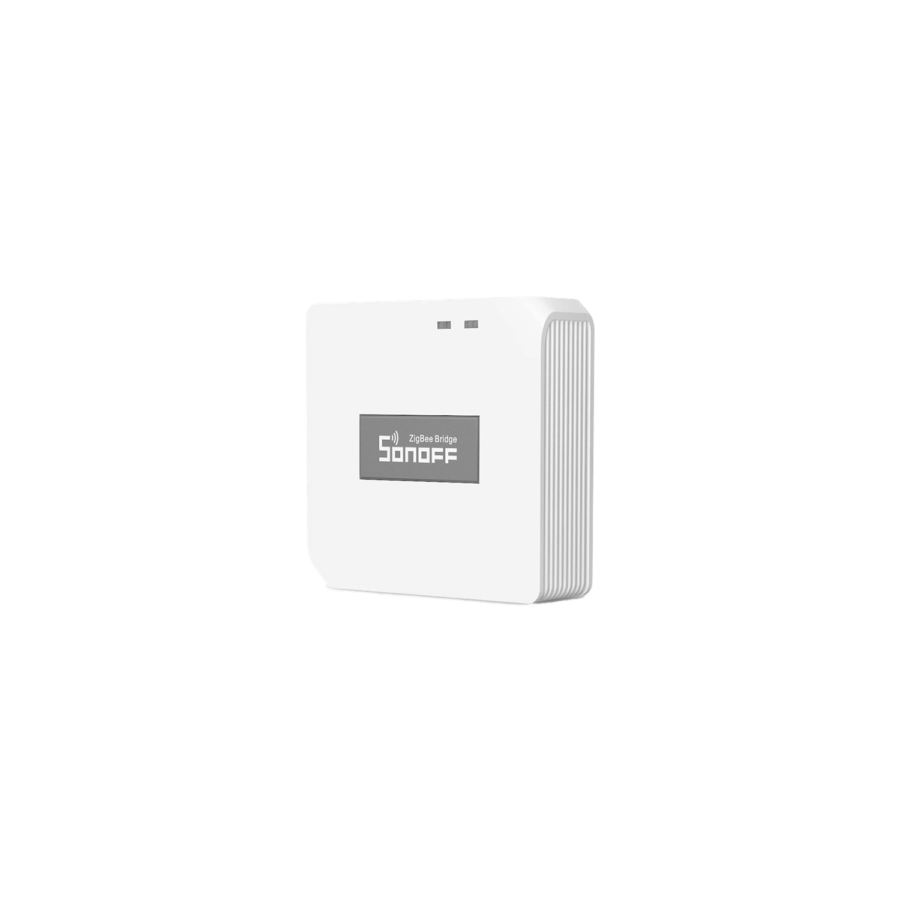
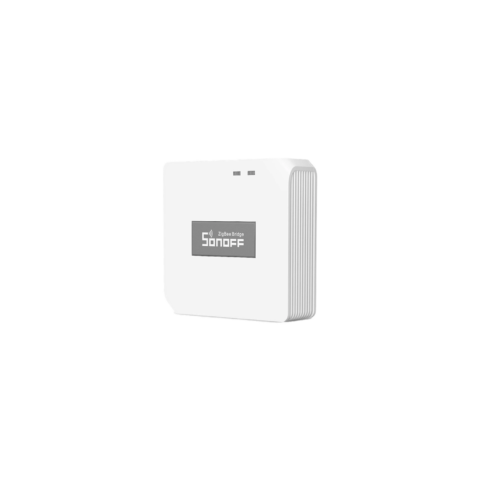
Sonoff Zigbee Bridge Pro
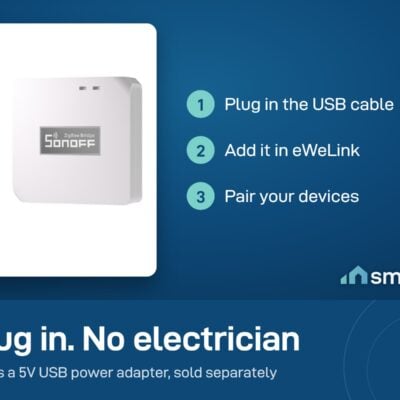
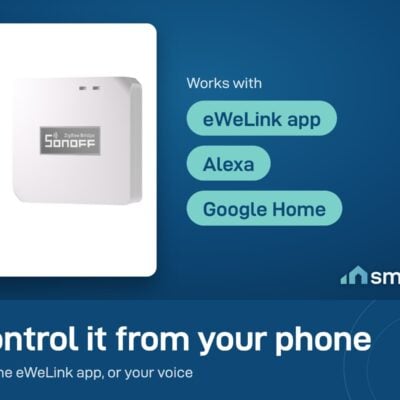
This is the hub your Sonoff Zigbee sensors and switches need to talk to your phone. Plug it in near your router, pair it once in the eWeLink app, then add any Zigbee device – temperature sensors, motion sensors, door/window sensors, light switches – and control everything from one app.
If you’re building a smart home with Zigbee devices, this is the foundation. Without a bridge, Zigbee sensors can’t reach your network.
Why you need it
- Zigbee sensors only work through a bridge. They use a low-power radio that doesn’t talk directly to Wi-Fi – the bridge translates between them.
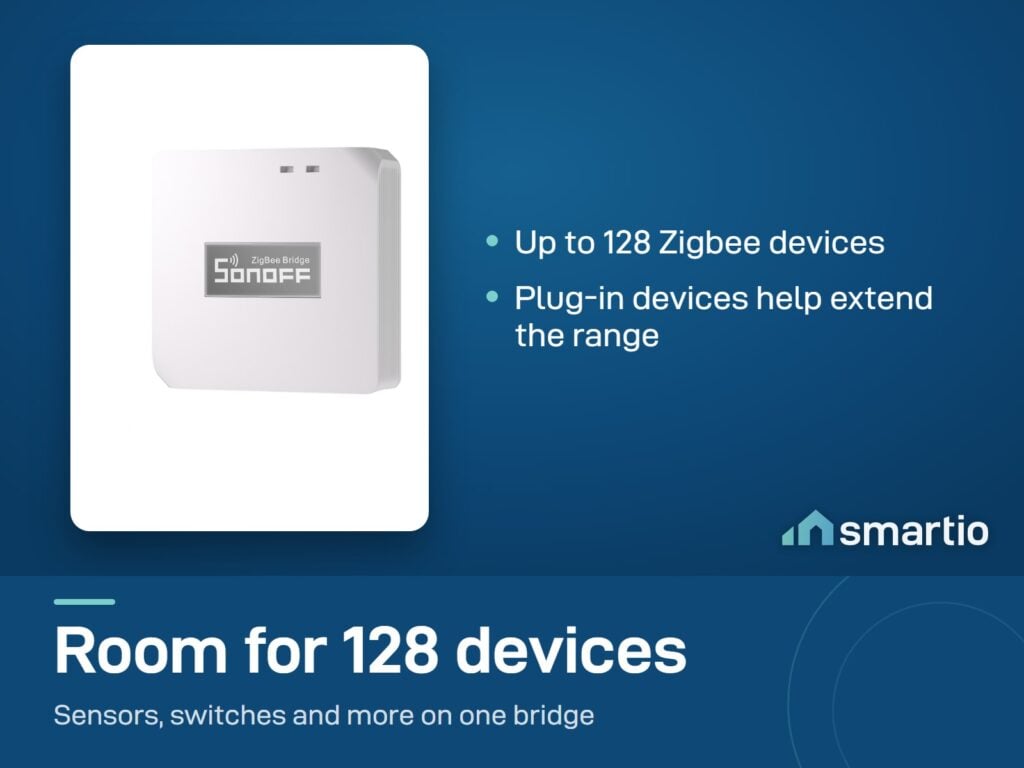
- Up to 128 devices on one bridge. Enough for a fully-loaded smart home.
- Local automations keep working without internet. Set a rule (e.g. “if door opens, turn on the light”), and it runs locally between Zigbee devices even if your Wi-Fi is down.
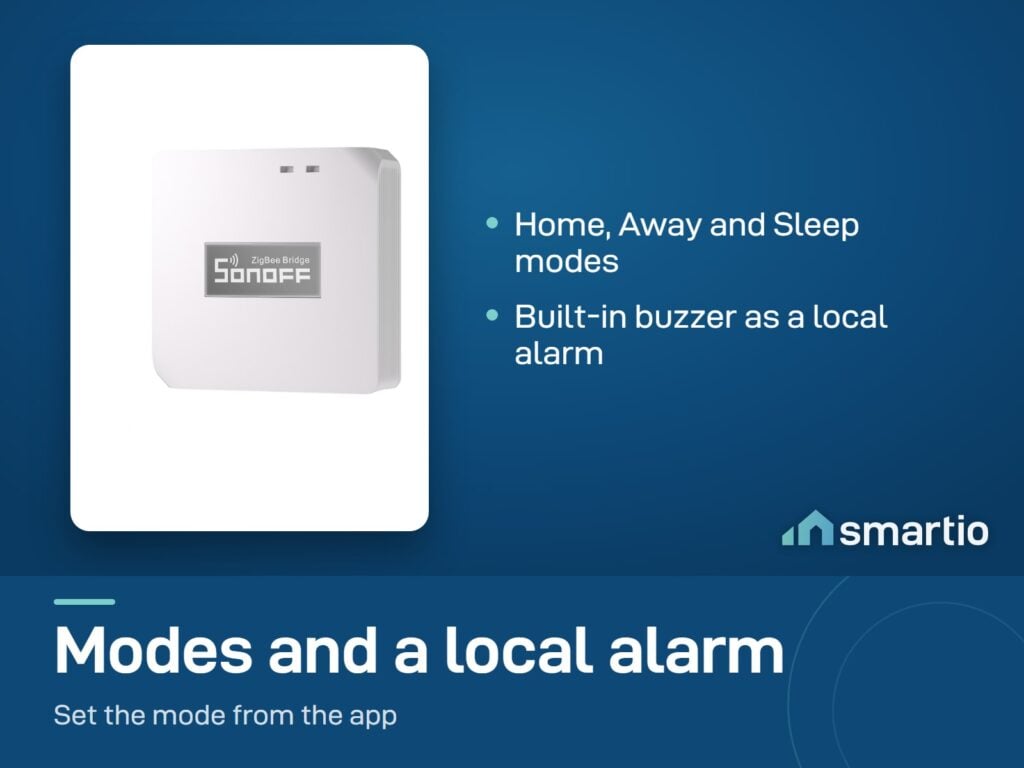
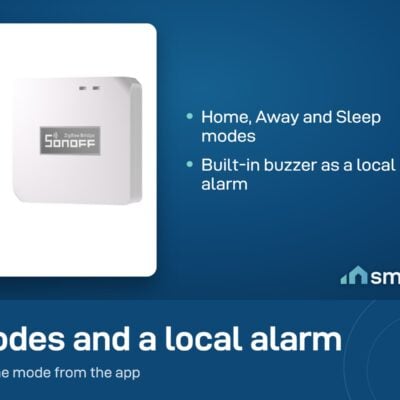
- Built-in siren. Trigger it through automations – say, when a motion sensor goes off while you’re set to “Away” mode.
Key Features
- Supports up to 128 Zigbee sub-devices (vs 32 on the older bridge).
- Wi-Fi + Zigbee dual protocol – bridges Zigbee devices to your Sonoff Wi-Fi gear.
- Home / Away / Sleep modes – use the bridge as a local alarm system.
- Range: roughly 10 meters from the bridge, depending on walls and interference. Plug-in Zigbee devices in between extend the network further.
- 5V DC input via micro-USB. Power adapter sold separately – add a Sonoff 5V/2A adapter so you can use it out of the box.
Pro Tip: Plug the bridge near your router for the most stable connection, and place any Zigbee smart plugs you have between the bridge and your far-away sensors – they act as repeaters, extending range to the corners of your house.
Frequently Asked Questions
Do I actually need this bridge?
For any Sonoff Zigbee sensor or switch (temperature sensor, door/window sensor, motion sensor, ZBMINI etc.) – yes, you need a bridge. Wi-Fi-only Sonoff devices (like the S60 plug or MINIR4 Wi-Fi switch) don’t need it.
Does it come with a power adapter?
No – you need a 5V DC adapter (micro-USB cable). We sell a matching Sonoff 5V/2A adapter; add one to your order to plug it in immediately.
How far away can my sensors be?
About 10 meters of clear range, less with walls. If your house is larger, the trick is to add a Zigbee smart plug somewhere in the middle – it acts as a repeater and stretches the network. Or add a second bridge for the far side.
Does it work without internet?
Local automations (e.g. “motion sensor → light on”) keep running even with no internet. You only need internet to control things from outside your house or set up new devices.
Where should I install it?
Near your router, plugged into a wall outlet. It needs continuous power (no batteries) and should be in a dry, protected area – it’s not waterproof.
Can I pair sensors at one location and use them at another?
Yes – if both routers have the same Wi-Fi name and password. Otherwise the bridge needs to be re-paired to the new network.
Does it support old Sonoff RF devices?
No – this is a Zigbee bridge only. RF devices need a separate RF bridge.
What You Get
A Closer Look
Sonoff ZigBee Bridge Pro
The heart of Zigbee Smart Home, with which Zigbee and WiFi devices communicate with each other.
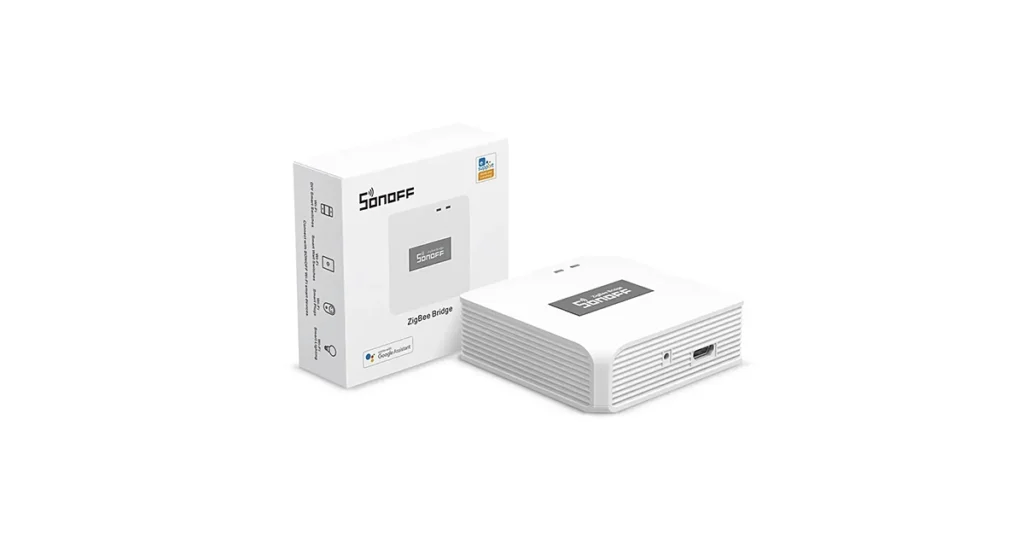
Make Zigbee and Wi-Fi Devices Communicate
Sonoff upgraded Zigbee bridge can manage up to 128 sub-devices with greater capacity and stability. Newly added functions such as smart home security, local smart scene and so on.
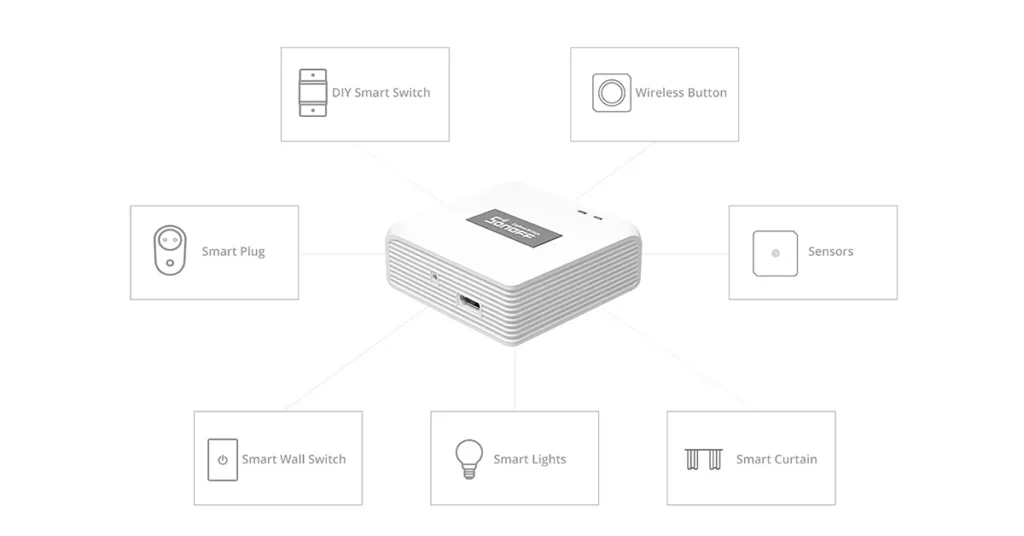
Manage up to 128 Zigbee devices
One Zigbee Bridge Pro can add up to 128 sub devices, plug-in devices can act as Zigbee routers to extend network range.
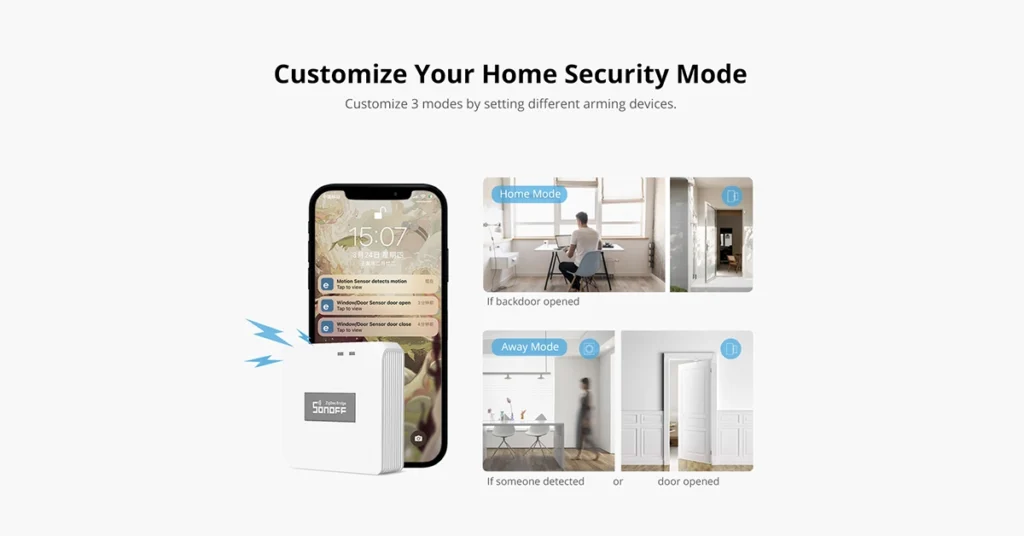
Customize your home security mode
Sonoff Zigbee gateway has newly added features such as smart home security, local smart scene and easy arming and disarming. You can customize 3 modes by setting different activation devices.

Common Use Cases (1)
Real scenarios Lebanese customers use this product for. Don't see yours? Message us and we'll tell you if it fits.
Works With




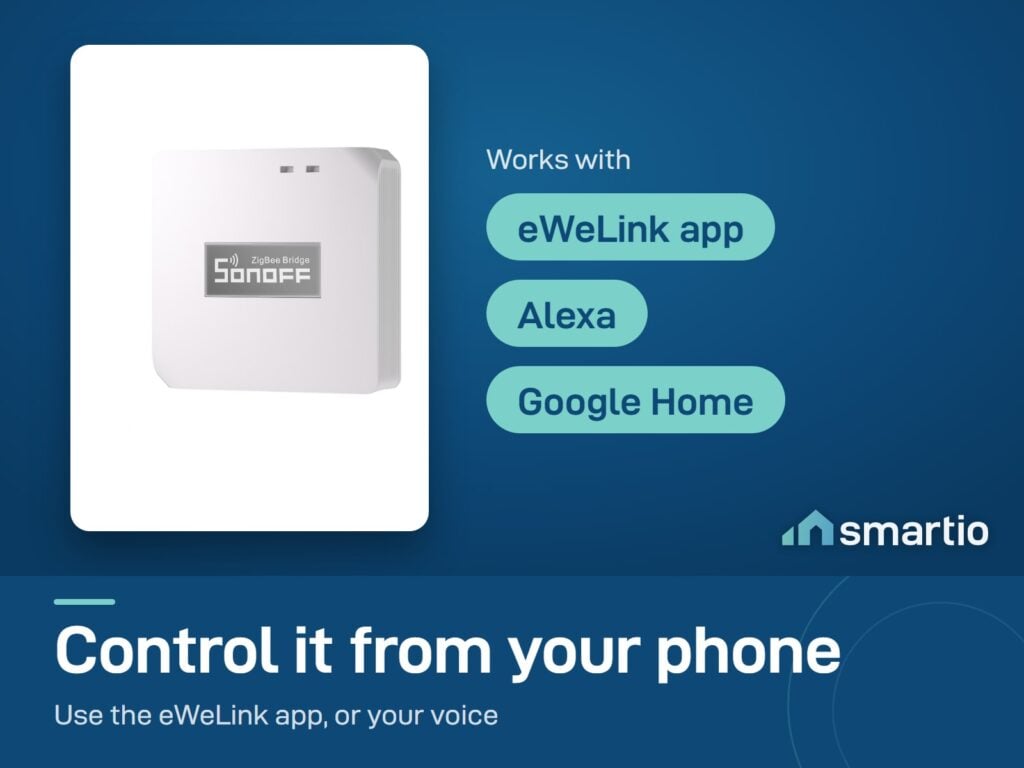
Control with the eWeLink app

What's in the Box
Delivery & Pickup
Warranty & Support
Customer Reviews (1)
Frequently Asked Questions
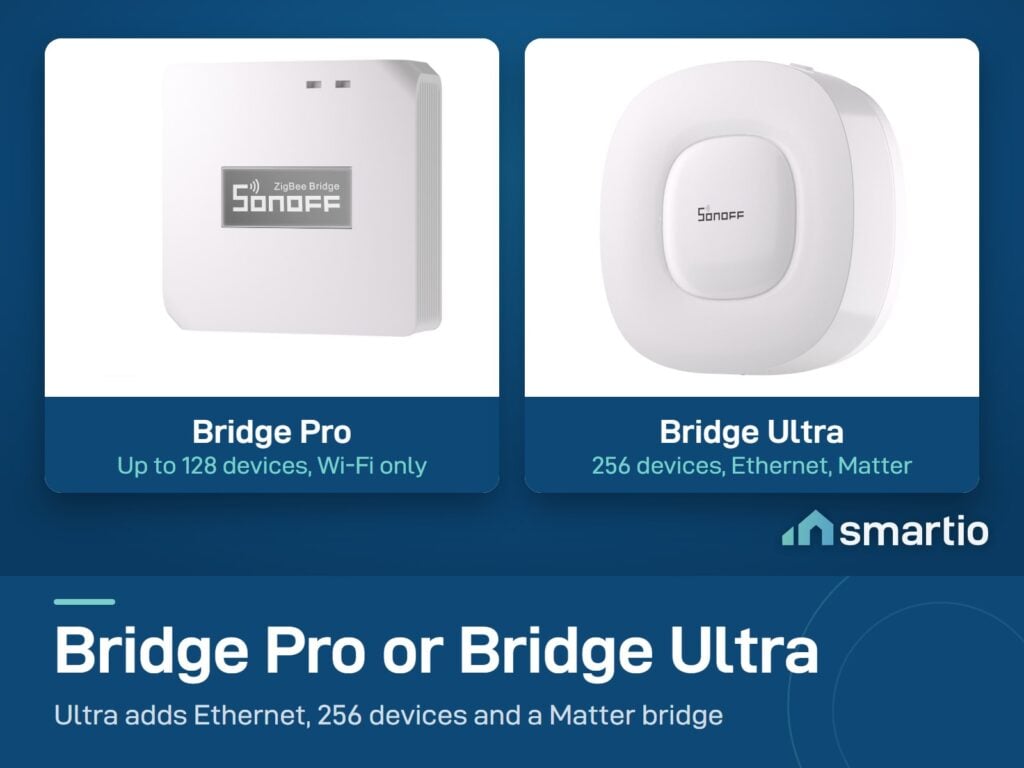
Compare Models
Still deciding?
Message us on WhatsApp - we'll tell you honestly if this is the right fit for your home.