How It Works

1
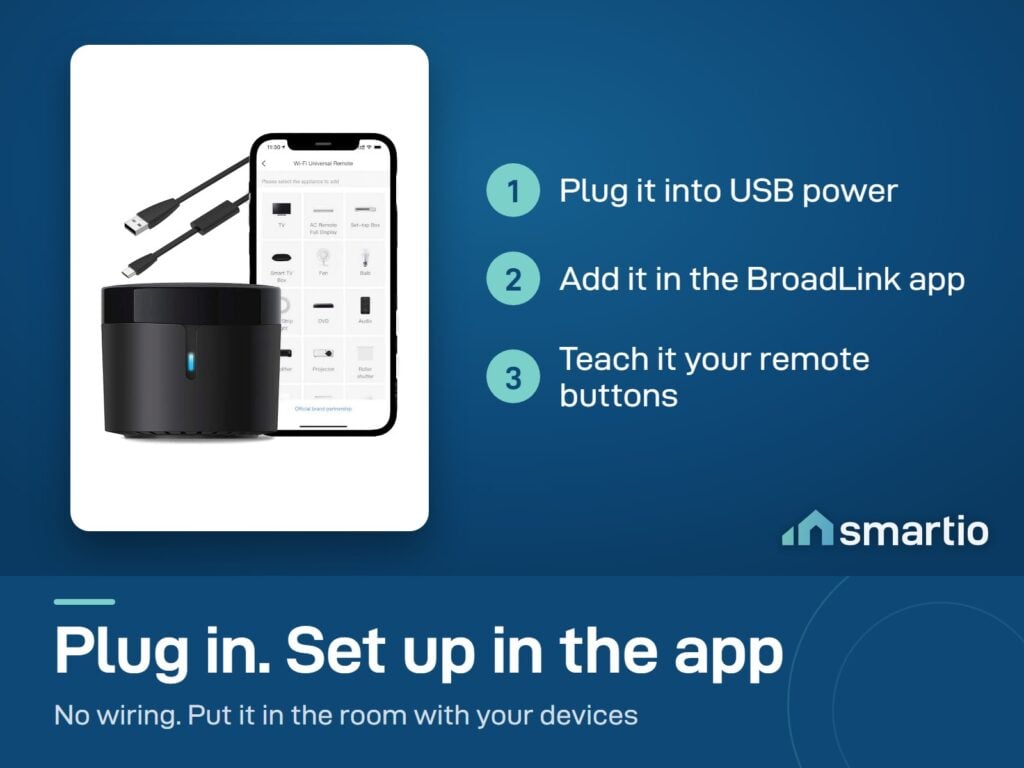
Plug it in via USB
Connect the included USB cable + adapter to any wall socket. Place the unit where it has line of sight to your AC and TV.
2
Pair to Wi-Fi
Open the BroadLink app → add device → follow Wi-Fi pairing (2.4 GHz network).
3
Add your AC and TV
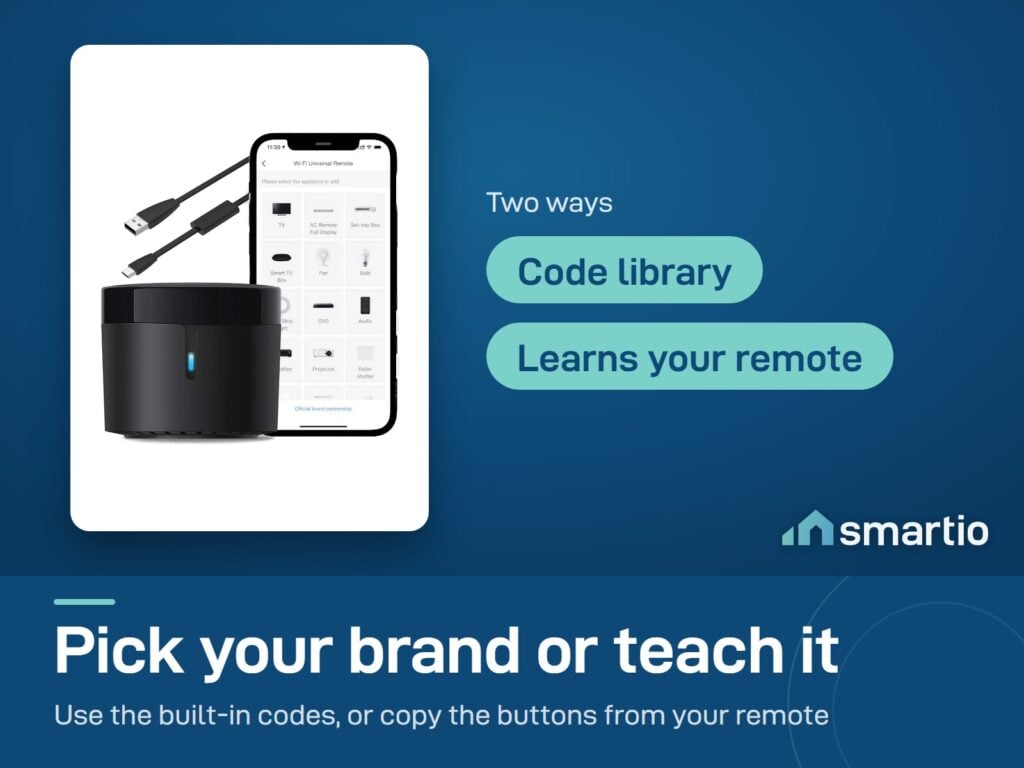
In the app, tap '+' to add a device, pick the type (AC/TV), select your brand, and confirm a test signal. Pre-loaded codes cover most brands.
4
Build scenes + automations
Create 'Welcome Home' (AC on + TV on), schedule AC off when you sleep, or trigger AC on at a temperature threshold.

Is This Right for Me?

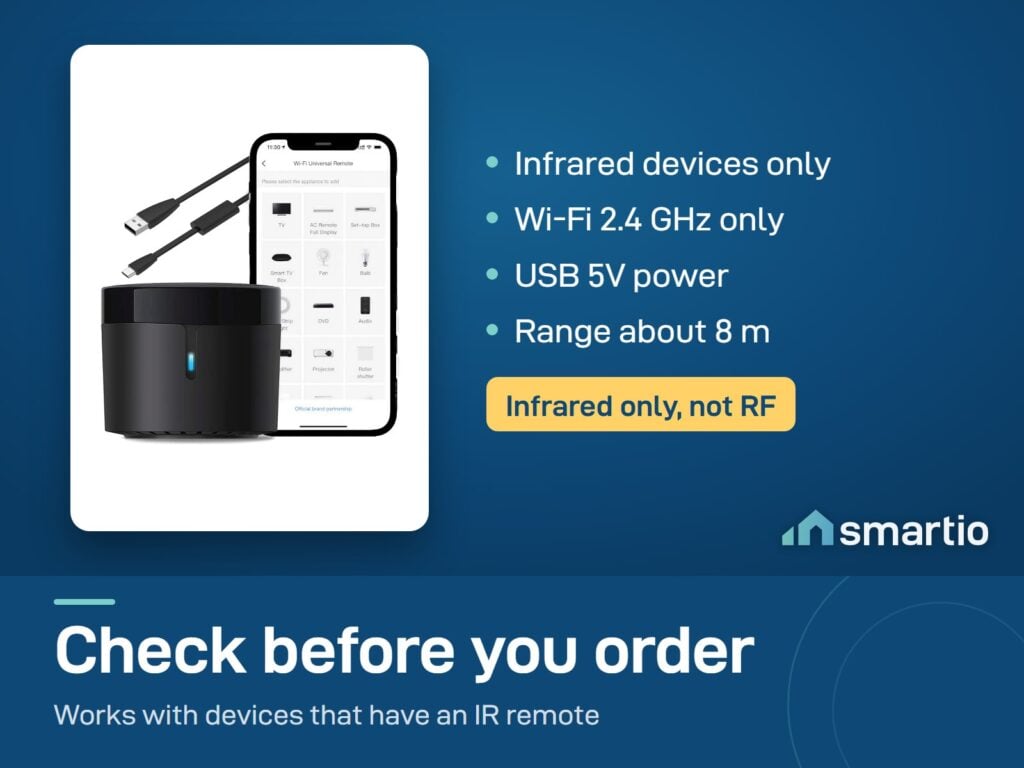
Controls: Any IR remote device - AC, TV, fan, set-top, DVD, projector
Connectivity: Wi-Fi 2.4 GHz (no hub needed)
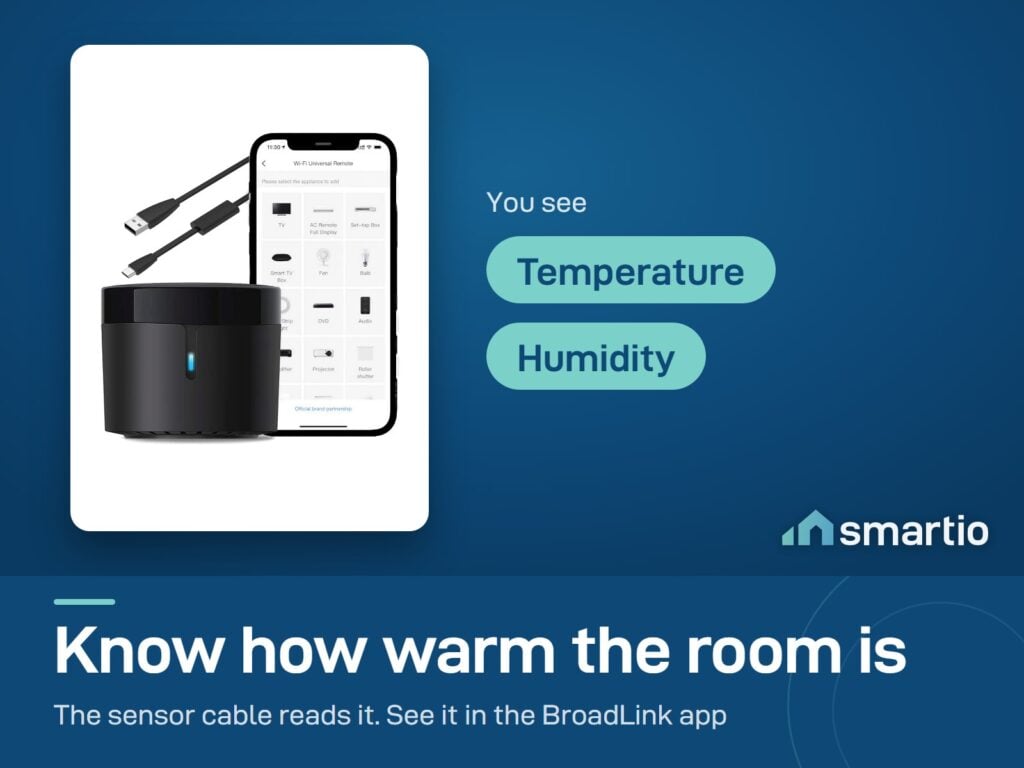
Sensor: Temperature + humidity (included)
Range: Effective across a typical living room or bedroom
Power: USB 5V (cable included)
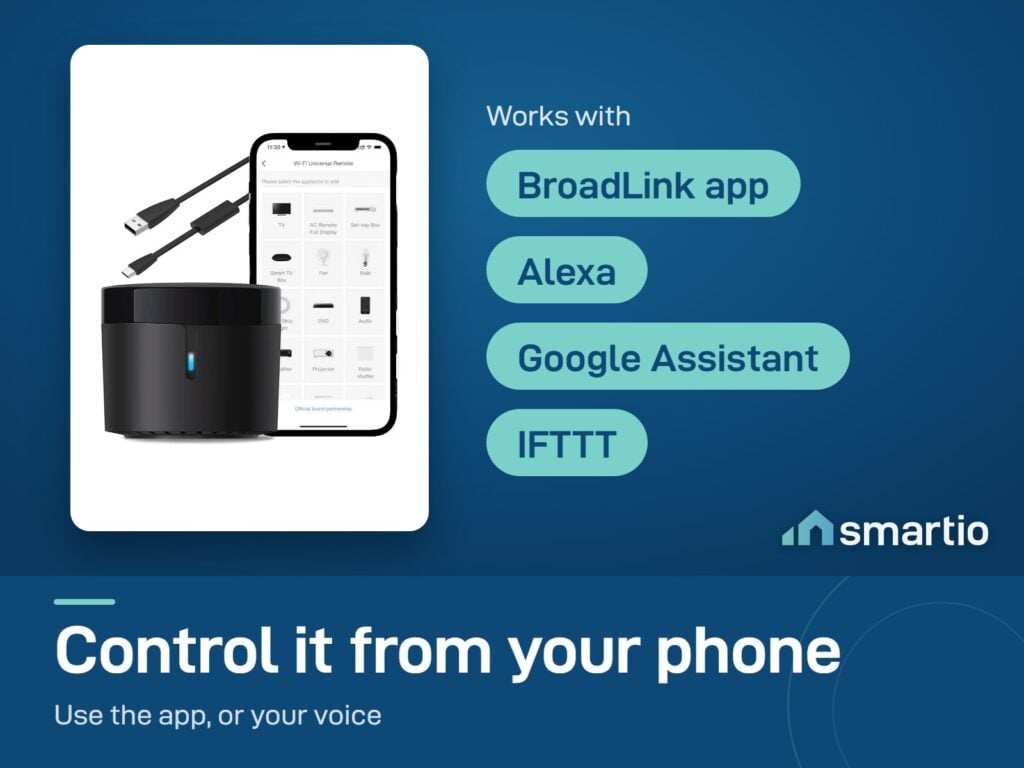
Voice: Alexa + Google Assistant
Setup: Pre-loaded codes for most brands + manual learning
Manual: English

Product Details

BroadLink RM4 Mini – Smart IR Remote Controller

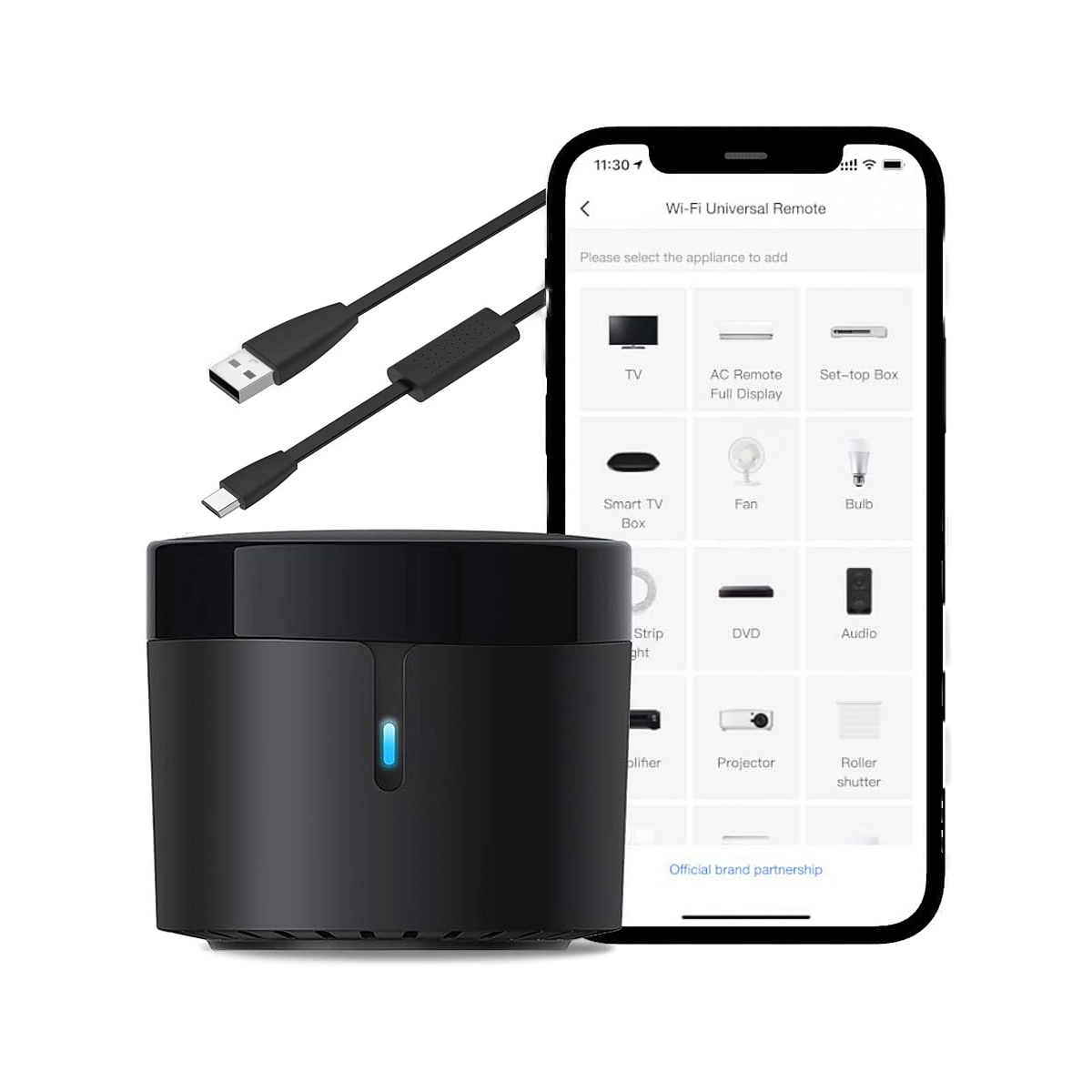
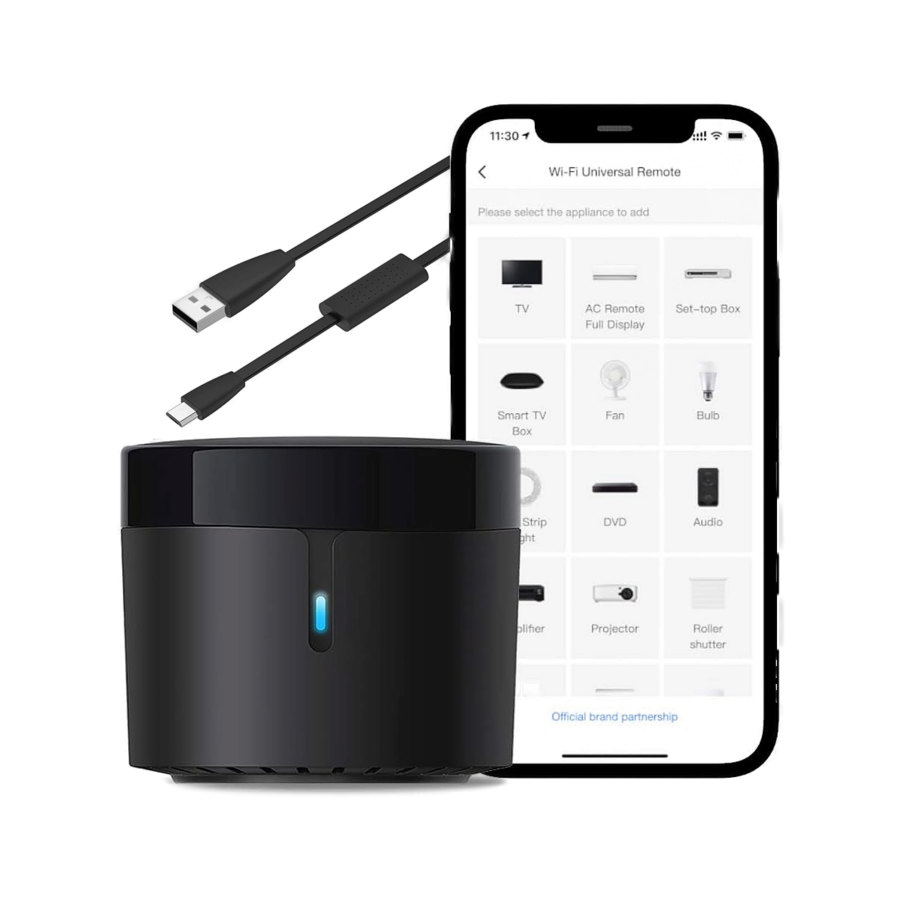
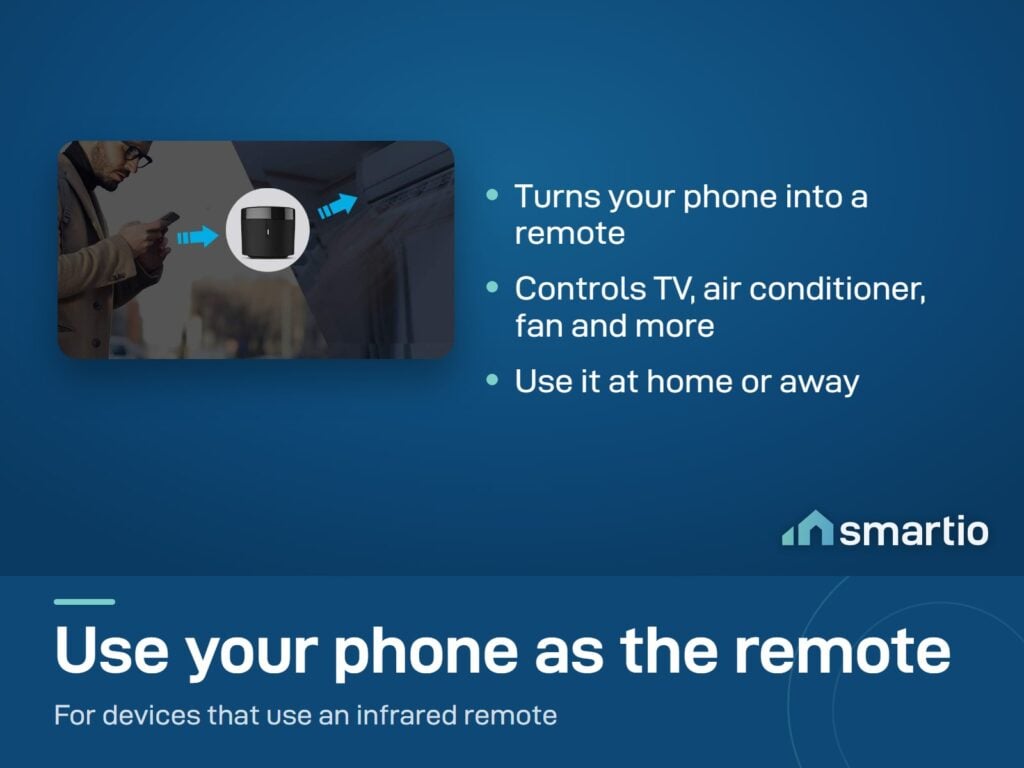
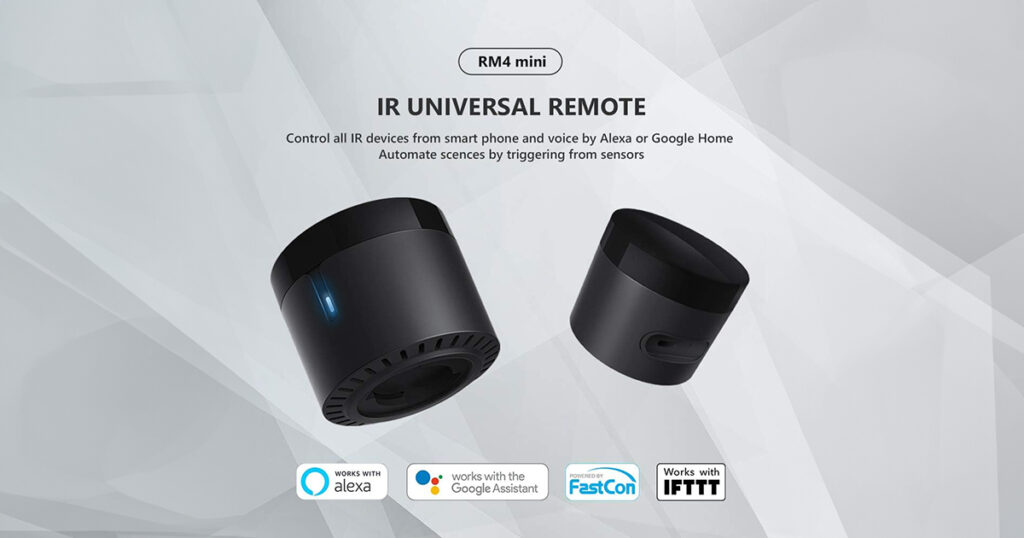
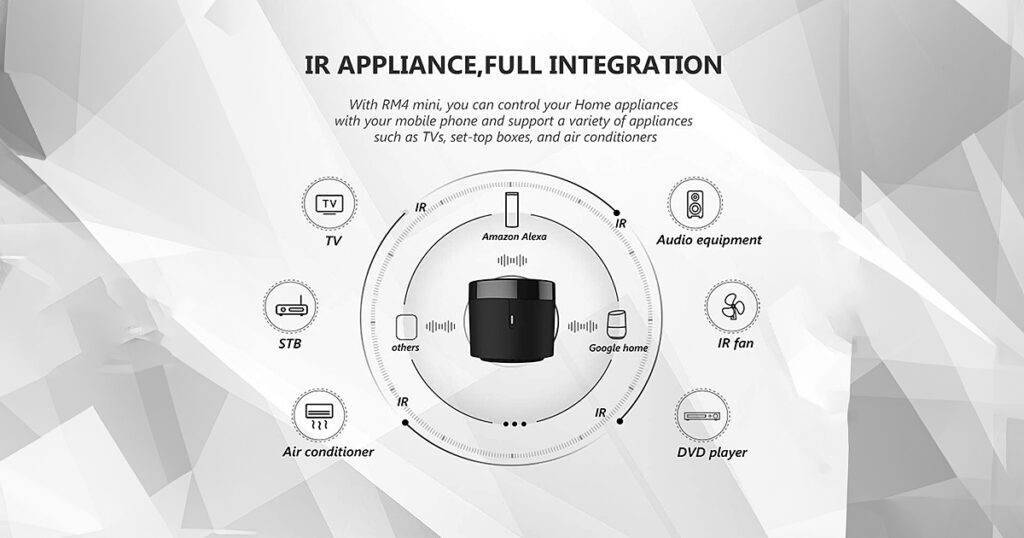
The BroadLink RM4 Mini turns your phone into a universal remote control for any device that uses an infrared (IR) (the invisible light signal that your TV remote, AC remote, and most home remotes use) remote – like your TV, AC, set-top box, or fan. Just point it at the device, and control everything from the BroadLink app or by voice.

Includes a temperature and humidity sensor accessory, so you can also monitor your room’s climate.


Key Features:

  • Universal IR Remote: Controls TVs, ACs, fans, DVD players, set-top boxes, and any device with an IR remote.
  • Auto-Learn: If your device isn’t in the database, point your old remote at the RM4 Mini and it learns the buttons.
  • Temperature & Humidity Sensor: Included accessory lets you monitor room climate from the app.
  • Smart Scenes: Create automations – e.g., “Turn on AC when temperature exceeds 30°C.”
  • Voice Control: Works with Google Assistant and Alexa. Say “Hey Google, turn on the AC.”
  • No Hub Needed: Connects directly to your Wi-Fi.

💡 Pro Tip: Lost your AC remote? No problem. Set up the RM4 Mini with your AC, and you’ll never need the physical remote again. You can even control the AC from outside the house – turn it on 10 minutes before you arrive.

What You Get

Control your AC from your phone
Walk in from outside, tap once - AC is cooling by the time you're at the sofa. Schedule it to pre-cool before you arrive home.
One remote for everything
TV, fan, set-top box, DVD player, projector - anything with an IR remote. No more hunting for which remote does what.
Built-in temperature + humidity
Sensor included. Track room comfort in the app and trigger automations like 'turn on AC if room hits 30°C'.
Voice via Alexa + Google
Say 'Alexa, turn on the AC' or 'Hey Google, set the TV to channel 3'. Hands-free works perfectly.
Learns any remote
If your device isn't in the BroadLink database, point your old remote at the RM4 Mini and it learns each button manually.

A Closer Look

One Remote for Every IR Device

Easy Setup, Voice Control, and Real-Time Temperature Monitoring!
One Remote for Every IR Device

Voice Control Through the BroadLink App
Voice Control Through the BroadLink App

New Temperature and Humidity Sensor

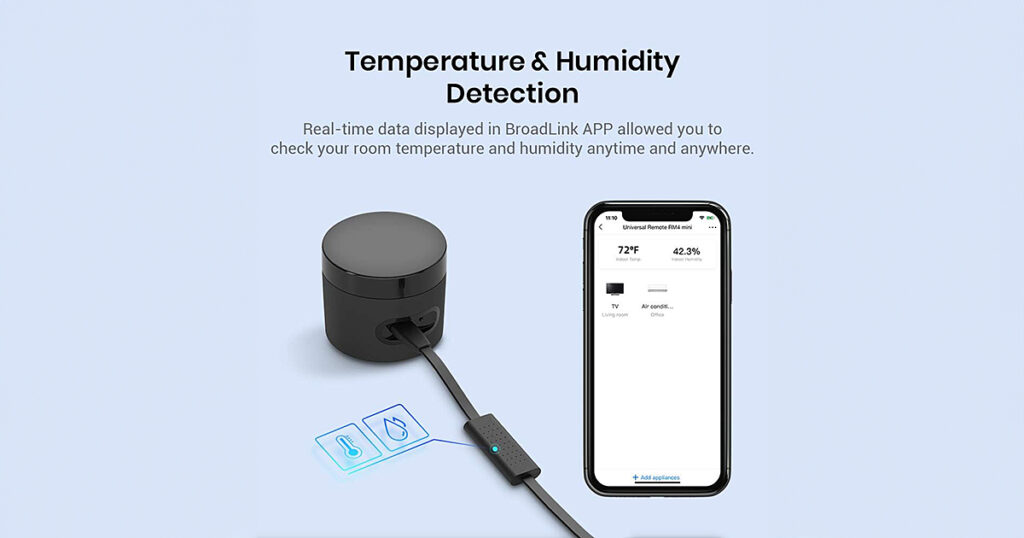
Connect it to the RM4 mini and it will show the temperature and humidity of the room in the BroadLink app.
New Temperature and Humidity Sensor

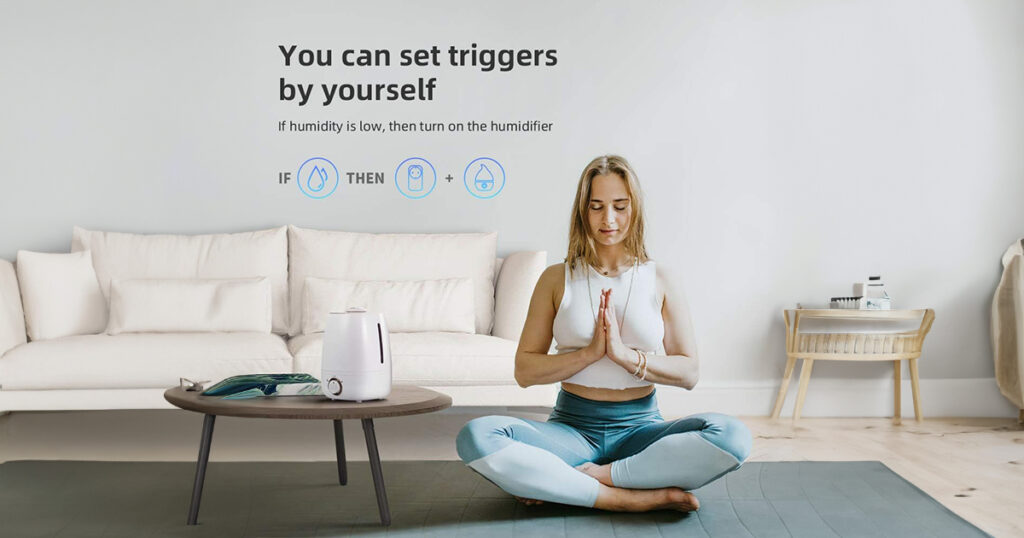
Let the Temperature Trigger Actions

The Temperature and Humidity Sensor can also trigger actions, like automatically controlling the AC when the temperature rises.
Let the Temperature Trigger Actions
BroadLink RM4 Mini IR with Remote Sensor

Works With

Amazon Alexa
Works
Google Assistant
Works
IFTTT
Works
Home Assistant (via Broadlink integration)
Works

What's in the Box

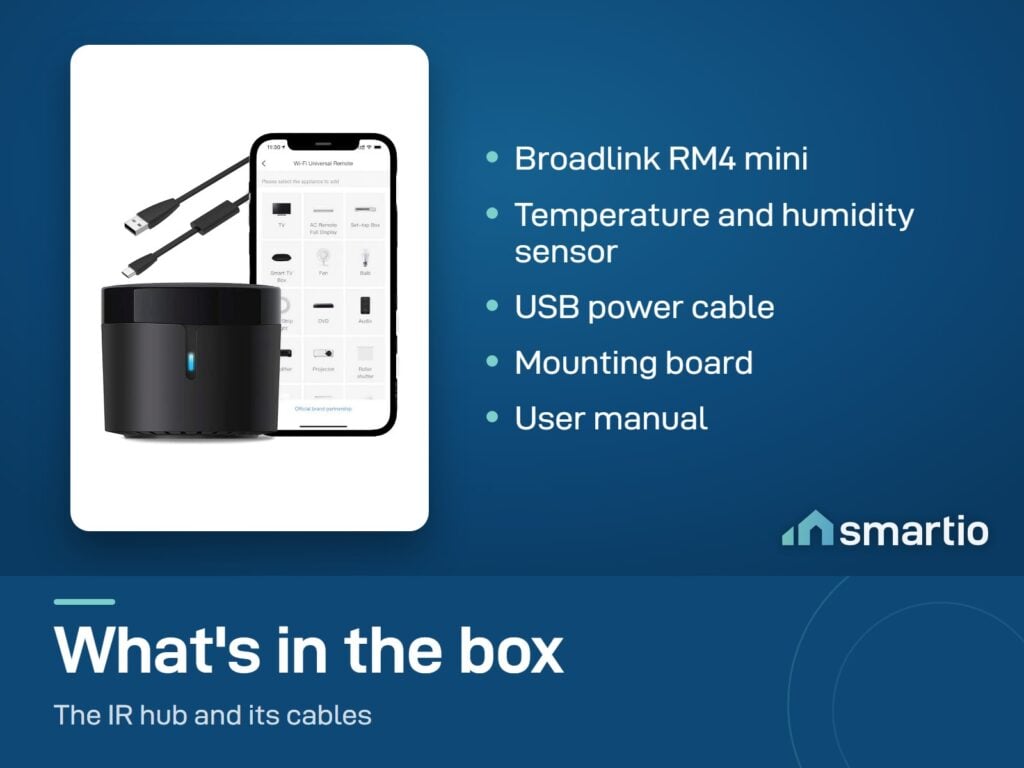
1× BroadLink RM4 Mini IR Remote Controller
1× Temperature + humidity sensor
1× USB power cable
1× Mounting board
User manual (English)

Delivery & Pickup

Standard Delivery
All Lebanon governorates - Greater Beirut usually next day; Tripoli, Jbeil, Saida, Tyre, Zahle, Akkar and the rest within 2–4 working days.
4 $ · Free over 50 $
Express Delivery
Faster shipping - usually within 24 hours of order confirmation (Greater Beirut & Metn). Same-day not guaranteed.
6 $ flat
Pickup - Dekwaneh
Collect from our Dekwaneh store. Weekdays 10am–5pm, Sat 10am–1pm.
3 $ · Free over 30 $

Warranty & Support

6-month Local Warranty
Covers defects in materials & workmanship. Handled here in Lebanon.
WhatsApp Support - Always On
Can't set it up? Message us. We reply within minutes, not days.
14-day Exchange - Unopened Items
The item must be unopened and in its original packaging. Exchange it for a product of equal or higher value - we do not give cash refunds. Opened items are covered by the warranty if there is a factory defect.
Free Setup Call
If you get stuck, we'll walk you through the setup on a free WhatsApp call.

Customer Reviews (1)

5.0
1 review
5
0%
4
0%
3
0%
2
0%
1
0%
Najem S. photo review
Najem S.
October 2024
It's now super easy to control my AC !
✓ Verified Purchase

Frequently Asked Questions

How does it know my AC and TV?
BroadLink has a database of pre-loaded codes for most brands. During setup, the app asks you to pick your AC/TV brand and tests a few codes. If yours isn't found, you can teach it manually by pointing your existing remote at the RM4 Mini.
Can I control multiple AC units?
Yes - with one RM4 Mini you can control multiple devices as long as they're all in the same room (IR line of sight). For different rooms, use one RM4 Mini per room.
How far does it reach?
Effective across a typical living room or bedroom - needs line of sight to the AC or TV. It won't reach through walls into another room. For two rooms, use two units.
Is there a battery version?
The RM4 Mini itself needs constant USB power - it's not battery-operated. But its low power draw means a small USB power bank can keep it going during EDL cuts.
Can I automate it with temperature triggers?
Yes - use the built-in sensor to trigger AC on when the room hits a set temperature, or off when it cools below another threshold. Set this in the BroadLink app.
Will it learn my old AC remote manually?
Yes - point the old remote at the RM4 Mini, press the button you want to copy, and the app records the IR pattern. Repeat for each function (cool/heat/fan/temp+/temp-) you want.
Is it compatible with DOOYA curtain motors?
Not certain - DOOYA isn't always listed in the BroadLink app database. If your curtain motor has an IR (not RF) remote and you can copy each button manually, it'll work. Check the app's brand list during setup.
What if it breaks? Is there a warranty?
Standard Smartio warranty applies - return the defective unit in original packaging and we'll replace it.

Compare Models