
Govee TV Backlight 3S Pro
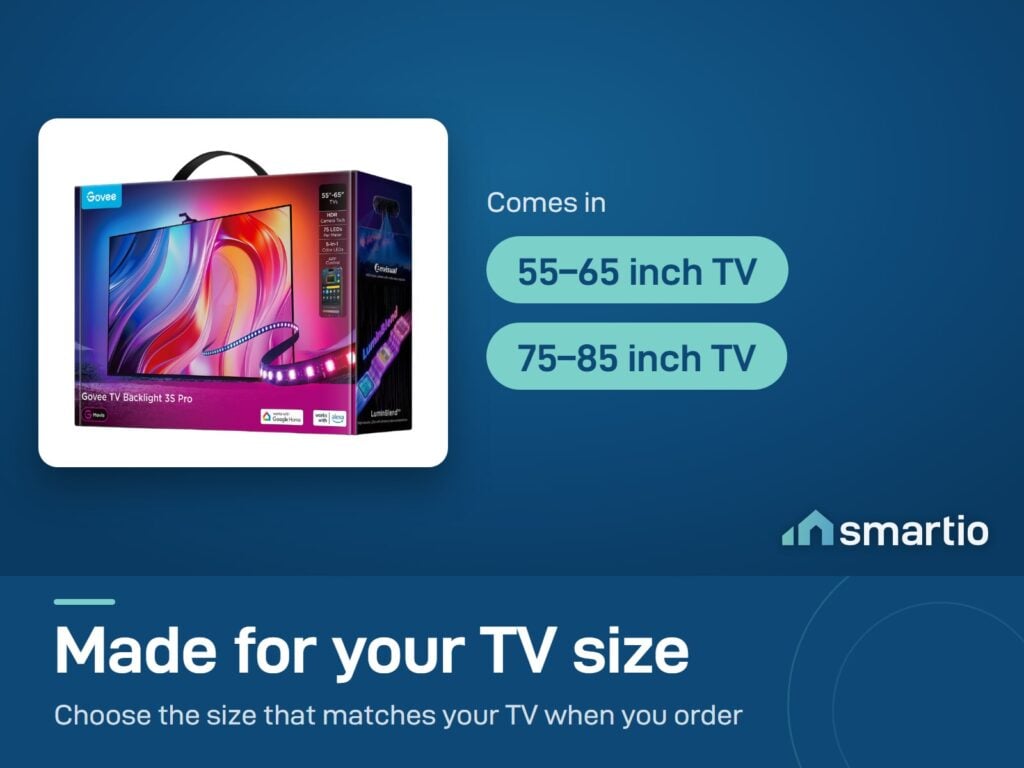
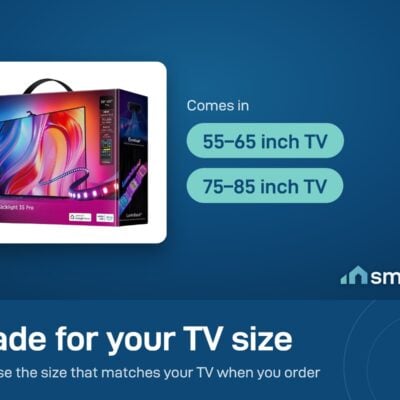
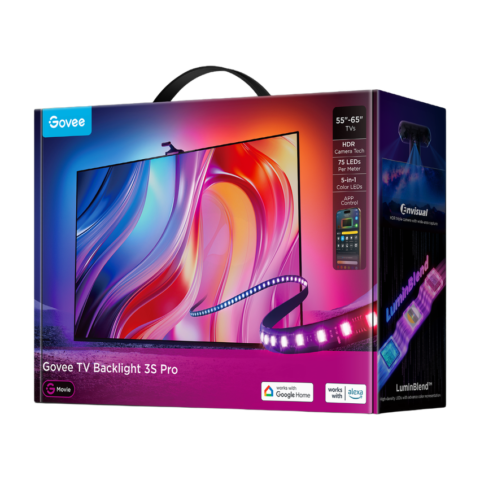
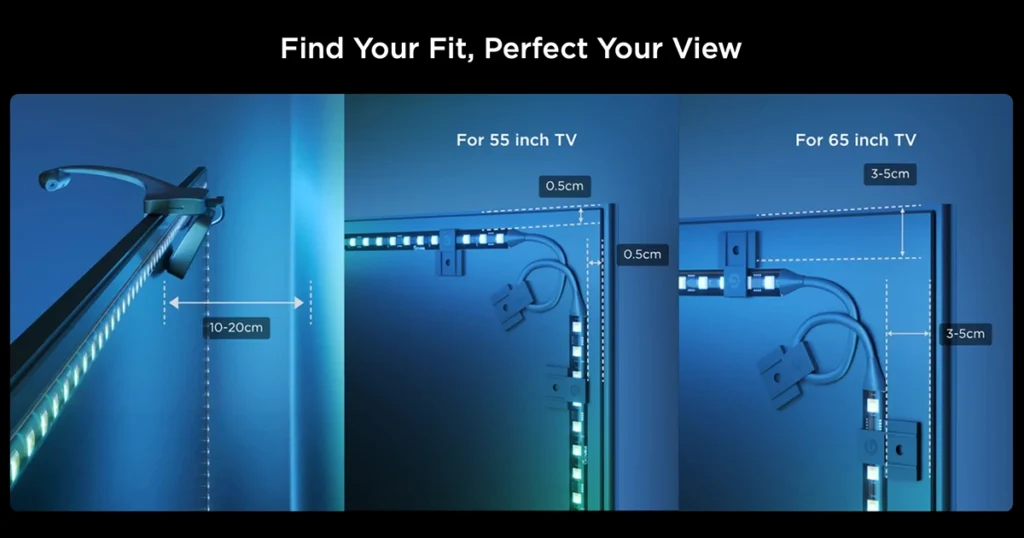
- TV size: 55-65 inch OR 75-85 inch (choose at order)
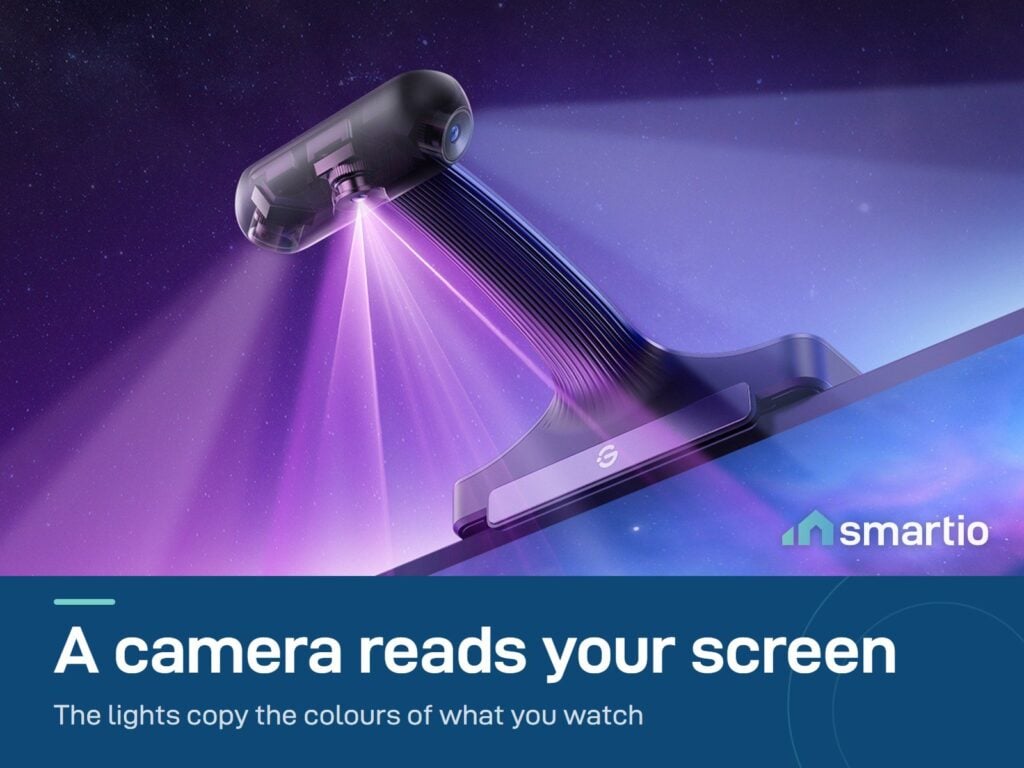
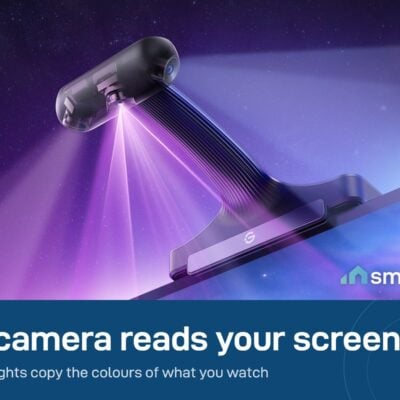
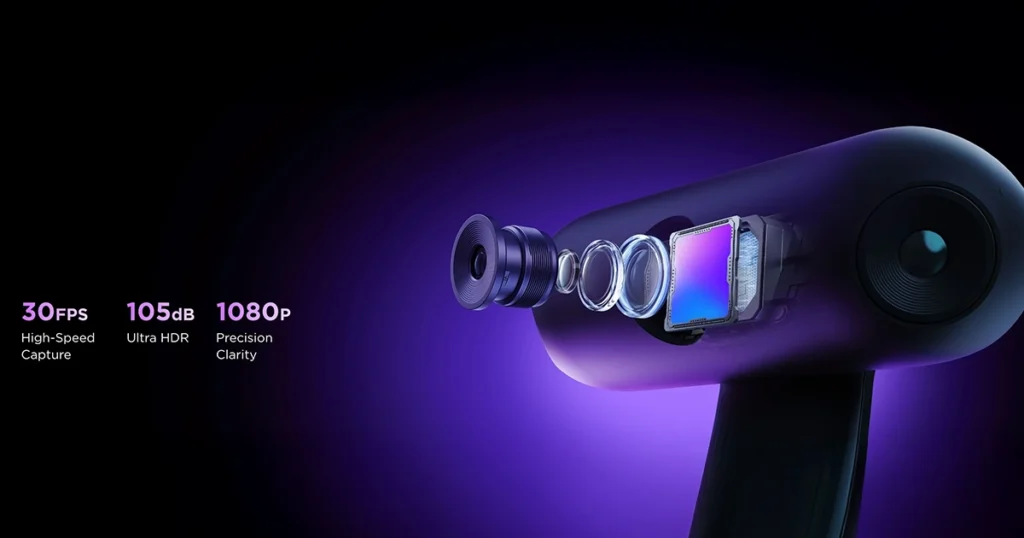
- Camera: Triple-lens HDR (85 mm wide)
- LEDs: 75 per meter, RGBWWIC 5-channel
One message when it’s back. No spam.
- 6-month warranty, covering every brand we sell
- 14-day exchange on unopened items
- Delivery all over Lebanon, free on orders over 50 $
The customer service was absolutely amazing! I went to pick up the Govee TV Backlight 3S Pro, and the whole…
- Designed for 55–65 inch and 75–85 inch televisions only.
Govee products customers bought together
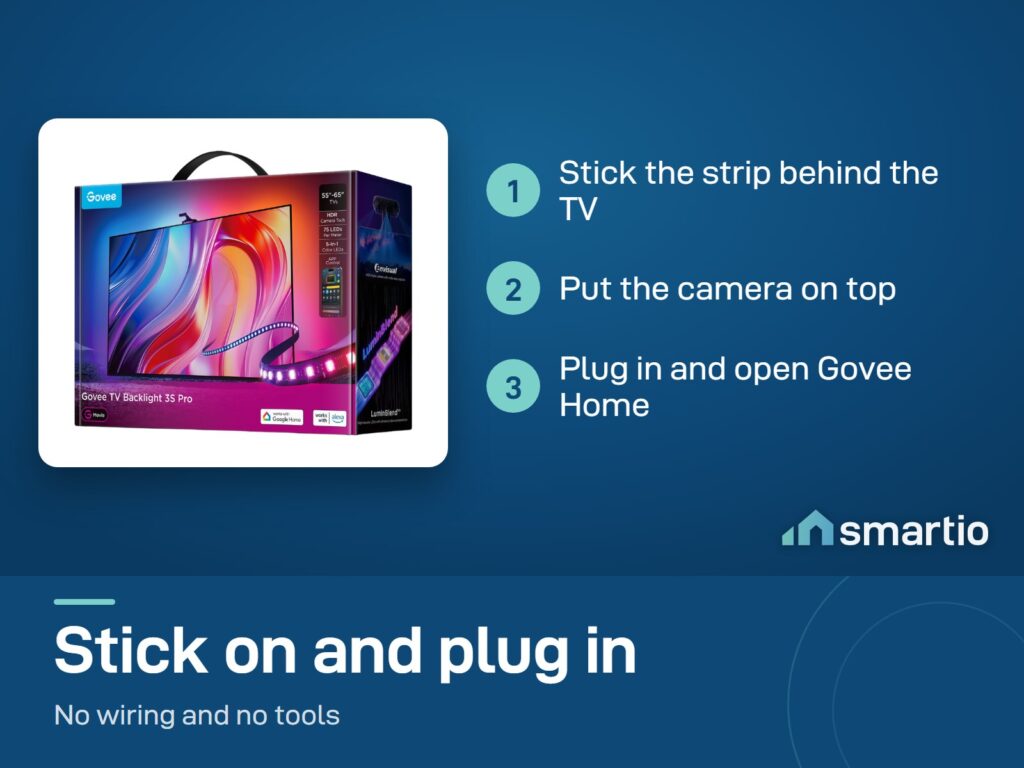
How It Works
Is This Right for Me?
Product Details
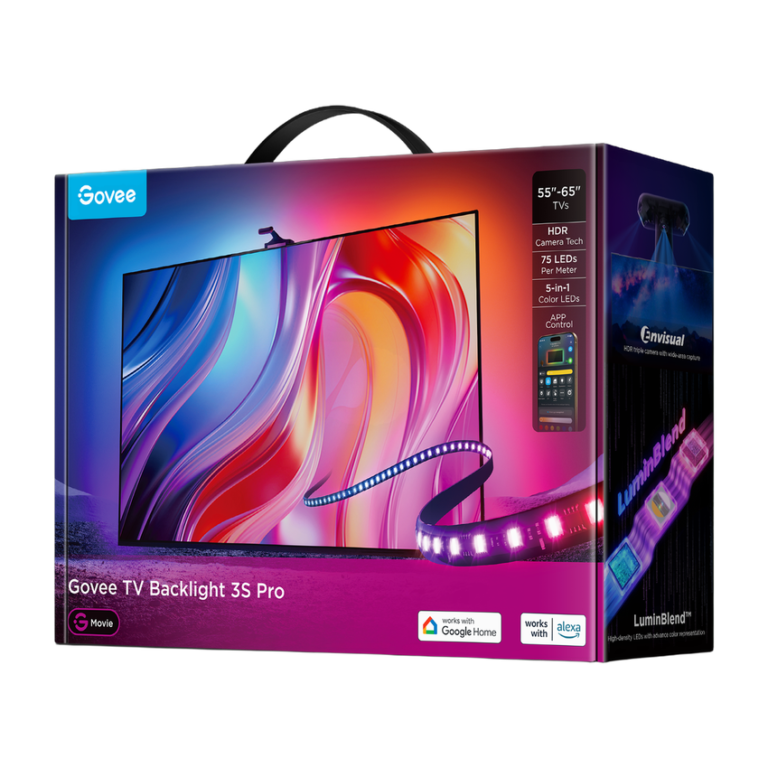
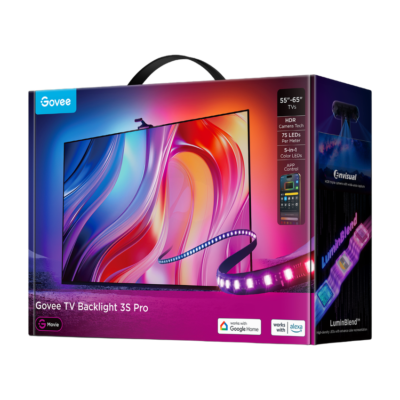
Govee TV Backlight 3S Pro
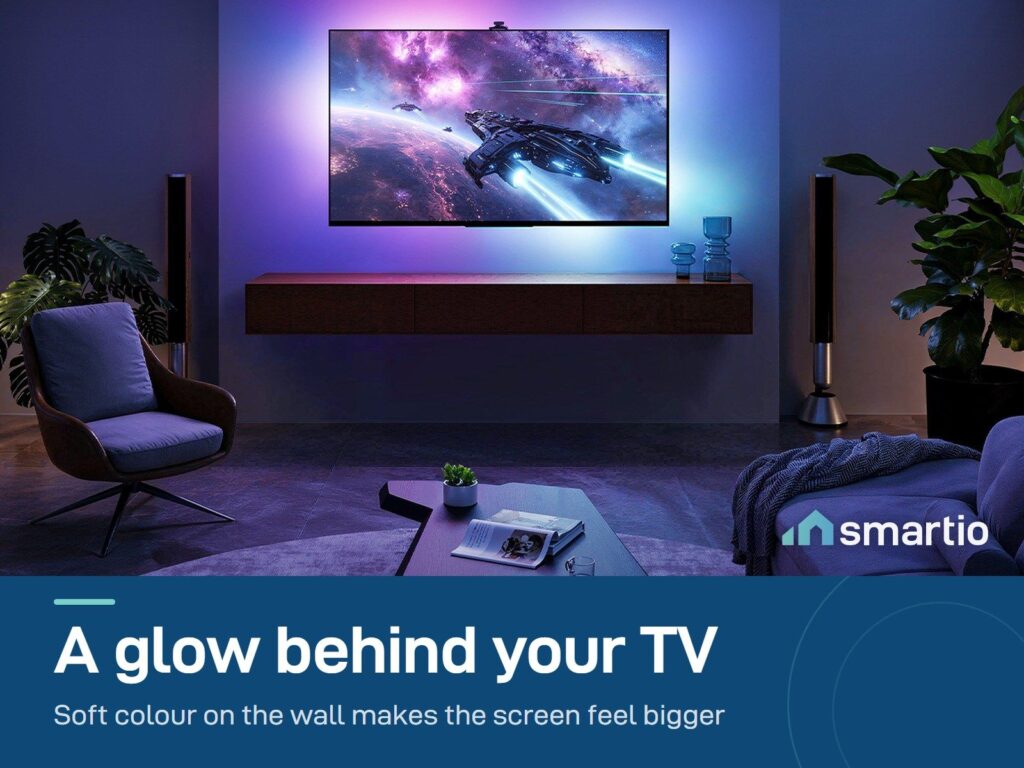
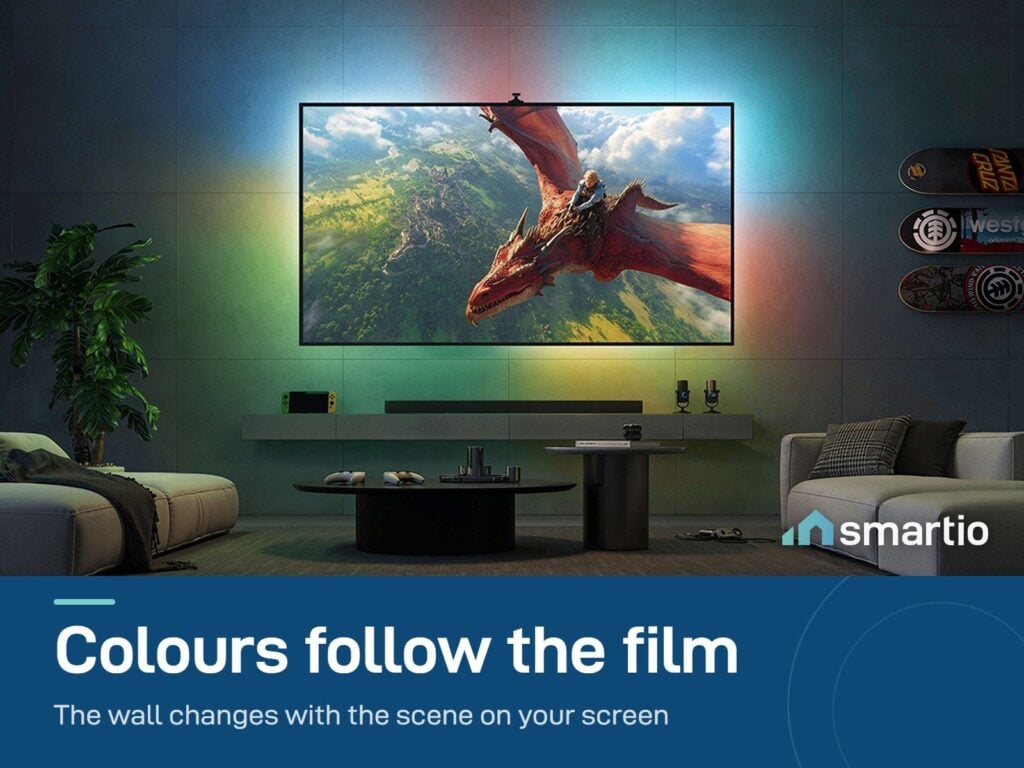
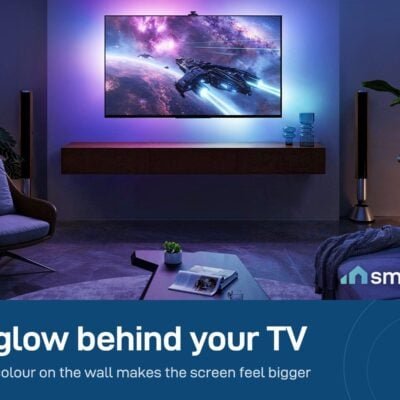
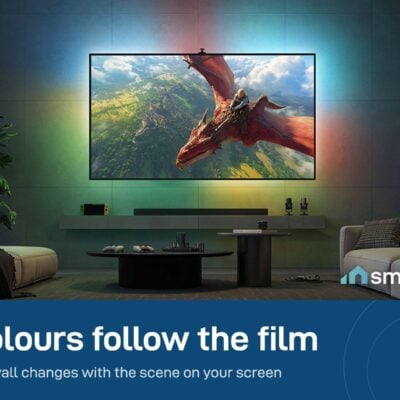
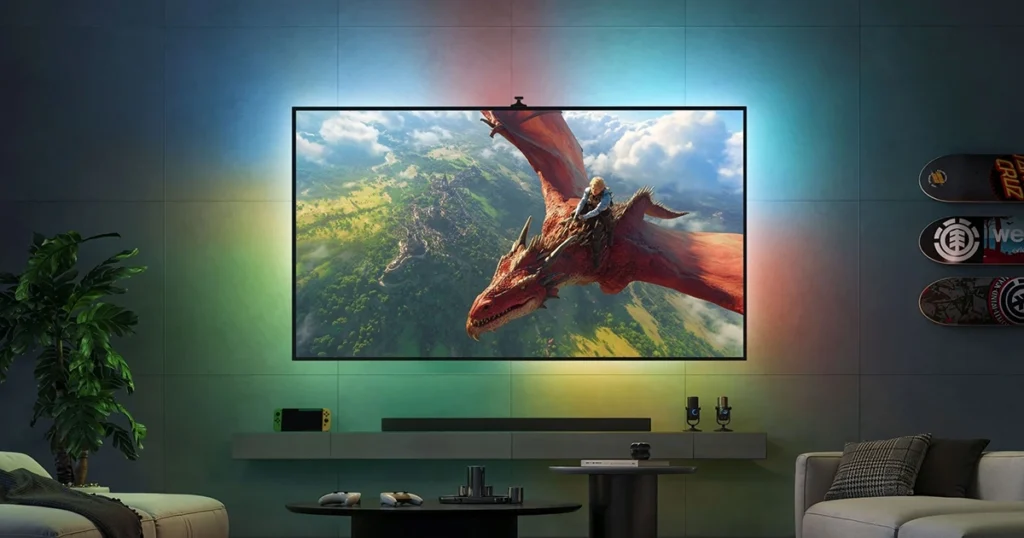
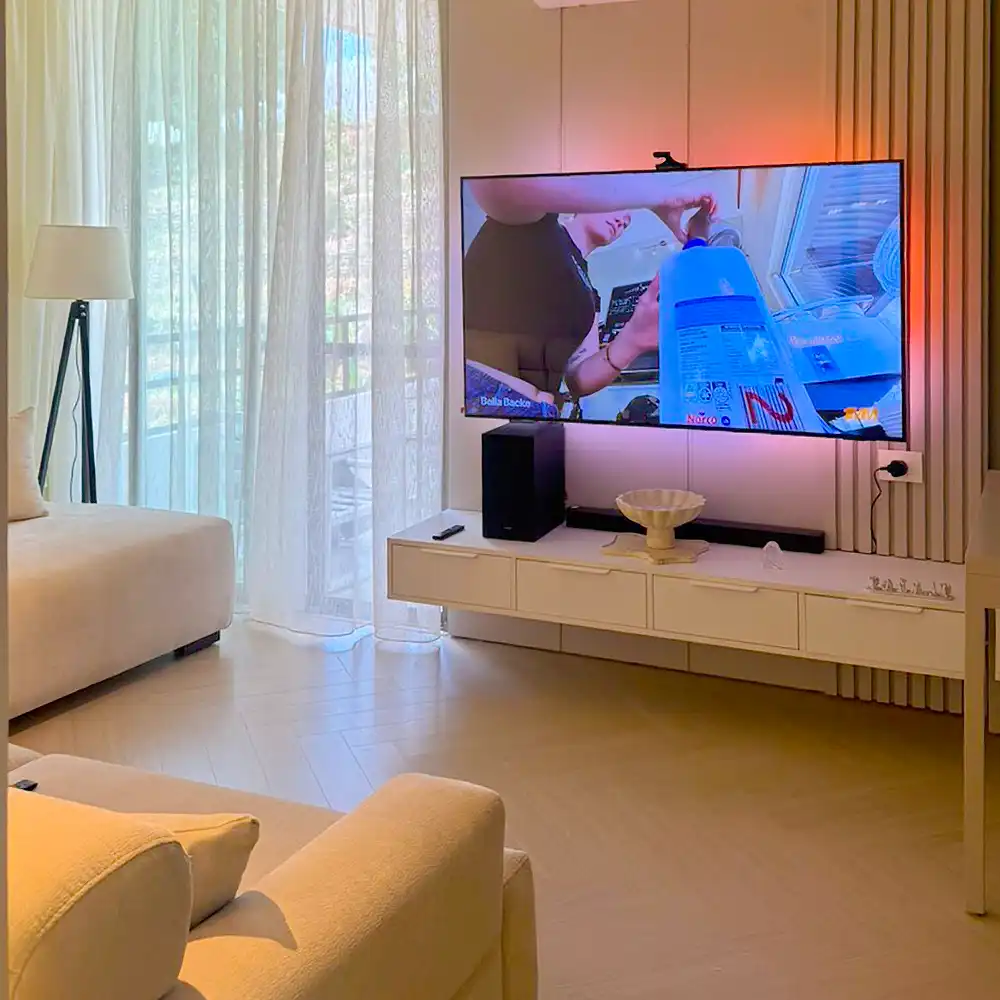
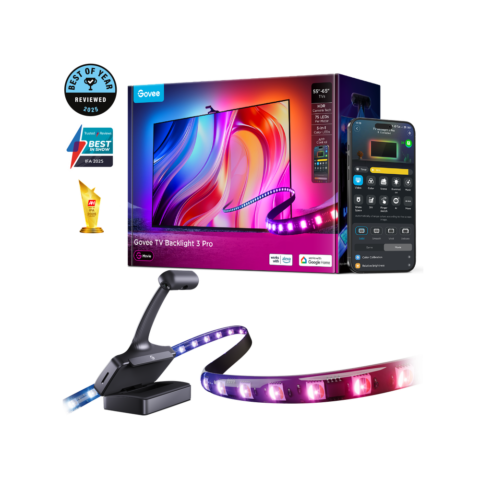
The most advanced TV backlight Govee makes. A triple-lens HDR camera sits on top of your TV and watches what’s on screen – Netflix scene, gaming frame, live football – and an RGBWWIC light strip behind the TV projects those exact colors onto the wall behind it, in real time, with no delay.
The effect is hard to explain without seeing it: your wall lights up in sync with the action on screen. Movies feel bigger. Gaming feels more immersive. Even YouTube feels cinematic.
Why the Pro over the Lite
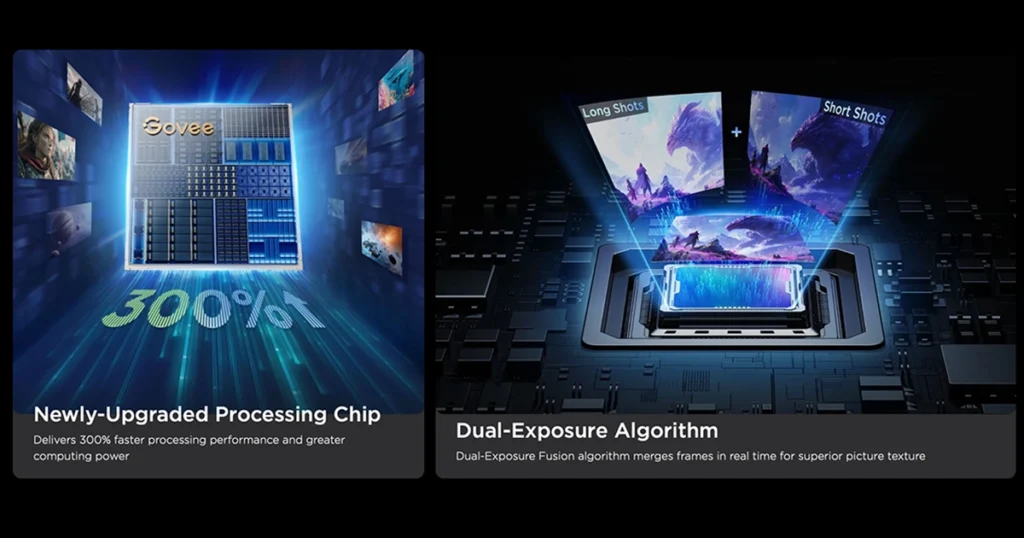
- Triple-lens HDR camera vs single-lens on the Lite – much more accurate color detection in dark and bright scenes.
- Higher LED density – 75 LEDs per meter (vs 30 on the Lite) for brighter, smoother gradients.
- RGBWWIC 5-channel – adds dedicated Warm White and Cool White channels for more natural skin tones and whites.
- 16-bit color processing with LuminBlend for smoother transitions between shades.
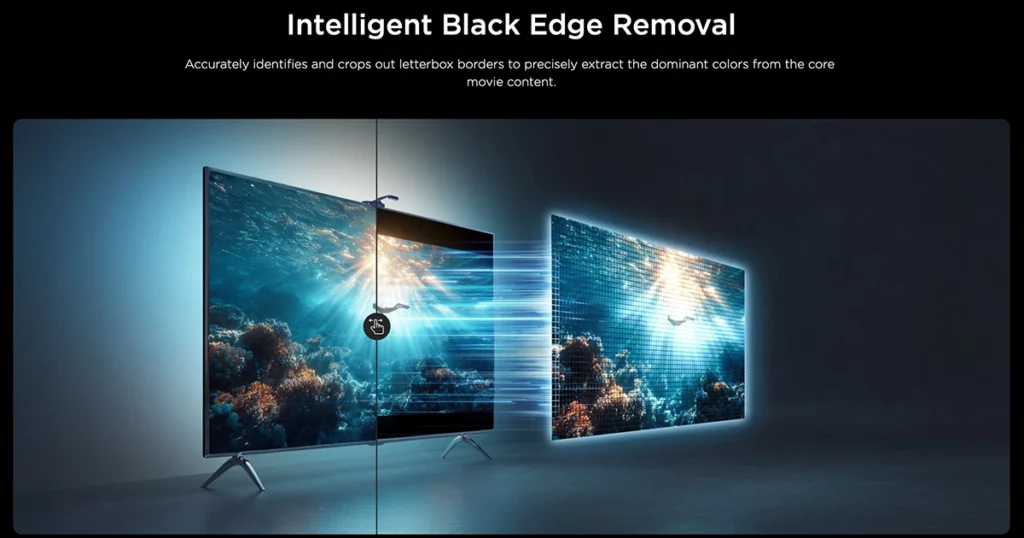
- Black Edge Removal – auto-detects letterbox bars on movies and reads color from the actual scene, not the black bars.
- AI Movie Filter – one-tap mood presets that adjust the effect to match the genre (thriller, comedy, sports).
Key Features
- For 55–65″ or 75–85″ TVs – pick the size matching your TV.
- Camera-based color matching – works with ANY content: Netflix, internal TV apps, gaming consoles, live broadcasts, streaming.
- 337 lumens per meter – bright enough to light up the wall even in normal evening lighting.
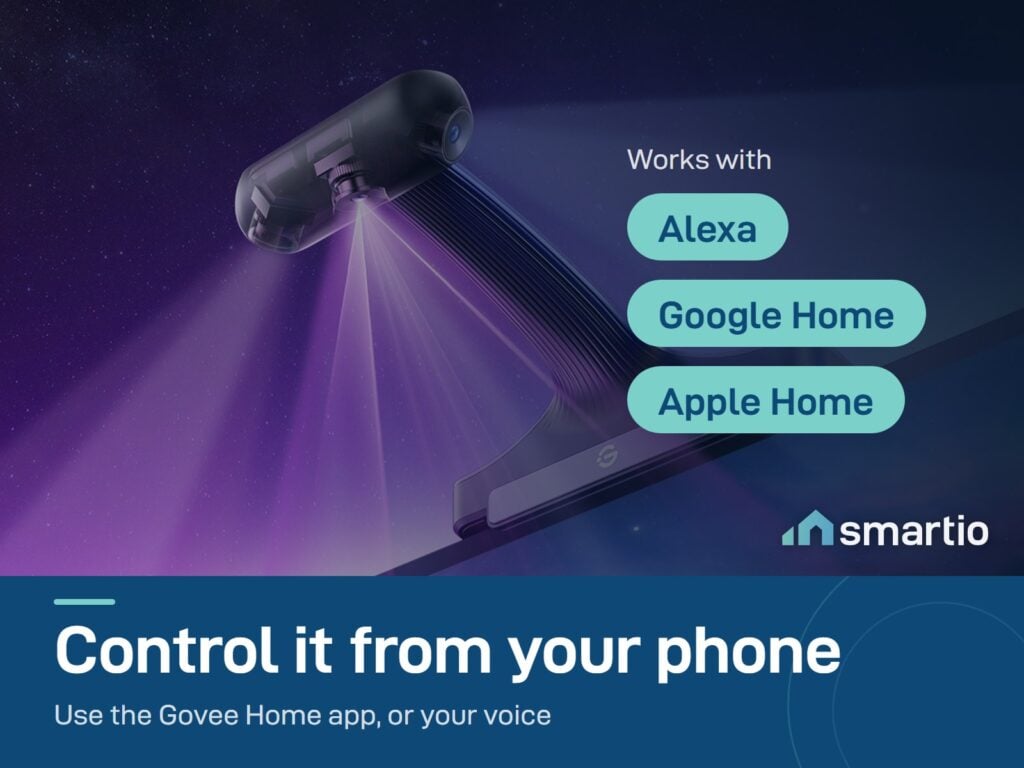
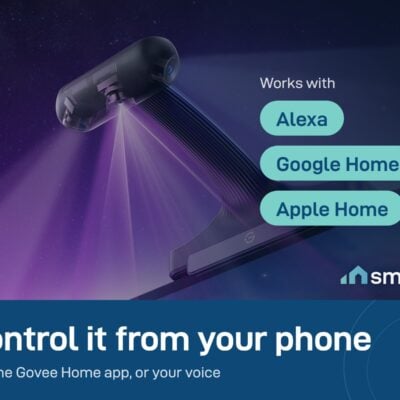
- Matter + Apple Home + Alexa + Google Home compatible – works with whatever ecosystem you have.
- DreamView Sync – group with up to 10 other Govee lights for whole-room sync.
- Auto Power-Off – turns off automatically when no content is detected on screen.
- Compact triple-lens camera (85mm wide) – sits cleanly on top of even ultra-thin modern TVs.
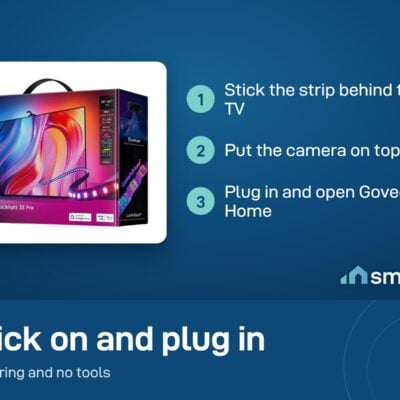
- Watch the installation guide video before unboxing.
Pro Tip: Calibrate it in the dark. Turn off all other lights in the room during the white-balance calibration step – the camera reads colors based on the actual screen output, not the ambient light, and a dark room gives you a much more accurate baseline. Once calibrated, it works in any lighting.
Frequently Asked Questions
Will it work with my TV size?
The 3S Pro comes in two versions: 55–65 inch and 75–85 inch. Pick the one matching your TV. It won’t fit an 80″ (use the 75–85″ model) or a 50″ (use the smaller version or look at the 3 Lite).
Does it work with Netflix / gaming / live TV / [my source]?
Yes to everything. The camera reads colors directly from the screen – it doesn’t care what source produced them. Apple TV, PlayStation, Xbox, cable box, internal Smart TV apps, YouTube – all work.
What’s the difference vs the 3 Lite?
The Lite uses a single camera and fewer LEDs – perfectly fine for casual TV watching. The Pro has a triple-lens HDR camera and a much denser, brighter LED strip with extra white channels. If you want noticeably better color accuracy and brightness (especially in dark scenes), the Pro is worth the upgrade.
Are the colors really accurate?
Yes, with two caveats. Wood walls shift colors toward warmer tones because of how natural wood absorbs and reflects light – you can’t fully fix that with the strip itself, you can only reduce it via calibration. White or light-colored walls give the most accurate effect. The 3S Pro’s 16-bit processing is significantly better at this than older models.
Calibration isn’t working – what now?
Two fixes that solve 90% of cases: (1) reduce the backlight strip brightness in the app, then re-run white balance, and (2) lower the saturation slider before calibrating. Always calibrate in a fully dark room.
Can I control it remotely?
Yes – it’s Wi-Fi connected. You can turn it on/off and change settings from your phone whether you’re at home or away.
How do I factory-reset it?
Power it on, find the control box, press and hold the power button, then press the mode button 4 times quickly. The strip will blink to confirm reset.
Can I get a replacement if something’s wrong?
Yes – within the 6-month warranty period, as long as the product is in original packaging if returning for exchange. Defective units get replaced.
Before you order: measure your TV diagonally, corner to corner – not the box label. Our 30-second TV backlight size guide shows exactly which version fits your screen.
What You Get
A Closer Look
Common Use Cases (1)
Real scenarios Lebanese customers use this product for. Don't see yours? Message us and we'll tell you if it fits.
Works With




Control with the Govee Home app

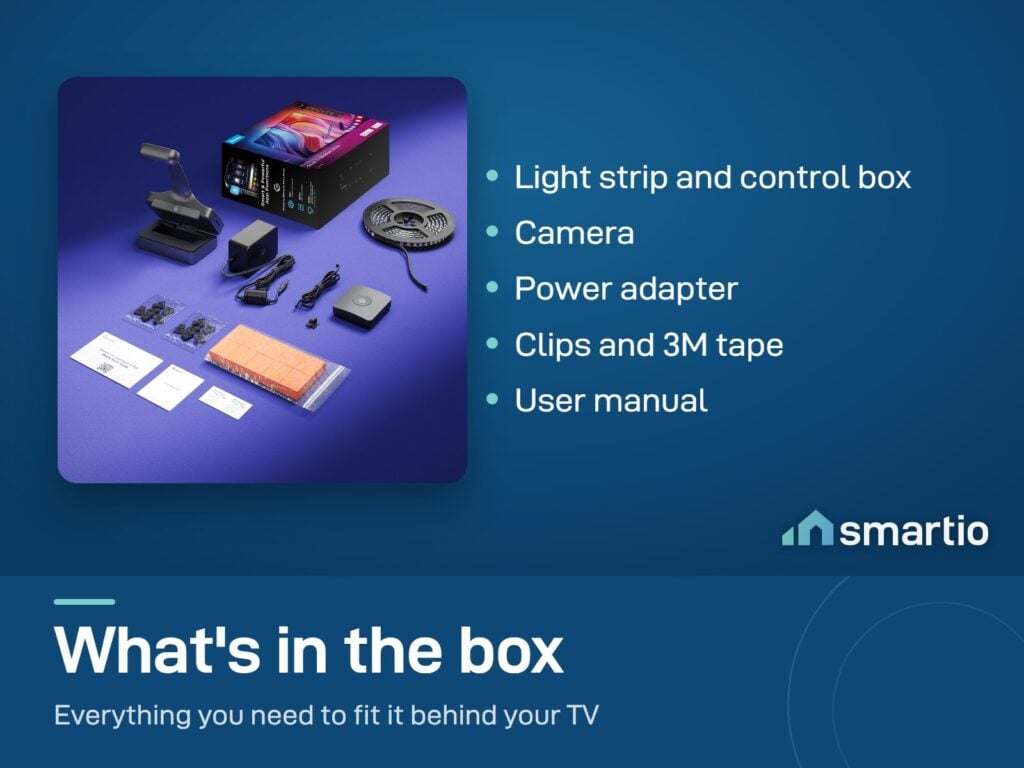
What's in the Box
Delivery & Pickup
Warranty & Support
Customer Reviews (2)
Frequently Asked Questions
Compare Models
Still deciding?
Message us on WhatsApp - we'll tell you honestly if this is the right fit for your home.