How It Works

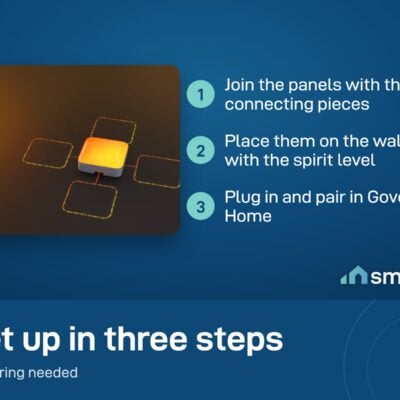
1
Plan on the floor
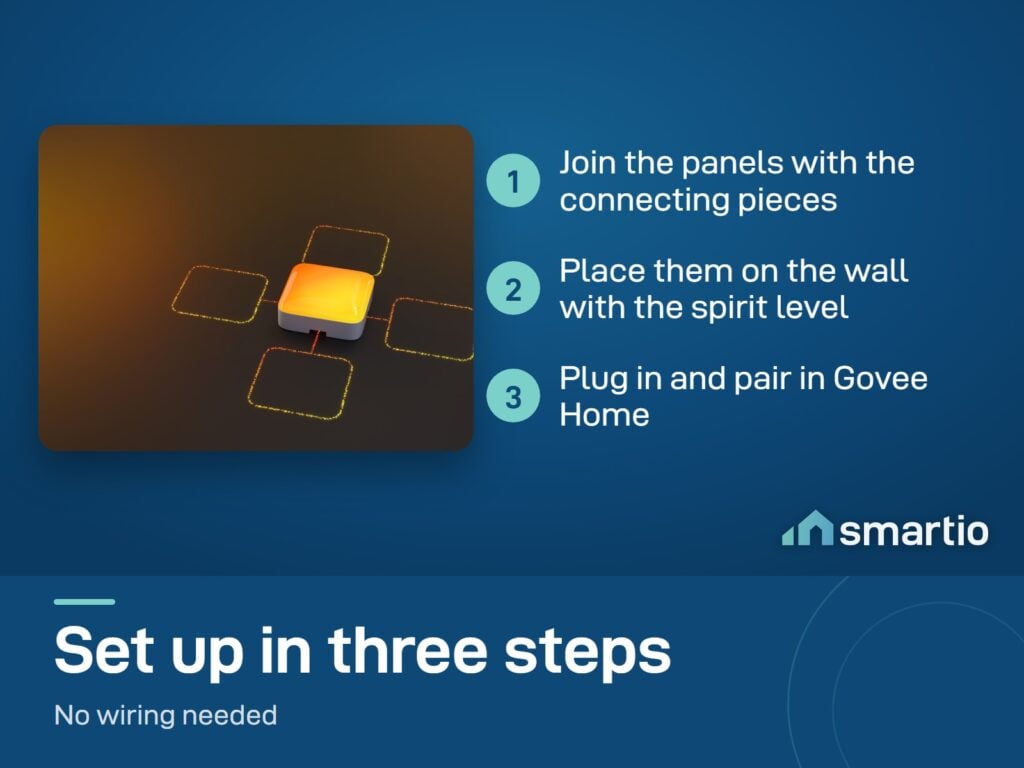
Lay out the panels on a flat surface. Try different shapes - letters, animals, abstract patterns. Connect them via the side clips.
2
Plug in + pair
Connect the power supply to the controller. Plug into mains. Open Govee Home → add device.
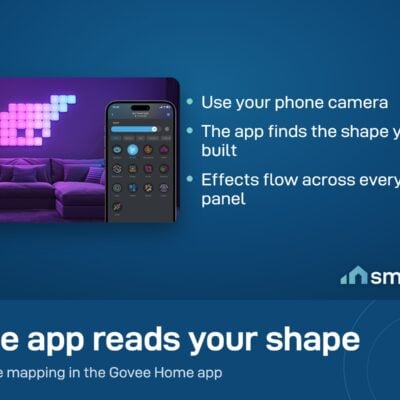
3
App detects the shape
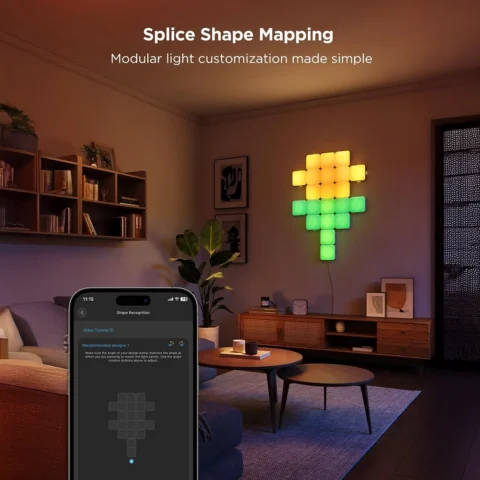
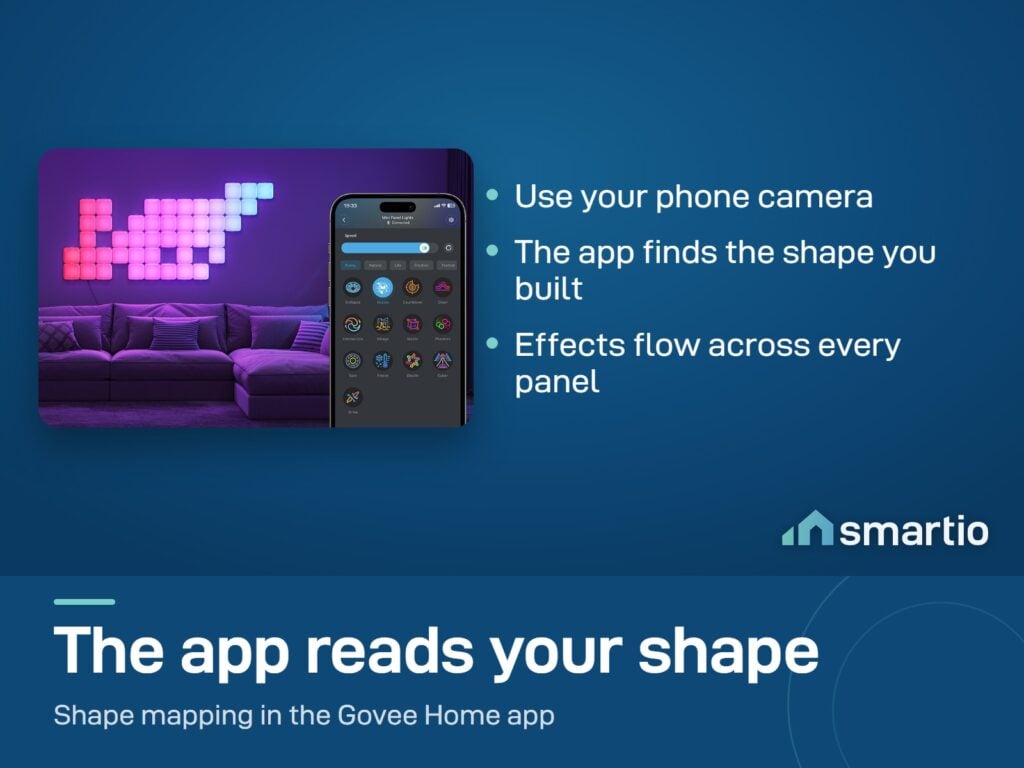
Govee Home auto-detects how you arranged the panels and maps effects accordingly. No manual configuration.
4
Stick to the wall
Use the included 3M adhesive pads. Press firmly onto a clean wall surface. Re-test the colors before walking away.
5.0 from 553 verified Google & Facebook reviews - real orders across Lebanon Read reviews

Is This Right for Me?

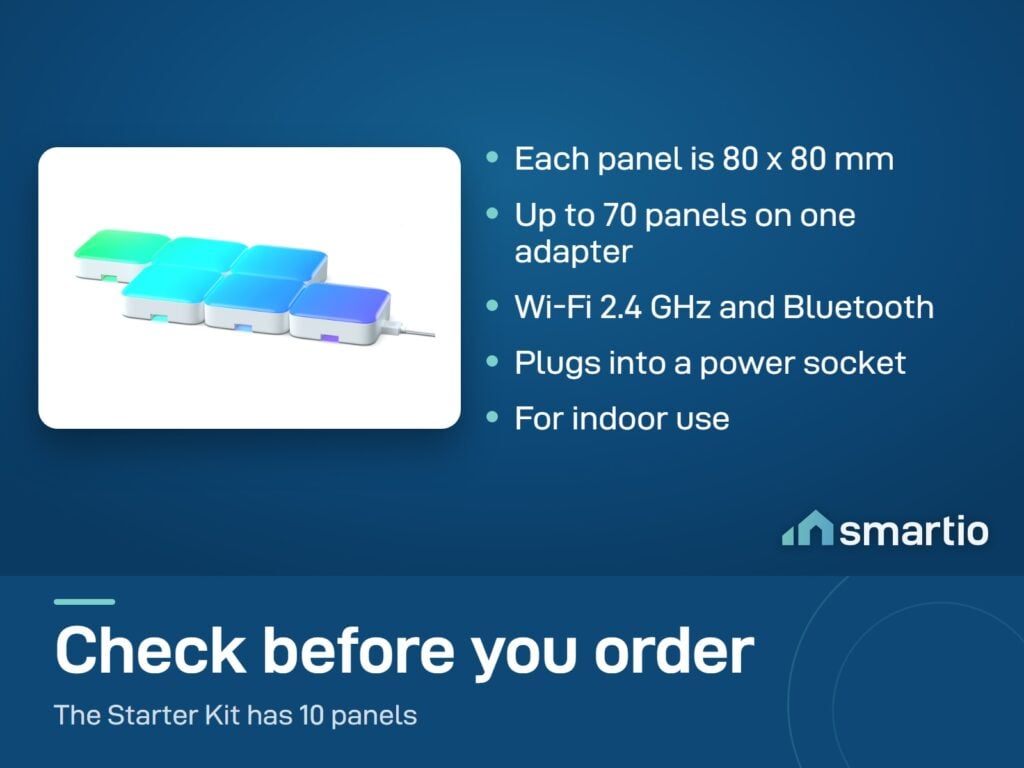
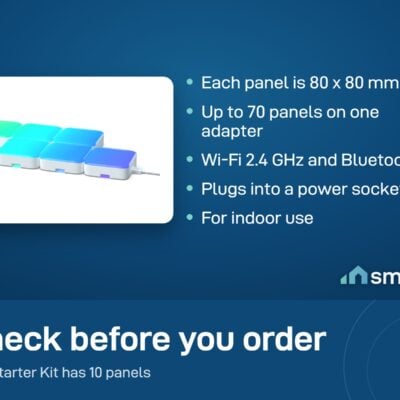
Pack size: 10 panels per box
Maximum on 1 PSU: 70 panels
LED type: RGBIC (multi-color per panel)
Shape recognition: Automatic in Govee Home
Connectivity: Wi-Fi 2.4 GHz + Bluetooth
Power: 12V DC adapter (included)
Voice: Siri + Alexa + Google
Mounting: 3M adhesive (included)

Product Details

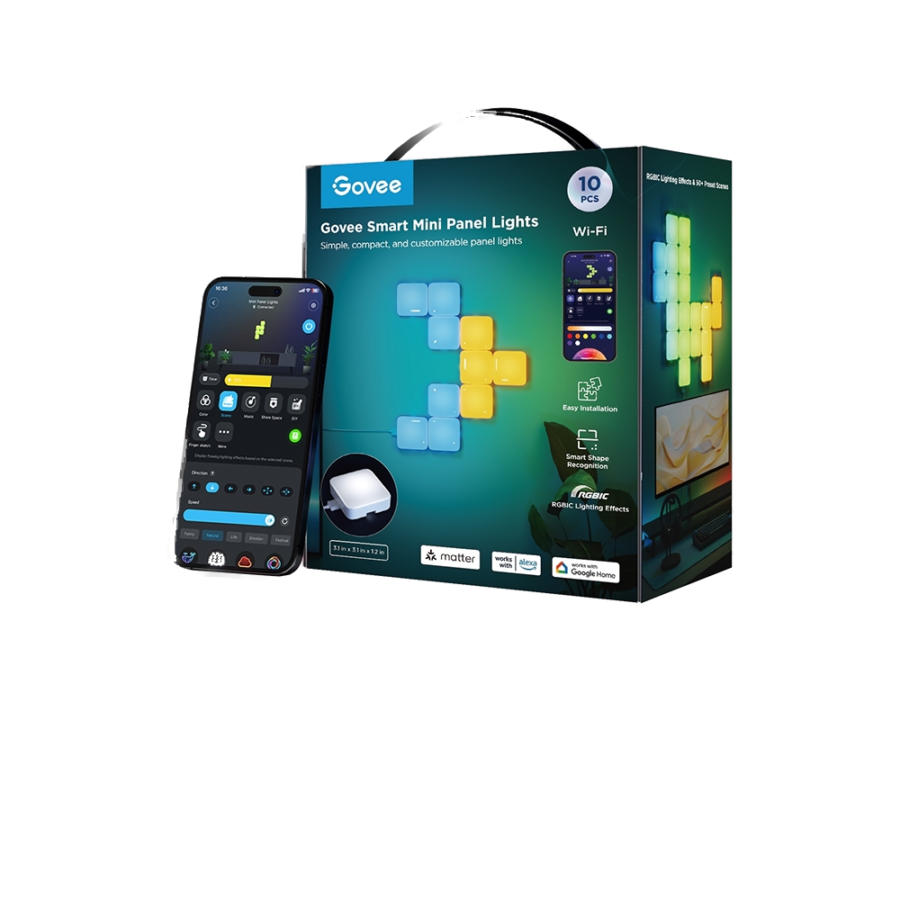
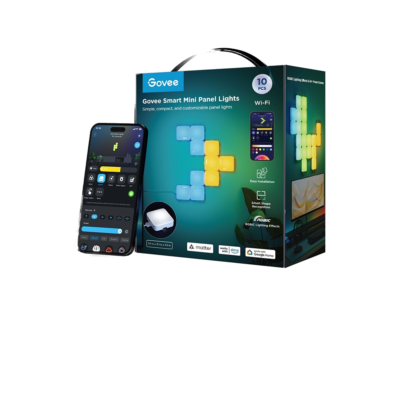
Govee Mini Panel Lights

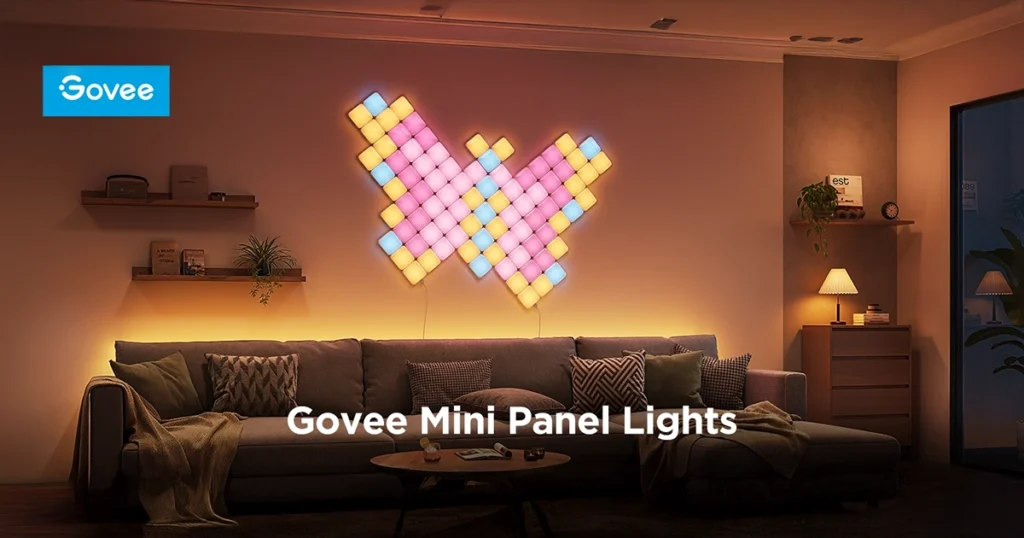
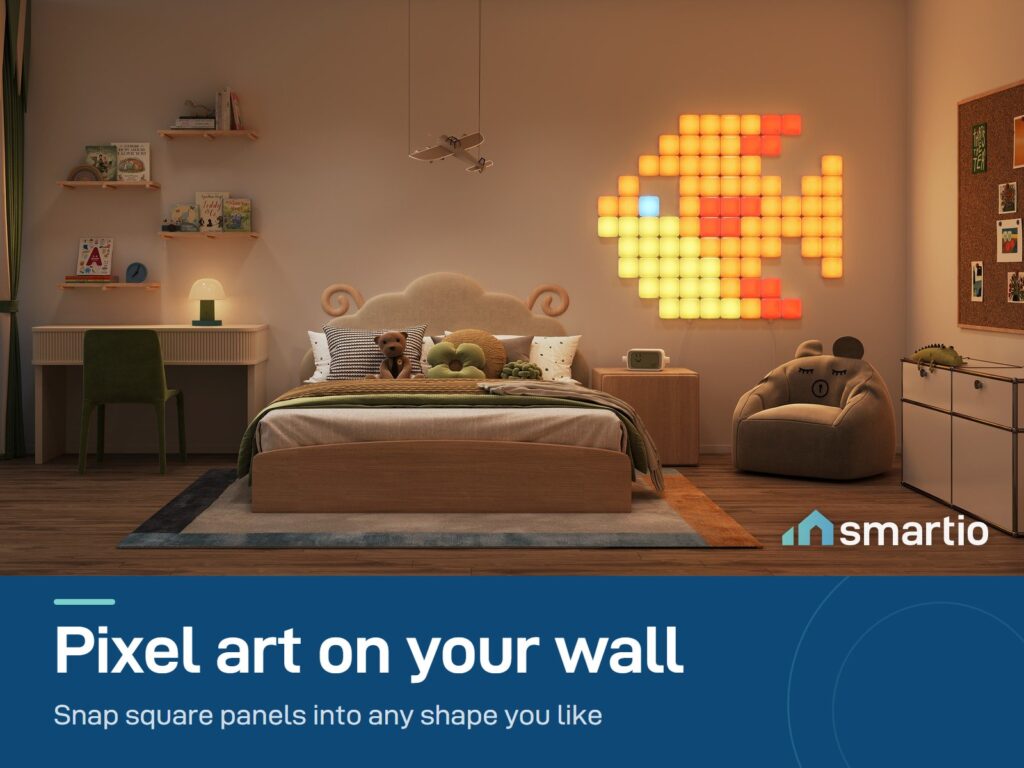
Build your own wall art. The Govee Mini Panel Lights are cool, connectable LED blocks with a curved 3D design that makes them pop out from the wall. You can snap them together in almost any shape to make your gaming room, bedroom, or living room look totally unique. The starter kit gives you 10 panels, and you can easily add more later to create huge, glowing designs. Best of all, they show super bright colors and fun animations that you control from your phone.


What Makes These Panels Amazing:

  • Bright & Colorful: Thanks to RGBIC technology, every single panel can show multiple different colors at the same time. This creates amazing, smooth moving light effects.
  • Smart Shape Reader: You don’t have to program anything. The app automatically knows exactly how you built your shape and makes the light effects flow perfectly across it.
  • Build Any Shape: You can connect these blocks from all four sides. This gives you total freedom to build letters, animals, or crazy modern designs.
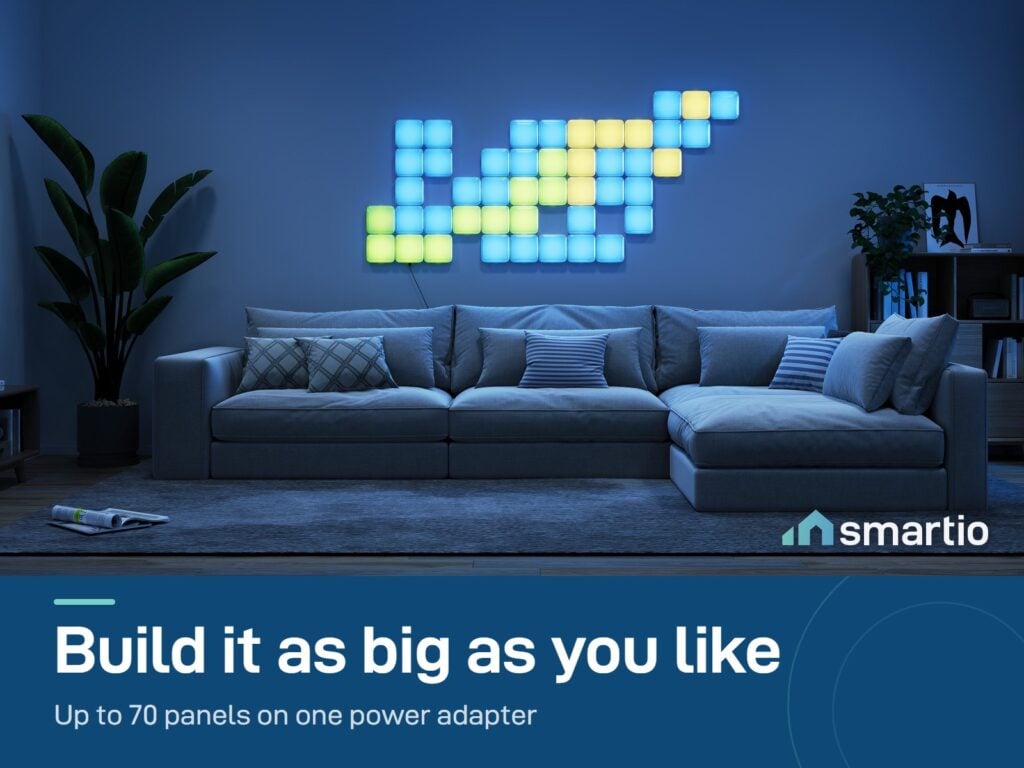
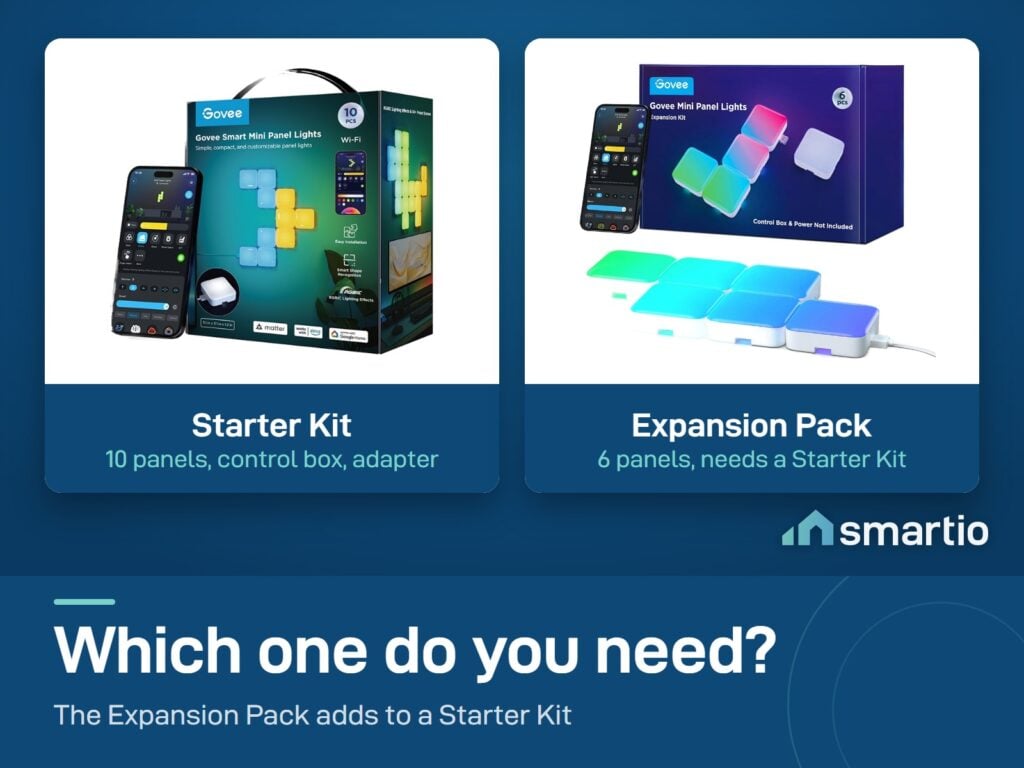
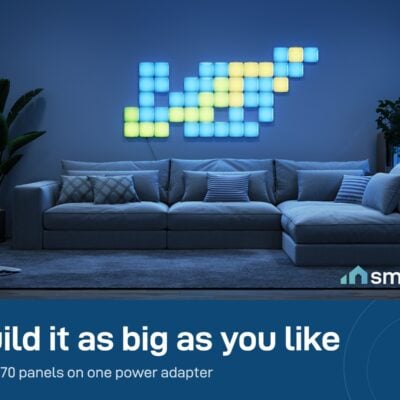
  • Grow Your Design: You start with 10 panels, but you can connect up to 70 on a single power plug! You can easily grab a 6-panel add-on pack later to make your design even bigger.
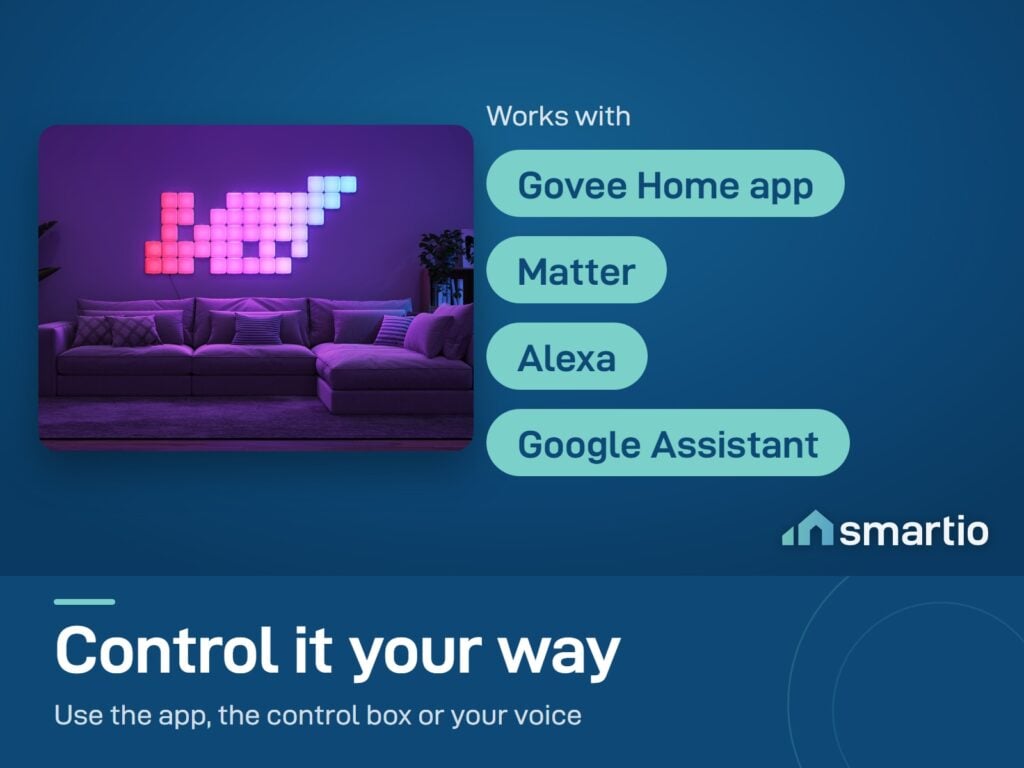
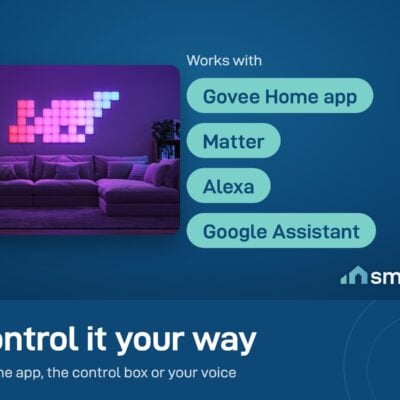
  • Smart Voice Control: Completely hands-free! It works perfectly with Apple Home (via Matter), Alexa, and Google Assistant. Just tell your speaker to change the colors.


👉 Click here to watch a quick video on how to easily install your Mini Panel Lights

💡 Pro Tip: Before sticking them to the wall, build your design on the floor or a large table first! Plug them in and test the colors to make sure you love the shape, then easily put them up one by one.

Be the first to get your hands on the future of smart lighting with Smartio!

What You Get

Design your own shape
Connect panels from any side - make letters, animals, abstract patterns. The app detects the layout automatically.
RGBIC per panel
Each panel can show multiple colors at once - patterns flow across the whole sculpture, not just one panel.
Smart shape recognition
Govee Home detects how you arranged the panels and adapts effects automatically - no manual mapping.
Up to 70 on one PSU
Start with 10, expand to 70 panels on a single power supply. Massive wall installations on one cable.
Matter + Apple Home
Pair via Matter - Siri, Alexa, and Google all control the panels.

A Closer Look

Govee Mini Panel Lights

Govee Mini Panel Lights

Unlimited Creative Designs

Easy Four-Side Connection with Push-to-Connect System
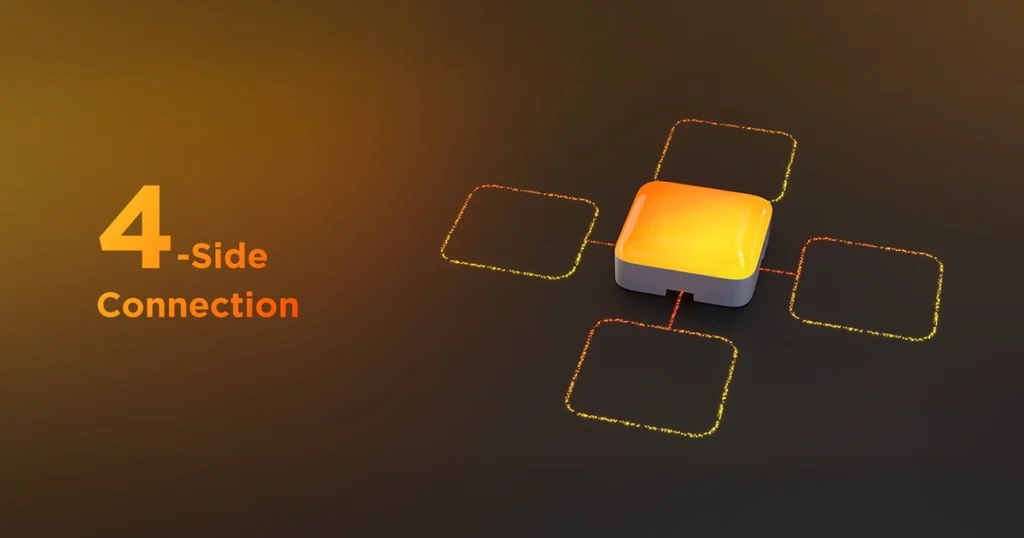
Unlimited Creative Designs

The App Recognizes Your Panel Shape

The Govee lights feature smart technology that recognizes shapes when you arrange the panels, allowing easy control via the Govee Home App
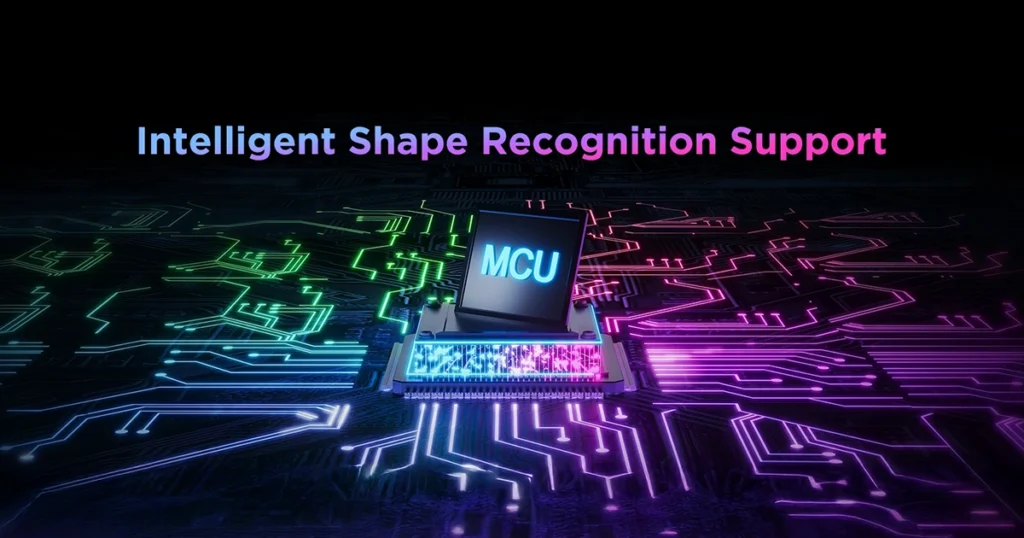
The App Recognizes Your Panel Shape

Connect Up to 70 Panels with One Power Adapter

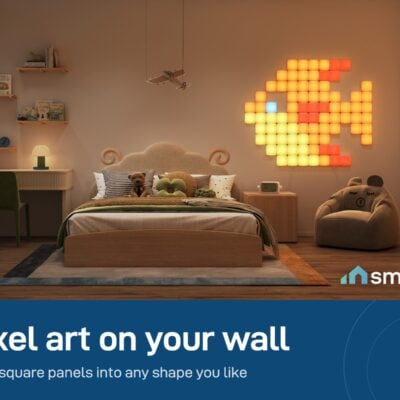
Customize each panel and create pixel art easily using the Govee Home app
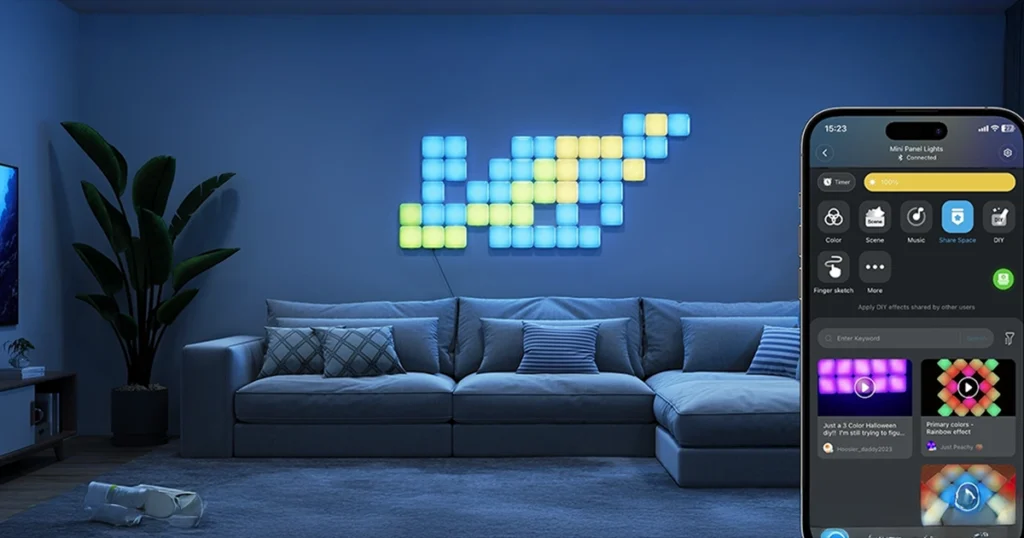
Connect Up to 70 Panels with One Power Adapter

Effortless Installation for Instant Setup

Set up your Govee Mini Panel Lights in no time with simple connections and instant customization
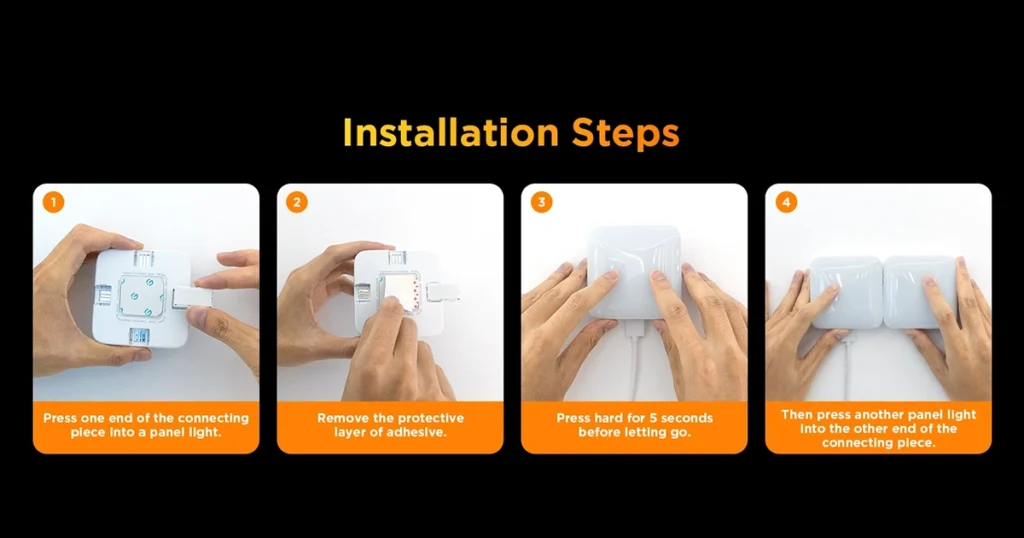
Effortless Installation for Instant Setup

Works With

Apple HomeKit (via Matter)
Works
Amazon Alexa
Works
Google Assistant
Works
Matter
Works
Govee DreamView
Works

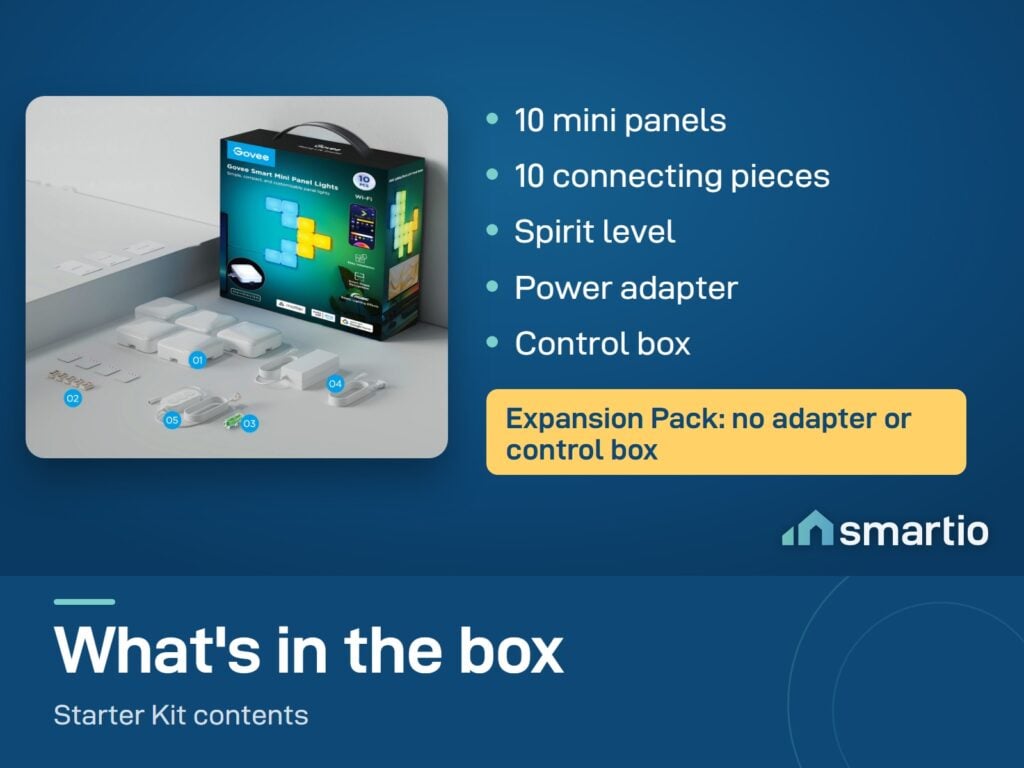
What's in the Box

10× Govee Mini Panels
1× Power supply
1× Wi-Fi controller
Mounting accessories (3M adhesive)
User manual (English)

Delivery & Pickup

Standard Delivery
All Lebanon governorates - Greater Beirut usually next day; Tripoli, Jbeil, Saida, Tyre, Zahle, Akkar and the rest within 2–4 working days.
4 $ · Free over 50 $
Express Delivery
Faster shipping - usually within 24 hours of order confirmation (Greater Beirut & Metn). Same-day not guaranteed.
6 $ flat
Pickup - Dekwaneh
Collect from our Dekwaneh store. Weekdays 10am–5pm, Sat 10am–1pm.
3 $ · Free over 30 $

Warranty & Support

6-month Local Warranty
Covers defects in materials & workmanship. Handled here in Lebanon.
WhatsApp Support - Always On
Can't set it up? Message us. We reply within minutes, not days.
14-day Exchange - Unopened Items
The item must be unopened and in its original packaging. Exchange it for a product of equal or higher value - we do not give cash refunds. Opened items are covered by the warranty if there is a factory defect.
Free Setup Call
If you get stuck, we'll walk you through the setup on a free WhatsApp call.

Frequently Asked Questions

What's the maximum number of panels I can connect?
Up to 70 panels on a single power supply. Plenty of room for a whole wall mural, gaming setup, or kid's room feature wall.
Can I run 20 panels on one power supply?
Yes - one PSU handles all 20 without any issue. Power-supply capacity isn't the limit until you're past 70.
Will they work for an escape room or kid's setup?
Yes - they're a popular choice for escape rooms, kid rooms, and gaming setups. The number you need depends on the design and the wall size. Sketch your layout on paper first, then count squares.
How do I plan the layout before installing?
Lay all the panels out on the floor in the shape you want, connect them, and test in the app before sticking to the wall. The app's shape recognition adapts effects to whatever pattern you build.
Is the manual in Arabic?
The printed manual is in English. If you need help in Arabic, message us on WhatsApp - our team speaks Arabic.
Do they work with my existing Govee setup?
Yes - group them with bulbs, strips, and TV backlights in Govee Home. DreamView syncs effects across all the lights as one room scene.
Will they work during EDL cuts?
They need power from the wall. Plug into a generator or small UPS to keep them glowing through outages. State is remembered - when power returns, they resume.
Can I add more panels later?
Yes - buy additional 10-packs and connect to the existing setup. The app detects the new panels automatically.

Compare Models