How It Works

1
Cut the breaker, open the wall box
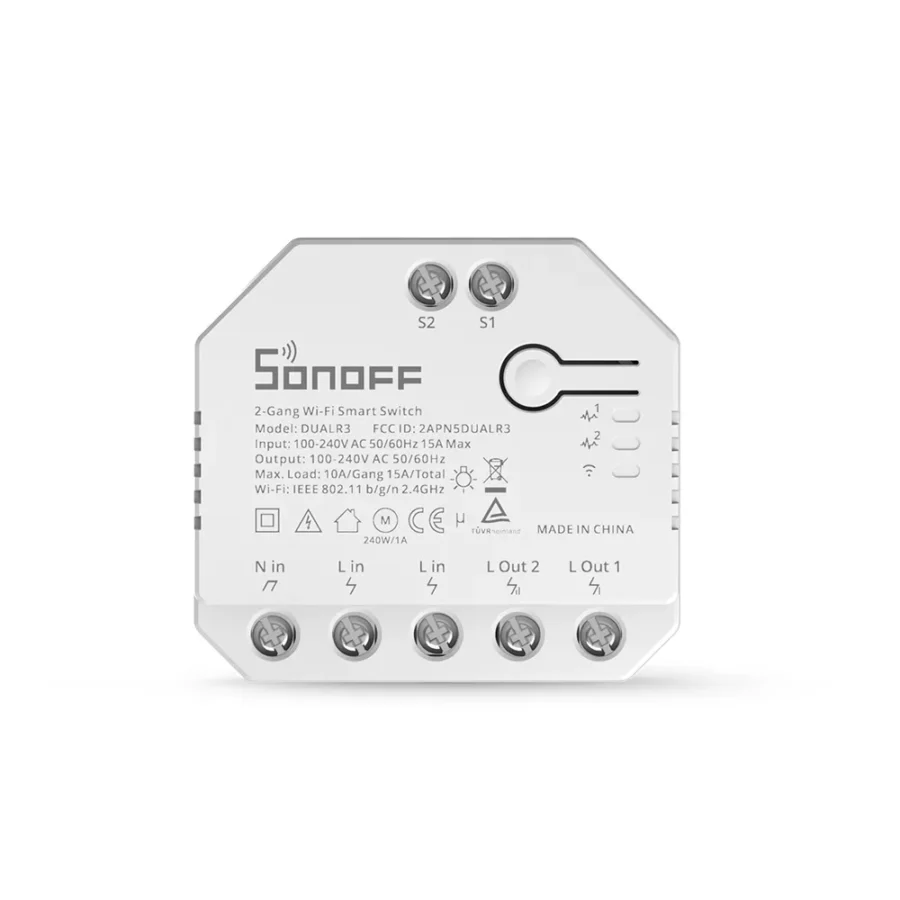
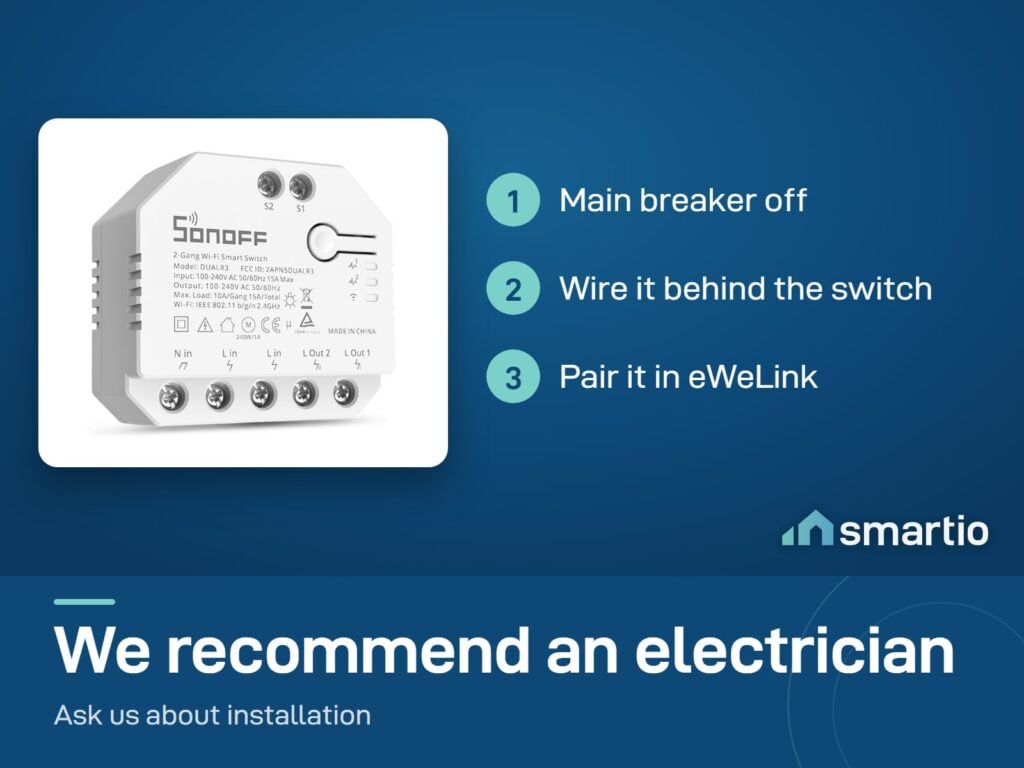
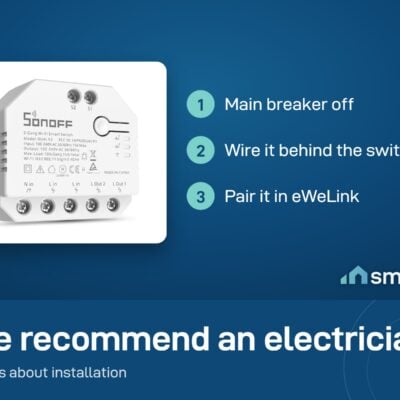
Power off the circuit. Pull out your existing switch - DUALR3 will sit behind it inside the back-box.
2
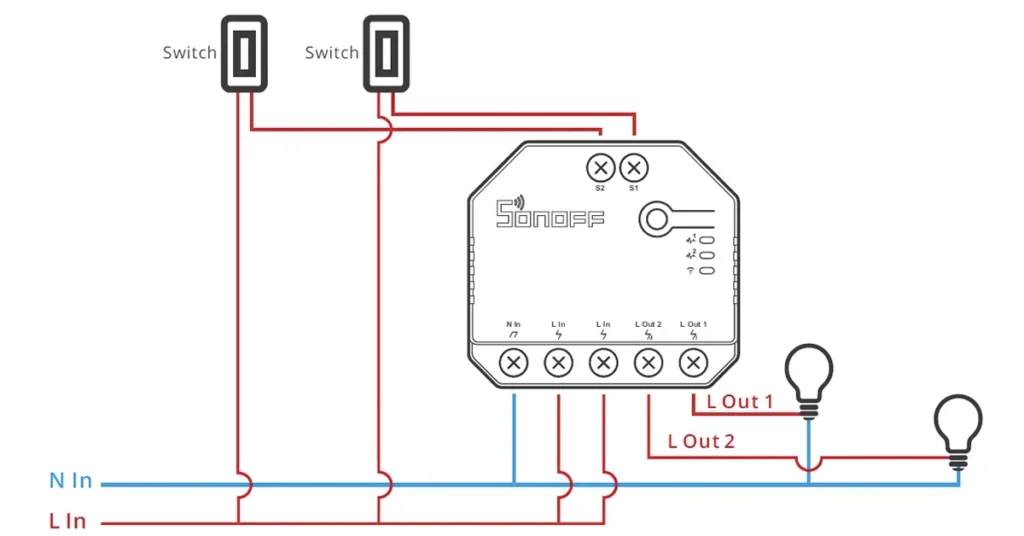
Wire in two loads (or one motor)
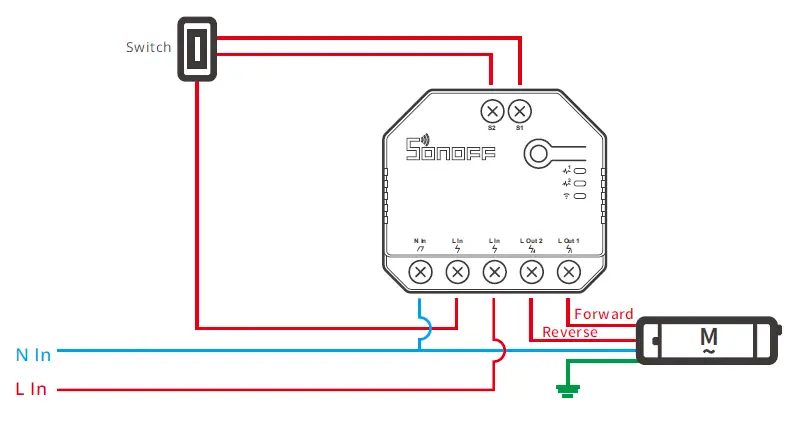
For two lights: connect each load to its own output. For a motor: connect the two motor wires to the two outputs and switch to Motor Mode in the app.
3
Pair in eWeLink
Power on, open eWeLink → Add Device → scan QR. Two channels appear in the app, each named separately.
4
Set scenes + power-on state
Group both channels with other Sonoff devices in scenes. Set Power-on State to "Last State" so EDL cuts don't break automations.
5.0 from 553 verified Google & Facebook reviews - real orders across Lebanon Read reviews

Is This Right for Me?

Channels: 2 independent relays
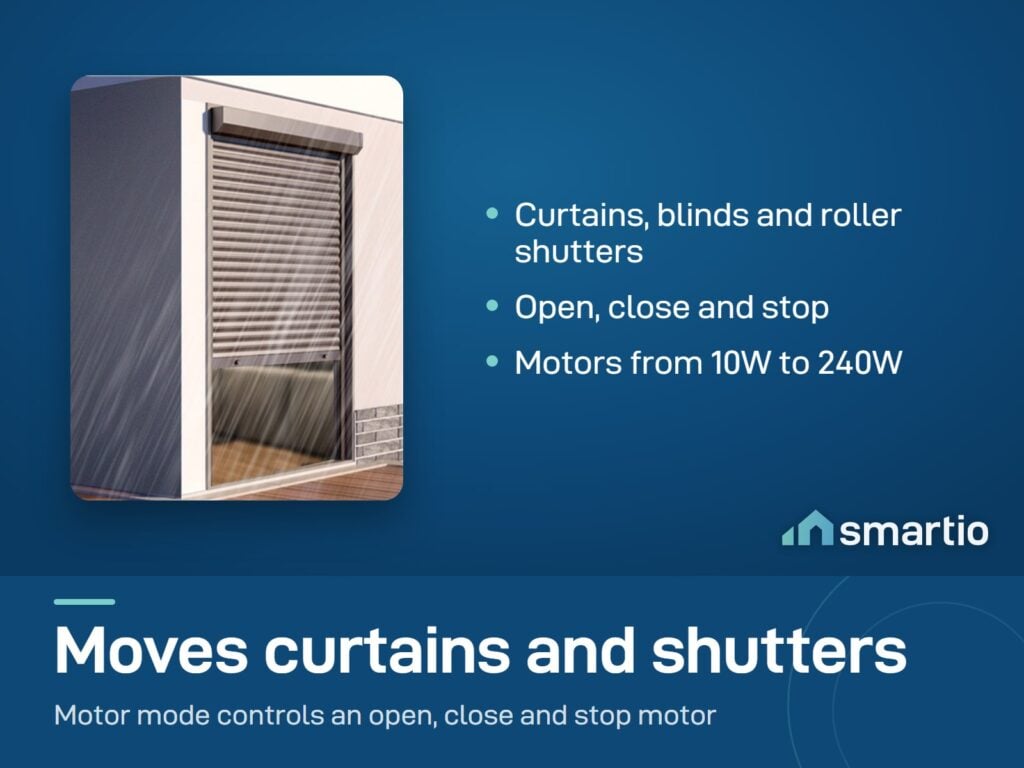
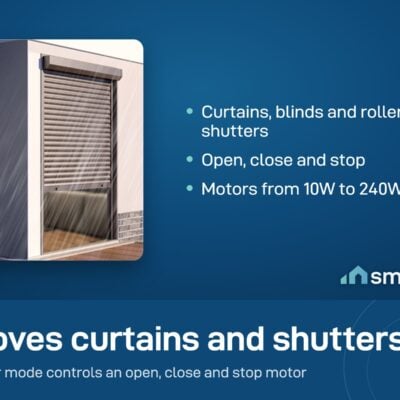
Motor mode: Yes - proper open/close/stop for curtains, blinds, shutters
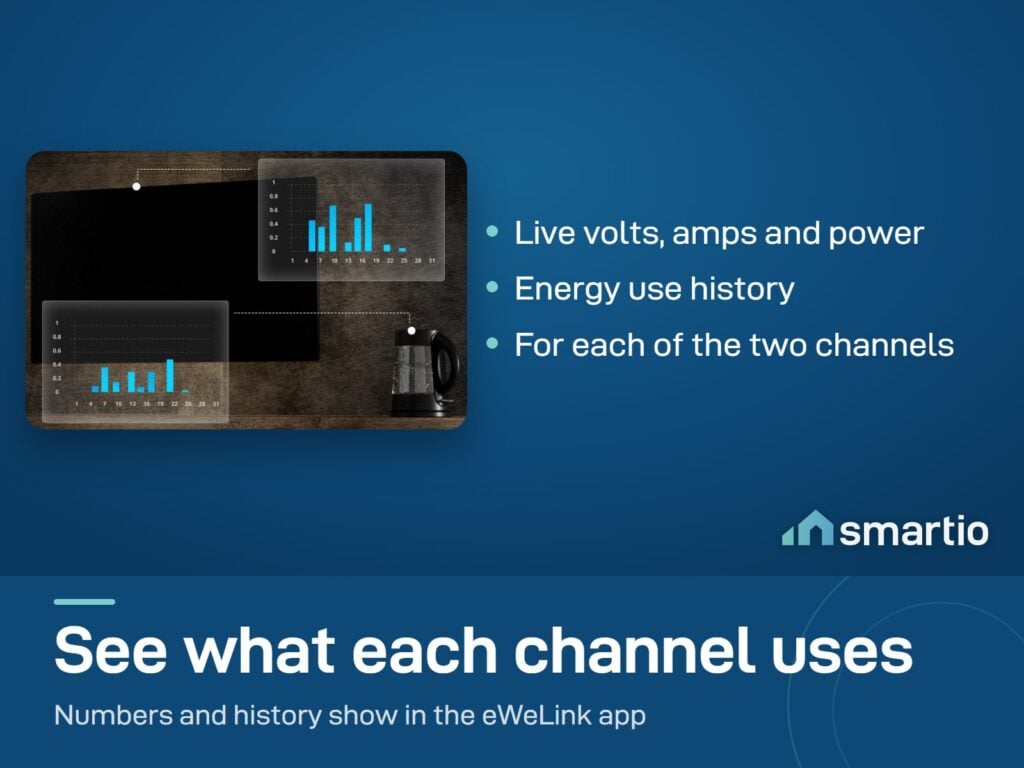
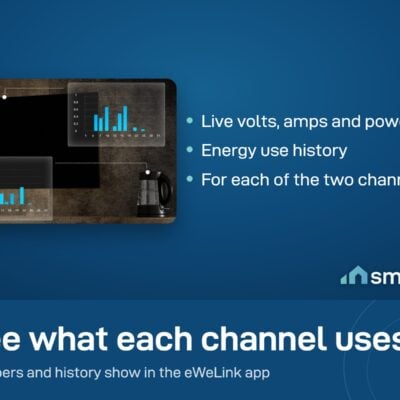
Power monitoring: Real-time watts/volts/amps per channel
Voltage: 100-240V AC, 50/60 Hz
External switch support: Toggle, push-button, rocker
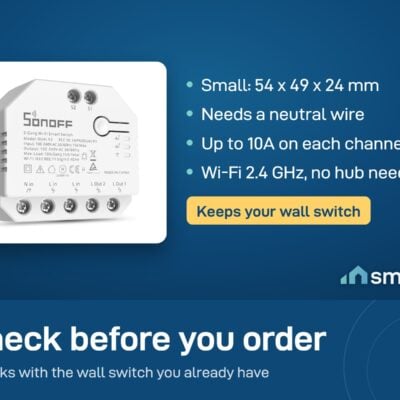
Wi-Fi: 2.4 GHz only
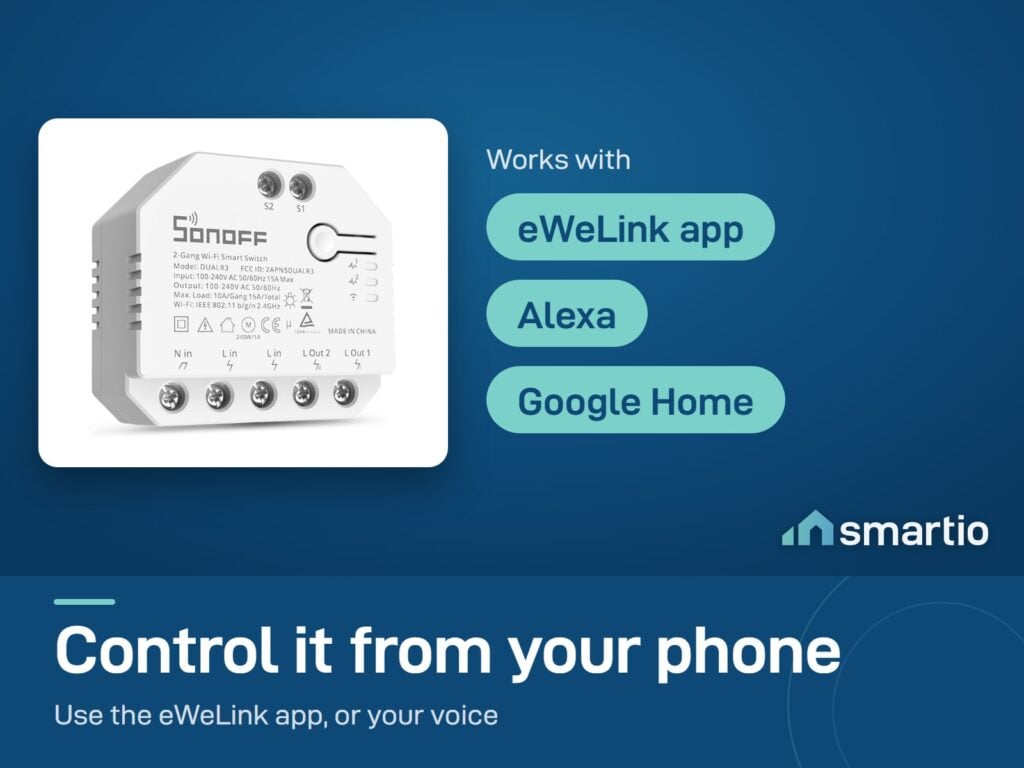
App: eWeLink

Product Details

Sonoff DUALR3 – Dual Relay Smart Switch

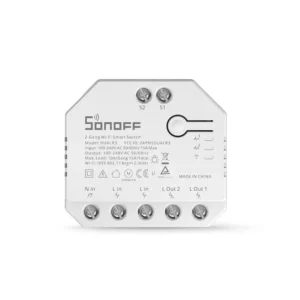
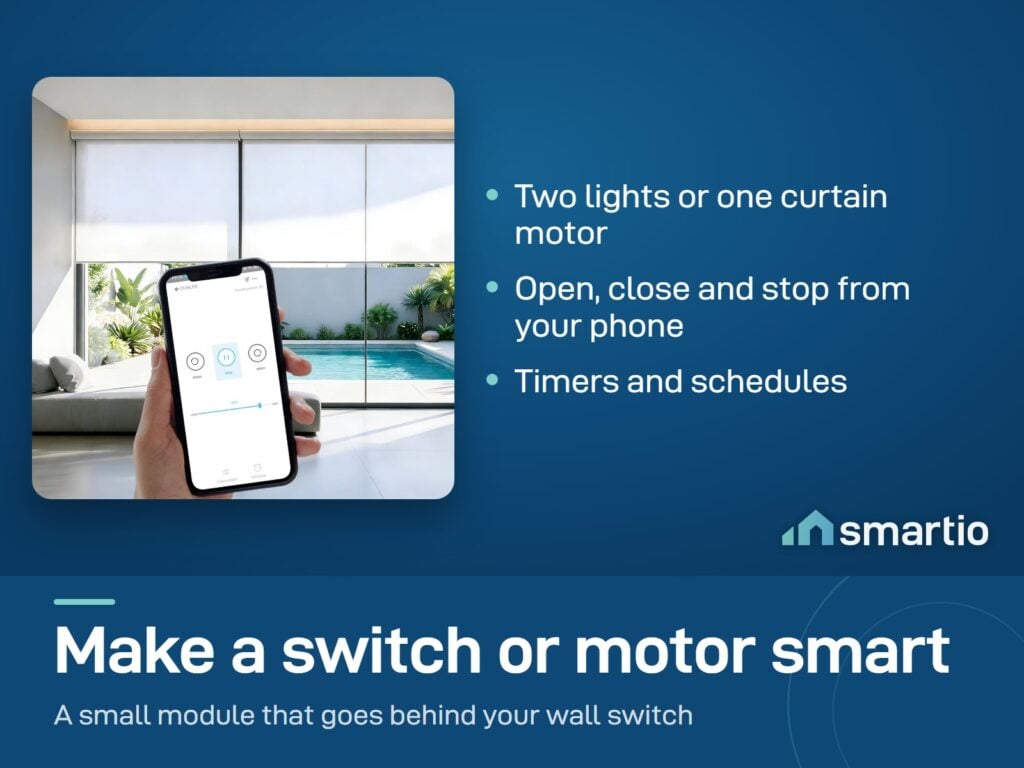
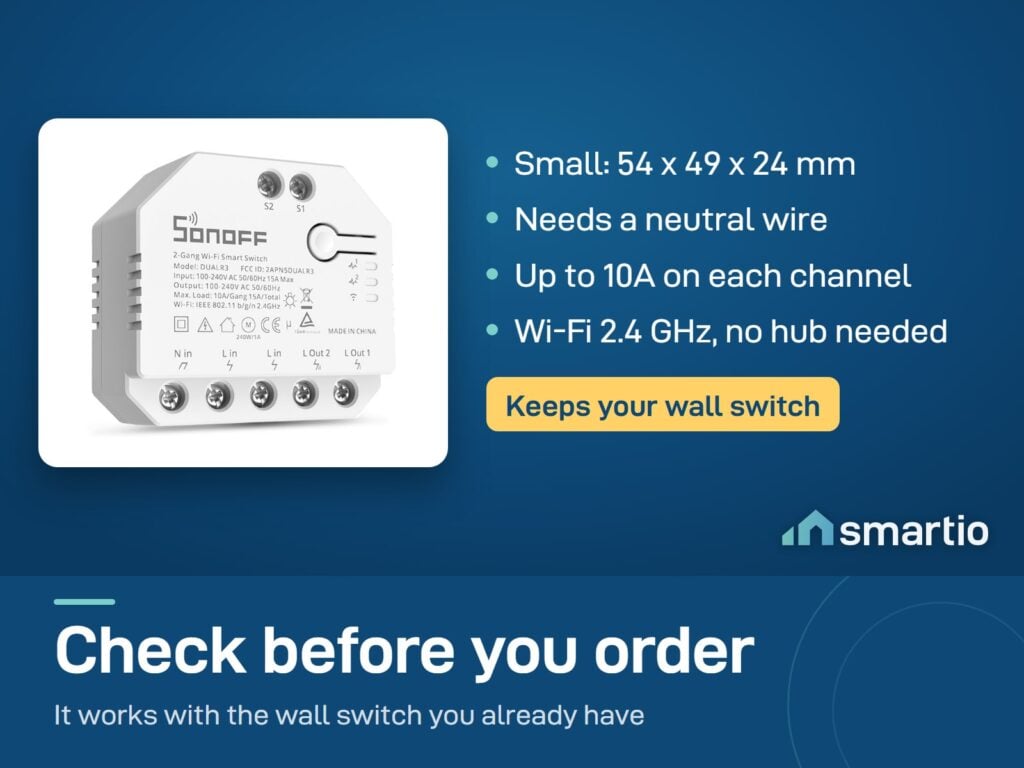
The Sonoff DUALR3 is a compact smart switch that installs behind your existing wall switch and gives you two independent channels to control. Use it to control two separate lights, or switch it to roller shutter mode to control motorized curtains, blinds, or shutters.

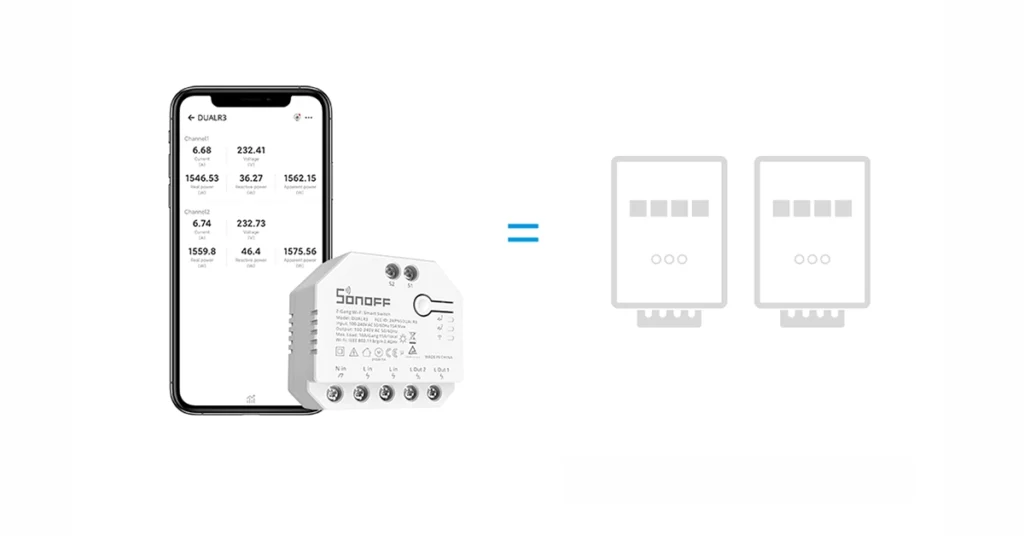
It also tracks power consumption on both channels, so you can see how much electricity each circuit is using.


Key Features:

  • 2 Independent Channels: Control two lights or devices separately from one module.
  • Roller Shutter Mode: Switch to motor mode to control motorized curtains, blinds, or shutters – with open/close/stop control.
  • Power Monitoring: Track real-time power usage on each channel.
  • Fits Behind Your Wall Switch: Small enough to fit inside a Lebanese standard wall box.
  • Works with External Switches: Compatible with toggle, push-button, and rocker switches.
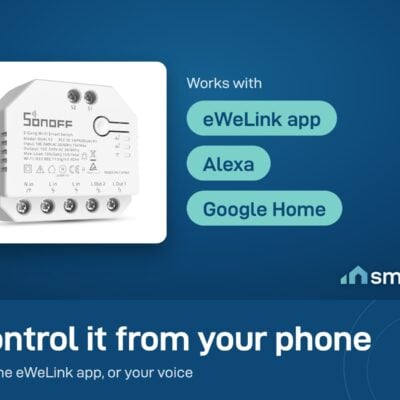
  • Voice Control: Works with Google Assistant and Alexa.

💡 Pro Tip: If you have motorized curtains or roller shutters, this is one of the most affordable ways to make them smart – control them from your phone or set a schedule to open at sunrise and close at sunset.

What You Get

Proper motor mode for curtains
Roller-shutter mode gives true open/close/stop control - not just on/off. Interlock prevents both channels firing at once.
Two lights in one box
Control two separate circuits independently. Useful for double wall switches without buying two modules.
Live power monitoring
See real-time watts, volts, and amps per channel in eWeLink. Spot which device is eating your bill.
Compact
Tucks behind standard Lebanese wall switches. No new wall plate, no visible hardware.
Voice + sunrise schedules
Alexa and Google. Plus auto-open at sunrise, auto-close at sunset - set once, forget.

A Closer Look

External Switch Two-Way Control
External Switch Two-Way Control

Schedule to Open and Close for Comfortable Life

Want to be awakened with the first ray of sunlight in the morining or adjust the percentage of curtain opening to avoid the light ruins you furniture? DUALR3 can help you easily realize, just connect it with your motorized curtain to enjoy your smart life.
Schedule to Open and Close for Comfortable Life

Keep Your Appliances always Be On-Meter Mode

DUALR3 has a special working mode called meter mode. In this mode, the electrical appliance loads of DUALR3 will always remain on, the relay state will not be changed by APP or external switches, Only focusing on power monitoring and metering!
Keep Your Appliances always Be On-Meter Mode

Multiple Control Methods

DUALR3 can be used as eWeLink-Remote gateways, S-MATE can act as remote controllers, and they can be controlled locally through eWeLink-Remote signals by creating smart scenes.

Sonoff DUALR3 Dual Relay Smart Switch

Works With

Amazon Alexa
Works
Google Assistant
Works
eWeLink-Remote (LAN control)
Works
eWeLink Scenes
Works
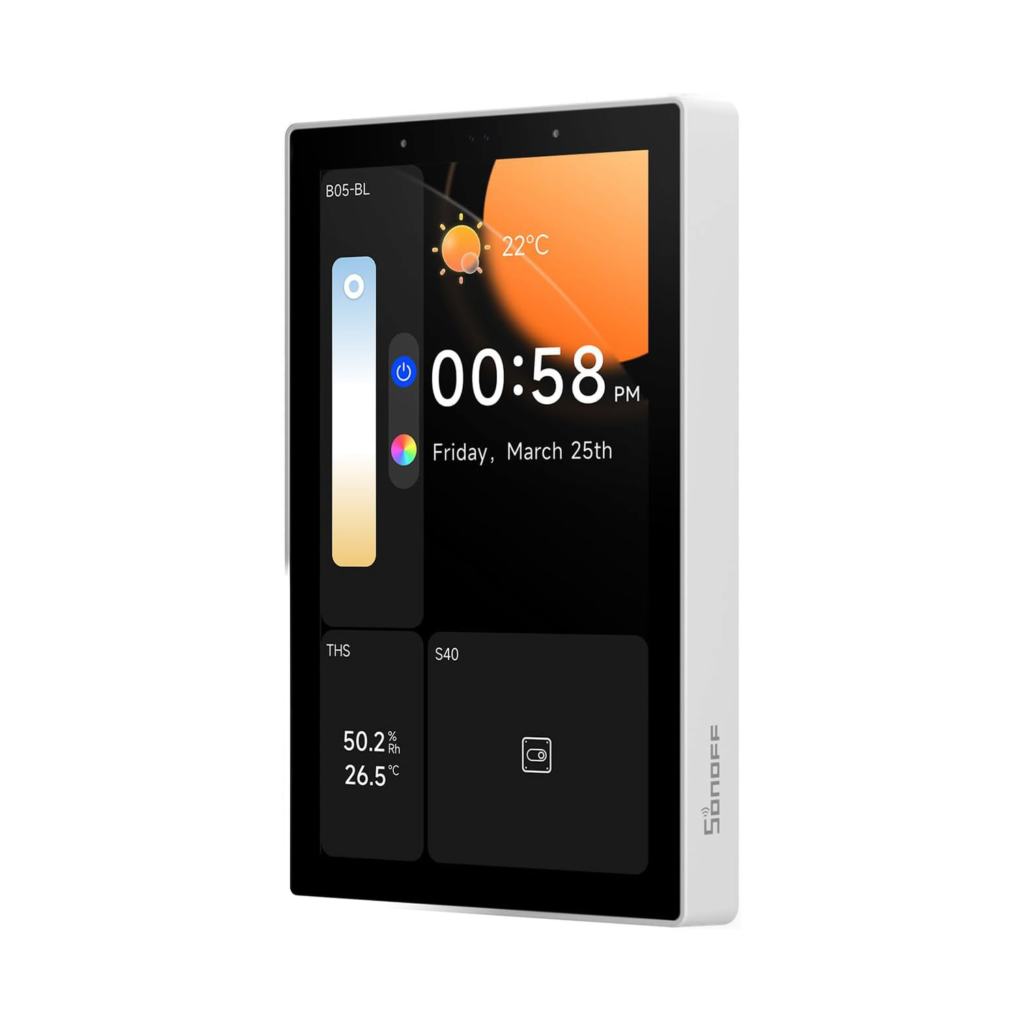
Sonoff NSPanel Pro
Works

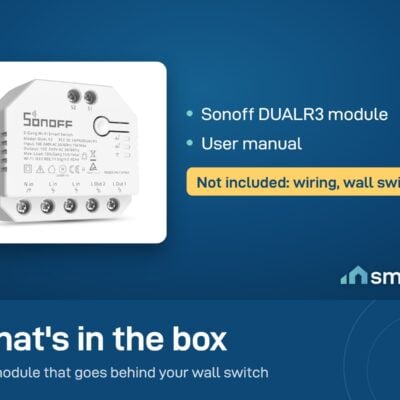
What's in the Box

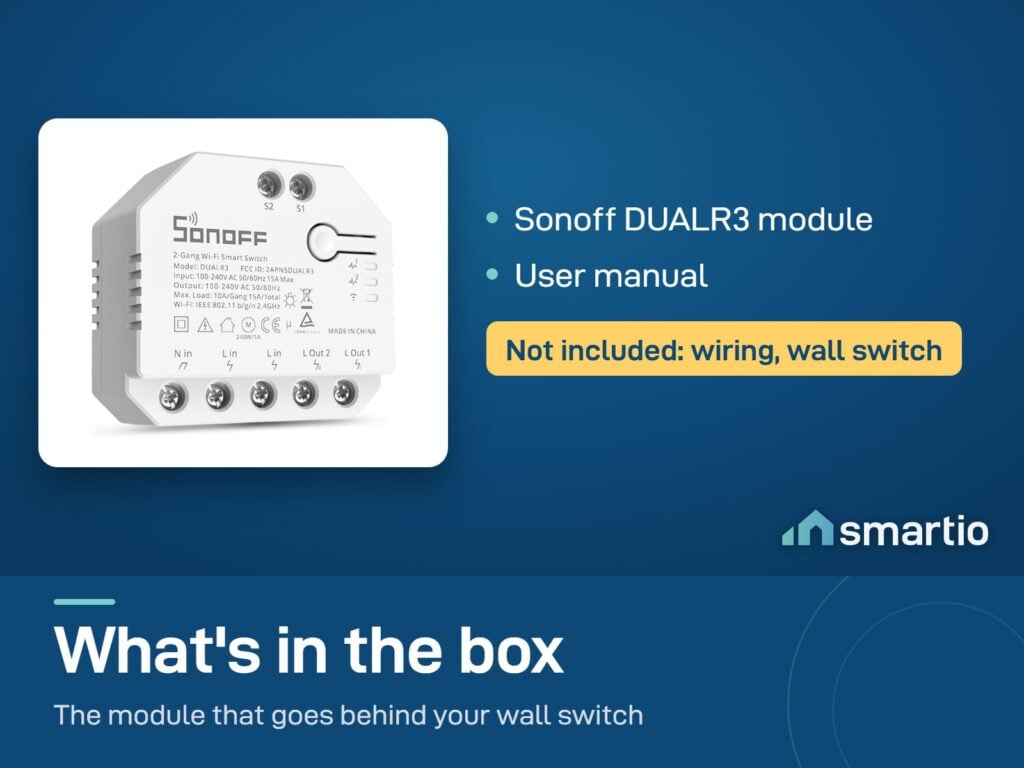
1× Sonoff DUALR3 module
User manual

Delivery & Pickup

Standard Delivery
All Lebanon governorates - Greater Beirut usually next day; Tripoli, Jbeil, Saida, Tyre, Zahle, Akkar and the rest within 2–4 working days.
4 $ · Free over 50 $
Express Delivery
Faster shipping - usually within 24 hours of order confirmation (Greater Beirut & Metn). Same-day not guaranteed.
6 $ flat
Pickup - Dekwaneh
Collect from our Dekwaneh store. Weekdays 10am–5pm, Sat 10am–1pm.
3 $ · Free over 30 $

Warranty & Support

6-month Local Warranty
Covers defects in materials & workmanship. Handled here in Lebanon.
WhatsApp Support - Always On
Can't set it up? Message us. We reply within minutes, not days.
14-day Exchange - Unopened Items
The item must be unopened and in its original packaging. Exchange it for a product of equal or higher value - we do not give cash refunds. Opened items are covered by the warranty if there is a factory defect.
Free Setup Call
If you get stuck, we'll walk you through the setup on a free WhatsApp call.

Frequently Asked Questions

Will it work with my existing wall switch?
Yes - DUALR3 sits behind your existing wall switch and works with toggle, push-button, or rocker switches. Keeps your current wall plate.
Can I use it for motorized curtains?
Yes - switch the device to Motor Mode in eWeLink and the two channels become a proper open/close/stop pair. It interlocks the relays so they never fire at the same time, which would damage the motor.
Does it work with the eWeLink app?
Yes - eWeLink is Sonoff's native app. DUALR3 lives in the same dashboard as your other Sonoff devices.
Can I control it from my phone without a wall switch wired in?
Yes - you can run it purely as a smart relay with no external switch. Useful for installations like a dedicated curtain motor or a hidden circuit.
What about power monitoring?
Built in - see live watts, volts, and amps for each of the 2 channels separately in the app. Useful for figuring out which circuit is your power-hungry one.
Will it fit my Lebanese wall box?
Yes - DUALR3 is designed compact enough to fit behind standard Lebanese back-boxes. If the box is unusually shallow, do a dry fit before screwing the plate back on.
What happens during an EDL cut?
Set Power-on State to "Last State" in eWeLink - when EDL returns, both channels go back to exactly the state they were in before the cut. Wi-Fi reconnects automatically once your router is back online.

Compare Models