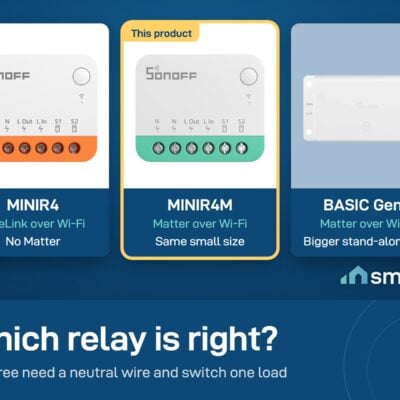
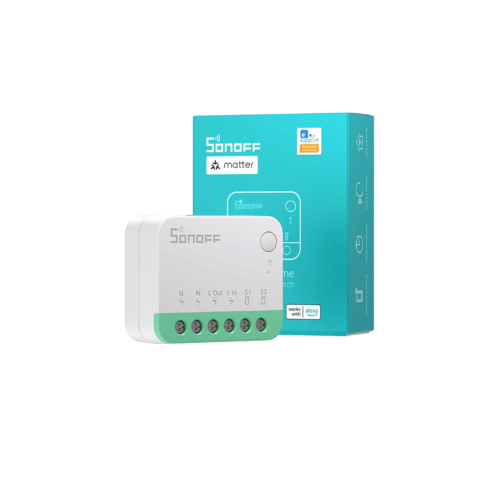
Sonoff MINI R4M Matter Relay (Fits Behind the Switch)
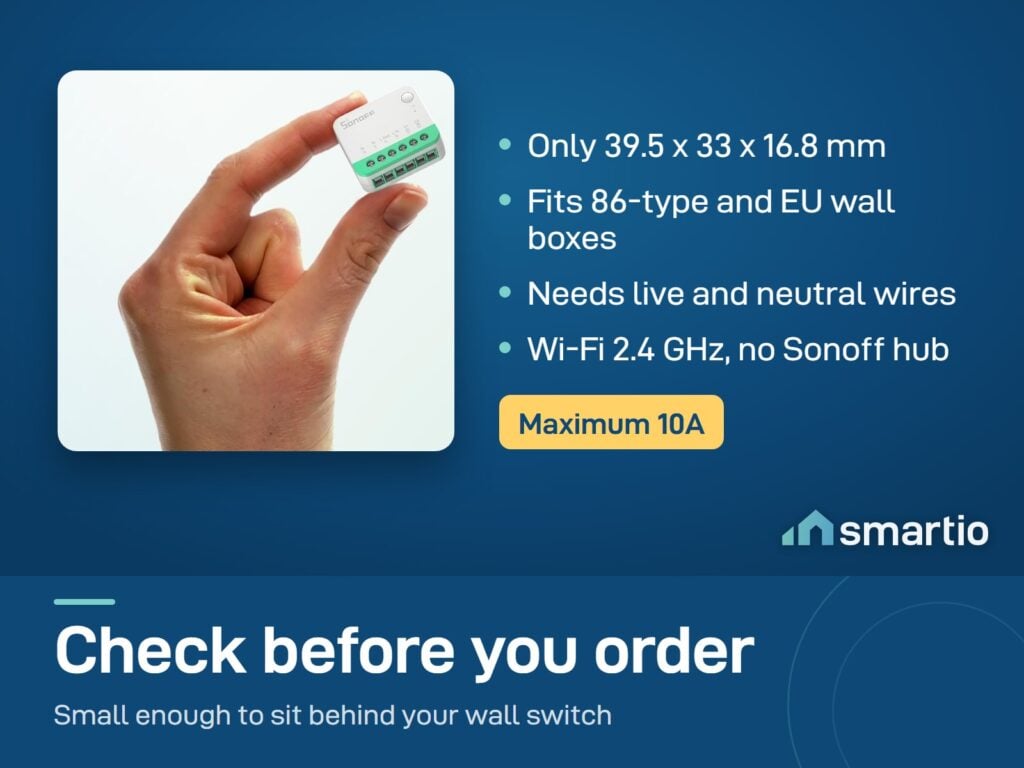
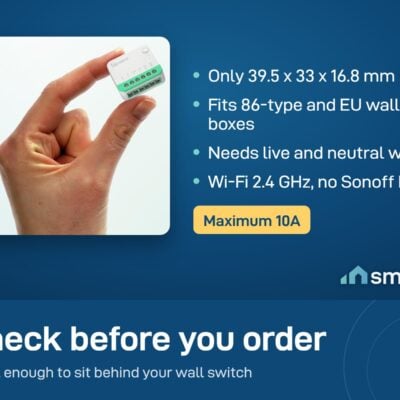
- Max Load: 10A (≈2200W on 220V)
- Voltage: 100-240V AC, 50/60 Hz
- Wi-Fi: 2.4 GHz only
Tap a tier to select that quantity, then Add to Cart - the discount applies automatically in cart. No code needed.
- 6-month warranty, covering every brand we sell
- 14-day exchange on unopened items
- Delivery all over Lebanon, free on orders over 50 $
Sonoff products customers bought together
How It Works
Is This Right for Me?
Product Details
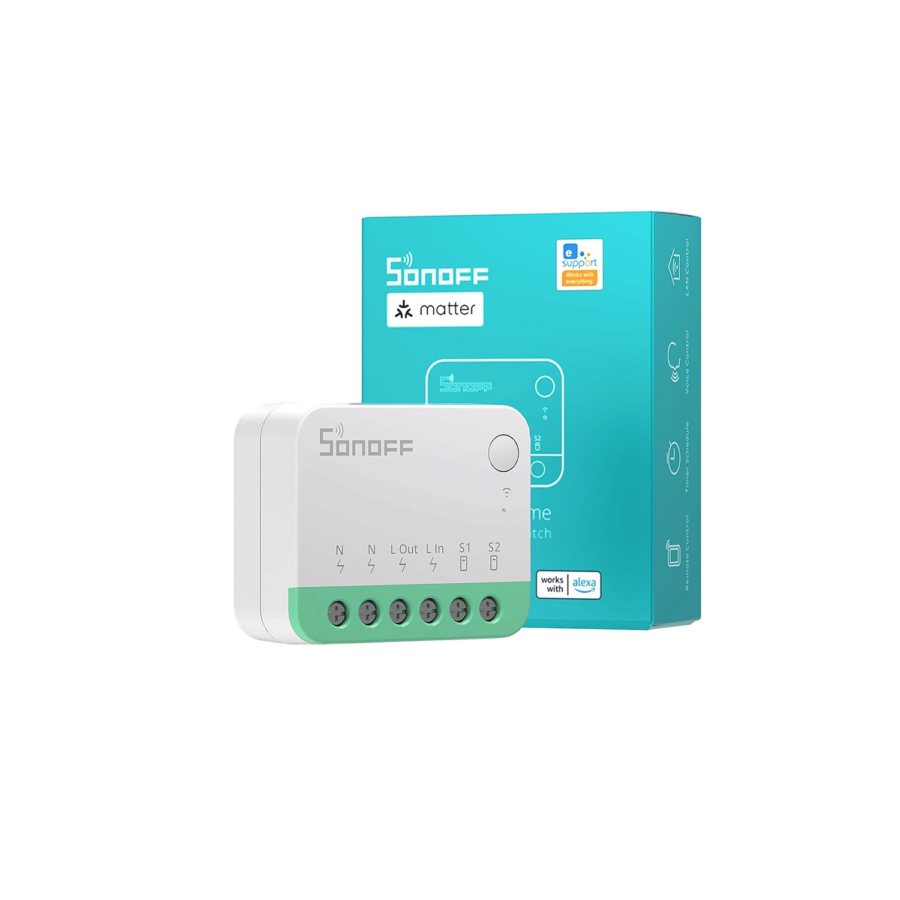
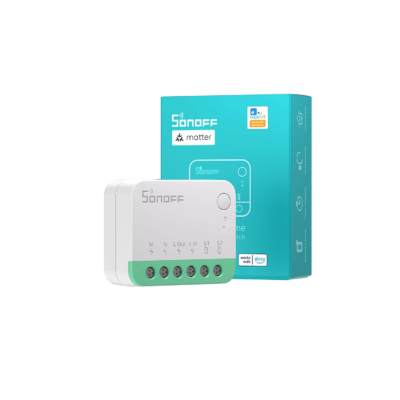
Sonoff MINIR4M – Matter-Compatible Smart Switch
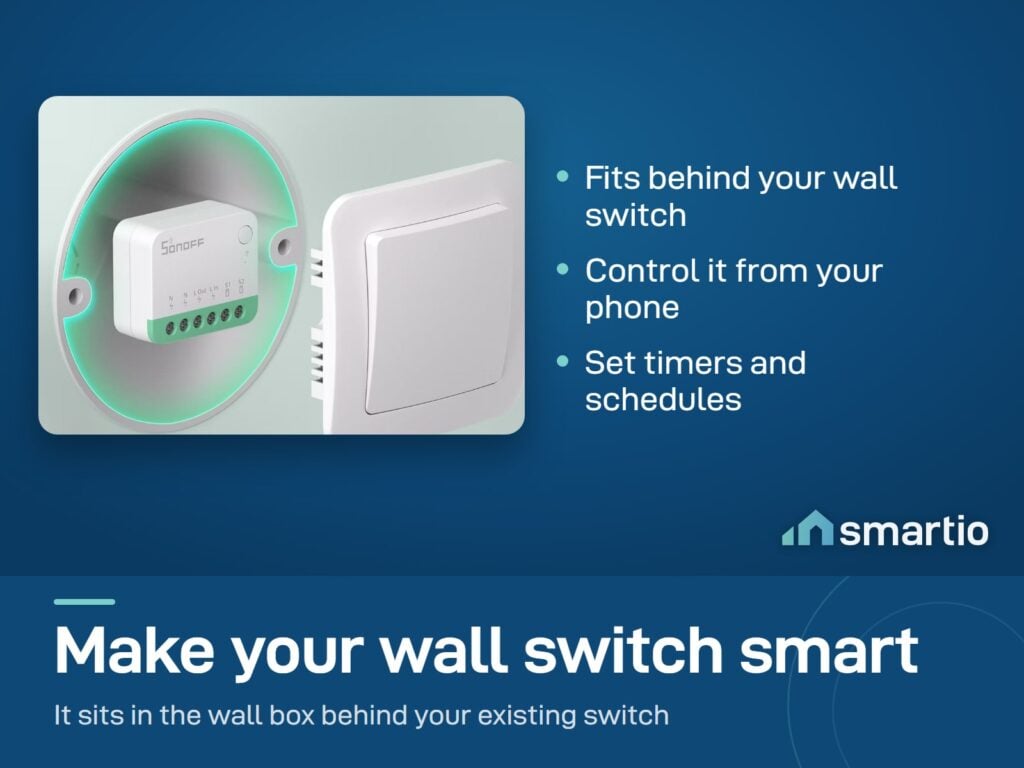
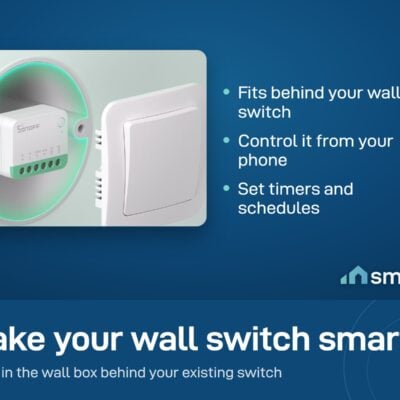
A tiny smart switch that hides behind your existing wall switch. You don’t change your wall plate, you don’t see anything – but now your light can be controlled from your phone, by voice (Siri / Google / Alexa), or scheduled to come on automatically.
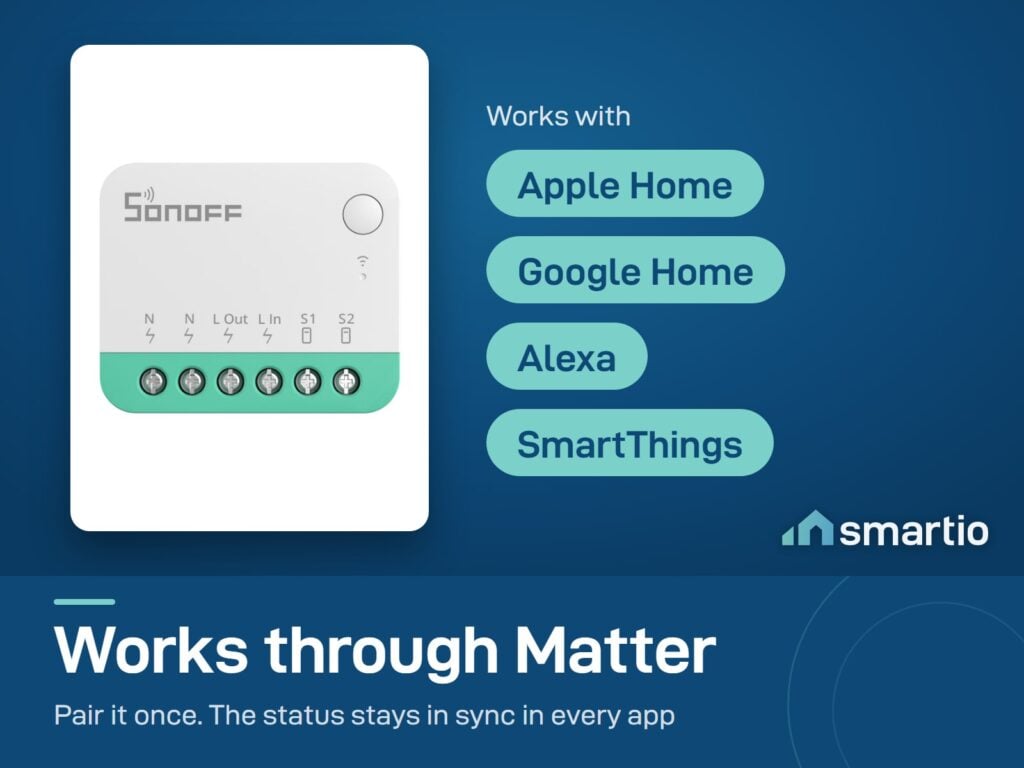
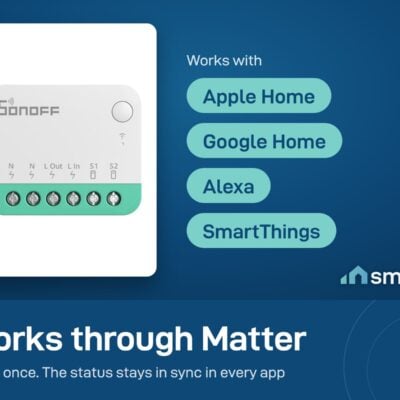
What makes the MINIR4M special is Matter – a universal standard that lets it work with Apple Home, Google Home, Amazon Alexa, and Samsung SmartThings all at the same time. No need to pick one ecosystem and stick with it.
Why people buy it
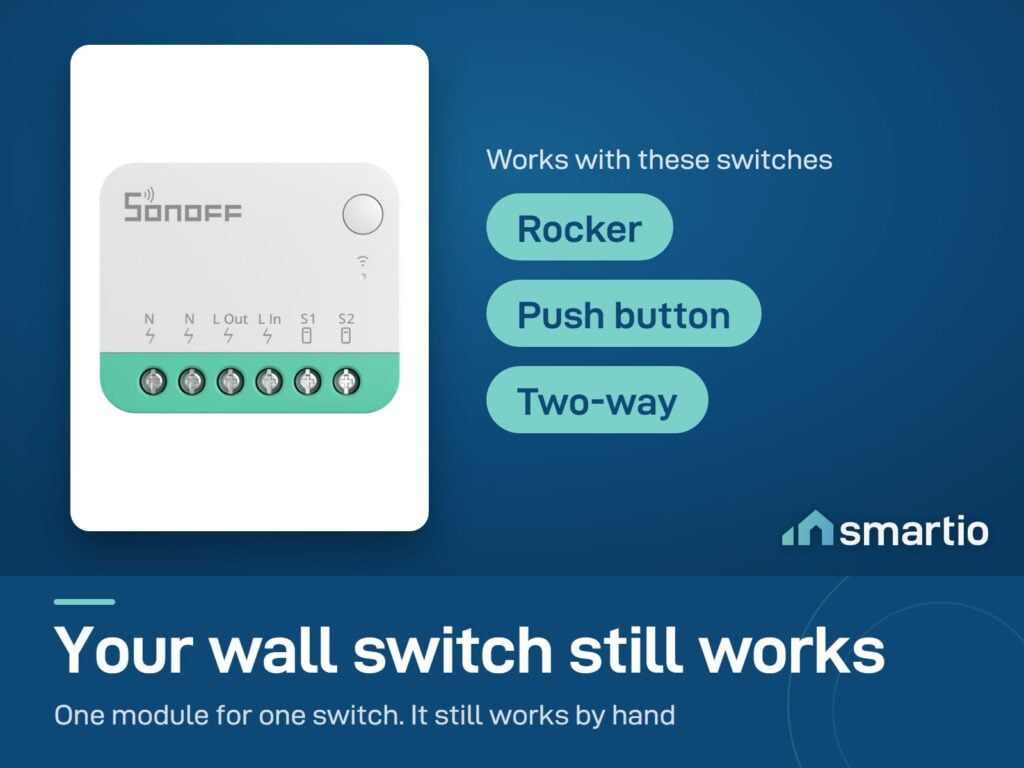
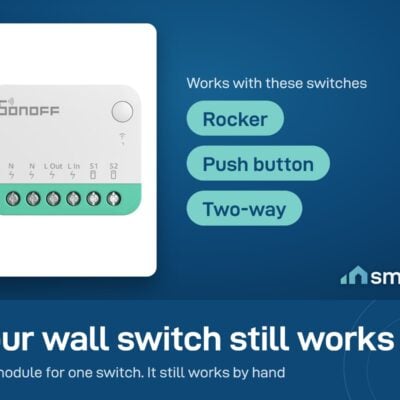
- Don’t ruin your wall. Hides inside the existing switch box. Your existing rocker or push-button switch stays – it still works manually.
- Apple Home + Google + Alexa, simultaneously. Matter means you can use Siri on your iPhone and Google on your Android – both controlling the same switch.
- Schedule any room. “Turn on hallway light at 7:30 PM every evening.” Done.
- Monitor EDL with the indicator-light trick. Wire the MINIR4M to an EDL-only indicator light – your phone now gets notifications the moment EDL switches on or off.
Key Features
- Matter support – works with Apple Home, Google Home, Alexa, SmartThings simultaneously.
- Tiny dimensions: 40 × 33 × 17 mm – fits inside standard Lebanese switch back-boxes.
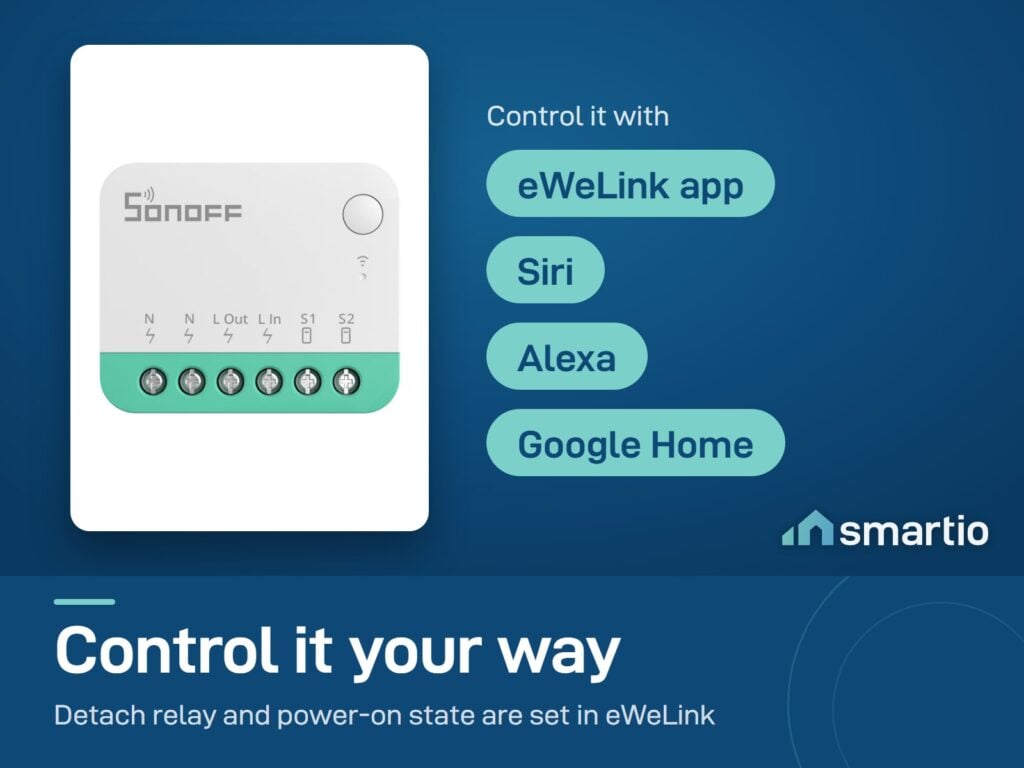
- Detach Relay Mode – keeps power to smart bulbs while the wall switch acts as a smart trigger (so you can use both a smart bulb AND a wall switch without one breaking the other).
- Works with all switch types: rocker, push-button, toggle.
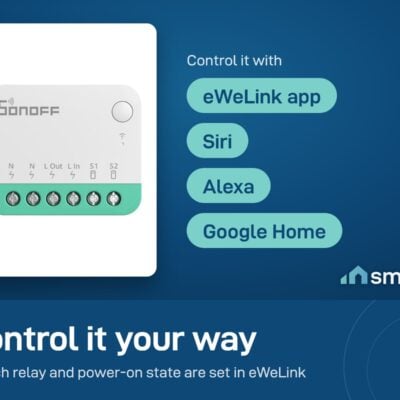
- Schedules + timers through the eWeLink app.
- Voice control: Siri, Google Assistant, Alexa.
- 2.4 GHz Wi-Fi. No hub needed.
Pro Tip: If you use Apple HomePod or rely on Siri, the MINIR4M is your easiest entry into a Matter smart home. It’s one of the cheapest Matter-compatible relays you can buy, and it slots right into Apple Home with no bridge or hub – just pair via Matter QR code.
Frequently Asked Questions
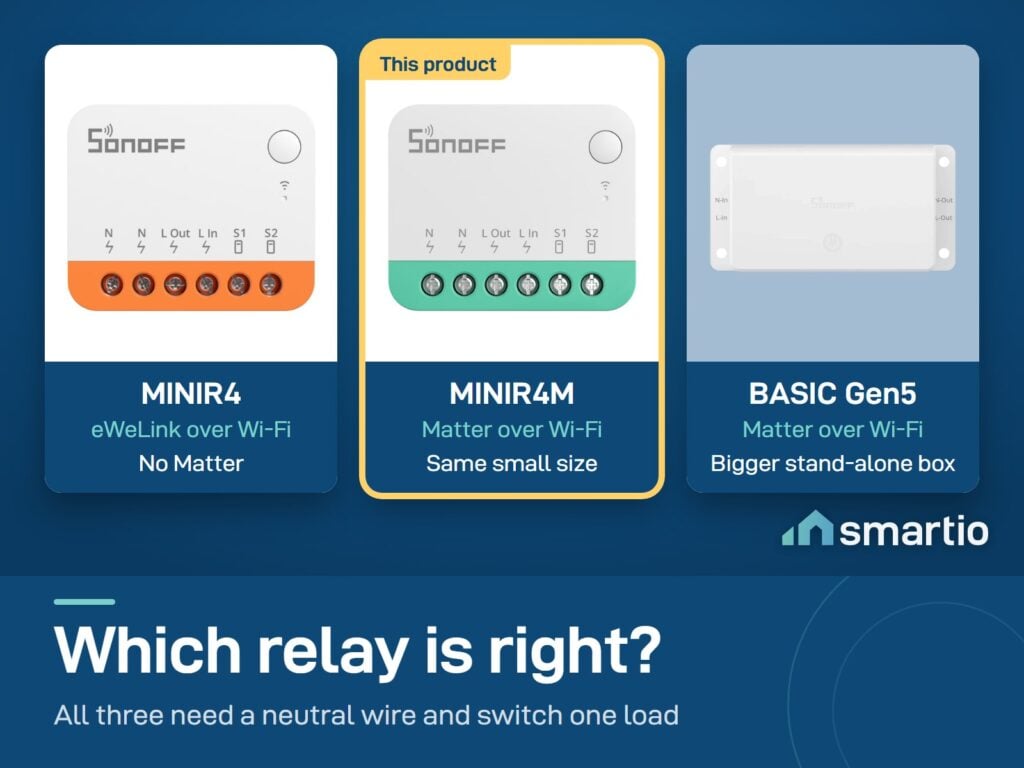
What’s the difference between MINIR4 and MINIR4M?
The M = Matter. The MINIR4 (without M) is Wi-Fi only and doesn’t support the Matter standard. The MINIR4M adds Matter – meaning it works directly with Apple Home, Google Home, Alexa, and SmartThings simultaneously. If you use Apple Home/Siri, you want the M version.
Does it work with Apple HomeKit and Alexa at the same time?
Yes – that’s the point of Matter. Pair it once via Matter, and it shows up in every Matter-compatible ecosystem you have. Apple HomePod, Google Nest Hub, Alexa Echo – all control the same switch.
Will it fit in my wall switch box?
Yes. At 40 × 33 × 17 mm it’s one of the smallest smart switches available – fits behind almost any standard Lebanese wall switch with room to spare.
Can I still use my wall switch manually?
Yes. The physical switch keeps working – the MINIR4M just adds a smart layer on top. If you flip the switch off at the wall, the light goes off. Same if you tap the app or ask Siri. They all control the same light.
Can it control a smart bulb without breaking it?
Yes – use Detach Relay Mode. This keeps power flowing to the smart bulb 24/7 (so it stays smart) but lets the physical wall switch trigger a scene in the app instead of cutting power. Perfect for setups where you want both a smart bulb AND a smart wall switch.
How do I install it?
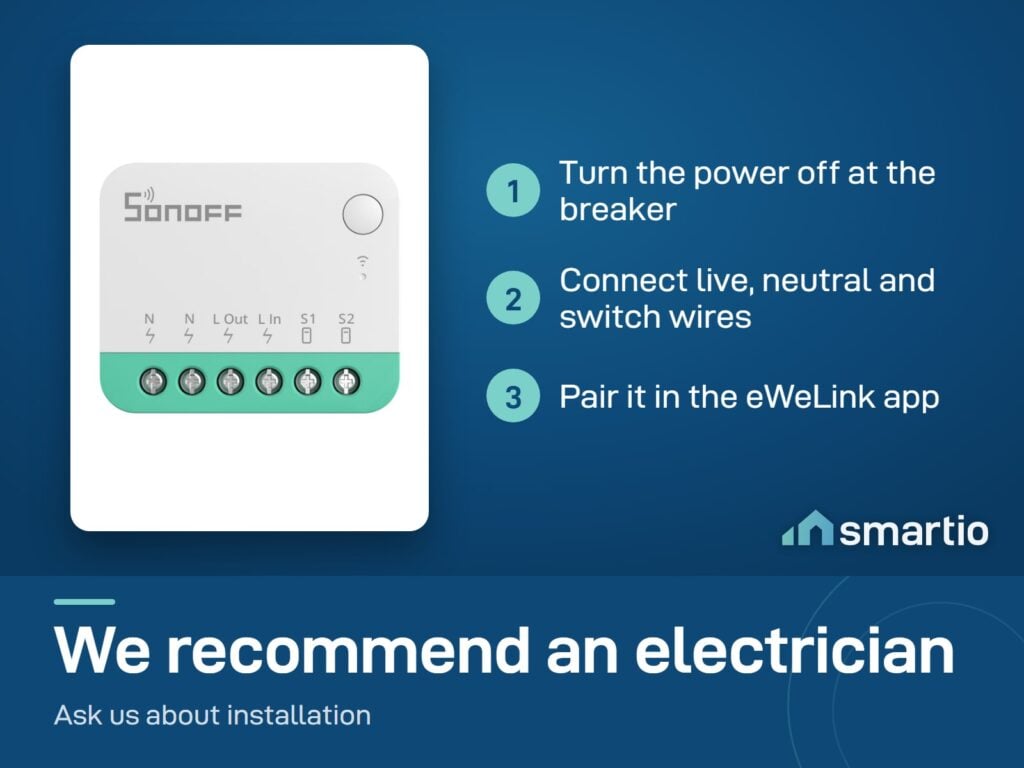
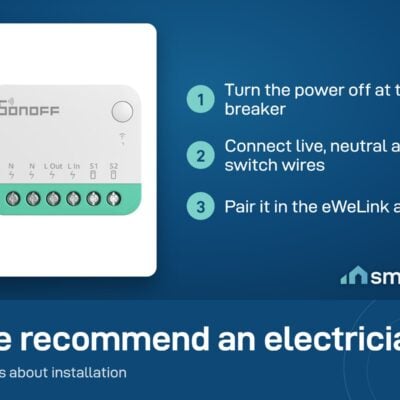
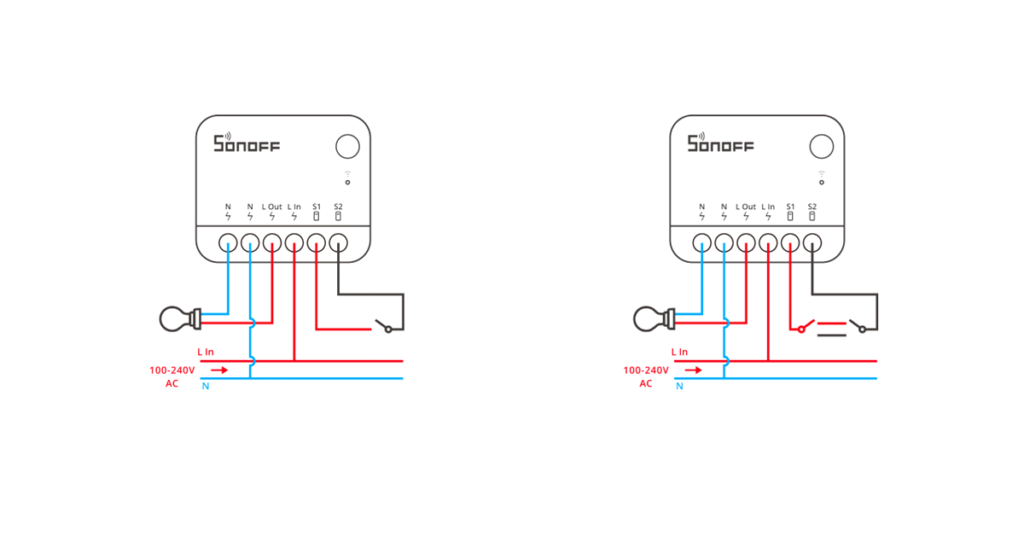
Turn off the breaker. Open your wall switch. Connect the L and N (live + neutral) of your lamp circuit to the L+N input of the MINIR4M. Connect the wall switch wires to the MINIR4M’s switch input. Tuck it inside the back-box, close the wall plate, turn power back on, pair in eWeLink. We recommend a qualified electrician for installation.
Can it support two light switches?
No – one switch per MINIR4M. For two switches, you need two MINIR4Ms (or look at the MINIR4M-2 model if you want a dual version).
How do I get a notification when EDL power comes on or off?
Wire the MINIR4M to an indicator light that’s only on when EDL is on (not when generator runs). Then enable notifications in eWeLink device settings. Every time EDL flips on or off, your phone alerts you. Useful for charging laptops and water heaters during EDL hours only.
What You Get
A Closer Look
Sonoff's First Matter Device
A compact Wi-Fi smart switch that fits inside the mounting box and turns a regular switch into a smart one. It supports Matter, so it works with smart devices from other brands in one automation system.

Common Use Cases (4)
Real scenarios Lebanese customers use this product for. Don't see yours? Message us and we'll tell you if it fits.
Works With



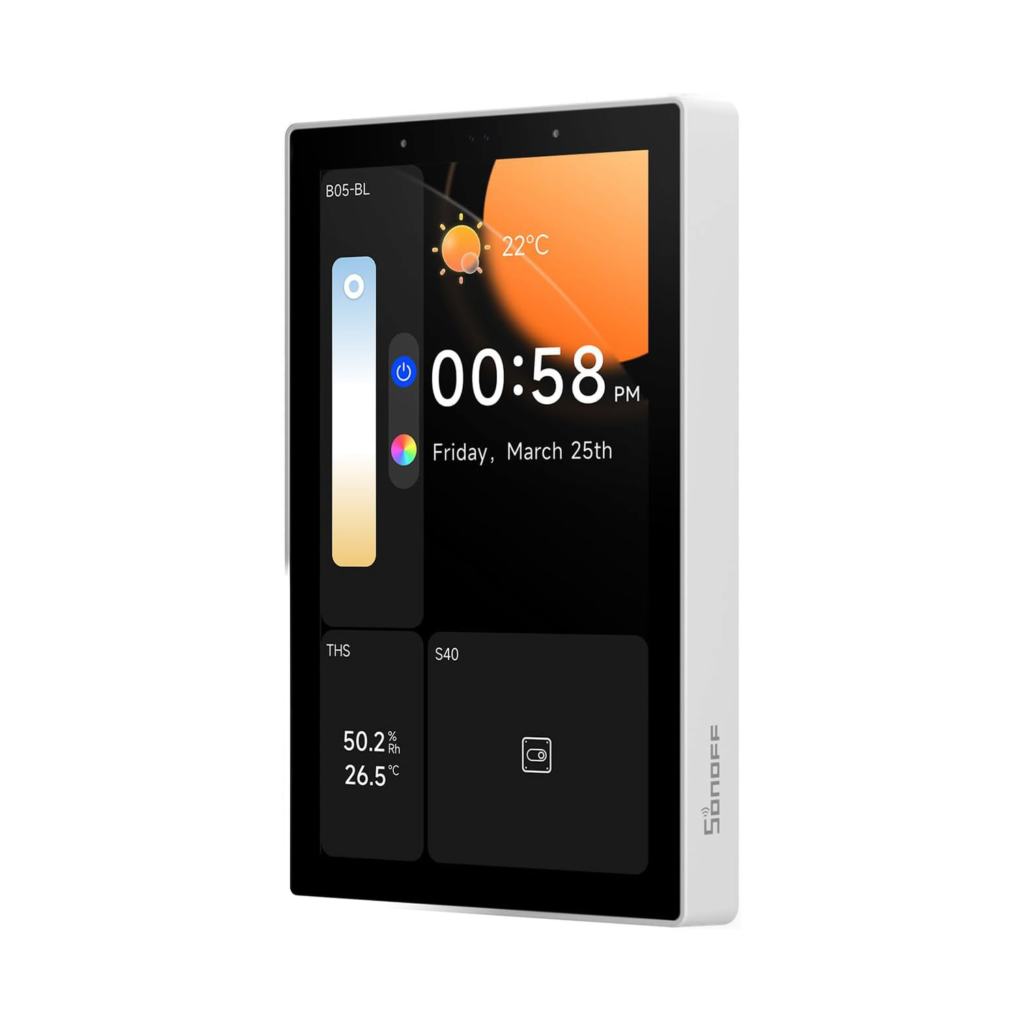
Control with the eWeLink app

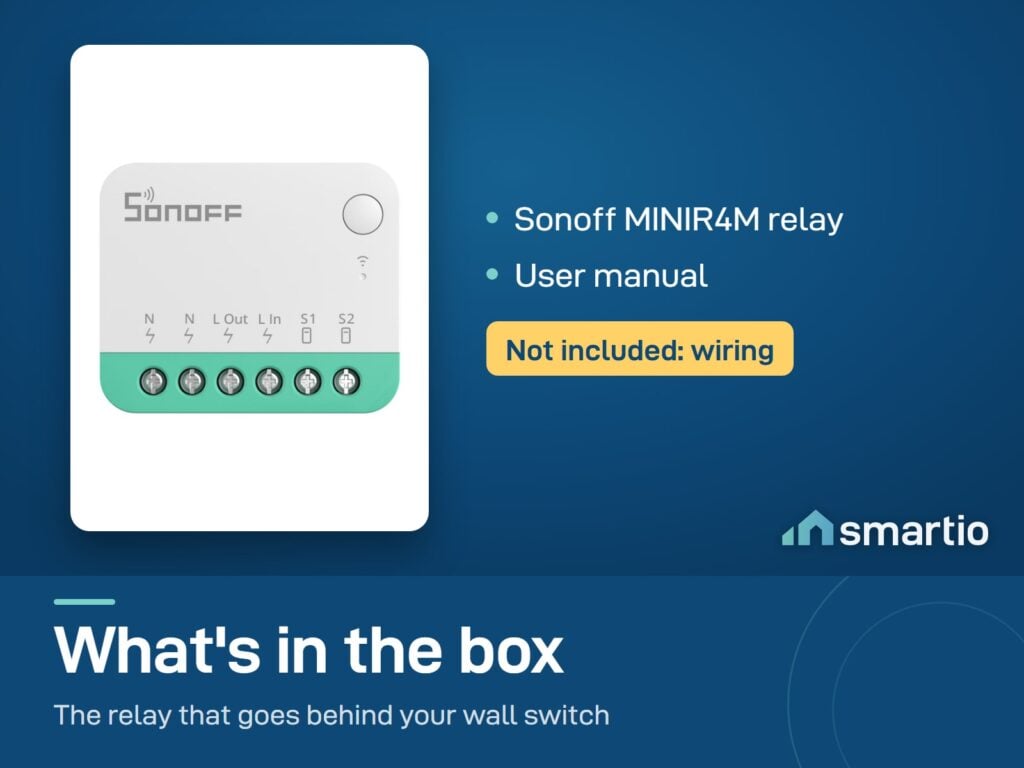
What's in the Box
Delivery & Pickup
Warranty & Support
Frequently Asked Questions
Compare Models
Still deciding?
Message us on WhatsApp - we'll tell you honestly if this is the right fit for your home.