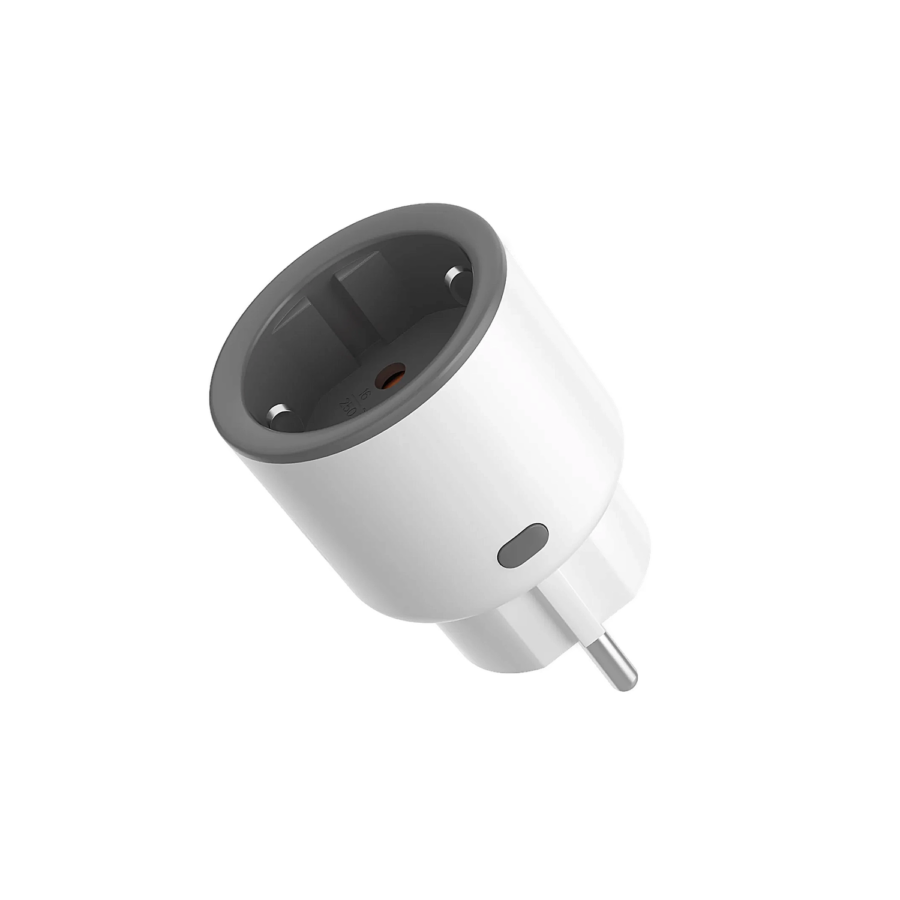
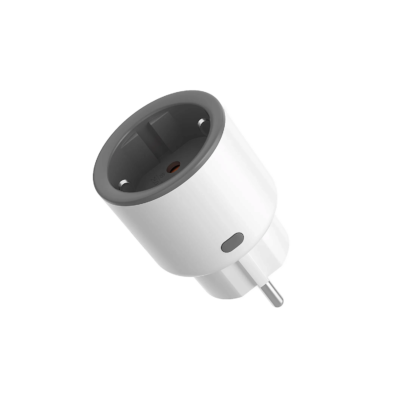
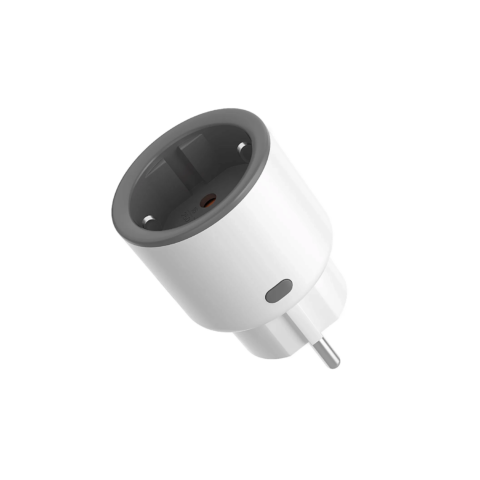
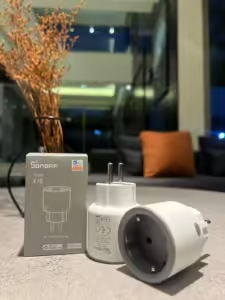
Sonoff S60 Wi-Fi Smart Plug with Power Metering (Type F)
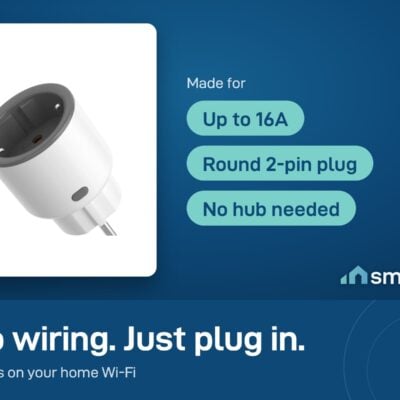
- Max Load: 16A (≈3500W on 220V)
- Voltage: 100-240V AC, 50/60 Hz
- Wi-Fi: 2.4 GHz only
One message when it’s back. No spam.
- 6-month warranty, covering every brand we sell
- 14-day exchange on unopened items
- Delivery all over Lebanon, free on orders over 50 $
I bought for myself 2 S60 smart plugs, great product, wonderful customer service and fast delivery. I recommend them 🤝🏻
Sonoff products customers bought together
How It Works
Is This Right for Me?
Product Details
Sonoff S60 – Wi-Fi Smart Plug with Power Monitoring
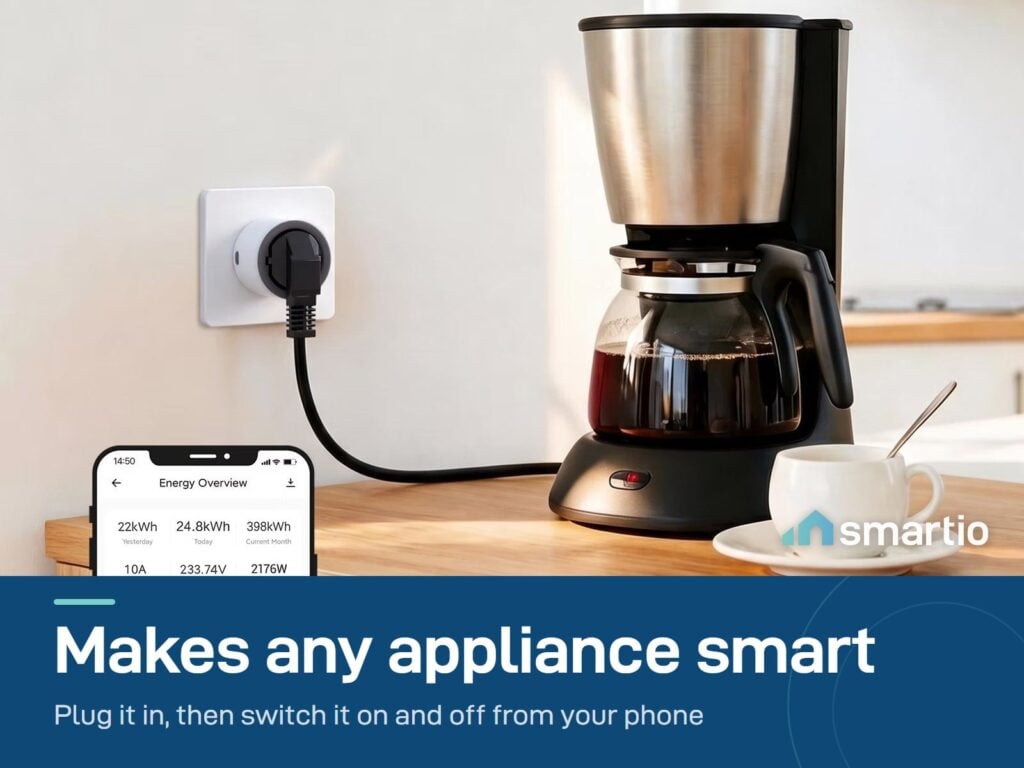
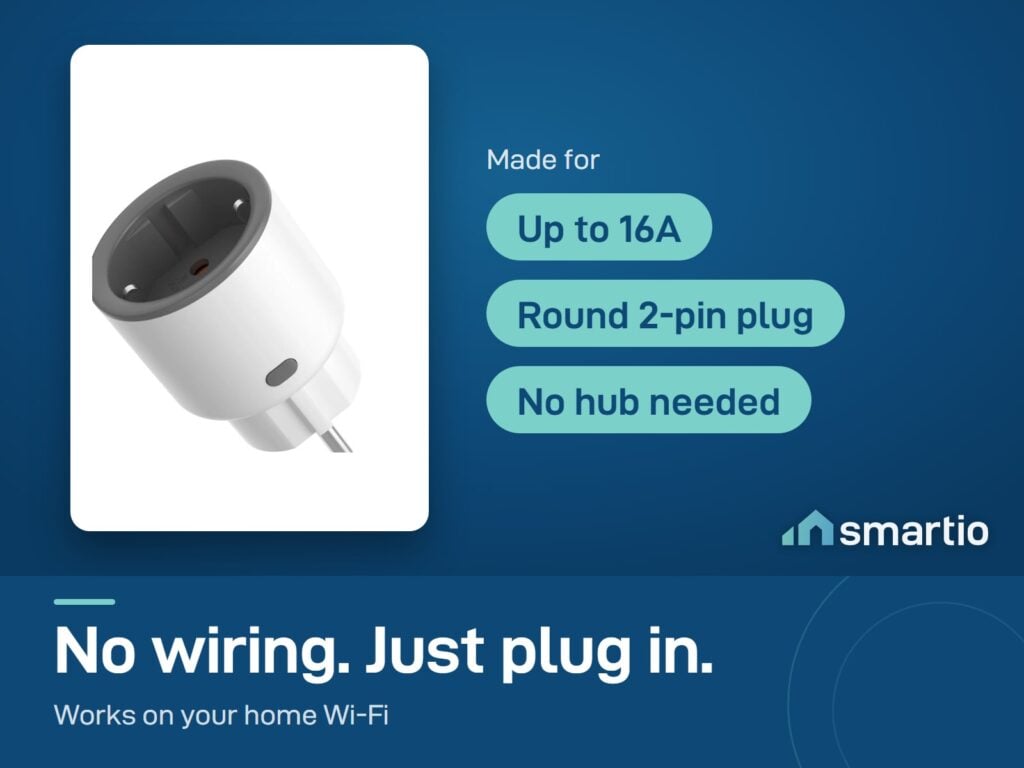
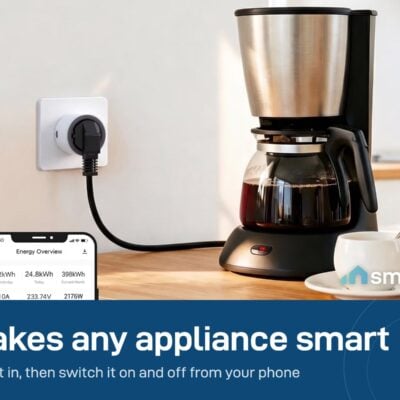
The simplest way to make any plug-in appliance smart. Plug the S60 into a wall outlet, plug your lamp, fan, heater, or any other device into the S60, and you can now control it from your phone – on/off, schedule, see exactly how much electricity it’s pulling.
No wiring. No hub. No electrician. Setup takes about 60 seconds in the eWeLink app.
Why people buy it
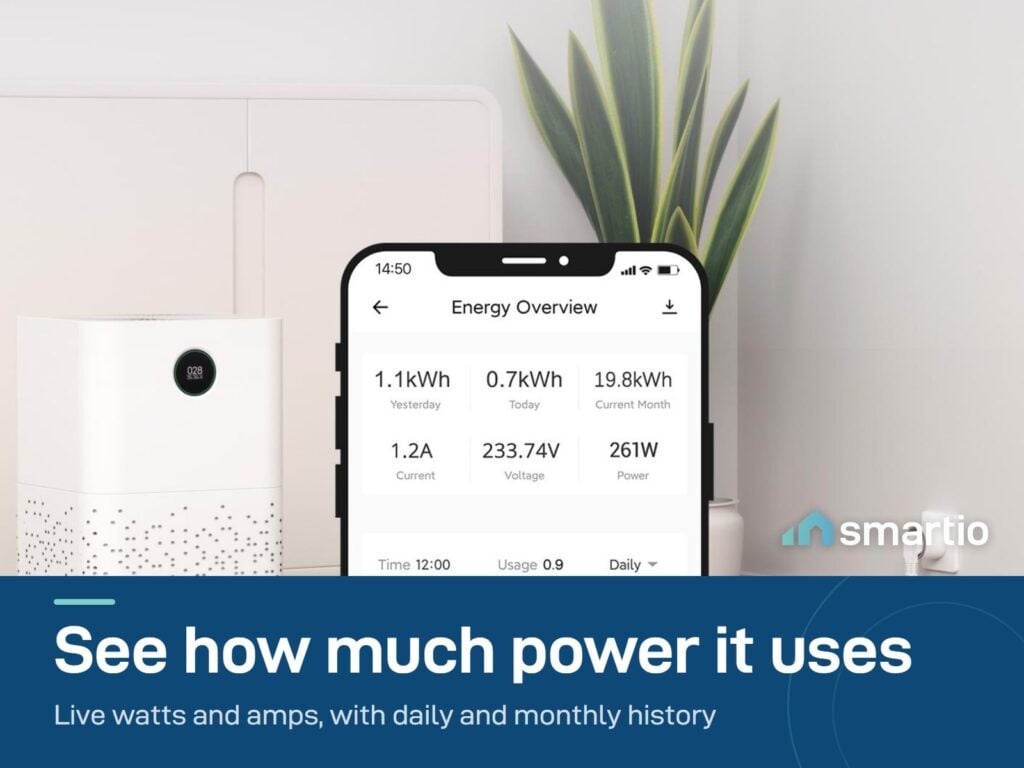
- Find your hidden electricity hogs. Plug your space heater, portable AC, or fridge into it and see real W / A consumption. Most people are shocked by what they find.
- Auto-off a device that shouldn’t run all night. Schedule the TV, water dispenser, or kid’s gaming console to cut off at midnight.
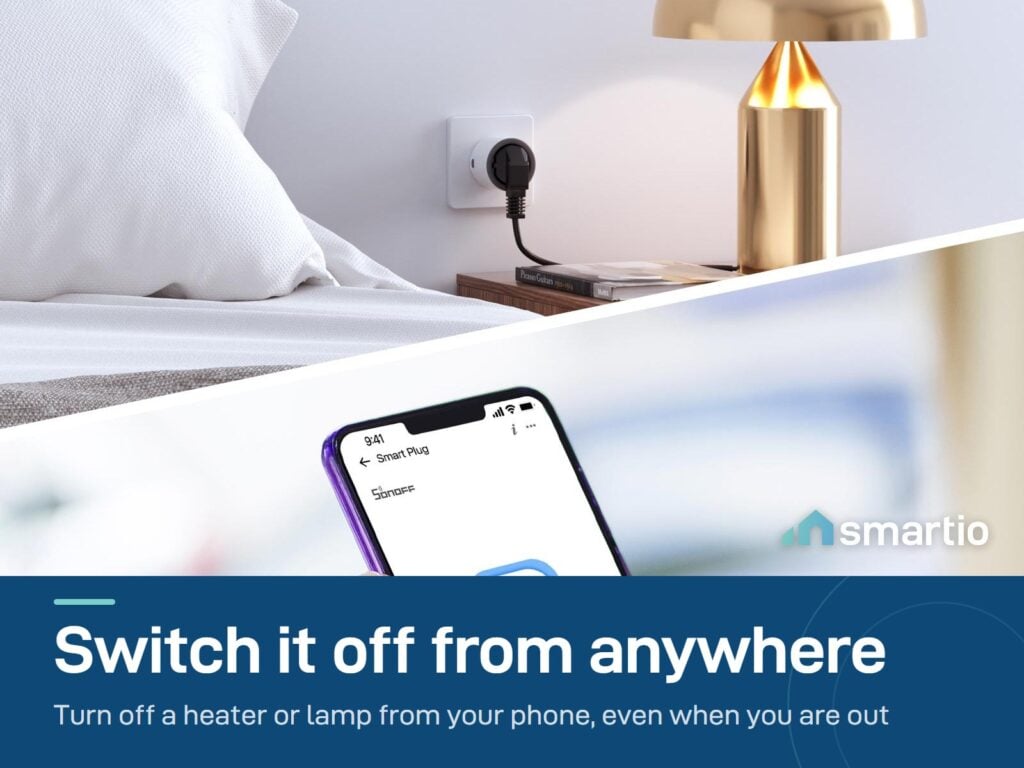
- Make any lamp smart in 60 seconds. Skip the smart bulb – plug the entire lamp into this and you get scheduling and remote on/off.
- Survives EDL cuts predictably. Choose what happens after power returns – stay ON, stay OFF, or remember the previous state.
Key Features
- Plug & play – no wiring, no installation, no hub. Pairs in 60 seconds.
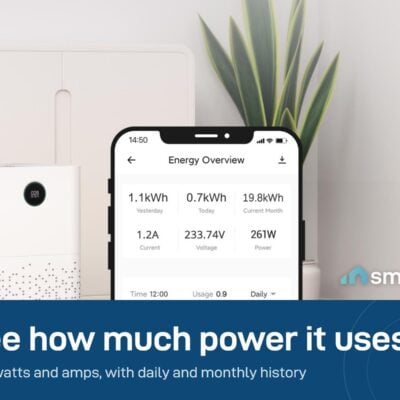
- Power monitoring – live W / A / V, plus daily and monthly history graphs in the app.
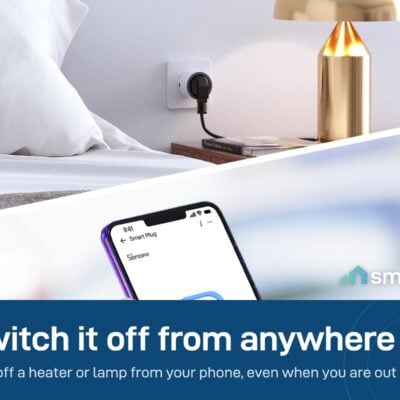
- Remote control – switch the plug on or off from anywhere.
- Schedules + timers – auto-off at midnight, auto-on in the morning, countdown timers.
- Overload protection – auto-cuts if the load exceeds the rated current.
- 2.4 GHz Wi-Fi (not 5 GHz). Works directly with your router – no hub needed.
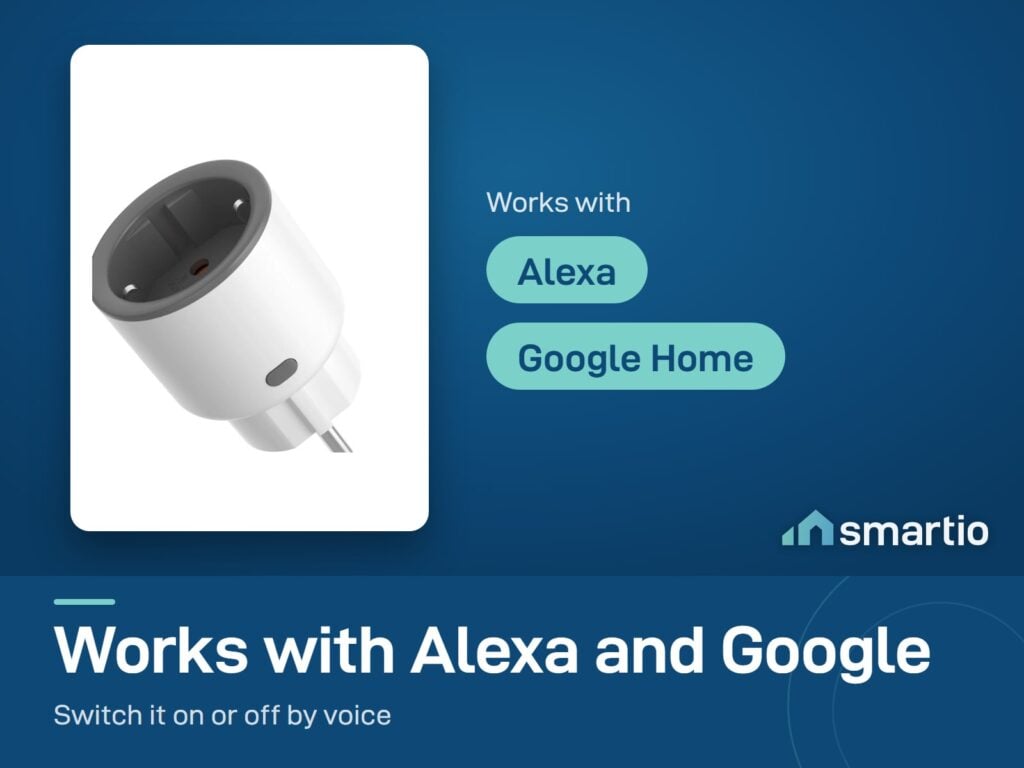
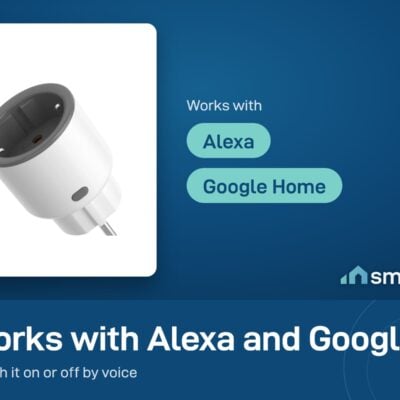
- Voice control – works with Alexa and Google Assistant.
Pro Tip: Plug your portable space heater or electric heater into this for one week. The app will show you the real cost per day – most people discover a small heater costs them more than running the AC.
Frequently Asked Questions
Do I need a hub for this to work?
No. The S60 connects directly to your home Wi-Fi (2.4 GHz). The Zigbee version needs a bridge – this Wi-Fi version doesn’t.
Will my 5 GHz Wi-Fi work?
No – the S60 only supports 2.4 GHz. Most home routers broadcast both; just make sure the 2.4 GHz network is enabled when you pair it. (You can usually find this in your router settings, or call your ISP.)
What happens after a power cut (EDL)?
You choose. In the eWeLink app under “Power-on State”, set whether the plug should be ON, OFF, or restore its previous state when power returns. No delay option – it’s immediate.
Can I use it for a fridge, water heater, or AC?
For appliances up to the plug’s rated current (typically 10–16A). A regular fridge, TV, fan, or lamp – yes. For heavy appliances like a water heater or ducted AC, use a smart breaker or relay instead (those wire into the circuit, not the wall outlet).
How do I reset it?
Hold the power button on the plug for 5–10 seconds until the LED blinks rapidly – it’s now ready to pair again.
Does it actually track historical consumption?
Yes – the app stores daily and monthly history, so you can see trends over time. Useful for proving to yourself (or your landlord) which appliance is the energy hog.
Wi-Fi vs Zigbee – which version do I want?
Identical in features. Wi-Fi version = no hub needed, works alone. Zigbee version = needs a Sonoff Zigbee Bridge Pro, but uses less Wi-Fi bandwidth in big setups. If you only have a few smart devices, Wi-Fi is simpler.
What You Get
A Closer Look
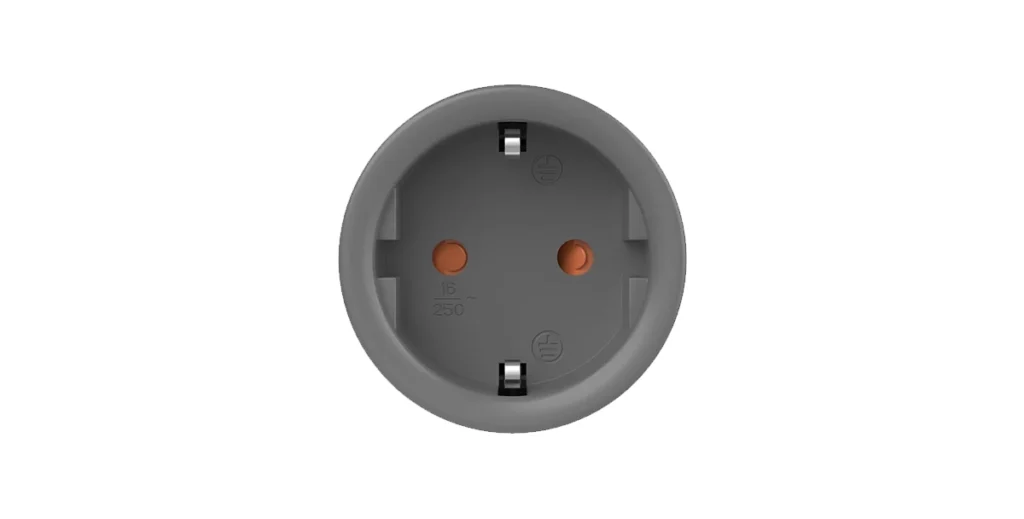
Sonoff Smart Plug S60
"Safe and Reliable" Wi-Fi Smart Plug with main functions such as remote control, power monitoring, and voice control.
Energy Monitoring
By checking daily, monthly, and yearly cumulative power consumption, S60 help you save money on your energy bills.
Remote Control
Control Sonoff S60 from anywhere, anytime via the eWeLink App, or give voice commands to Alexa, or Google.
Comprehensive Safety Guarantee
Highest flame-retardance, excellent durability, over-load protection, short circuit protection, lightning and surge protection.

Common Use Cases (3)
Real scenarios Lebanese customers use this product for. Don't see yours? Message us and we'll tell you if it fits.
Works With


Control with the eWeLink app
What's in the Box
Delivery & Pickup
Warranty & Support
What reviewers say
“If you are happy in the eWeLink ecosystem it's a perfect smart socket to have – if you are looking for something to fit into your DIY design – it's not an ideal choice.”
This review tested a version of the Sonoff S60 plug.
Customer Reviews (4)
Frequently Asked Questions
Compare Models
Still deciding?
Message us on WhatsApp - we'll tell you honestly if this is the right fit for your home.