How It Works

1
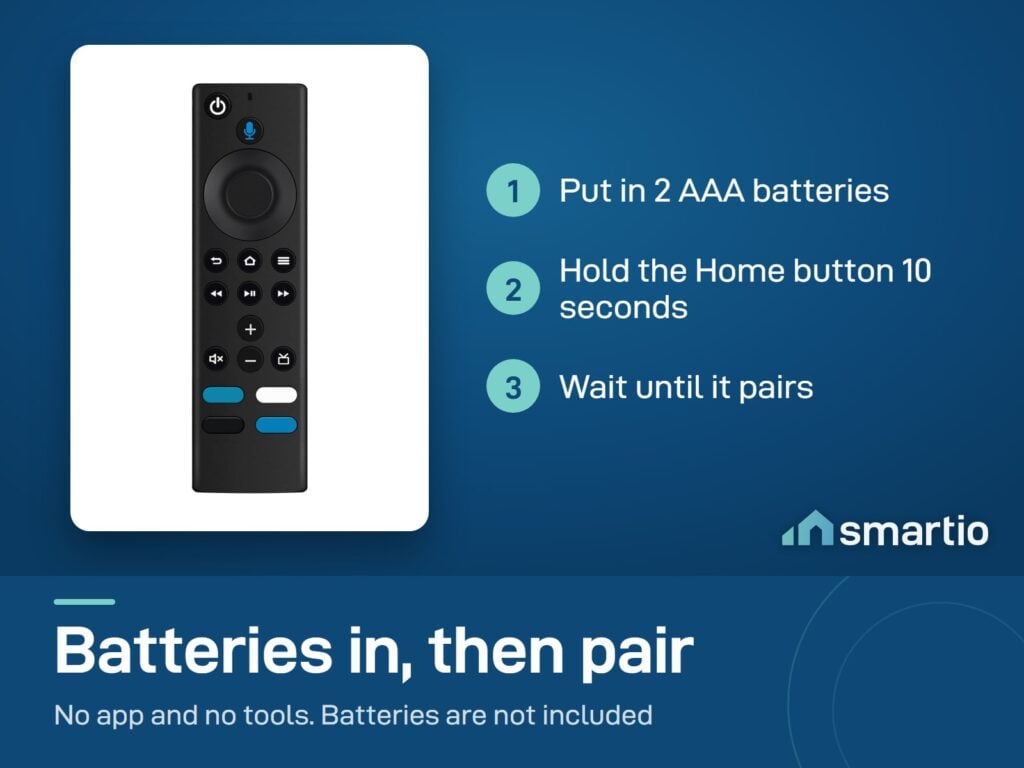
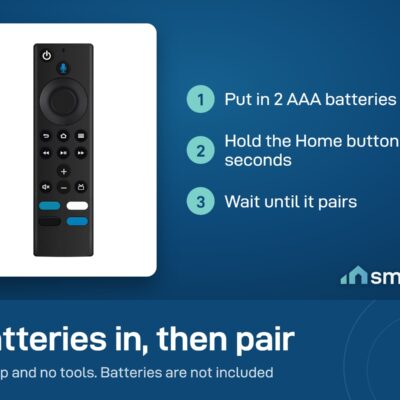
Insert AAA batteries
Open the back compartment, insert two AAA batteries (not included). Close the compartment.
2
Plug in your Fire TV
Make sure your Fire TV Stick is plugged into the TV and powered on. Switch your TV input to the Fire TV HDMI.
3
Pair the remote
Hold the Home button (house icon) for 10 seconds. The Fire TV detects the new remote and pairs automatically.
4
Set up TV control
Fire TV will ask if you want the volume/power buttons to control your TV. Follow the on-screen TV brand setup — takes 30 seconds.
5.0 from 553 verified Google & Facebook reviews — real orders across Lebanon Read reviews

Is This Right for Me?

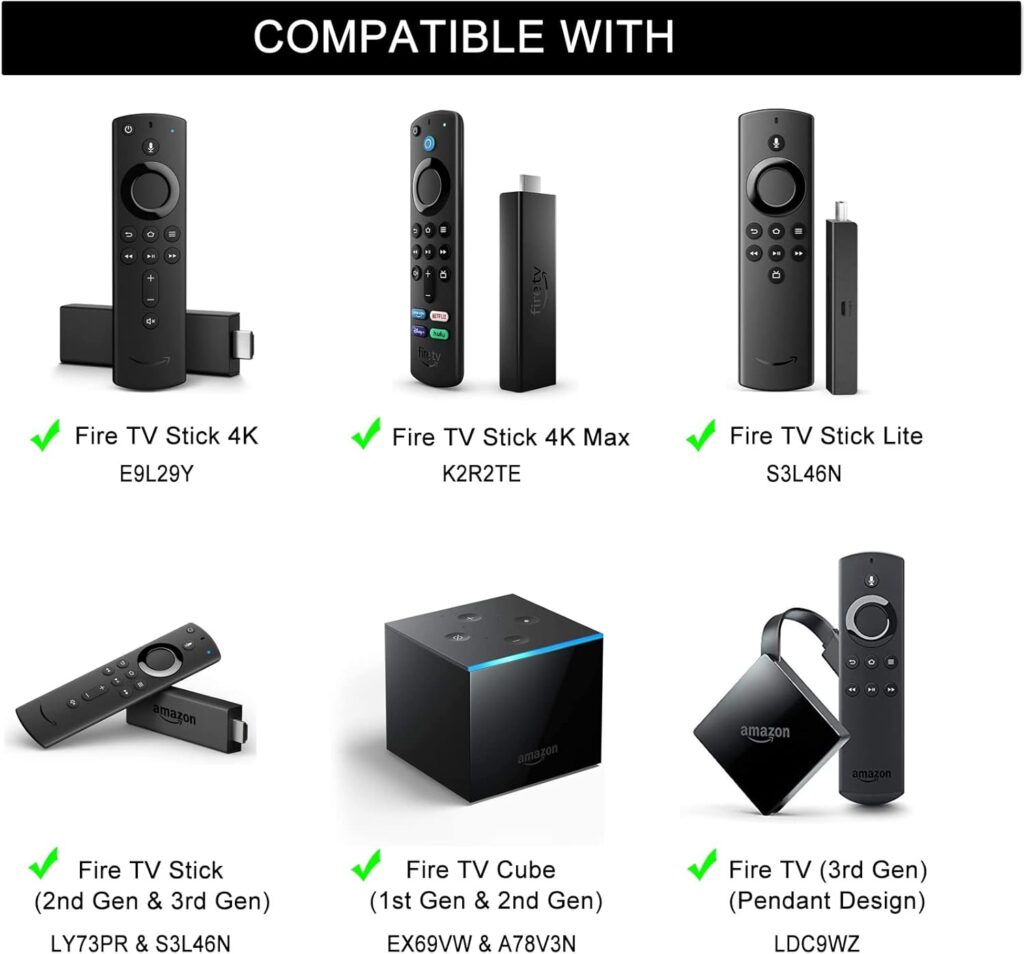
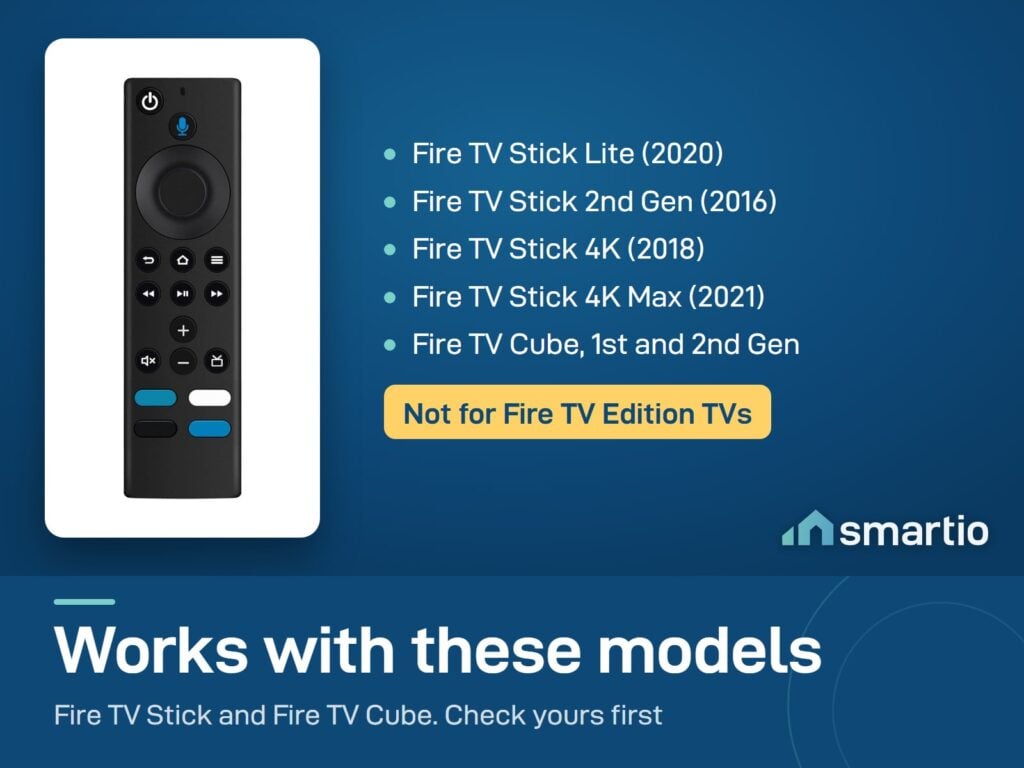
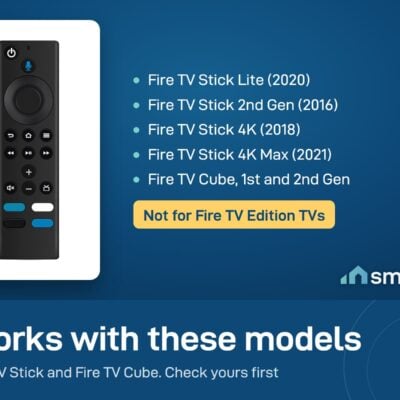
Compatible with: Fire TV Stick (Lite, 2nd Gen, 4K, 4K Max, Cube)
Connectivity: Bluetooth (Fire TV) + IR (TV volume/power)
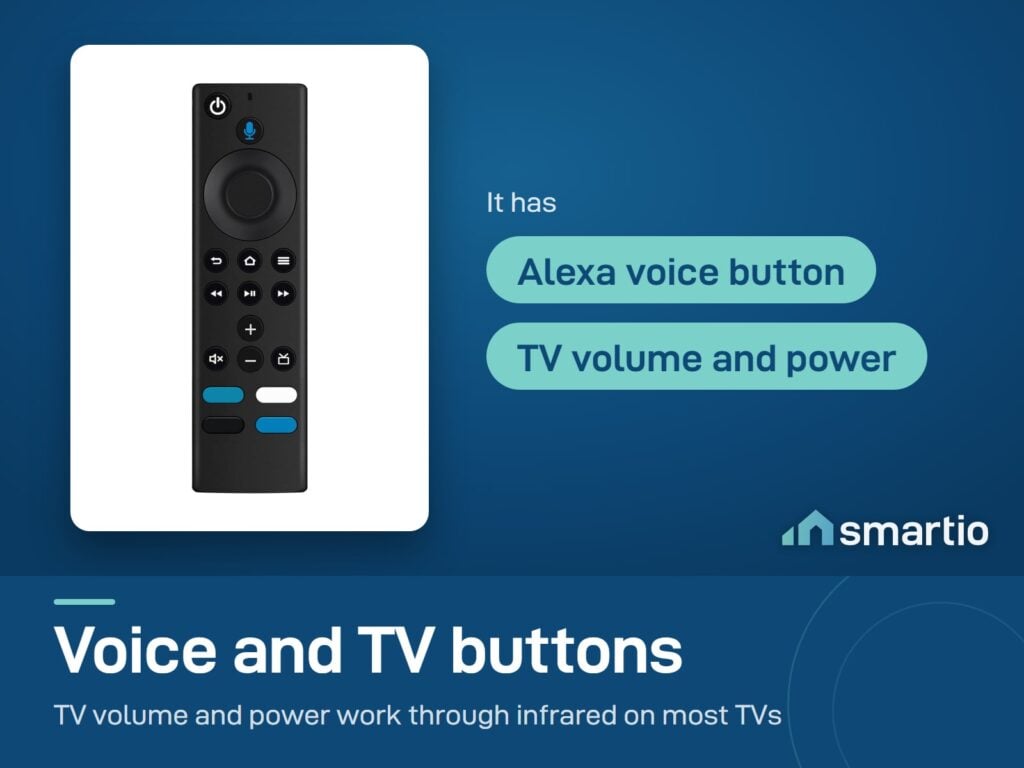
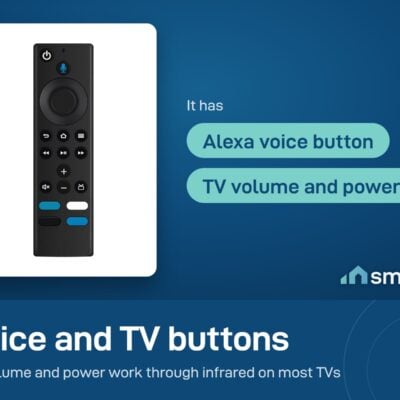
Voice: Alexa mic built in
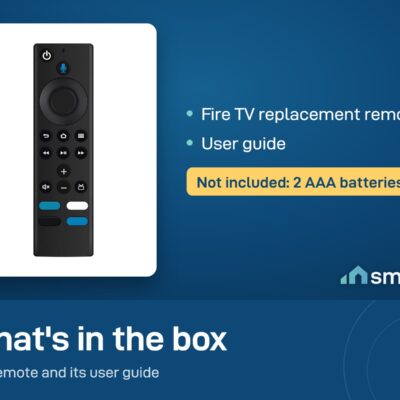
Batteries: 2× AAA (not included)
Range: ~10 m line-of-sight (Bluetooth)
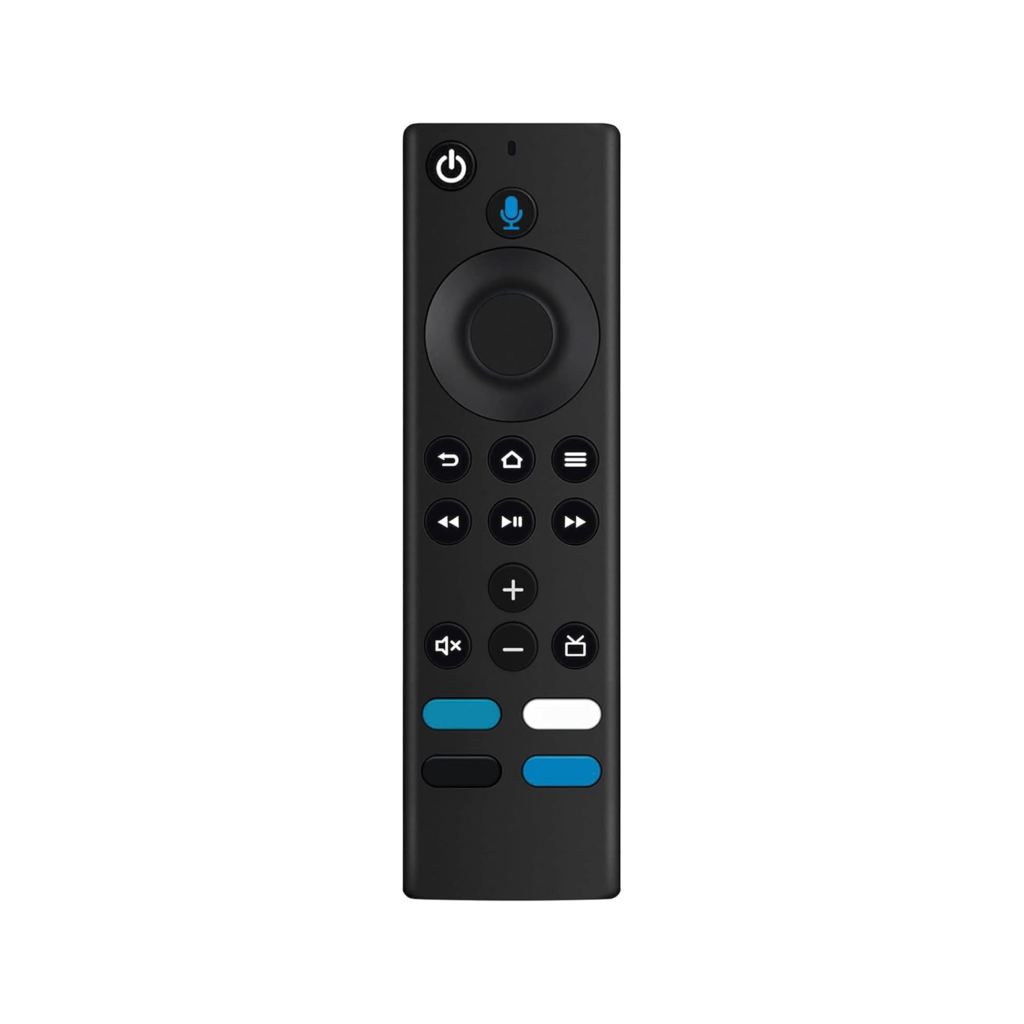
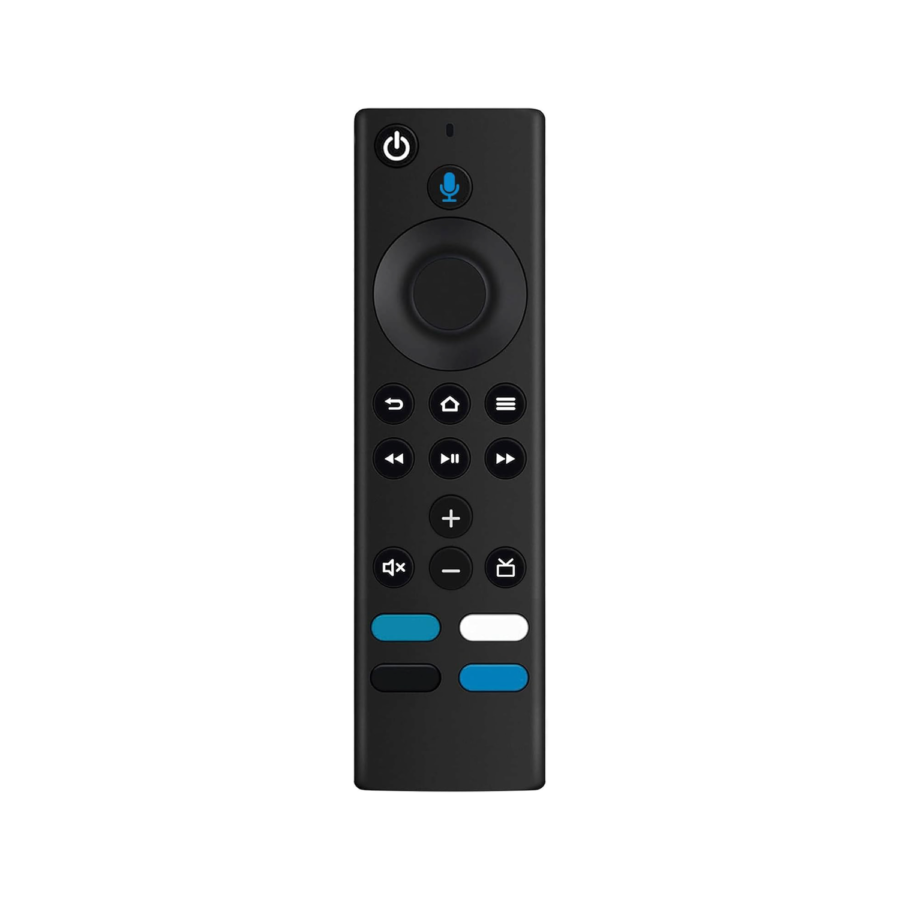
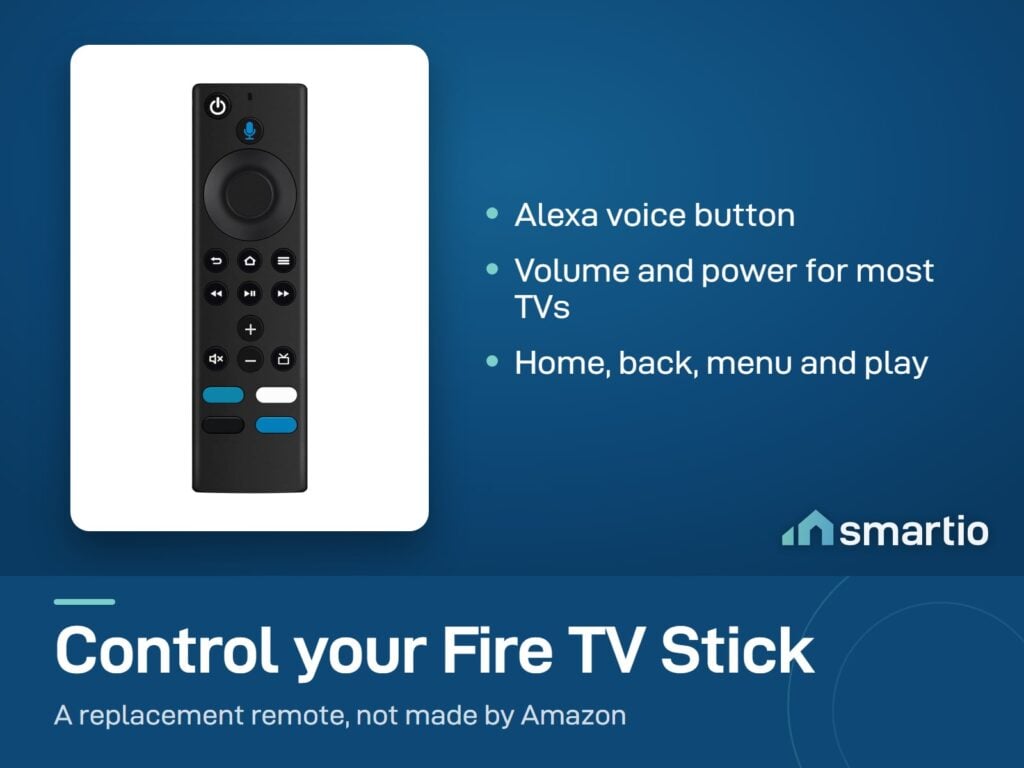
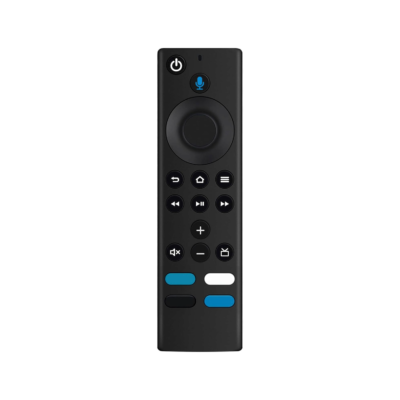
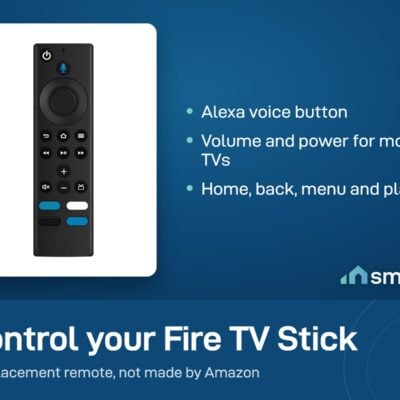
Button layout: Standard Fire TV — D-pad, Home, Back, Menu, Play/Pause, Volume +/-, Mute, Power, Mic

Product Details

Fire TV Stick Replacement Remote

This Fire TV Stick Replacement Remote is not made by Amazon, but it’s a good quality option that works perfectly. You can control your Fire TV Stick easily with this remote. It’s easy to hold and lets you do everything you need, like opening apps, pausing or playing shows, changing the volume, and more—just by pressing a button. It works great with your Fire TV Stick and Amazon TV.

Remote Paring


Press and Hold the Home button about 10-15 seconds, then Release when the LED starts to rapidly flash, waiting about 30-60 seconds (Entering Pairing mode, LED Flash), then remote should automatically Pair with your device.

About Remote Reseting

Having trouble with your remote, first remove and reinsert the new alkaline batteries in your remote. then Reset your remote as below:

  1. Place your remote within 10 feet of your Amazon TV device.
  2. Press the Left, Menu, and Back buttons simultaneously, and hold for 10 seconds.
  3. Wait for 60 seconds.
  4. Remove the batteries from your remote, unplug your Amazon TV device, and wait 60 seconds.
  5. Plug your Amazon TV device back in, and wait for the Home Screen to display.
  6. Press the Home button and Hold about 10-15 seconds, Until the LED starts to rapidly flash then release, waiting about 30-60 seconds(Entering Pair mode, LED Flash), then the remote should automatically pair with your device.
    If still not Pair success, please repeat the above 1-5 steps again.
Compatible with the following models:
  1. Amazon TV Stick 4K (2018) E9L29Y
  2. Amazon TV Stick Lite (2020) S3L46N
  3. Amazon TV Stick 4K Max (2021) K2R2TE
  4. Amazon TV Stick (2nd Gen) (2016) LY73PR
  5. Amazon TV Stick (3rd Gen) (2020) S3L46N
  6. Amazon TV Cube (1st Gen) (2018) EX69VW
  7. Amazon TV Cube (2nd Gen) (2019) A78V3N
  8. Amazon TV (3rd Gen) (2017) LDC9WZ
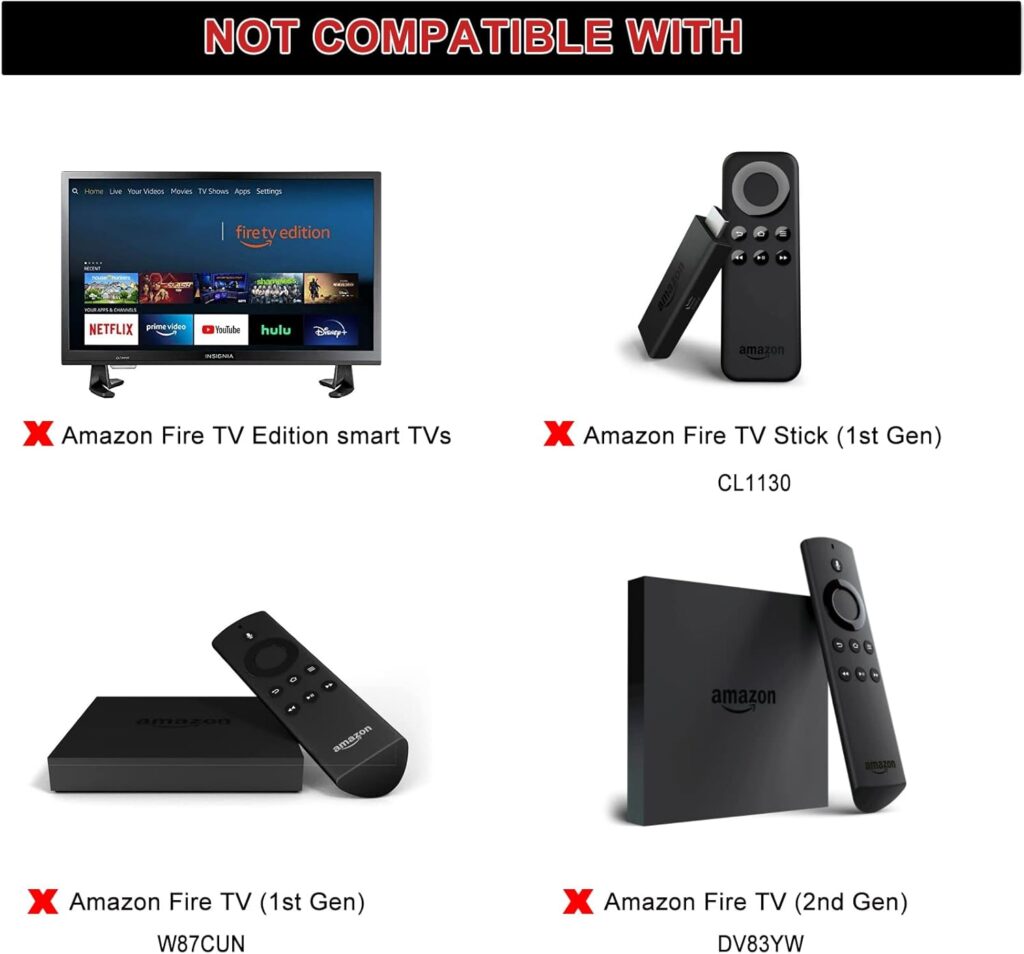
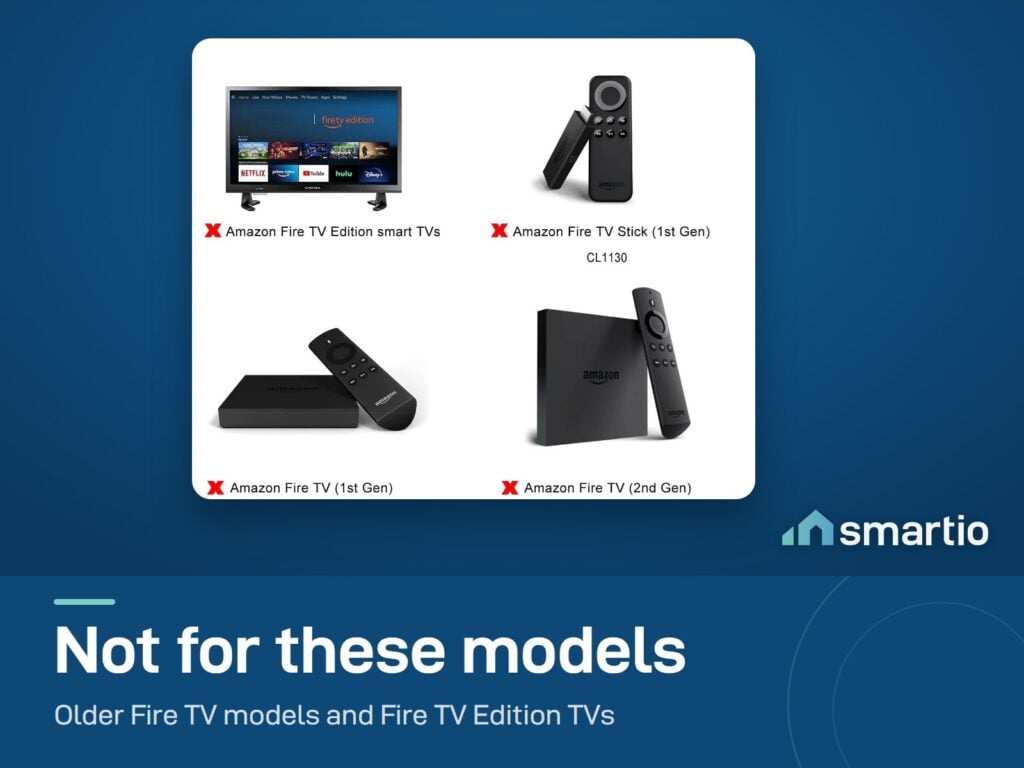
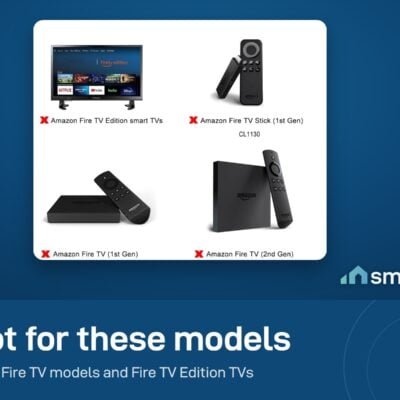
Do Not Support the following models:
  1. Amazon TV (1st Gen) (2014) CL1130
  2. Amazon TV (2nd Gen) (2015) DV83YW
  3. Amazon TV Stick (1st Gen) (2014) W87CUN
  4. Amazon TV Edition smart TVs

What You Get

Universal Fire TV pairing
Works with most Fire TV Stick models — Lite, 4K, 4K Max, and Cube. Hold Home for 10 seconds to pair.
Alexa voice button
Hold the mic and ask: search for a show, pause, change channel, even control smart home devices.
Volume + power buttons
Controls your TV's volume and power via IR — no need to juggle two remotes.
30-second setup
Insert batteries, hold Home for 10 seconds, the Fire TV pairs automatically. Back to streaming in under a minute.
Same feel as the original
Same button layout and ergonomics as the standard Fire TV remote — no relearning.

Common Use Cases (1)

Real scenarios Lebanese customers use this product for. Don't see yours? Message us and we'll tell you if it fits.

Works With

Amazon Fire TV Stick (Lite, 4K, 4K Max)
Works
Amazon Fire TV Cube
Works
Most modern TVs (IR volume + power)
Works

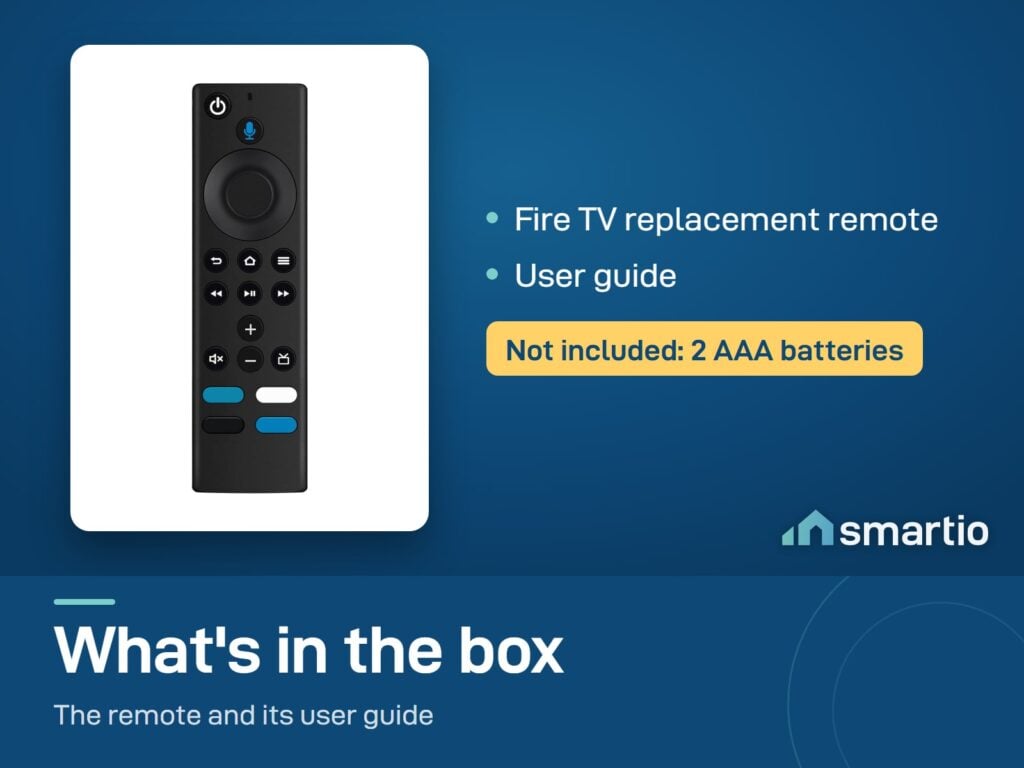
What's in the Box

1× Fire TV Stick Replacement Remote
User guide (pairing instructions)

Delivery & Pickup

Standard Delivery
All Lebanon governorates — Greater Beirut usually next day; Tripoli, Jbeil, Saida, Tyre, Zahle, Akkar and the rest within 2–4 working days.
$4 · Free over $50
Express Delivery
Faster shipping — usually within 24 hours of order confirmation (Greater Beirut & Metn). Same-day not guaranteed.
$6 flat
Pickup — Dekwaneh
Collect from our Dekwaneh store. Weekdays 10am–5pm, Sat 10am–1pm.
$3 · Free over $30

Warranty & Support

6-month Local Warranty
Covers defects in materials & workmanship. Handled here in Lebanon.
WhatsApp Support — Always On
Can't set it up? Message us. We reply within minutes, not days.
14-day Exchange
Exchange within 14-day for a product of equal or higher value. No refunds.
Free Setup Help
Every order includes a setup guide — plus a free WhatsApp call if you ever need a hand.

Frequently Asked Questions

The remote isn't turning on or responding.
The remote does not include batteries. Pop two AAA batteries in the back compartment, then hold the Home button for 10 seconds to pair with your Fire TV Stick.
Is it compatible with my Fire TV Stick?
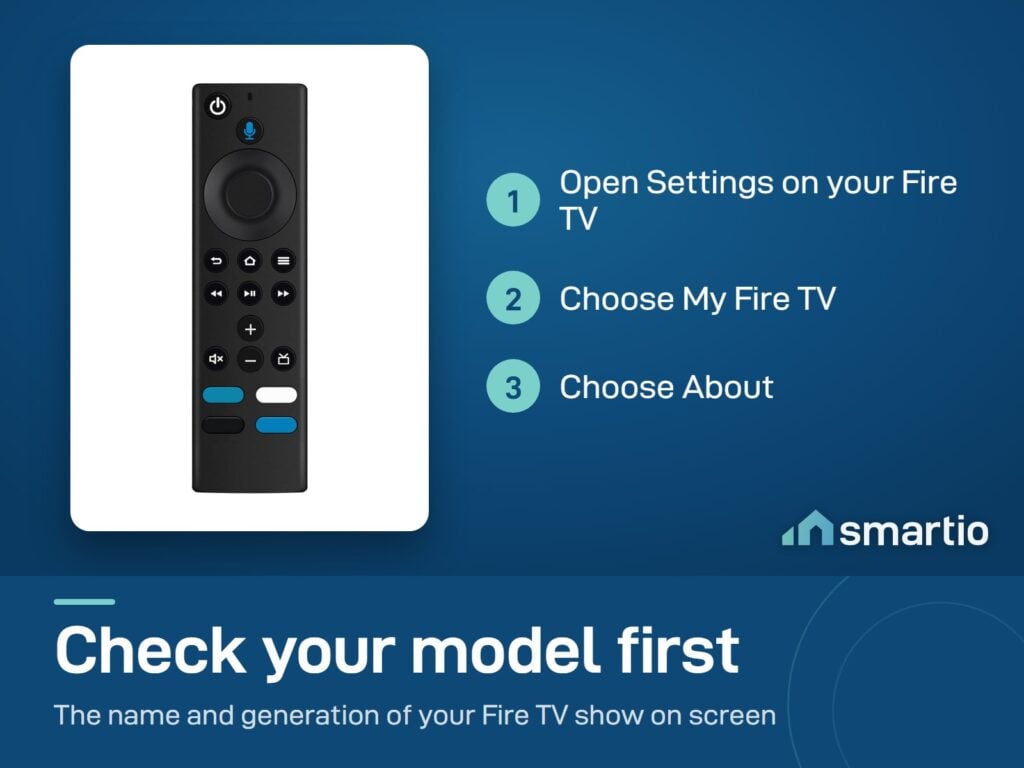
Yes — works with all current Fire TV Stick models (Lite, 2nd Gen, 4K, 4K Max) and the Fire TV Cube. Older Fire TV (1st Gen, 2014) may need a different remote.
Do I need a special pairing tool?
No — pairing is built into the remote. Insert batteries, then hold the Home button (the house icon) for 10 seconds. The Fire TV will detect it and pair automatically. If it doesn't, unplug your Fire TV for 30 seconds and try again.
Does it support voice commands?
Yes — the mic button on top triggers Alexa. Hold the mic and ask: 'Play The Last of Us on Netflix', 'Pause', 'Turn off the lights' (if you've set up Alexa smart home).
Does it control my TV's volume and power?
Yes — built-in IR (infrared) controls most TV brands' volume and power. The first time you pair it, Fire TV walks you through setting up your TV model so the volume/power buttons map correctly.
What if it doesn't pair?
Most common cause: dead or installed-wrong AAA batteries. Try fresh batteries first. Second cause: too close to the Fire TV during pairing — stand 2-3 m away. Third: hold the Home button longer (full 10 seconds).

Compare Models