How It Works

1
Turn off the breaker
Cut power to the wall switch you're replacing. Pull out the old switch — note the wires (you'll need Live + Neutral).
2
Wire the NSPanel
Connect L + N to the panel's input terminals. Connect 2 light circuits to the 2 output terminals for the physical buttons.
3
Mount + power on
Screw the panel into the back-box. Restore breaker. The screen turns on within ~20 seconds.
4
Pair + create scenes
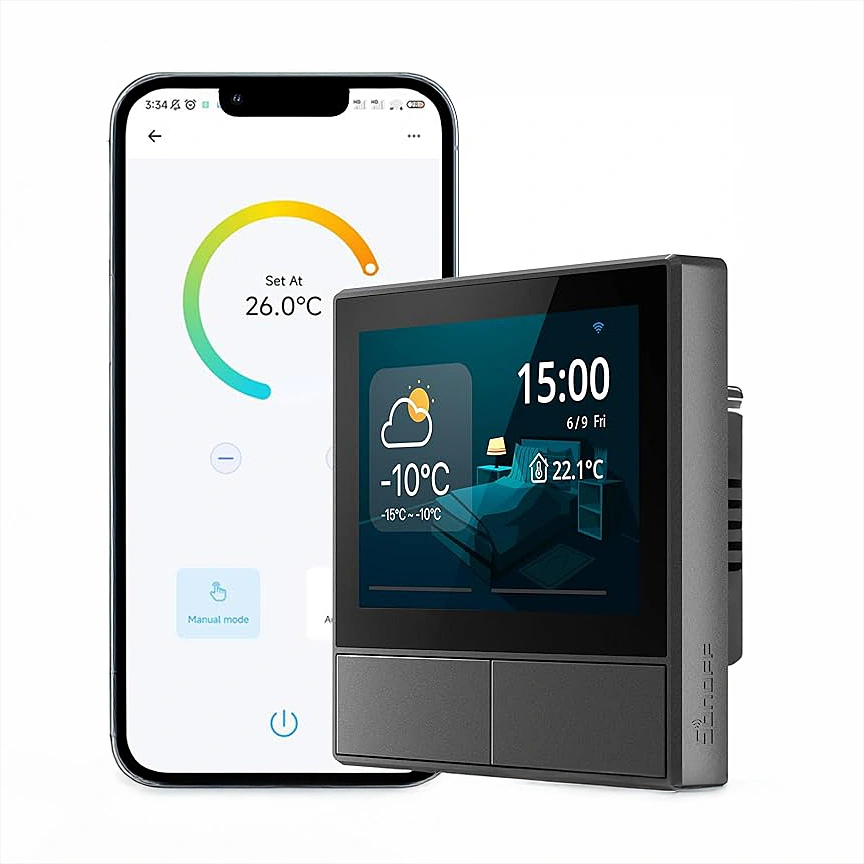
Open eWeLink, add the panel via QR scan. Once paired, design scenes in the app — Goodnight, Goodmorning, Movie — and assign them to home-screen shortcuts.
5.0 from 553 verified Google & Facebook reviews — real orders across Lebanon Read reviews

Is This Right for Me?

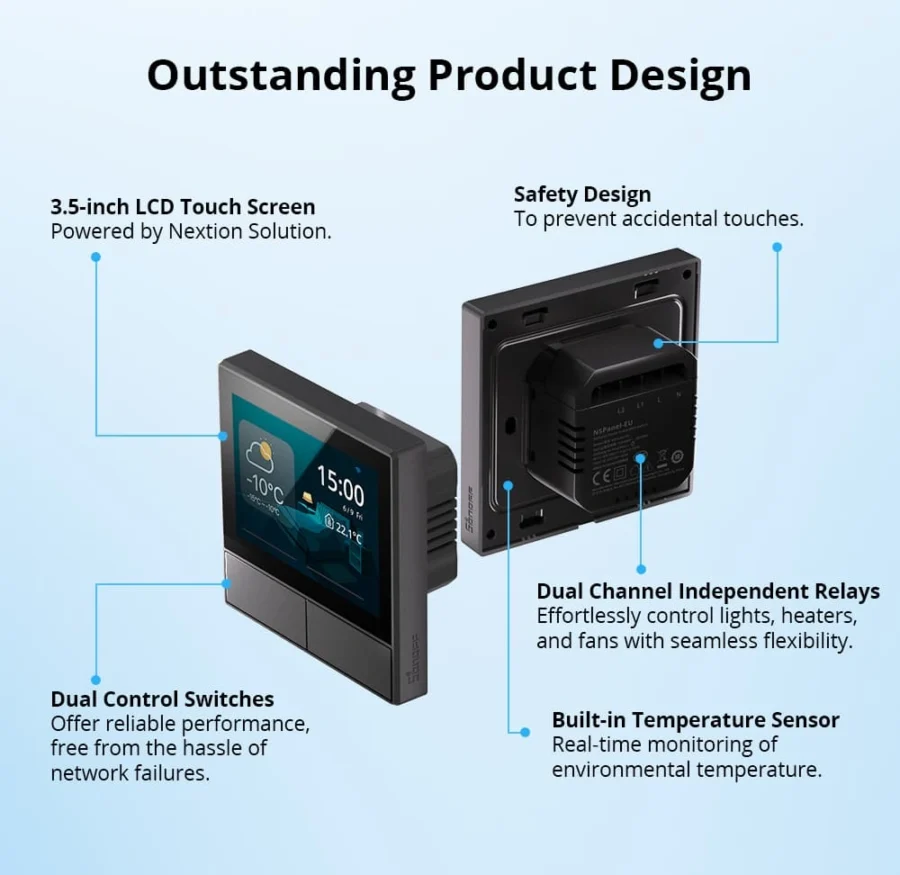
Display: 3.5-inch capacitive touchscreen
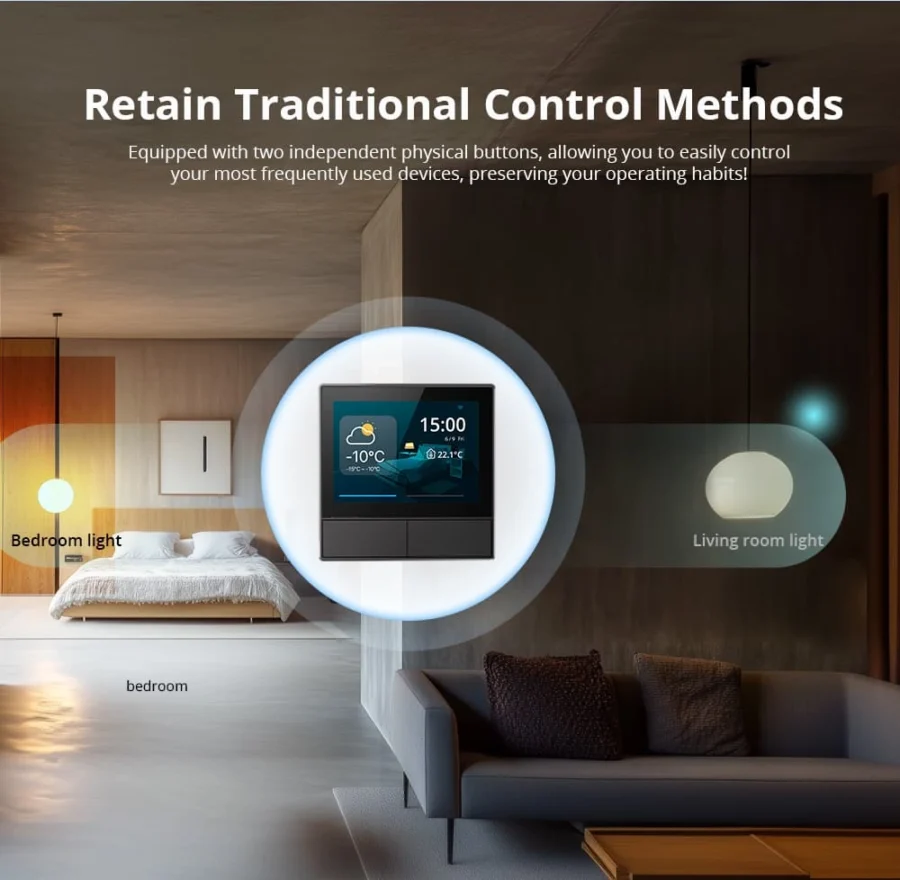
Physical buttons: 2 (for direct local light control)
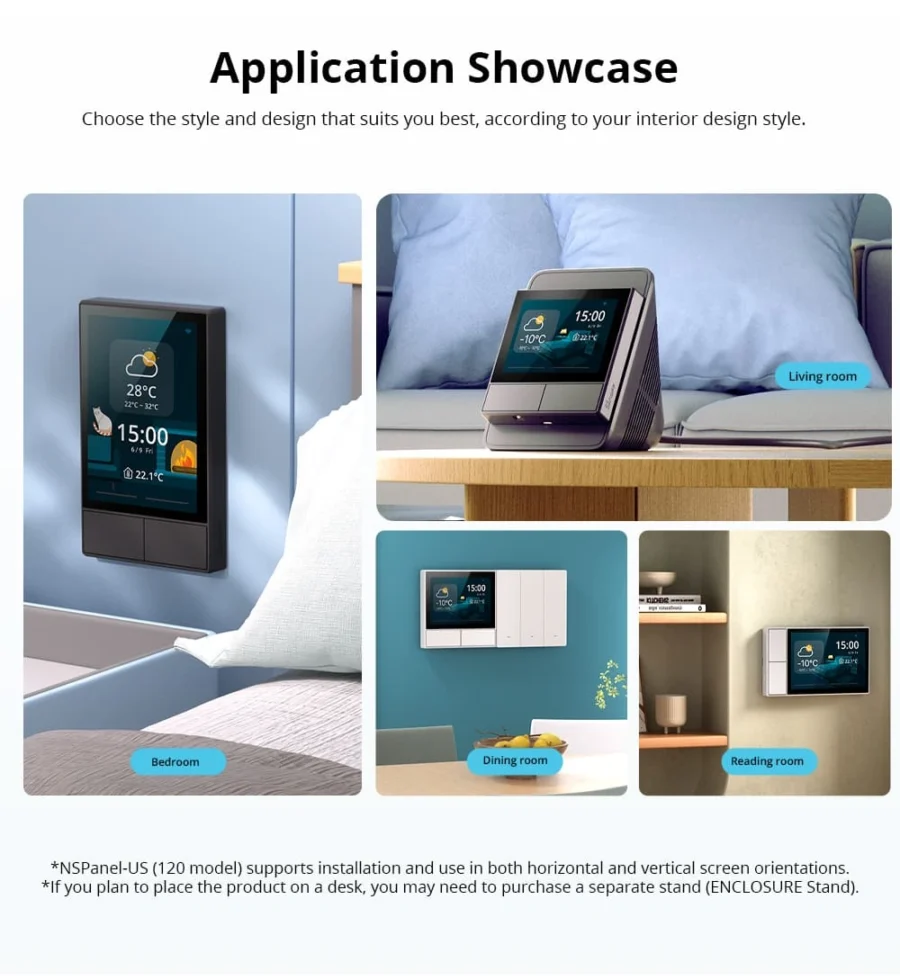
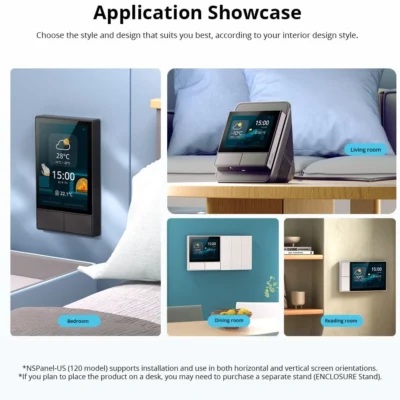
Form factor: 86 Type (square Lebanese back-box)
Color: Black
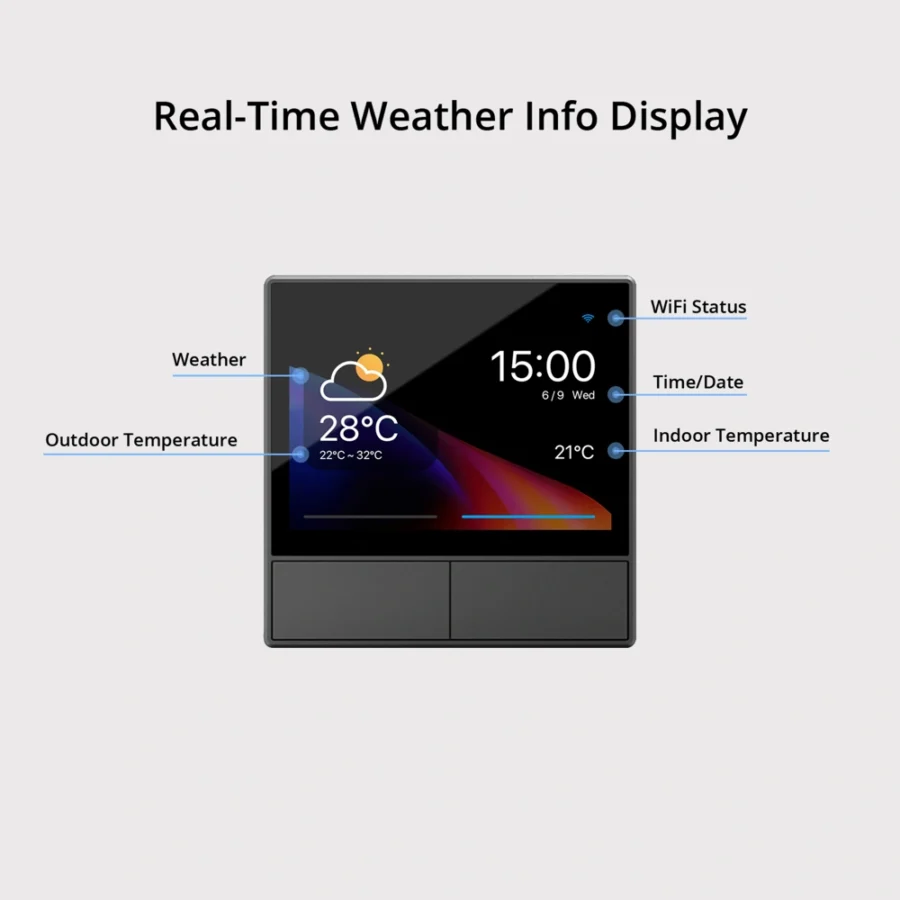
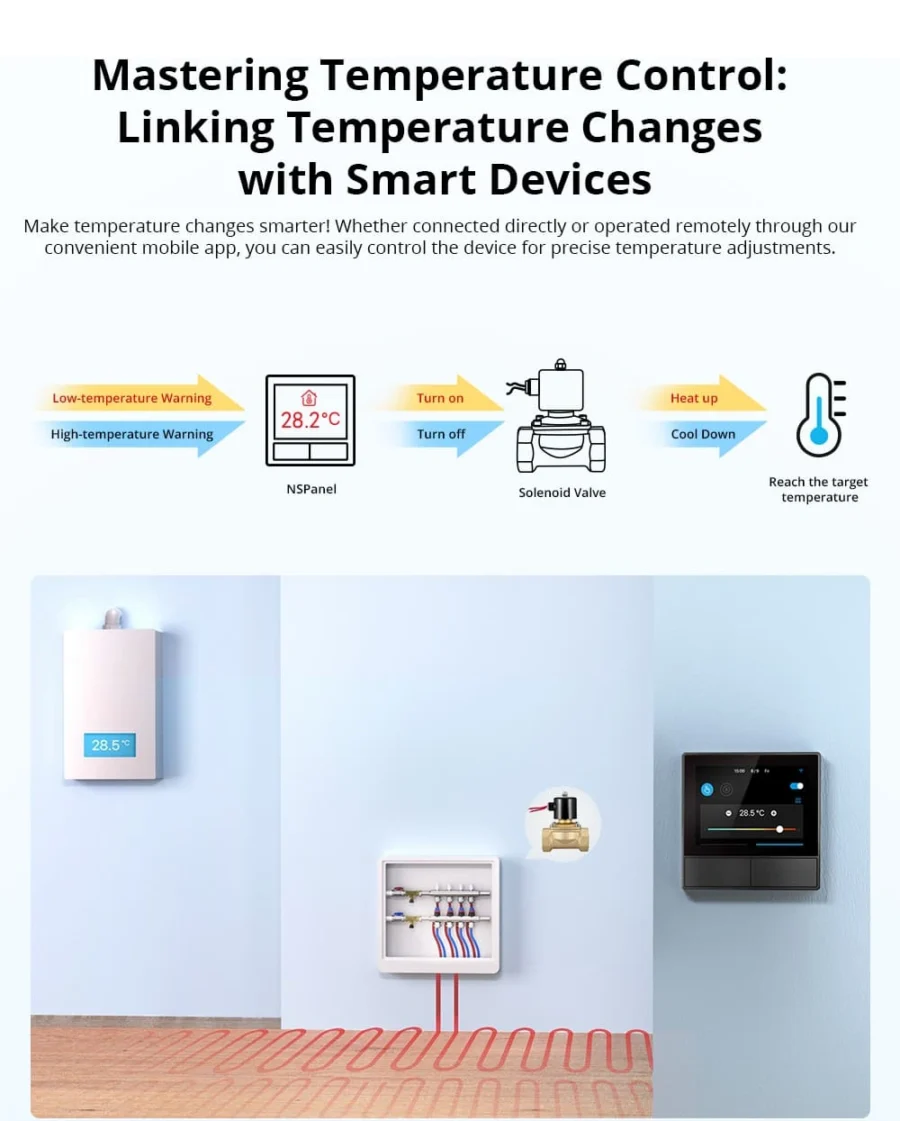
Thermostat: Built-in temperature sensor
Wi-Fi: 2.4 GHz only
Power: Mains 100-240V AC, neutral required
App: eWeLink

Product Details

Sonoff NSPanel Wall Switch — 86 Type (Square)

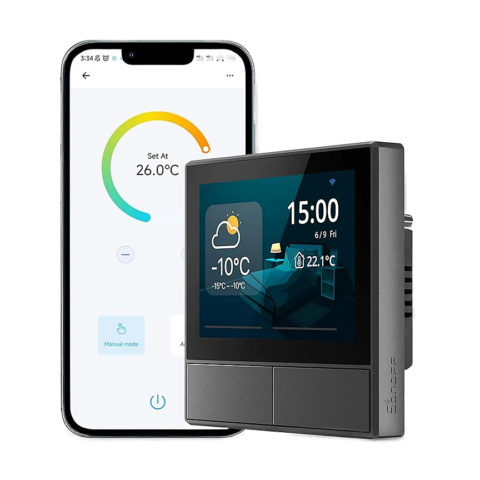
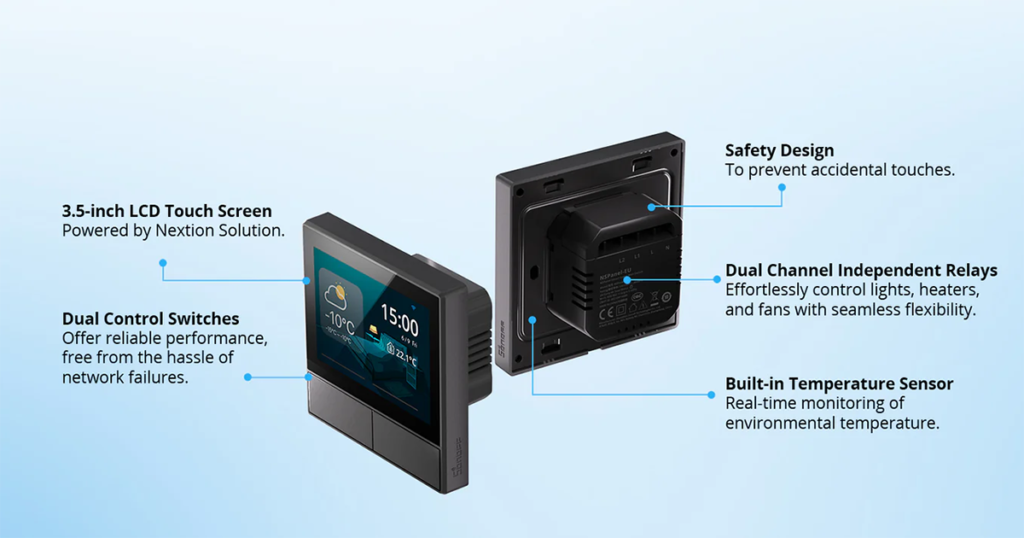
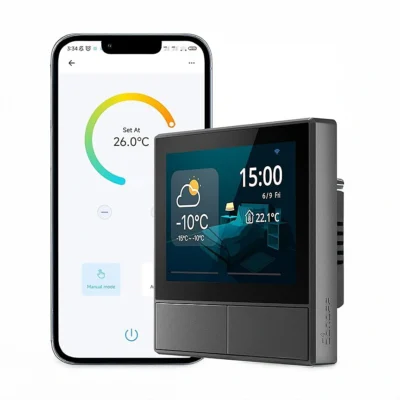
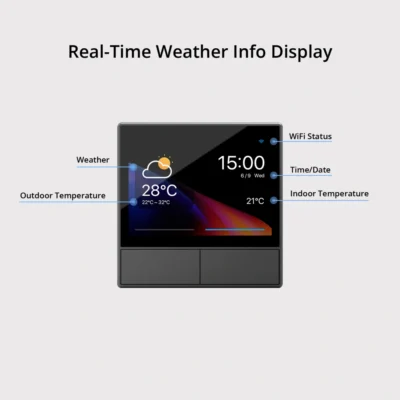
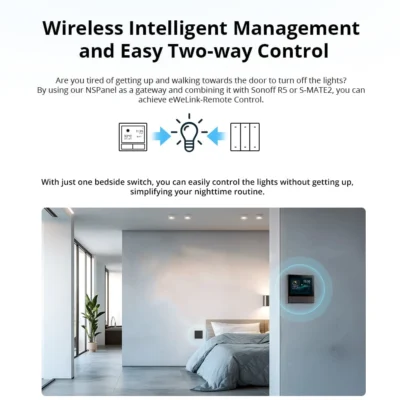
The Sonoff NSPanel is a smart wall switch with a 3.5-inch touchscreen and two physical switch buttons. It replaces your regular wall switch and lets you control your Sonoff smart devices, set scenes, and check the room temperature — all from the screen on your wall.

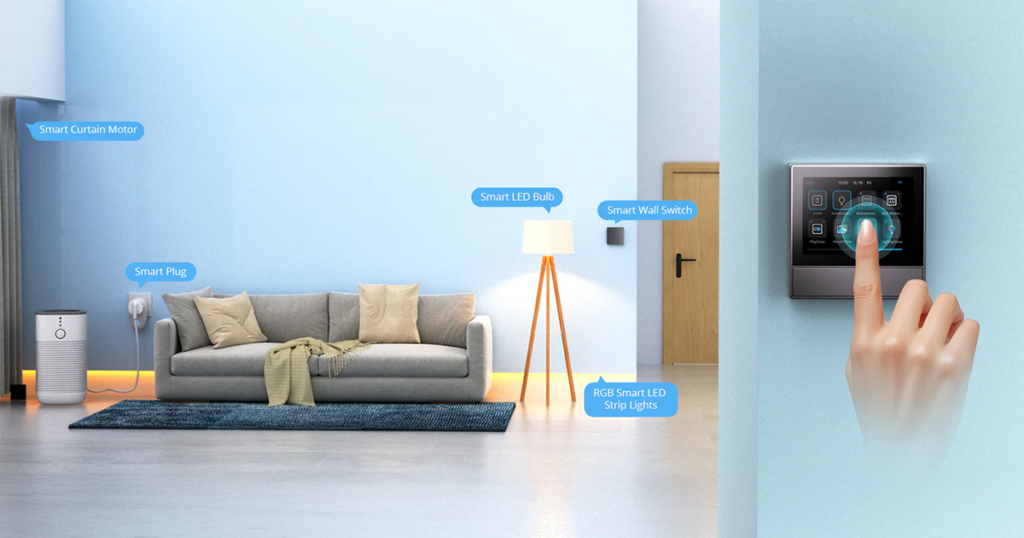
Think of it as a mini control center for your smart home, right where your light switch used to be. Available in white and black.


Key Features:

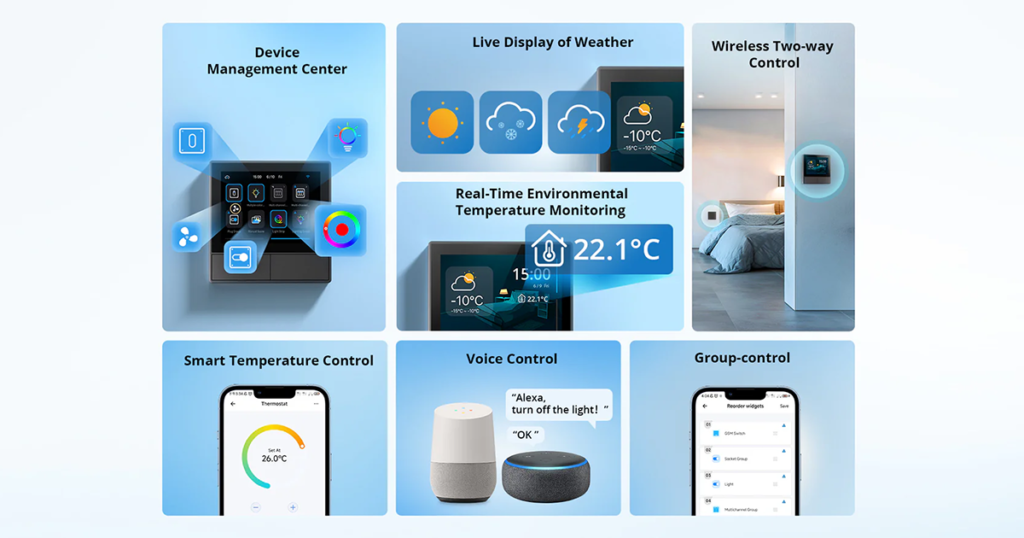
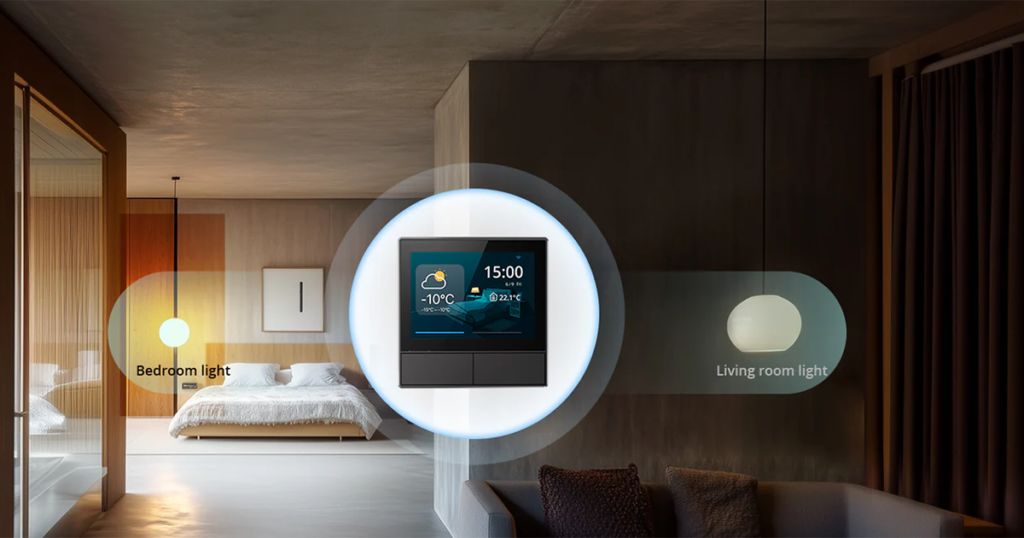
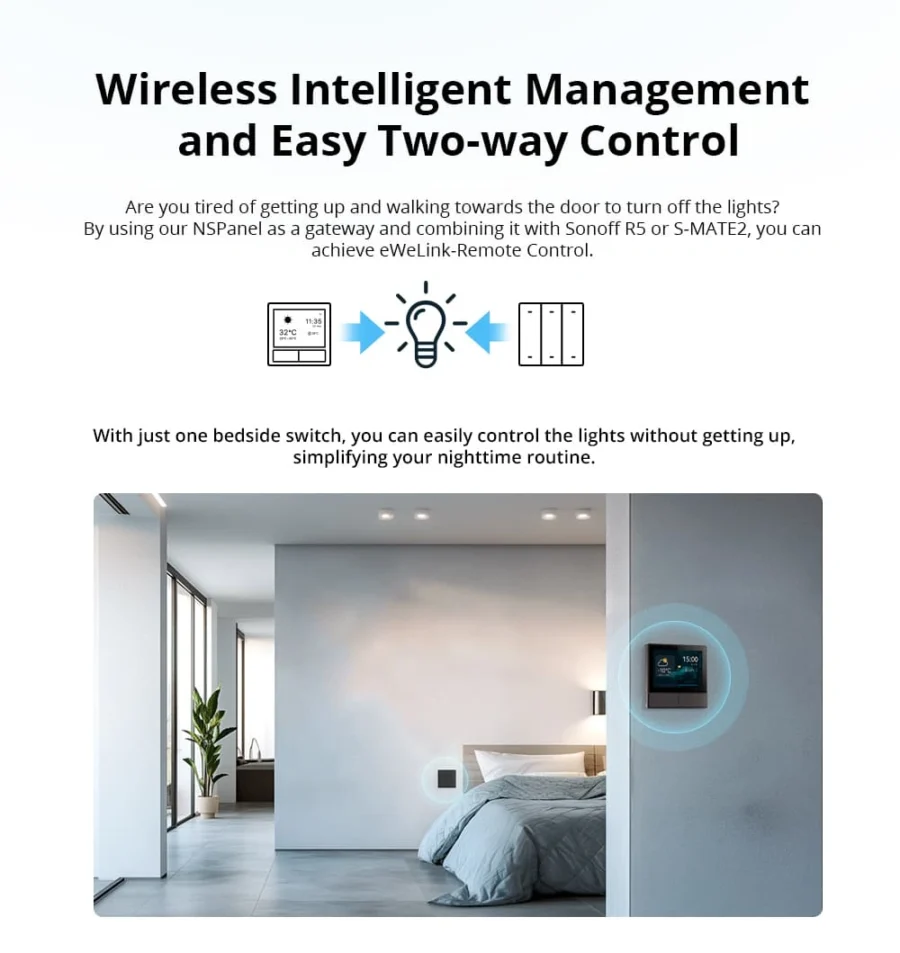
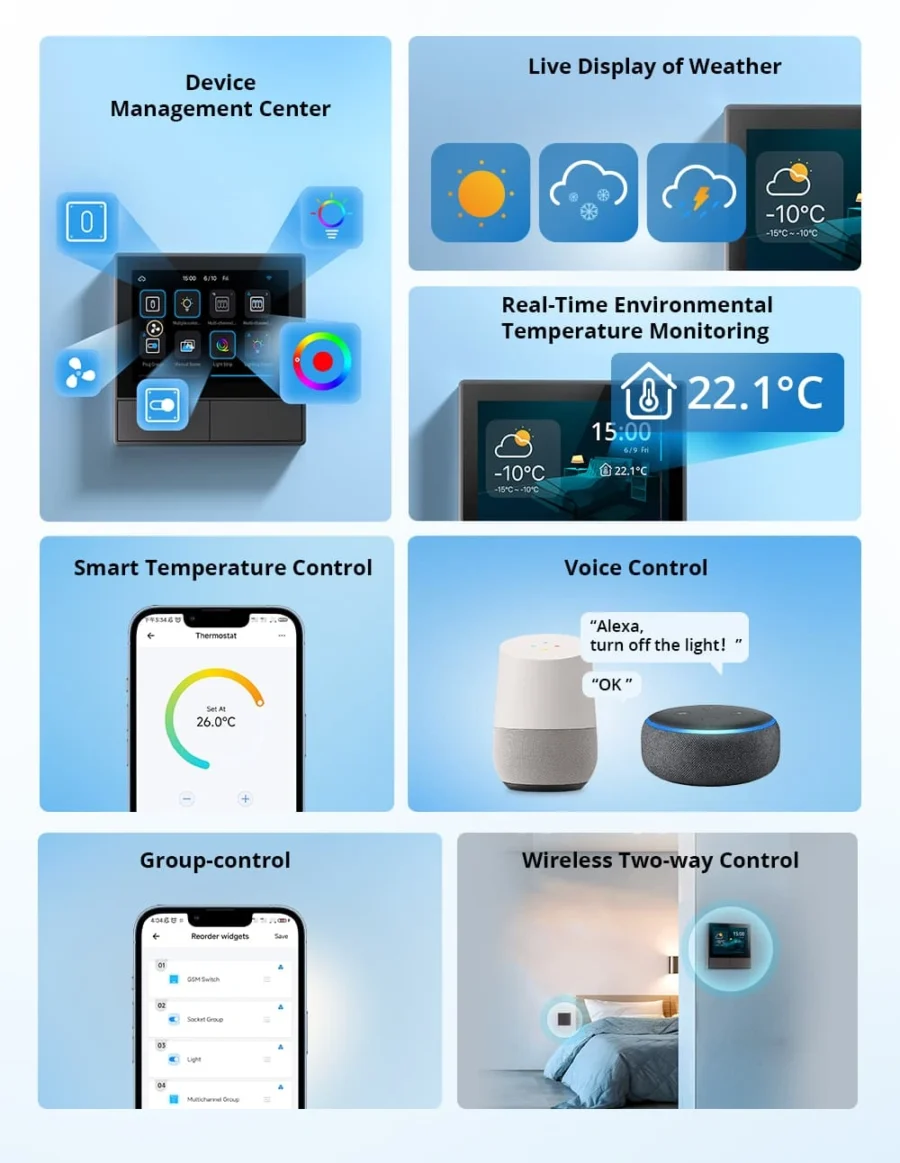
  • Touchscreen + 2 Switches: Use the screen to control smart scenes and the buttons to control lights directly.
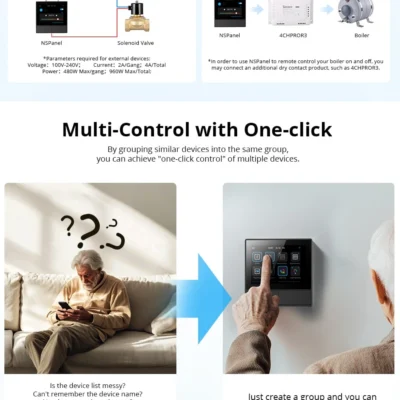
  • Smart Scenes: Set up modes like “Good Morning” or “Good Night” and activate them with one tap.
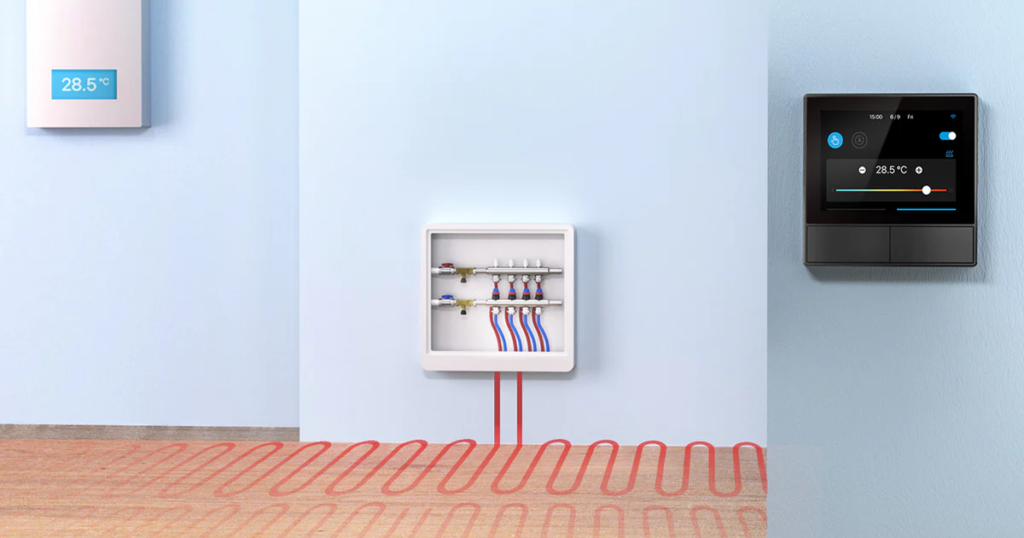
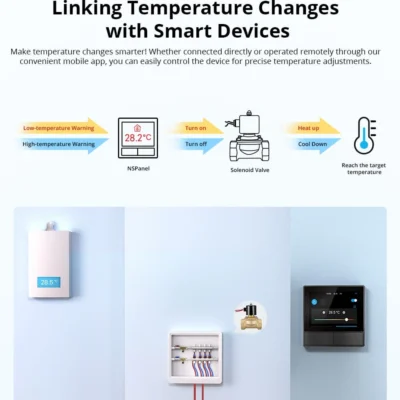
  • Built-in Thermostat: Reads the room temperature and can control heating/cooling devices to maintain your desired level.
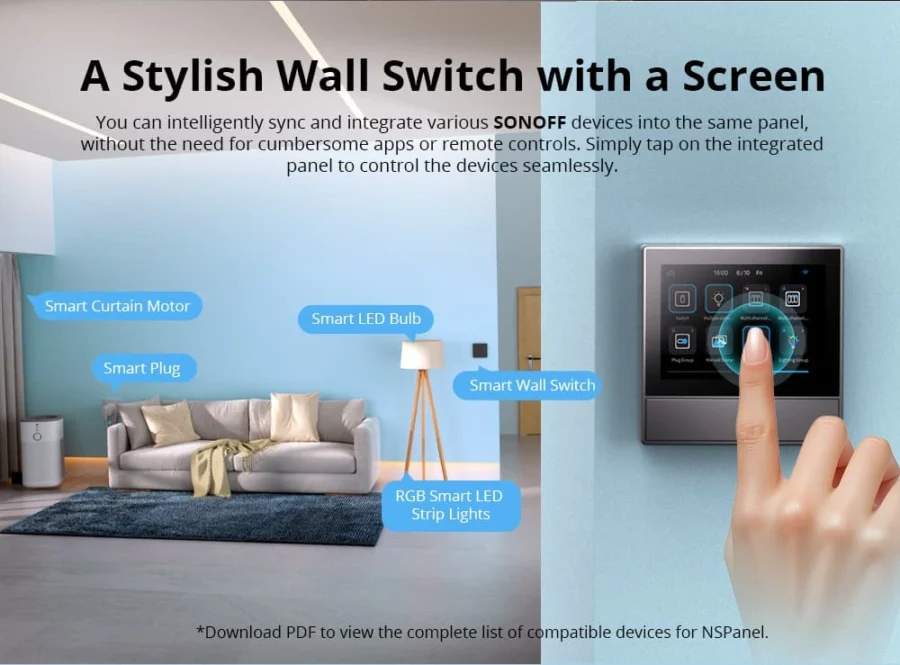
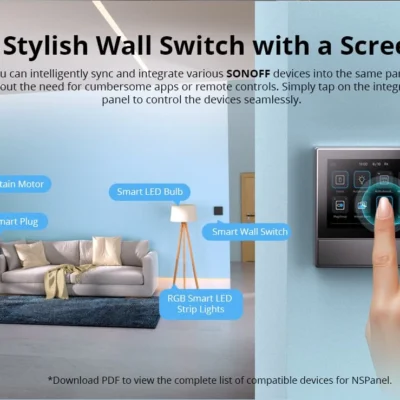
  • Control Other Sonoff Devices: Use the screen to manage other Sonoff products in your home.
  • Voice Control: Works with Google Assistant and Alexa.

💡 Pro Tip: Set up a ‘Good Night’ scene that turns off all your lights, closes the curtains, and sets the AC to your sleep temperature — all with one tap on the NSPanel before bed.

What You Get

One wall, all your devices
3.5-inch touchscreen + 2 physical buttons. Trigger scenes, dim lights, switch the AC — without picking up your phone.
Built-in thermostat
On-board temperature sensor monitors the room. Trigger heating or cooling automatically based on the reading.
Scene shortcuts
"Goodnight" turns off all lights + lowers AC. "Movie" dims the living room + closes curtains. One tap, full scene.
No phone needed
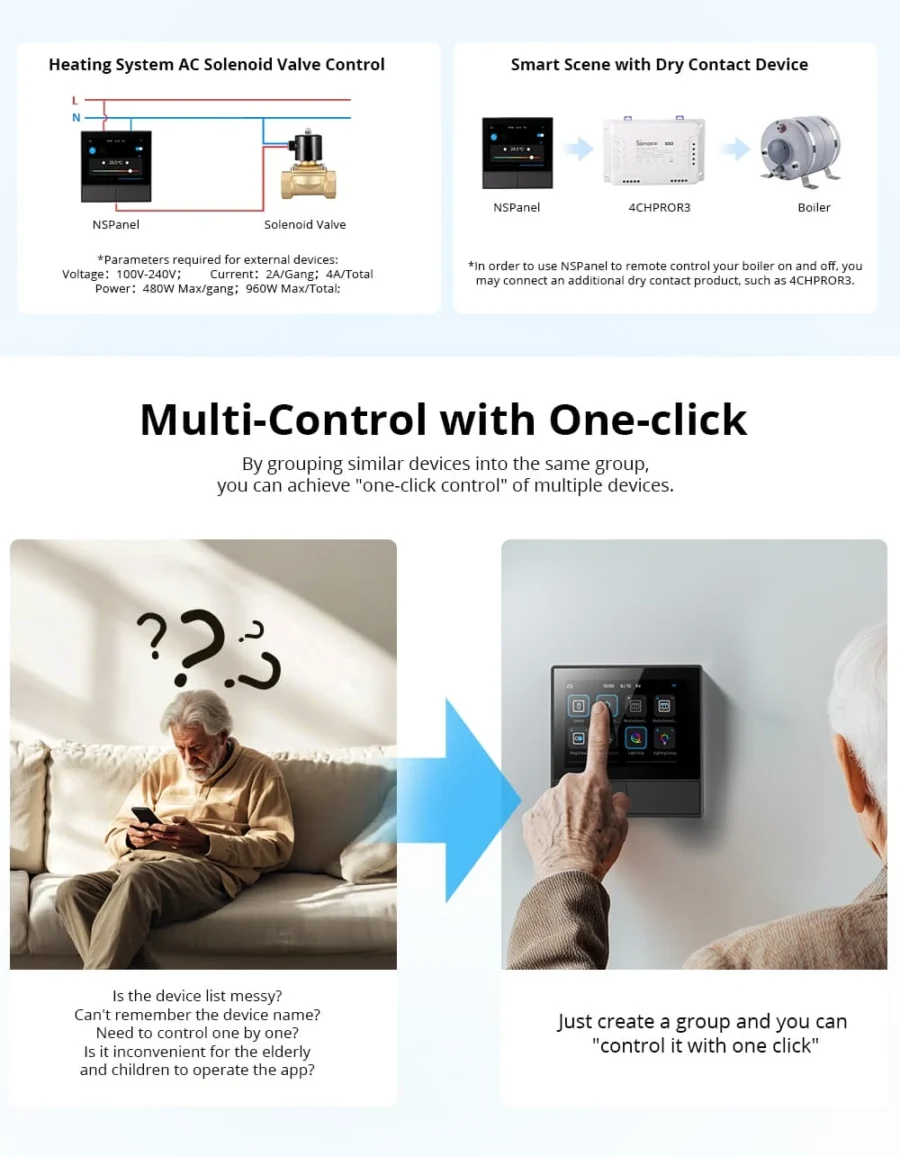
Guests, kids, grandparents — anyone can control the home without learning the app. Just tap the wall.
Physical buttons too
Two real click-buttons below the screen control 2 local lights directly — no scene needed, no Wi-Fi needed.

Works With

Amazon Alexa
Works
Google Assistant
Works
All Sonoff Wi-Fi devices (in eWeLink)
Works
Scenes across the eWeLink ecosystem
Works

What's in the Box

1× Sonoff NSPanel 86 Type (Black)
Wall mounting screws
Installation guide

Delivery & Pickup

Standard Delivery
All Lebanon governorates — Greater Beirut usually next day; Tripoli, Jbeil, Saida, Tyre, Zahle, Akkar and the rest within 2–4 working days.
$4 · Free over $50
Express Delivery
Faster shipping — usually within 24 hours of order confirmation (Greater Beirut & Metn). Same-day not guaranteed.
$6 flat
Pickup — Dekwaneh
Collect from our Dekwaneh store. Weekdays 10am–5pm, Sat 10am–1pm.
$3 · Free over $30

Warranty & Support

6-month Local Warranty
Covers defects in materials & workmanship. Handled here in Lebanon.
WhatsApp Support — Always On
Can't set it up? Message us. We reply within minutes, not days.
14-day Exchange — Unopened Items
The item must be unopened and in its original packaging. Exchange it for a product of equal or higher value — we do not give cash refunds. Opened items are covered by the warranty if there is a factory defect.
Free Setup Help
Every order includes a setup guide — plus a free WhatsApp call if you ever need a hand.

Frequently Asked Questions

Can the NSPanel work with a gas boiler?
Yes — but it needs a dry-contact relay for safe wiring. If your boiler already has thermostat wires running to the wall location, the NSPanel + a small relay handles it directly. Otherwise, pair it with a Sonoff MINI Dry switch placed near the boiler for wireless control.
Can the NSPanel sync with my AC's own app (TCL, LG, etc.)?
Not directly — the NSPanel can't talk to manufacturer apps. But if your AC is controlled by a smart switch or IR controller (like a BroadLink RM4), the NSPanel can trigger scenes that control it.
Does it replace my existing wall switch directly?
Yes — it fits in standard 86-type Lebanese back-boxes and uses the same Live + Neutral wiring. The 2 physical buttons replace your old 2-gang switch.
Can I show outdoor temperature on the panel?
Yes — pair it with a Sonoff outdoor temperature sensor (TH Origin + DS18B20) and add the value as a widget on the home screen.
Does the screen stay on all the time?
By default it dims after a few seconds and turns off after a minute. You can adjust this in settings, including dim-time and brightness levels.
What's the difference between this and the NSPanel Pro?
The regular NSPanel (this one) is a Wi-Fi touchscreen — controls other Sonoff Wi-Fi devices via scenes. The NSPanel Pro has a built-in Zigbee hub, so it can pair Zigbee devices directly. Pro is more powerful but more expensive.
Does the warranty cover it?
Yes — covered under Smartio's standard manufacturer warranty against factory defects. Damage from electrical surges/spikes (unfortunately common in Lebanon) isn't covered — we strongly recommend a small surge protector on the circuit.
Can I order multiple for different rooms?
Yes — order one per room. Each panel can show its own room's temperature + control the devices in that room. Sync them all under one eWeLink account.

Compare Models