Sonoff
Sonoff Desk Enclosure Stand for NSPanel & NSPanel Pro
Puts your NSPanel or NSPanel Pro on a desk or shelf instead of the wall, so you can control your devices from anywhere in the room.
Sonoff
N/A
N/A (accessory)
129 $
Cash on deliveryWhish is also available.
6-month warranty
Delivery everywhere in Lebanon
Will it work for you?
- Compatibility: NSPanel + NSPanel Pro (EU + US versions)
- Color: White
- Material: ABS plastic
From 10 $ - the price above includes the option selected below
Free delivery across Lebanon on orders over 50 $
Color: White
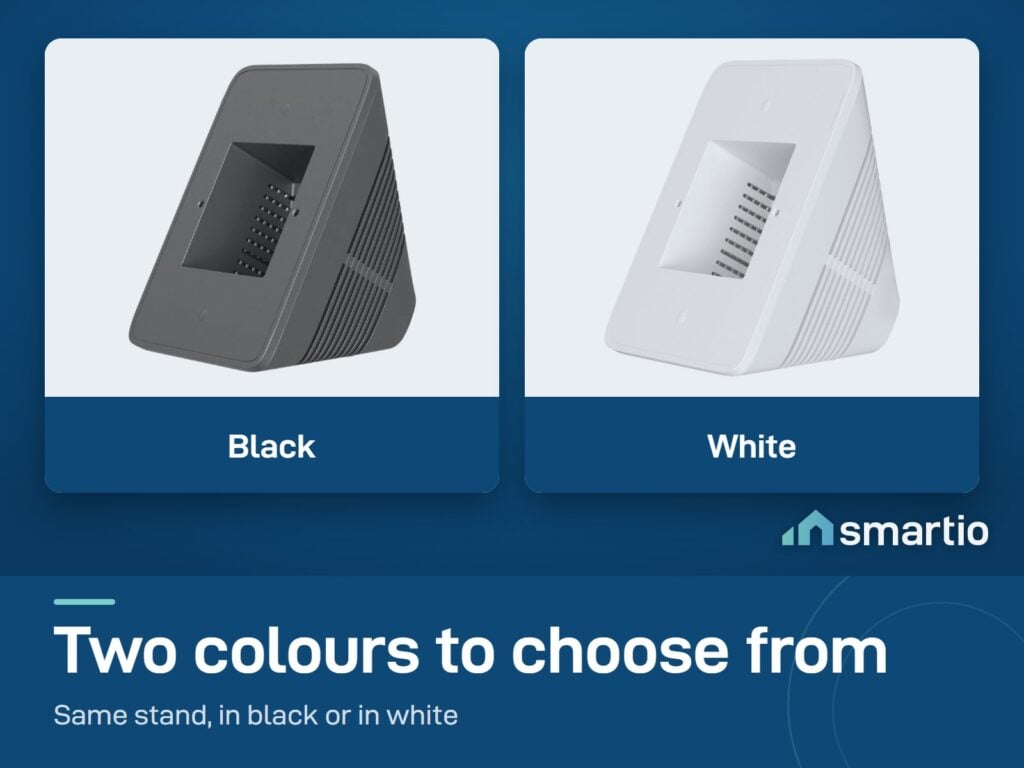
Black - sold out
White
Stand alone for your existing NSPanel, or pair with a fresh panel for a desk setup?
10 $
Stand Only
1× Sonoff Desk Enclosure Stand for NSPanel & NSPanel Pro - White
The desk enclosure on its own. Pick this if you already own an NSPanel and want to move it from the wall to the desk.
Most popular
Fits NSPanel + NSPanel Pro (86 and 120 type)
No tools - just slot the panel in
Clean white finish
Matches Sonoff styling
129 $
Stand + NSPanel Pro 86
1× Sonoff Desk Enclosure Stand for NSPanel & NSPanel Pro - White
1× Sonoff NSPanel Pro Smart Home Control Panel I 86 Type – White
Fresh NSPanel Pro 86 + the desk stand - a complete countertop smart-home controller for the salon or office.
Complete desk setup
NSPanel Pro 86 with Zigbee built in
Place anywhere with mains nearby
Thermostat + scene buttons
Voice via Alexa + Google
In Stock
5.0 from 560 verified Google & Facebook reviews
Read reviews
- 6-month warranty, covering every brand we sell
- 14-day exchange on unopened items
- Delivery all over Lebanon, free on orders over 50 $
by Fri 6 Nov · 2–4 working days
4 $ delivery · free over 50 $
Easy setup - pair it in the app, no wiring.
Not sure it fits your setup? Ask us on WhatsApp before you buy.
Know before you buy
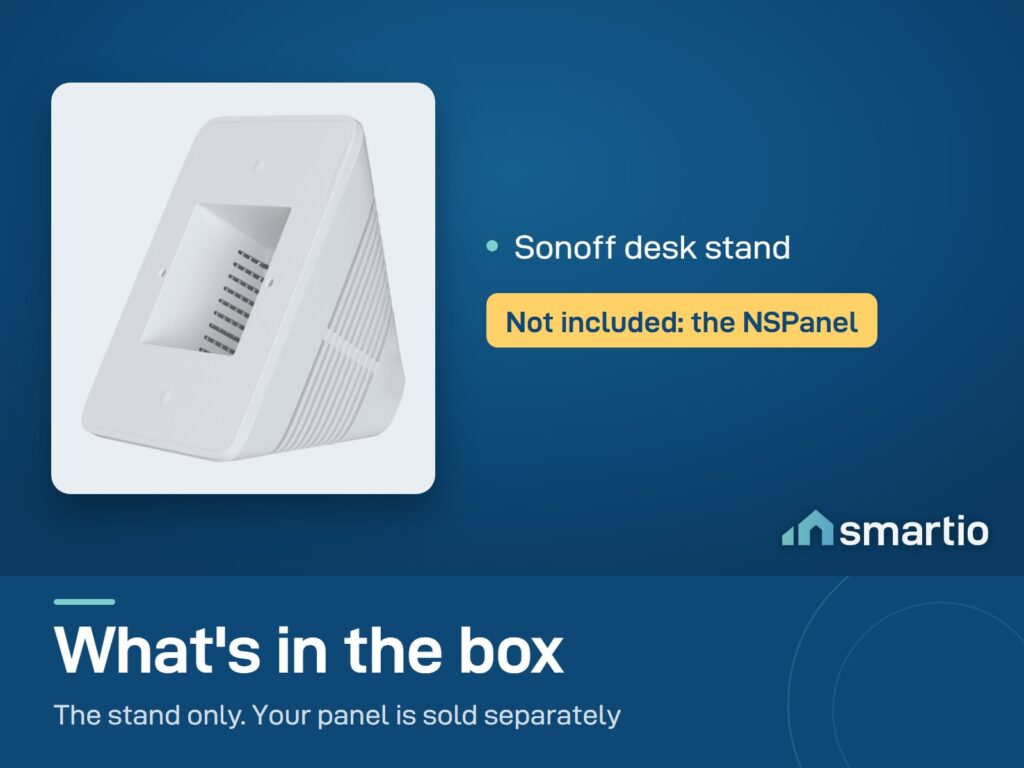
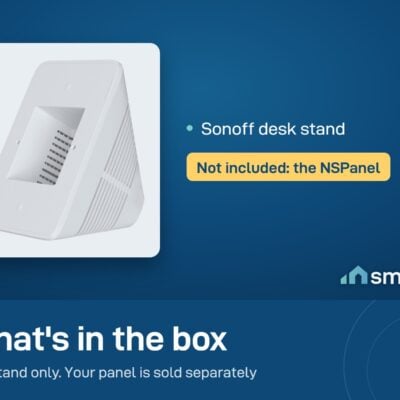
- NSPanel and NSPanel Pro are not included - sold separately.
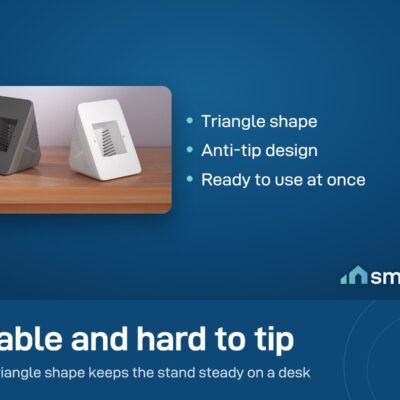
- Turns your wall panel into a tabletop device - useful if you cannot or do not want to install it in a wall box.
Delivery all over Lebanon
6-month Warranty
WhatsApp Support
14-day Exchange on unopened items
Sonoff products customers bought together
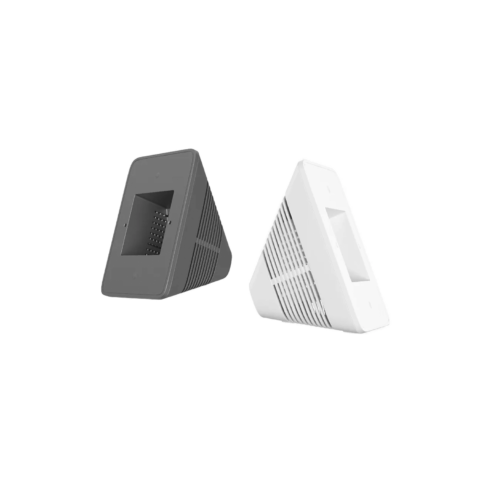
Sonoff Desk Enclosure Stand for NSPanel & NSPanel Pro
This item
Tick the items you want to add0 add-ons selected · 0 $
How It Works
1
Pop the panel out
If your NSPanel is already wall-mounted, cut the breaker and remove it from the wall. (For a fresh panel, skip this step.)
2
Slot into the stand
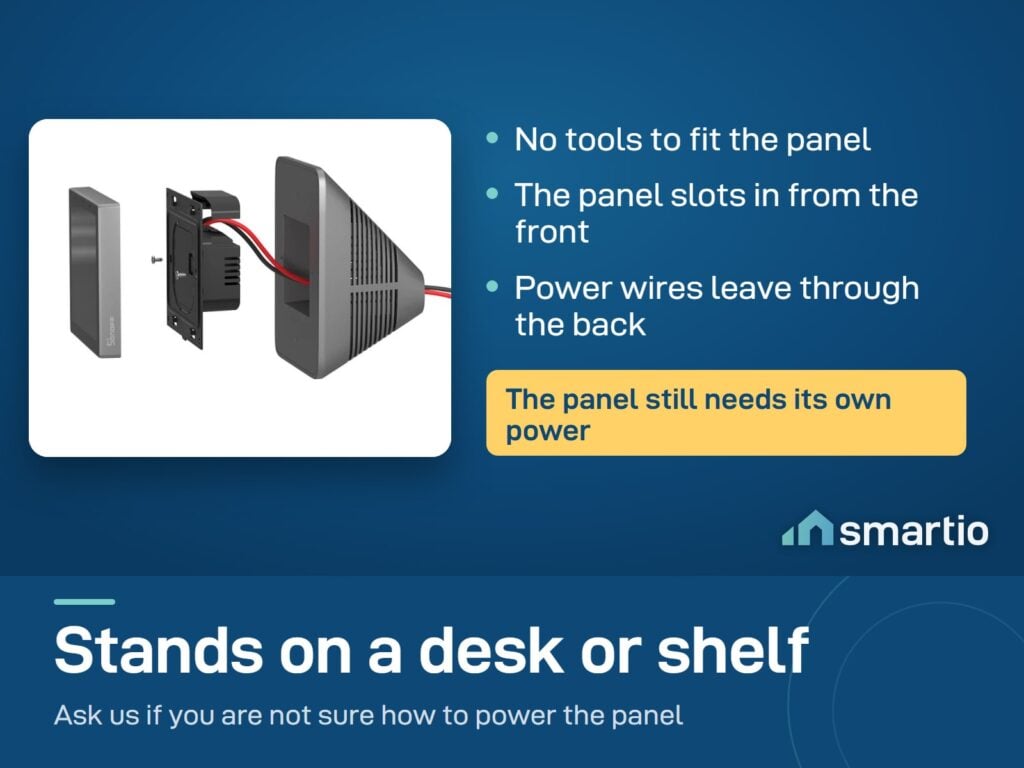
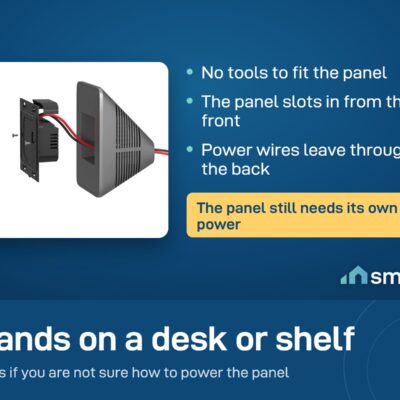
Slide the NSPanel into the front opening of the stand. It seats firmly without screws.
3
Route the power cable
Feed the panel's 220V cable through the channel at the back. Plug into a wall adapter behind your desk.
4
Power up
The panel boots like normal. Same eWeLink account, same scenes - just now on your desk instead of the wall.
Is This Right for Me?
Compatibility: NSPanel + NSPanel Pro (EU + US versions)
Color: White
Material: ABS plastic
Mounting: Slot the panel in - no screws
Cable routing: Channel cut in the back for the 220V cable
Power source: Panel still draws from mains via its own cable
What it doesn't include: The NSPanel itself (sold separately)
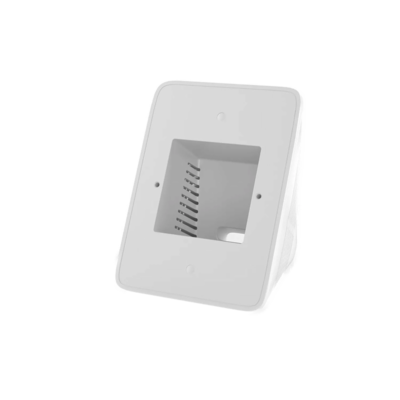
Size: 12.1 cm wide, 8.85 cm tall, 6.75 cm deep
Product Details
Sonoff Enclosure Stand | NSPanel & NSPanel Pro
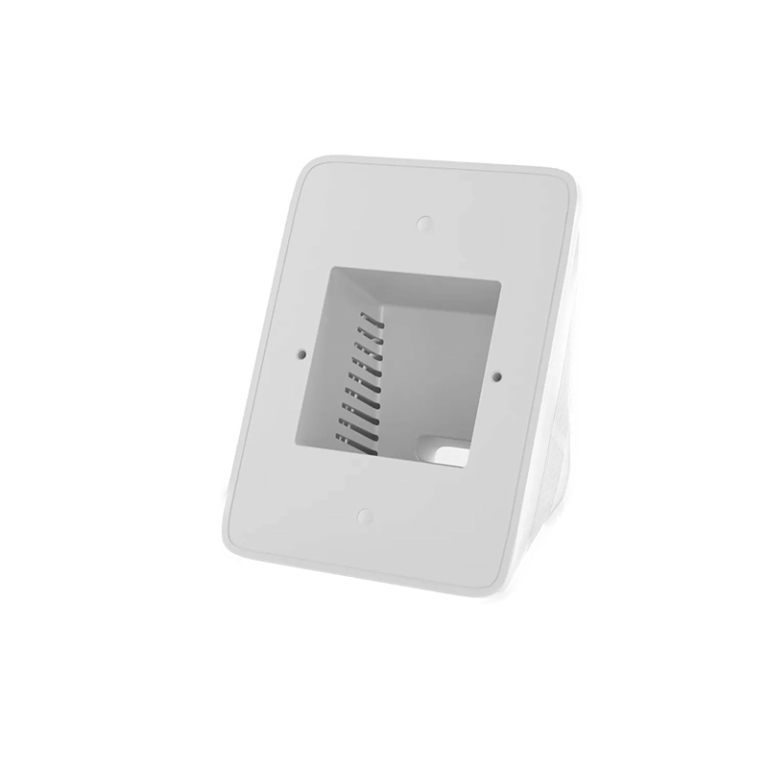
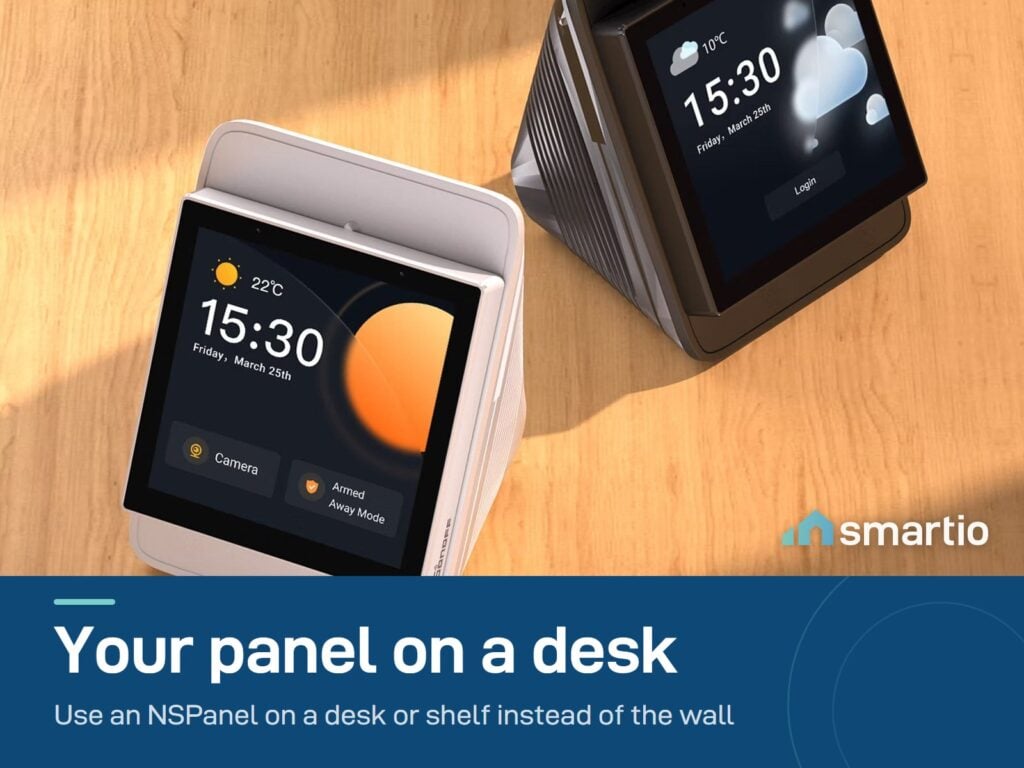
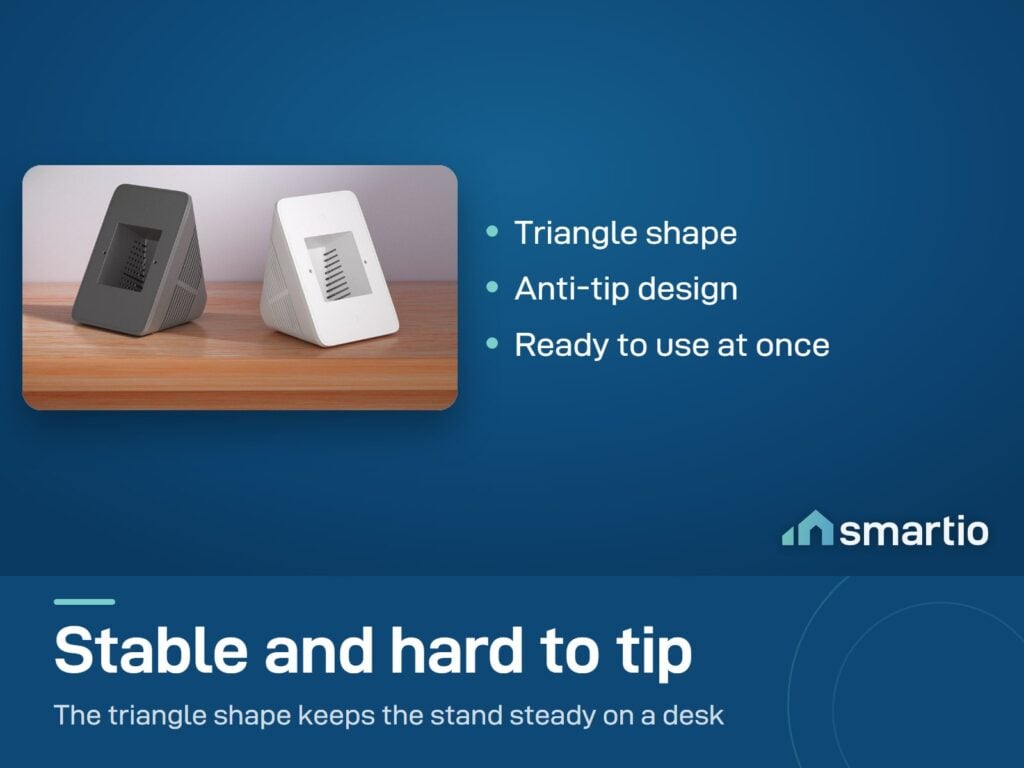
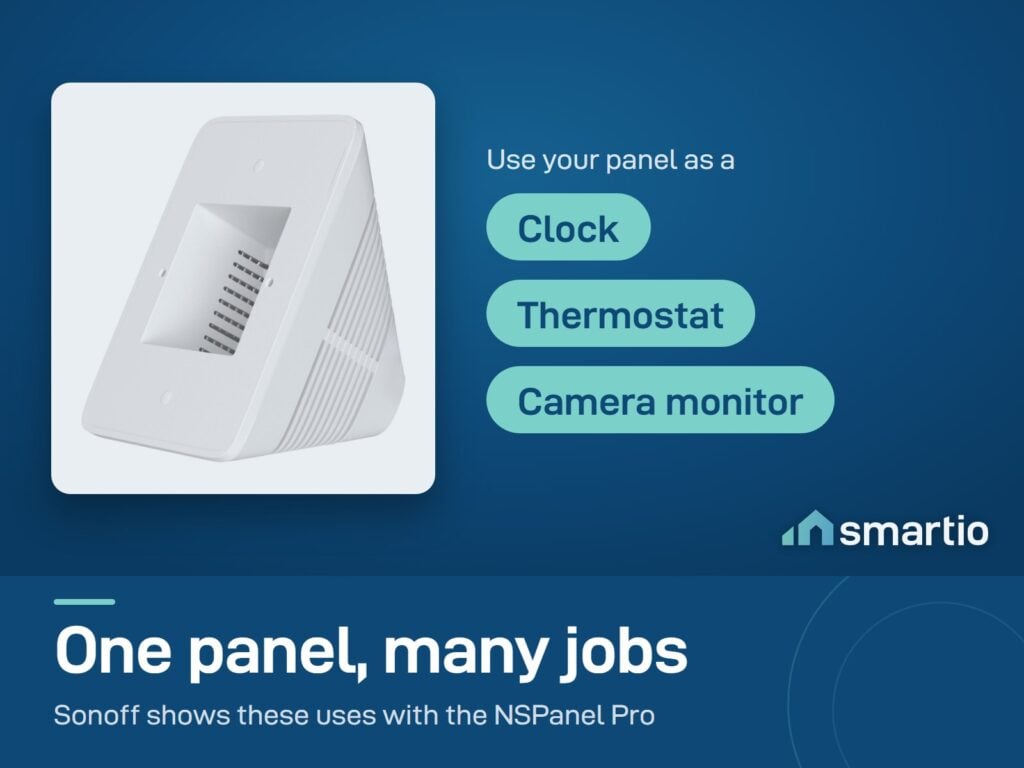
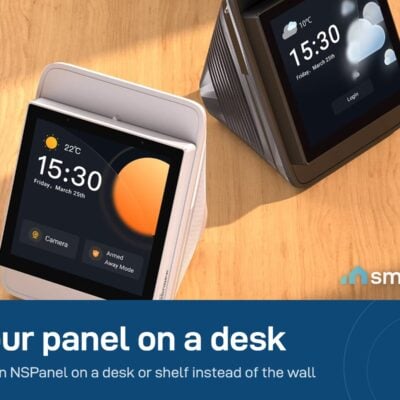
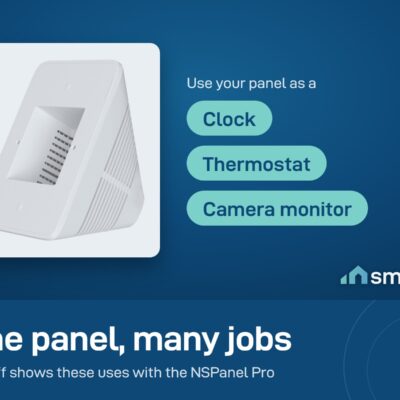
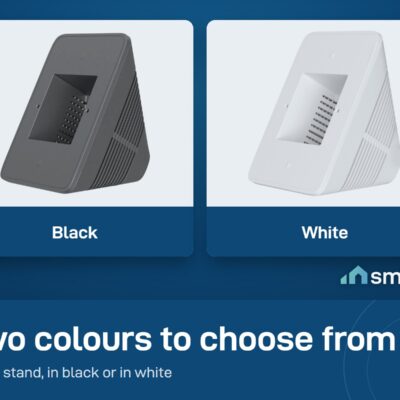
Sonoff enclosure stand allows your NSPanel Pro or NSPanel to become a smart desktop controller. You can install your NSPanel Pro or NSPanel into it to control your devices anywhere. Even acting as a clock, thermostat, or camera monitor. Dim gray and white are optional. You’ll love this helper on your desktop.
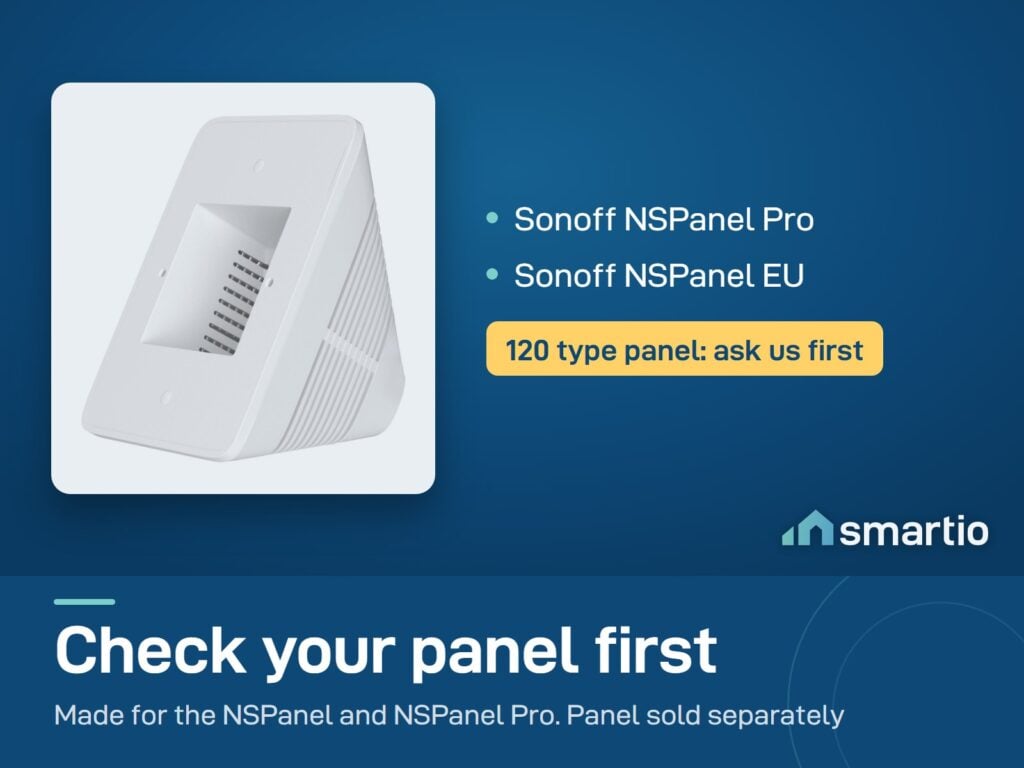
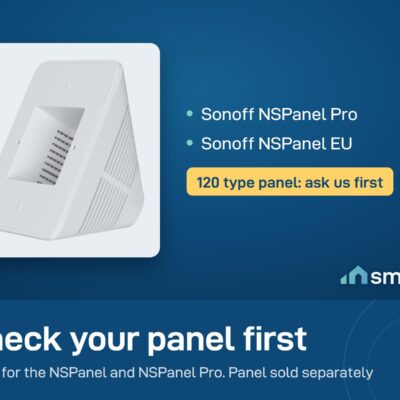
- Compatible with NSPanel Pro, NSPanel EU, and NSPanel Pro 120 Type
- Application Allows your NSPanel Pro or NSPanel to become a smart desktop controller.
What You Get
Move your panel anywhere
Pull the NSPanel off the wall and place it on the desk, side table, or kitchen counter. Easier to reach, easier to glance at.
No tools, no electrician
Slide the panel into the stand. That's it. No drilling, no wiring beyond the existing 220V cable.
Universal fit
Works with EU and US NSPanel models - both the original NSPanel and the NSPanel Pro family slot in cleanly.
Looks like furniture
Clean white shell matches modern desks and side tables. Looks like an intentional gadget, not a temporary mod.
Use cases multiply
A desk-mounted panel becomes a clock, weather widget, thermostat display, scene launcher, or even a camera monitor - without losing wall switch behavior.
A Closer Look
Sonoff Enclosure Stand
Sonoff enclosure stand allows your NSPanel Pro or NSPanel to become a smart desktop controller.
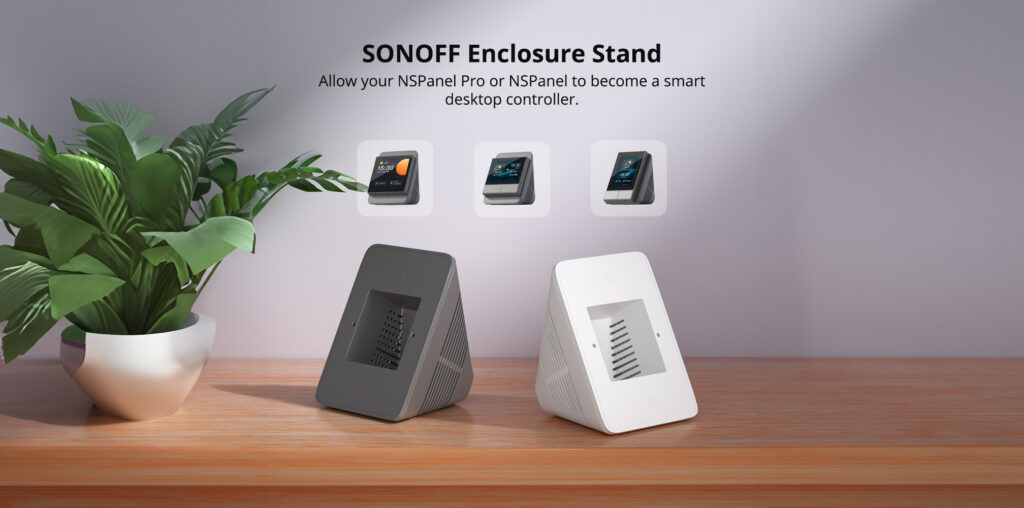
Smart Helper by Your Side
Install your NSPanel Pro into it to control your devices anywhere.
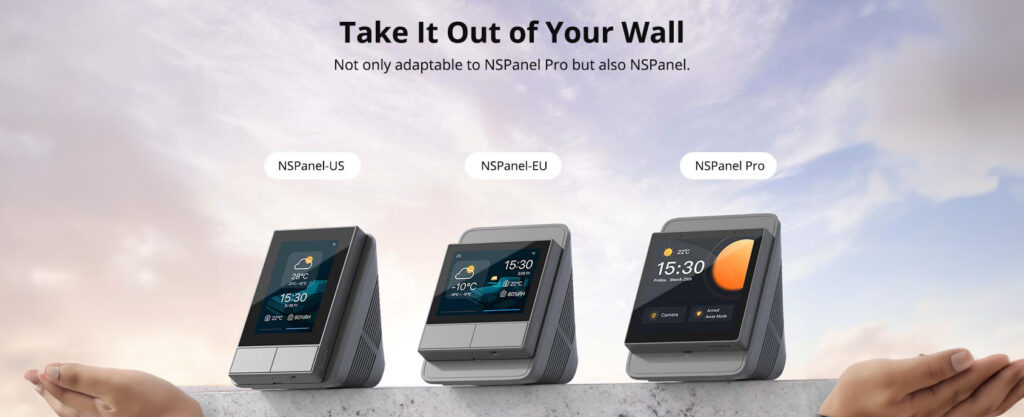

Works With
Sonoff NSPanel (86 + 120 type)
Works
Sonoff NSPanel Pro (86 + 120 type)
Works
EU + US NSPanel variants
Works
Control with the eWeLink app

eWeLink
Set up your Sonoff Desk Enclosure Stand for NSPanel & NSPanel Pro in minutes - voice control, scenes, automations, away mode.
App Store
Google Play
What's in the Box
1× Sonoff Desk Enclosure Stand (white)
Delivery & Pickup
Standard Delivery
All Lebanon governorates, within 2–4 working days.
4 $ · Free over 50 $
Express Delivery
Faster shipping, available across all Lebanon. Your exact delivery date depends on your town - you will see it at checkout.
6 $ flat
Pickup - Dekwaneh
Collect from the Wakilni warehouse in Dekwaneh. We send the exact address on WhatsApp when your order is ready. Weekdays 10am–5pm, Sat 10am–1pm.
3 $ · Free over 30 $
Warranty & Support
6-month Local Warranty
Covers defects in materials & workmanship. Handled here in Lebanon.
WhatsApp Support - Always On
Can't set it up? Message us. We reply within minutes, not days.
14-day Exchange - Unopened Items
The item must be unopened and in its original packaging. Exchange it for a product of equal or higher value - we do not give cash refunds. Opened items are covered by the warranty if there is a factory defect.
Free Setup Call
If you get stuck, we'll walk you through the setup on a free WhatsApp call.
Frequently Asked Questions
Does it work with both US and EU NSPanel models?
›
Yes - designed to fit both. The slot accommodates the EU and US variants of the NSPanel and NSPanel Pro.
Does the NSPanel need power when in the stand?
›
Yes - the panel itself still needs phase + neutral via its 220V cable. The stand is just a housing, not a power source. Most people route the cable to a small wall adapter behind the stand.
Is installation difficult?
›
No - it's a slot, not a wiring job. Slide the panel in. Plug it into mains. Done.
Will it work during EDL outages?
›
On a generator setup it works exactly like a wall-mounted NSPanel. During a full blackout the panel itself is off - same as any other NSPanel.
Is the manual in Arabic?
›
The printed manual is in English. If you need help in Arabic, message us on WhatsApp - our team speaks Arabic.
Can I get the black version of the stand?
›
This SKU is white. If you need a darker option, message us - we'll check current stock.
Does it support the larger 120 Type panel?
›
Yes - the 120 Type rectangular Pro panel fits as well. The stand is designed for both form factors.
Compare Models
Still deciding?
Message us on WhatsApp - we'll tell you honestly if this is the right fit for your home.