


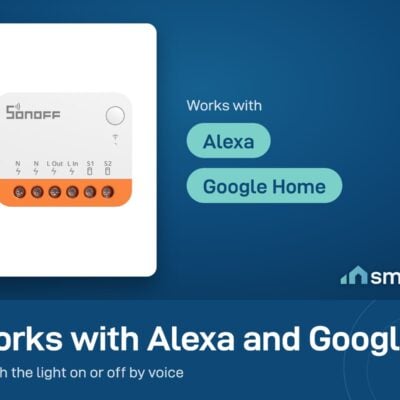
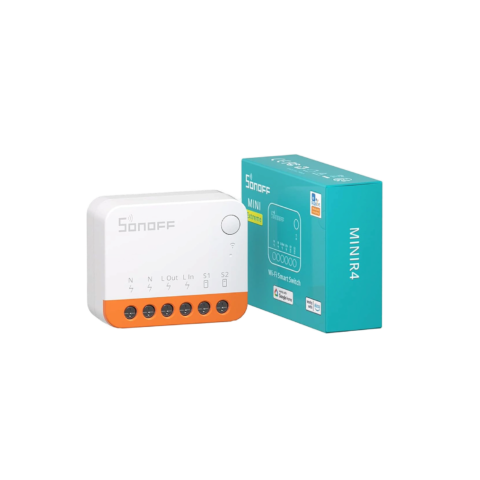
Sonoff MINI R4 Wi-Fi Relay Switch (Fits Behind the Wall Switch)
- Max Load: 10A (≈2200W on 220V)
- Voltage: 100-240V AC, 50/60 Hz
- Wi-Fi: 2.4 GHz only
- 6-month warranty, covering every brand we sell
- 14-day exchange on unopened items
- Delivery all over Lebanon, free on orders over 50 $
Sonoff products customers bought together
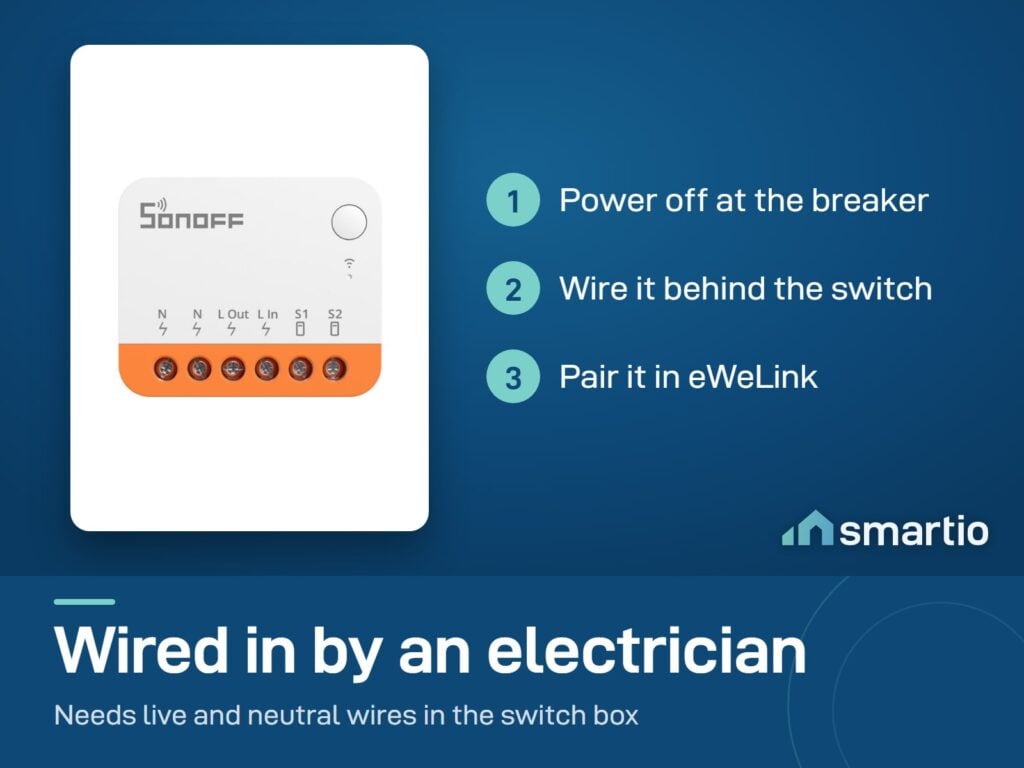
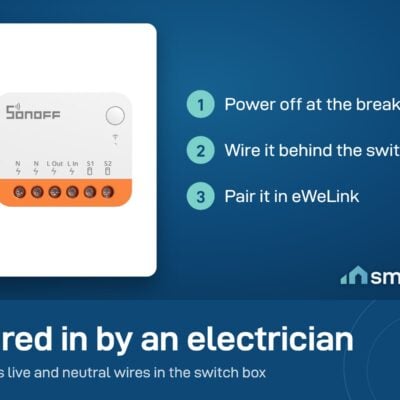
How It Works
Is This Right for Me?
Product Details
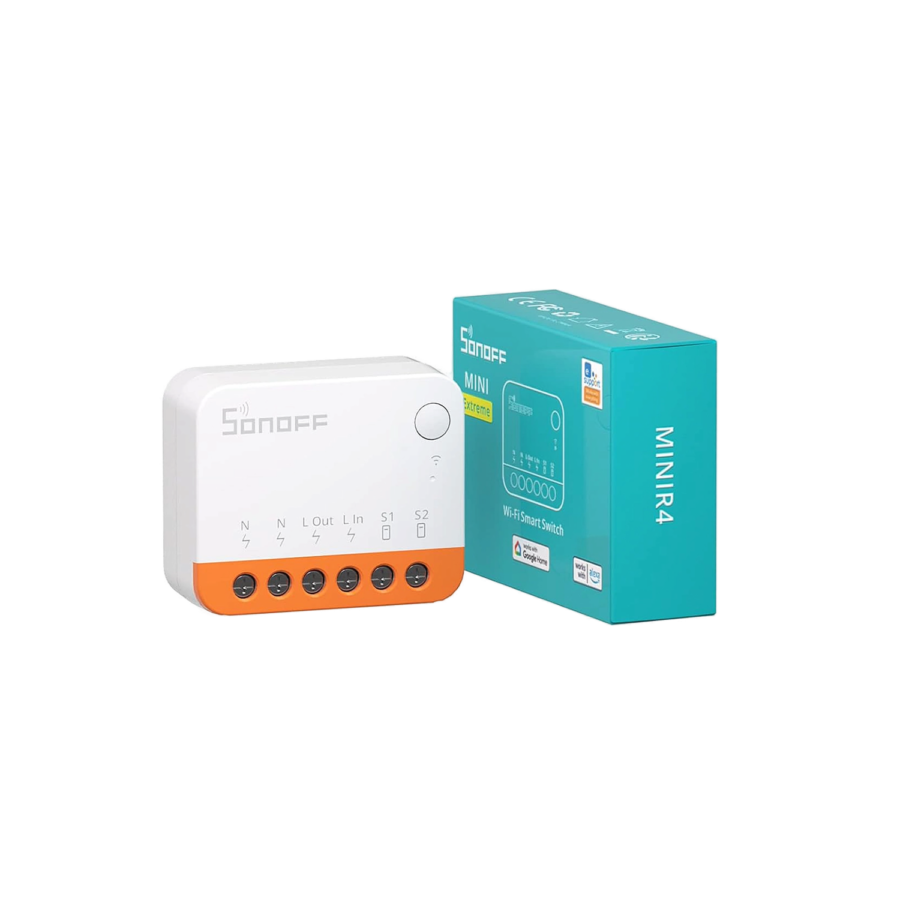
Sonoff MINIR4 – Hidden Smart Switch
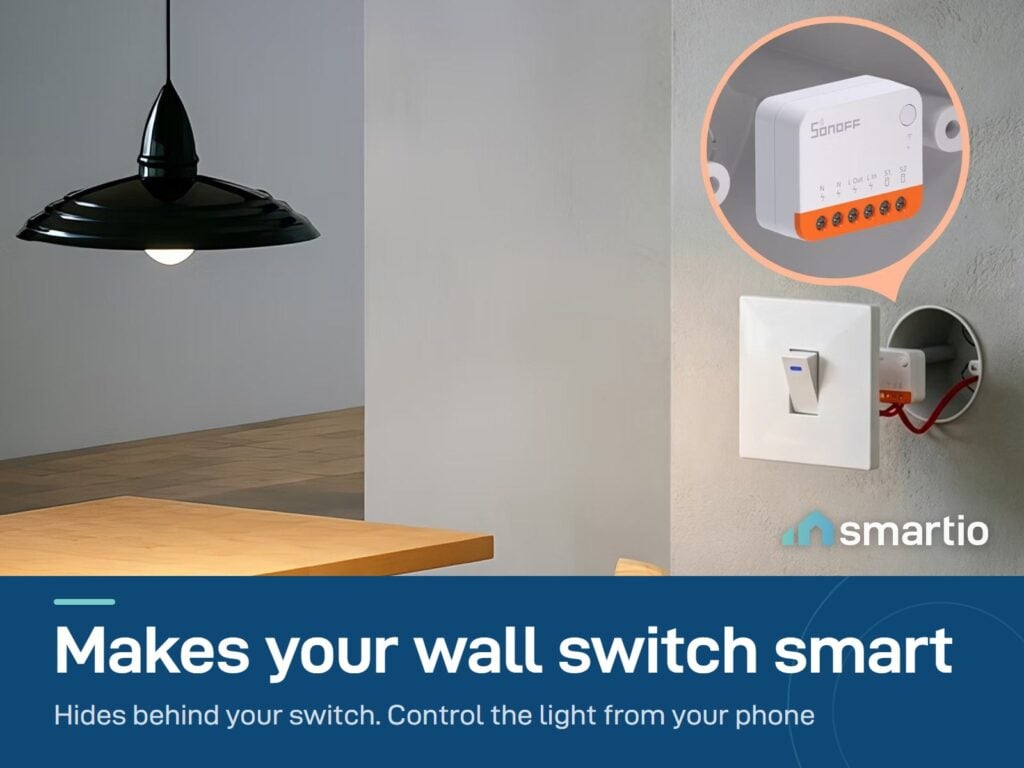
A tiny smart switch that hides behind your existing wall switch. Your wall plate stays the same, your physical switch keeps working – but now the light can also be controlled from your phone, scheduled, or triggered by voice.
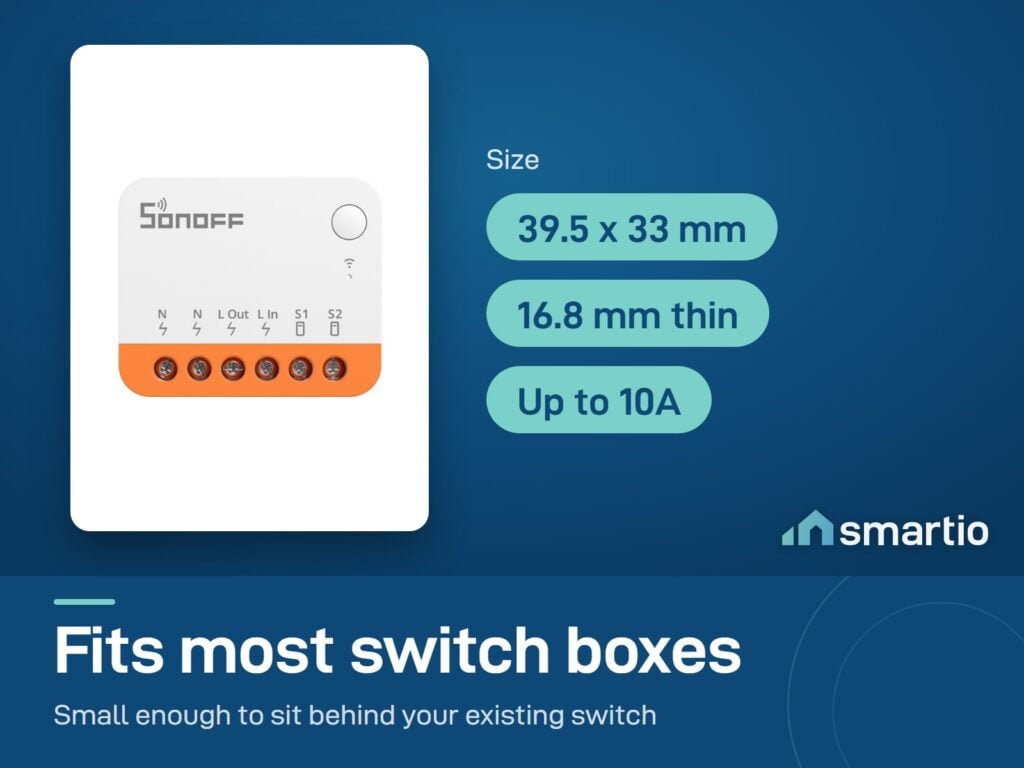
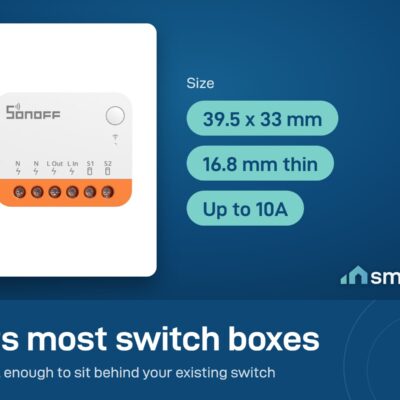
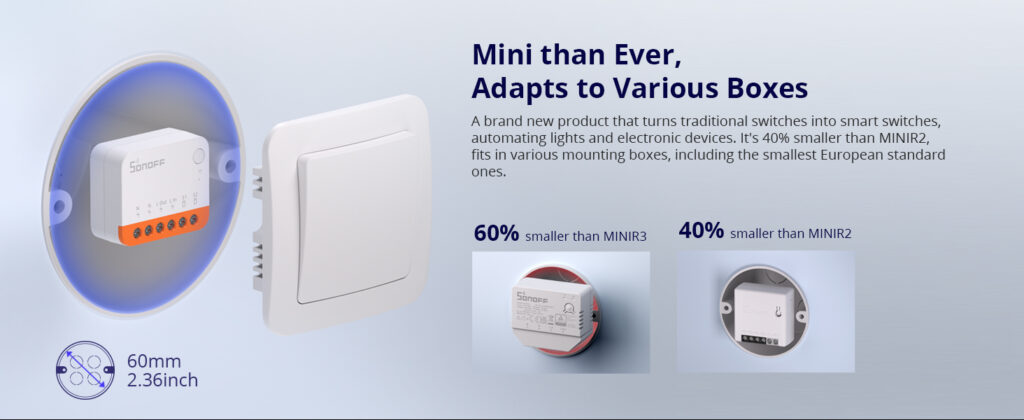
One of the smallest smart switches on the market – designed specifically to fit inside Lebanese wall back-boxes that don’t have much room.
Why people buy it (vs the MINIR4M)
- You don’t use Apple Home. If you’re an Android user or you don’t care about Apple HomeKit, the MINIR4 (without M) saves you a few dollars vs the Matter version. Same physical product otherwise.
- Schedule any room. Lights on at sunset, off at midnight – set once in the app and forget.
- Family-friendly. Share access with everyone in the house via separate eWeLink accounts. Everyone can turn the porch light off without needing your phone.
- Survives EDL right. Set “Last State” – when power returns, the switch goes back to where it was, not always-on or always-off.
Key Features
- Ultra-compact – fits inside standard Lebanese wall switch boxes (120 type, 86 type, EU type).
- Detach Relay Mode – keeps power flowing to smart bulbs at all times while the wall switch acts as a smart trigger. Solves the “smart bulb gets disconnected when the family flips the wall switch” problem.
- Works with all switch types – rocker, push-button, toggle.
- eWeLink-Remote – control it locally without internet using another Sonoff device.
- Schedules + timers + scenes via the eWeLink app.
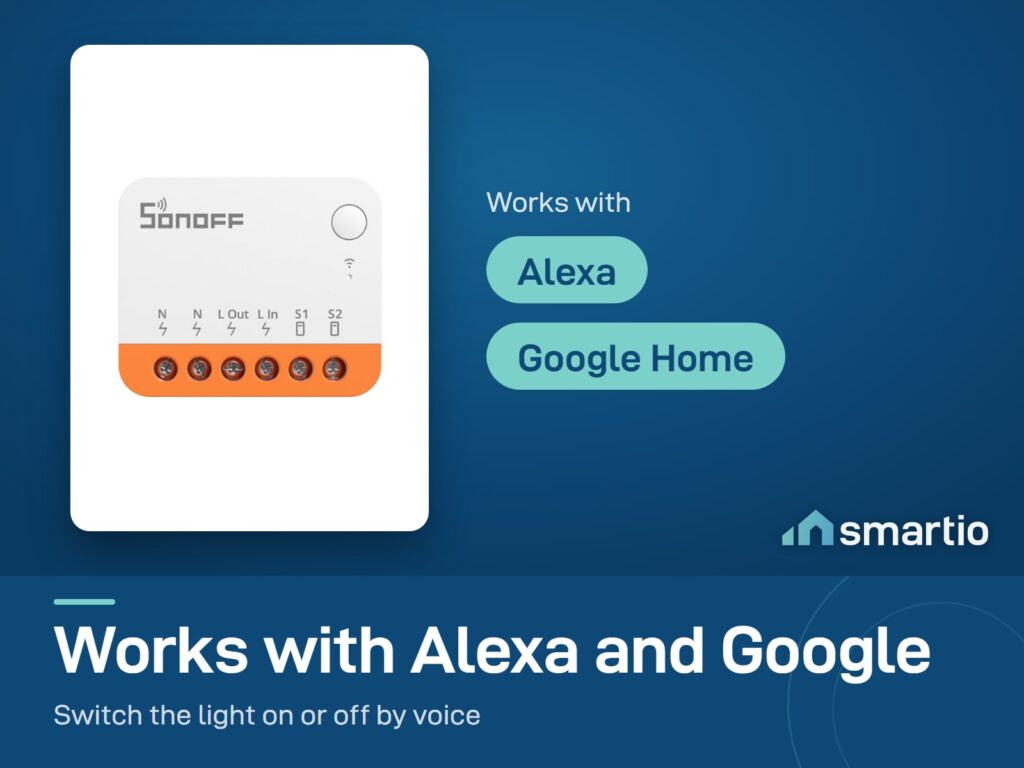
- Voice control – Google Assistant and Alexa.
- 2.4 GHz Wi-Fi. No hub needed.
Pro Tip: If you’ve added smart bulbs to a room and your family keeps flipping the wall switch off (which disconnects the smart bulb), enable Detach Relay Mode in the eWeLink app. The wall switch will trigger an action (turn off the bulb via the app) but never cut its power – keeping the bulb online and smart all the time.
Frequently Asked Questions
What’s the difference between MINIR4 and MINIR4M?
The M version supports Matter – works with Apple Home, Google Home, Alexa, SmartThings simultaneously. This regular MINIR4 doesn’t have Matter – it works with eWeLink, Alexa, and Google, but not Apple Home/HomeKit. If you don’t have Apple Home, the regular MINIR4 is fine and slightly cheaper.
Can I control it from my phone?
Yes – install the free eWeLink app, pair the device, and control it from anywhere over Wi-Fi or 4G.
Can my whole family control it?
Yes – share access with multiple eWeLink accounts. Everyone in the family can have their own login and control the same switch.
What happens after a power cut (EDL)?
Set the Power-on State to “Last State” in eWeLink. When EDL returns, the switch goes back to exactly how it was before the cut. If your automation also relies on this, set a 35-second delay in the automation to give the device time to reconnect to Wi-Fi after power returns.
Do you have a physical store I can visit?
Smartio is online-only, but you can pick up your order from our Dekwaneh warehouse – open 10 AM to 5 PM weekdays, 10 AM to 1 PM Saturday, closed Sunday.
Can I order multiple MINIR4s in one order?
Yes – order as many as you need. Each handles one switch (one light or one fan).
Can I control it through a Sonoff wall panel?
Yes, but only as part of a scene. Trigger the scene from the panel and the MINIR4 follows.
My automation isn’t working. What’s wrong?
Common fixes: (1) check the Power-on State is set to “ON” or “Last State” – not “OFF”, (2) add a 35-second delay to give the device time to reconnect after power, (3) make sure notifications are enabled in device settings.
What You Get
A Closer Look
Smallest Wi-Fi Smart Switch Ever
A brand new product that turns traditional switches into smart switches. It's 40% smaller than the MINIR2, and fits into boxes of all sizes, including the smallest Lebanese standard boxes.
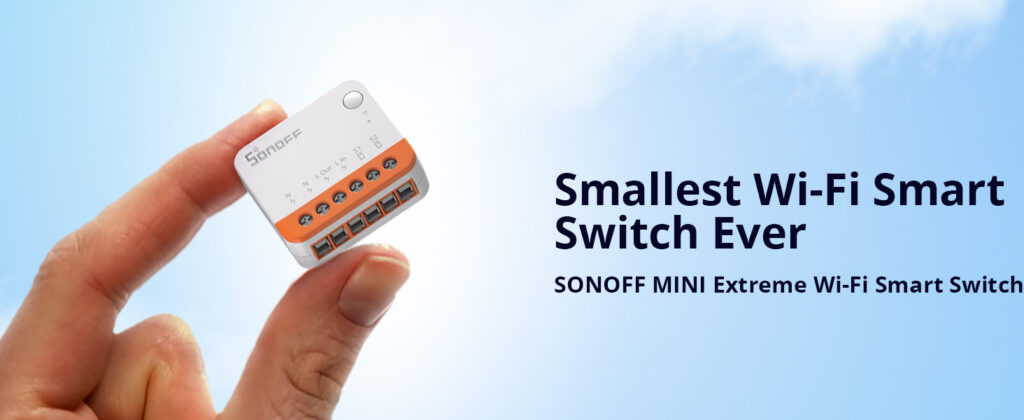
Mini than ever, adapts to various boxes
Makes Your Existing Switch Smart
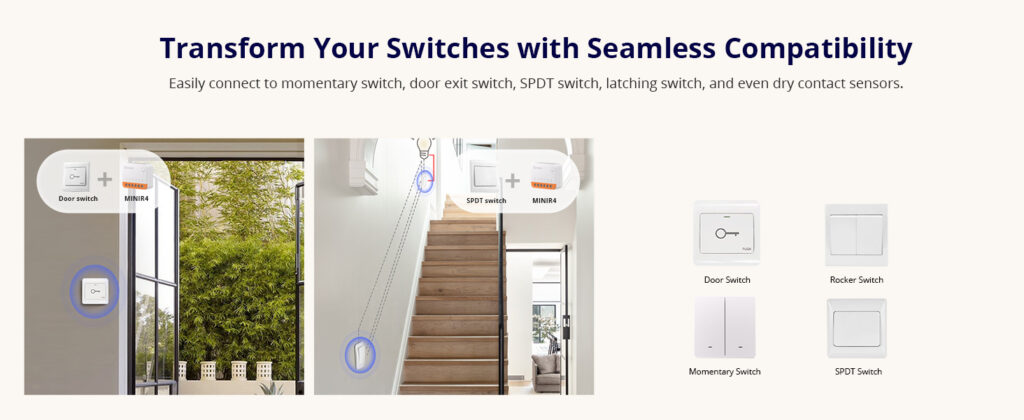

Common Use Cases (3)
Real scenarios Lebanese customers use this product for. Don't see yours? Message us and we'll tell you if it fits.
Works With


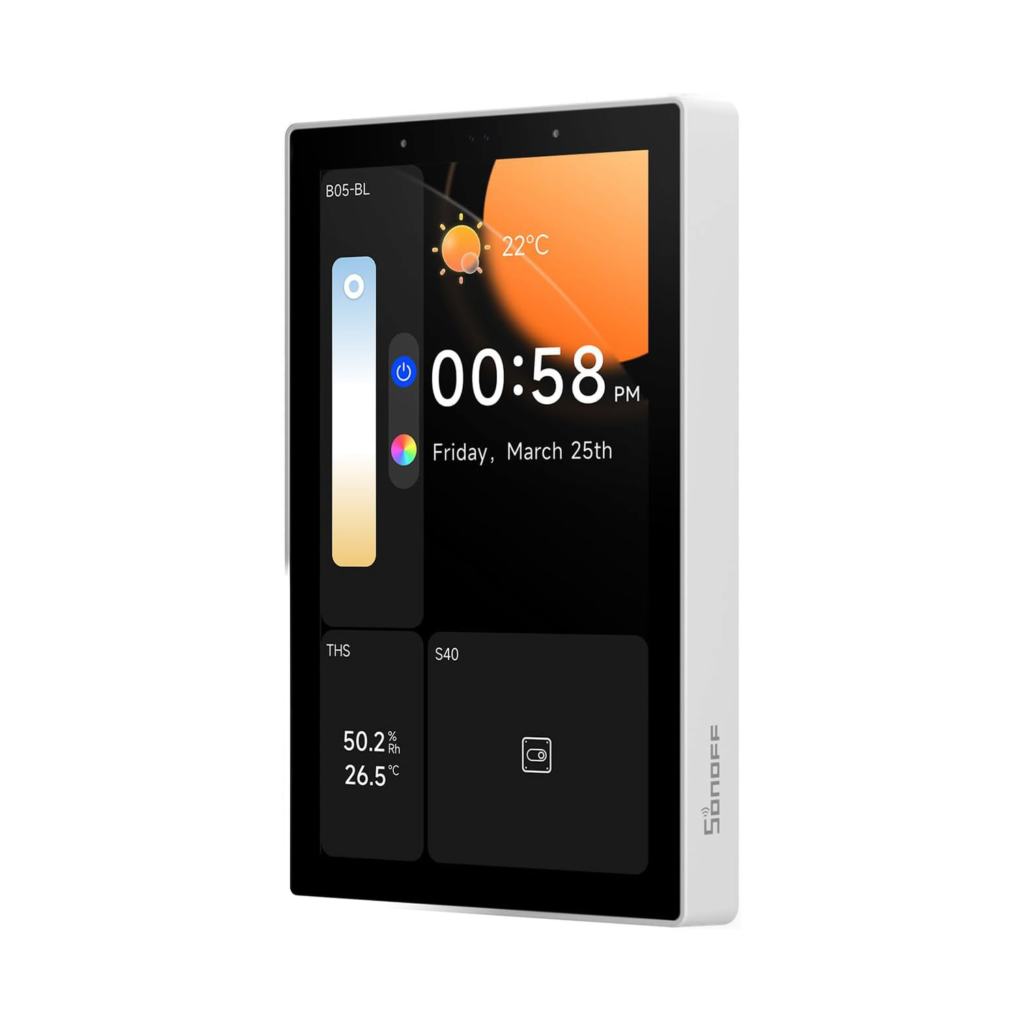
Control with the eWeLink app

What's in the Box
Delivery & Pickup
Warranty & Support
Customer Reviews (1)
Frequently Asked Questions
Compare Models
Still deciding?
Message us on WhatsApp - we'll tell you honestly if this is the right fit for your home.