Sonoff Zigbee Wireless Scene Button | SNZB-01P
- Protocol: Zigbee 3.0
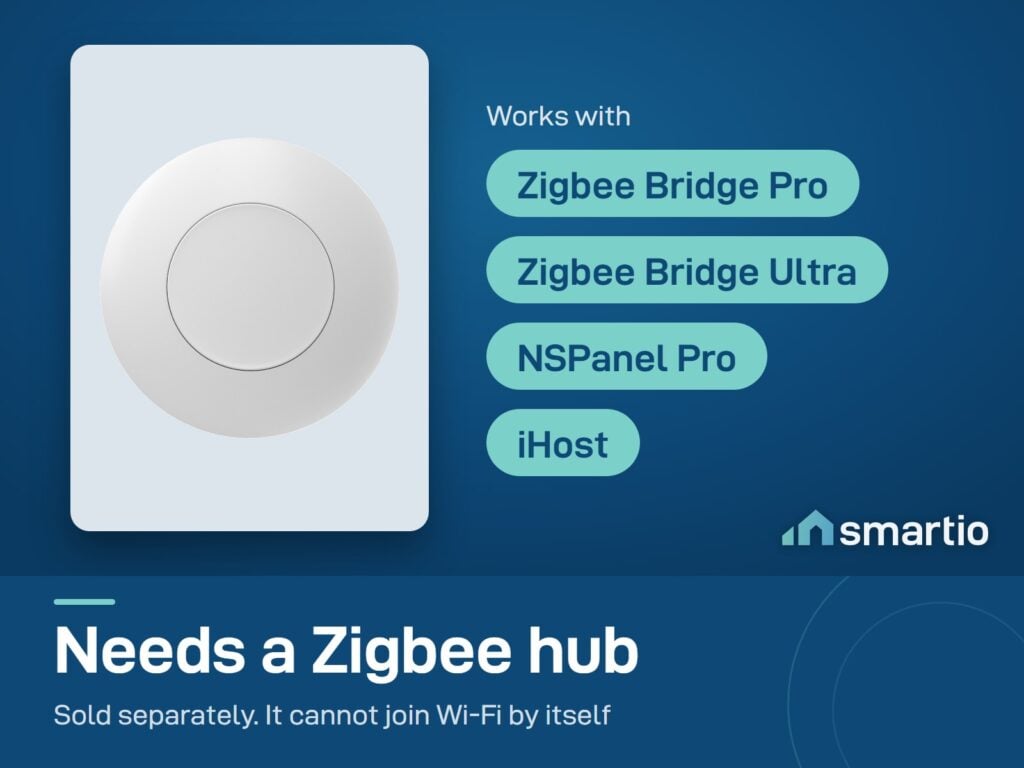
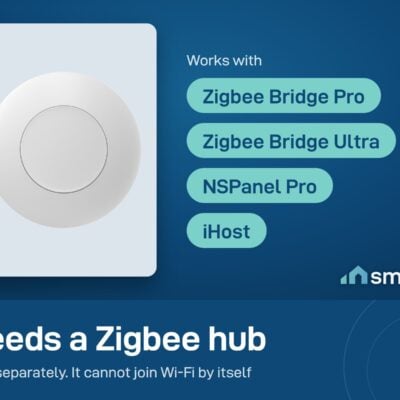
- Hub required: Sonoff Zigbee Bridge Pro or NSPanel Pro
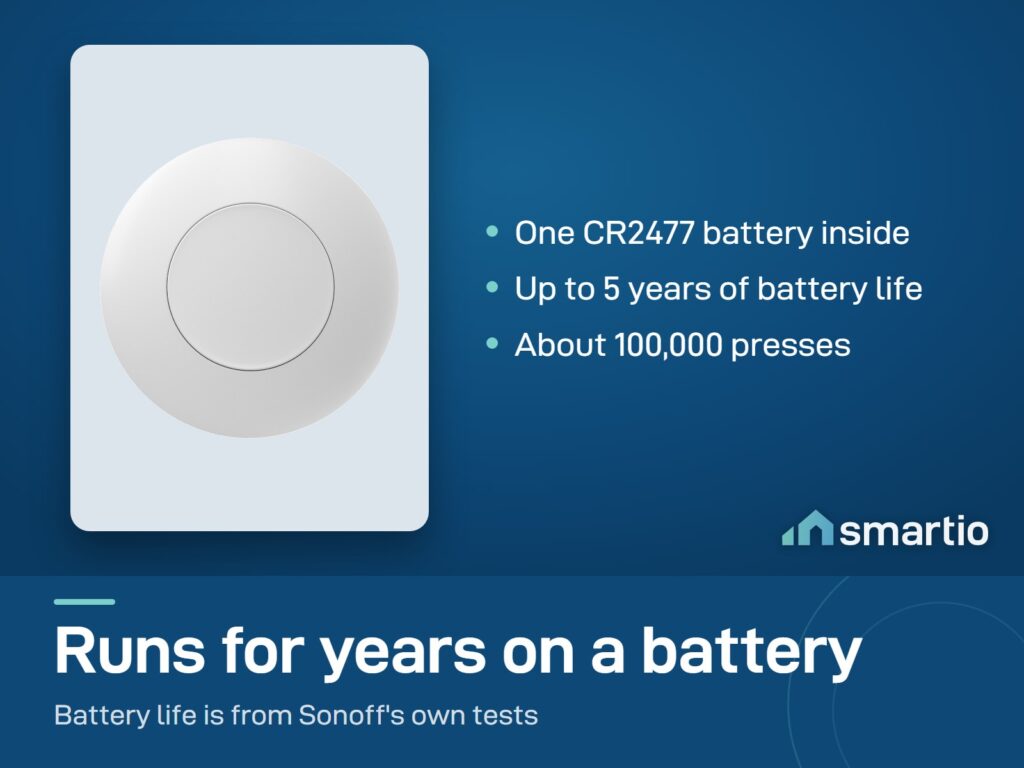
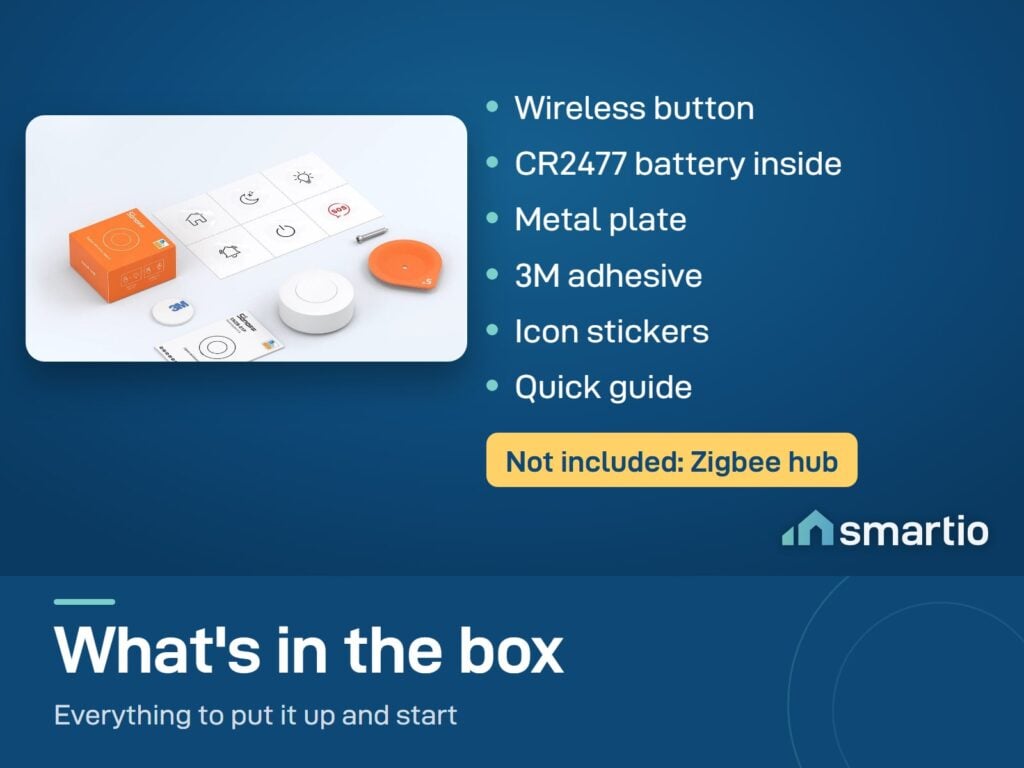
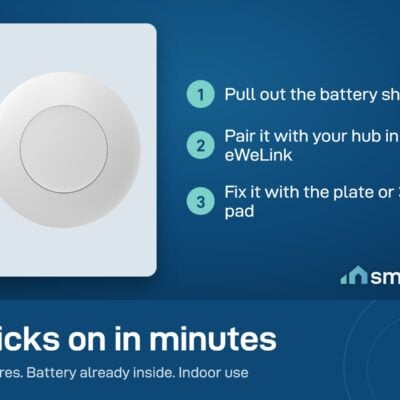
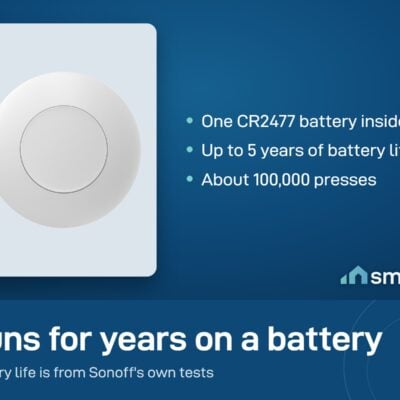
- Battery: CR2477 coin cell (included)
- 6-month warranty, covering every brand we sell
- 14-day exchange on unopened items
- Delivery all over Lebanon, free on orders over 50 $
Sonoff products customers bought together
How It Works
Is This Right for Me?
Product Details
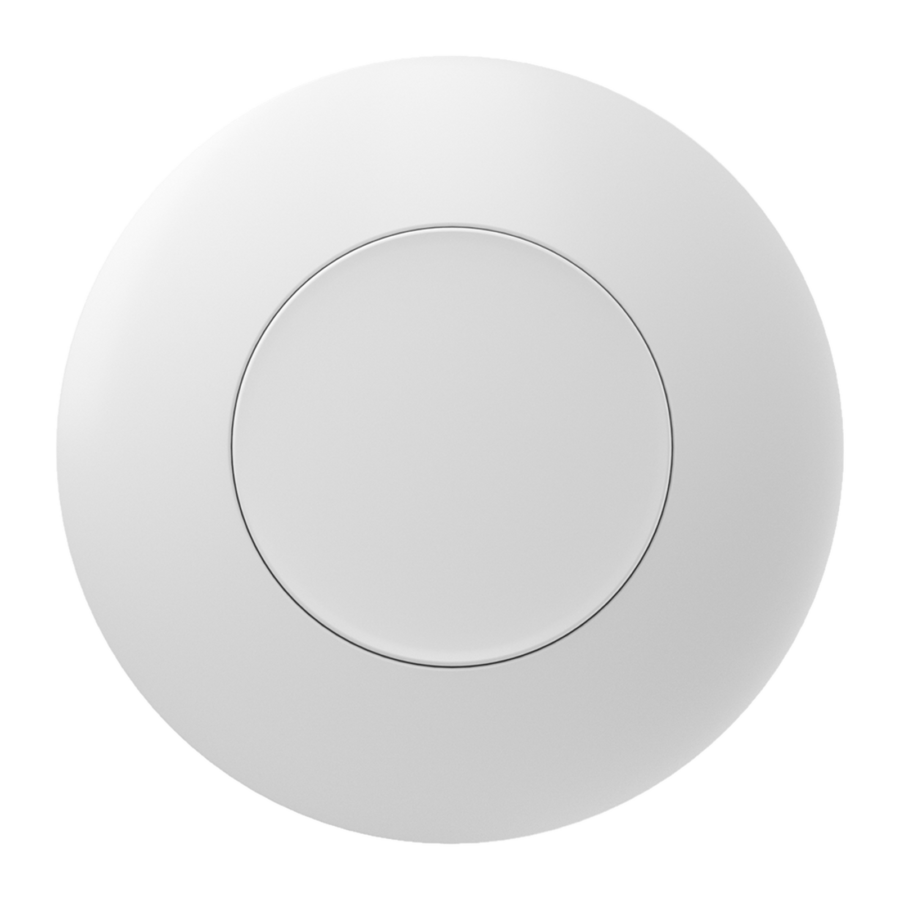
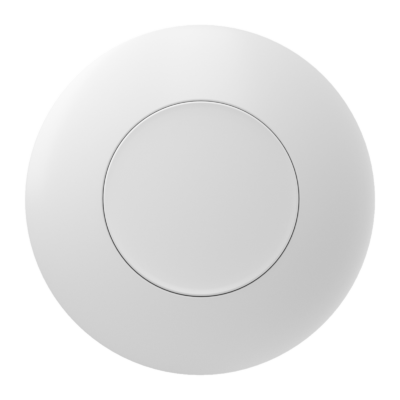
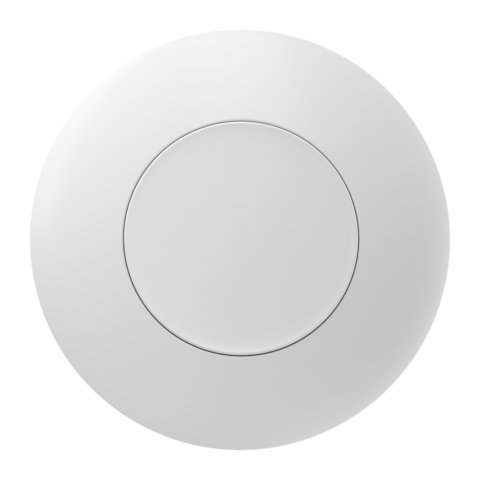
Sonoff SNZB-01P – Wireless Zigbee Button
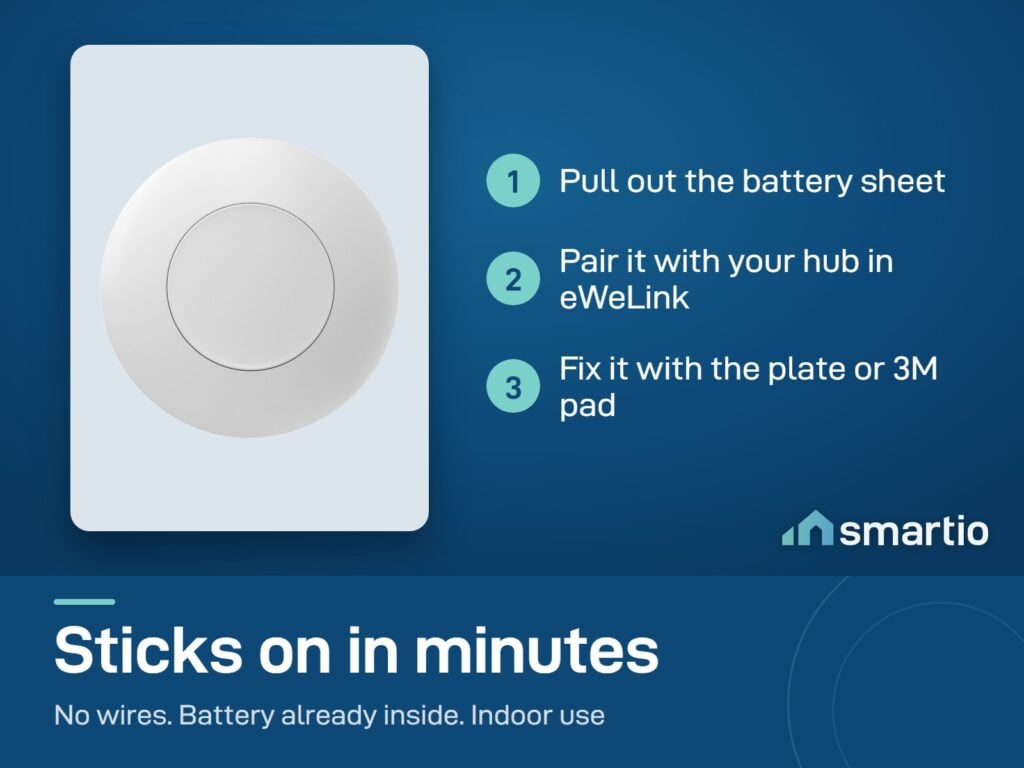
A small wireless button that pairs with a Sonoff Zigbee Bridge Pro. No wires, no installation hassle – peel the back, stick it anywhere (bedside, by the front door, on a desk), and it triggers smart actions when you press it.
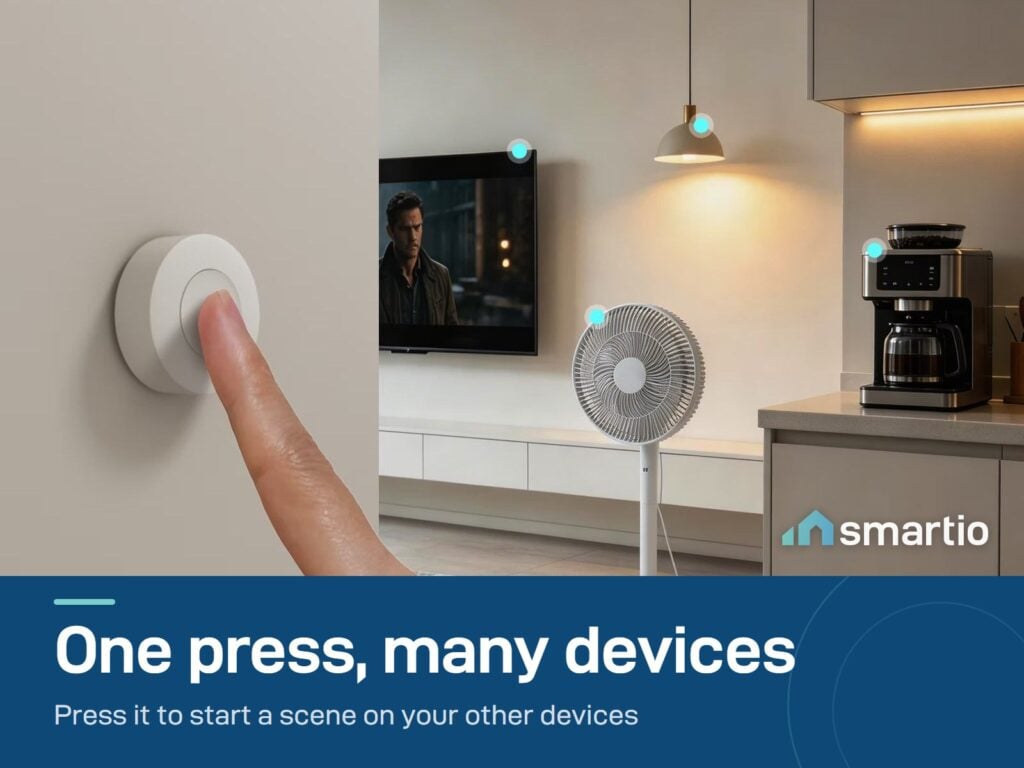
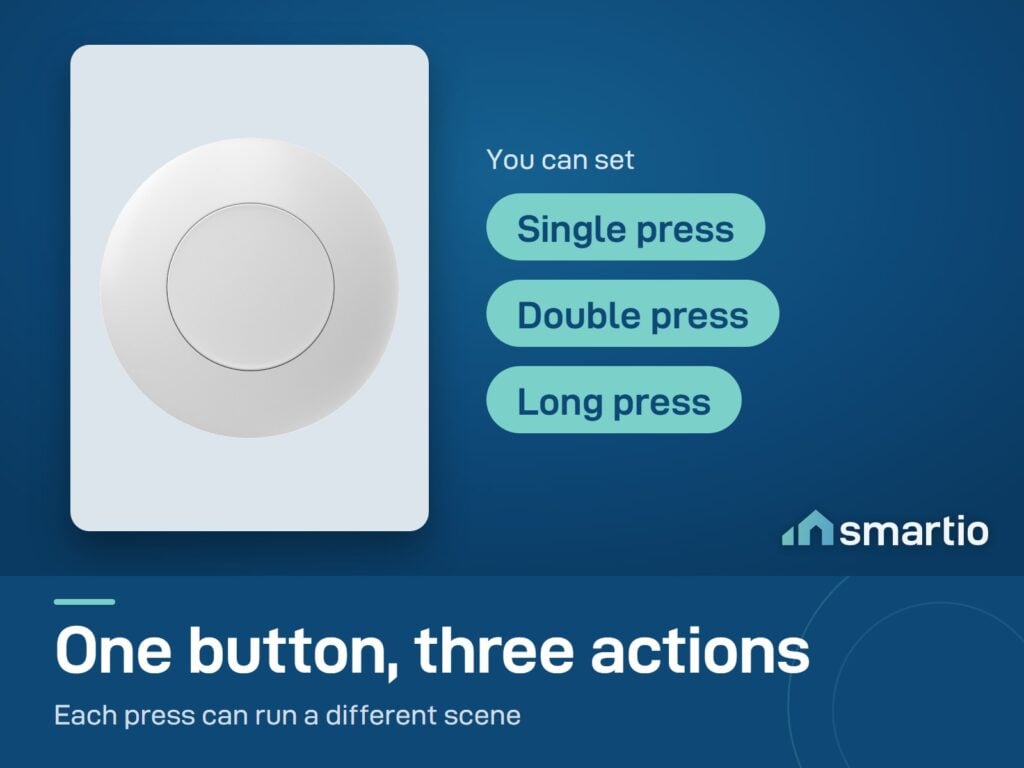
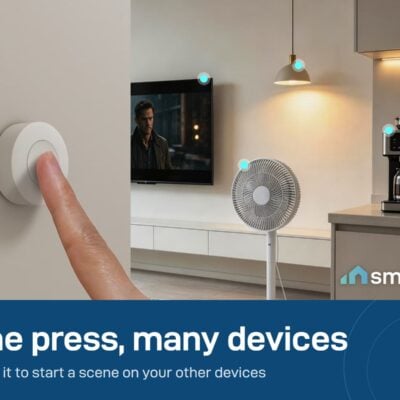
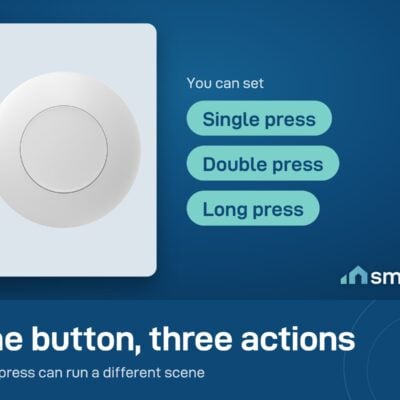
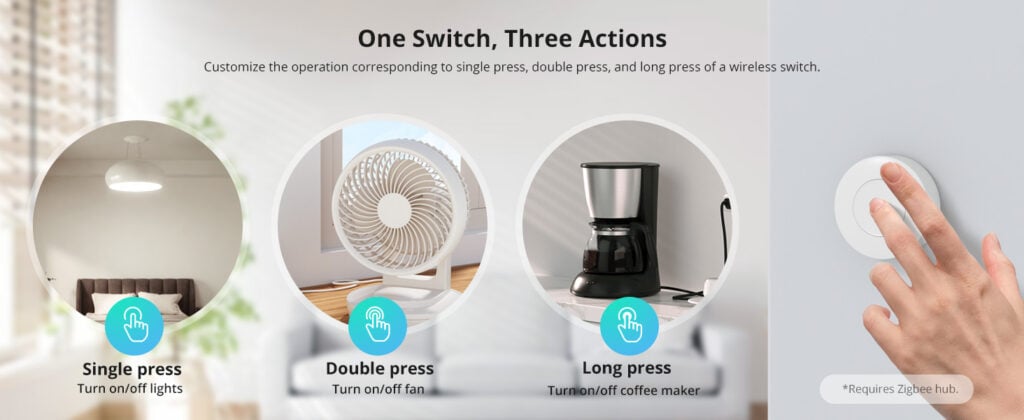
The trick is the three different actions per button: single-press, double-press, and long-press. Each one can trigger a different scene. So one button can have 3 different functions – turn off the lights with single press, set the AC with double press, lock the smart door with a long press.
Why people buy it
- “Goodnight” button on your nightstand. Long-press = turn off all the lights, lock the door, set AC to sleep mode. One press, whole-house scene.
- Entryway “Coming Home” button. Press as you walk in: lights on, AC starts cooling, music plays.
- Doorbell-like alert. Place at a desk, press to silently notify someone in another room.
- Easy lighting control for older relatives. Big buttons, no app needed – much easier than smart bulb apps for people who aren’t tech-savvy.
Key Features
- 3 actions per button: single press, double press, long press – each triggers a different scene.
- Wireless – adhesive-backed, place anywhere. No wires.
- CR2477 battery (included), lasts years.
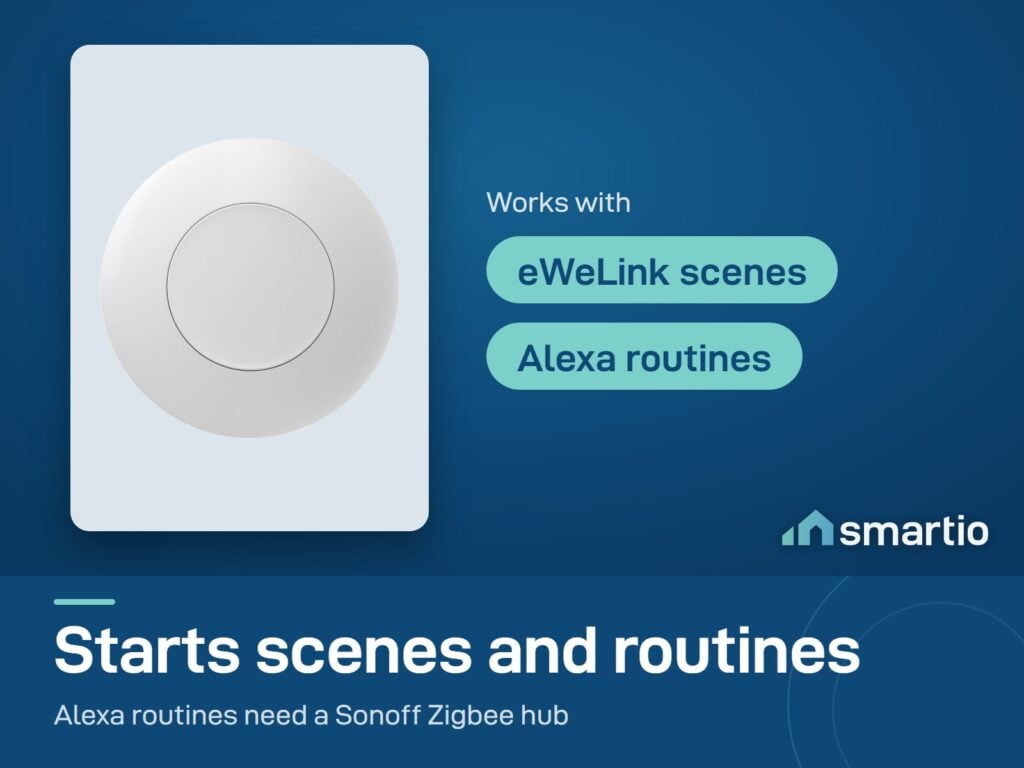
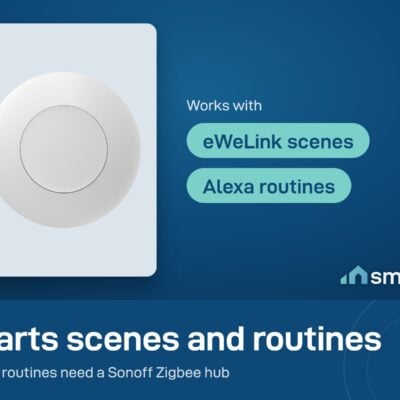
- Smart scenes – one press can control multiple devices via the eWeLink app.
- Alexa routines – trigger a multi-step routine with a button press.
- Tiny: takes up little space, mounts cleanly.
- Requires Zigbee bridge – Sonoff Zigbee Bridge Pro or NSPanel Pro.
Pro Tip: Place one of these on your bedside table and set up a “Goodnight” scene: single press turns off all bedroom lights, double press turns off ALL lights in the house, long press also locks the smart door and sets AC to 24°C. One discreet button on your nightstand = an entire end-of-day routine, no phone needed.
Frequently Asked Questions
Does it work with eWeLink?
Yes – fully compatible with the eWeLink app once paired with a Zigbee bridge. Set up scenes and assign each button action to a different scene.
Does it need a battery?
Yes – uses a CR2477 coin cell battery that comes pre-installed. Lasts several years under normal use.
Can it work with Google Home?
Not directly currently – Google Home doesn’t expose Zigbee buttons. You can still use it through eWeLink: trigger an eWeLink scene that runs Google-controllable actions. Alexa routine support is better for direct integration.
What about automations beyond on/off?
Lots of options. Examples: connect a temperature sensor and a heater, then use the button to manually trigger heating regardless of automation rules. Pair with a water sensor that auto-shuts-off a smart valve – the button becomes your “reset” or “ack” button.
Does it need a hub?
Yes – Zigbee buttons need a hub to translate signals to your network. Use a Sonoff Zigbee Bridge Pro or an NSPanel Pro with built-in Zigbee.
Can I link it with other Sonoff items?
Yes – in the eWeLink app, set up automations that trigger when the button is pressed (e.g. “if SNZB-01P pressed → turn off MINIR4 + set ZBMINIR2 to OFF + arm CAM Pan-Tilt”). Chain together any combination.
Which switch type fits my Legrand setup?
This is a button, not a wall switch – it doesn’t replace a Legrand switch. It’s a separate adhesive-mounted button you place on the wall or table. For replacing a wall switch entirely, look at the SwitchMan M5 instead.
Will it fit any chassis?
The SNZB-01P is a standalone button, not a wall-mount that fits into a back-box. It’s small (~4.5 × 4.5 cm) and just sticks to any surface. Measure your placement area, but it almost always fits.
What You Get
A Closer Look
Sonoff SNZB-01P Zigbee Wireless Switch
SNZB-01P needs to be used with Zigbee Hub.
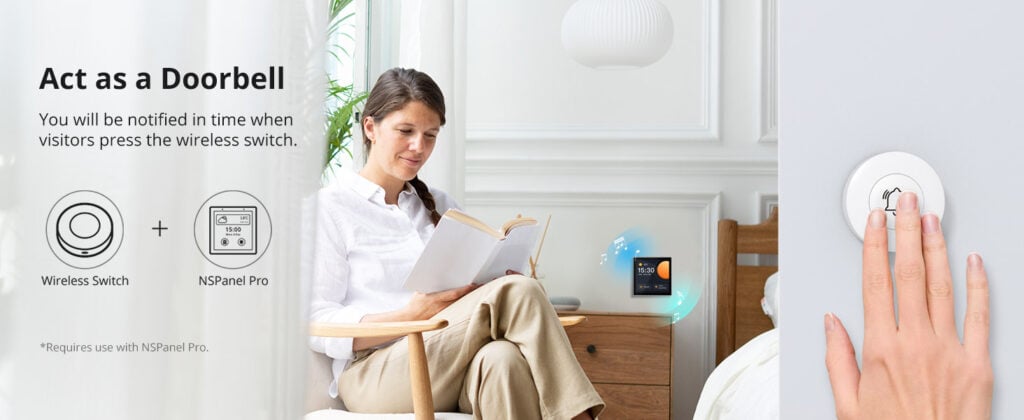
Emergency Button
SNZB-01P can be used as an emergency button when an emergency occurs, your family can press the button to send an alert notification to your phone.
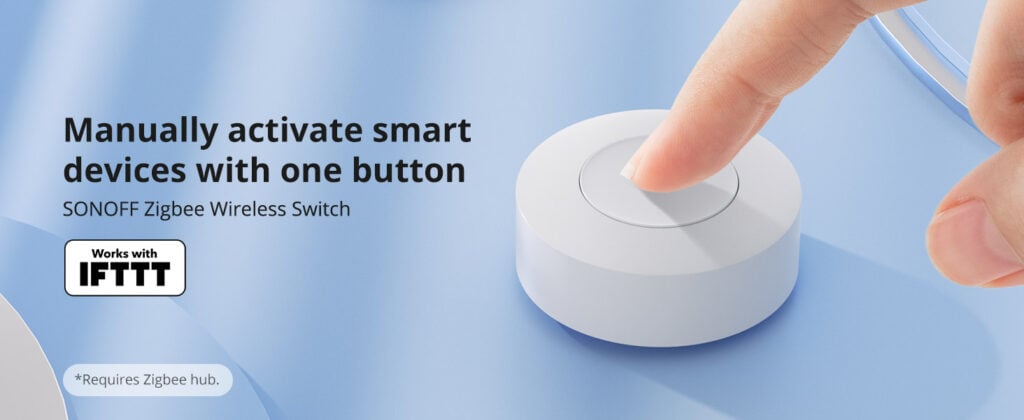
Zigbee 3.0 Compatible
Supports Zigbee hubs using the Zigbee 3.0 protocol, and theoretically supports adding to any Zigbee hub developed in accordance with Zigbee 3.0 protocols.
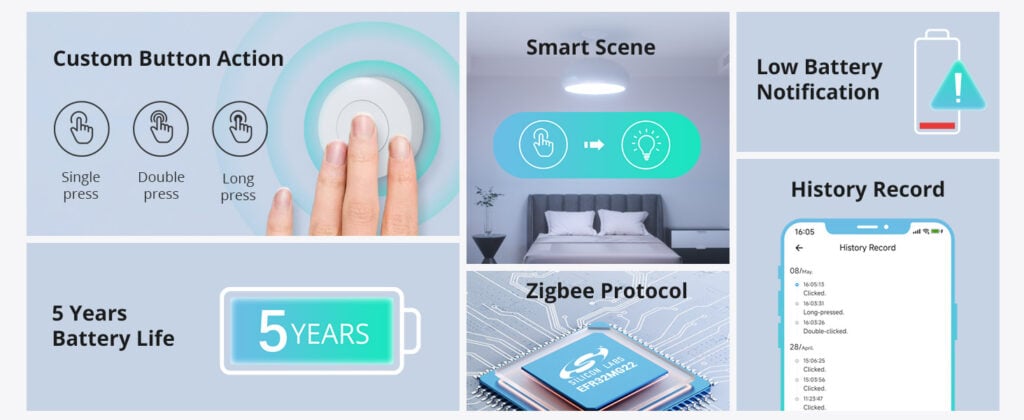
Custom Button Action
You can customize the button actions as you want. Control multiple devices by single press, double press, and long press.

Common Use Cases (5)
Real scenarios Lebanese customers use this product for. Don't see yours? Message us and we'll tell you if it fits.
Works With

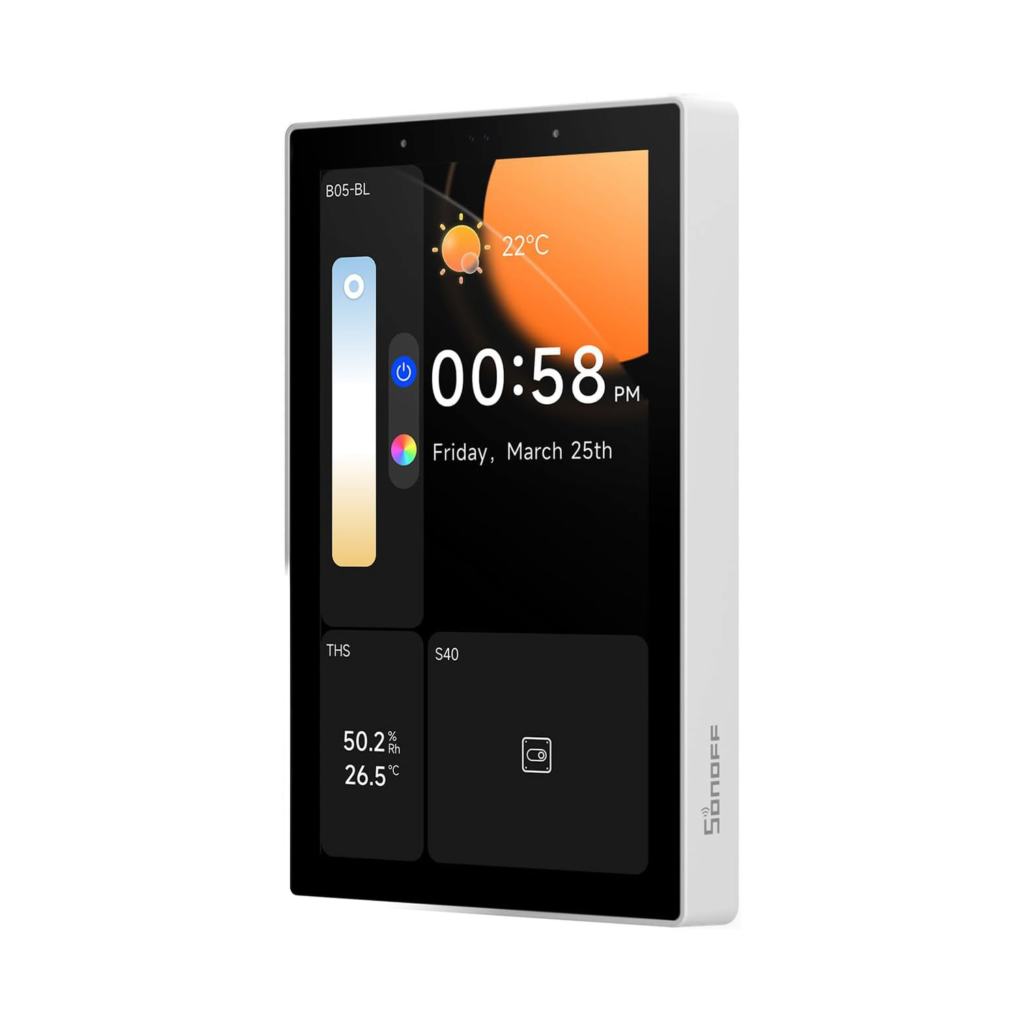

Control with the eWeLink app

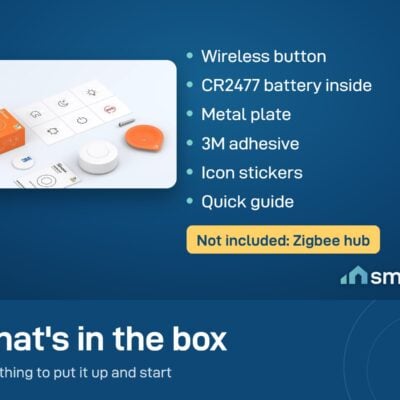
What's in the Box
Delivery & Pickup
Warranty & Support
Frequently Asked Questions
Compare Models
Still deciding?
Message us on WhatsApp - we'll tell you honestly if this is the right fit for your home.