Short answer: choose Wi-Fi if you want one or two devices and nothing else to set up. Wi-Fi devices connect straight to your home router. Choose Zigbee if you plan several sensors and switches. Zigbee devices need one Zigbee bridge, and that one bridge serves all of them.
How to tell them apart
Look at the product name. Zigbee models say Zigbee or ZB in the name, for example SNZB-02P or ZBMINI. Wi-Fi models say Wi-Fi. Sonoff Wi-Fi devices and Sonoff Zigbee devices both use the same free eWeLink app.
Wi-Fi and Zigbee side by side
| Wi-Fi | Zigbee | |
|---|---|---|
| Connects to | Your home router, directly | A Zigbee bridge, which connects to your router |
| Extra device to buy | None | One bridge for your home |
| Places used on your router | One for each device | One, for the bridge only |
| Battery sensors | A few models, such as the DW2 door sensor | Most Sonoff sensors, because Zigbee uses very little power |
| Without a bridge | Works on its own | Does not show in the app |
| App for Sonoff devices | eWeLink | eWeLink, through the bridge |
| Best for | One or two devices | Several sensors and switches |
Which one is right for you
“I want to control one light or one plug”
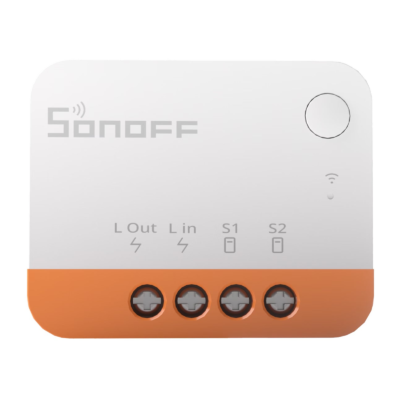
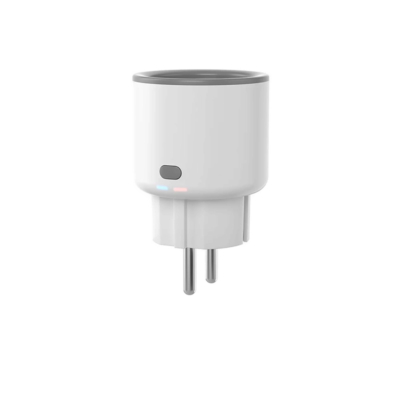
Choose Wi-Fi. A Wi-Fi switch module behind your wall switch, or a Wi-Fi smart plug, works on its own. There is nothing else to buy.
“I want sensors in several rooms”
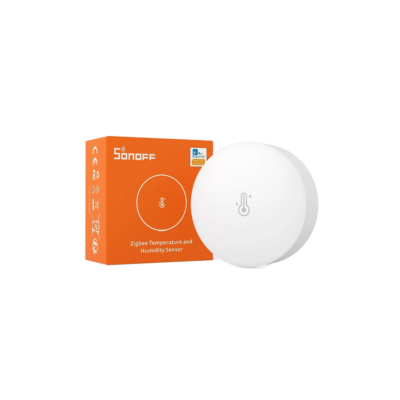
Choose Zigbee. Temperature, door, motion and water leak sensors all join one bridge. You buy the bridge once and add sensors to it over time.
“I want one door sensor and no hub”
Choose the Sonoff DW2. It is a Wi-Fi door and window sensor, so it needs no bridge.
“I want a screen on the wall to control everything”
Choose the NSPanel Pro. It has a Zigbee hub built in, so you do not need a separate bridge.
“I want it to work with Apple Home”
Choose a Wi-Fi model with Matter, such as the MINI R4M, the Basic Gen5 or the S61 plug. Apple Home also needs an Apple home hub, such as a HomePod or an Apple TV.
What to buy
Wi-Fi: no hub needed Swipe to see all 6

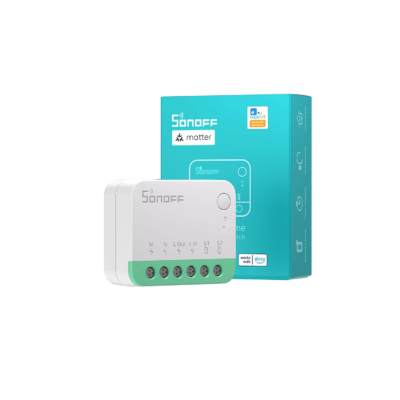

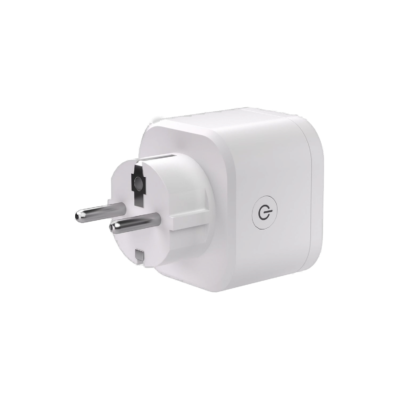
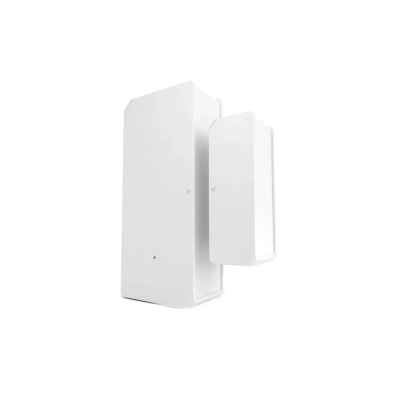
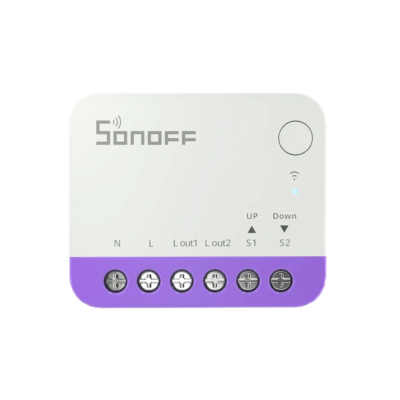
Zigbee bridges and hubs Swipe to see all 3
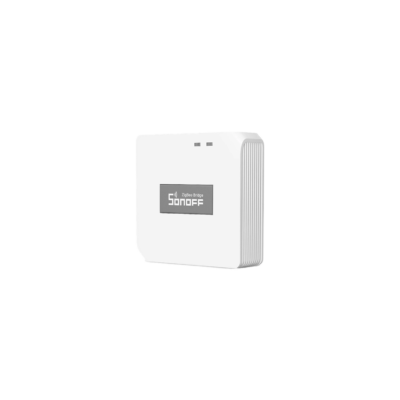
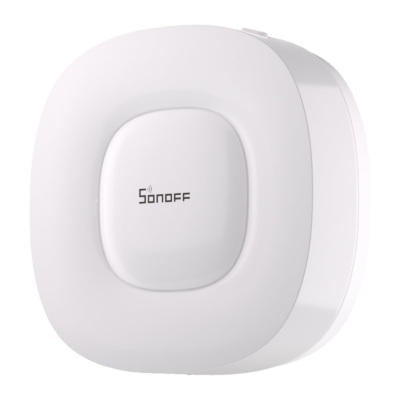
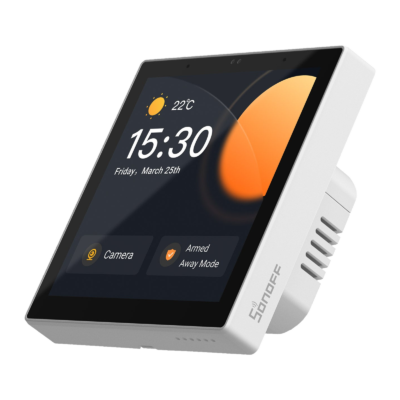
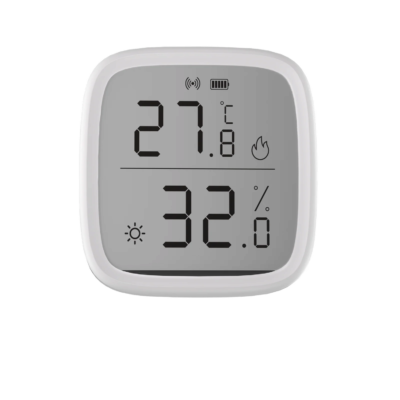
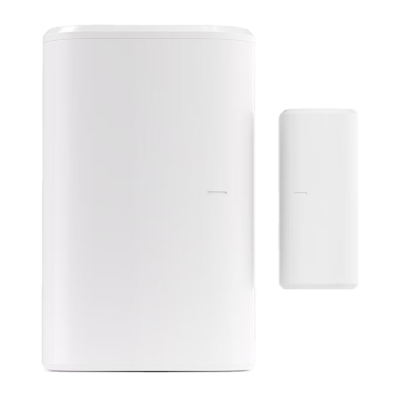
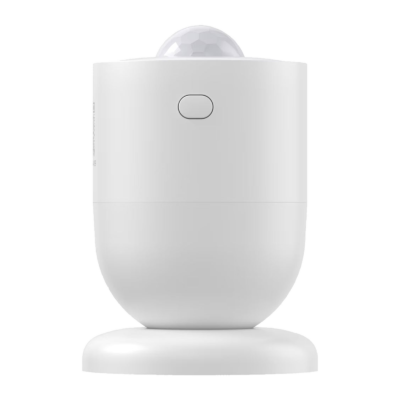
Zigbee devices (need a bridge) Swipe to see all 7
Common mistakes
Ordering a Zigbee model for Wi-Fi. A Zigbee device cannot connect to your Wi-Fi by itself. Without a bridge it does not show in the app.
Expecting the bridge in the sensor box. The bridge is sold separately. One bridge is enough for many devices.
Thinking the bridge replaces the router. It does not. The bridge connects to your router, the same way your phone does.
When EDL power cuts
Wi-Fi devices and the Zigbee bridge both reach your phone through your router. If your router runs on a UPS during power cuts, plug the bridge into the same UPS. Battery sensors keep running on their batteries, but they can only send alerts to your phone while the bridge and the router are on.
Questions
Does the Zigbee bridge replace my Wi-Fi router?
No. The bridge connects to your router, the same way your phone does. Your Wi-Fi stays as it is, and the bridge links your Zigbee devices to it.
Do I need one bridge for each Zigbee device?
No. One Sonoff Zigbee bridge serves many Zigbee devices around your home. You buy it once and add more devices to it later.
Can Wi-Fi and Zigbee devices be in the same app?
Yes. Sonoff Wi-Fi devices, and Sonoff Zigbee devices on a Sonoff bridge, all show in the same free eWeLink app.
What happens if I use a Zigbee sensor without a bridge?
It does not appear in the app and cannot send alerts. Models with a screen, such as the SNZB-02D, still show the reading on the screen. The SNZB-02DR2 also has Bluetooth, so you can see it in the app when your phone is near it.
Will a Sonoff Zigbee device work with my Tuya or SmartThings hub?
We cannot promise it. Some Sonoff Zigbee devices work with other hubs, but not every model is tested with them. The safe choice is a Sonoff Zigbee bridge.
Do these devices work on 5 GHz Wi-Fi?
No. Sonoff Wi-Fi devices connect to 2.4 GHz Wi-Fi only. If your router has two networks, choose the 2.4 GHz one during setup.
Can I control them when I am away from home?
Yes. Wi-Fi devices, and Zigbee devices on a bridge, work from the app wherever you are, as long as your home internet is on.
Is the Zigbee bridge hard to set up?
No. It needs no wiring. Plug the bridge into power, add it to your Wi-Fi in the eWeLink app, then add each Zigbee device to the bridge in the same app. The Zigbee Bridge Pro needs a 5V USB power adapter, which is not in the box.
Still not sure?
Tell us what you want to control, and we will tell you which kind fits your home.
New to smart homes? Start with our smart home guide. For cameras and sensors, see our home security guide.
Updated October 2026.