Smart Switches
Category

Smart Switches

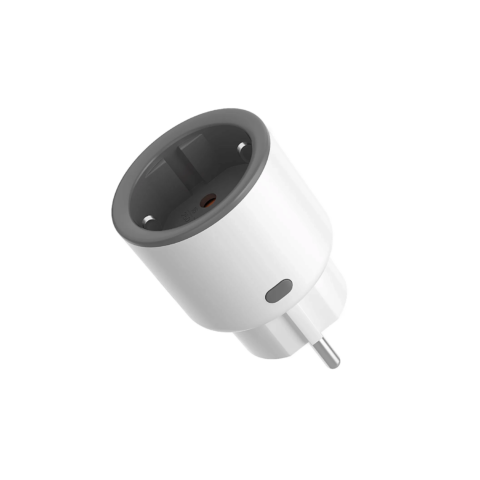
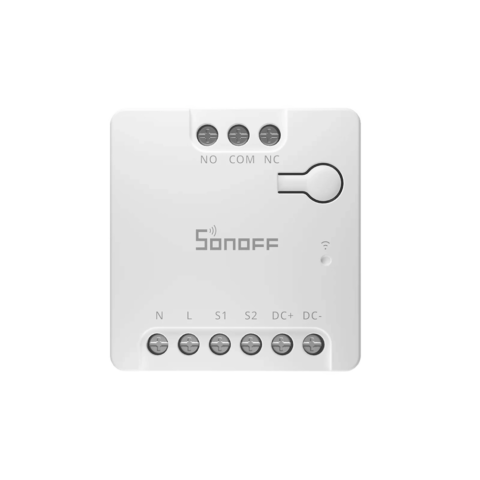
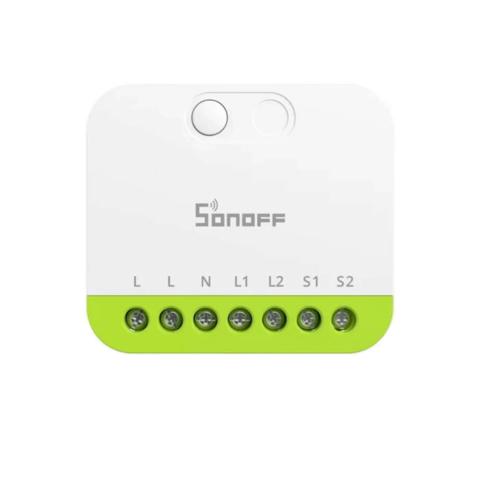
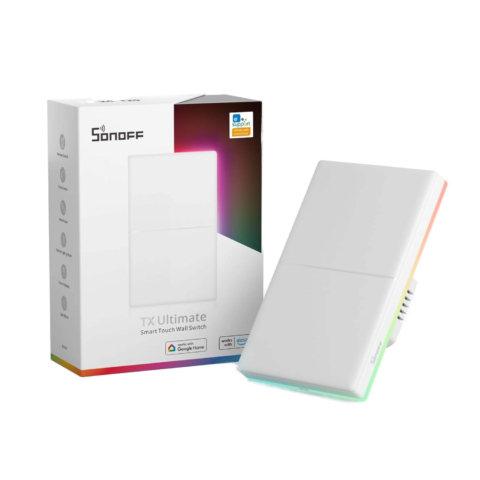
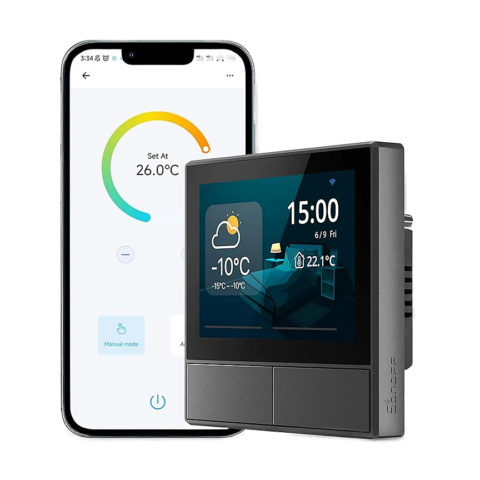
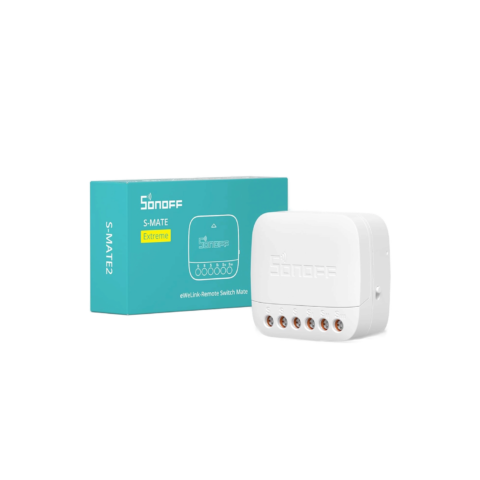
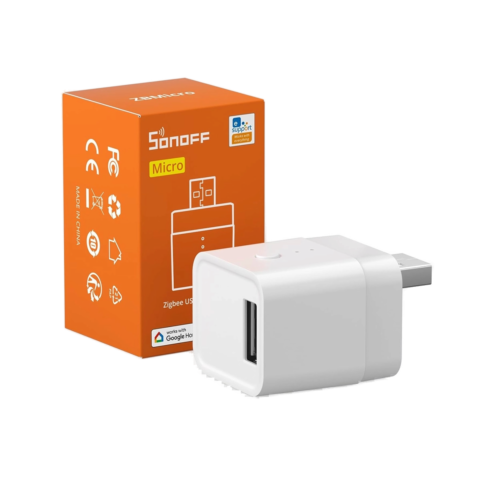
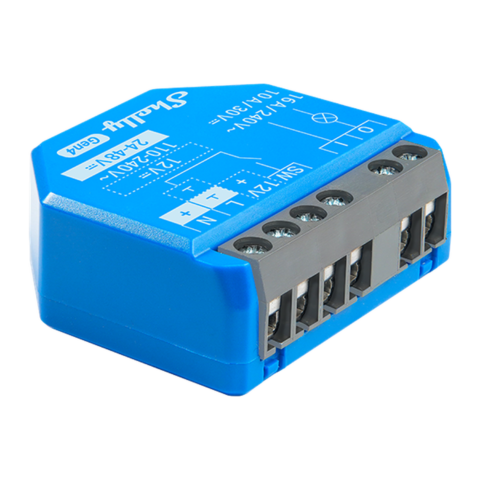
Smart switches are installed devices that can be added to any electrical circuit and allow remote wireless control of anything else connected to that circuit. With a Smart switch, you can get even more creative with your routines and automations.
#sfaq-4661 { --sfaq-accent: #e8590c; --sfaq-accent-light: rgba(232,89,12, 0.08); --sfaq-accent-mid: rgba(232,89,12, 0.15); --sfaq-bg: #ffffff; --sfaq-text: #1a1a2e; --sfaq-radius: 12px; --sfaq-border: rgba(0,0,0,0.08); --sfaq-shadow: 0 1px 3px rgba(0,0,0,0.04), 0 4px 12px rgba(0,0,0,0.03); --sfaq-shadow-hover: 0 2px 8px rgba(0,0,0,0.06), 0 8px 24px rgba(0,0,0,0.06); font-family: -apple-system, BlinkMacSystemFont, "Segoe UI", Roboto, sans-serif; max-width: 900px; margin: 0 auto; color: var(--sfaq-text); } #sfaq-4661 .sfaq-section-title { font-size: 28px; font-weight: 700; margin-bottom: 20px; } /* Search */ #sfaq-4661 .sfaq-search-wrap { position: relative; margin-bottom: 24px; } #sfaq-4661 .sfaq-search-icon { position: absolute; left: 16px; top: 50%; transform: translateY(-50%); width: 20px; height: 20px; color: #999; pointer-events: none; } #sfaq-4661 .sfaq-search { width: 100%; padding: 14px 80px 14px 48px; border: 2px solid var(--sfaq-border); border-radius: var(--sfaq-radius); font-size: 16px; background: var(--sfaq-bg); color: var(--sfaq-text); transition: border-color 0.2s, box-shadow 0.2s; outline: none; box-sizing: border-box; } #sfaq-4661 .sfaq-search:focus { border-color: var(--sfaq-accent); box-shadow: 0 0 0 3px var(--sfaq-accent-light); } #sfaq-4661 .sfaq-search-count { position: absolute; right: 16px; top: 50%; transform: translateY(-50%); font-size: 13px; color: #999; } /* Category Tabs */ #sfaq-4661 .sfaq-cats { display: flex; flex-wrap: wrap; gap: 8px; margin-bottom: 24px; padding-bottom: 4px; } #sfaq-4661 .sfaq-cat-btn { padding: 8px 18px; border: 1.5px solid var(--sfaq-border); border-radius: 100px; background: var(--sfaq-bg); color: var(--sfaq-text); font-size: 14px; font-weight: 500; cursor: pointer; transition: all 0.2s; white-space: nowrap; } #sfaq-4661 .sfaq-cat-btn:hover { border-color: var(--sfaq-accent); color: var(--sfaq-accent); background: var(--sfaq-accent-light); } #sfaq-4661 .sfaq-cat-active { background: var(--sfaq-accent) !important; color: #fff !important; border-color: var(--sfaq-accent) !important; } /* FAQ List */ #sfaq-4661 .sfaq-list { display: flex; flex-direction: column; gap: 12px; } #sfaq-4661 .sfaq-list.sfaq-two-col { display: grid; grid-template-columns: 1fr 1fr; gap: 12px; align-items: start; } @media (max-width: 768px) { #sfaq-4661 .sfaq-list.sfaq-two-col { grid-template-columns: 1fr; } } /* FAQ Item */ #sfaq-4661 .sfaq-item { background: var(--sfaq-bg); border: 1.5px solid var(--sfaq-border); border-radius: var(--sfaq-radius); overflow: hidden; box-shadow: var(--sfaq-shadow); transition: box-shadow 0.25s, border-color 0.25s; } #sfaq-4661 .sfaq-item:hover { box-shadow: var(--sfaq-shadow-hover); border-color: rgba(0,0,0,0.12); } #sfaq-4661 .sfaq-item.sfaq-highlight { border-color: var(--sfaq-accent); box-shadow: 0 0 0 3px var(--sfaq-accent-light); } #sfaq-4661 .sfaq-item.sfaq-hidden { display: none; } /* Toggle Button */ #sfaq-4661 .sfaq-toggle { display: flex; align-items: center; width: 100%; padding: 18px 20px; border: none; background: none; cursor: pointer; text-align: left; gap: 12px; color: var(--sfaq-text); font-size: 16px; font-weight: 600; line-height: 1.4; transition: background 0.15s; } #sfaq-4661 .sfaq-toggle:hover { background: var(--sfaq-accent-light); } #sfaq-4661 .sfaq-toggle.sfaq-open { background: var(--sfaq-accent-light); } /* Icon */ #sfaq-4661 .sfaq-icon { font-size: 20px; flex-shrink: 0; width: 28px; text-align: center; } /* Chevron */ #sfaq-4661 .sfaq-chevron { width: 20px; height: 20px; flex-shrink: 0; margin-left: auto; transition: transform 0.3s cubic-bezier(0.4, 0, 0.2, 1); color: #999; } #sfaq-4661 .sfaq-open .sfaq-chevron { transform: rotate(180deg); color: var(--sfaq-accent); } /* Question Text */ #sfaq-4661 .sfaq-question-text { flex: 1; } /* Answer */ #sfaq-4661 .sfaq-answer-wrap { max-height: 0; overflow: hidden; transition: max-height 0.4s cubic-bezier(0.4, 0, 0.2, 1); } #sfaq-4661 .sfaq-answer-wrap.sfaq-answer-open { max-height: 2000px; } #sfaq-4661 .sfaq-answer { padding: 0 20px 20px 20px; font-size: 15px; line-height: 1.7; color: var(--sfaq-text); opacity: 0.85; } #sfaq-4661 .sfaq-answer p:first-child { margin-top: 0; } #sfaq-4661 .sfaq-answer p:last-child { margin-bottom: 0; } #sfaq-4661 .sfaq-answer a { color: var(--sfaq-accent); text-decoration: underline; text-underline-offset: 2px; } #sfaq-4661 .sfaq-answer ul, #sfaq-4661 .sfaq-answer ol { padding-left: 20px; } #sfaq-4661 .sfaq-answer img { max-width: 100%; height: auto; border-radius: 8px; margin: 8px 0; } /* Meta / Share */ #sfaq-4661 .sfaq-meta { padding: 0 20px 16px; display: flex; gap: 16px; } #sfaq-4661 .sfaq-anchor-link { display: inline-flex; align-items: center; gap: 4px; font-size: 12px; color: #999; text-decoration: none; transition: color 0.15s; cursor: pointer; } #sfaq-4661 .sfaq-anchor-link:hover { color: var(--sfaq-accent); } #sfaq-4661 .sfaq-anchor-link.sfaq-copied { color: var(--sfaq-accent); } /* No Results */ #sfaq-4661 .sfaq-no-results { text-align: center; padding: 48px 20px; color: #999; } #sfaq-4661 .sfaq-no-results svg { margin-bottom: 12px; opacity: 0.4; } /* Print */ @media print { #sfaq-4661 .sfaq-search-wrap, #sfaq-4661 .sfaq-cats, #sfaq-4661 .sfaq-meta { display: none; } #sfaq-4661 .sfaq-answer-wrap { max-height: none !important; } #sfaq-4661 .sfaq-chevron { display: none; } } /* Reduced Motion */ @media (prefers-reduced-motion: reduce) { #sfaq-4661 .sfaq-answer-wrap { transition: none; } #sfaq-4661 .sfaq-chevron { transition: none; } }

You have two options:

  • Option A:
    • If your AC saves its power state after electricity is restored, you can use a Sonoff Basic Gen5 Matter to control it ON/OFF and set schedules.
    • If your AC does not save its power after electricity is restored, using a Sonoff Smart Plug or Sonoff Basic will not help and you should check the option B.
  • Option B ( If your AC has an infrared remote):
    • You can use the BroadLink RM4 Mini IR to control it on/off and change its temperature and other settings. Check this video to learn how to use the Broadlink to control your AC.
      • Note: The Broadlink does not remember the state of your AC (just like the remote), it just assumes it. So if the AC is off and you turn it on using the Broadlink app, it will turn on, and if it is on and you turn it on as well from the Broadlink app, it will turn off, because the ON/OFF signal is the same IR signal (unless your AC has separate buttons for on and off).
    • Other option compatible with Apple HomeKit

The Sonoff Basic and Sonoff Mini are smart home devices from Sonoff. Both connect via WiFi and can be controlled remotely using the eWeLink app on your phone. However, there are some key differences:

  • The Sonoff Basic is larger in size and can handle various appliances such as heaters and boilers.
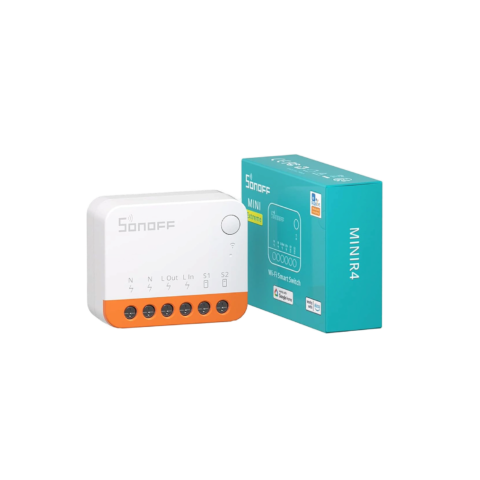
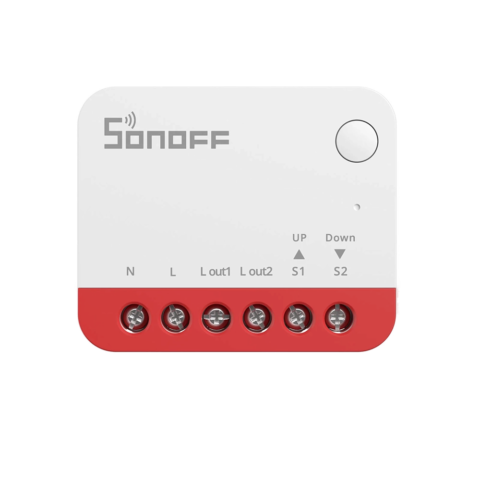
  • The Sonoff MiniR4M is smaller and designed for controlling lights and other small appliances only. Its compact size allows it to fit into a single-gang electrical box behind a light switch.
  • Both devices support remote on/off control, scheduling, and are compatible with Matter.
  • Overall, the main difference between the Sonoff Basic Gen5 and Sonoff MiniR4M is their size and design, with the Mini being more compact for smaller installations.
  • The Sonoff Basic Gen5 is a DIY switch, meaning that you will need to use your own wires to link it to input and output.
  • The Sonoff S60 is a smart plug, it does not require any DIY work. You just plug it in your wall outlet.

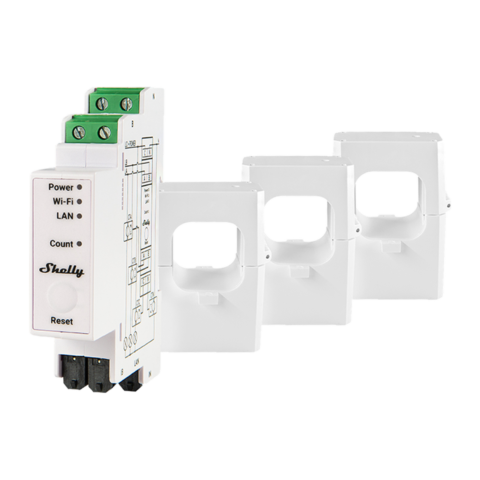
The Sonoff POW Elite and Sonoff POWCT are both smart switches designed for power monitoring, both models are compatible with the eWeLink app, which allows for remote control and monitoring via a smartphone or tablet.
But they have some key differences:

This model  supports inline installation, meaning it can be installed within a power line to monitor and control devices. It enables you to turn connected devices ON/OFF and supports a maximum of 21A / 5000W.

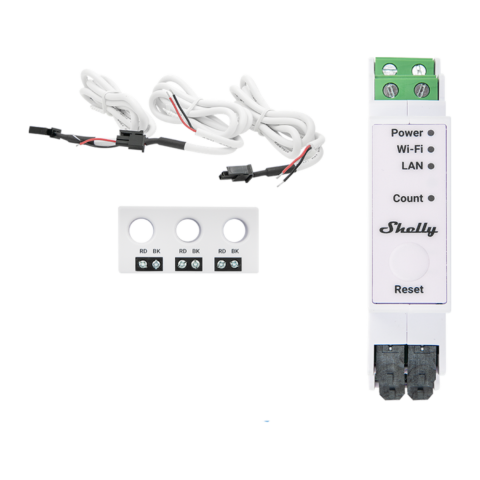
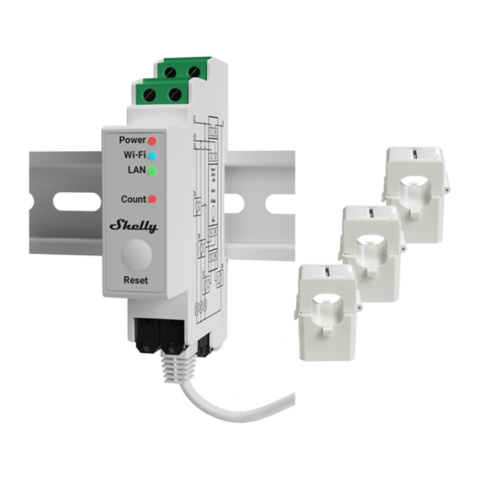
The Sonoff POWCT collects data on energy consumption without the need for electricity to pass through it directly. Supports up to 100A, providing you with expanded capability for monitoring power usage. Monitoring three-phase devices is possible with the Sonoff POWCT.

The Sonoff S60 Smart Plug with Power Monitoring and the Sonoff S26R2 are both smart plugs and let you control your appliances with an app, but they are designed for different use cases and offer different features. Here are the key differences between the two:

  1. Sonoff S60 Smart Plug with Power Monitoring: Includes real-time monitoring of power consumption, voltage, and current. Provides historical power usage data and consumption statistics.
  2. Sonoff S26R2: Typically does not include power monitoring features (focuses on basic smart plug functionalities).
Most Sonoff smart switches connect directly to your Wi-Fi router, and do not require a hub. However, certain models, like Zigbee switches, may need a compatible Zigbee hub to work.
Yes, you can group multiple Sonoff Smart Switches in the eWeLink app and control them simultaneously.
Check out this video: Click Here

The installation of the Sonoff products typically requires basic electrical knowledge and skills. If you’re comfortable working with electricity, you may be able to install it yourself.

However, if you’re unsure or uncomfortable with the installation process, it’s always best to consult a qualified electrician to ensure the switch is installed safely and correctly.

If you need any assistance from our support team for the installation, we can provide you this additional service, feel free to contact us.

The main differences between the Sonoff S26R2 and Sonoff S60 smart plugs are:

  • Energy monitoring: The S60 has built-in energy monitoring, which allows you to track your appliance’s power consumption daily, monthly, and yearly. The S26R2 doesn’t have this feature.
  • Overload protection: The S60 has overload protection, which automatically cuts power if the appliance plugged in exceeds the maximum safe load. The S26R2 lacks this safety feature.

Yes, you can schedule your Sonoff Smart Switch to turn on and off automatically through the eWeLink app.

Check this video to learn how : {click here}

YES! You can control your Sonoff Smart Switch from anywhere using the eWeLink app on your smartphone. This gives you the convenience of managing your lights and appliances remotely, even when you’re not at home.

To do this, you’ll need:

  • A working WiFi network and internet connection at home: This allows your Sonoff switch to communicate with the eWeLink app.
  • Mobile internet (WiFi or 4G) on your phone: This enables you to access the eWeLink app and control your switch from wherever you are.

By having these two things in place, you can easily turn devices on or off, create schedules, and set up smart scenes using the app, giving you full control over your smart home even when you’re away.

To set up a Sonoff Smart Switch, you will need to download the eWeLink app and follow the instructions for connecting the switch to your home’s Wi-Fi network.

Yes, you can control your Sonoff Smart Switch by voice commands, with Amazon Alexa or Google Assistant by connecting the switch to the eWeLink app and linking the app to your Alexa or Google Assistant speakers or smart displays.

(function(){ var wrap = document.getElementById('sfaq-4661'); if (!wrap) return; // Helpie anchor alias map var aliasMap = {"hfaq-post-10609":"faq-258918","hfaq-post-6158":"faq-258784","hfaq-post-6160":"faq-258787","hfaq-post-10612":"faq-258788","hfaq-post-6164":"faq-258789","hfaq-post-21425":"faq-261636","hfaq-post-21353":"faq-261627","hfaq-post-21170":"faq-261642","hfaq-post-21166":"faq-261638","hfaq-post-21165":"faq-261684","hfaq-post-21162":"faq-261685","hfaq-post-18545":"faq-261647","hfaq-post-6414":"faq-261651","hfaq-post-6417":"faq-261662","hfaq-post-6412":"faq-261695","hfaq-post-6413":"faq-261702"}; // Accordion wrap.querySelectorAll('.sfaq-toggle').forEach(function(btn) { btn.addEventListener('click', function() { var isOpen = this.classList.contains('sfaq-open'); var answer = this.nextElementSibling; if (isOpen) { this.classList.remove('sfaq-open'); this.setAttribute('aria-expanded', 'false'); answer.classList.remove('sfaq-answer-open'); } else { this.classList.add('sfaq-open'); this.setAttribute('aria-expanded', 'true'); answer.classList.add('sfaq-answer-open'); } }); }); // Category Filter wrap.querySelectorAll('.sfaq-cat-btn').forEach(function(btn) { btn.addEventListener('click', function() { wrap.querySelectorAll('.sfaq-cat-btn').forEach(function(b) { b.classList.remove('sfaq-cat-active'); b.setAttribute('aria-selected', 'false'); }); this.classList.add('sfaq-cat-active'); this.setAttribute('aria-selected', 'true'); var cat = this.dataset.cat; var visible = 0; wrap.querySelectorAll('.sfaq-item').forEach(function(item) { var cats = item.dataset.cats || ''; if (cat === 'all' || cats.indexOf(cat) !== -1) { item.classList.remove('sfaq-hidden'); visible++; } else { item.classList.add('sfaq-hidden'); } }); var noRes = wrap.querySelector('.sfaq-no-results'); noRes.style.display = visible === 0 ? 'block' : 'none'; }); }); // Search var searchInput = wrap.querySelector('.sfaq-search'); if (searchInput) { var debounce; searchInput.addEventListener('input', function() { clearTimeout(debounce); debounce = setTimeout(function() { var q = searchInput.value.toLowerCase().trim(); var visible = 0; wrap.querySelectorAll('.sfaq-item').forEach(function(item) { var question = item.querySelector('.sfaq-question-text').textContent.toLowerCase(); var answer = item.querySelector('.sfaq-answer').textContent.toLowerCase(); if (!q || question.indexOf(q) !== -1 || answer.indexOf(q) !== -1) { item.classList.remove('sfaq-hidden'); visible++; } else { item.classList.add('sfaq-hidden'); } }); var counter = wrap.querySelector('.sfaq-search-count'); if (counter) { counter.textContent = q ? visible + ' found' : ''; } var noRes = wrap.querySelector('.sfaq-no-results'); noRes.style.display = (q && visible === 0) ? 'block' : 'none'; }, 200); }); } // Anchor Links (copy to clipboard) wrap.querySelectorAll('.sfaq-anchor-link').forEach(function(link) { link.addEventListener('click', function(e) { e.preventDefault(); var anchor = this.dataset.anchor; var url = window.location.origin + window.location.pathname + '#' + anchor; if (navigator.clipboard) { navigator.clipboard.writeText(url); } else { var tmp = document.createElement('textarea'); tmp.value = url; document.body.appendChild(tmp); tmp.select(); document.execCommand('copy'); document.body.removeChild(tmp); } this.classList.add('sfaq-copied'); var origText = this.innerHTML; var svgPart = origText.substring(0, origText.lastIndexOf('Copy link')); this.innerHTML = svgPart + 'Copied!'; var el = this; setTimeout(function() { el.innerHTML = origText; el.classList.remove('sfaq-copied'); }, 2000); }); }); // Deep link: handle both #faq-ID and old #hfaq-post-ID function openAndScroll(targetId) { var target = document.getElementById(targetId); if (!target) return false; var toggle = target.querySelector('.sfaq-toggle'); if (toggle && !toggle.classList.contains('sfaq-open')) { toggle.click(); } setTimeout(function() { target.scrollIntoView({ behavior: 'smooth', block: 'center' }); target.classList.add('sfaq-highlight'); setTimeout(function() { target.classList.remove('sfaq-highlight'); }, 2000); }, 300); return true; } var hash = window.location.hash ? window.location.hash.substring(1) : ''; if (hash) { // Try new format first if (hash.indexOf('faq-') === 0) { openAndScroll(hash); } // Try old helpie format else if (hash.indexOf('hfaq-post-') === 0) { var newId = aliasMap[hash]; if (newId) { openAndScroll(newId); history.replaceState(null, '', '#' + newId); } else { // Fallback: look for hidden span with old ID openAndScroll(hash); } } } })();
Will this work in your home?

Control any light or circuit from your phone

Pick how it installs. Every switch remembers its on/off state after an EDL cut — no-neutral wall? Ask us.

Real customer reviews Genuine products & authorized seller 6-month local warranty 14-day returns
In stock only
★ Best Seller Sonoff POWCT Ring Smart Power Meter
Sonoff
✓ No rewiring
more coming