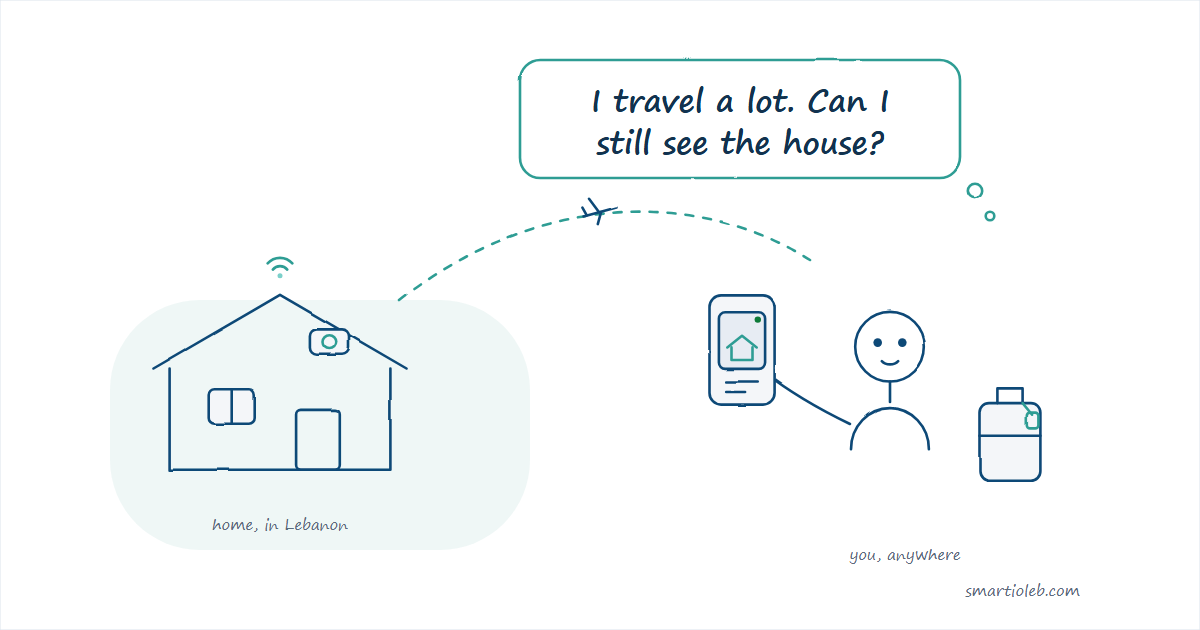
Living abroad and having family in Lebanon is a unique experience. You are always checking the news, calling your parents to see if the generator is on, or wondering if everything is okay at your house in the village. Whether you travel for work, live overseas, or just want to keep an eye on your shop when you are not there, staying connected to home is important.
But how do you monitor your place when the power cuts are unpredictable and the internet can be spotty?
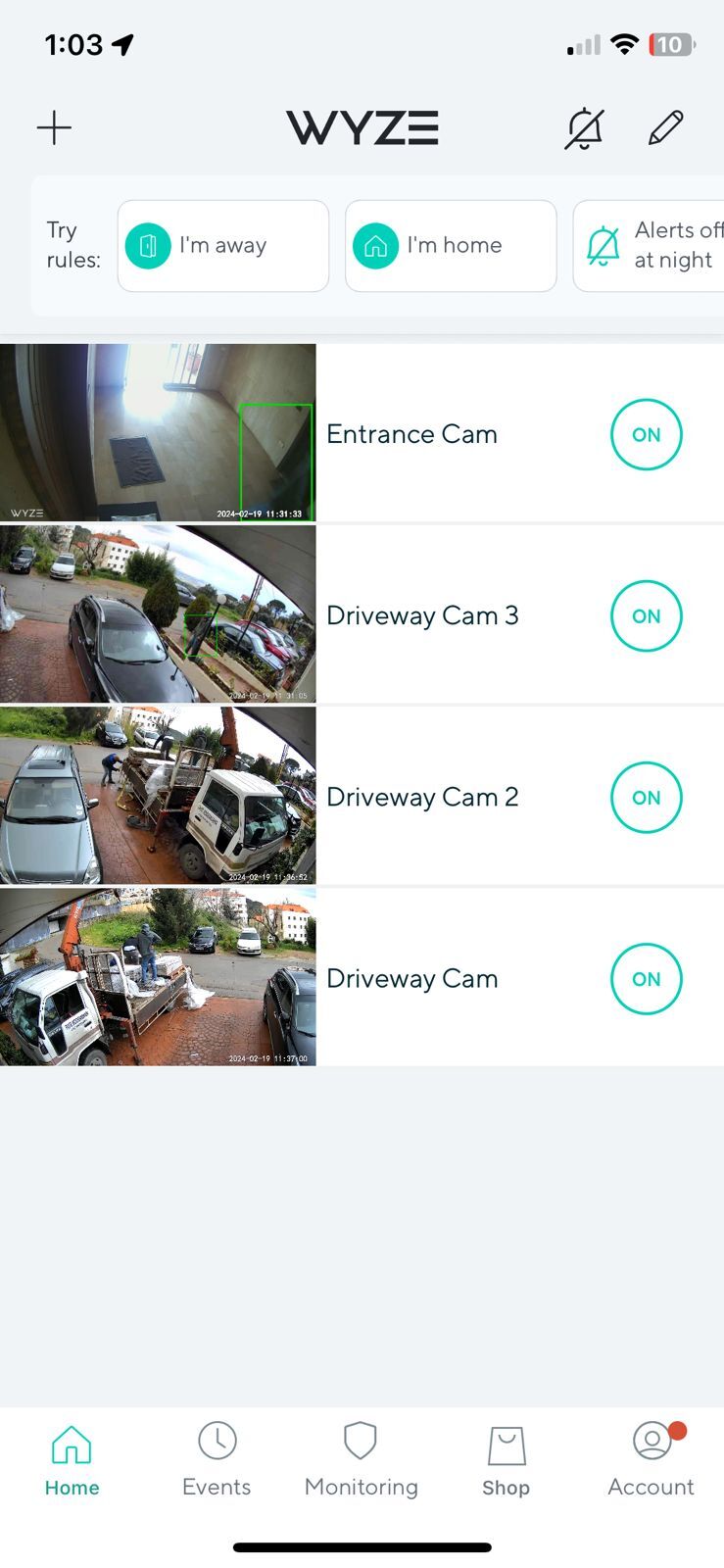
The good news is that setting up a smart camera in Lebanon is easier than you think. With the right setup – like connecting your router and camera to a small UPS – you can check in on your home anytime, right from your phone.
At Smartio, we have a great selection of cameras that are perfect for these situations. Let us look at some of the best options to help you keep an eye on things back home.
1. The Ultimate Outdoor Watcher: Wyze Cam v4
If you want the clearest picture possible, the Wyze Cam v4 is a fantastic choice. It offers 2.5K resolution, which means you can zoom in and see details clearly – like the license plate of a car parked outside or the face of someone at your gate.
It also has a built-in spotlight and color night vision. This is a game-changer for Lebanon. When the streetlights go out and the neighborhood is pitch black, this camera can still see everything in full color. Plus, the spotlight turns on when it detects motion, which is a great way to scare off anyone who shouldn’t be there.
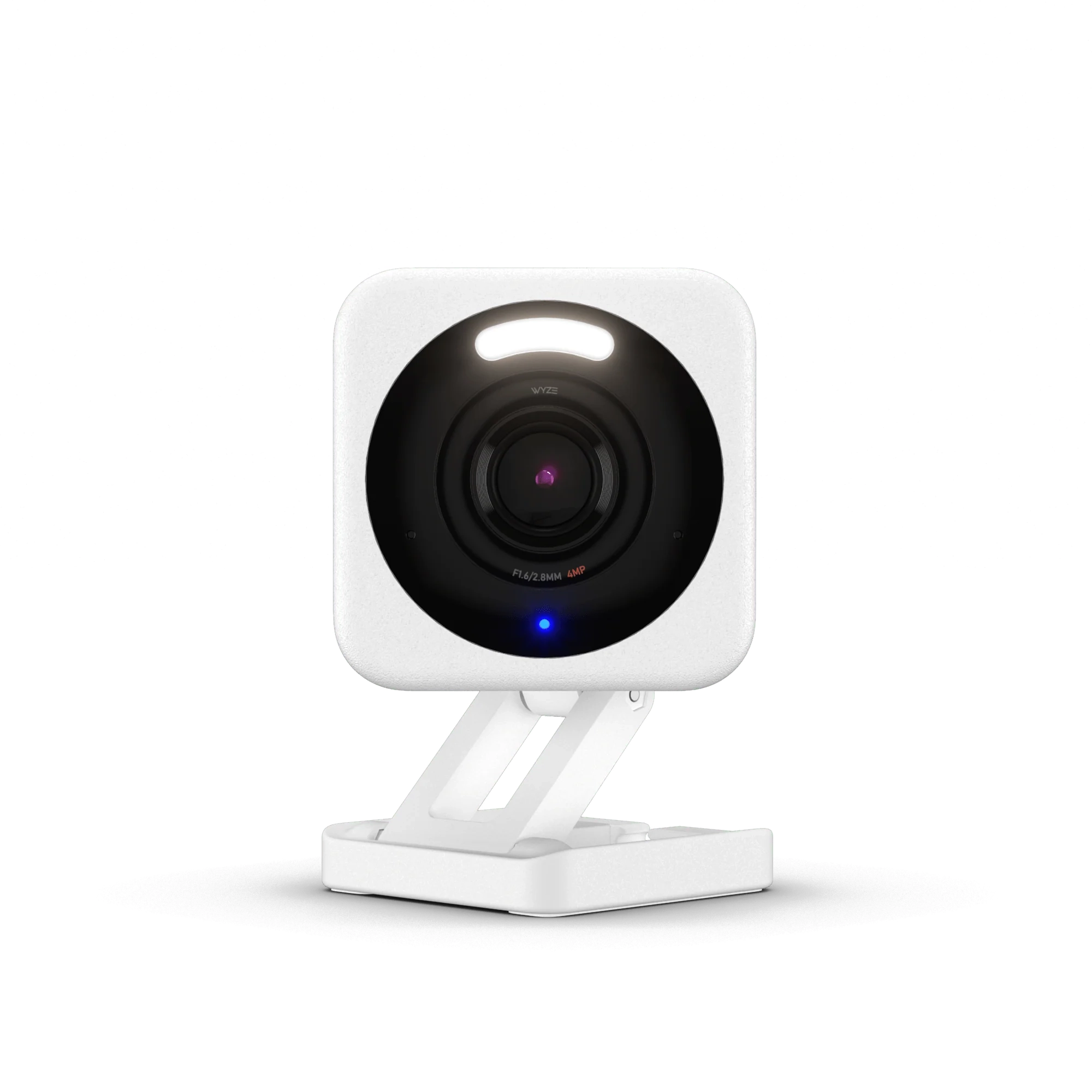
Mount the Wyze Cam v4 under an overhang or roof edge – not exposed directly to rain. Lebanon gets heavy winter storms, and while the camera is IP65-rated, keeping it sheltered extends its life and keeps the lens clean. A small metal bracket angled downward works perfectly.
2. The Reliable Classic: Wyze Cam v3
The Wyze Cam v3 is one of our most popular cameras for a reason. It is tough, reliable, and handles Lebanon’s hot summers and rainy winters without a problem.
Like the v4, it features amazing color night vision, so you are not left looking at a dark, grainy screen when the power is out. It is perfect for mounting outside your front door, on the balcony, or overlooking your driveway. You can also use the two-way audio to talk to the delivery guy or check in with your family.
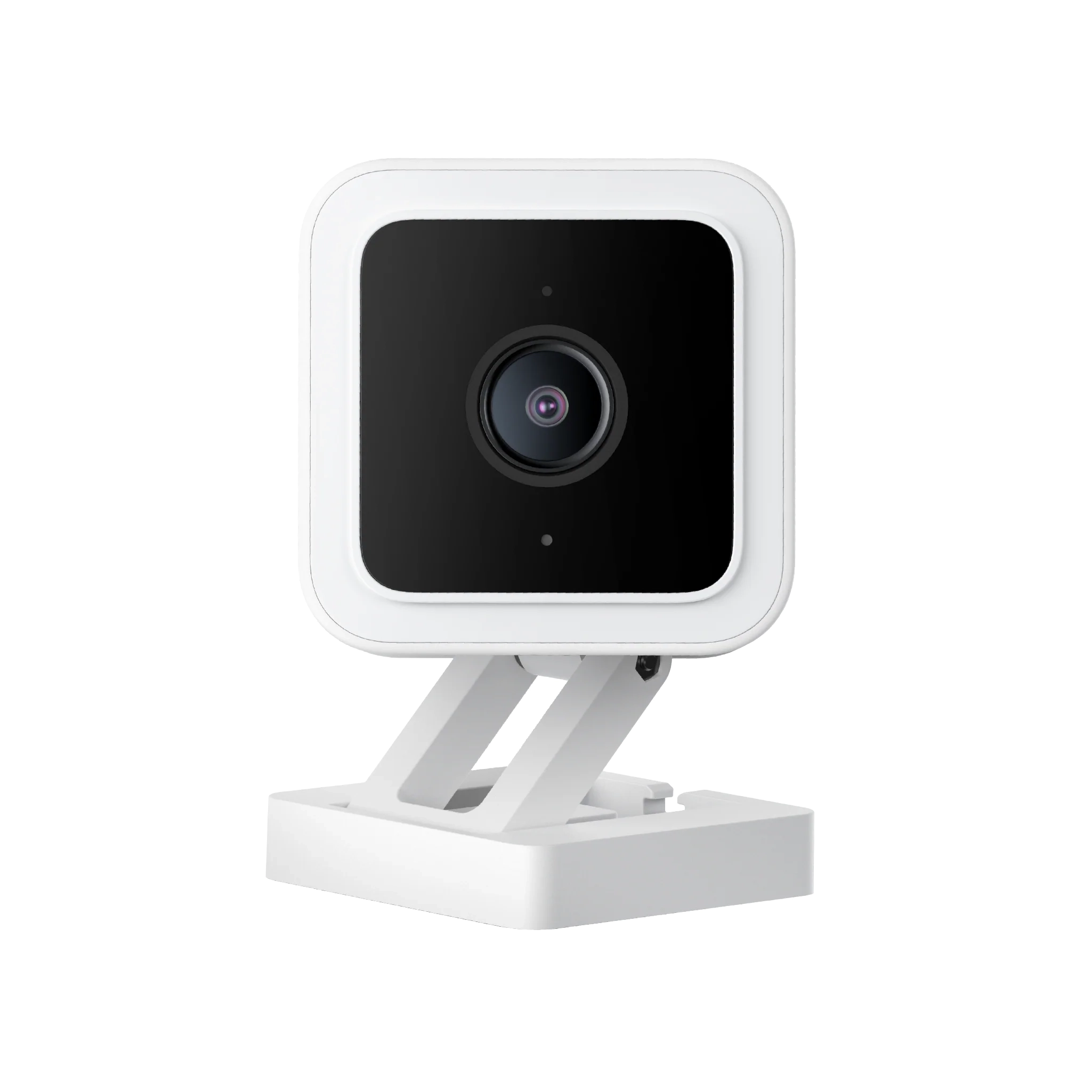
Point the Wyze Cam v3 at your electricity meter or generator. When you are abroad and the power cuts, you can check the camera to see if the generator kicked in – or if the neighbors have power and yours doesn’t. It is a small trick that saves a lot of phone calls home.
3. See Everything: Wyze Cam Pan v3
Sometimes you need to see more than just one spot. Maybe you want to check the whole living room to make sure your elderly parents are doing well, or you want to scan your entire shop floor.
The Wyze Cam Pan v3 can spin 360 degrees horizontally and tilt up and down. You can control it directly from the app on your phone, no matter where you are in the world. It even has a feature that automatically tracks motion, following someone as they walk across the room.
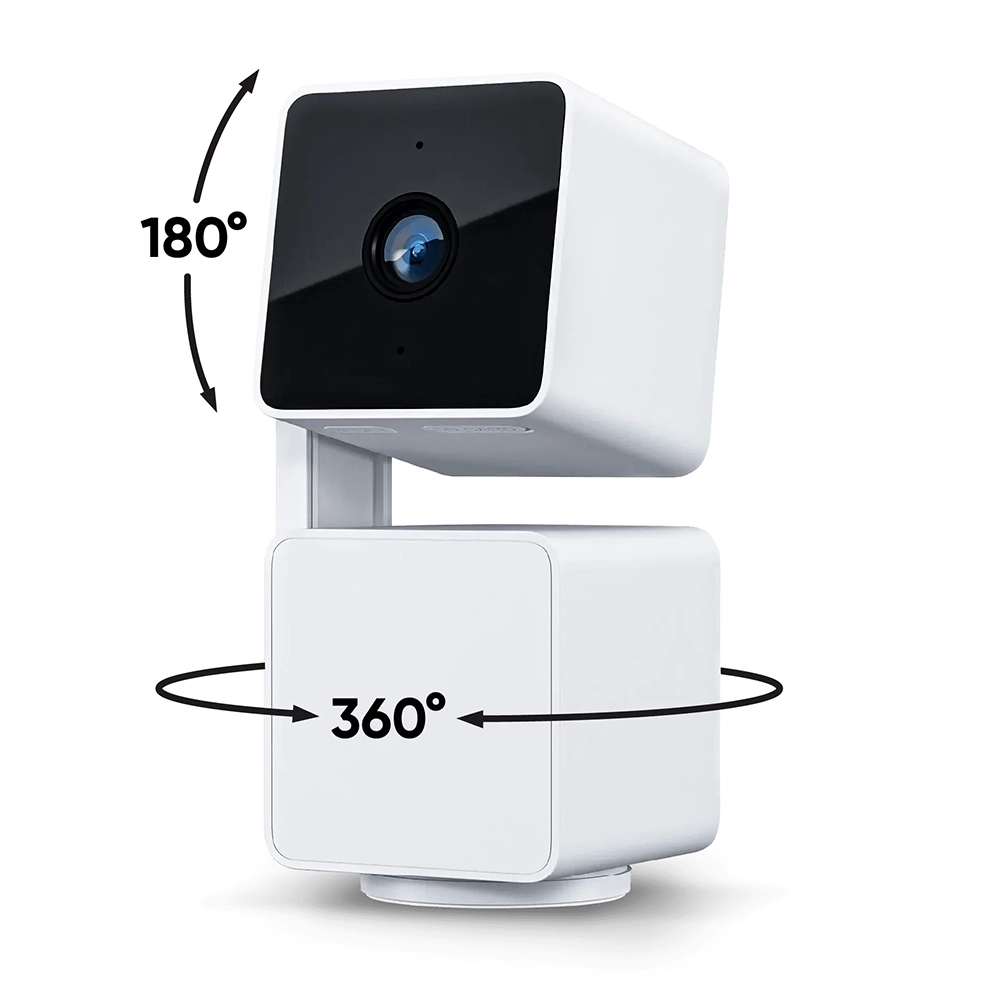
Place the Pan v3 in the center of the living room or hallway – not in a corner. Because it rotates a full 360°, a central position means one camera can cover the entire floor plan. For a typical Lebanese apartment, one Pan v3 in the right spot can replace two or three fixed cameras.
4. The Budget-Friendly All-Rounder: Sonoff CAM Pan-Tilt 2
If you are looking for a great indoor camera that won’t break the bank, the Sonoff CAM Pan-Tilt 2 is an excellent choice. It is perfect for keeping an eye on the kids, checking on your pets, or just making sure everything is safe inside the house.
It connects easily to your Wi-Fi and works seamlessly with the eWeLink app. You can pan and tilt the camera to look around the room, and it sends instant alerts to your phone if it detects any unusual movement or sound.
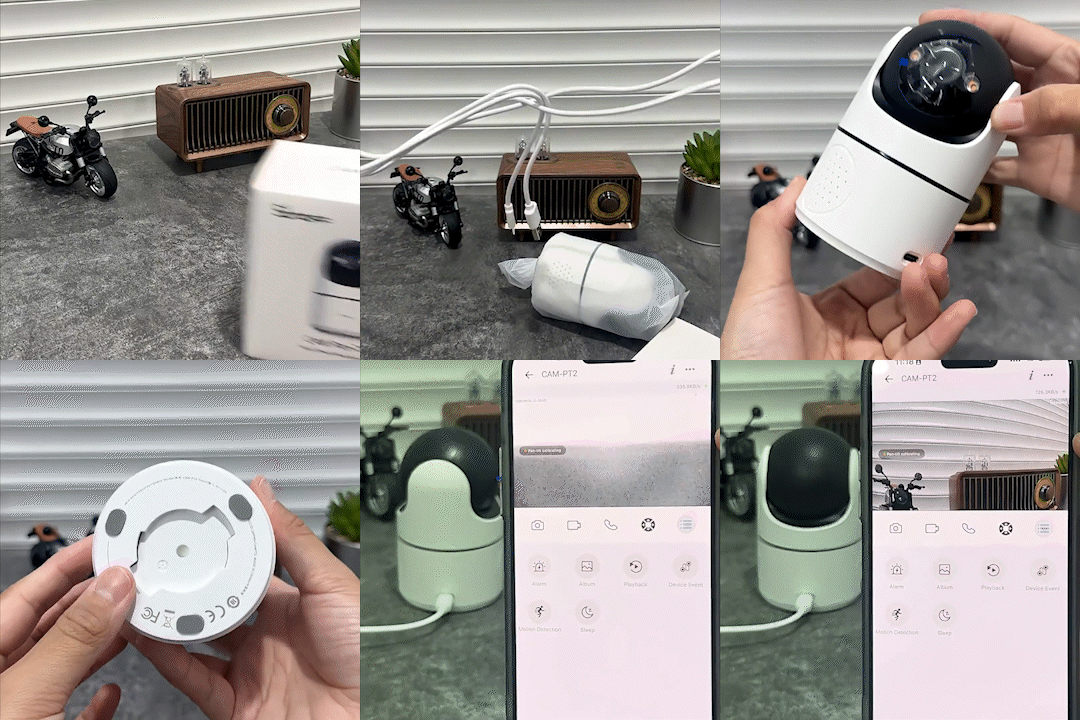

The Sonoff CAM Pan-Tilt 2 works great as a “check-in camera” for elderly parents. Set it up in the living room or kitchen and use the two-way audio to say good morning from wherever you are in the world. It is not just security – it is connection. Your parents will love it.
💡 Tips for Setting Up Cameras in Lebanon
Getting the right camera is only half the job. Here are a few tips to make sure your setup works perfectly in Lebanon:
Distance shouldn’t mean worrying about home. With a simple camera setup, you can have peace of mind knowing that your family, your house, and your business are safe.
Browse All Wi-Fi Cameras →